 United States














Q
What is a network switch?
A
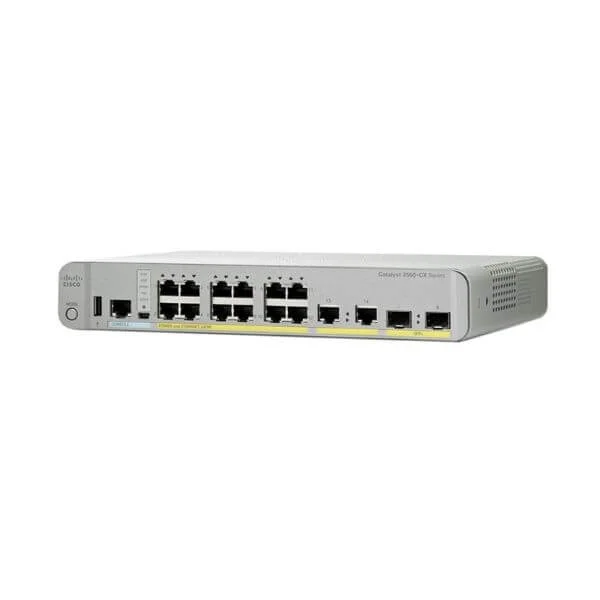
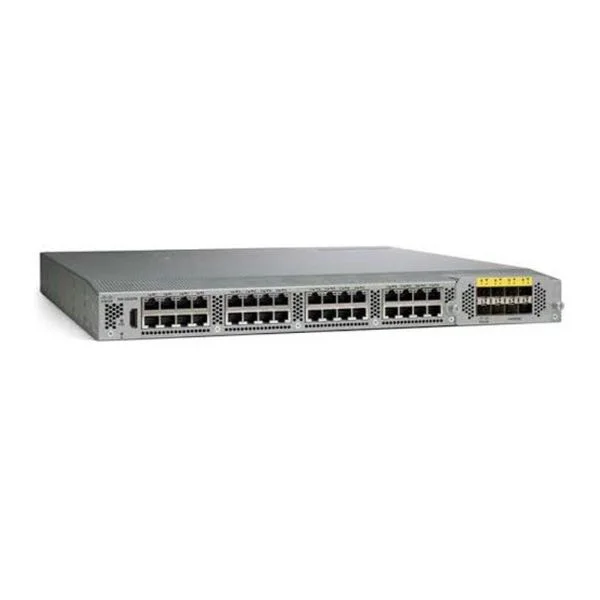
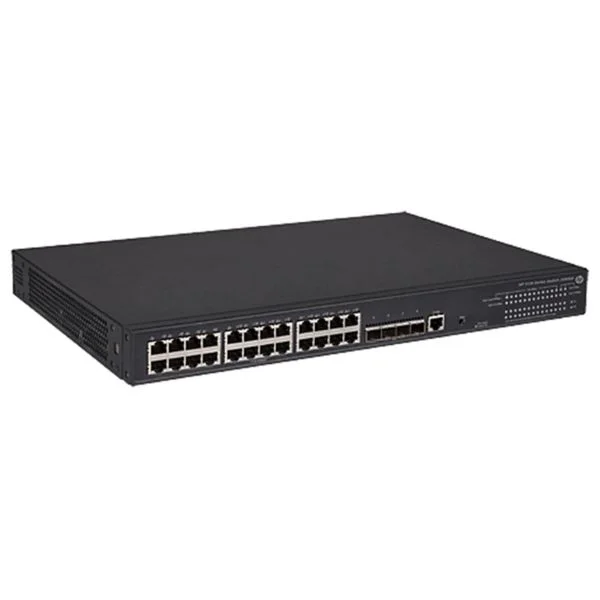
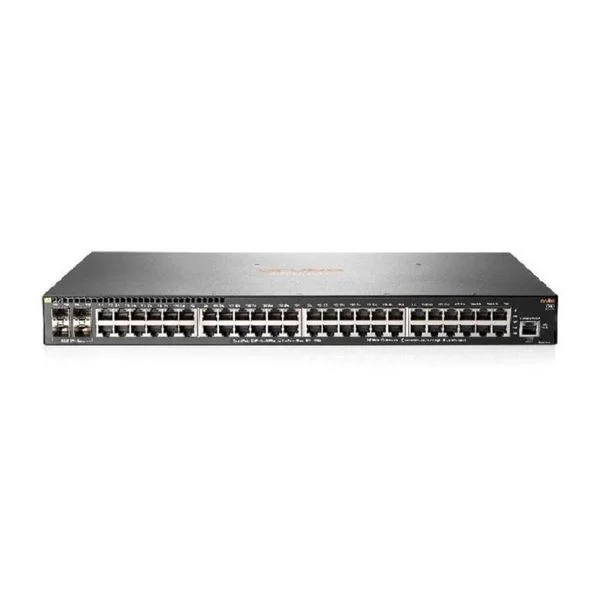
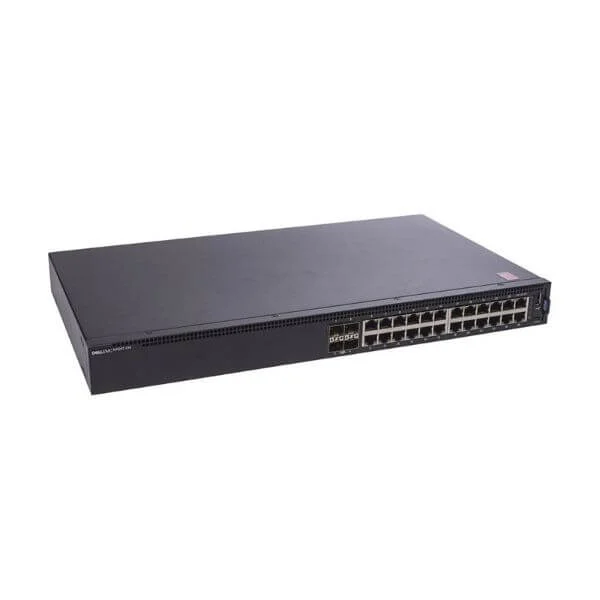
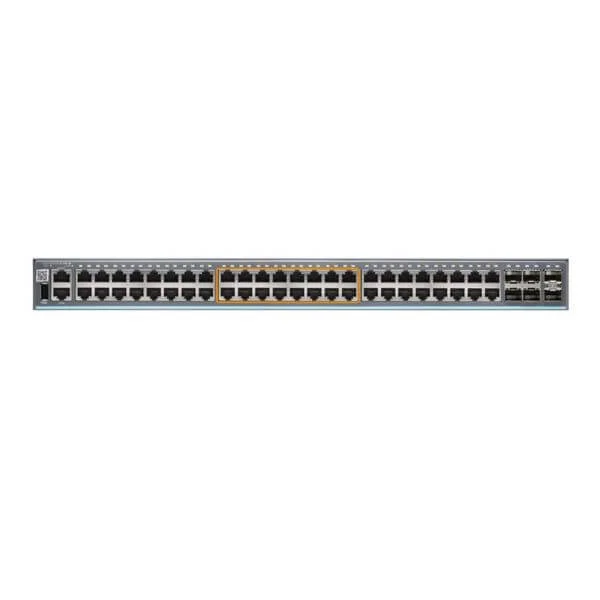
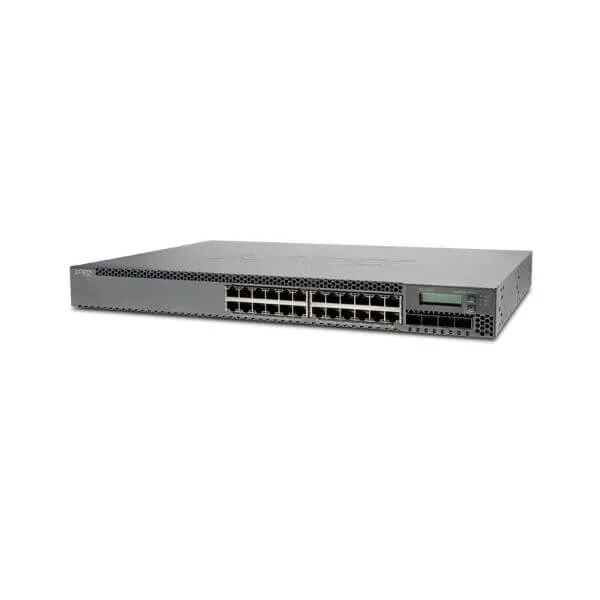
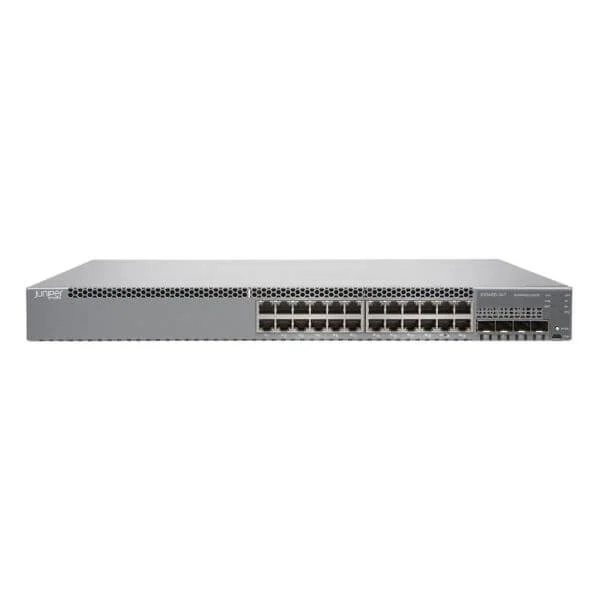
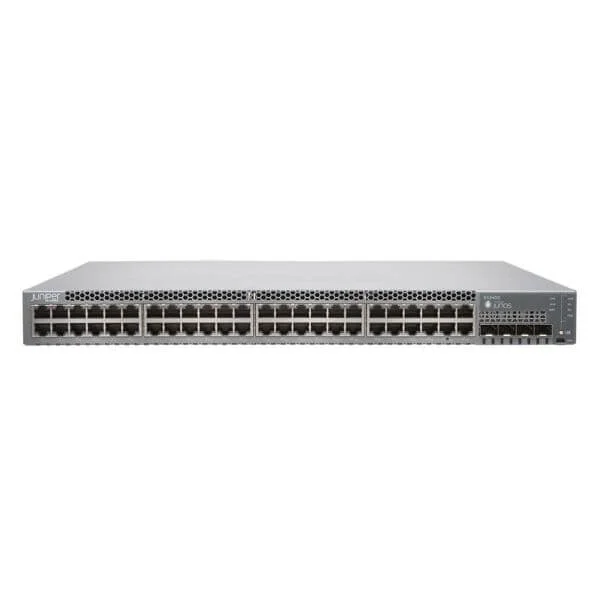
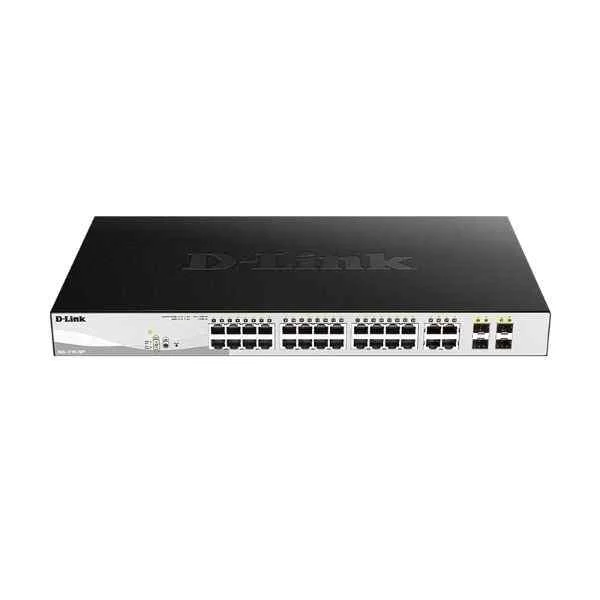
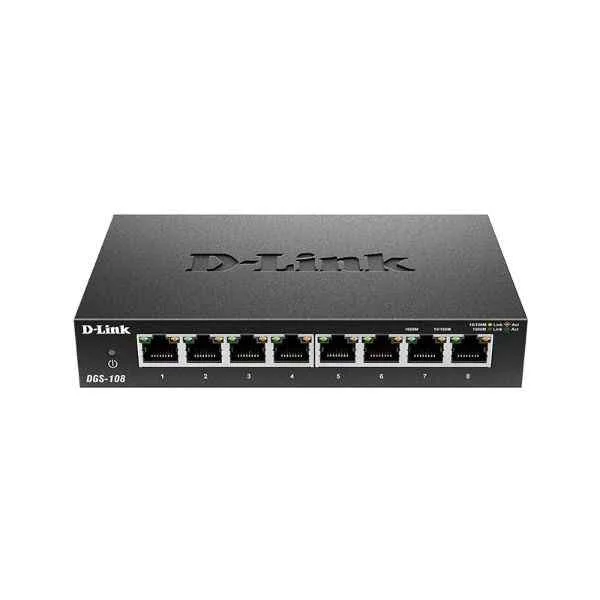
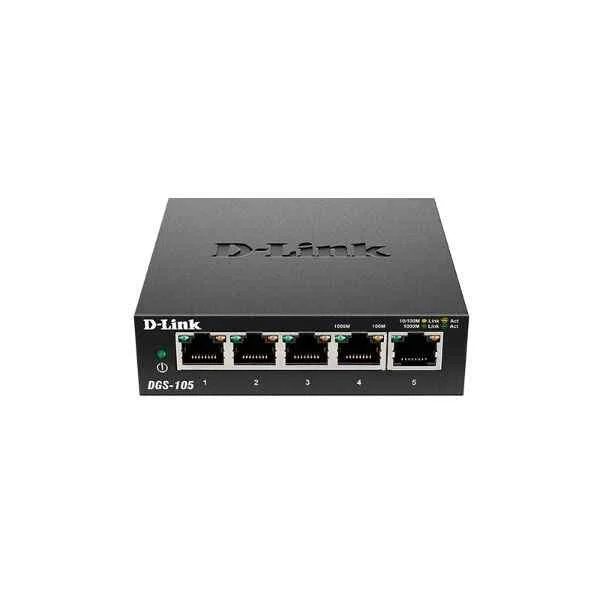
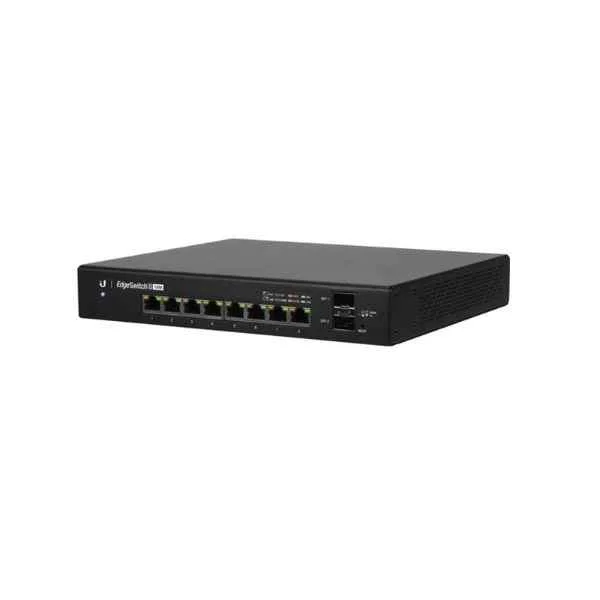
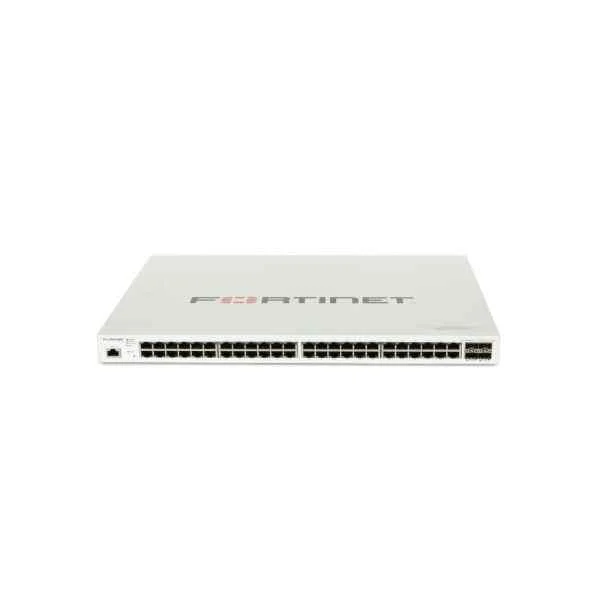
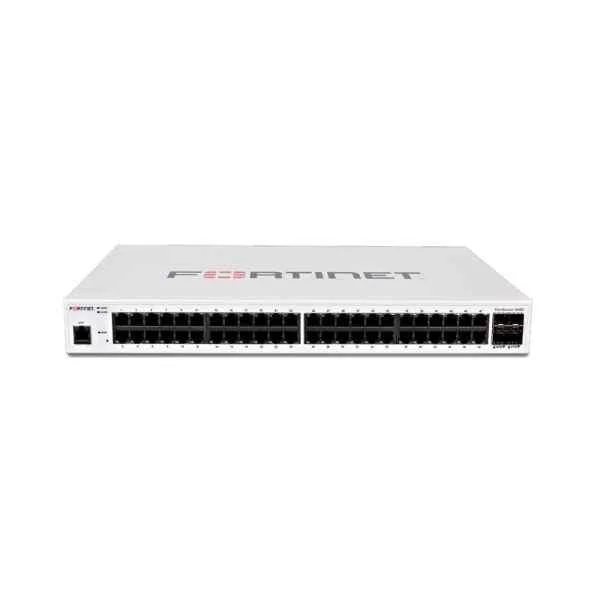
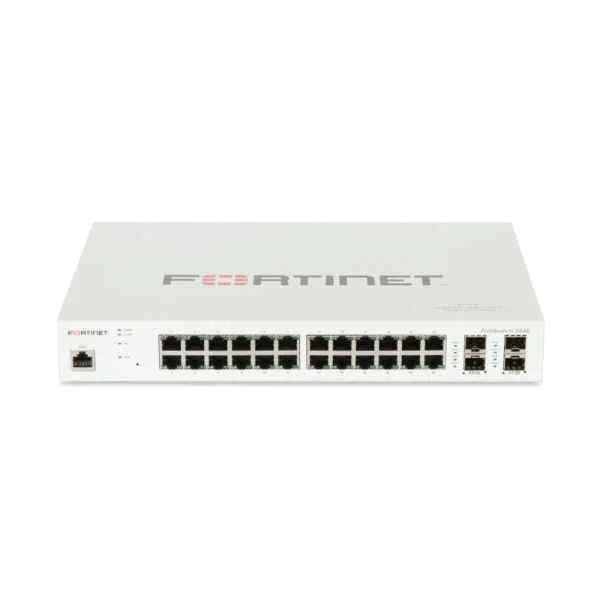
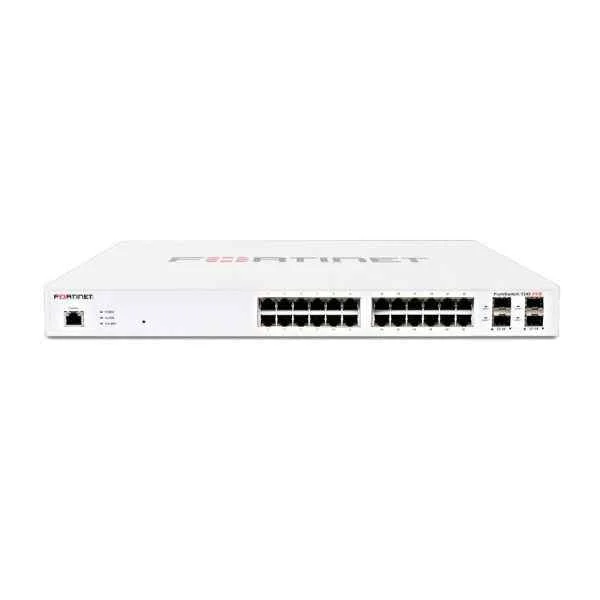
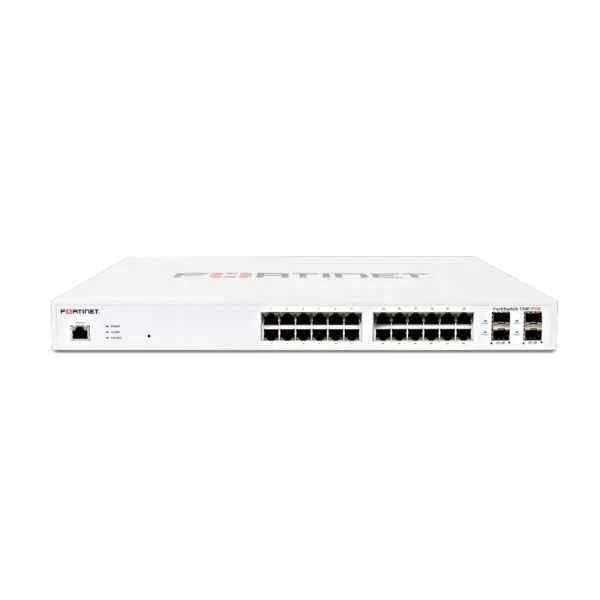
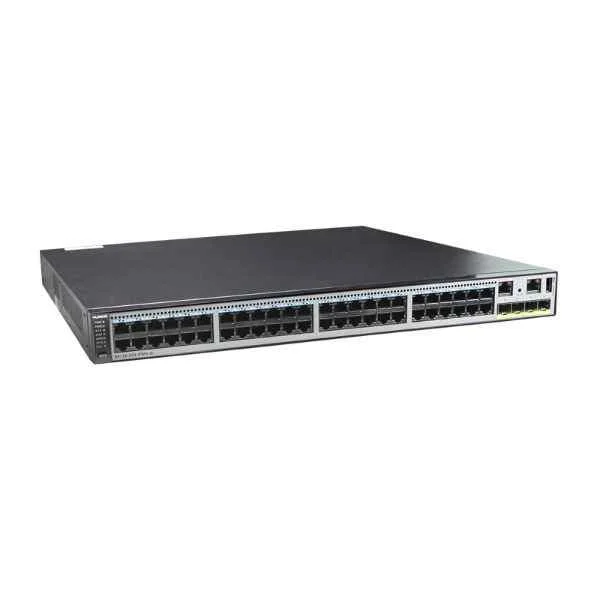
A network switch is a hardware device that connects multiple devices on a LAN and forwards data packets based on MAC addresses to optimize traffic and reduce collisions.
Q
What is the difference between a managed switch and an unmanaged switch?
A
A managed switch provides advanced features such as VLANs, QoS, and remote monitoring, while an unmanaged switch offers simple plug-and-play connectivity without configuration options.
Q
What is Power over Ethernet (PoE) on a switch?
A
Power over Ethernet (PoE) delivers electrical power and data over a single Ethernet cable, enabling devices like IP cameras and wireless access points to operate without separate power adapters.
Q
How many ports do I need on a switch?
A
Determine your port count by totaling existing network devices and adding capacity for future growth; common options include 8, 16, 24, or 48-port switches.
Q
What is the difference between a layer 2 switch and a layer 3 switch?
A
A layer 2 switch forwards frames based on MAC addresses at the data link layer, while a layer 3 switch also routes IP packets between VLANs and subnets at the network layer.
Q
How do I configure VLANs on a switch?
A
Use the switch’s management interface—CLI or web GUI—to create VLAN IDs and assign ports to each VLAN, effectively segmenting network traffic for security and performance.
Q
What is switch backplane capacity and why is it important?
A
Backplane capacity is the total aggregate throughput a switch can handle across all ports; higher capacity prevents bottlenecks under peak traffic loads.
Q
What is switching latency?
A
Switching latency is the time a switch takes to process and forward a single packet; lower latency means faster packet handling and improved application responsiveness.
Q
How do I choose the right switch speed?
A
Select switch speed—1Gbps, 10Gbps, or higher—based on your application bandwidth requirements, backbone link throughput, and projected network growth.
Q
Can I stack switches together?
A
Yes, stackable switches connect via dedicated stacking ports or cables to form a single logical unit with unified management, increased port density, and redundancy.
Q
How do I secure my network switch?
A
Secure your switch by updating firmware, disabling unused ports, enforcing strong passwords, enabling port security, and configuring access control lists (ACLs).
Q
What is Quality of Service (QoS) on a switch?
A
QoS on a switch prioritizes network traffic by classifying and queuing packets, ensuring latency-sensitive applications like VoIP receive sufficient bandwidth.
Q
What is the difference between a switch and a router?
A
A switch forwards Ethernet frames within a LAN using MAC addresses at layer 2, whereas a router directs IP packets between different networks at layer 3.
Q
How much power does a PoE switch consume?
A
PoE switch power consumption depends on powered devices and PoE standard: 802.3af provides up to 15.4W per port, while 802.3at offers up to 30W per port.
Q
How do I mount a switch?
A
Mount switches in a standard 19-inch rack using included brackets or on a wall with the proper mounting kit, ensuring adequate ventilation and cable management.
Q
How do I update firmware on a switch?
A
Download the latest firmware from the manufacturer’s website, log in to the switch’s management interface, upload the firmware image, and follow the on-screen upgrade instructions.
Q
How do I troubleshoot a network switch?
A
Troubleshoot by checking port LEDs, verifying cable connections, reviewing switch configuration, examining logs for errors, and running ping or traceroute tests.


