 United States
Audio Equipment Premium Sound Quality
Explore our elite range of audio equipment engineered for exceptional clarity and robust performance. Experience state-of-the-art technology that elevates your sound system and enhances immersive listening environments.
Talk to an expert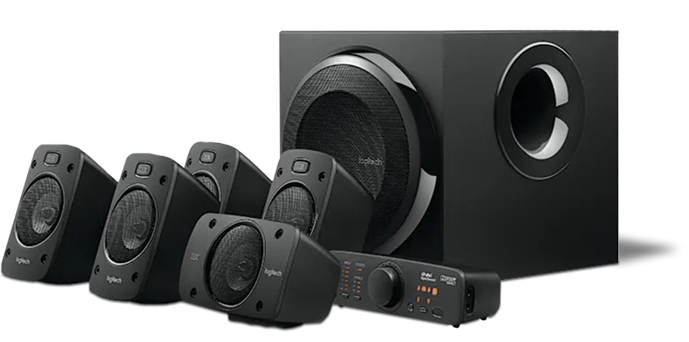
Logitech Audio Equipment
(29)Logitech audio equipment for video-enabled collaboration rooms uses USB-C and Bluetooth connections across huddle spaces, training suites, and hybrid workstations
Jabra Audio Equipment
(128)Jabra audio equipment for contact center floors connects via DECT, USB-C, and Bluetooth across supervisor desks and hybrid calling zones
157 Matching results
- BEST SELLING
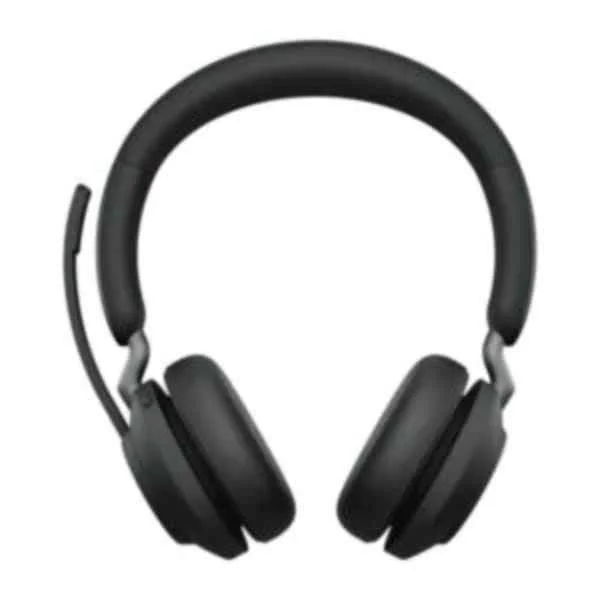
26599-989-999 (JABRA EVOLVE2 65 LINK380A UC STEREO BLACK)
4.6 (5)- Audio Equipment
- Jabra
- Headset
- Condenser
- Active
- Portable
- Unified Communications / Conference Room / Streaming / Home Audio
Est Value $457.80
$228.90
50% offIn stockRefurbishedFirst-Time Buyer Discount – Get up to 2% additional off on your first order
ORM Rewards Earn $50 in Rewards + Free Expedited Delivery – Join Now!
Use eCoupon ORMSAVE10
eCoupon limited to 5 units
- BEST SELLING
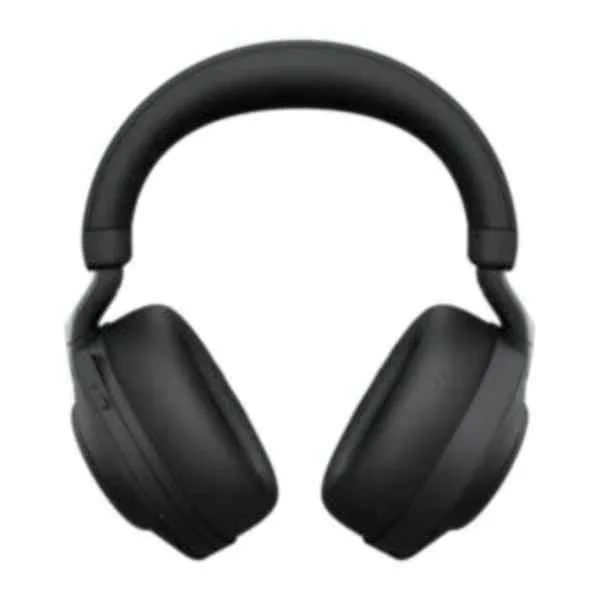
28599-999-989 (JABRA EVOLVE2 85 LINK380A MS STEREO STAND BLACK)
4.8 (5)- Audio Equipment
- Jabra
- Headset
- Condenser
- Active
- Portable
- Unified Communications / Conference Room / Executive Workspace / Remote Work
Est Value $491.00$425.25
13.4% offIn stockNewFirst-Time Buyer Discount – Get up to 2% additional off on your first order
ORM Rewards Earn $50 in Rewards + Free Expedited Delivery – Join Now!
Use eCoupon ORMSAVE10
eCoupon limited to 5 units
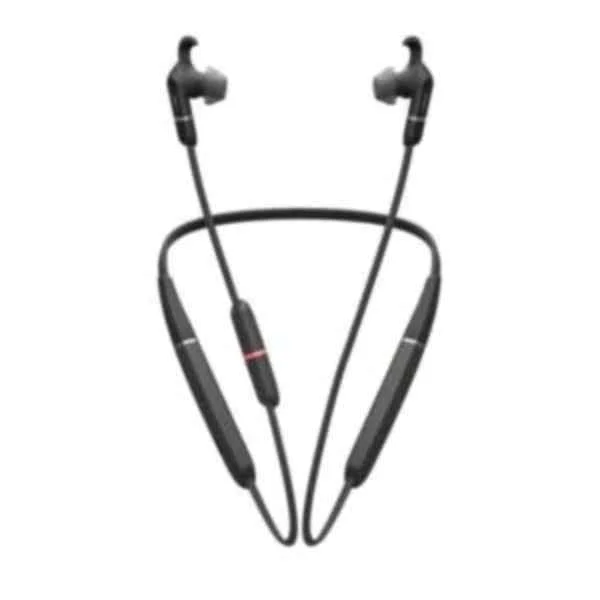
6599-623-109 (JABRA EVOLVE 65E LINK 380A MS 370 MS)
4.7 (7)- Audio Equipment
- Jabra
- Headset
- Condenser
- Portable
- Unified Communications
Est Value $201.60$100.80
50% offIn stockNewFirst-Time Buyer Discount – Get up to 2% additional off on your first order
ORM Rewards Earn $50 in Rewards + Free Expedited Delivery – Join Now!
Use eCoupon ORMSAVE10
eCoupon limited to 5 units
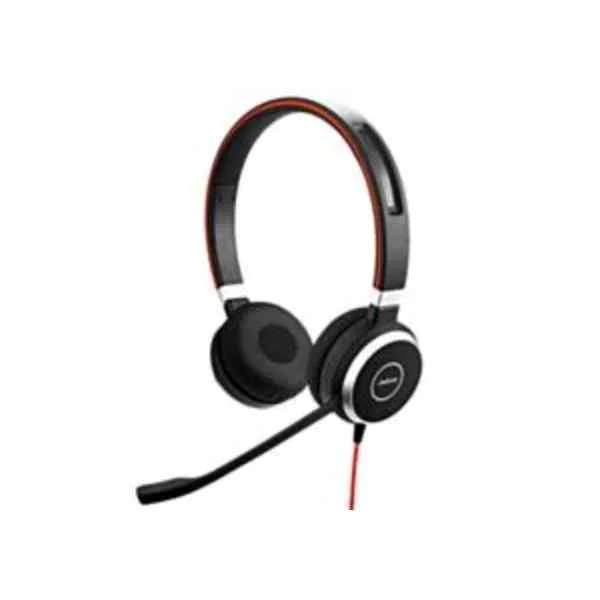
6399-823-109 (JABRA EVOLVE 40 MS STEREO)
4.2 (5)- Audio Equipment
- Jabra
- Headset
- Condenser
- Portable
- Unified Communications / Conference Room / Meeting Spaces / Remote Work
Est Value $224.70$112.35
50% offIn stockRefurbishedFirst-Time Buyer Discount – Get up to 2% additional off on your first order
ORM Rewards Earn $50 in Rewards + Free Expedited Delivery – Join Now!
Use eCoupon ORMSAVE10
eCoupon limited to 5 units
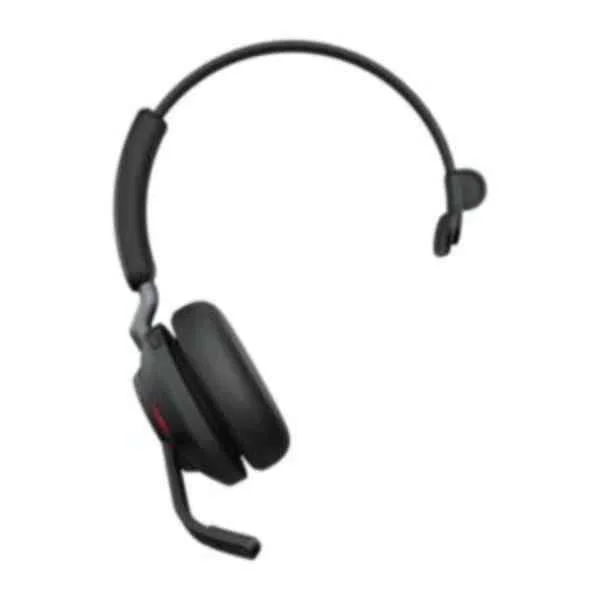
26599-899-999 (JABRA EVOLVE2 65 LINK380A MS MONO BLACK)
4.6 (5)- Audio Equipment
- Jabra
- Headset
- Boom / Noise-Cancelling
- Active
- Portable
- Conference Room / Unified Communications / Meeting Spaces / Office
Est Value $273.00$136.50
50% offIn stockNewFirst-Time Buyer Discount – Get up to 2% additional off on your first order
ORM Rewards Earn $50 in Rewards + Free Expedited Delivery – Join Now!
Use eCoupon ORMSAVE10
eCoupon limited to 5 units
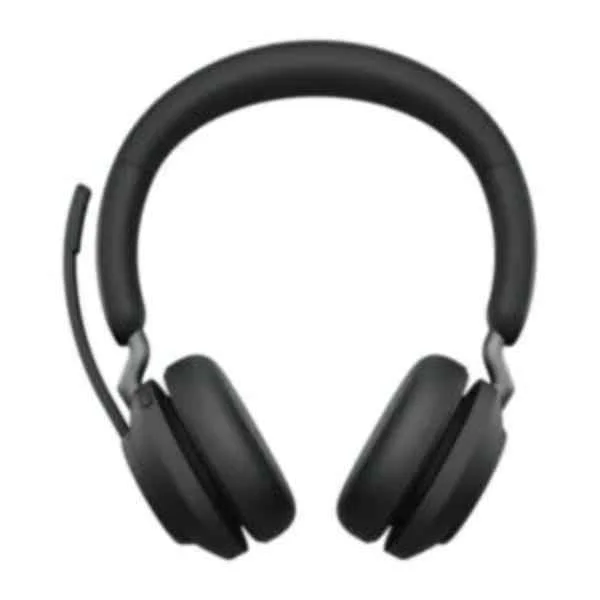
26599-999-899 (JABRA EVOLVE2 65 LINK380C MS STEREO BLACK)
4.4 (5)- Audio Equipment
- Jabra
- Headset
- Condenser
- Active
- Portable
- Conference Room / Unified Communications / Streaming
Est Value $289.80$144.90
50% offIn stockNewFirst-Time Buyer Discount – Get up to 2% additional off on your first order
ORM Rewards Earn $50 in Rewards + Free Expedited Delivery – Join Now!
Use eCoupon ORMSAVE10
eCoupon limited to 5 units
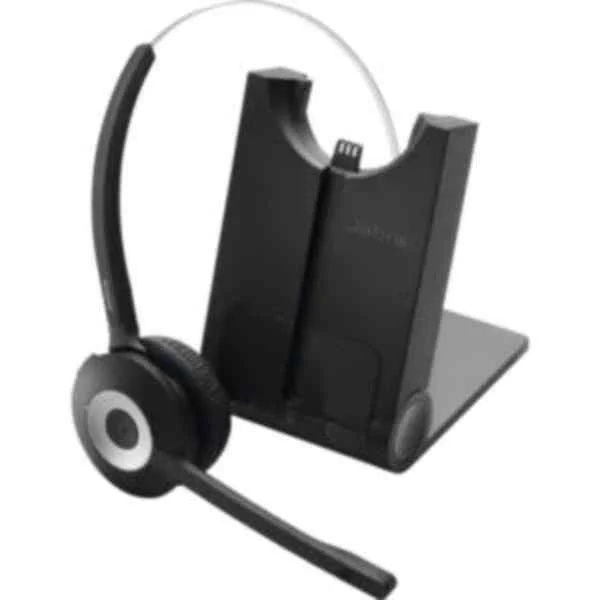
930-25-503-101 (Pro 930 MS - Headset - Head-band - Office/Call center - Monaural - China - Europe)
4.5 (6)- Audio Equipment
- Jabra
- Headset
- Condenser
- Desktop
- Conference Room / Unified Communications
Est Value $321.30$160.65
50% offIn stockNewFirst-Time Buyer Discount – Get up to 2% additional off on your first order
ORM Rewards Earn $50 in Rewards + Free Expedited Delivery – Join Now!
Use eCoupon ORMSAVE10
eCoupon limited to 5 units
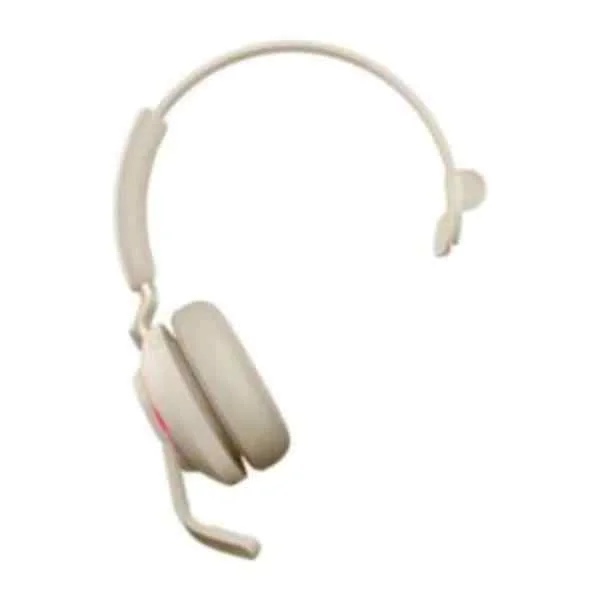
26599-889-898 (Evolve2 65 - UC Mono - Headset - Head-band - Office/Call center - Beige - Monaural - Bluetooth pairing - Play/Pause - Track - Volume + - Volume -)
4.4 (5)- Audio Equipment
- Jabra
- Headset
- Condenser
- Active
- Portable
- Unified Communications
Est Value $321.30$160.65
50% offIn stockNewFirst-Time Buyer Discount – Get up to 2% additional off on your first order
ORM Rewards Earn $50 in Rewards + Free Expedited Delivery – Join Now!
Use eCoupon ORMSAVE10
eCoupon limited to 5 units
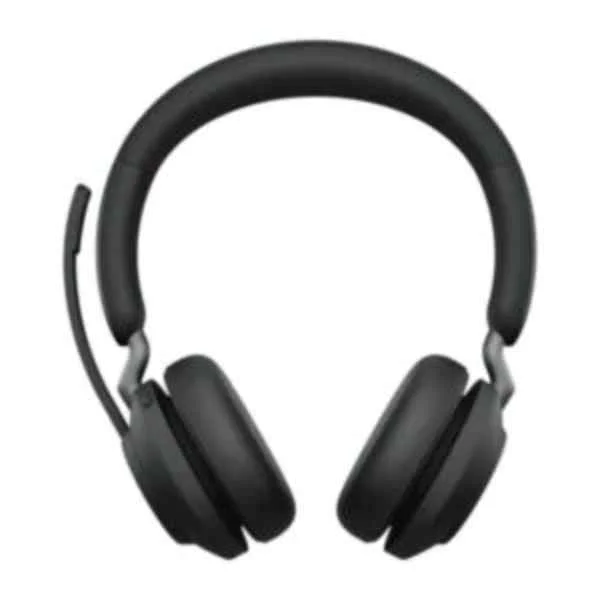
26599-999-999 (JABRA EVOLVE2 65 LINK380A MS STEREO BLACK)
4.8 (5)- Audio Equipment
- Jabra
- Headset
- Condenser
- Active
- Portable
- Conference Room / Unified Communications / Meeting Space / Remote Work
Est Value $246.00$212.10
13.8% offIn stockNewFirst-Time Buyer Discount – Get up to 2% additional off on your first order
ORM Rewards Earn $50 in Rewards + Free Expedited Delivery – Join Now!
Use eCoupon ORMSAVE10
eCoupon limited to 5 units
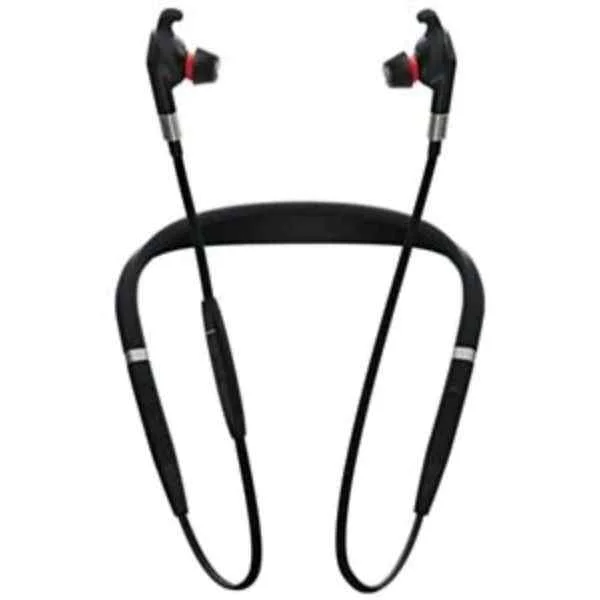
7099-823-409 (Jabra Evolve 75e UC - Earphones with mic (7099-823-409))
4.4 (7)- Audio Equipment
- Jabra
- Headset
- Condenser
- Active
- Portable
- Unified Communications
Est Value $443.10$221.55
50% offIn stockNewFirst-Time Buyer Discount – Get up to 2% additional off on your first order
ORM Rewards Earn $50 in Rewards + Free Expedited Delivery – Join Now!
Use eCoupon ORMSAVE10
eCoupon limited to 5 units
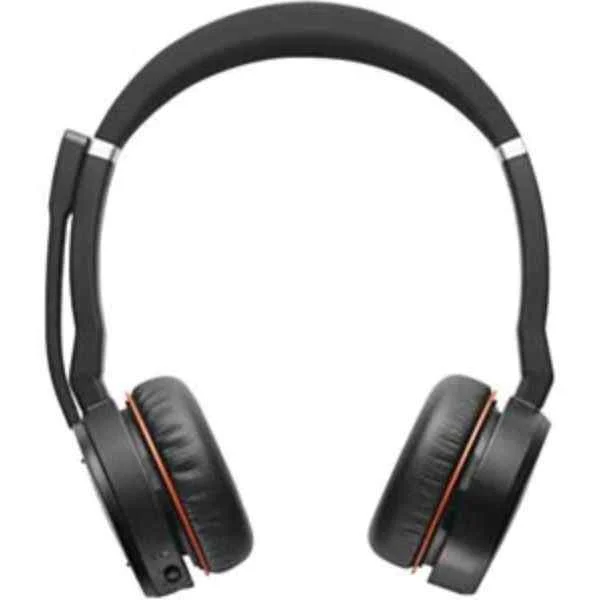
7599-832-109 (Jabra Evolve 75 MS Stereo - Headset (7599-832-109))
4.4 (5)- Audio Equipment
- Jabra
- Headset
- Condenser
- Active
- Portable
- Unified Communications / Conference Room / Office
Est Value $276.00$238.35
13.6% offIn stockNewFirst-Time Buyer Discount – Get up to 2% additional off on your first order
ORM Rewards Earn $50 in Rewards + Free Expedited Delivery – Join Now!
Use eCoupon ORMSAVE10
eCoupon limited to 5 units
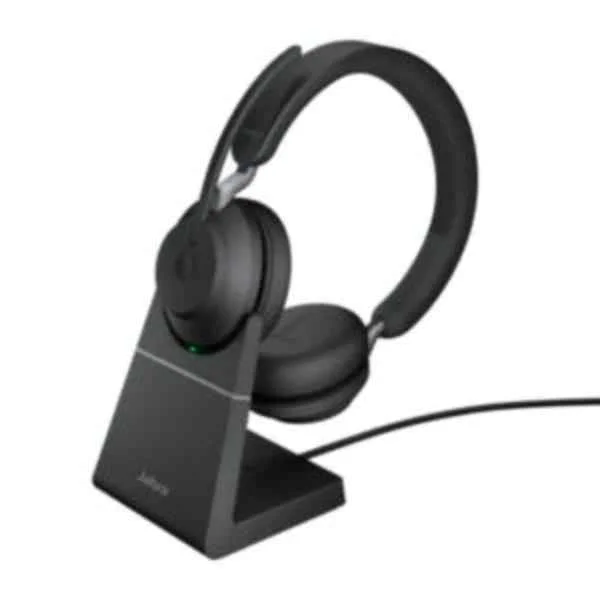
26599-989-989 (JABRA EVOLVE2 65 LINK380A UC STEREO STAND BLACK)
4.6 (5)- Audio Equipment
- Jabra
- Headset
- Condenser
- Active
- Portable
- Unified Communications
Est Value $552.30$276.15
50% offIn stockRefurbishedFirst-Time Buyer Discount – Get up to 2% additional off on your first order
ORM Rewards Earn $50 in Rewards + Free Expedited Delivery – Join Now!
Use eCoupon ORMSAVE10
eCoupon limited to 5 units
- BEST SELLING
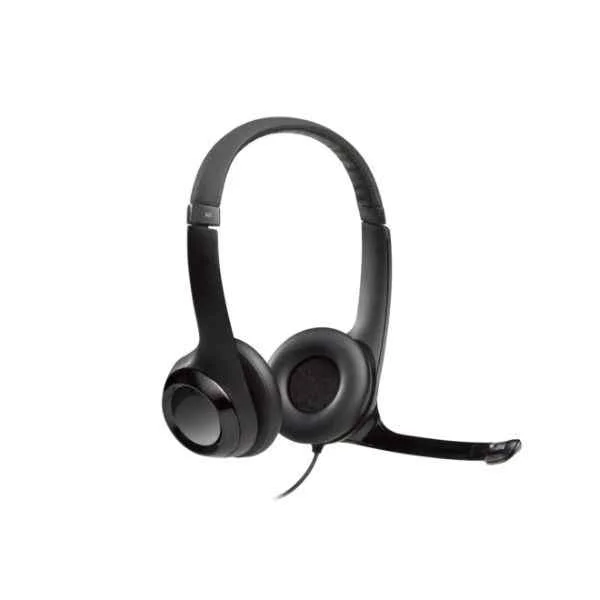
981-000406 (LGT-H390 - Headset - Head-band - Office/Call center - Black - Binaural - In-line control unit)
4.8 (6)- Audio Equipment
- Logitech
- Headset
- Condenser
- Desktop
- Unified Communications / Conference Room / Office / Call Center
Est Value In stockFirst-Time Buyer Discount – Get up to 2% additional off on your first order
ORM Rewards Earn $50 in Rewards + Free Expedited Delivery – Join Now!
Use eCoupon ORMSAVE10
eCoupon limited to 5 units
- BEST SELLING
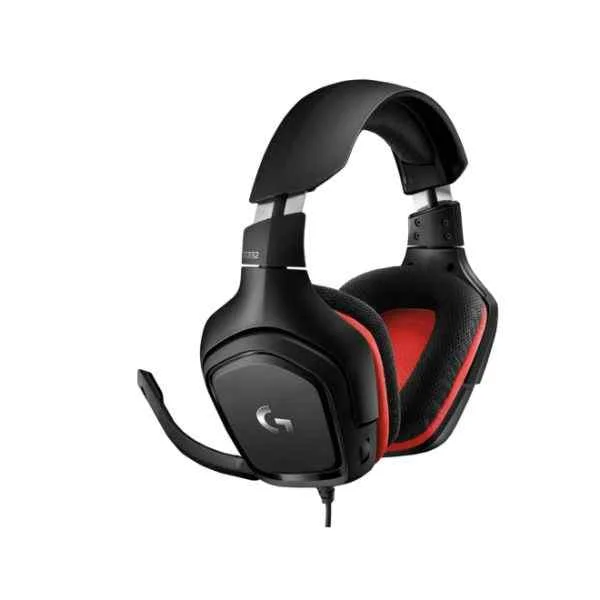
981-000757 (G G332 Stereo Gaming Headset - Headset - Head-band - Gaming - Black - Red - Binaural - Rotary)
4.4 (5)- Audio Equipment
- Logitech
- Headset
- Dynamic
- Head-band
- Streaming / Home Audio / Unified Communications
Est Value In stockFirst-Time Buyer Discount – Get up to 2% additional off on your first order
ORM Rewards Earn $50 in Rewards + Free Expedited Delivery – Join Now!
Use eCoupon ORMSAVE10
eCoupon limited to 5 units
- BEST SELLING
981-000668 (G G433 7.1 - Headset - Head-band - Gaming - Black - Binaural - In-line control unit)
4.6 (5)- Audio Equipment
- Logitech
- Headset
- Condenser
- Portable
- Streaming / Unified Communications / Home Audio
Est Value In stockFirst-Time Buyer Discount – Get up to 2% additional off on your first order
ORM Rewards Earn $50 in Rewards + Free Expedited Delivery – Join Now!
Use eCoupon ORMSAVE10
eCoupon limited to 5 units
- BEST SELLING
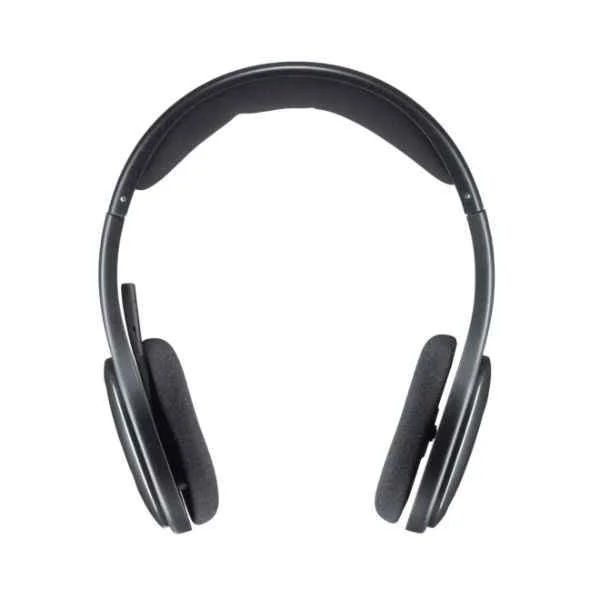
981-000338 (H800 Bluetooth Wireless Headset - Headset - Head-band - Office/Call center - Black - Binaural - Button)
4.2 (5)- Audio Equipment
- Logitech
- Headset
- Condenser
- Portable
- Office / Call Center / Unified Communications
Est Value In stockFirst-Time Buyer Discount – Get up to 2% additional off on your first order
ORM Rewards Earn $50 in Rewards + Free Expedited Delivery – Join Now!
Use eCoupon ORMSAVE10
eCoupon limited to 5 units
- BEST SELLING

981-000688 (Logitech 981-000688 G433 Game console + PC/Gaming Binaural Head-band black,Camouflage Wired 2 m)
4.8 (5)- Audio Equipment
- Logitech
- Headset
- Condenser
- Portable
- Streaming / Unified Communications / Conference Room / Classroom / Home Audio / Broadcast
Est Value In stockFirst-Time Buyer Discount – Get up to 2% additional off on your first order
ORM Rewards Earn $50 in Rewards + Free Expedited Delivery – Join Now!
Use eCoupon ORMSAVE10
eCoupon limited to 5 units
- BEST SELLING
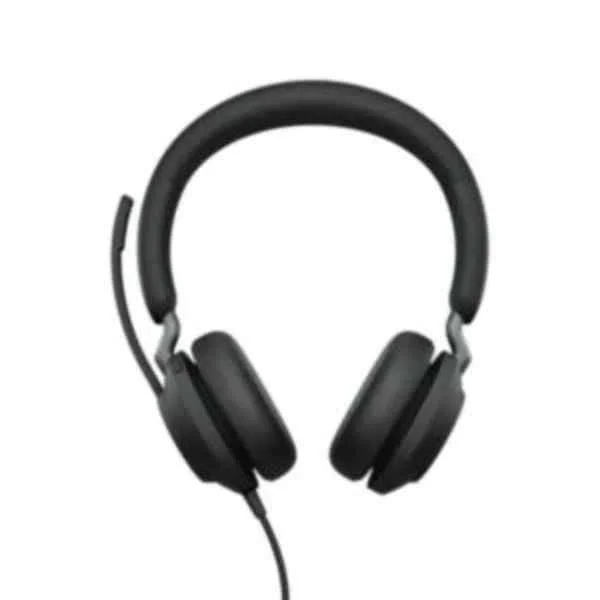
24089-989-999 (Jabra Evolve2 40 UC Stereo - Headset (24089-989-999))
4.4 (5)- Audio Equipment
- Jabra
- Headset
- Condenser
- Portable
- Unified Communications / Conference Room / Streaming / Broadcast / Remote Work
Est Value In stockFirst-Time Buyer Discount – Get up to 2% additional off on your first order
ORM Rewards Earn $50 in Rewards + Free Expedited Delivery – Join Now!
Use eCoupon ORMSAVE10
eCoupon limited to 5 units
- BEST SELLING
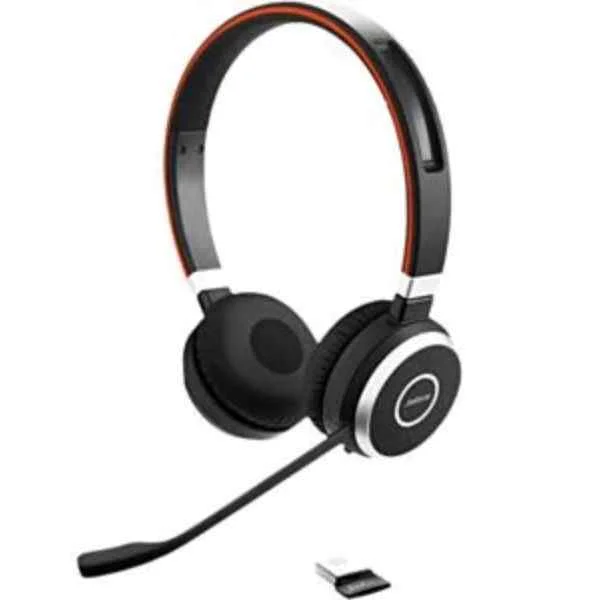
6599-823-399 (Evolve 65 MS Stereo - Headset - Head-band - Office/Call center - Black - Binaural - China)
4.8 (5)- Audio Equipment
- Jabra
- Headset
- Condenser
- Portable
- Unified Communications / Conference Room / Office / Call Center
Est Value In stockFirst-Time Buyer Discount – Get up to 2% additional off on your first order
ORM Rewards Earn $50 in Rewards + Free Expedited Delivery – Join Now!
Use eCoupon ORMSAVE10
eCoupon limited to 5 units
- BEST SELLING
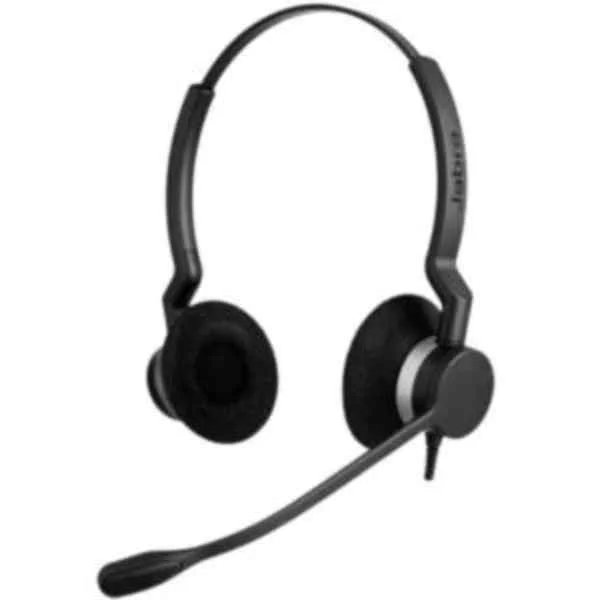
2309-820-104 (Biz 2300 Duo - Headset - Head-band - Office/Call center - Black - Binaural - 1.075 m)
4.5 (6)- Audio Equipment
- Jabra
- Headset
- Condenser
- Desktop
- Unified Communications / Conference Room / Office / Call Center
Est Value In stockFirst-Time Buyer Discount – Get up to 2% additional off on your first order
ORM Rewards Earn $50 in Rewards + Free Expedited Delivery – Join Now!
Use eCoupon ORMSAVE10
eCoupon limited to 5 units

ORM Sales Advisors
Buying for your business? Get a personalised quote in under 2 hours. Talk to an expert
LEARNFilters (157) 
Questions & Answers
What types of audio equipment do I need for a home studio?
Studio monitors, an audio interface, a condenser microphone, headphones, cables, and a digital audio workstation (DAW) are essential for accurate monitoring, clean preamps, and reliable signal routing in a home studio.
How do I choose the right speakers for my audio setup?
Choose speakers based on room size, frequency response, and power handling, favoring flat-response studio monitors for mixing and tailored consumer models for home listening, while matching impedance and wattage to your amplifier.
What is impedance and why is it important in audio equipment?
Impedance is the electrical resistance of audio equipment measured in ohms; matching speaker impedance to amplifier impedance prevents power loss and protects components while ensuring optimal signal transfer.
How much amplifier power do I need for my speakers?
Choose an amplifier with RMS power output equal to or 1.5 times higher than your speaker’s RMS rating to ensure clean headroom and prevent clipping under dynamic peaks.
What is the difference between active and passive speakers?
Active speakers have built-in amplifiers and require power outlets, offering simplified setup and optimized tuning; passive speakers need external amplifiers, allowing more system flexibility but requiring additional components.
How do balanced and unbalanced audio cables differ?
Balanced cables use three conductors to cancel interference over long runs, ideal for professional audio; unbalanced cables have two conductors and are suitable for short consumer setups but are more prone to noise.
What sample rate and bit depth should I use for recording?
Record at 24-bit/48 kHz for a balance of quality and file size; for high-resolution projects, 24-bit/96 kHz provides greater dynamic range and frequency extension, while 16-bit/44.1 kHz suffices for CD-quality distribution.
How do I optimize my audio equipment for best sound quality?
Position speakers at ear level in an equilateral triangle with the listening position, use acoustic treatment to minimize reflections, calibrate levels with an SPL meter, and maintain cable integrity to ensure optimal sound quality.
What are the essential accessories for audio equipment maintenance?
Fuse spares, cable ties, cleaning kits, surge protectors, and a multimeter help maintain audio equipment, ensuring safe operation, organized setup, and quick diagnostics.
How do I calibrate studio monitors for accurate mixing?
Use a calibrated microphone and SPL meter to adjust monitor gain so each speaker reads around 85 dB at the listening position, and verify frequency balance with pink noise and room-correction software for accurate mixing.
What is frequency response and how does it affect audio playback?
Frequency response describes the range of frequencies an audio device can reproduce, measured in Hertz; a flat response indicates neutral sound, while peaks or dips can color the audio output.
How do I connect multiple audio devices in a professional setup?
Use a mixing console or audio interface with sufficient inputs and outputs; assign channels for each source, set gain structure properly, and use balanced cables to minimize noise in professional setups.
What should I look for in a digital audio interface?
Prioritize low-latency drivers, high-quality preamps, sufficient inputs/outputs, USB/Thunderbolt connectivity, and word-clock sync to ensure stable performance and clean signal conversion for recording.
How do I troubleshoot common audio equipment issues?
Check cable connections, verify power and input/output settings, isolate faulty components with known-good replacements, and update firmware or drivers to resolve noise, dropout, or latency issues.
What are the best practices for cleaning and storing audio gear?
Use compressed air, alcohol-free electronic cleaner, and lint-free cloths to remove dust; store gear in a dry, temperature-controlled environment, and label cables to prevent tangling and wear.
Is wireless audio equipment reliable for professional use?
Modern wireless systems feature digital transmission with stable, low-latency performance and encrypted channels; choose models with robust frequency coordination and sufficient battery life for professional applications.