 United States

Q
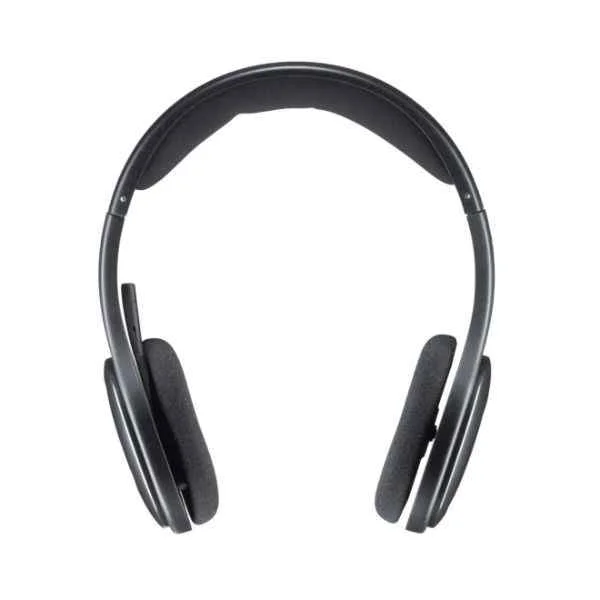
What is a headset?
A
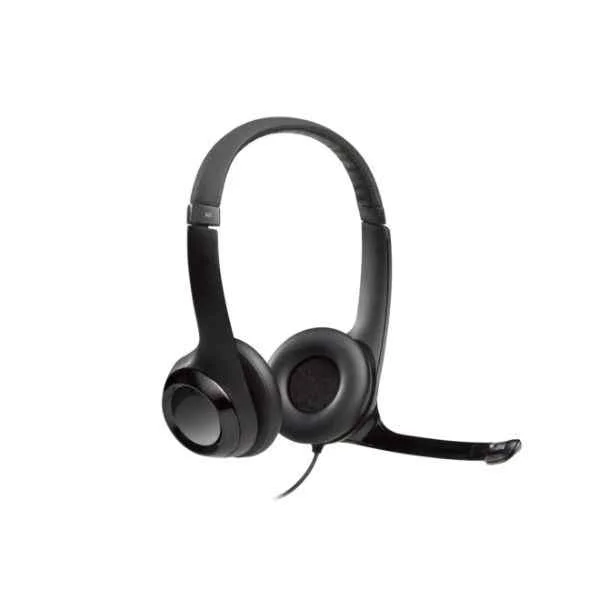
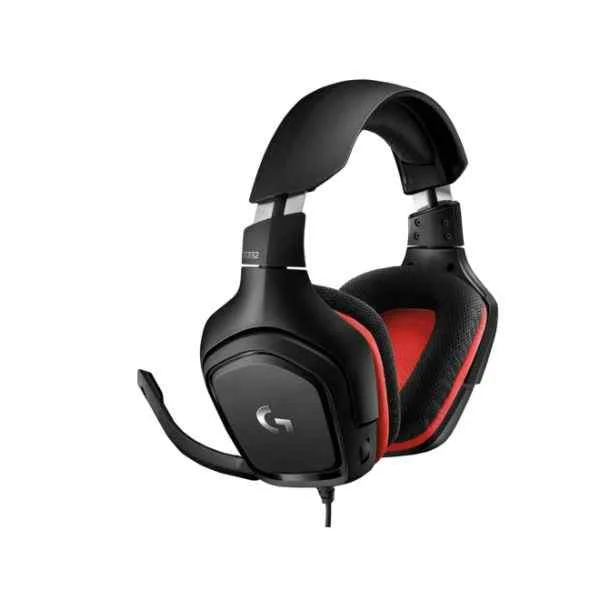
A headset is a device combining headphones and a microphone to enable two-way audio communication for calls, gaming, and multimedia.
Q
How do I choose the right headset for my needs?
A
Select a headset based on your primary use (gaming, office calls, music), connectivity (wired or wireless), comfort, battery life, and audio performance.
Q
What is active noise cancellation (ANC)?
A
Active noise cancellation (ANC) uses built-in microphones and electronics to reduce ambient sounds, delivering a clearer listening experience in noisy environments.
Q
How long does a wireless headset battery last?
A
Most wireless headsets offer 15–30 hours of playback on a single charge; always check the manufacturer’s specifications for exact runtime.
Q
Are wireless headsets compatible with all devices?
A
Wireless headsets using Bluetooth 4.0 or higher are compatible with most smartphones, tablets, and computers; some devices may require a USB dongle.
Q
What audio quality metrics should I consider?
A
Look for frequency response (20 Hz–20 kHz), driver size, impedance (16–32 Ω for consumer use) and total harmonic distortion (THD) under 1%.
Q
How do I connect a Bluetooth headset to my device?
A
Enable Bluetooth on your device, put the headset in pairing mode, select it from the available devices list, and confirm the connection.
Q
How do I clean and maintain my headset?
A
Wipe earpads and microphone with a soft, damp cloth; avoid harsh chemicals and store in a protective case to prolong lifespan.
Q
Why is headset fit important and how can I adjust it?
A
A proper fit ensures comfort and sound isolation; adjust the headband and earcup angle so the cushions fully cover your ears without pressure.
Q
Can I use a headset for gaming and conference calls?
A
Yes, modern headsets offer low-latency audio and clear microphones suitable for both immersive gaming and professional voice communication.
Q
What is microphone sensitivity and why does it matter?
A
Microphone sensitivity measures how well the mic converts sound into electrical signals; higher sensitivity ensures clearer voice capture at lower volumes.
Q
How do I troubleshoot audio and connectivity issues?
A
Verify cable and port connections, restart your device, update drivers or firmware, and ensure Bluetooth is within range with no interference.
Q
Do headsets come with a warranty?
A
Most reputable headsets include a one-year limited warranty covering manufacturing defects; check the brand’s policy for exact terms and conditions.
Q
What is latency and how does it affect headset performance?
A
Latency is the delay between input and output signals; low latency (<40 ms) is crucial for gaming and real-time communication to avoid audio lag.
Q
How do I update my headset firmware?
A
Download the manufacturer’s companion app or software, connect your headset via USB or Bluetooth, and follow the on-screen firmware update instructions.
Q
What should I do if my headset is not recognized by my computer?
A
Check USB or audio jack connections, install or update drivers, try a different port, and restart your computer to resolve recognition issues.


