 United States
Composite Video Interface Solutions
Experience unparalleled image clarity and robust connectivity with Composite Video Interface solutions engineered for flawless video transmission in professional multimedia environments, ensuring superior performance across diverse applications.
Talk to an expert
Dahua Cvi
(11)Dahua HDCVI cameras carry HD-over-coax video through BNC interfaces for multi-building CCTV refreshes retaining existing RG59 cable paths
11 Matching results
- BEST SELLING
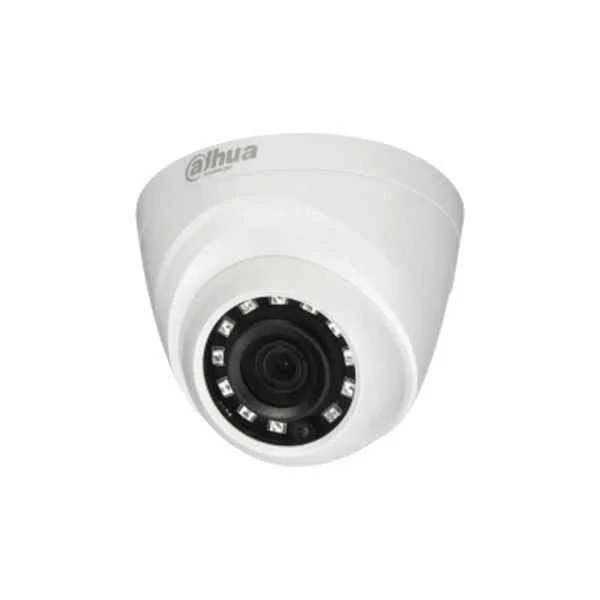
HAC-HDW1100R (Dahua 1MP CVI)
4.8 (6)- Security Camera
- Dahua
- Bullet
- IP Camera
- 1080p
- Fixed
- Motion Detection
Est Value In stock
First-Time Buyer Discount – Get up to 2% additional off on your first order
ORM Rewards Earn $50 in Rewards + Free Expedited Delivery – Join Now!
Use eCoupon ORMSAVE10
eCoupon limited to 5 units
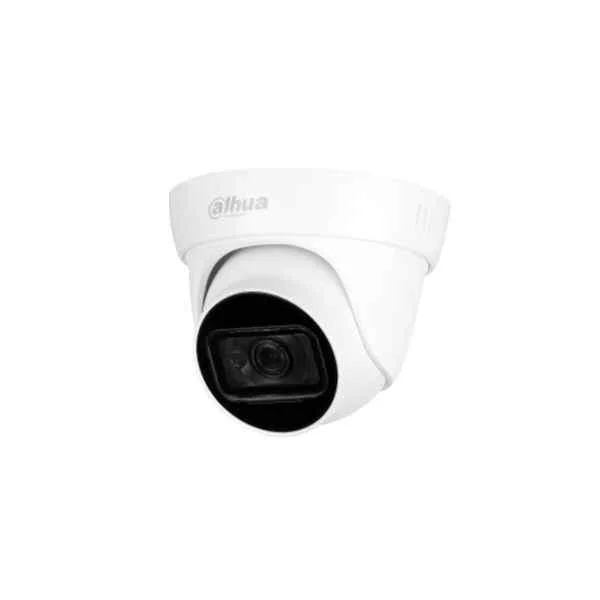
HAC-HDW1200EM-A-S4 (Dahua 22MP CVI)
4.5 (6)- Security Camera
- Dahua
- Turret
- IP Camera
- 4MP
- Varifocal
- ANPR
Est Value In stockFirst-Time Buyer Discount – Get up to 2% additional off on your first order
ORM Rewards Earn $50 in Rewards + Free Expedited Delivery – Join Now!
Use eCoupon ORMSAVE10
eCoupon limited to 5 units
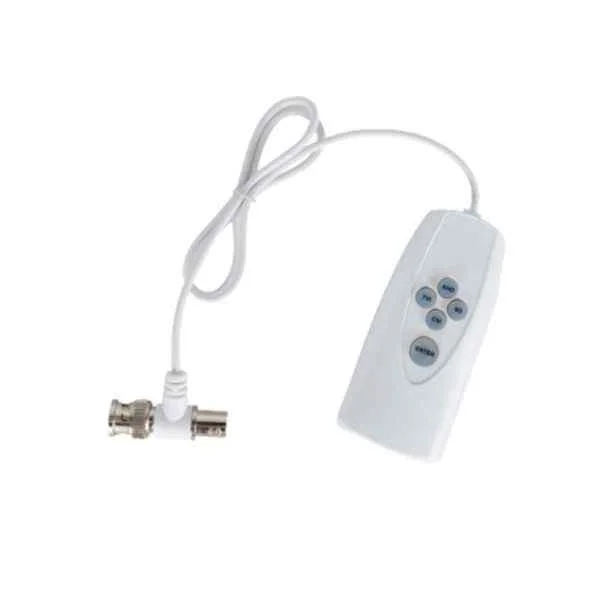
PFM820 (Dahua CVI Accessories)
4.7 (6)- Security Camera
- Dahua
- Turret
- IP Camera
- 4K
- Fixed
- Motion Detection
Est Value In stockFirst-Time Buyer Discount – Get up to 2% additional off on your first order
ORM Rewards Earn $50 in Rewards + Free Expedited Delivery – Join Now!
Use eCoupon ORMSAVE10
eCoupon limited to 5 units
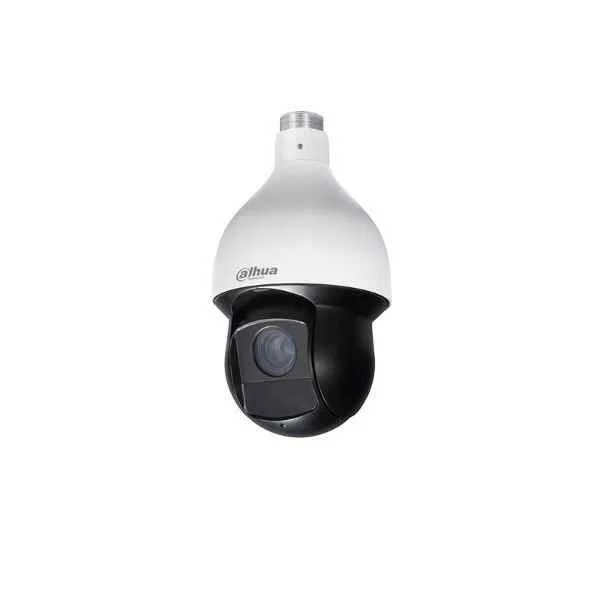
59430IC (Dahua 4MP CVI)
4.3 (6)- Security Camera
- Dahua
- Bullet
- IP Camera
- 4MP
- Varifocal
- Motion Detection
Est Value In stockFirst-Time Buyer Discount – Get up to 2% additional off on your first order
ORM Rewards Earn $50 in Rewards + Free Expedited Delivery – Join Now!
Use eCoupon ORMSAVE10
eCoupon limited to 5 units
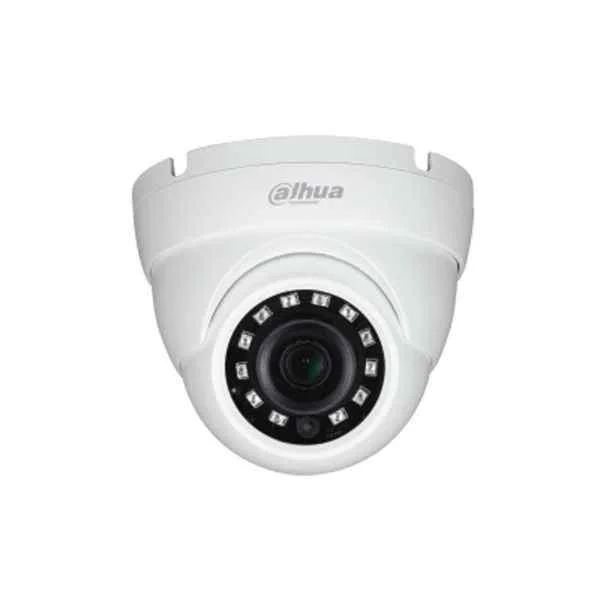
HAC-HDW1800M (Dahua 4K CVI)
4.8 (6)- Security Camera
- Dahua
- Bullet
- IP Camera
- 4K
- Motorized
- Motion Detection
Est Value In stockFirst-Time Buyer Discount – Get up to 2% additional off on your first order
ORM Rewards Earn $50 in Rewards + Free Expedited Delivery – Join Now!
Use eCoupon ORMSAVE10
eCoupon limited to 5 units
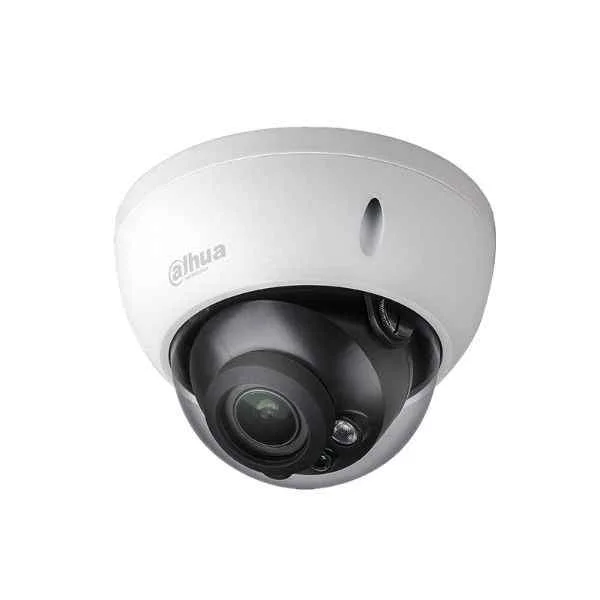
A21CM0Z (Dahua 2MP CVI)
4.5 (6)- Security Camera
- Dahua
- Dome
- IP Camera
- 4K
- Varifocal
- Motion Detection
Est Value In stockFirst-Time Buyer Discount – Get up to 2% additional off on your first order
ORM Rewards Earn $50 in Rewards + Free Expedited Delivery – Join Now!
Use eCoupon ORMSAVE10
eCoupon limited to 5 units
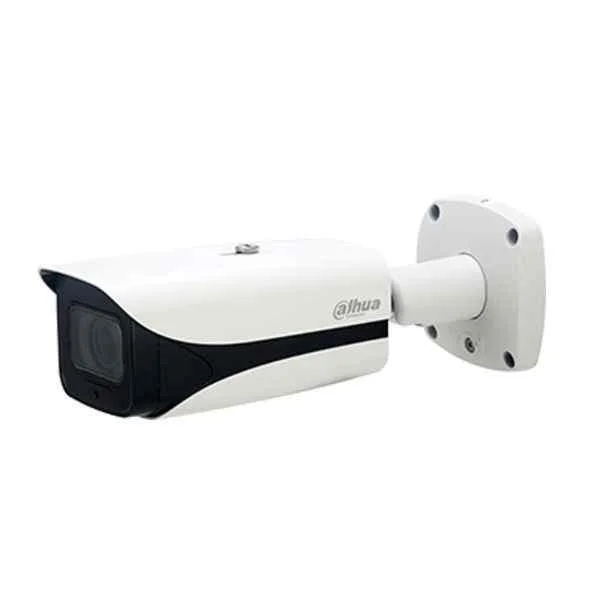
HAC-HFW3802E-ZH-VP (Dahua 8MP CVI)
4.3 (6)- Security Camera
- Dahua
- Turret
- IP Camera
- 4MP
- Motorized
- Motion Detection
Est Value In stockFirst-Time Buyer Discount – Get up to 2% additional off on your first order
ORM Rewards Earn $50 in Rewards + Free Expedited Delivery – Join Now!
Use eCoupon ORMSAVE10
eCoupon limited to 5 units
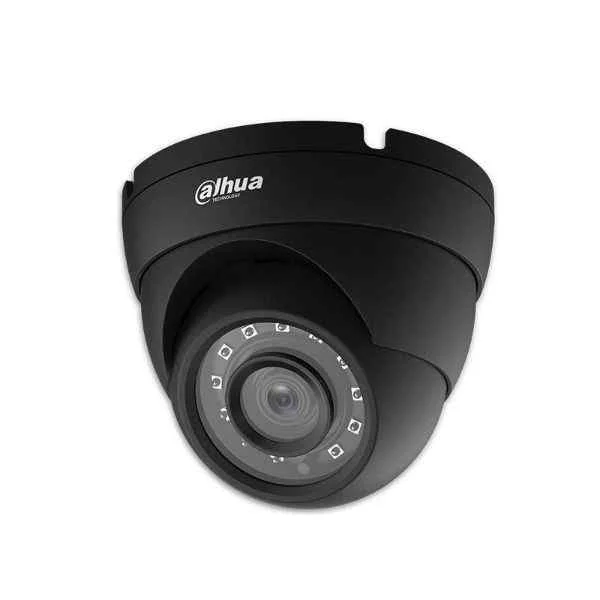
A511K02-B (Dahua 5MP CVI)
4.7 (6)- Security Camera
- Dahua
- Turret
- IP Camera
- 4K
- Motorized
- Motion Detection / Face Detection / ANPR
Est Value In stockFirst-Time Buyer Discount – Get up to 2% additional off on your first order
ORM Rewards Earn $50 in Rewards + Free Expedited Delivery – Join Now!
Use eCoupon ORMSAVE10
eCoupon limited to 5 units
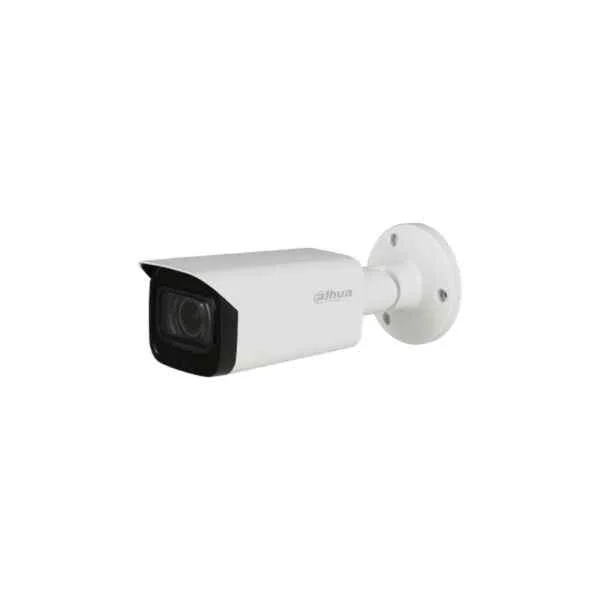
HAC-HFW2601T-Z-A (Dahua 6MP CVI)
4.8 (6)- Security Camera
- Dahua
- Turret
- IP Camera
- 4MP
- Varifocal
- Motion Detection / ANPR
Est Value In stockFirst-Time Buyer Discount – Get up to 2% additional off on your first order
ORM Rewards Earn $50 in Rewards + Free Expedited Delivery – Join Now!
Use eCoupon ORMSAVE10
eCoupon limited to 5 units
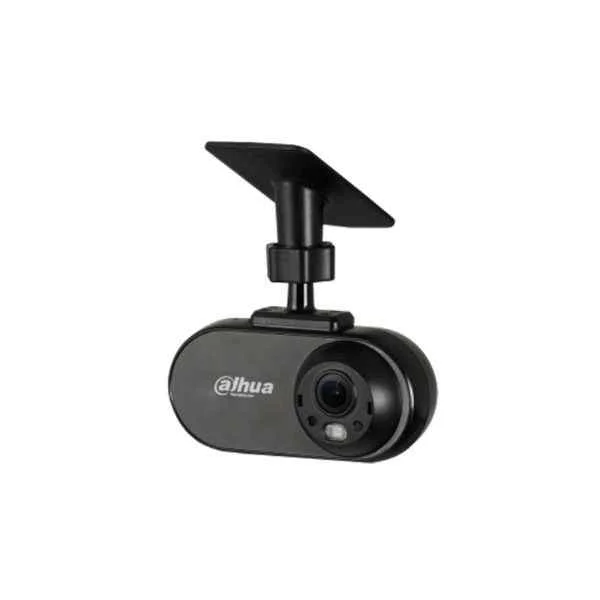
HAC-HMW3100L-FR (Dahua 1.3MP CVI)
4.5 (6)- Security Camera
- Dahua
- Bullet
- IP Camera
- 4K
- Fixed
- ANPR
Est Value In stockFirst-Time Buyer Discount – Get up to 2% additional off on your first order
ORM Rewards Earn $50 in Rewards + Free Expedited Delivery – Join Now!
Use eCoupon ORMSAVE10
eCoupon limited to 5 units
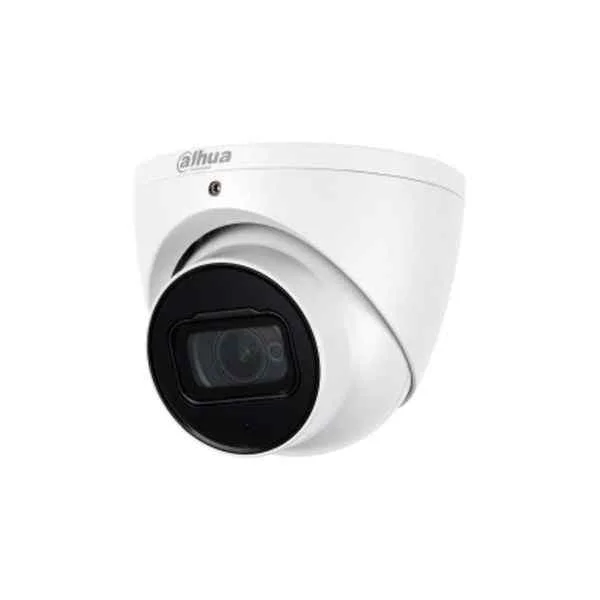
HAC-HDW2249T-A (Pro Starlight Series)
4.7 (6)- Security Camera
- Dahua
- Bullet
- IP Camera
- 4MP
- Varifocal
- Motion Detection
Est Value In stockFirst-Time Buyer Discount – Get up to 2% additional off on your first order
ORM Rewards Earn $50 in Rewards + Free Expedited Delivery – Join Now!
Use eCoupon ORMSAVE10
eCoupon limited to 5 units

ORM Sales Advisors
Buying for your business? Get a personalised quote in under 2 hours. Talk to an expert
LEARNFilters (11) 
Questions & Answers
What is a Composite Video Interface?
A Composite Video Interface is an analog video standard that transmits standard-definition video over a single RCA cable by combining luminance and chrominance signals.
How does a Composite Video Interface work?
It encodes brightness and color information into one analog signal, sending it through a single conductor with a common ground.
Which connector is used for composite video?
Composite video typically uses a yellow RCA connector paired with red and white connectors for stereo audio.
What resolution does composite video support?
Composite video supports up to 480i (NTSC) or 576i (PAL/SECAM) interlaced resolution.
Can composite video transmit audio?
No. Composite video carries only video signals; audio requires separate stereo RCA or digital connections.
How do I connect composite video to HDMI?
Use an active composite-to-HDMI converter box that upscales the analog signal to digital HDMI format.
What cable length is recommended for composite video?
Keep composite video cables under 10 meters (33 feet) to minimize signal degradation and interference.
Why does composite video degrade over long distances?
Signal loss and electromagnetic interference increase with length, causing color bleeding and noise.
How can I reduce interference in composite video?
Use shielded RCA cables, avoid running alongside power lines, and secure tight connector connections.
Which devices support composite video?
Many legacy TVs, VCRs, DVD players, gaming consoles, and some security cameras include composite inputs.
What is the difference between composite and component video?
Composite video combines all video data into one signal; component video separates luminance and color into three cables for higher quality.
Can I improve composite video quality?
Use high-quality shielded cables, clean connectors, and active signal amplifiers or converters to enhance clarity.
Are modern TVs compatible with composite video?
Most entry-level and mid-range modern TVs include composite inputs, but some premium models may require adapters.
How do I troubleshoot a blank screen with composite video?
Verify cable seating, select the correct input on the TV, test with known-good cables, and inspect for cable damage.
What alternatives exist to composite video for analog signals?
S-Video and component video offer improved color separation and resolution over composite connections.
How should I store composite video cables?
Coil cables loosely, avoid tight bends, store in a dry environment, and keep connectors dust-free with protective caps.