 United States
Memory & Flash Advanced Data Storage
Experience precision-engineered memory solutions designed for critical data retention, rapid access, and exceptional reliability. Our flash drives deliver unparalleled performance and security in dynamic computing environments.
Talk to an expert
Cisco Memory & Flash
(114)Cisco memory and flash upgrades cover data center spare pools with DRAM modules, CompactFlash media, and boot-image storage for refresh cycles
114 Matching results
- BEST SELLING
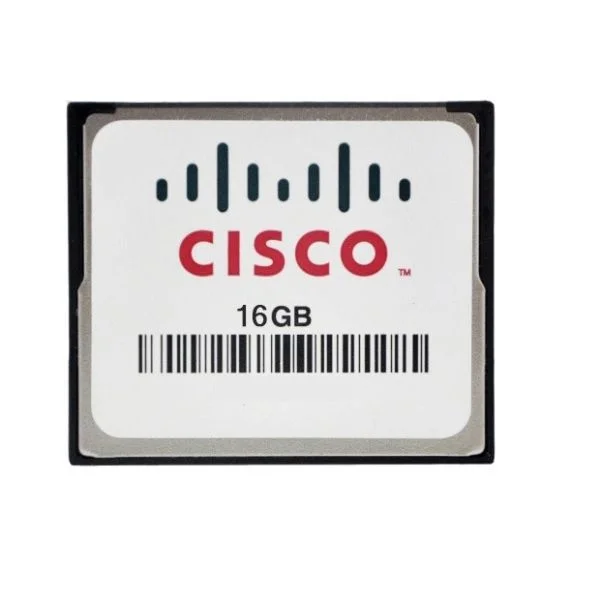
MEM-FLASH-16G (16G Flash Memory for Cisco ISR 4400, Spare)
5 (5)- Computer Memory
- Cisco
- DDR4
- 16 GB
- Desktop / Laptop / Server
- Tower Server / Workstation
- UDIMM
Est Value $2,312.00
$434.01
81.2% offIn stockNewRefurbishedFirst-Time Buyer Discount – Get up to 2% additional off on your first order
ORM Rewards Earn $50 in Rewards + Free Expedited Delivery – Join Now!
Use eCoupon ORMSAVE10
eCoupon limited to 5 units
- BEST SELLING
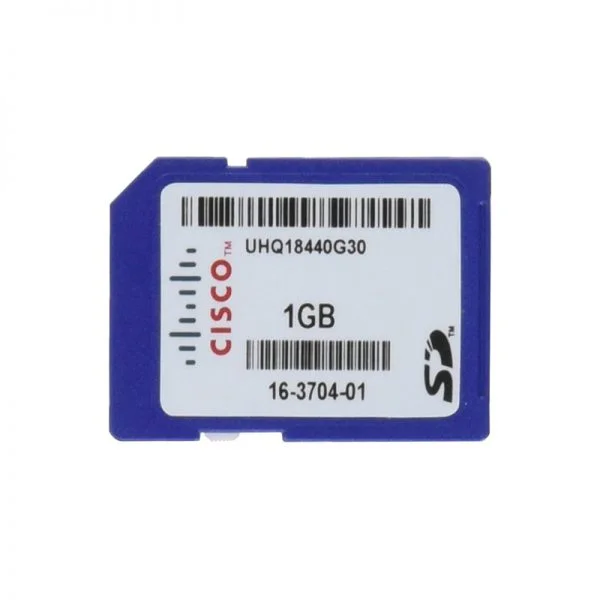
SD-IE-1GB (1GB SD Memory Card)
4.8 (5)- 1.2 inches
- Cisco
- 5.3 inches
- 0.1 lbs
- 0.75 inches
- Computer Memory
Est Value $202.00$90.26
55.3% offIn stockNewRefurbishedFirst-Time Buyer Discount – Get up to 2% additional off on your first order
ORM Rewards Earn $50 in Rewards + Free Expedited Delivery – Join Now!
Use eCoupon ORMSAVE10
eCoupon limited to 5 units
- BEST SELLING
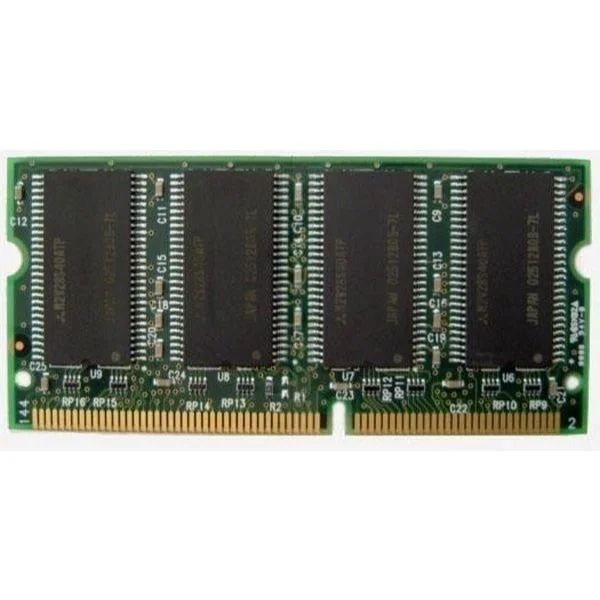
MEM1841-128D (MEM1841-128D Cisco 1841 128MB SODIMM DRAM)
4.6 (5)- Computer Memory
- Cisco
- DDR4
- 128 GB
- Desktop / Laptop / Server
- Workstation
- UDIMM
Est Value $1,000.00$485.10
51.5% offIn stockNewFirst-Time Buyer Discount – Get up to 2% additional off on your first order
ORM Rewards Earn $50 in Rewards + Free Expedited Delivery – Join Now!
Use eCoupon ORMSAVE10
eCoupon limited to 5 units
- BEST SELLING
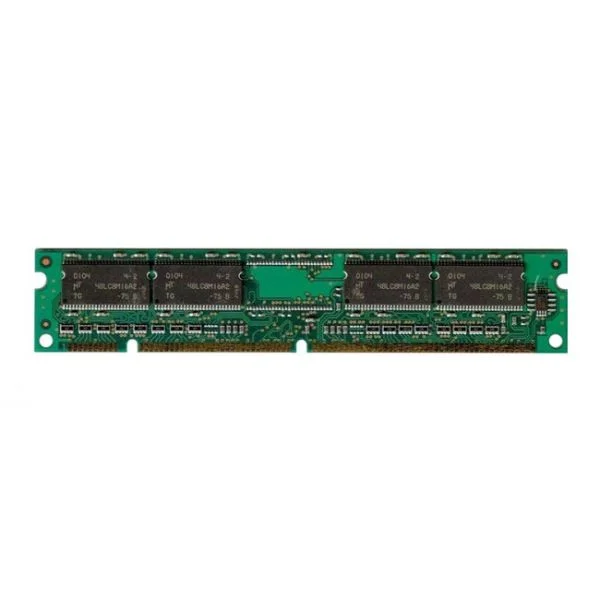
MEM-4460-8G (8G DRAM (1 DIMM) for Cisco ISR 4460)
4.6 (5)- Computer Memory
- Cisco
- DDR4
- 8 GB
- Desktop
- Workstation
- UDIMM
Est Value $1,177.00$648.90
44.9% offIn stockNewFirst-Time Buyer Discount – Get up to 2% additional off on your first order
ORM Rewards Earn $50 in Rewards + Free Expedited Delivery – Join Now!
Use eCoupon ORMSAVE10
eCoupon limited to 5 units
- BEST SELLING
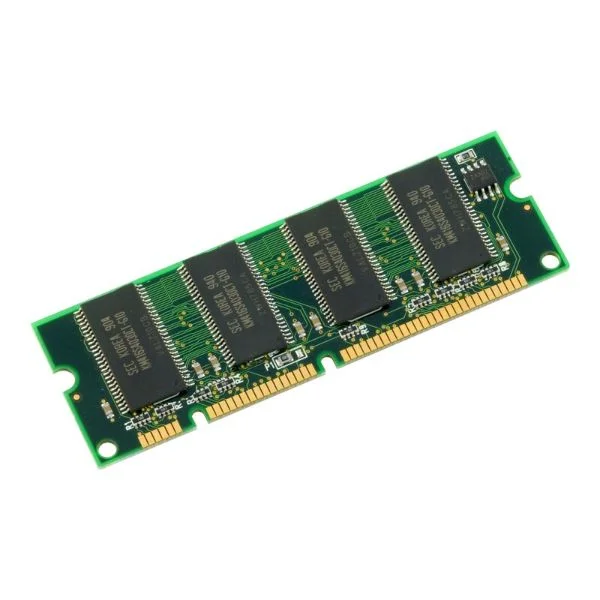
MEM-FLSH-8GU32G (8G TO 32G FLASH MEM UPG FOR ISR4460)
4.6 (5)- Computer Memory
- Cisco
- DDR4
- 8 GB
- Desktop / Laptop
- Workstation
- UDIMM
Est Value $1,774.00$889.35
49.9% offIn stockNewFirst-Time Buyer Discount – Get up to 2% additional off on your first order
ORM Rewards Earn $50 in Rewards + Free Expedited Delivery – Join Now!
Use eCoupon ORMSAVE10
eCoupon limited to 5 units
- BEST SELLING
MEM-4460-32G (32G DRAM 1DIMM FOR ISR4460)
5 (5)- Computer Memory
- Cisco
- DDR4
- 32 GB
- Desktop / Laptop / Server
- Rack Server / Tower Server / Blade Server / Workstation / N/A
- UDIMM
Est Value $4,713.00$2,609.25
44.6% offIn stockNewFirst-Time Buyer Discount – Get up to 2% additional off on your first order
ORM Rewards Earn $50 in Rewards + Free Expedited Delivery – Join Now!
Use eCoupon ORMSAVE10
eCoupon limited to 5 units
- FEARURED
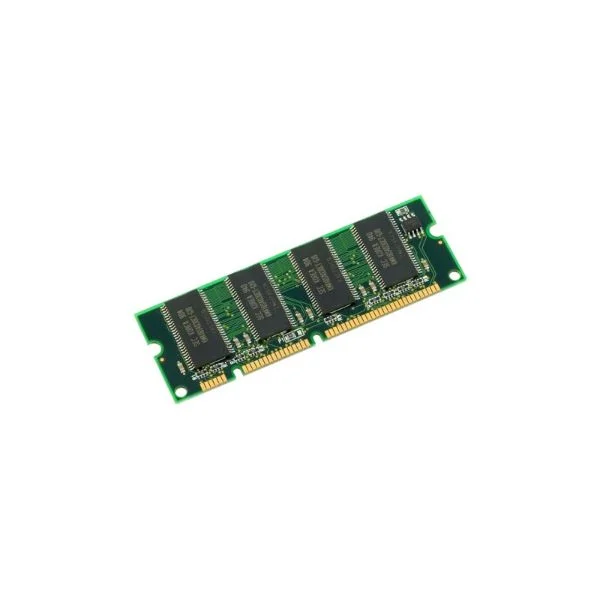
MEM-4460-16G (16G DRAM 1DIMM FOR ISR 4461)
4.8 (5)- Computer Memory
- Cisco
- DDR4
- 16 GB
- Desktop
- Workstation
- UDIMM
Est Value $1,532.00$229.95
85% offIn stockNewFirst-Time Buyer Discount – Get up to 2% additional off on your first order
ORM Rewards Earn $50 in Rewards + Free Expedited Delivery – Join Now!
Use eCoupon ORMSAVE10
eCoupon limited to 5 units
- FEARURED
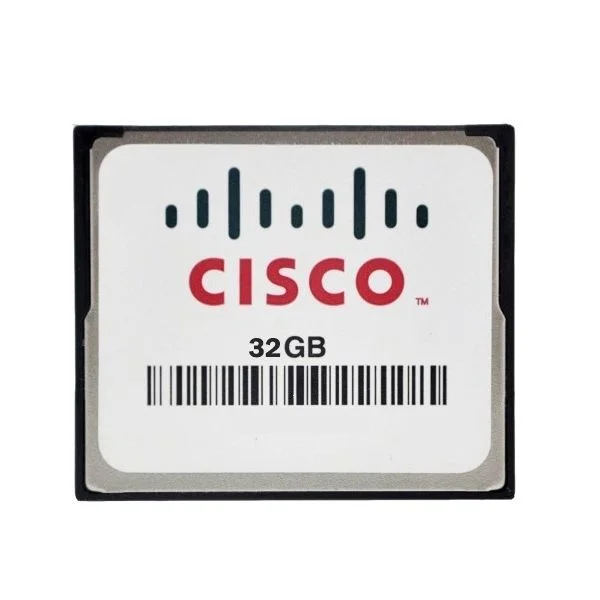
MEM-FLASH-32G (32G Flash Memory for Cisco ISR 4400, Spare)
4.4 (5)- Computer Memory
- Cisco
- DDR4
- 32 GB
- Desktop / Laptop / Server
- Workstation
- UDIMM
Est Value $4,275.00$2,124.15
50.3% offIn stockNewFirst-Time Buyer Discount – Get up to 2% additional off on your first order
ORM Rewards Earn $50 in Rewards + Free Expedited Delivery – Join Now!
Use eCoupon ORMSAVE10
eCoupon limited to 5 units
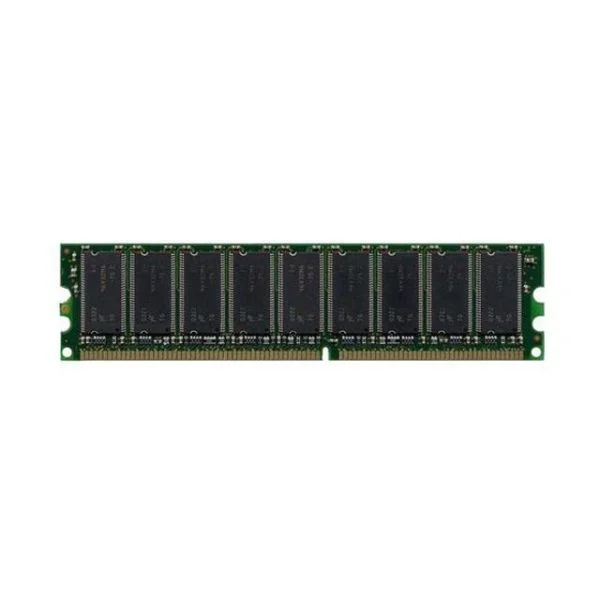
ASA5520-MEM-2GB (2GB MEMORY FOR CISCO ASA 5520)
4.6 (5)- Computer Memory
- Cisco
- DDR4
- 2 GB
- Desktop / Laptop / Server
- Workstation
- UDIMM
Est Value $745.59$476.46
36.1% offIn stockNewRefurbishedFirst-Time Buyer Discount – Get up to 2% additional off on your first order
ORM Rewards Earn $50 in Rewards + Free Expedited Delivery – Join Now!
Use eCoupon ORMSAVE10
eCoupon limited to 5 units
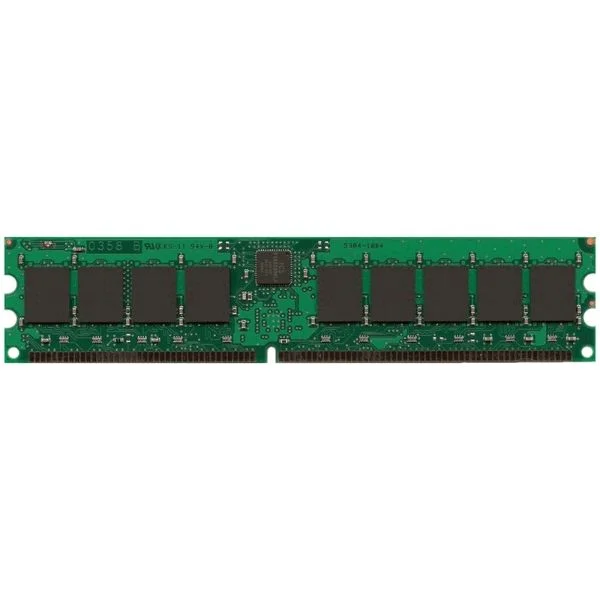
MEM-2900-2GB (2GB DRAM (1 DIMM) for Cisco 2901, 2911, 2921 ISR, Spare)
4.8 (5)- Computer Memory
- Cisco
- DDR4
- 2 GB
- Desktop / Laptop / Server
- UDIMM
Est Value $690.00$157.50
77.2% offIn stockNewRefurbishedFirst-Time Buyer Discount – Get up to 2% additional off on your first order
ORM Rewards Earn $50 in Rewards + Free Expedited Delivery – Join Now!
Use eCoupon ORMSAVE10
eCoupon limited to 5 units
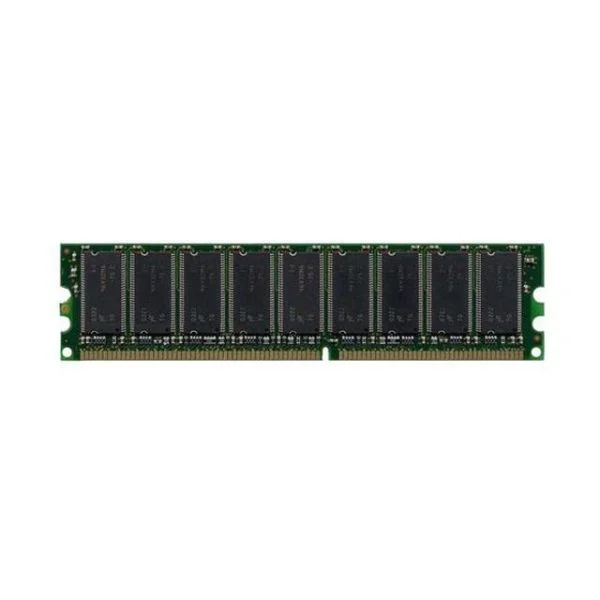
ASA5540-MEM-2GB (2GB MEMORY FOR CISCO ASA 5540)
4.8 (5)- Computer Memory
- Cisco
- DDR4
- 2 GB
- Desktop
- Workstation
- UDIMM
Est Value $1,406.51$1,200.68
14.6% offIn stockNewRefurbishedFirst-Time Buyer Discount – Get up to 2% additional off on your first order
ORM Rewards Earn $50 in Rewards + Free Expedited Delivery – Join Now!
Use eCoupon ORMSAVE10
eCoupon limited to 5 units
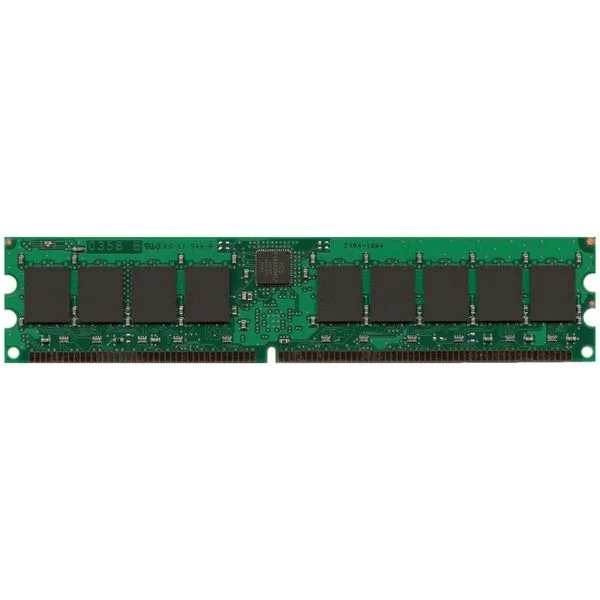
MEM-2900-512MB (512MB DRAM (1 DIMM) for Cisco 2901, 2911, 2921 ISR, Spare)
4.6 (5)- Computer Memory
- Cisco
- DDR4
- 512 MB
- Desktop / Server
- Tower Server / Workstation
- UDIMM
Est Value $460.00$176.40
61.7% offIn stockNewFirst-Time Buyer Discount – Get up to 2% additional off on your first order
ORM Rewards Earn $50 in Rewards + Free Expedited Delivery – Join Now!
Use eCoupon ORMSAVE10
eCoupon limited to 5 units
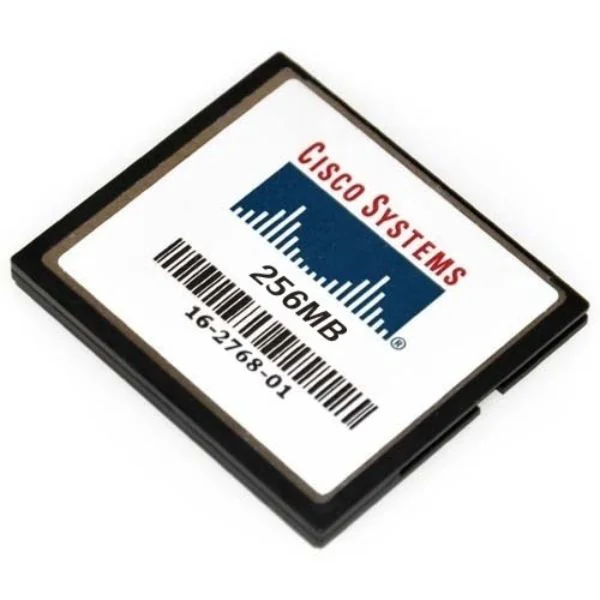
MEM-CF-256MB (Cisco Memory MEM-CF-256MB)
4.2 (5)- Computer Memory
- Cisco
- DDR4
- 256 GB
- Desktop / Laptop / Server
- Workstation
- UDIMM
Est Value $312.00$46.91
85% offIn stockNewRefurbishedFirst-Time Buyer Discount – Get up to 2% additional off on your first order
ORM Rewards Earn $50 in Rewards + Free Expedited Delivery – Join Now!
Use eCoupon ORMSAVE10
eCoupon limited to 5 units
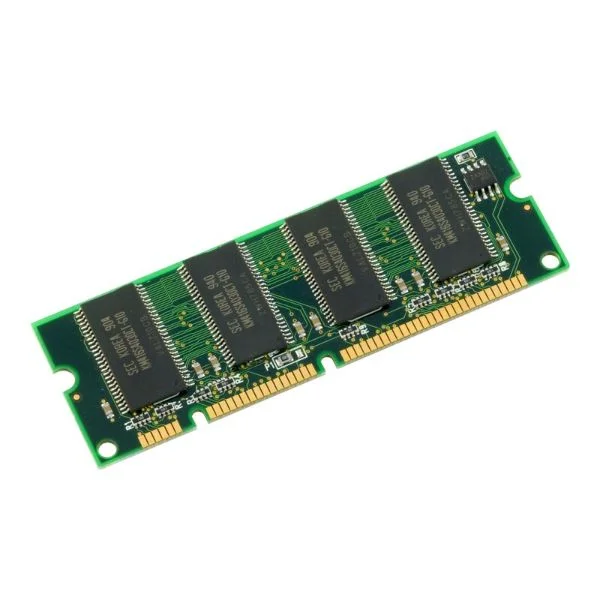
MEM-1900-512U2.5GB (UPG 512MB TO 2.5GB DRAM 2GB+512MB FOR CISCO 1941 ISR)
4.2 (5)- Computer Memory
- Cisco
- DDR4
- 512 GB
- Desktop / Server
- Workstation
- UDIMM
Est Value $716.13$195.50
72.7% offIn stockNewFirst-Time Buyer Discount – Get up to 2% additional off on your first order
ORM Rewards Earn $50 in Rewards + Free Expedited Delivery – Join Now!
Use eCoupon ORMSAVE10
eCoupon limited to 5 units
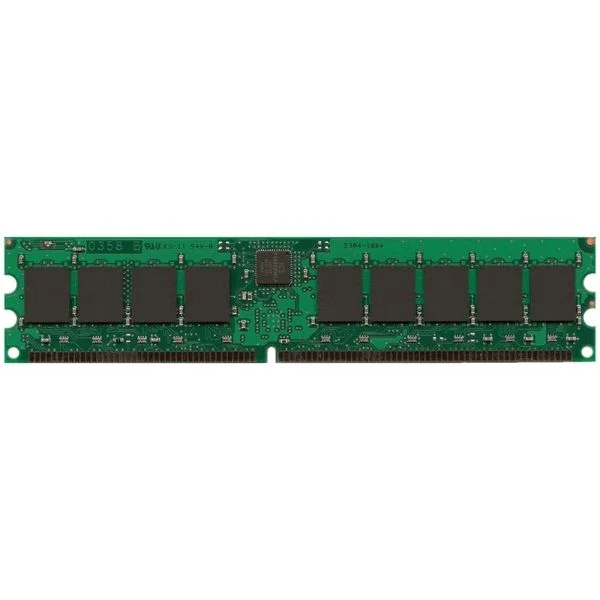
MEM-3900-2GB (2GB DRAM (1 DIMM) for Cisco 3925/3945 ISR, Spare)
4.6 (5)- Computer Memory
- Cisco
- DDR4
- 2 GB
- Desktop / Laptop / Server
- UDIMM
Est Value $805.00$198.00
75.4% offIn stockNewFirst-Time Buyer Discount – Get up to 2% additional off on your first order
ORM Rewards Earn $50 in Rewards + Free Expedited Delivery – Join Now!
Use eCoupon ORMSAVE10
eCoupon limited to 5 units
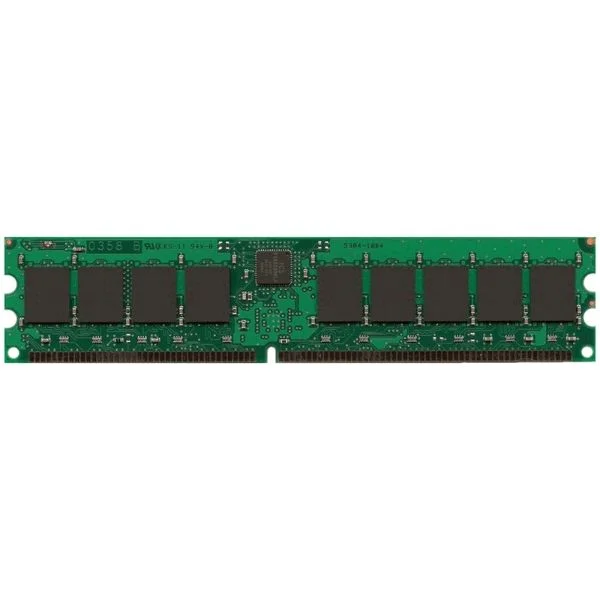
MEM-2900-512U1GB (UPG 1GB KIT 2X512MB FROM 512MB DRAM FOR CISCO 2901-2921)
4.4 (5)- Computer Memory
- Cisco
- DDR4
- 512 GB
- Desktop / Server
- UDIMM
Est Value $600.00$205.80
65.7% offIn stockNewFirst-Time Buyer Discount – Get up to 2% additional off on your first order
ORM Rewards Earn $50 in Rewards + Free Expedited Delivery – Join Now!
Use eCoupon ORMSAVE10
eCoupon limited to 5 units
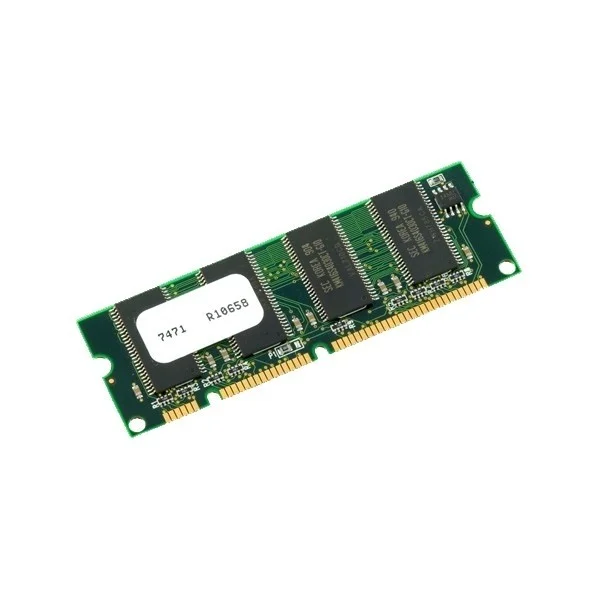
MEM-2951-512MB (512MB DRAM 1 DIMM FOR CISCO 2951 ISR SPARE)
4.4 (5)- Computer Memory
- Cisco
- DDR4
- 512 GB
- Desktop / Laptop / Server
- Workstation
- UDIMM
Est Value $575.00$220.50
61.7% offIn stockNewFirst-Time Buyer Discount – Get up to 2% additional off on your first order
ORM Rewards Earn $50 in Rewards + Free Expedited Delivery – Join Now!
Use eCoupon ORMSAVE10
eCoupon limited to 5 units
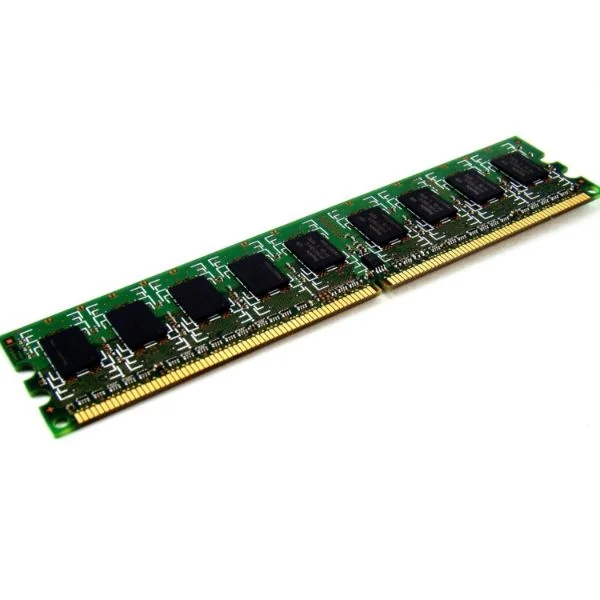
MEM-2900-1GB (1 GB DRAM (1 DIMM) for Cisco 2901, 2911, 2921 ISR, Spare)
4.4 (5)- Computer Memory
- Cisco
- DDR3
- 1 GB
- Desktop
- UDIMM
Est Value $575.00$220.50
61.7% offIn stockNewFirst-Time Buyer Discount – Get up to 2% additional off on your first order
ORM Rewards Earn $50 in Rewards + Free Expedited Delivery – Join Now!
Use eCoupon ORMSAVE10
eCoupon limited to 5 units
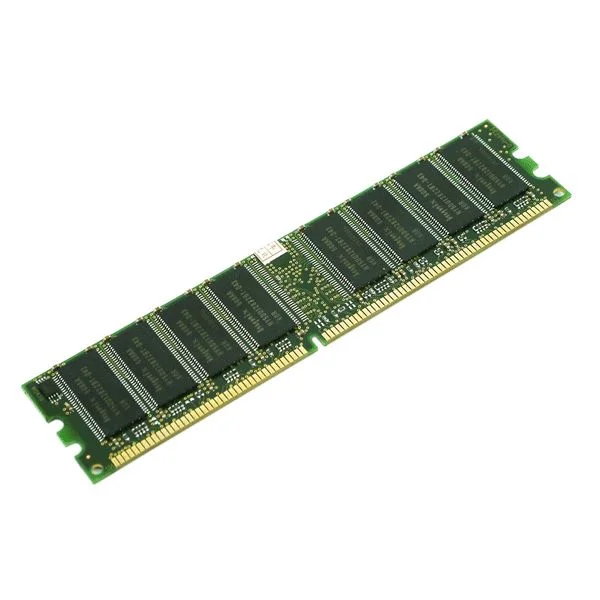
MEM-3900-512MB (512MB DRAM 1 DIMM FOR CISCO 3925/3945 ISR SPARE)
4.6 (5)- Computer Memory
- Cisco
- DDR4
- 512 GB
- Desktop / Laptop / Server
- Workstation
- UDIMM
Est Value $575.00$220.50
61.7% offIn stockNewFirst-Time Buyer Discount – Get up to 2% additional off on your first order
ORM Rewards Earn $50 in Rewards + Free Expedited Delivery – Join Now!
Use eCoupon ORMSAVE10
eCoupon limited to 5 units
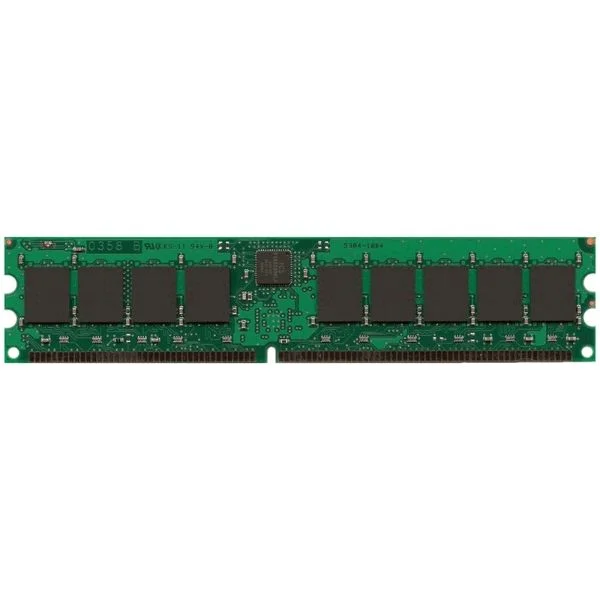
MEM-1900-512MB (Cisco Memory MEM-1900-512MB)
4.6 (5)- Computer Memory
- Cisco
- DDR4
- 512 GB
- Desktop / Laptop / Server
- Workstation
- UDIMM
Est Value $645.00$221.55
65.7% offIn stockNewFirst-Time Buyer Discount – Get up to 2% additional off on your first order
ORM Rewards Earn $50 in Rewards + Free Expedited Delivery – Join Now!
Use eCoupon ORMSAVE10
eCoupon limited to 5 units

ORM Sales Advisors
Buying for your business? Get a personalised quote in under 2 hours. Talk to an expert
LEARNFilters (114) 
Questions & Answers
What is the difference between volatile memory (RAM) and non-volatile flash memory?
Volatile memory (RAM) loses data when power is removed and provides fast read/write access for active tasks, while non-volatile flash memory retains data without power and is optimized for long-term storage and portability.
How does flash memory work?
Flash memory stores data in electrically programmable and erasable floating-gate transistors. It writes and reads data in blocks, providing persistent storage with low power consumption and high durability.
What are the common types of flash memory?
The most common types of flash memory are NAND and NOR. NAND flash excels at high-density, cost-effective data storage, while NOR flash offers fast random reads for code execution.
How do I choose the right memory and flash storage size?
Assess your workload, applications and expected data growth. Select RAM capacity to support concurrent tasks and choose flash storage based on file sizes, performance needs and budget constraints.
What factors affect flash memory performance?
Key factors include interface type (e.g., SATA, NVMe), controller quality, memory density and block size. Firmware optimizations like wear leveling and garbage collection also impact speed.
What is wear leveling and why is it important in flash storage?
Wear leveling evenly distributes write and erase cycles across flash blocks to prevent premature failure. It extends the lifespan and maintains consistent performance of the storage device.
How reliable is flash memory compared to traditional hard drives?
Flash memory offers higher resistance to shock, faster access times and lower power consumption than mechanical drives. Modern implementations include error correction and wear leveling for robust data integrity.
Can flash memory be used for long-term data storage?
Yes. High-quality flash memory with error correction and stable power conditions can reliably retain data for up to 10 years, depending on usage and environmental factors.
How do I optimize my system’s memory performance?
Close unused applications, enable memory caching features and choose high-speed RAM modules with low latency. Regular firmware updates and proper thermal management also enhance stability.
What is memory latency and why does it matter?
Memory latency is the delay between a request and data availability. Lower latency accelerates application responsiveness, database queries and overall system throughput.
How does error correction work in flash memory?
Error Correction Code (ECC) detects and corrects bit errors by adding redundant data bits. It ensures data integrity by automatically repairing small errors during reads.
What is the lifespan of flash memory modules?
Flash memory lifespan is measured in program/erase (P/E) cycles, typically ranging from 3,000 to 100,000 cycles per block. Advanced controllers and wear leveling extend usable life to years of normal operation.
How do I safely erase data from flash storage devices?
Use secure erase tools compliant with standards like NIST SP 800-88 or ATA Secure Erase. These utilities overwrite all cells, ensuring data cannot be recovered by forensic methods.
What role does memory bandwidth play in system performance?
Memory bandwidth defines the volume of data transferred per second between RAM and the CPU or GPU. Higher bandwidth reduces bottlenecks in data-intensive tasks like video editing and scientific simulations.
Are memory cards interchangeable between devices?
Memory cards follow standardized formats (SD, microSD, CompactFlash) but compatibility depends on the device’s supported interface, capacity and speed class. Always verify device specifications before use.
What security features are available in modern flash memory?
Modern flash modules offer hardware encryption, secure boot support, write-protect switches and digital rights management (DRM). These features safeguard data against unauthorized access and tampering.