 United States
Mini PCs High-Performance Computing Kits
Discover our curated range of mini PCs and computing kits, engineered for superior speed, scalability, and reliability. Elevate your workflow with state-of-the-art, energy-efficient devices designed for modern professionals.
Talk to an expert
Intel Mini Pcs
(158)Intel mini PCs for digital signage endpoints, with compact x86 compute, 2.5GbE uplinks, and wall-mounted edge deployment behind displays
158 Matching results
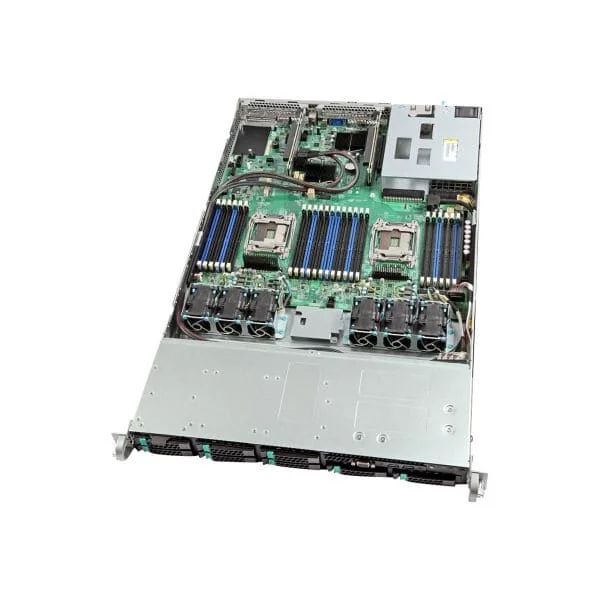
RNUC11PAHI50Z00 (Intel Next Unit of Computing 11 Performance kit - NUC11PAHi70Z - mini PC - Core i5 1135G7 2.4 GHz - 0 GB - no HDD)
4.6 (5)Est Value $514.50
$257.25
50% offIn stockNewFirst-Time Buyer Discount – Get up to 2% additional off on your first order
ORM Rewards Earn $50 in Rewards + Free Expedited Delivery – Join Now!
Use eCoupon ORMSAVE10
eCoupon limited to 5 units
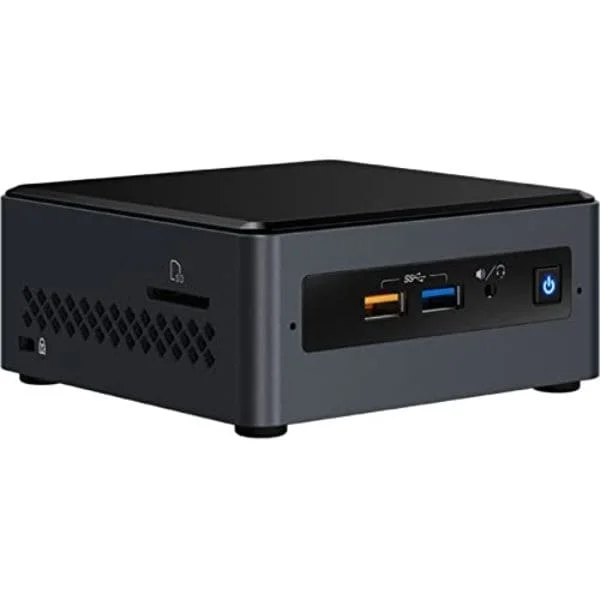
BKCM11EBI38W (90AB1EBB-MB4T00 BKCM11EBI38W/99A8FV//ELK BAY I3 L5)
4.7 (7)Est Value $556.70$475.23
14.6% offIn stockRefurbishedFirst-Time Buyer Discount – Get up to 2% additional off on your first order
ORM Rewards Earn $50 in Rewards + Free Expedited Delivery – Join Now!
Use eCoupon ORMSAVE10
eCoupon limited to 5 units
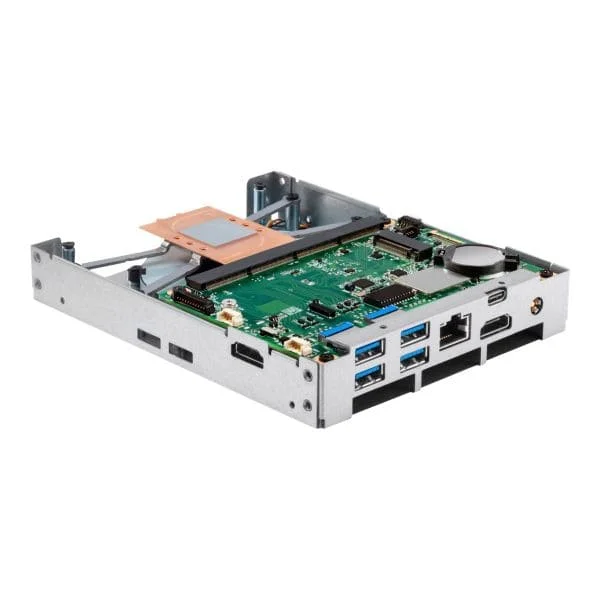
RNUC11PAHI70Z00 (Intel Next Unit of Computing 11 Performance kit - NUC11PAHi70Z - mini PC - Core i7 1165G7 - 0 GB - no HDD)
4.9 (8)Est Value $1,043.70$521.85
50% offIn stockNewFirst-Time Buyer Discount – Get up to 2% additional off on your first order
ORM Rewards Earn $50 in Rewards + Free Expedited Delivery – Join Now!
Use eCoupon ORMSAVE10
eCoupon limited to 5 units
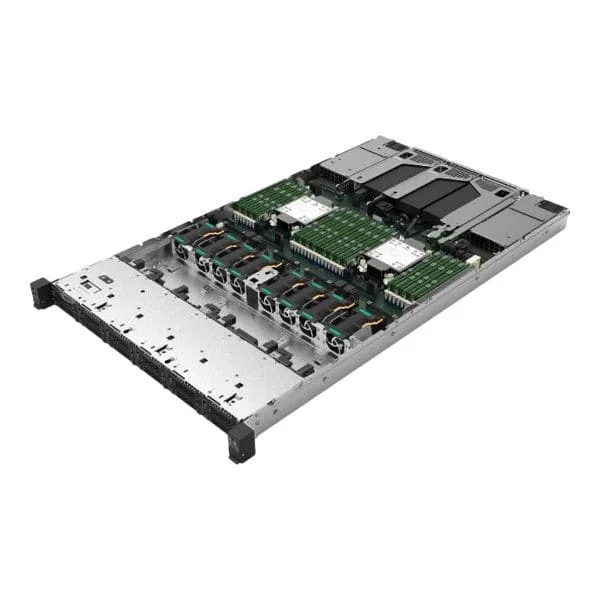
R1208WTTGSR (Intel Server System R1208WTTGSR - rack-mountable - no CPU - 0 GB - no HDD)
4.9 (7)Est Value $2,520.00$1,260.00
50% offIn stockRefurbishedFirst-Time Buyer Discount – Get up to 2% additional off on your first order
ORM Rewards Earn $50 in Rewards + Free Expedited Delivery – Join Now!
Use eCoupon ORMSAVE10
eCoupon limited to 5 units
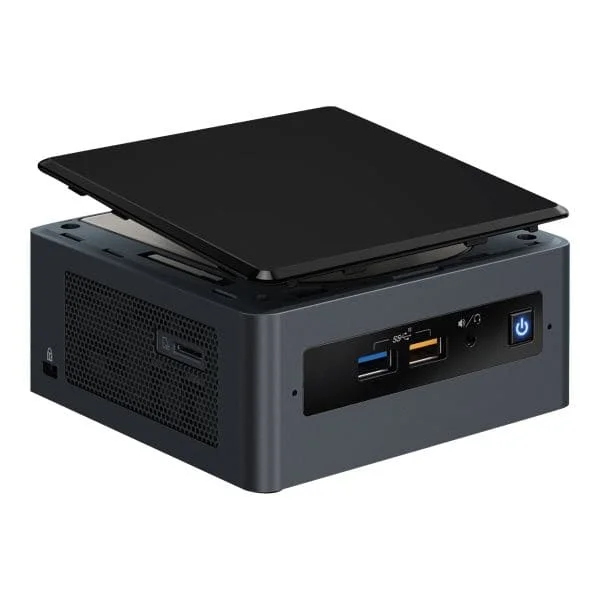
M50CYP1UR204 (Intel Server System M50CYP1UR204 - rack-mountable - no CPU - 0 GB - no HDD)
4.7 (7)Est Value $1,632.83$1,393.88
14.6% offIn stockRefurbishedFirst-Time Buyer Discount – Get up to 2% additional off on your first order
ORM Rewards Earn $50 in Rewards + Free Expedited Delivery – Join Now!
Use eCoupon ORMSAVE10
eCoupon limited to 5 units
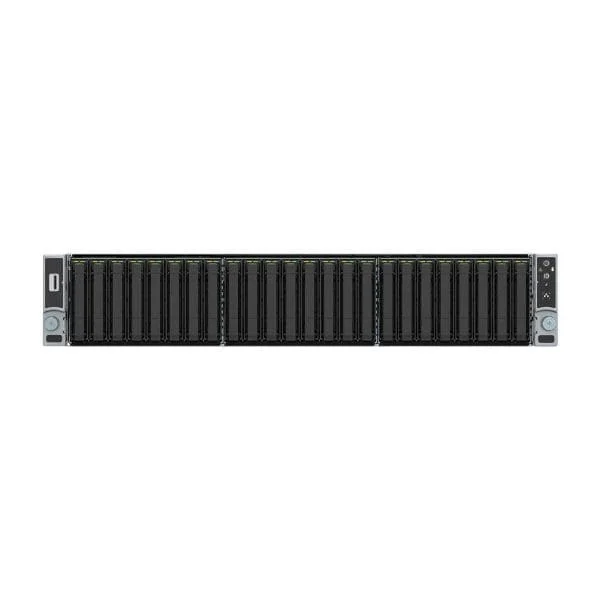
M50CYP2UR312 (Intel Server System M50CYP2UR312 - rack-mountable - no CPU - 0 GB - no HDD)
4.8 (5)Est Value $2,021.38$1,725.57
14.6% offIn stockRefurbishedFirst-Time Buyer Discount – Get up to 2% additional off on your first order
ORM Rewards Earn $50 in Rewards + Free Expedited Delivery – Join Now!
Use eCoupon ORMSAVE10
eCoupon limited to 5 units
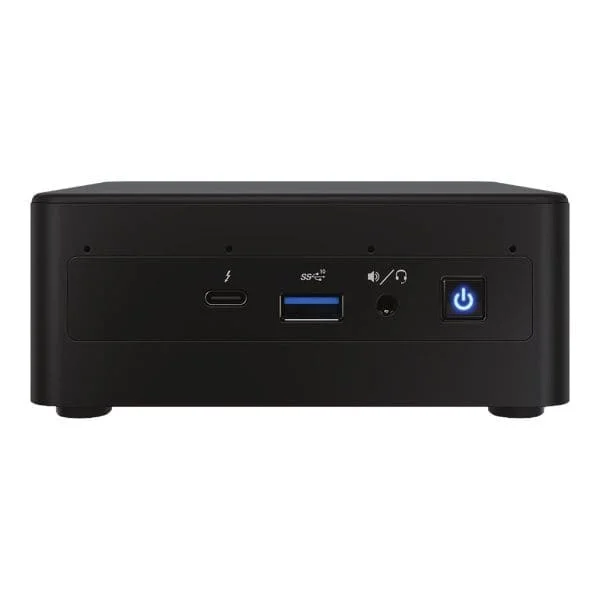
M50CYP2UR208 (Intel Server System M50CYP2UR208 - rack-mountable - no CPU - 0 GB - no HDD)
4.4 (5)Est Value $4,826.03$4,119.78
14.6% offIn stockRefurbishedFirst-Time Buyer Discount – Get up to 2% additional off on your first order
ORM Rewards Earn $50 in Rewards + Free Expedited Delivery – Join Now!
Use eCoupon ORMSAVE10
eCoupon limited to 5 units
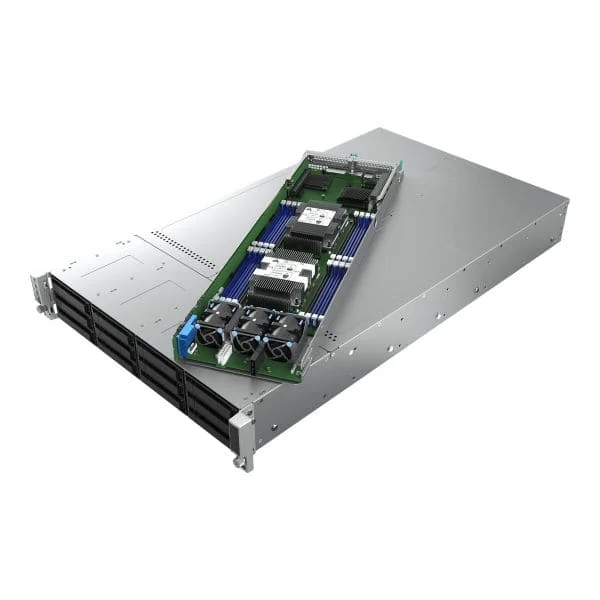
M50CYP1UR212 (Intel Server System M50CYP1UR212 - rack-mountable - no CPU - 0 GB - no HDD)
4.9 (7)Est Value $5,385.68$4,597.53
14.6% offIn stockRefurbishedFirst-Time Buyer Discount – Get up to 2% additional off on your first order
ORM Rewards Earn $50 in Rewards + Free Expedited Delivery – Join Now!
Use eCoupon ORMSAVE10
eCoupon limited to 5 units
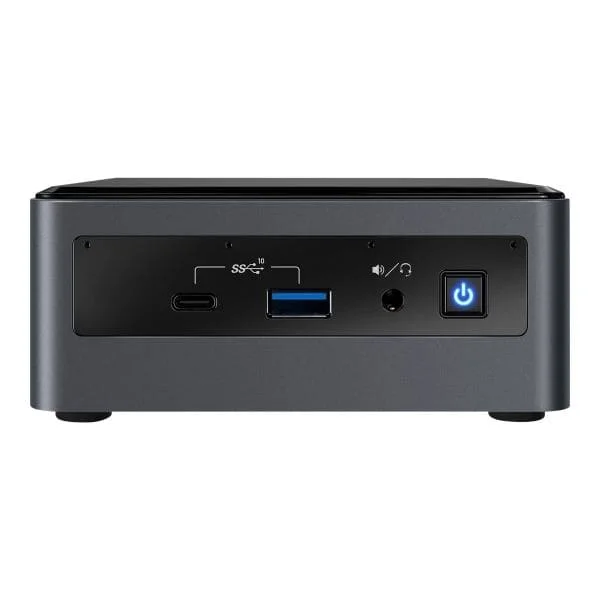
BXNUC10I5FNK2 (Intel Next Unit of Computing Kit 10 Performance - NUC10i5FNK - Kit - mini PC - Core i5 10210U 1.6 GHz - 0 GB - no HDD)
4.6 (8)Est Value In stockFirst-Time Buyer Discount – Get up to 2% additional off on your first order
ORM Rewards Earn $50 in Rewards + Free Expedited Delivery – Join Now!
Use eCoupon ORMSAVE10
eCoupon limited to 5 units
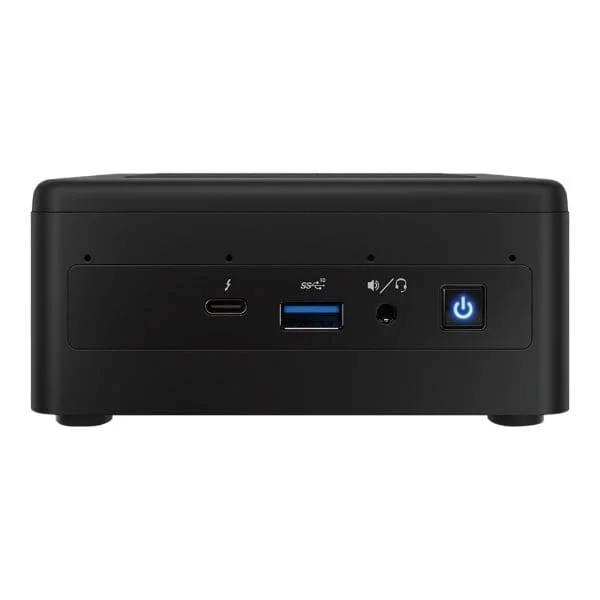
BXNUC10I5FNHJA3 (Intel Next Unit of Computing Kit 10 Performance - NUC10i5FNHJA - mini PC - Core i5 10210U 1.6 GHz - 8 GB - HDD 1 TB)
4.7 (7)Est Value In stockFirst-Time Buyer Discount – Get up to 2% additional off on your first order
ORM Rewards Earn $50 in Rewards + Free Expedited Delivery – Join Now!
Use eCoupon ORMSAVE10
eCoupon limited to 5 units
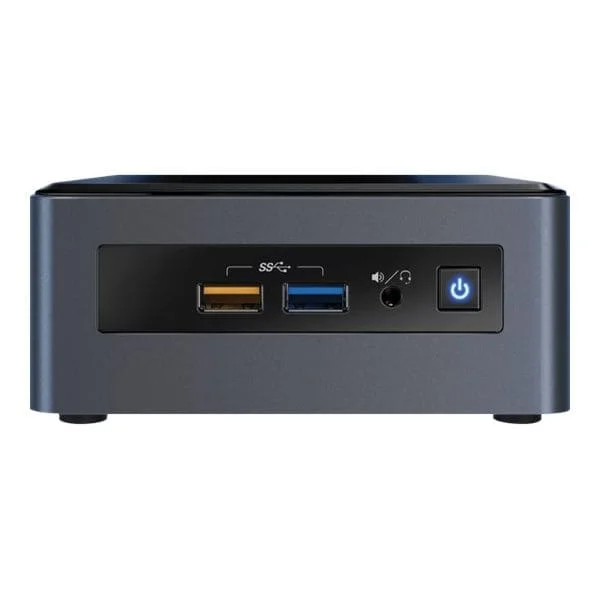
RNUC11PAQI70QA3 (Intel Next Unit of Computing Kit 11 Performance - NUC11PAQi70QA - mini PC - Core i7 1165G7 2.8 GHz - 16 GB - SSD 500 GB)
4.4 (7)Est Value In stockFirst-Time Buyer Discount – Get up to 2% additional off on your first order
ORM Rewards Earn $50 in Rewards + Free Expedited Delivery – Join Now!
Use eCoupon ORMSAVE10
eCoupon limited to 5 units
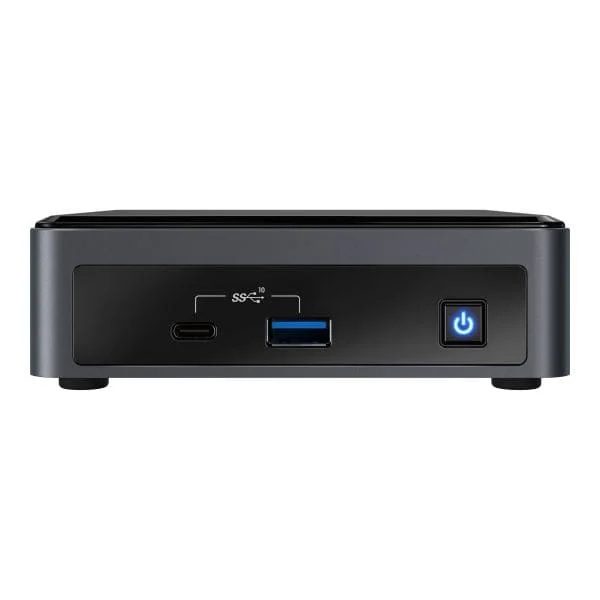
BOXNUC8I3CYSM2 (Intel Next Unit of Computing Kit NUC8i3CYSM - mini PC - Core i3 8121U 2.2 GHz - 8 GB - HDD 1 TB)
4.6 (7)Est Value In stockFirst-Time Buyer Discount – Get up to 2% additional off on your first order
ORM Rewards Earn $50 in Rewards + Free Expedited Delivery – Join Now!
Use eCoupon ORMSAVE10
eCoupon limited to 5 units
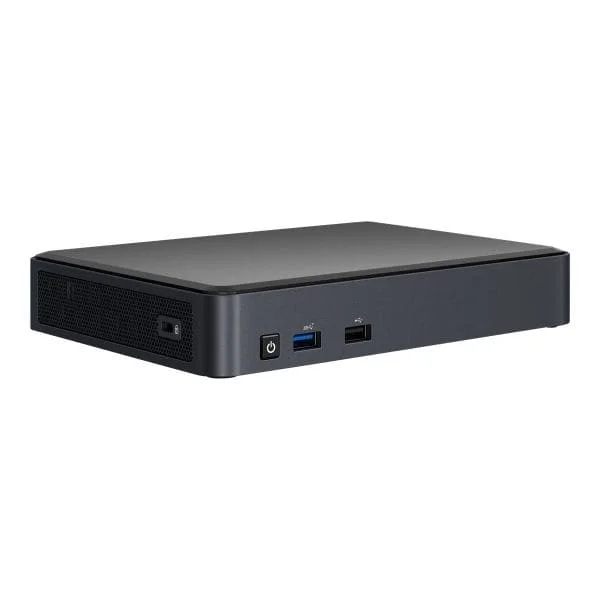
BXNUC10I3FNKN1 (Intel Next Unit of Computing 10 Performance kit - NUC10i3FNKN - mini PC - Core i3 10110U 2.1 GHz - 0 GB - no HDD)
4.7 (7)Est Value In stockFirst-Time Buyer Discount – Get up to 2% additional off on your first order
ORM Rewards Earn $50 in Rewards + Free Expedited Delivery – Join Now!
Use eCoupon ORMSAVE10
eCoupon limited to 5 units
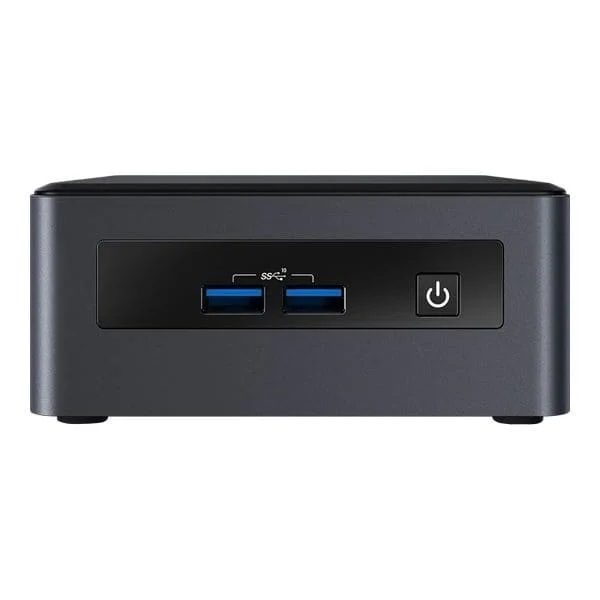
BKCMCM2FB1 (Intel Next Unit of Computing Kit Pro Chassis Element CMCM2FB - mini PC - no CPU - no HDD)
4.6 (7)Est Value In stockFirst-Time Buyer Discount – Get up to 2% additional off on your first order
ORM Rewards Earn $50 in Rewards + Free Expedited Delivery – Join Now!
Use eCoupon ORMSAVE10
eCoupon limited to 5 units
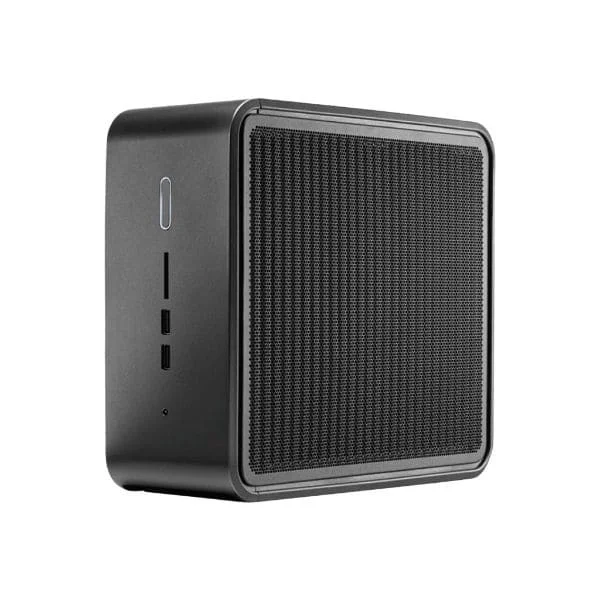
BKNUC8V5PNH (Intel Next Unit of Computing Kit 8 Pro Kit - NUC8v5PNH - mini PC - Core i5 8365U 1.6 GHz - 0 GB - no HDD)
4.7 (7)Est Value In stockFirst-Time Buyer Discount – Get up to 2% additional off on your first order
ORM Rewards Earn $50 in Rewards + Free Expedited Delivery – Join Now!
Use eCoupon ORMSAVE10
eCoupon limited to 5 units
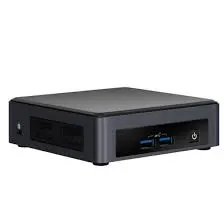
BKNUC8V7PNK (Intel Next Unit of Computing Kit 8 Pro Kit - NUC8v7PNK - mini PC - Core i7 8665U 1.9 GHz - 0 GB - no HDD)
4.7 (7)Est Value In stockFirst-Time Buyer Discount – Get up to 2% additional off on your first order
ORM Rewards Earn $50 in Rewards + Free Expedited Delivery – Join Now!
Use eCoupon ORMSAVE10
eCoupon limited to 5 units
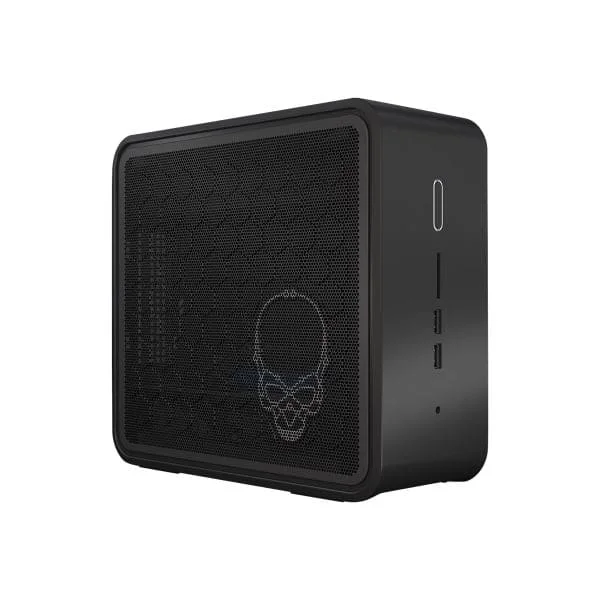
BKNUC9V7QNX3 (Intel Next Unit of Computing Kit 9 Pro Kit - NUC9V7QNX - compact PC - Core i7 9850H 2.6 GHz - 0 GB - no HDD)
4.3 (7)Est Value In stockFirst-Time Buyer Discount – Get up to 2% additional off on your first order
ORM Rewards Earn $50 in Rewards + Free Expedited Delivery – Join Now!
Use eCoupon ORMSAVE10
eCoupon limited to 5 units
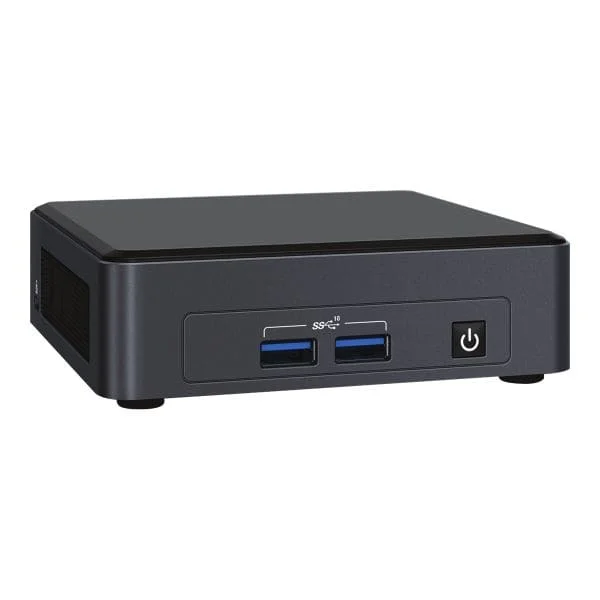
BXNUC9I5QNX1 (INTEL NUC 9 NUC9I5QNX EXTREME KIT INTEL CORE I5-9300H 2.4GHZ 3)
4.7 (7)Est Value In stockFirst-Time Buyer Discount – Get up to 2% additional off on your first order
ORM Rewards Earn $50 in Rewards + Free Expedited Delivery – Join Now!
Use eCoupon ORMSAVE10
eCoupon limited to 5 units
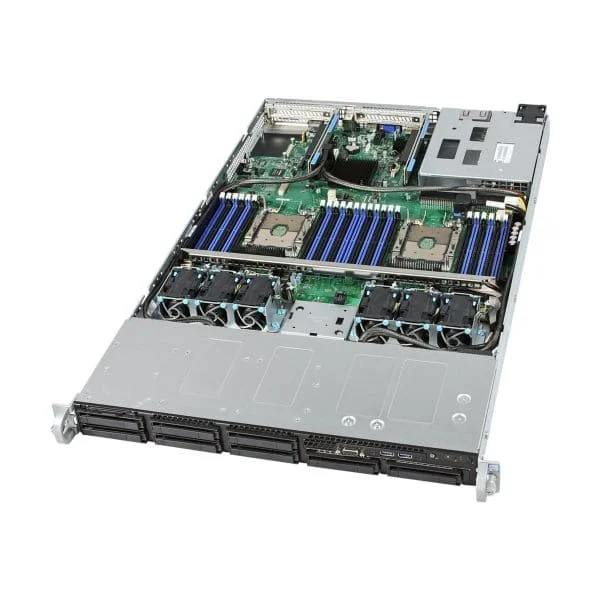
BNUC11TNKI30001 (Intel Next Unit of Computing Kit 11 Pro Kit - NUC11TNKi3 - mini PC - Core i3 1115G4 3 GHz - 0 GB - no HDD)
4.6 (7)Est Value In stockFirst-Time Buyer Discount – Get up to 2% additional off on your first order
ORM Rewards Earn $50 in Rewards + Free Expedited Delivery – Join Now!
Use eCoupon ORMSAVE10
eCoupon limited to 5 units
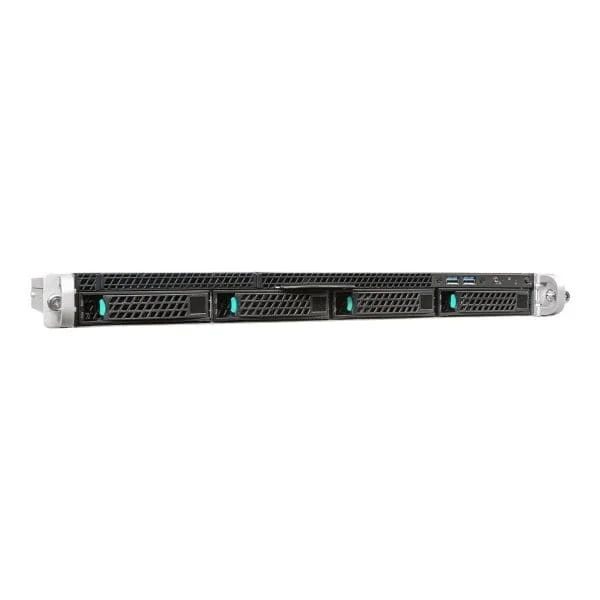
R1208WFTYSR (Intel Server System R1208WFTYSR - rack-mountable - no CPU - 0 GB - no HDD)
4.9 (7)Est Value In stockFirst-Time Buyer Discount – Get up to 2% additional off on your first order
ORM Rewards Earn $50 in Rewards + Free Expedited Delivery – Join Now!
Use eCoupon ORMSAVE10
eCoupon limited to 5 units

ORM Sales Advisors
Buying for your business? Get a personalised quote in under 2 hours. Talk to an expert
LEARNFilters (158) 
Questions & Answers
What is a mini PC?
A mini PC is a compact, fully functional computer housed in a small form factor. It integrates CPU, RAM, storage, and connectivity ports into a space-saving design ideal for workstations, home theaters, digital signage, and edge computing.
How does a computing kit differ from a prebuilt mini PC?
A computing kit provides a bare‐bones motherboard chassis and requires you to add RAM, storage, and sometimes CPU or operating system. A prebuilt mini PC includes all components and is ready to use out of the box.
What are the key benefits of using a mini PC?
Mini PCs deliver quiet operation, low power consumption, and a reduced footprint. They offer sufficient performance for everyday tasks, versatile mounting options, and easy deployment in tight spaces or multi‐device environments.
Which processors are commonly used in mini PCs?
Mini PCs typically feature Intel Core i3/i5/i7, Intel Atom, AMD Ryzen 3/5/7, or ARM‐based CPUs. Choice depends on required performance, power efficiency, and targeted applications such as office productivity, media streaming, or light gaming.
How much RAM should I choose for a mini PC?
For basic web browsing and office use, 4–8 GB of RAM is sufficient. For multitasking, content creation, or virtualization, 16–32 GB is recommended to ensure smooth performance and future scalability.
What storage options are available in mini PCs?
Mini PCs support M.2 NVMe SSDs for fast boot and file transfer, 2.5” SATA drives for higher capacity, or eMMC storage for ultra‐compact, cost-effective builds. Many models offer dual-drive configurations for speed and space.
Can I install my own operating system on a mini PC?
Yes. Most mini PCs support Windows, Linux distributions, and other OS installs via USB media. Check UEFI/BIOS compatibility and driver support from the manufacturer before proceeding.
Are mini PCs suitable for gaming?
Entry-level gaming is feasible on mini PCs with integrated graphics or low-profile GPUs. For AAA titles or VR, choose models with dedicated GPUs, adequate cooling, and at least 16 GB RAM to maintain stable frame rates.
How do I connect peripherals and displays to a mini PC?
Mini PCs feature USB-A/USB-C ports, HDMI, DisplayPort or VGA outputs, audio jacks, and sometimes serial ports. Simply plug in your monitor, keyboard, mouse, and network cable or connect wirelessly via Bluetooth and Wi-Fi.
What types of connectivity options do mini PCs offer?
Typical connectivity includes dual-band Wi-Fi 5 or 6, Bluetooth 4.2/5.0, Gigabit Ethernet, multiple USB ports, HDMI 2.0/2.1, DisplayPort, and optional cellular LTE modules for remote or mobile use cases.
How energy-efficient are mini PCs compared to desktops?
Mini PCs consume 10–60 W under load, significantly less than traditional desktops (100–300 W). Their low-power CPUs and solid-state storage deliver comparable everyday performance with reduced electricity and cooling costs.
Can mini PCs handle 4K video playback?
Yes. Most modern mini PCs with Intel UHD, Iris Xe, or AMD Radeon Vega graphics support 4K UHD at 60 Hz via HDMI 2.0/DP 1.2 and hardware-accelerated decoding for HEVC, VP9, and AV1 codecs.
Are mini PCs easy to upgrade or expand?
Many models offer user-accessible compartments for RAM and M.2 SSD upgrades. Some kits allow adding Wi-Fi modules or SATA drives. Verify manufacturer guidelines for supported modules and maximum capacities.
How reliable are mini PCs for business applications?
Mini PCs built with industrial-grade components and fanless cooling deliver 24/7 reliability for digital signage, kiosks, and office workstations. Look for models with firmware security, extended temperature ranges, and vendor warranties.
What security features should I look for in a mini PC?
Prioritize TPM 2.0 for hardware encryption, BIOS/UEFI password protection, Kensington lock slots, secure boot support, and optional chassis intrusion detection to safeguard data and prevent unauthorized access.
How do I choose the best mini PC for my needs?
Assess your workload: choose CPU class for performance, RAM capacity for multitasking, storage type for speed or volume, GPU for graphics, and port selection for peripherals. Compare form factor, power consumption, and warranty terms.