 United States
Cisco 7600 Modules Optimized Network Performance
Engineered for maximum efficiency, Cisco 7600 Modules deliver superior routing capabilities designed to enhance network performance, ensuring robust reliability and scalability for critical enterprise infrastructures.
Talk to an expert
4 Matching results
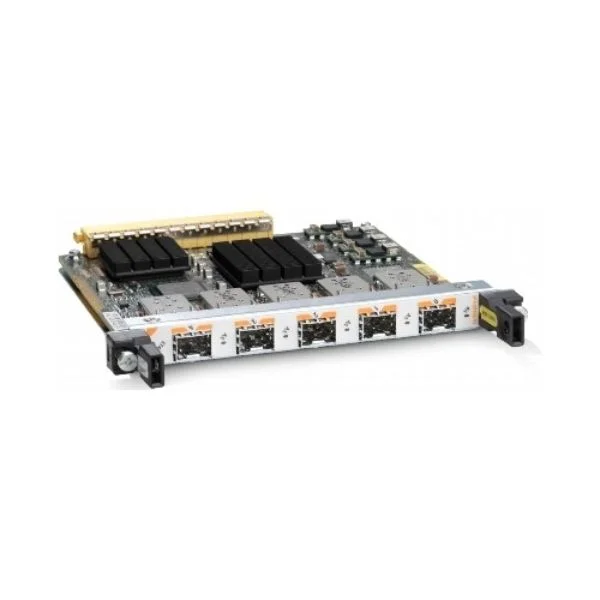
SPA-2X1GE-V2 (2PORT GIGABIT ETHERNET SHARED PORT ADAPTER)
4.6 (5)- Network Module / Network Card
- Cisco
- Ethernet Module
- 1Gbps
- RJ-45
- TCP/IP
- PCIe
Est Value $14,964.00
$69.30
99.5% offIn stockNewRefurbishedFirst-Time Buyer Discount – Get up to 2% additional off on your first order
ORM Rewards Earn $50 in Rewards + Free Expedited Delivery – Join Now!
Use eCoupon ORMSAVE10
eCoupon limited to 5 units
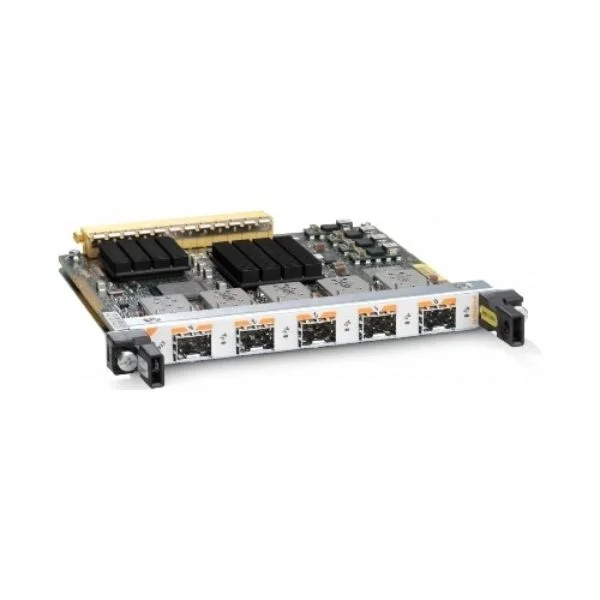
SPA-5X1GE-V2 (Cisco 7600 5-Port Gigabit Ethernet Shared Port Adapter)
4.6 (5)- Network Card
- Cisco
- Ethernet
- 1G
- RJ-45
- TCP/IP
- PCIe
Est Value $26,934.00$84.00
99.7% offIn stockNewRefurbishedFirst-Time Buyer Discount – Get up to 2% additional off on your first order
ORM Rewards Earn $50 in Rewards + Free Expedited Delivery – Join Now!
Use eCoupon ORMSAVE10
eCoupon limited to 5 units
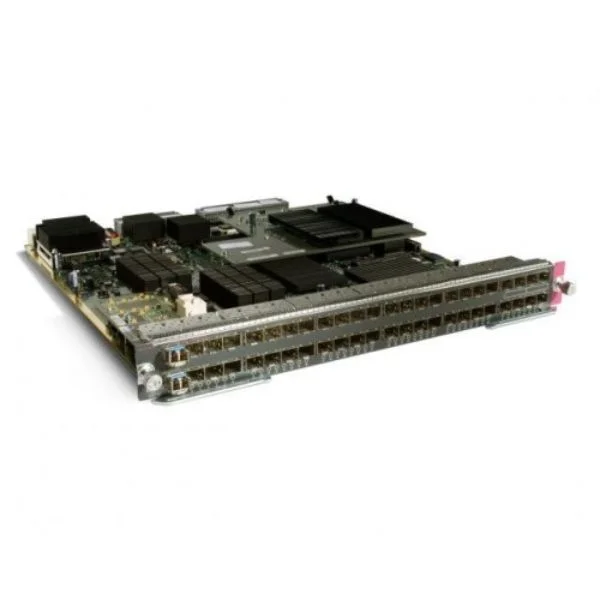
WS-X6748-SFP (Cisco 7600 Ethernet Module / Catalyst 6500 48-port GigE Mod: fabric-enabled (Req. SFPs))
4.6 (5)- Network Module / Network Card
- Cisco
- SFP
- 1Gbps
- SFP
- TCP/IP, Ethernet
- Modular
Est Value $29,084.90$146.48
99.5% offIn stockNewRefurbishedFirst-Time Buyer Discount – Get up to 2% additional off on your first order
ORM Rewards Earn $50 in Rewards + Free Expedited Delivery – Join Now!
Use eCoupon ORMSAVE10
eCoupon limited to 5 units
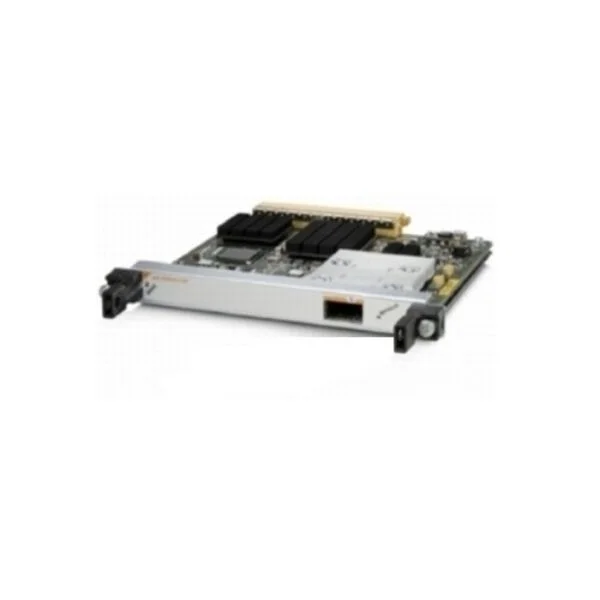
SPA-1X10GE-L-V2 (Cisco 7600 Cisco 1-Port 10GE LAN-PHY Shared Port Adapter)
4.6 (5)- Network Module / Network Card
- Cisco
- Ethernet
- 10G
- SFP+
- TCP/IP
- Modular
Est Value $13,519.00$120.75
99.1% offIn stockNewRefurbishedFirst-Time Buyer Discount – Get up to 2% additional off on your first order
ORM Rewards Earn $50 in Rewards + Free Expedited Delivery – Join Now!
Use eCoupon ORMSAVE10
eCoupon limited to 5 units

ORM Sales Advisors
Buying for your business? Get a personalised quote in under 2 hours. Talk to an expert
LEARNFilters (4) 
Questions & Answers
What are Cisco 7600 Series Modules?
Cisco 7600 Series modules are hot-swappable line cards, supervisor engines, service modules, and switching fabric components that expand the 7600 chassis for routing, switching, and advanced services.
Which Supervisor Engine modules are supported in Cisco 7600?
Cisco supports Supervisor Engines 32, 32-GE, and 720 for the 7600 platform, offering varying throughput, feature sets, and redundancy for high-performance routing and services.
How do I choose the right line card for my Cisco 7600 chassis?
Select a line card based on required port density, interface type (Ethernet, Gigabit, or TDM), throughput needs, and feature support such as QoS, multicast, or MPLS.
Are Cisco 7600 Module upgrades backward compatible?
Most Cisco 7600 modules maintain backward compatibility within the same chassis generation, but verify software versions, supervisor engine pairing, and power budget before upgrade.
What service modules are available for Cisco 7600?
Service modules include the Intrusion Prevention System (IPS), SSL Services Module, Firewall Services Module, and Application Control Engine, enabling integrated security and application optimization.
How do I install a Cisco 7600 Module safely?
Power down or switch to redundant supervisor powering, slide the module into an empty slot until it clicks, secure the ejector handles, and then restore power following the installation guide.
Can I hot-swap Cisco 7600 line cards?
Yes, Cisco 7600 line cards and many service modules support hot-swap removal and insertion without disrupting traffic, provided redundant supervisors and power supplies are installed.
What power and cooling requirements do Cisco 7600 Modules have?
Each module draws specific wattage; ensure your chassis has adequate power supplies and front-to-back airflow. Refer to the module datasheet for precise consumption and cooling guidelines.
How do I verify Cisco 7600 Module compatibility?
Check the Cisco interoperability matrix for chassis, supervisor engine, and module combinations, confirm IOS image support, and validate the power and cooling budget.
How do I upgrade Cisco 7600 Supervisor Engine firmware?
Download the correct IOS image, upload it to flash, set the boot variable, and reload the supervisor following Cisco’s upgrade instructions to minimize downtime.
What licensing is required for Cisco 7600 Modules?
Licensing depends on features—standard routing is included, but advanced services like Firewall, SSL, IPS, and encryption may require separate SMART or PAK licenses.
How do I monitor the status of Cisco 7600 Modules?
Use CLI commands such as show module, show environment, and show platform hardware to display module status, temperature, power, and error logs in real time.
What do LED indicators on Cisco 7600 Modules mean?
Green LEDs indicate normal operation, amber signals warnings, and red flags critical faults. Consult the module’s hardware installation guide for detailed LED diagnostics.
Where can I find Cisco 7600 Module part numbers?
Locate part numbers in Cisco’s official data sheets, ordering guides, or use the Cisco Feature Navigator to match module functions with SKUs and ordering codes.
Are refurbished Cisco 7600 Modules a reliable option?
Refurbished modules from authorized Cisco partners undergo factory testing and warranty validation, offering cost savings with comparable performance to new units.
How do I troubleshoot module initialization failures on Cisco 7600?
Check console logs for POST errors, verify correct seating, ensure compatible IOS version, review power availability, and test in another slot or chassis if needed.
What is the End-of-Life (EoL) status for Cisco 7600 Modules?
Cisco publishes EoL and End-of-Support notices on its website. Identify affected modules by part number and plan migrations to currently supported platforms.