 United States
Router Modules Cisco 8000 Series
Optimize network performance with Cisco 8000 Series routers modules and cards engineered for unmatched reliability, advanced security, and scalable connectivity, empowering enterprise infrastructures with dynamic, future-proof solutions.
Talk to an expert
6 Matching results
- BEST SELLING
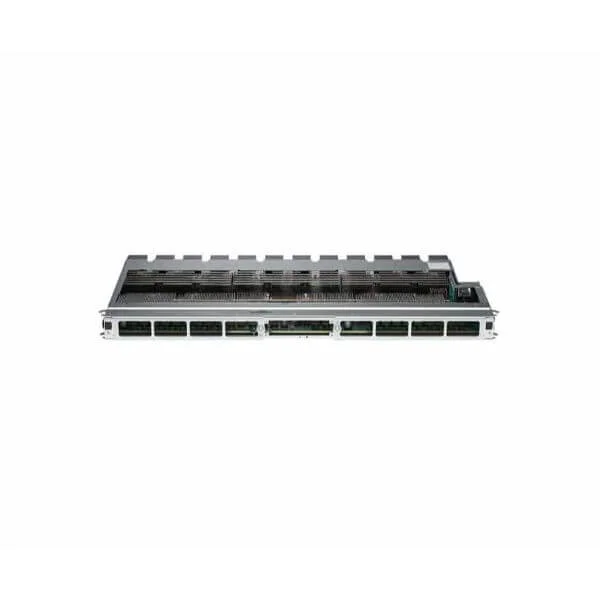
8800-RP (CISCO 8800 ROUTE PROC)
4.8 (6)- Network Module
- Cisco
- Ethernet
- 10Gbps
- SFP+
- TCP/IP, iSCSI
- PCIe
Est Value $19,396.00
$10,744.65
44.6% offIn stockNewFirst-Time Buyer Discount – Get up to 2% additional off on your first order
ORM Rewards Earn $50 in Rewards + Free Expedited Delivery – Join Now!
Use eCoupon ORMSAVE10
eCoupon limited to 5 units
- BEST SELLING
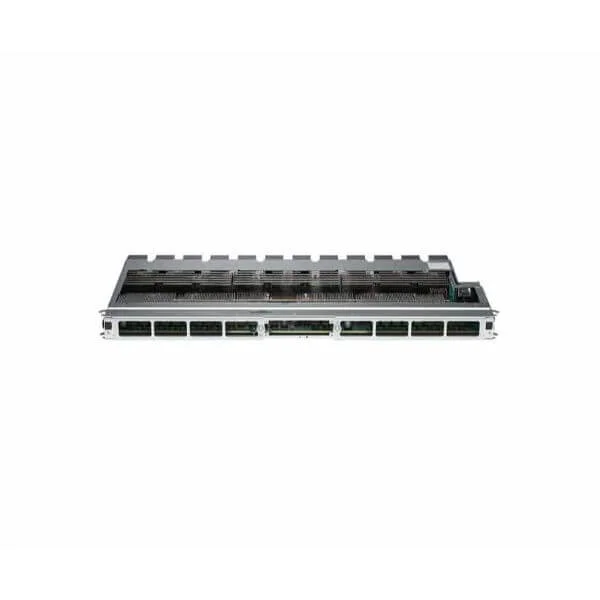
8808-FC (Cisco 8808 Fabric Card)
4.7 (6)- Network Card
- Cisco
- Fibre Channel
- 16Gbps
- SFP+
- Fibre Channel
- PCIe
Est Value $47,414.00$26,267.85
44.6% offIn stockNewFirst-Time Buyer Discount – Get up to 2% additional off on your first order
ORM Rewards Earn $50 in Rewards + Free Expedited Delivery – Join Now!
Use eCoupon ORMSAVE10
eCoupon limited to 5 units
- BEST SELLING
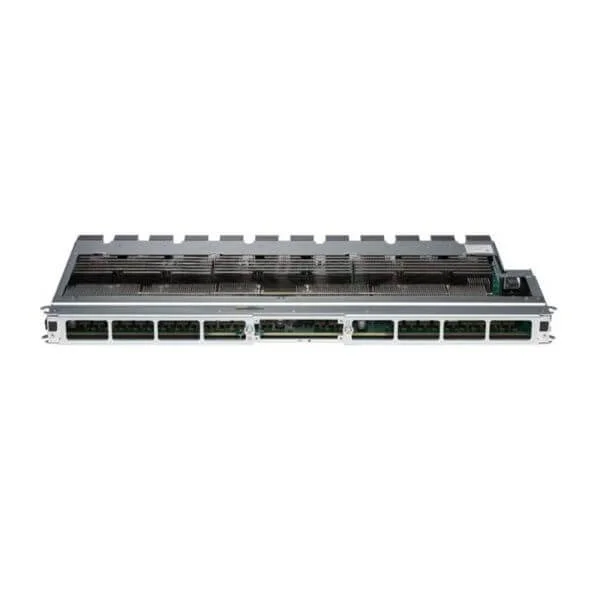
8812-FC (Cisco 8812 Fabric Card)
4.3 (6)- Network Card
- Cisco
- Fibre Channel
- 16Gbps
- SFP+
- Fibre Channel
- PCIe
Est Value $96,982.00$53,732.70
44.6% offIn stockNewFirst-Time Buyer Discount – Get up to 2% additional off on your first order
ORM Rewards Earn $50 in Rewards + Free Expedited Delivery – Join Now!
Use eCoupon ORMSAVE10
eCoupon limited to 5 units
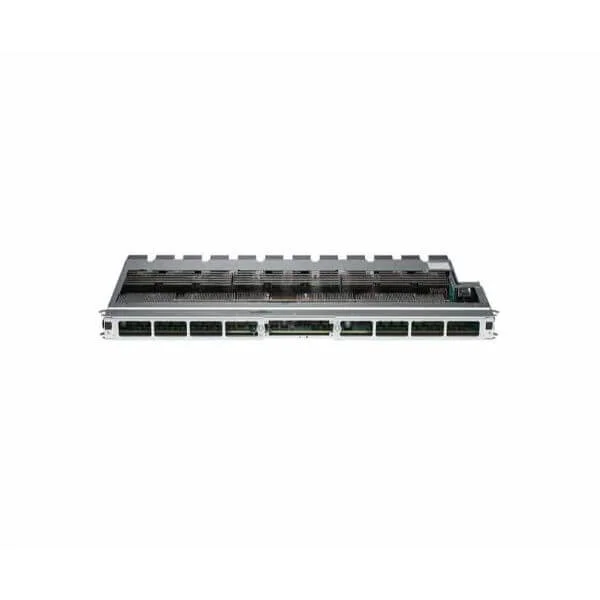
8818-FC (Cisco 8818 Fabric Card)
4.8 (6)- Network Card
- Cisco
- Fibre Channel Card
- 16Gbps
- SFP+
- Fibre Channel
- PCIe
Est Value $193,964.00$145,121.20
25.2% offIn stockNewRefurbishedFirst-Time Buyer Discount – Get up to 2% additional off on your first order
ORM Rewards Earn $50 in Rewards + Free Expedited Delivery – Join Now!
Use eCoupon ORMSAVE10
eCoupon limited to 5 units
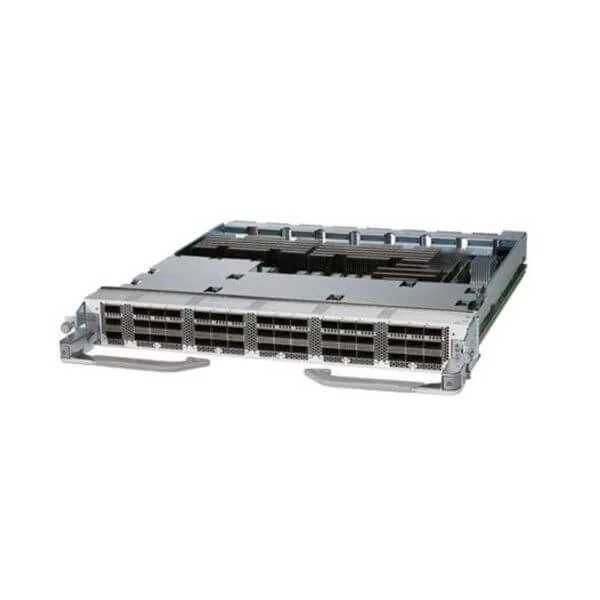
8800-LC-48H (Cisco 8800 48x100 GbE QSFP28 Line Card)
4.8 (6)- TCP/IP, iSCSI
- Cisco
- Network Card
- Ethernet
- 10Gbps
- SFP+
- PCIe
Est Value $247,843.00$30,975.00
87.5% offIn stockNewRefurbishedFirst-Time Buyer Discount – Get up to 2% additional off on your first order
ORM Rewards Earn $50 in Rewards + Free Expedited Delivery – Join Now!
Use eCoupon ORMSAVE10
eCoupon limited to 5 units
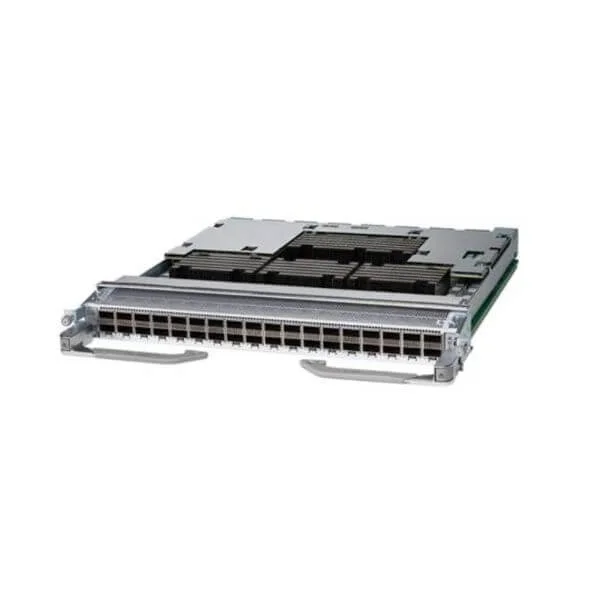
8800-LC-36FH (Cisco 8800 36x400 GbE QSFP56-DD Line Card)
4.5 (6)- Network Module
- Cisco
- Fibre Channel Card
- 10Gbps
- SFP+
- Fibre Channel
- PCIe
Est Value $484,911.00$268,669.80
44.6% offIn stockNewFirst-Time Buyer Discount – Get up to 2% additional off on your first order
ORM Rewards Earn $50 in Rewards + Free Expedited Delivery – Join Now!
Use eCoupon ORMSAVE10
eCoupon limited to 5 units

ORM Sales Advisors
Buying for your business? Get a personalised quote in under 2 hours. Talk to an expert
LEARNFilters (6) 
Questions & Answers
What modules and interface cards are available for Cisco 8000 Series Routers?
Cisco 8000 Series offers high-density 400Gb line cards, 100Gb/200Gb interface modules, multicore service modules, optical interface cards, and dedicated power modules compatible with all Cisco 8000 platforms.
How do I install a module in a Cisco 8000 Series router?
To install a module, power down the router, insert the module into an empty slot until it clicks, secure the captive screws, then power up and confirm detection via the CLI show platform command.
Are Cisco 8000 Series modules hot-swappable?
Most Cisco 8000 line cards and optical interface modules support hot-swap under Cisco IOS XR, while service and power modules require a graceful shutdown for safe replacement.
What throughput options do Cisco 8000 line cards offer?
Cisco 8000 Series line cards deliver 100Gb, 200Gb, and 400Gb per slot with port counts ranging from 2×400Gb QSFP-DD to 8×100Gb QSFP28, meeting diverse bandwidth requirements.
How do I choose the correct line card for my bandwidth requirements?
Select a line card based on aggregate capacity, port density, and interface type: use 400Gb cards for ultra-high throughput, 100/200Gb cards for mid-range demands, and optics compatibility.
How do I upgrade or replace a module in Cisco 8000 Series?
Verify software and hardware compatibility, save the current configuration, power down if required, swap the module, power up, then validate with show platform and reload the config if needed.
What power supply modules are supported on Cisco 8000 Series?
Cisco 8000 routers support redundant AC and DC power modules—3kW AC, 4kW AC, and -48V DC—with hot-swap capability and N+1 redundancy for high availability.
How do I verify module compatibility before installation?
Use Cisco Feature Navigator or consult the hardware installation guide to cross-reference the router chassis model, software version, and module part numbers for full compatibility.
Can I mix different module types in a single Cisco 8000 router?
Yes, Cisco 8000 Series chassis support mixed line cards and service modules within power and cooling limits, provided overall power and thermal budgets are not exceeded.
What is the process for optical transceiver compatibility with Cisco 8000 Series?
Ensure transceivers are Cisco-qualified optics, match the line card’s port type (QSFP28, QSFP56, QSFP-DD), and check firmware support via the Cisco compatibility matrix.
Do Cisco 8000 Series modules support advanced QoS features?
Yes, modules running Cisco IOS XR provide hardware-accelerated QoS with traffic policing, shaping, hierarchical scheduling, and class-based marking on all interface cards.
How do I troubleshoot module discovery issues on Cisco 8000 Series?
Check slot LEDs, verify seating and power, run show platform hardware slot diagnostics, inspect syslog for errors, and confirm firmware levels match the router image.
What licensing is required for modules on Cisco 8000 Series?
Most interface and line card features are covered under the Cisco IOS XR software license. Advanced features like segment routing or security services may require additional feature licenses.
What cooling requirements exist for Cisco 8000 line cards?
Cisco 8000 routers use front-to-back airflow with hot-swap fans; ensure proper intake/output clearance, verify fan tray health, and maintain ambient temperatures per the installation guide.
How do I update firmware on Cisco 8000 modules?
Use the Cisco IOS XR image install commands or Cisco Prime Infrastructure to stage and activate firmware on line cards and service modules without disrupting traffic (in-service upgrade).
What warranty and support are available for Cisco 8000 Series modules?
Cisco provides a limited lifetime hardware warranty, software updates for the licensed IOS XR release, and optional Smart Net Total Care for 24×7 support, RMA services, and advanced replacement.