 United States
Network Module Cisco Catalyst 3850
Engineered for precision and reliability, the Cisco Catalyst 3850 Network Module delivers exceptional performance and security, seamlessly integrating advanced cloud management features to meet evolving enterprise demands.
Talk to an expert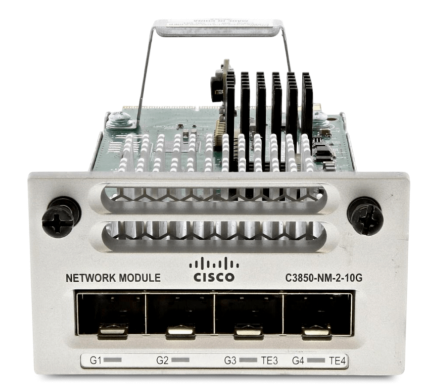
4 Matching results
- BEST SELLING
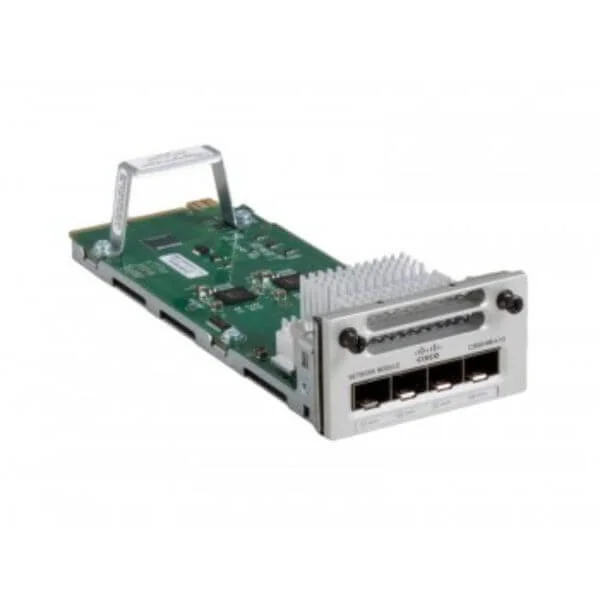
C3850-NM-4-1G (CATALYST 3850 4X1GE NETWORK MODULE)
4.6 (5)- Network Module
- Cisco
- Network Module
- 1Gbps
- RJ-45
- TCP/IP
- Modular
Est Value $925.00
$47.25
94.9% offIn stockNewRefurbishedFirst-Time Buyer Discount – Get up to 2% additional off on your first order
ORM Rewards Earn $50 in Rewards + Free Expedited Delivery – Join Now!
Use eCoupon ORMSAVE10
eCoupon limited to 5 units
- BEST SELLING
C3850-NM-2-10G (Cisco Catalyst 3850 Network Module, 2x 10GE Ports, Hot-Swappable, Switch Compatible)
4.4 (5)- Ethernet Network Module
- Uplink
- Cisco Catalyst 3850 2 x 10GE Network Module
- C3850-NM-2-10G
- Cisco
- Catalyst 3850
- Switch
Est Value $4,612.00$85.68
98.1% offIn stockNewRefurbishedFirst-Time Buyer Discount – Get up to 2% additional off on your first order
ORM Rewards Earn $50 in Rewards + Free Expedited Delivery – Join Now!
Use eCoupon ORMSAVE10
eCoupon limited to 5 units
- BEST SELLING
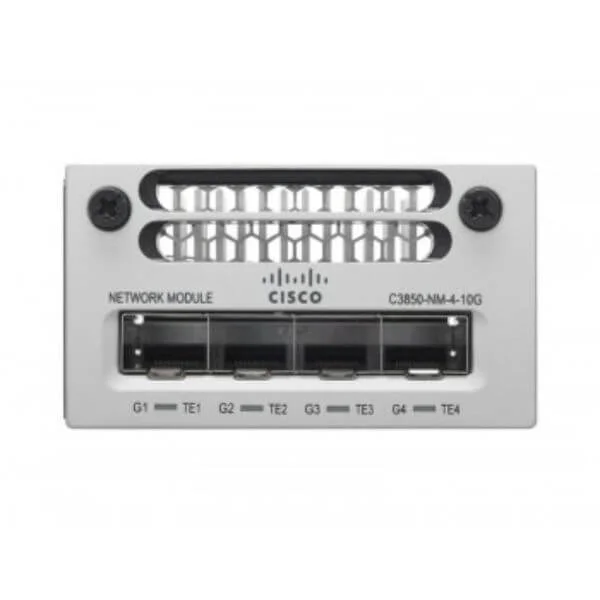
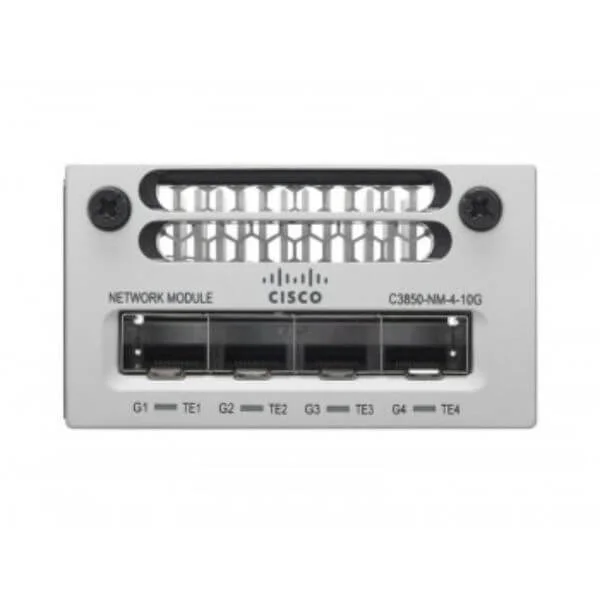
C3850-NM-4-10G (Cisco Catalyst 3850 Network Module, 4x 10GE SFP+ Ports, Uplink Expansion)
4.6 (5)- Ethernet Uplink Expansion Module
- Uplink
- Cisco Catalyst 3850 4 x 10GE Network Module
- C3850-NM-4-10G
- Cisco
- Catalyst 3850
- Switch
Est Value $7,360.00$204.75
97.2% offIn stockNewRefurbishedFirst-Time Buyer Discount – Get up to 2% additional off on your first order
ORM Rewards Earn $50 in Rewards + Free Expedited Delivery – Join Now!
Use eCoupon ORMSAVE10
eCoupon limited to 5 units
- BEST SELLING
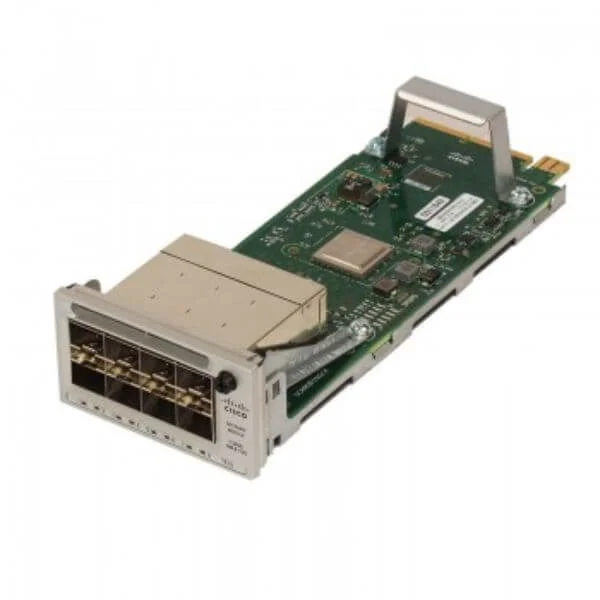
C3850-NM-8-10G (Cisco Catalyst 3850 8 x 10GE Network Module)
4.6 (5)- Network Module / Network Card
- Cisco
- SFP+
- 10Gbps
- SFP+
- TCP/IP
- Modular
Est Value $10,689.00$472.50
95.6% offIn stockNewRefurbishedFirst-Time Buyer Discount – Get up to 2% additional off on your first order
ORM Rewards Earn $50 in Rewards + Free Expedited Delivery – Join Now!
Use eCoupon ORMSAVE10
eCoupon limited to 5 units

ORM Sales Advisors
Buying for your business? Get a personalised quote in under 2 hours. Talk to an expert
LEARNFilters (4) 
Questions & Answers
What is the Cisco Catalyst 3850 Network Module?
The Cisco Catalyst 3850 Network Module is a hot-swappable uplink expansion module that enhances 3850 Series switches with flexible port configurations, high-speed connectivity, and advanced Layer 2/3 features.
Which uplink network modules are compatible with the Cisco Catalyst 3850?
Cisco Catalyst 3850 supports modular uplinks including C3850-NM-2-10G, C3850-NM-4-10G, C3850-NM-2-M, and C3850-NM-4-M for 1G, 10G, and multi-rate SFP/SFP+ connectivity.
How do I install a network module on the Cisco Catalyst 3850 switch?
To install, power down the switch, align the network module with the rear slot, slide it in until the latch engages, secure the captive screws, then power up the switch and verify module status with the CLI.
Can I hot-swap the network module on a Cisco Catalyst 3850?
Yes, Cisco Catalyst 3850 network modules are hot-swappable, allowing insertion or removal without powering down the switch, provided you have redundant power supplies and non-disruptive IOS-XE software.
How many network module slots does the Cisco Catalyst 3850 have?
Each Cisco Catalyst 3850 switch features two rear-accessible network module slots, enabling simultaneous use of up to two different uplink modules for maximum flexibility.
What port speeds are supported by Catalyst 3850 network modules?
Supported port speeds include 1G (SFP), 10G (SFP+), and multi-rate options (1/10G), depending on the network module model installed.
Which optical transceivers work with the Cisco Catalyst 3850 Network Module?
Cisco-qualified SFP and SFP+ optics such as GLC-SX-Mini, GLC-LX-SMD, and SFP-10G-SR are fully compatible; always use Cisco-branded transceivers to ensure optimal performance.
What is the typical power consumption of a Catalyst 3850 network module?
Typical power consumption ranges from 3W for 1G modules up to 8W for 10G modules; refer to the module’s data sheet for exact measurements under full load.
Do I need an additional license for Cisco Catalyst 3850 network modules?
No separate license is required; the network module functionality is included in the base Cisco IOS-XE image, though advanced features may require the LAN Base, IP Base, or IP Services license.
How do I configure VLANs on Catalyst 3850 network module ports?
Use standard IOS-XE commands under interface configuration mode, for example:\ninterface TenGigabitEthernet1/1/1\n switchport mode access\n switchport access vlan 10\n exit
Can I stack Cisco Catalyst 3850 switches with different network modules?
Yes, Catalyst 3850 supports StackWise-480 technology and automatically negotiates uplink compatibility across mixed network module deployments.
Which CLI commands help manage Catalyst 3850 network module interfaces?
Key commands include show module, show interfaces status, show inventory, and show interface TenGigabitEthernet1/x/x to monitor module health and port statistics.
How do I upgrade the firmware of a Cisco Catalyst 3850 network module?
Update the switch’s Cisco IOS-XE image using the archive download or software install commands; the network module firmware is automatically upgraded during the IOS-XE upgrade process.
Are Cisco Catalyst 3850 network modules covered under warranty?
Yes, all genuine Cisco Catalyst 3850 network modules carry a one-year limited hardware warranty, which can be extended with Cisco Smart Net Total Care.
How can I troubleshoot connectivity issues on a Catalyst 3850 network module?
Verify module status with show module, check link lights, review logs via show logging, confirm transceiver compatibility, and test end-to-end reachability with ping and traceroute.
What are the benefits of using a network module over fixed uplink ports on Cisco Catalyst 3850?
Network modules provide modular scalability, flexible port densities, future-proof uplink speeds, and simplified field replacement compared to fixed-port designs.