 United States
Cisco Nexus 3000 Modules & Cards
Discover innovative Cisco Nexus 3000 Switch Modules & Cards engineered for proactive network performance. Enhance connectivity and scalability, ensuring robust, secure, and reliable data infrastructures for enterprise environments.
Talk to an expert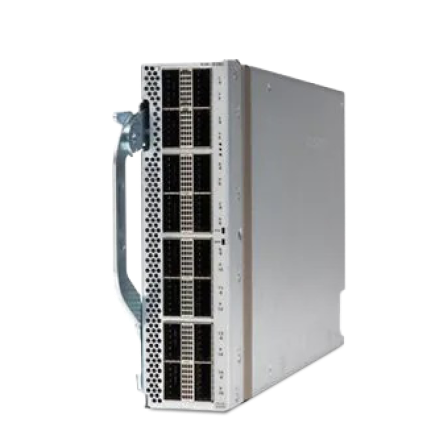
3 Matching results
NXM-XBLNK (Nexus Blank Line Expansion Module)
4.8 (5)- Network Module
- Cisco
- Ethernet
- 10G
- SFP+
- TCP/IP / iSCSI
- PCIe
Est Value $298.00
$162.75
45.4% offIn stockNewFirst-Time Buyer Discount – Get up to 2% additional off on your first order
ORM Rewards Earn $50 in Rewards + Free Expedited Delivery – Join Now!
Use eCoupon ORMSAVE10
eCoupon limited to 5 units
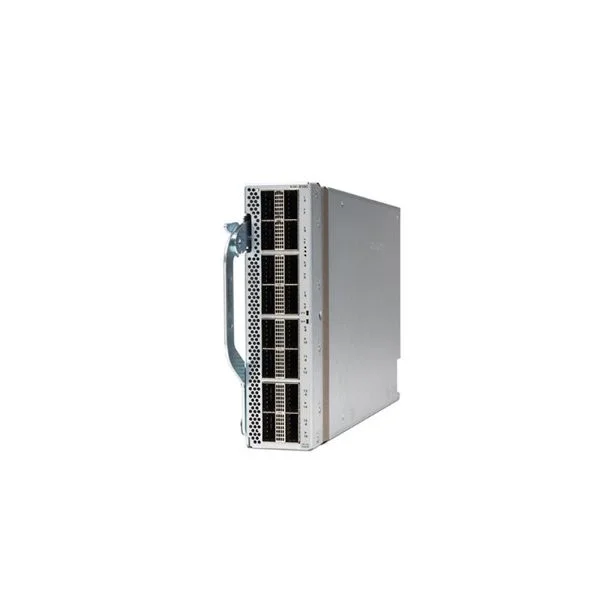
NXM-X16C (Nexus 100G Line Expansion Module)
4.4 (5)- Network Card
- Cisco
- Ethernet
- 10Gbps
- RJ-45
- TCP/IP / iSCSI
- PCIe
Est Value $5,968.00$602.91
89.9% offIn stockNewRefurbishedFirst-Time Buyer Discount – Get up to 2% additional off on your first order
ORM Rewards Earn $50 in Rewards + Free Expedited Delivery – Join Now!
Use eCoupon ORMSAVE10
eCoupon limited to 5 units
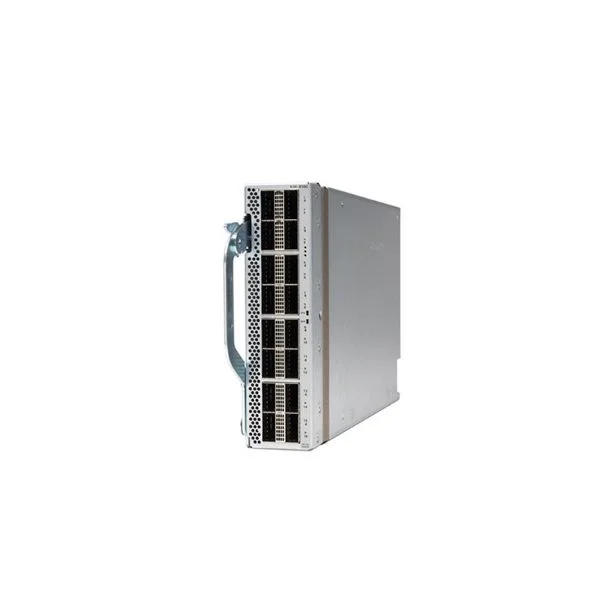
NXM-X4D (Nexus 400G Line Expansion Module)
4.6 (5)- Network Module
- Cisco
- Ethernet
- 10Gbps / 40Gbps
- SFP+
- TCP/IP / iSCSI
- PCIe
Est Value $8,355.00$4,803.75
42.5% offIn stockNewRefurbishedFirst-Time Buyer Discount – Get up to 2% additional off on your first order
ORM Rewards Earn $50 in Rewards + Free Expedited Delivery – Join Now!
Use eCoupon ORMSAVE10
eCoupon limited to 5 units

ORM Sales Advisors
Buying for your business? Get a personalised quote in under 2 hours. Talk to an expert
LEARNFilters (3) 
Questions & Answers
What Cisco Nexus 3000 switch modules and cards are available?
Cisco Nexus 3000 Series supports a variety of fixed and modular interface cards offering 10/25/40/100 GbE ports, including N3K-C3548PQ-10GX, N3K-C3280PQ-10GX, N3K-C3132Q-10G and expansion modules for QSFP+ and QSFP28 transceivers.
How do I select the right Nexus 3000 module for my network?
Choose a module based on required port speed, port density, uplink capacity and power budget; verify compatibility with your Nexus 3000 model using Cisco’s compatibility matrix.
Are Nexus 3000 switch modules hot-swappable?
Yes. All Cisco Nexus 3000 modules and interface cards are hot-swappable, enabling insertion or removal without powering down the switch.
What port speeds and densities do Nexus 3000 cards support?
Nexus 3000 modules support 1/10/25 GbE on SFP/SFP+ ports, 40 GbE on QSFP+ ports and 100 GbE on QSFP28 ports, with densities up to 48×10 GbE or 32×100 GbE per module.
Can I mix different interface cards in a Nexus 3000 chassis?
Yes. You can combine cards of different speeds and port counts as long as they are supported in the same Nexus 3000 platform and slot type.
How do I install a Cisco Nexus 3000 switch module?
Power off the switch (if required), loosen the ejector handles, slide the module into the slot until it clicks, secure the ejector levers and power on; verify installation with the show module command.
Which SFP/SFP+/QSFP transceivers are compatible with Nexus 3000?
Cisco-approved transceivers include SFP-10G-SR, SFP-10G-LR, QSFP-40G-SR4, QSFP-40G-LR4, QSFP-100G-SR4 and QSFP-100G-LR4; always refer to the Cisco Transceiver Module Compatibility Matrix.
How do I upgrade firmware on a Nexus 3000 interface card?
Use NX-OS CLI commands copy running-config tftp: and install all impact partitions, or employ Cisco Prime Infrastructure or NX-API to automate image distribution and activation.
What is the maximum number of modules supported in a Nexus 3000 chassis?
Nexus 3000 Series are fixed-form-factor switches and do not support line-card chassis expansion; port modules are built-in and cannot exceed the factory-configured capacity.
How can I check the health status of installed modules?
Run show module or show environment commands in NX-OS CLI to display module presence, operational status, temperature and power consumption.
Do Nexus 3000 modules support redundant power and fans?
Yes. Nexus 3000 switches feature dual redundant, hot-swappable power supplies and fans that maintain module operation during individual component failure.
What warranty and support options are available for Nexus 3000 cards?
All Cisco Nexus 3000 modules include a limited lifetime hardware warranty and are eligible for Cisco SMARTnet or Cisco Solution Support for global technical assistance and software updates.
Can I use third-party modules with the Nexus 3000 Series?
Cisco only guarantees full compatibility and support for Cisco-branded modules; third-party transceivers may work but can lead to degraded performance or voided warranties.
How do I troubleshoot module connectivity issues on Nexus 3000?
Verify cable and transceiver compatibility, inspect port LEDs, use show interface status and show logging commands to identify errors, and upgrade firmware if necessary.
What are the power and thermal specifications for Nexus 3000 modules?
Power consumption varies by module type (typically 20–120 W); each switch supports front-to-back airflow with temperature operating ranges from 0 °C to 40 °C.
How do I order replacement modules for Cisco Nexus 3000?
Locate the exact part number (e.g., N3K-C3548PQ-10GX) on your switch’s serial-number label, then contact a Cisco sales representative or authorized partner to place your order.