 United States
Cisco Nexus 7000 Modules & Cards
Experience superior network performance with Cisco Nexus 7000 Modules & Cards, engineered for high-density environments. Benefit from enhanced reliability, increased throughput, and optimized scalability for robust data center operations.
Talk to an expert
4 Matching results
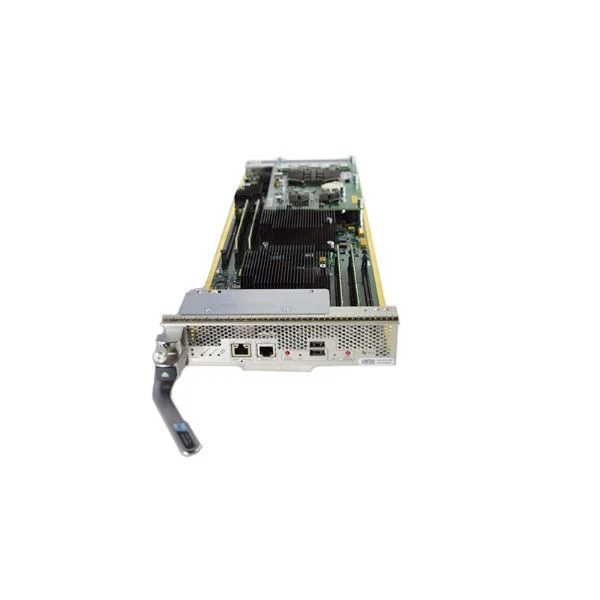
N77-C7706-FAB-3 (Cisco Nexus 7700 6-Slot Switch 464 Gbps/Slot Fabric Module)
4.6 (5)- Network Card
- Cisco
- Fibre Channel
- 10G
- SFP+
- Fibre Channel
- PCIe
Est Value $18,442.00
$2,113.13
88.5% offIn stockNewRefurbishedFirst-Time Buyer Discount – Get up to 2% additional off on your first order
ORM Rewards Earn $50 in Rewards + Free Expedited Delivery – Join Now!
Use eCoupon ORMSAVE10
eCoupon limited to 5 units
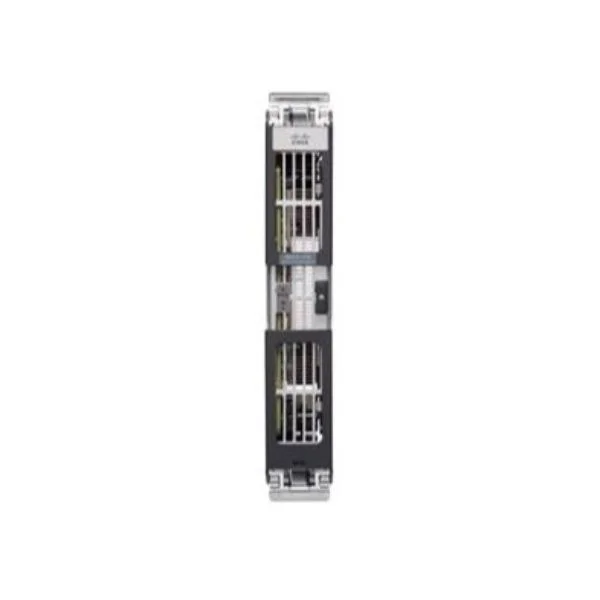
N77-C7710-FAB-3 (Cisco Nexus 7700 10-Slot Switch 464 Gbps/Slot Fabric Module)
4.6 (5)- Network Card
- Cisco
- Ethernet
- 10G
- SFP+
- TCP/IP, iSCSI
- PCIe
Est Value $33,810.00$4,594.91
86.4% offIn stockNewRefurbishedFirst-Time Buyer Discount – Get up to 2% additional off on your first order
ORM Rewards Earn $50 in Rewards + Free Expedited Delivery – Join Now!
Use eCoupon ORMSAVE10
eCoupon limited to 5 units
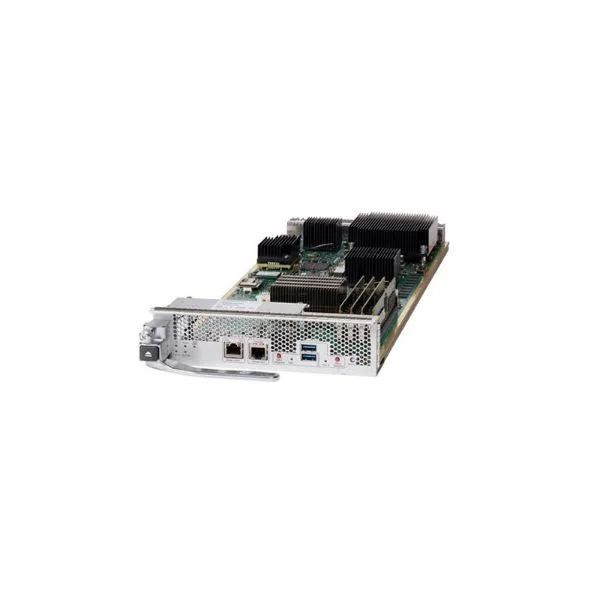
N77-SUP3E (Cisco Nexus 7700 Switch Supervisor 3 Enhanced Module)
4.4 (5)- Network Card
- Cisco
- Ethernet
- 10G
- SFP+
- TCP/IP, iSCSI
- PCIe
Est Value $49,178.00$6,237.00
87.3% offIn stockNewRefurbishedFirst-Time Buyer Discount – Get up to 2% additional off on your first order
ORM Rewards Earn $50 in Rewards + Free Expedited Delivery – Join Now!
Use eCoupon ORMSAVE10
eCoupon limited to 5 units
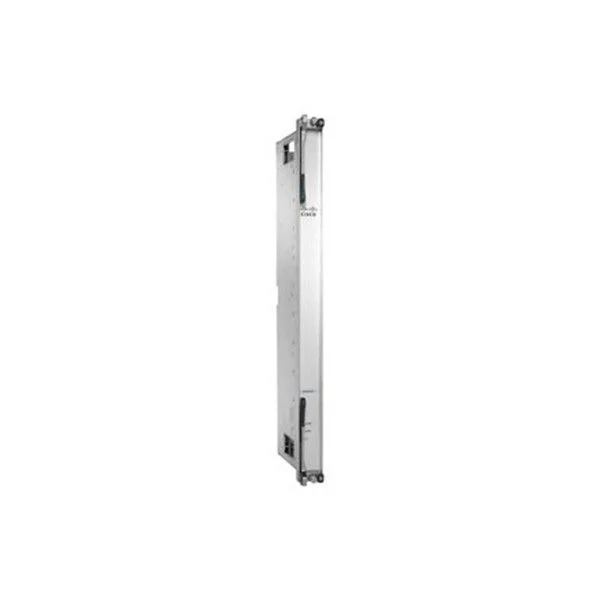
N7K-C7018-FAB-1 (Nexus 7000 - 18 Slot Chassis - 46Gbps/Slot Fabric Module)
4.6 (5)- Network Module / Switch Fabric Card
- Cisco
- Fabric Module
- 10Gbps
- Proprietary
- Ethernet, FabricPath
- Modular
Est Value $94.50$55.59
41.2% offIn stockRefurbishedFirst-Time Buyer Discount – Get up to 2% additional off on your first order
ORM Rewards Earn $50 in Rewards + Free Expedited Delivery – Join Now!
Use eCoupon ORMSAVE10
eCoupon limited to 5 units

ORM Sales Advisors
Buying for your business? Get a personalised quote in under 2 hours. Talk to an expert
LEARNFilters (4) 
Questions & Answers
What are the key features of Cisco Nexus 7000 switch modules?
Cisco Nexus 7000 switch modules deliver high-density 1/10/40/100 GbE ports, modular scalability, hot-swappable fabric and supervisor modules, advanced QoS and security, and non-disruptive software upgrades.
How do I choose the right supervisor module for Nexus 7000?
Select a supervisor module based on required forwarding capacity, feature set (M-series for advanced services or F-series for fundamental switching), redundancy needs, and software license compatibility.
What is the difference between Cisco Nexus 7000 F-series and M-series supervisor modules?
F-series supervisors provide basic L2/L3 switching up to 48 Tbps, while M-series adds advanced services (L4–L7), telemetry, and programmable ASICs with up to 54 Tbps throughput.
How many line-card slots does the Nexus 7000 chassis support?
The Nexus 7000 chassis supports up to 10 line-card slots in the N7K-C7010 and up to 18 slots in the N7K-C7018, enabling flexible port-density scaling.
Can I mix different generations of line cards in the same Nexus 7000 chassis?
Yes, Cisco designs Nexus 7000 line cards to be backward- and forward-compatible across supported chassis, provided software and supervisor licenses meet module requirements.
What fabric modules are available for Nexus 7000, and why do I need them?
Nexus 7000 fabric modules (2-slot, 3-slot, and 4-slot types) interconnect line cards, delivering up to 576 Tbps aggregate bandwidth and ensuring non-blocking performance.
Are Cisco Nexus 7000 modules and cards hot-swappable?
Yes, all Nexus 7000 line cards, supervisor modules, and fabric modules are fully front-to-back hot-swappable to maintain nonstop operations.
What uplink options exist on Nexus 7000 line cards?
Available uplink ports include 10/40/100 GbE QSFP+, SFP+ 10 GbE, and CFP2/CFP4 100 GbE interfaces, depending on the line-card model.
How do I install or replace a line card in Cisco Nexus 7000?
Power down the affected slot if non-redundant, unlock and slide out the blank module, insert the new line card until it seats, tighten captive screws, then power on and verify status via CLI.
What is the maximum per-slot throughput on Nexus 7000 cards?
Each Nexus 7000 line-card slot supports up to 6 Tbps of bidirectional bandwidth, depending on fabric module and supervisor capacity.
How do I upgrade firmware on Nexus 7000 modules and cards?
Use the NX-OS CLI with commands like 'install all kickstart system' or 'install feature-set', staging images to flash and performing in-service software upgrades (ISSU) for minimal downtime.
Do I need redundant supervisor modules in Nexus 7000?
For high availability, deploy dual supervisors in separate slots; NX-OS provides stateful supervisor switchover (SSO) to ensure uninterrupted traffic forwarding.
What power and cooling considerations apply to Nexus 7000 modules?
Each line card draws between 100 W and 500 W; supervisor and fabric modules consume up to 1 kW. Ensure adequate power-supply redundancy and proper front-to-back airflow per Cisco deployment guidelines.
How do I license advanced features on Nexus 7000 cards?
Apply feature licenses (LAN Enterprise, LAN Premium, etc.) via Smart Licensing or Permanent Use Licenses in NX-OS; then enable desired services on the supervisor module.
Which optical transceivers are compatible with Nexus 7000 line cards?
Cisco-certified SFP+, QSFP+, CFP2 and CFP4 transceivers conforming to IEEE standards are supported. Check the Cisco Transceiver Module Matrix for model-specific compatibility.
How can I troubleshoot a failed Nexus 7000 module?
Check module status with 'show module', review logs ('show logging onboard'), inspect LEDs for fault codes, reseat the module, and if needed, replace with a known-good unit.
Where can I find the compatibility matrix for Nexus 7000 modules and cards?
Access the Cisco Feature Navigator online or download the Cisco Nexus 7000 Hardware Compatibility Matrix PDF from Cisco.com to verify chassis, module, and software interoperability.