 United States
Telecom Pvdm Voice/Fax Modules
Pvdm Voice/Fax Modules deliver unmatched reliability and seamless integration for advanced telecommunications. Engineered for secure voice and fax operations, these modules optimize modern communication infrastructures and streamline workflows.
Talk to an expert
16 Matching results
- BEST SELLING
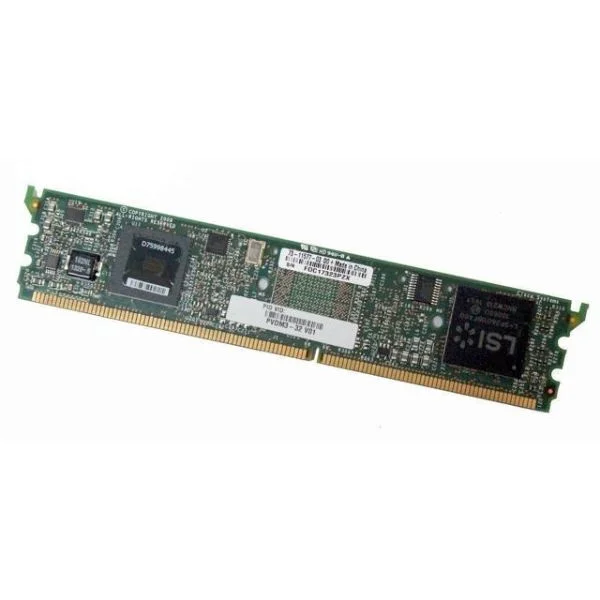
PVDM3-128 (128CH HIGH-DENSITY VOICE AND VIDEO DSP MODULE)
4.6 (5)- Network Module
- Cisco
- Ethernet
- 10G
- SFP+
- TCP/IP, iSCSI
- PCIe
Est Value $9,265.00
$63.00
99.3% offIn stockNewRefurbishedFirst-Time Buyer Discount – Get up to 2% additional off on your first order
ORM Rewards Earn $50 in Rewards + Free Expedited Delivery – Join Now!
Use eCoupon ORMSAVE10
eCoupon limited to 5 units
- BEST SELLING
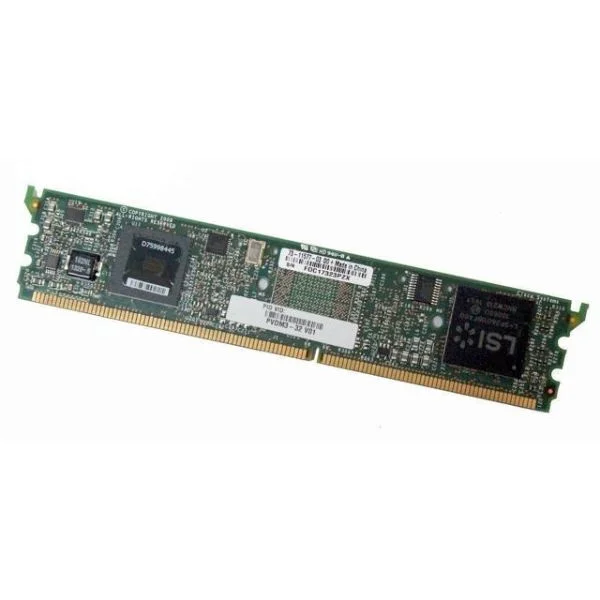
PVDM3-16 (16-channel high-density voice and video DSP module)
5 (5)- Network Module / Network Card
- Cisco
- Ethernet
- 10Gbps
- SFP+
- TCP/IP / iSCSI
- PCIe
Est Value $920.00$52.50
94.3% offIn stockNewRefurbishedFirst-Time Buyer Discount – Get up to 2% additional off on your first order
ORM Rewards Earn $50 in Rewards + Free Expedited Delivery – Join Now!
Use eCoupon ORMSAVE10
eCoupon limited to 5 units
- BEST SELLING
PVDM3-256 (256-CHANNEL HIGH-DENSITY VOICE AND VIDEO DSP MODULE)
4.6 (5)- Network Module
- Cisco
- Ethernet
- 10Gbps
- SFP+
- TCP/IP, iSCSI
- PCIe
Est Value $16,481.00$110.25
99.3% offIn stockNewRefurbishedFirst-Time Buyer Discount – Get up to 2% additional off on your first order
ORM Rewards Earn $50 in Rewards + Free Expedited Delivery – Join Now!
Use eCoupon ORMSAVE10
eCoupon limited to 5 units
- BEST SELLING
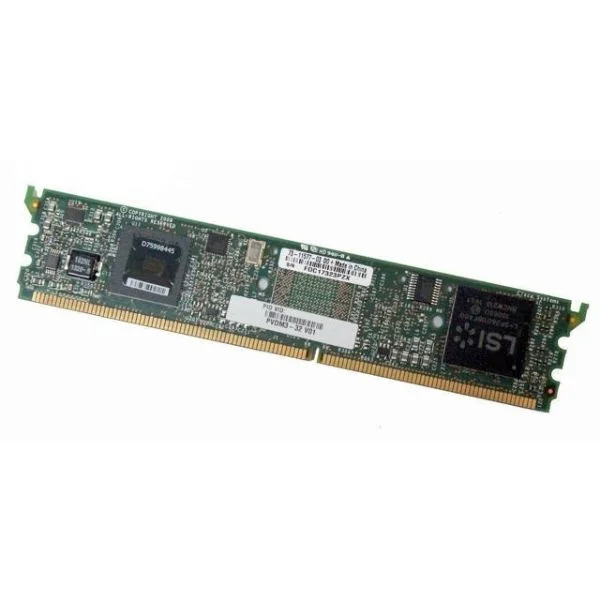
PVDM3-32 (32-channel high-density voice and video DSP module)
4.8 (5)- Digital Signal Processing Module
- Cisco
- DSP
- 1Gbps
- PCIe
- TCP/IP, VoIP
- PCIe
Est Value $1,618.64$95.29
94.1% offIn stockNewRefurbishedFirst-Time Buyer Discount – Get up to 2% additional off on your first order
ORM Rewards Earn $50 in Rewards + Free Expedited Delivery – Join Now!
Use eCoupon ORMSAVE10
eCoupon limited to 5 units
- FEARURED
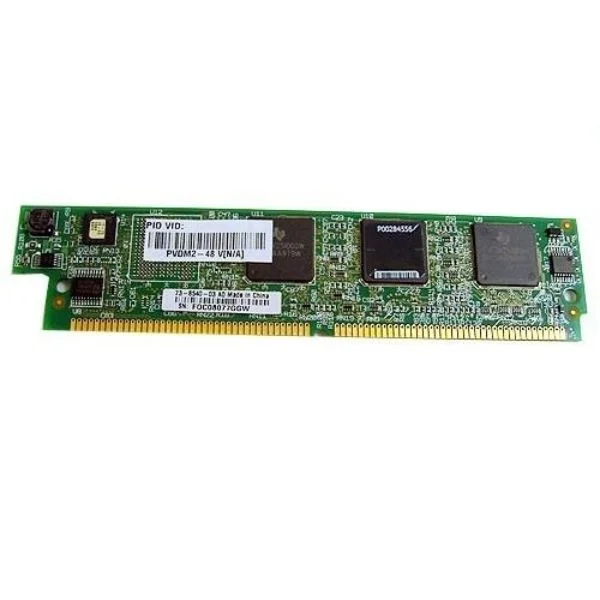
PVDM2-48 (48-CHANNEL PACKET VOICE/FAX DSP MODULE)
4.6 (5)- Network Module
- Cisco
- Ethernet
- 10G
- SFP+
- TCP/IP
- PCIe
Est Value $2,400.00$52.50
97.8% offIn stockNewRefurbishedFirst-Time Buyer Discount – Get up to 2% additional off on your first order
ORM Rewards Earn $50 in Rewards + Free Expedited Delivery – Join Now!
Use eCoupon ORMSAVE10
eCoupon limited to 5 units
- FEARURED
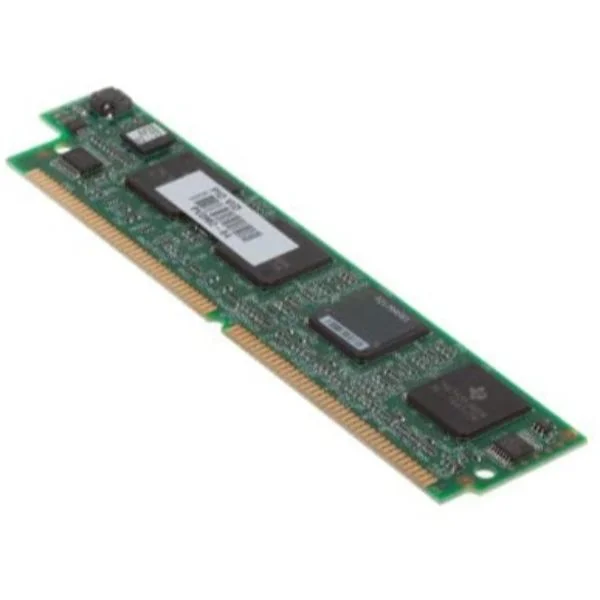
PVDM2-64 (64-Channel Packet Voice/Fax DSP Module)
4.6 (5)- Network Card
- Cisco
- Ethernet
- 10Gbps
- SFP+
- TCP/IP
- PCIe
Est Value $3,200.00$80.67
97.5% offIn stockNewRefurbishedFirst-Time Buyer Discount – Get up to 2% additional off on your first order
ORM Rewards Earn $50 in Rewards + Free Expedited Delivery – Join Now!
Use eCoupon ORMSAVE10
eCoupon limited to 5 units
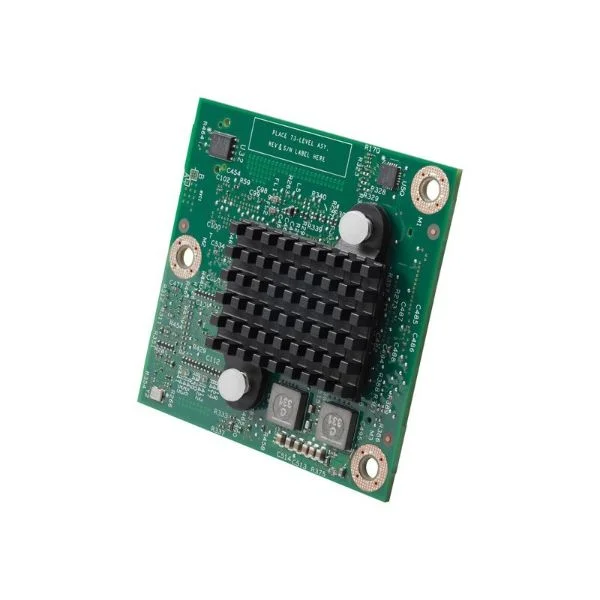
PVDM4-256 (256-channel DSP module)
4.8 (5)- Voice Processing Module
- Cisco
- DSP Card
- PCI Express
- SIP / TCP/IP
- Modular
Est Value $12,860.00$98.70
99.2% offIn stockNewRefurbishedFirst-Time Buyer Discount – Get up to 2% additional off on your first order
ORM Rewards Earn $50 in Rewards + Free Expedited Delivery – Join Now!
Use eCoupon ORMSAVE10
eCoupon limited to 5 units
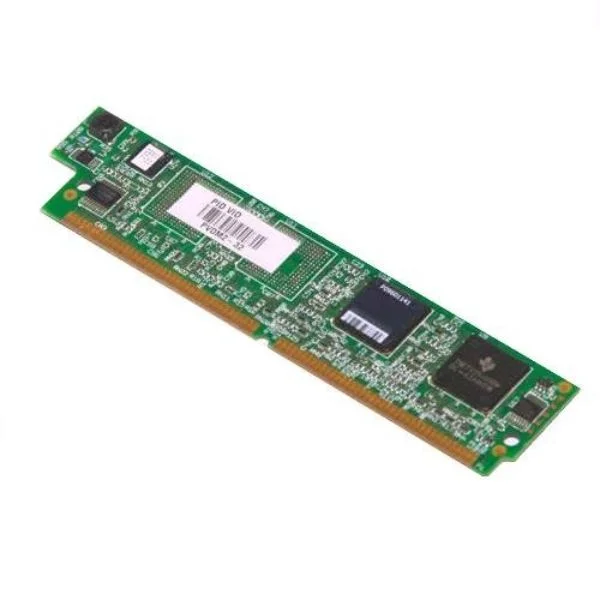
PVDM2-32 (32-Channel Packet Voice/Fax DSP Module)
5 (5)- Network Module / Network Card
- Cisco
- Ethernet
- 10G
- SFP+
- TCP/IP, iSCSI, Fibre Channel
- PCIe
Est Value $1,600.00$53.55
96.7% offIn stockNewRefurbishedFirst-Time Buyer Discount – Get up to 2% additional off on your first order
ORM Rewards Earn $50 in Rewards + Free Expedited Delivery – Join Now!
Use eCoupon ORMSAVE10
eCoupon limited to 5 units
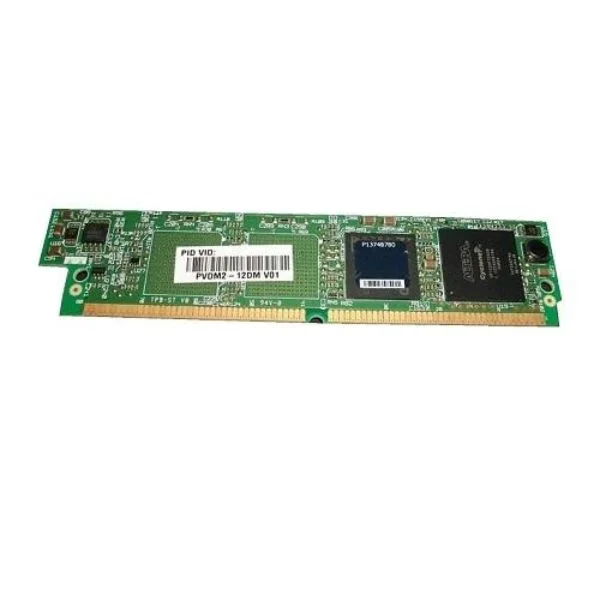
PVDM2-12DM (12 Port Digital Modem Module)
4.4 (5)- Network Module / Network Card
- Cisco
- Ethernet
- 10G
- SFP+
- TCP/IP / iSCSI / Fibre Channel
- PCIe
Est Value $2,350.00$1,023.75
56.4% offIn stockNewRefurbishedFirst-Time Buyer Discount – Get up to 2% additional off on your first order
ORM Rewards Earn $50 in Rewards + Free Expedited Delivery – Join Now!
Use eCoupon ORMSAVE10
eCoupon limited to 5 units
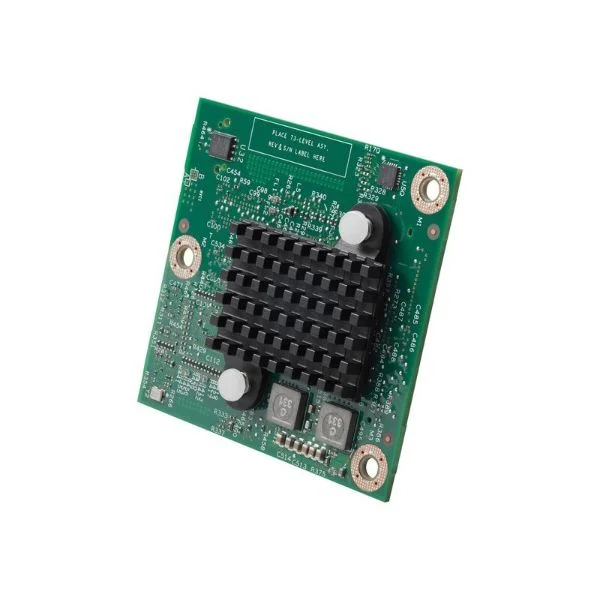
PVDM4-128 (128-channel high-density voice and video DSP module)
4.6 (5)- Network Card
- Cisco
- Ethernet
- 40G
- SFP+
- TCP/IP / iSCSI / Fibre Channel
- PCIe
Est Value $8,023.00$740.64
90.8% offIn stockNewRefurbishedFirst-Time Buyer Discount – Get up to 2% additional off on your first order
ORM Rewards Earn $50 in Rewards + Free Expedited Delivery – Join Now!
Use eCoupon ORMSAVE10
eCoupon limited to 5 units
PVDM3-192 (192-channel high-density voice and video DSP module)
4.8 (5)- Voice Processing Module
- Cisco
- DSP
- Modular
Est Value $9,890.00$121.28
98.8% offIn stockNewRefurbishedFirst-Time Buyer Discount – Get up to 2% additional off on your first order
ORM Rewards Earn $50 in Rewards + Free Expedited Delivery – Join Now!
Use eCoupon ORMSAVE10
eCoupon limited to 5 units
PVDM2-24DM (24 Port Digital Modem Module)
4.8 (5)- Digital Media Module
- Cisco
- Digital Media Module
- PCIe
- TCP/IP
- PCIe
Est Value $3,995.00$2,677.50
33% offIn stockNewFirst-Time Buyer Discount – Get up to 2% additional off on your first order
ORM Rewards Earn $50 in Rewards + Free Expedited Delivery – Join Now!
Use eCoupon ORMSAVE10
eCoupon limited to 5 units
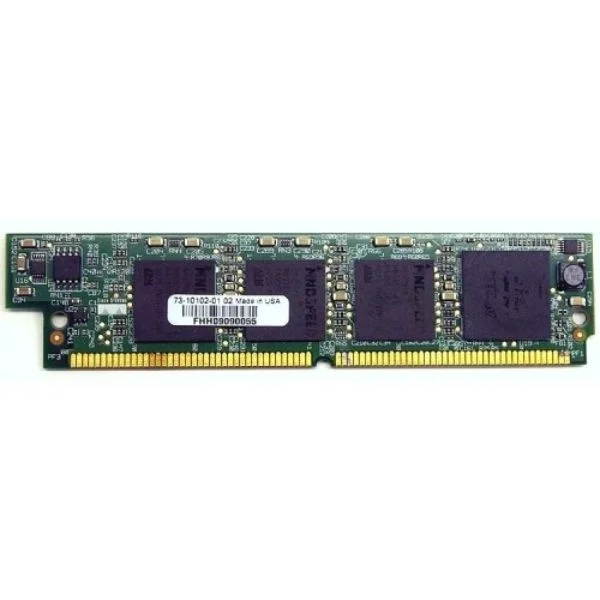
PVDM2-36DM (36 Port Digital Modem Module)
4.4 (5)- Network Card
- Cisco
- Ethernet
- 10G
- SFP+
- TCP/IP, iSCSI
- PCIe
Est Value $4,995.00$3,349.50
32.9% offIn stockNewRefurbishedFirst-Time Buyer Discount – Get up to 2% additional off on your first order
ORM Rewards Earn $50 in Rewards + Free Expedited Delivery – Join Now!
Use eCoupon ORMSAVE10
eCoupon limited to 5 units
- BEST SELLING
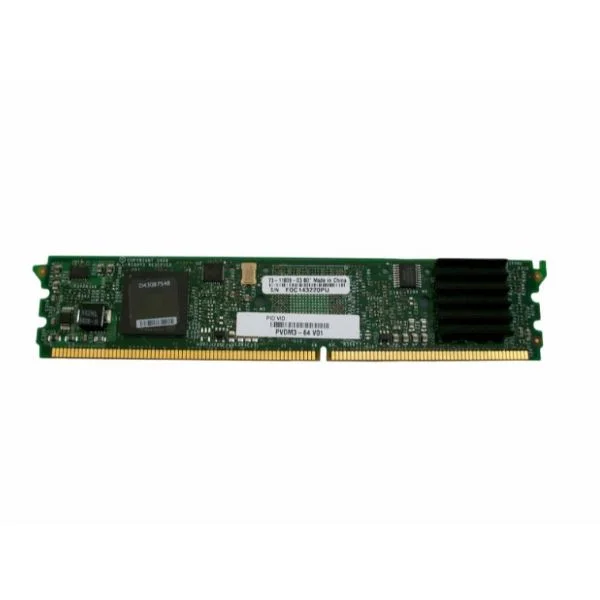
PVDM3-64 (64-channel high-density voice and video DSP module)
4.6 (5)- Voice Processing Module
- Cisco
- SIP / H.323 / MGCP
- Modular
Est Value $5,436.00$47.23
99.1% offIn stockNewRefurbishedFirst-Time Buyer Discount – Get up to 2% additional off on your first order
ORM Rewards Earn $50 in Rewards + Free Expedited Delivery – Join Now!
Use eCoupon ORMSAVE10
eCoupon limited to 5 units
- FEARURED
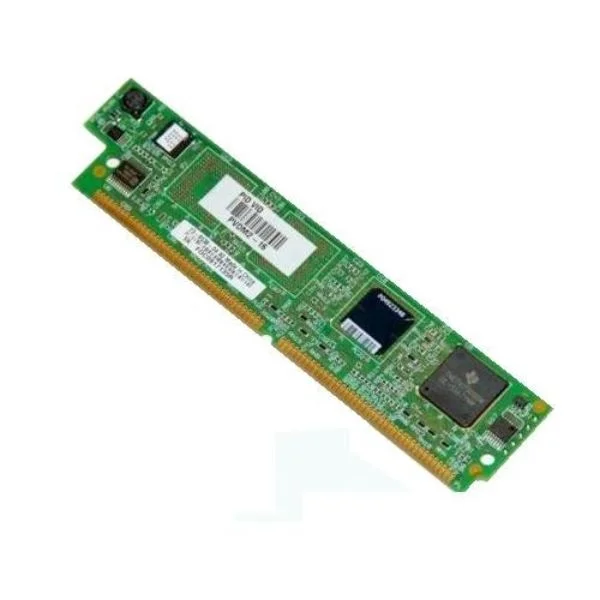
PVDM2-16 (16-Channel Packet Voice/Fax DSP Module)
4.8 (5)- Voice Processing Module
- Cisco
- Digital Signal Processing
- SIP, H.323
- PCIe
Est Value $800.00$53.67
93.3% offIn stockNewRefurbishedFirst-Time Buyer Discount – Get up to 2% additional off on your first order
ORM Rewards Earn $50 in Rewards + Free Expedited Delivery – Join Now!
Use eCoupon ORMSAVE10
eCoupon limited to 5 units
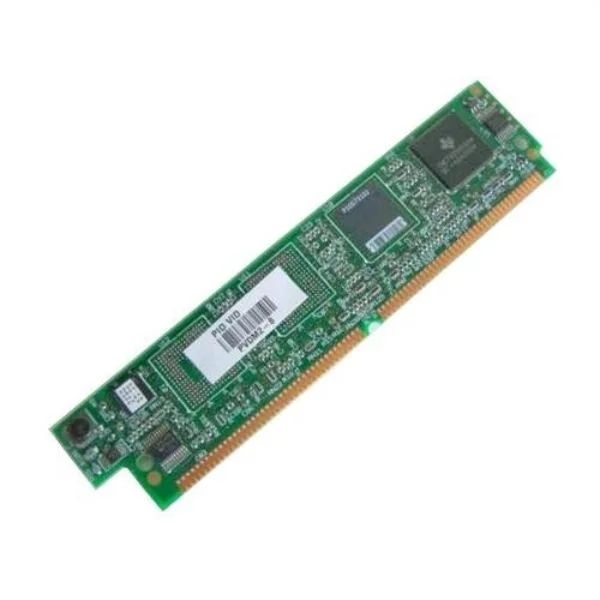
PVDM2-8 (8-Channel Packet Voice/Fax DSP Module)
4.8 (5)- Network Module / Network Card
- Cisco
- WAN
- 1Gbps
- RJ-45
- TCP/IP
- PCIe
Est Value $400.00$53.55
86.6% offIn stockNewRefurbishedFirst-Time Buyer Discount – Get up to 2% additional off on your first order
ORM Rewards Earn $50 in Rewards + Free Expedited Delivery – Join Now!
Use eCoupon ORMSAVE10
eCoupon limited to 5 units

ORM Sales Advisors
Buying for your business? Get a personalised quote in under 2 hours. Talk to an expert
LEARNFilters (16) 
Questions & Answers
What is a PVDM Voice/Fax Module?
A PVDM (Packet Voice Digital Signal Processor Module) is a Cisco hardware component that provides DSP resources for voice and fax processing on integrated routers, enabling features such as voice compression, echo cancellation, and T.38 fax relay.
How do PVDM modules support voice and fax on Cisco routers?
PVDM modules allocate dedicated DSP channels for encoding/decoding voice codecs and fax relay, ensuring real-time processing of VoIP calls and T.38 fax transmissions with minimal latency and high reliability.
What are the differences between PVDM2, PVDM3, and PVDM4?
PVDM2, PVDM3, and PVDM4 differ in DSP density and processing power: PVDM2 offers up to 16 channels, PVDM3 up to 240 channels, and PVDM4 up to 512 channels per module, supporting higher call volumes and advanced codecs.
How many concurrent calls can a PVDM4-64 module handle?
A PVDM4-64 supports up to 64 G.711 calls or equivalent mixed-codec sessions, providing scalable DSP resources for medium-sized deployments requiring voice and fax capabilities.
How do I install a PVDM on my Cisco router?
Power down the router, insert the PVDM into the DSP module slot until it clicks, secure the module, power on, and verify installation with the 'show platform hardware qfp active feature voice dsp' command.
Are PVDM modules hot-swappable?
No, PVDM modules are not hot-swappable; you must power down the router before installing or removing the module to avoid hardware damage and ensure proper initialization.
What licensing is required for PVDM modules?
PVDM modules do not require separate licensing, but you must have the appropriate Cisco IOS or IOS XE voice/fax feature set license on your router chassis to activate DSP functionality.
How do I configure PVDM resources for voice and fax?
Use voice service commands under global configuration (e.g., 'voice class codec', 'fax rate', 't38fax relay') to assign DSP channels and codec profiles, then map them to dial peers for call processing.
Can PVDM modules handle T.38 fax relay?
Yes, PVDM3 and PVDM4 modules support T.38 fax relay, providing error-resilient packet-based fax transmission; configure 't38 fax relay' under dial peers and ensure network QoS for best performance.
How do I troubleshoot PVDM DSP resource issues?
Use 'show platform hardware qfp active feature voice dsp' and 'show voice call summary' to monitor DSP usage, then adjust codec selection or allocate additional PVDM capacity if resource exhaustion occurs.
How do I upgrade PVDM module firmware?
Update the router’s IOS/IOS XE image via TFTP/SCP or USB; PVDM DSP firmware is bundled with the IOS package and automatically loaded on reboot, ensuring the latest DSP enhancements.
What environmental requirements do PVDM modules have?
PVDM modules operate between 0°C and 40°C with relative humidity of 10–90% (non-condensing); ensure adequate chassis airflow and adhere to Cisco’s ambient temperature guidelines for optimal performance.
How can I monitor PVDM DSP utilization?
Use real-time and historical statistics via 'show platform hardware qfp dsp-service-run' or SNMP MIBs (CISCO-VOICE-DSPM-MIB) to track DSP channel usage, codec mixes, and call counts.
What are common PVDM voice quality optimization tips?
Enable echo cancellation, adjust jitter buffer settings, prioritize voice with QoS policies, select appropriate codecs, and keep IOS and DSP firmware up to date to maintain clear, reliable calls.
How do I verify PVDM hardware compatibility with my router?
Consult Cisco’s Hardware Compatibility Matrix or use the 'show diag' command to identify supported PVDM models for your router chassis and line card slots before purchase or installation.
What is the warranty and support policy for PVDM modules?
Cisco PVDM modules are covered by a limited lifetime warranty and eligible for Cisco SMARTnet support, providing hardware replacement, software updates, and technical assistance based on your service agreement.