 United States
Router Aim Modules High Performance
Experience unrivaled efficiency and robust performance with our Router Aim Modules. Engineered for precision, secure connectivity, and reliable operation, these modules optimize network architecture for diverse professional applications.
Talk to an expert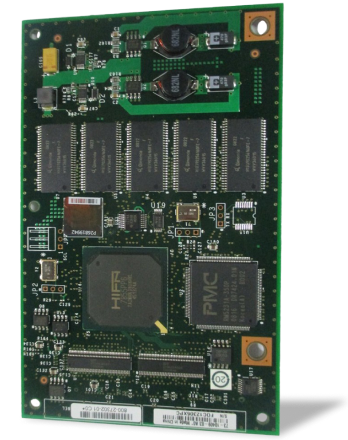
7 Matching results
- BEST SELLING
AIM-VPN/SSL-1 (DES/3DES/AES/SSL VPN Encryption/Compression)
4.6 (5)- Security Module
- Cisco
- WAN Module
- 10Gbps
- RJ-45
- TCP/IP, SSL/TLS
- PCIe
Est Value $1,750.00
$152.25
91.3% offIn stockNewRefurbishedFirst-Time Buyer Discount – Get up to 2% additional off on your first order
ORM Rewards Earn $50 in Rewards + Free Expedited Delivery – Join Now!
Use eCoupon ORMSAVE10
eCoupon limited to 5 units
- BEST SELLING
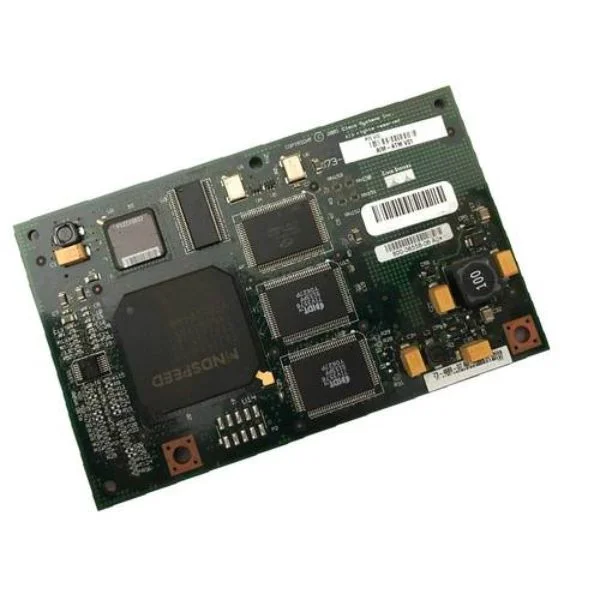
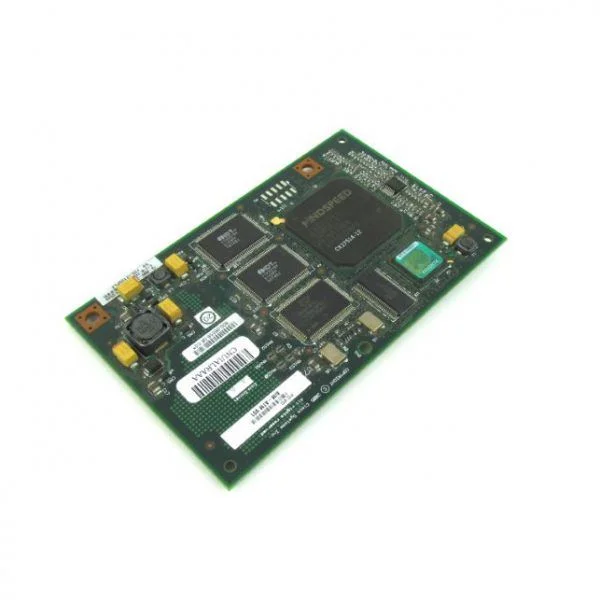
AIM-ATM-1T1/E1 (ATM T1/E1 Bundle With AIM-ATM And VWIC2-1MFT-T1/E1)
4.8 (5)- Network Module / Network Card
- Cisco
- WAN Module (T1/E1 Interface)
- 1.544 Mbps (T1) / 2.048 Mbps (E1)
- T1/E1
- PCIe
Est Value $2,000.00$197.93
90.1% offIn stockNewRefurbishedFirst-Time Buyer Discount – Get up to 2% additional off on your first order
ORM Rewards Earn $50 in Rewards + Free Expedited Delivery – Join Now!
Use eCoupon ORMSAVE10
eCoupon limited to 5 units
- BEST SELLING
AIM-IPS-K9 (Cisco IPS AIM for 1841, 2800 and 3800)
4.6 (5)- Network Security Module
- Cisco
- IPS Module
- 10Gbps
- SFP+
- TCP/IP, IPsec, HTTPS
- PCIe
Est Value $3,000.00$136.50
95.5% offIn stockNewRefurbishedFirst-Time Buyer Discount – Get up to 2% additional off on your first order
ORM Rewards Earn $50 in Rewards + Free Expedited Delivery – Join Now!
Use eCoupon ORMSAVE10
eCoupon limited to 5 units
- BEST SELLING
AIM-ATM-4T1/E1 (ATM T1/E1 IMA Bundle, AIM-ATM And 2 Qty VWIC2-2MFT-T1/E1)
4.6 (5)- Telecom Interface Module
- Cisco
- T1/E1 Module
- 1.544/2.048 Mbps
- RJ-48
- T1/E1
- PCIe
Est Value $4,000.00$336.65
91.6% offIn stockNewRefurbishedFirst-Time Buyer Discount – Get up to 2% additional off on your first order
ORM Rewards Earn $50 in Rewards + Free Expedited Delivery – Join Now!
Use eCoupon ORMSAVE10
eCoupon limited to 5 units
AIM-APPRE-102-K9 (Application Runtime Engine AIM)
4.6 (5)- Network Module / Network Card
- Cisco
- Ethernet Module
- 10Gbps
- SFP+
- TCP/IP, iSCSI
- PCIe
Est Value $1,795.00$873.60
51.3% offIn stockNewFirst-Time Buyer Discount – Get up to 2% additional off on your first order
ORM Rewards Earn $50 in Rewards + Free Expedited Delivery – Join Now!
Use eCoupon ORMSAVE10
eCoupon limited to 5 units
AIM-TPO-1 (Network Capacity Expansion for Cisco 1800/2800/3800 ISRs)
4.2 (5)- Network Module / Network Card
- Cisco
- Ethernet Module
- 10Gbps
- SFP+
- TCP/IP / iSCSI
- PCIe
Est Value $1,995.00$969.15
51.4% offIn stockNewFirst-Time Buyer Discount – Get up to 2% additional off on your first order
ORM Rewards Earn $50 in Rewards + Free Expedited Delivery – Join Now!
Use eCoupon ORMSAVE10
eCoupon limited to 5 units
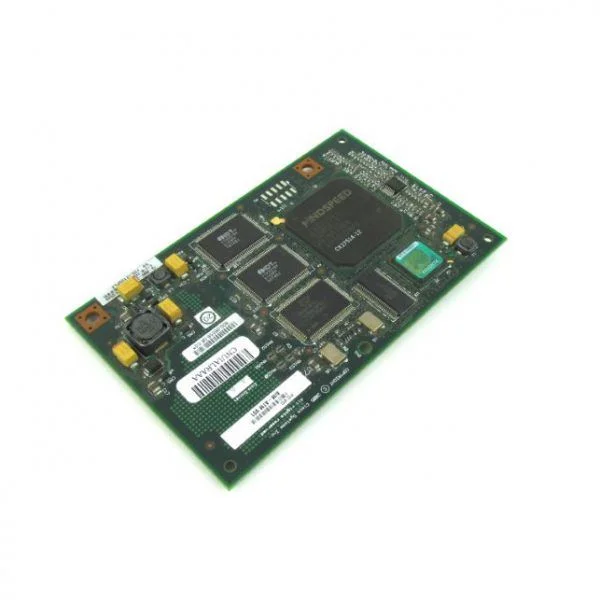
AIM-ATM (High Performance ATM Advanced Integration Module)
4.6 (5)- Network Card
- Cisco
- Ethernet
- 10Gbps
- SFP+
- TCP/IP, iSCSI
- PCIe
Est Value $1,000.00$122.06
87.8% offIn stockNewRefurbishedFirst-Time Buyer Discount – Get up to 2% additional off on your first order
ORM Rewards Earn $50 in Rewards + Free Expedited Delivery – Join Now!
Use eCoupon ORMSAVE10
eCoupon limited to 5 units

ORM Sales Advisors
Buying for your business? Get a personalised quote in under 2 hours. Talk to an expert
LEARNFilters (7) 
Questions & Answers
What is a Router AIM Module?
A Router AIM (Advanced Integration Module) is a pluggable interface card that expands a router’s capacity by adding specialized ports, authentication, encryption, or service features without replacing the chassis.
How do I install a Router AIM Module?
Power off the router, unlock the module slot cover, slide the AIM module into the dedicated slot until it clicks, secure the retention screws, and then power on the router to auto-detect the module.
Which routers support AIM modules?
Cisco ISR 4000, ASR 1000, and select Cisco 2900/3900 Series routers support AIM modules; always verify your platform’s hardware installation guide for specific model compatibility.
What types of interfaces are available in Router AIM Modules?
Router AIM Modules offer Ethernet (RJ-45, SFP), T1/E1/J1, T3/E3, serial, voice (FXS/FXO), and security accelerators for VPN and firewall services.
Can I hot-swap a Router AIM Module?
Most Cisco AIM modules support hot-swapping; verify your router’s service documentation and ensure no active sessions will be disrupted before removal.
How do I upgrade firmware on a Router AIM Module?
Download the latest IOS image, use Cisco CLI commands (copy tftp flash, install add), and reload the module or entire router to complete the firmware upgrade.
How do I troubleshoot a Router AIM Module installation?
Check system logs with 'show logging', verify module presence using 'show diag', ensure correct IOS version, reseat the module, and confirm port LEDs are active.
What are the performance benefits of using a Router AIM Module?
AIM modules offload specialized tasks—such as voice processing, encryption, or additional interfaces—improving overall throughput and reducing main CPU load.
What power requirements do Router AIM Modules have?
Power consumption varies by module; refer to your router’s power specifications and ensure redundant power supplies or adequate wattage headroom for full AIM load.
Are Router AIM Modules covered by warranty?
Cisco AIM modules are backed by the Cisco limited hardware warranty; extended coverage and support options are available through Cisco SMARTnet service contracts.
How do I verify compatibility between my router and an AIM module?
Consult the Cisco Feature Navigator or your hardware installation guide, match the router model and IOS version, and confirm slot type and power budget requirements.
What is the maximum throughput of a Router AIM Module?
Throughput depends on the module type—for example, a Cisco AIM-ES20 supports up to 20 Gbps switching capacity; always check the datasheet for exact performance metrics.
How do I configure an AIM module on my router?
Enter global configuration mode, use 'interface' commands for the new ports, assign IP addresses, enable routing protocols or security features, then save with 'write memory'.
Can I install multiple AIM modules in a single router?
Yes, provided your router has multiple AIM slots and sufficient power headroom; check the platform’s module population guidelines to avoid slot or power conflicts.
How do I secure the interfaces on a Router AIM Module?
Apply port-based ACLs, enable IEEE 802.1X authentication, use secure management protocols (SSH, SNMPv3), and keep IOS versions current to mitigate vulnerabilities.
Are third-party AIM modules supported?
Cisco recommends using Cisco-branded AIM modules for full compatibility and support; third-party modules may void warranty or result in unsupported configurations.
Where can I obtain replacement parts for Router AIM Modules?
Order genuine Cisco AIM modules and spares through authorized Cisco partners or directly via the Cisco Commerce Workspace to ensure authenticity and support coverage.