 United States
Switch Line Cards S9300 Series
Our S9300 Series switch line cards deliver unrivaled performance and reliability, engineered for enterprise networks with advanced security, exceptional scalability, and efficient energy usage to meet mission-critical demands.
Talk to an expert
19 Matching results
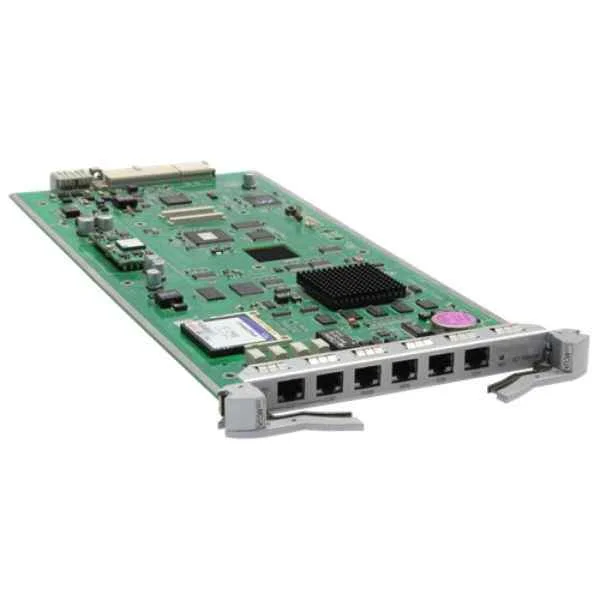
LE0DMCUA (S9303 Main Control Unit A(Optional Clock))
4.8 (6)- Network Card
- Huawei
- Ethernet
- 10Gbps
- SFP+
- TCP/IP
- PCIe
Est Value $4,855.91
$1,223.68
74.8% offIn stockNewFirst-Time Buyer Discount – Get up to 2% additional off on your first order
ORM Rewards Earn $50 in Rewards + Free Expedited Delivery – Join Now!
Use eCoupon ORMSAVE10
eCoupon limited to 5 units
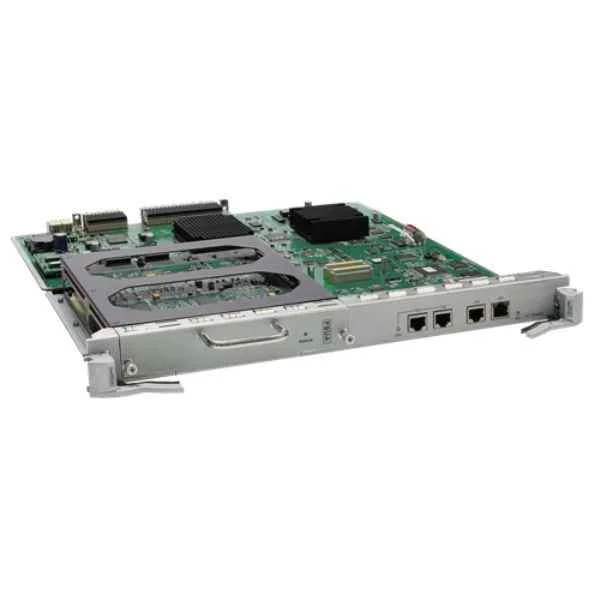
LE0DSRUA (S9306/S9312 Main Control Unit A(Optional Clock))
4.8 (6)- Network Module / Network Card
- Huawei
- Ethernet
- 10Gbps
- SFP+
- TCP/IP
- PCIe
Est Value $14,668.92$2,926.46
80% offIn stockNewFirst-Time Buyer Discount – Get up to 2% additional off on your first order
ORM Rewards Earn $50 in Rewards + Free Expedited Delivery – Join Now!
Use eCoupon ORMSAVE10
eCoupon limited to 5 units
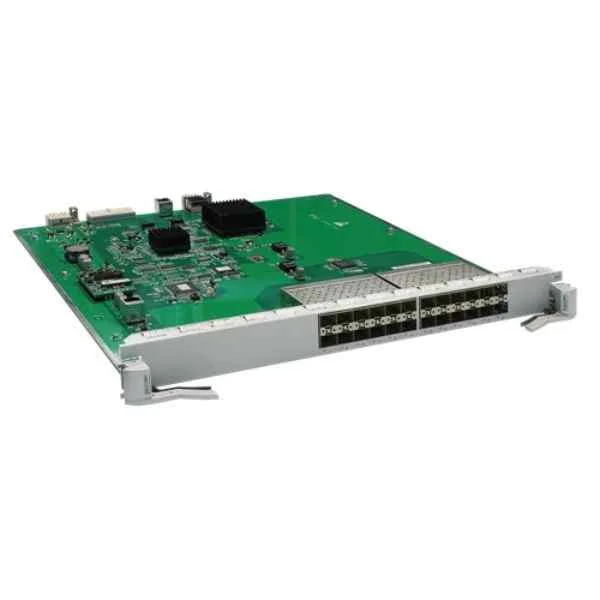
LE0MG24SA (24-Port 100/1000BASE-X Interface Card(SA,SFP))
4.7 (6)- Network Module / Network Card
- Huawei
- Ethernet
- 1Gbps
- RJ-45
- TCP/IP
- PCIe
Est Value In stockFirst-Time Buyer Discount – Get up to 2% additional off on your first order
ORM Rewards Earn $50 in Rewards + Free Expedited Delivery – Join Now!
Use eCoupon ORMSAVE10
eCoupon limited to 5 units
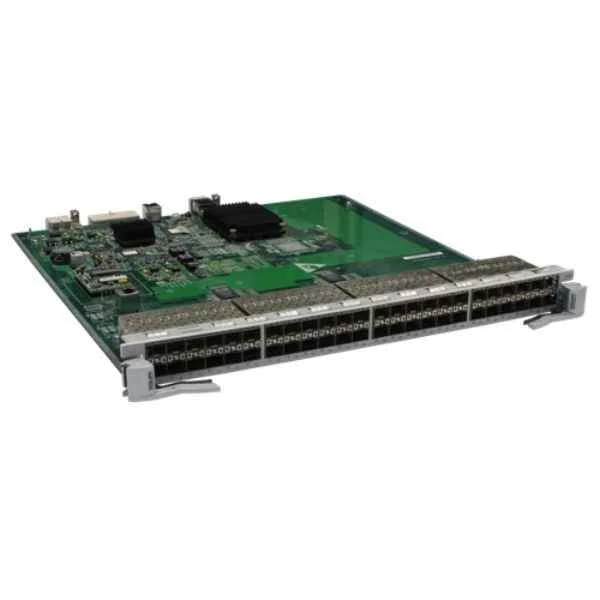
LE0MF48SA (48-Port 100BASE-X Interface Card(EA,SFP))
4.7 (6)- Network Module
- Huawei
- Ethernet Module
- 10G
- SFP+
- TCP/IP
- PCIe
Est Value In stockFirst-Time Buyer Discount – Get up to 2% additional off on your first order
ORM Rewards Earn $50 in Rewards + Free Expedited Delivery – Join Now!
Use eCoupon ORMSAVE10
eCoupon limited to 5 units
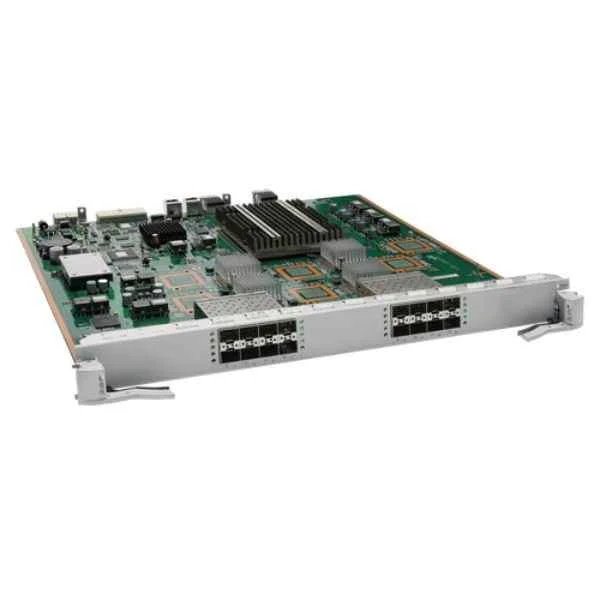
LE0DX16SFC00 (16-Port 10GBASE-X Interface Card(FC,SFP+))
4.8 (6)- Network Module / Network Card
- Huawei
- Ethernet
- 10Gbps
- SFP+
- TCP/IP
- PCIe
Est Value In stockFirst-Time Buyer Discount – Get up to 2% additional off on your first order
ORM Rewards Earn $50 in Rewards + Free Expedited Delivery – Join Now!
Use eCoupon ORMSAVE10
eCoupon limited to 5 units
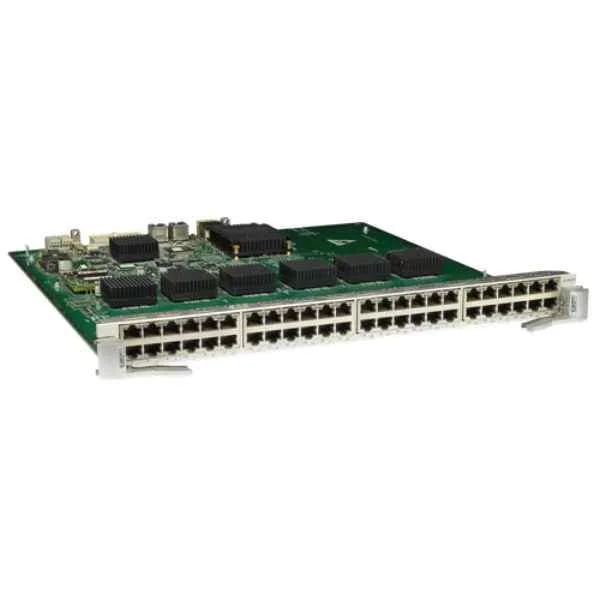
LE0MG48TA (48-Port 10/100/1000BASE-T Interface Card(EA,RJ45))
4.8 (6)- Network Module / Network Card
- Huawei
- Ethernet
- 10Gbps
- SFP+
- TCP/IP / iSCSI
- PCIe
Est Value In stockFirst-Time Buyer Discount – Get up to 2% additional off on your first order
ORM Rewards Earn $50 in Rewards + Free Expedited Delivery – Join Now!
Use eCoupon ORMSAVE10
eCoupon limited to 5 units
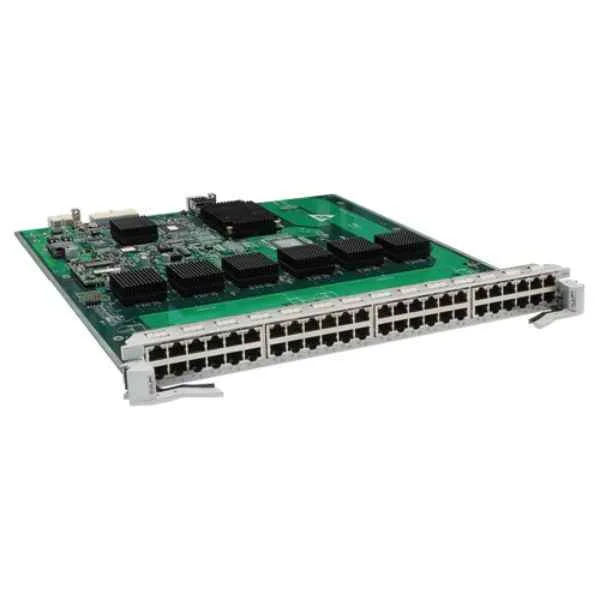
LE0MF48TA (48-Port 10/100BASE-T Interface Card(EA,RJ45))
4.8 (6)- Network Card
- Huawei
- Ethernet
- 10Gbps
- SFP+
- TCP/IP, iSCSI
- PCIe
Est Value In stockFirst-Time Buyer Discount – Get up to 2% additional off on your first order
ORM Rewards Earn $50 in Rewards + Free Expedited Delivery – Join Now!
Use eCoupon ORMSAVE10
eCoupon limited to 5 units
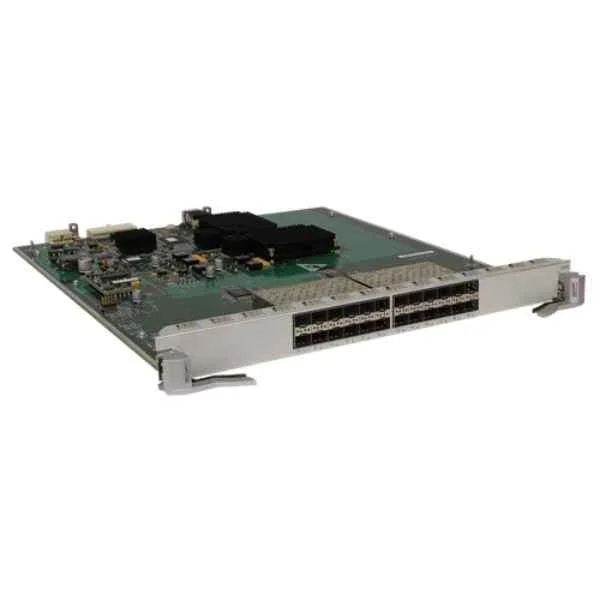
LE0MG24SD (24-Port 100/1000BASE-X Interface Card(ED,SFP))
4.8 (6)- Network Module / Network Card
- Huawei
- Ethernet
- 10Gbps
- RJ-45
- TCP/IP
- PCIe
Est Value In stockFirst-Time Buyer Discount – Get up to 2% additional off on your first order
ORM Rewards Earn $50 in Rewards + Free Expedited Delivery – Join Now!
Use eCoupon ORMSAVE10
eCoupon limited to 5 units
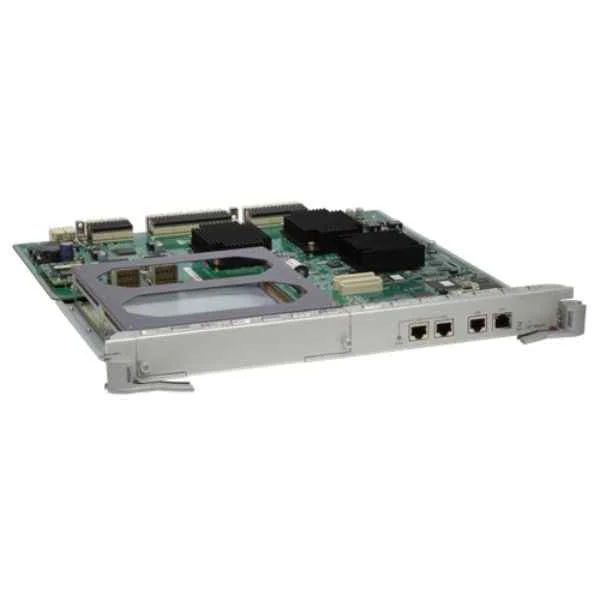
LE0D00SRUB00 (S9306/S9312 Main Control Unit B(Optional Clock))
4.8 (6)- Network Card
- Huawei
- Ethernet
- 10Gbps
- SFP+
- TCP/IP
- PCIe
Est Value In stockFirst-Time Buyer Discount – Get up to 2% additional off on your first order
ORM Rewards Earn $50 in Rewards + Free Expedited Delivery – Join Now!
Use eCoupon ORMSAVE10
eCoupon limited to 5 units
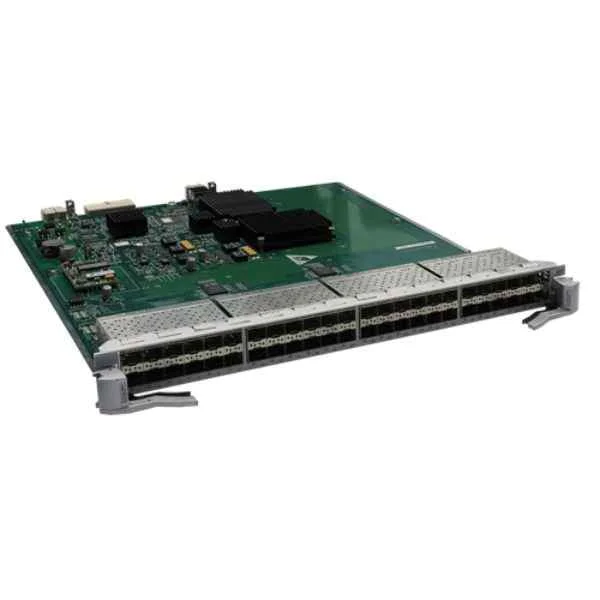
LE0MF48SC (48-Port 100BASE-X Interface Card(EC,SFP))
4.7 (6)- Network Module / Network Card
- Huawei
- Ethernet (SFP+)
- 10G
- SFP+
- TCP/IP, iSCSI
- SFP+
Est Value In stockFirst-Time Buyer Discount – Get up to 2% additional off on your first order
ORM Rewards Earn $50 in Rewards + Free Expedited Delivery – Join Now!
Use eCoupon ORMSAVE10
eCoupon limited to 5 units
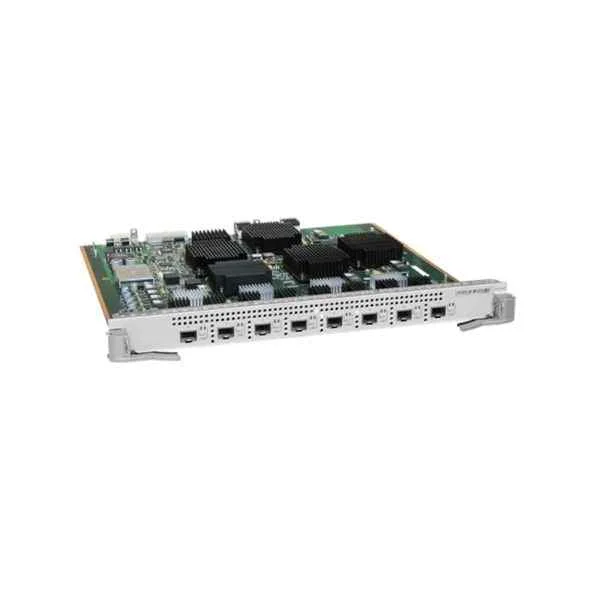
LE2D2X08SED4 (LE2D2X08SED4-8-Port 10GBASE-X Interface Card (ED, SFP+), Support S9300)
4.7 (6)- Network Module
- Huawei
- Ethernet Module
- 10G
- SFP+
- TCP/IP, iSCSI
- PCIe
Est Value In stockFirst-Time Buyer Discount – Get up to 2% additional off on your first order
ORM Rewards Earn $50 in Rewards + Free Expedited Delivery – Join Now!
Use eCoupon ORMSAVE10
eCoupon limited to 5 units
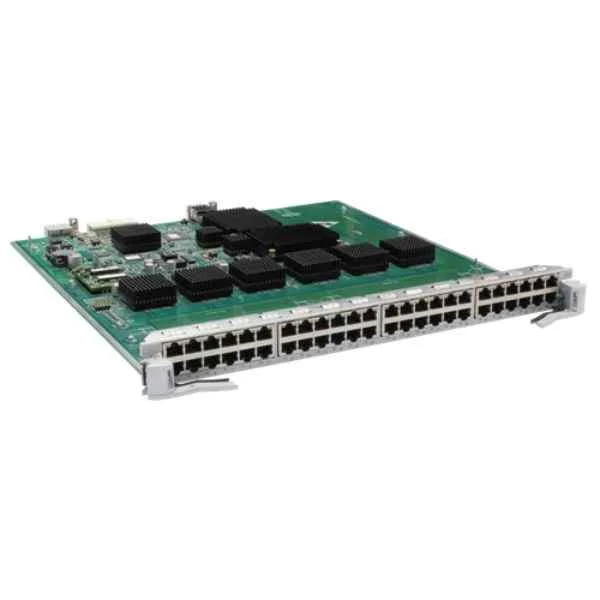
LE0MF48TC (48-Port 100BASE-T Interface Card(EC,RJ45))
4.2 (6)- Network Module / Network Card
- Huawei
- Ethernet
- 10Gbps
- SFP+
- TCP/IP / iSCSI
- PCIe
Est Value In stockFirst-Time Buyer Discount – Get up to 2% additional off on your first order
ORM Rewards Earn $50 in Rewards + Free Expedited Delivery – Join Now!
Use eCoupon ORMSAVE10
eCoupon limited to 5 units
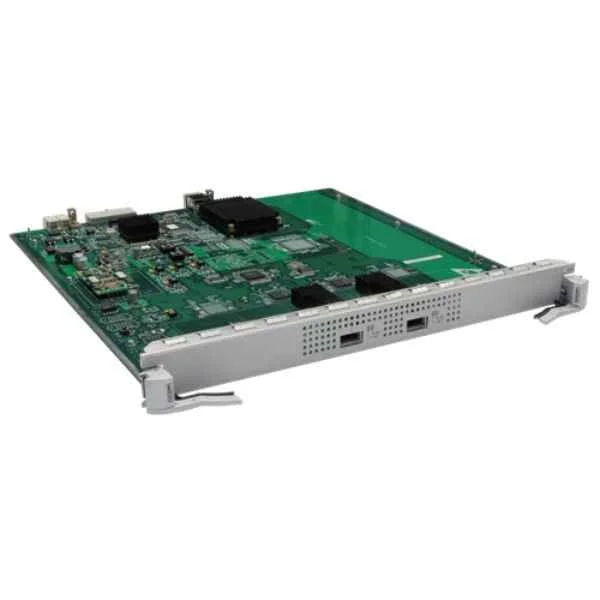
LE0MX2UXA (2-Port 10GBASE-X Interface Card(EA,XFP))
4.7 (6)- Network Module
- Huawei
- Ethernet
- 10Gbps
- RJ-45
- TCP/IP / iSCSI
- PCIe
Est Value In stockFirst-Time Buyer Discount – Get up to 2% additional off on your first order
ORM Rewards Earn $50 in Rewards + Free Expedited Delivery – Join Now!
Use eCoupon ORMSAVE10
eCoupon limited to 5 units
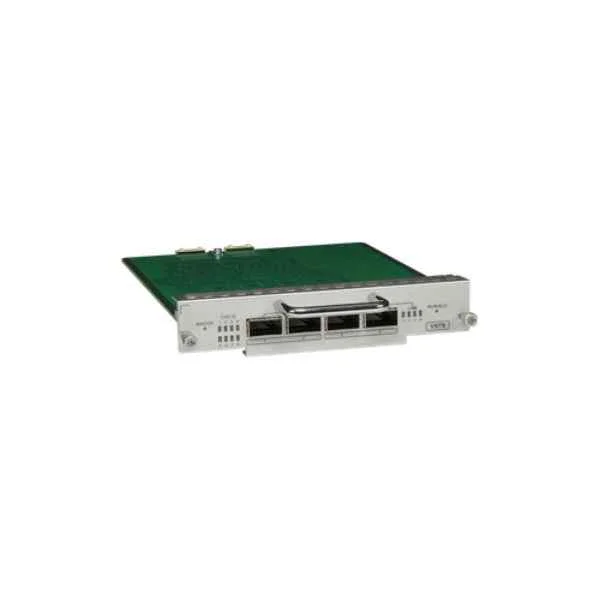
LE0D0VSTSA00 (Cluster Switching System Service Unit)
4.2 (6)- Network Module / Network Card
- Huawei
- Ethernet
- 10Gbps
- SFP+
- TCP/IP, iSCSI
- PCIe
Est Value In stockFirst-Time Buyer Discount – Get up to 2% additional off on your first order
ORM Rewards Earn $50 in Rewards + Free Expedited Delivery – Join Now!
Use eCoupon ORMSAVE10
eCoupon limited to 5 units
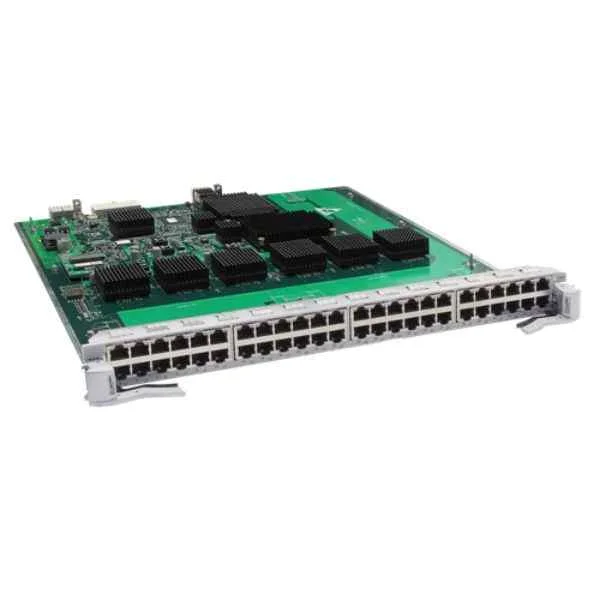
LE0MG48TC (48-Port 100/1000BASE-T Interface Card(EC,RJ45))
4.5 (6)- Network Card
- Huawei
- Ethernet
- 10G
- SFP+
- TCP/IP / iSCSI
- PCIe
Est Value In stockFirst-Time Buyer Discount – Get up to 2% additional off on your first order
ORM Rewards Earn $50 in Rewards + Free Expedited Delivery – Join Now!
Use eCoupon ORMSAVE10
eCoupon limited to 5 units
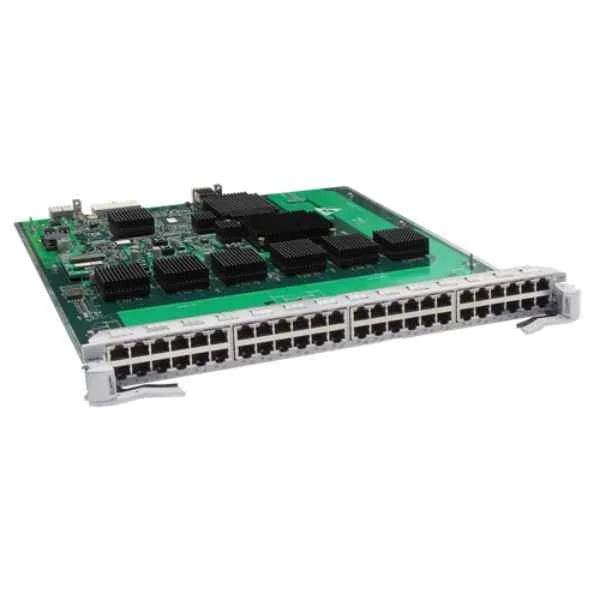
LE0MG48TD (48-Port 100/1000BASE-T Interface Card(ED,RJ45))
4.3 (6)- Network Module
- Huawei
- Ethernet
- 10Gbps
- SFP+
- TCP/IP
- PCIe
Est Value In stockFirst-Time Buyer Discount – Get up to 2% additional off on your first order
ORM Rewards Earn $50 in Rewards + Free Expedited Delivery – Join Now!
Use eCoupon ORMSAVE10
eCoupon limited to 5 units
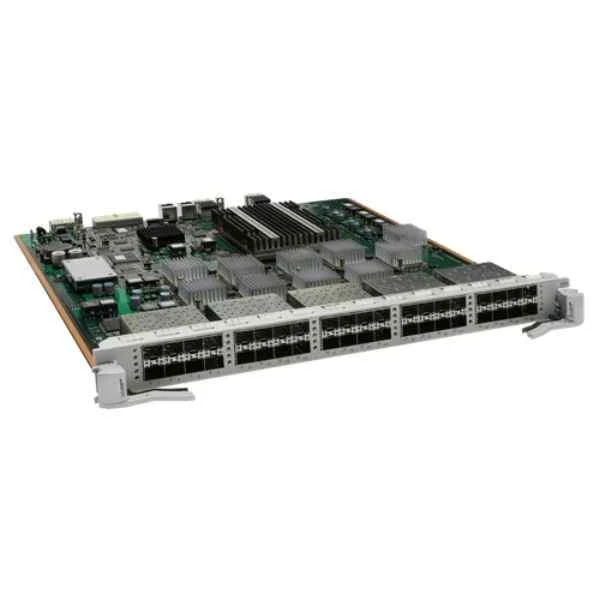
LE0DX40SFC00 (40-Port 10GBASE-X Interface Card(FC,SFP+))
4.5 (6)- Network Card
- Huawei
- Fibre Channel
- 40Gbps
- SFP+
- TCP/IP / Fibre Channel
- PCIe
Est Value In stockFirst-Time Buyer Discount – Get up to 2% additional off on your first order
ORM Rewards Earn $50 in Rewards + Free Expedited Delivery – Join Now!
Use eCoupon ORMSAVE10
eCoupon limited to 5 units
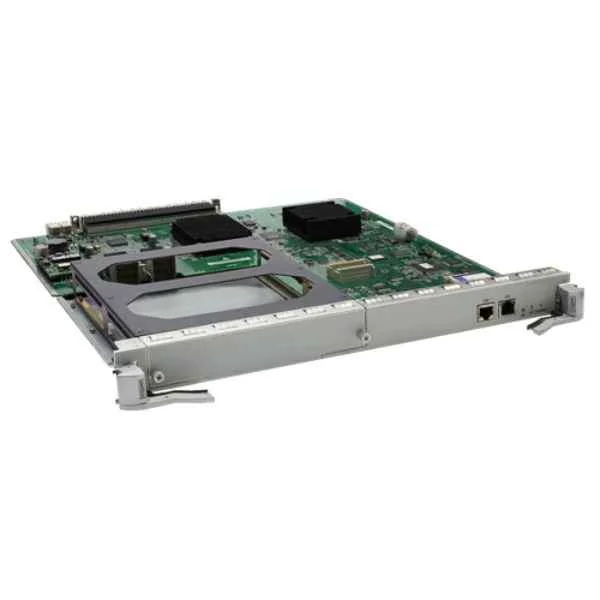
LE0MSRUA (S9306/S9312 Main Control Unit A)
4.8 (6)- Network Module / Network Card
- Huawei
- Ethernet
- 10Gbps
- RJ-45
- TCP/IP, iSCSI
- PCIe
Est Value In stockFirst-Time Buyer Discount – Get up to 2% additional off on your first order
ORM Rewards Earn $50 in Rewards + Free Expedited Delivery – Join Now!
Use eCoupon ORMSAVE10
eCoupon limited to 5 units
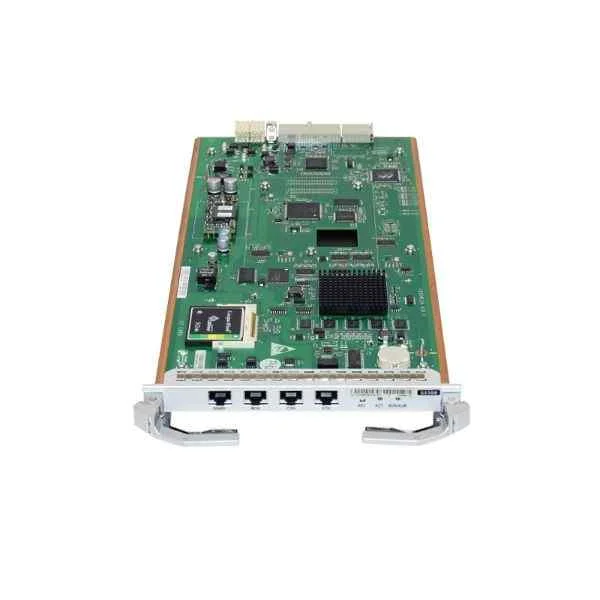
LE0MMCUA (S9303 Main Control Unit A)
4.8 (6)- Network Module / Network Card
- Huawei
- Ethernet Module
- 10Gbps
- SFP+
- TCP/IP, iSCSI
- PCIe
Est Value In stockFirst-Time Buyer Discount – Get up to 2% additional off on your first order
ORM Rewards Earn $50 in Rewards + Free Expedited Delivery – Join Now!
Use eCoupon ORMSAVE10
eCoupon limited to 5 units

ORM Sales Advisors
Buying for your business? Get a personalised quote in under 2 hours. Talk to an expert
LEARNFilters (19) 
Questions & Answers
What are the key features of S9300 Series Switch Line Cards?
S9300 Series line cards deliver ultra-high port density, up to 100 Gb/s per port, hardware-based VXLAN/MPLS, deterministic low-latency forwarding and hot-swappable modular design for scalable, carrier-grade deployments.
Which port densities and speeds are available on S9300 line cards?
S9300 line cards support flexible port configurations from 24×10 Gb/s SFP+ up to 12×100 Gb/s QSFP28, with breakout options to address evolving bandwidth demands.
What is the maximum forwarding capacity per S9300 line card?
Each S9300 line card delivers up to 2.4 Tb/s of non-blocking switching capacity and sub-microsecond latency for mission-critical applications.
Which chassis and supervisor engines are compatible with S9300 line cards?
S9300 line cards are fully compatible with the Catalyst 9500 and Nexus 9300 chassis families when paired with the appropriate supervisor module running NX-OS or IOS XE.
How does the S9300 Series optimize power efficiency?
Advanced ASIC power management and variable-speed fans reduce typical power consumption by up to 30%, while per-port PoE/PoE+ budgeting ensures efficient energy use.
Does the S9300 Series support VXLAN and MPLS workflows?
Yes. S9300 line cards accelerate hardware-based VXLAN bridging and MPLS label switching, enabling scalable multi-tenant fabrics and VPN services with sub-microsecond latency.
Can I hot-swap S9300 line cards without disrupting network traffic?
Yes. The S9300 Series supports hitless insertion and removal, allowing line card replacement or upgrades without dropping active sessions or impairing fabric performance.
What latency and packet-forwarding performance can I expect?
S9300 line cards provide consistent sub-microsecond, cut-through latency and up to 400 Mpps per card, ensuring deterministic performance under full load.
How do I install and configure an S9300 line card?
Slide the card into the designated slot until it clicks, secure the captive screws, power on the chassis, then use CLI or GUI tools to enable interfaces, apply IOS XE or NX-OS images, and verify with show commands.
Are there advanced security features on the S9300 Series?
Yes. Built-in MACsec encryption, control-plane policing, dynamic ARP inspection, and hardware-based ACLs protect against unauthorized access and DDoS threats.
Does the S9300 Series support advanced QoS and traffic management?
Absolutely. S9300 line cards offer eight hardware queues per port, real-time shaping, WRED, and hierarchical policing to guarantee SLAs for voice, video, and data.
What are the environmental specifications for S9300 line cards?
Operating temperature ranges from 0°C to 40°C, with 10%–90% non-condensing humidity. The cards meet NEBS Level 3 and ETSI standards for data-center and central-office environments.
How does S9300 integrate with automation and orchestration platforms?
S9300 line cards support native Python scripting, RESTCONF/NETCONF, gNMI, Ansible and Cisco DNA Center/Juniper Contrail integration for seamless zero-touch provisioning and intent-based management.
What warranty and support options are available for S9300 line cards?
All line cards include a limited lifetime hardware warranty, next-business-day replacement, and 24×7 software support. Premium SMARTnet or equivalent service levels are also available.
Can I mix S9300 Series line cards with other switch series in the same chassis?
Mixing is supported only within the approved Catalyst 9500 or Nexus 9300 sub-families; cross-series interoperability outside these lines may not guarantee full feature compatibility or performance.
What are best practices for troubleshooting S9300 line card issues?
Use ‘show platform’ and ‘show interface’ diagnostics, review syslog and error counters, run onboard self-tests, replace suspect modules by hot-swap, and consult Cisco TAC or Juniper JTAC with captured logs.