 United States
Juniper Router CTP Modules & Cards
Optimized for high-performance networking, our Juniper Router CTP Modules and Cards deliver reliable, scalable connectivity and advanced security solutions for dynamic enterprise and service provider environments.
Talk to an expert
18 Matching results
- FEARURED
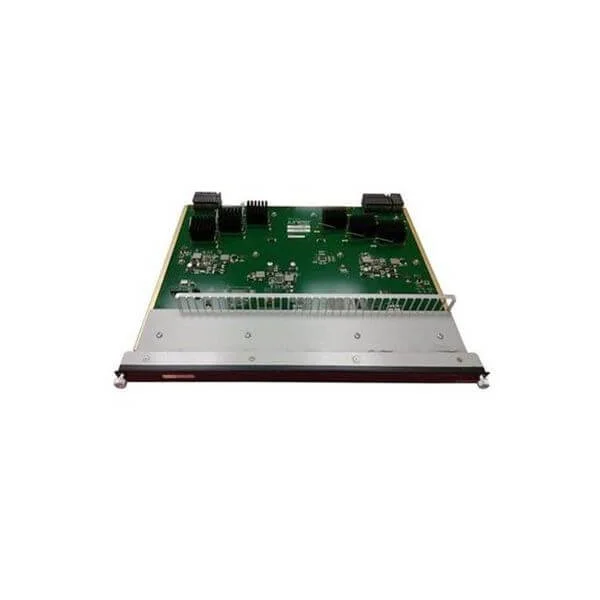
CTP-FX2000GE-UPG (CTP2000 Dual SC Multimode Fiber Gigabit Ethernet PMC Upgrade.)
4.6 (5)- Network Module / Network Card
- Juniper
- Ethernet
- 1Gbps
- RJ-45
- TCP/IP
- PCIe
Est Value $6,255.90
$3,127.95
50% offIn stockRefurbishedFirst-Time Buyer Discount – Get up to 2% additional off on your first order
ORM Rewards Earn $50 in Rewards + Free Expedited Delivery – Join Now!
Use eCoupon ORMSAVE10
eCoupon limited to 5 units
- FEARURED
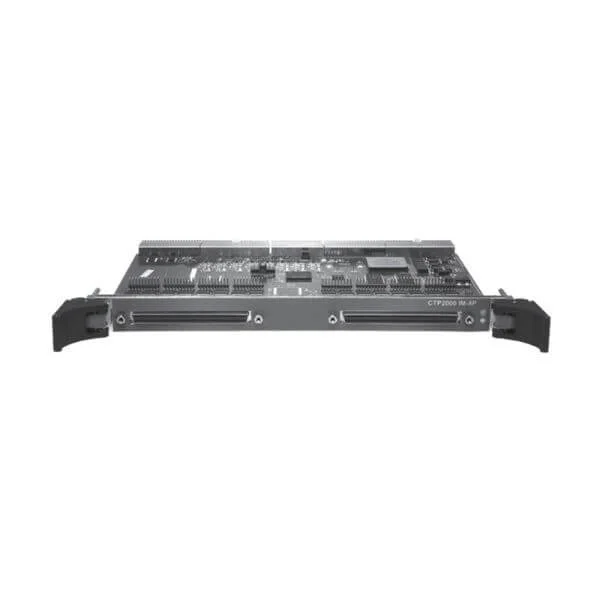
CTP2000-IM-8P-T1E1 (8T1/E1PORTS I/F MOD F/ CTP2000)
4.4 (5)- WAN Interface Card
- Juniper
- T1/E1 WAN Module
- 1.544 Mbps (T1) / 2.048 Mbps (E1)
- RJ-45
- Modular
Est Value $8,100.00$6,531.84
19.4% offIn stockNewRefurbishedFirst-Time Buyer Discount – Get up to 2% additional off on your first order
ORM Rewards Earn $50 in Rewards + Free Expedited Delivery – Join Now!
Use eCoupon ORMSAVE10
eCoupon limited to 5 units
- FEARURED
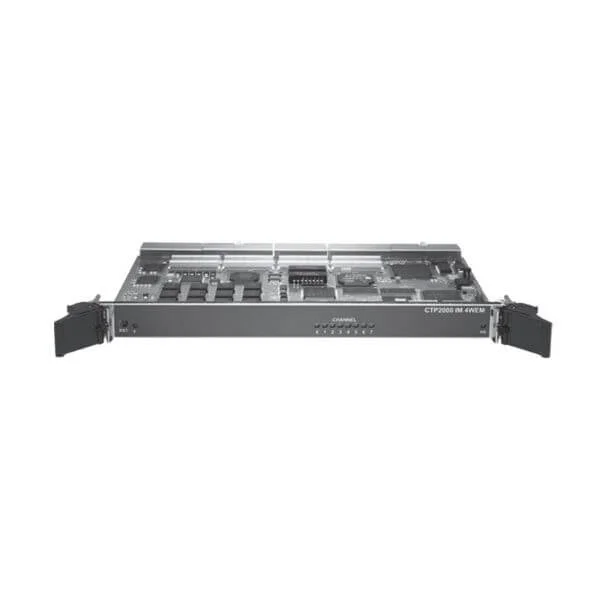
CTP2000-IM-4WEM (CTP2000 SERIES 8PORT 4WEANDM ANALOG INTERFACE MODULE)
4.6 (5)- Network Module
- Juniper
- WAN Module
- 10Gbps
- SFP+
- TCP/IP
- PCIe
Est Value $34,630.00$6,183.47
82.1% offIn stockNewRefurbishedFirst-Time Buyer Discount – Get up to 2% additional off on your first order
ORM Rewards Earn $50 in Rewards + Free Expedited Delivery – Join Now!
Use eCoupon ORMSAVE10
eCoupon limited to 5 units
- FEARURED
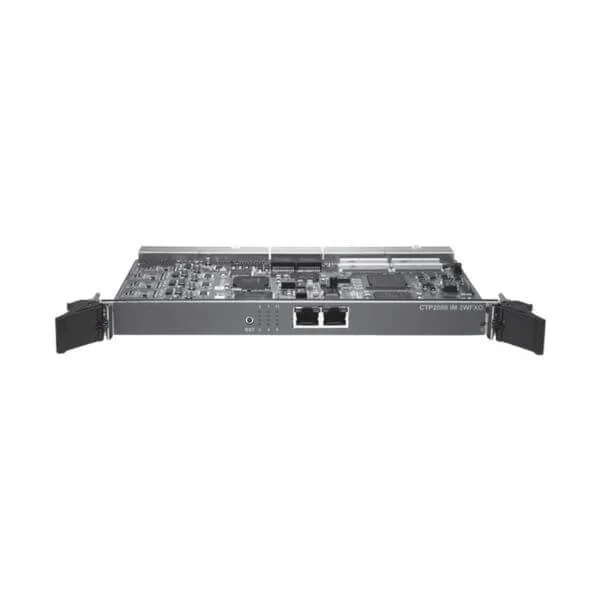
CTP2000-IM-2WFXO (CTP2000 ANALOG 2WFXO VOICE MODULE 12PORT)
5 (5)- Telephony Interface Module
- Juniper
- FXO
- RJ11
- PSTN/FXO
- Modular
Est Value $35,440.00$7,664.02
78.4% offIn stockNewRefurbishedFirst-Time Buyer Discount – Get up to 2% additional off on your first order
ORM Rewards Earn $50 in Rewards + Free Expedited Delivery – Join Now!
Use eCoupon ORMSAVE10
eCoupon limited to 5 units

CTP-CF-4G-S (4G Compact Flash for CTP150 and CTP2000 Series - Spare)
4.4 (5)- Network Module
- Juniper
- 4G LTE
- Up to 100Mbps (Download) / 50Mbps (Upload)
- SMA Antenna Connector
- TCP/IP / UDP
- Modular
Est Value $238.00$203.92
14.3% offIn stockRefurbishedFirst-Time Buyer Discount – Get up to 2% additional off on your first order
ORM Rewards Earn $50 in Rewards + Free Expedited Delivery – Join Now!
Use eCoupon ORMSAVE10
eCoupon limited to 5 units

CTP-OS-4G (CTP Operating System on 4G Compact Flash)
4.6 (5)- Network Module / Network Card
- Juniper
- 4G LTE
- Up to 1Gbps
- PCIe
- TCP/IP
- PCIe
Est Value $2,200.00$1,453.20
33.9% offIn stockNewFirst-Time Buyer Discount – Get up to 2% additional off on your first order
ORM Rewards Earn $50 in Rewards + Free Expedited Delivery – Join Now!
Use eCoupon ORMSAVE10
eCoupon limited to 5 units

CTP-CLK-MAIN (CTP2000 MAIN CLOCK CARD)
4.8 (5)- Network Module
- Juniper
- Ethernet
- 10G
- SFP+
- TCP/IP
- PCIe
Est Value $2,453.00$1,620.15
34% offIn stockNewFirst-Time Buyer Discount – Get up to 2% additional off on your first order
ORM Rewards Earn $50 in Rewards + Free Expedited Delivery – Join Now!
Use eCoupon ORMSAVE10
eCoupon limited to 5 units

CTP-CLK-SPOKE (CTP2000 SPOKE CLOCK CARD)
4.8 (5)- Network Module / Network Card
- Juniper
- Ethernet
- 10G
- RJ-45
- TCP/IP, iSCSI
- PCIe
Est Value $2,970.00$1,962.45
33.9% offIn stockNewFirst-Time Buyer Discount – Get up to 2% additional off on your first order
ORM Rewards Earn $50 in Rewards + Free Expedited Delivery – Join Now!
Use eCoupon ORMSAVE10
eCoupon limited to 5 units

CTP150-IM-SER (CTP150 4-port Serial interface module)
4.6 (5)- Network Module
- Juniper
- Ethernet
- 1Gbps
- RJ-45
- TCP/IP
- PCIe
Est Value $4,184.00$3,396.56
18.8% offIn stockNewRefurbishedFirst-Time Buyer Discount – Get up to 2% additional off on your first order
ORM Rewards Earn $50 in Rewards + Free Expedited Delivery – Join Now!
Use eCoupon ORMSAVE10
eCoupon limited to 5 units

CTP150-IM-SER-MS (CTP150 4-port Serial interface module with 2-port Multi-Service daughter cards installed.)
4.8 (5)- Network Module / Network Card
- Juniper
- Serial Multi-Service
- 1Gbps
- RJ-45
- TCP/IP
- PCIe
Est Value $5,362.00$4,354.56
18.8% offIn stockNewRefurbishedFirst-Time Buyer Discount – Get up to 2% additional off on your first order
ORM Rewards Earn $50 in Rewards + Free Expedited Delivery – Join Now!
Use eCoupon ORMSAVE10
eCoupon limited to 5 units
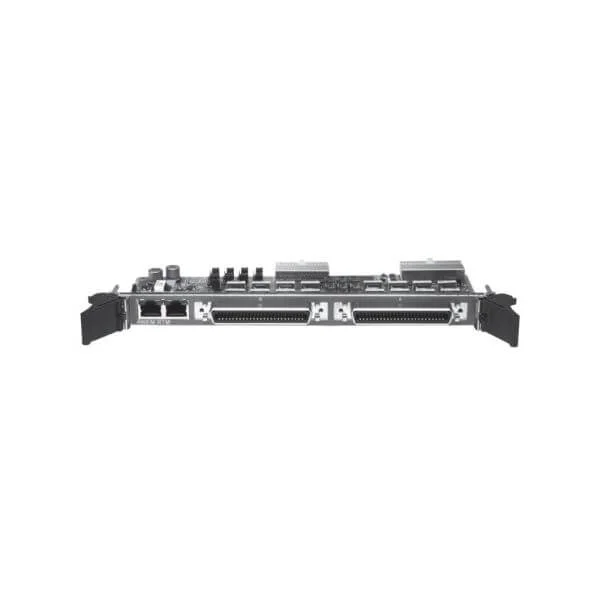
4WEM-RTM (CTP2000 SERIES 4WEANDM REAR TRANSITION MODULE)
4.8 (5)- Network Module / Network Card
- Juniper
- WAN Module
- 10Gbps
- SFP+
- TCP/IP, iSCSI
- PCIe
Est Value $6,800.00$4,583.25
32.6% offIn stockNewFirst-Time Buyer Discount – Get up to 2% additional off on your first order
ORM Rewards Earn $50 in Rewards + Free Expedited Delivery – Join Now!
Use eCoupon ORMSAVE10
eCoupon limited to 5 units
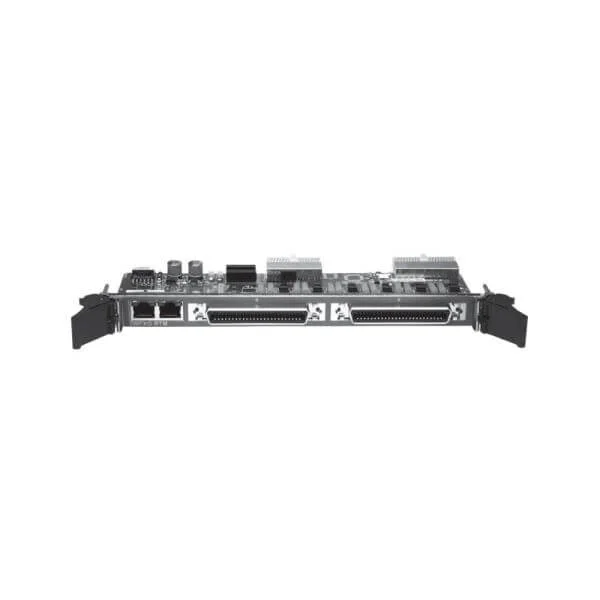
2WFXO-RTM (CTP2000 ANALOG 2WFXO VOICE MODULE REAR TRANSITION MODULE)
4.4 (5)- Telephony Module
- Juniper
- FXO Module
- RJ11
- Analog Telephony (PSTN)
- PCIe Modular
Est Value $10,710.00$7,218.75
32.6% offIn stockNewFirst-Time Buyer Discount – Get up to 2% additional off on your first order
ORM Rewards Earn $50 in Rewards + Free Expedited Delivery – Join Now!
Use eCoupon ORMSAVE10
eCoupon limited to 5 units
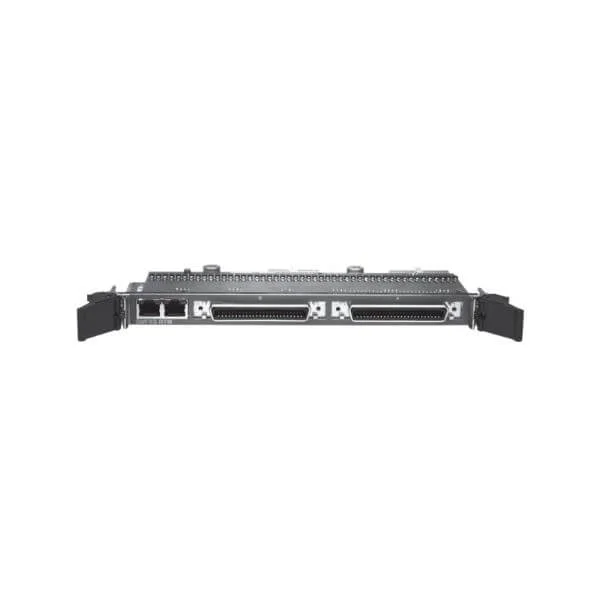
2WFXS-RTM (CTP2000 ANALOG 2WFXS VOICE MODULE REAR TRANSITION MODULE)
4.4 (5)- Network Module
- Juniper
- WAN Module
- 10Gbps
- SFP+
- TCP/IP
- Modular
Est Value $10,870.00$7,325.85
32.6% offIn stockNewFirst-Time Buyer Discount – Get up to 2% additional off on your first order
ORM Rewards Earn $50 in Rewards + Free Expedited Delivery – Join Now!
Use eCoupon ORMSAVE10
eCoupon limited to 5 units
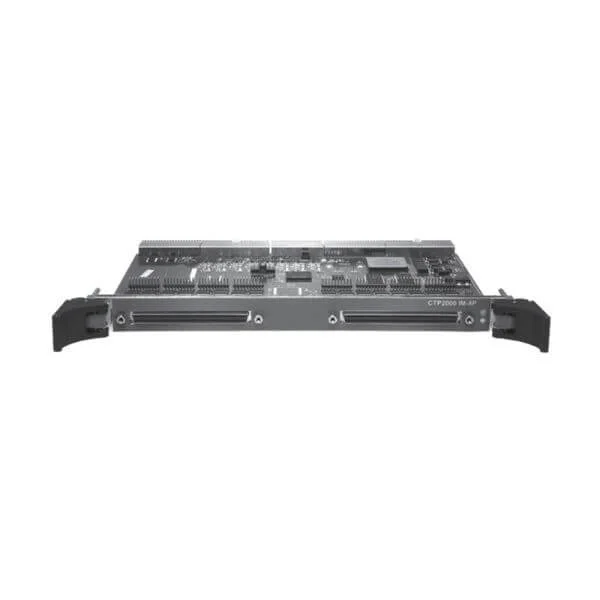
CTP2000-IM-8P (CTP 2000 SERIES - EIA530/RS-232 8PORT INTERFACE MOD US/CANADA ONLY)
4.6 (5)- Network Module / Network Card
- Juniper
- Ethernet
- 1Gbps
- RJ-45
- TCP/IP
- PCIe
Est Value $14,256.00$12,614.70
11.5% offIn stockNewRefurbishedFirst-Time Buyer Discount – Get up to 2% additional off on your first order
ORM Rewards Earn $50 in Rewards + Free Expedited Delivery – Join Now!
Use eCoupon ORMSAVE10
eCoupon limited to 5 units

CTP2000-PRC-03-S (Spare CTP2000 Series -03 processor)
4.6 (5)- Network Card
- Juniper
- Ethernet
- 10Gbps
- SFP+
- TCP/IP, iSCSI
- PCIe
Est Value $18,398.00$16,417.80
10.8% offIn stockRefurbishedFirst-Time Buyer Discount – Get up to 2% additional off on your first order
ORM Rewards Earn $50 in Rewards + Free Expedited Delivery – Join Now!
Use eCoupon ORMSAVE10
eCoupon limited to 5 units
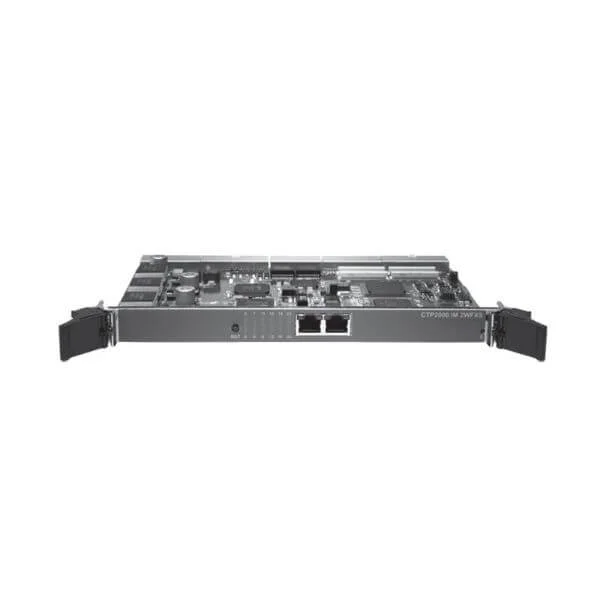
CTP2000-IM-2WFXS (CTP2000 ANALOG 2WFXS VOICE MODULE 24PORT)
4.8 (5)- Network Module / Network Card
- Juniper
- Ethernet
- 10Gbps
- SFP+
- TCP/IP, iSCSI
- PCIe
Est Value $34,560.00$7,664.02
77.8% offIn stockNewRefurbishedFirst-Time Buyer Discount – Get up to 2% additional off on your first order
ORM Rewards Earn $50 in Rewards + Free Expedited Delivery – Join Now!
Use eCoupon ORMSAVE10
eCoupon limited to 5 units
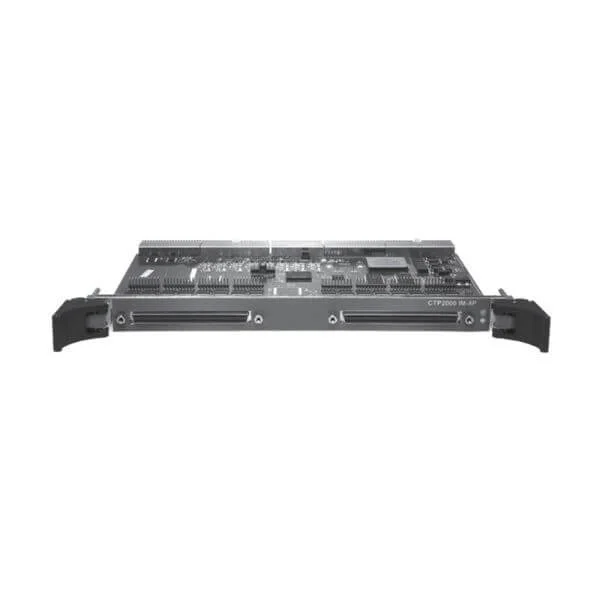
CTP2000-IM-8P-MS (CTP2000 SERIES 8PORT SERIAL MODULE W/ 8CARD TO ADD 4WTO ANALOG)
5 (5)- Network Module
- Juniper
- Ethernet
- 1Gbps
- RJ-45
- TCP/IP
- Modular
Est Value $45,680.00$16,670.85
63.5% offIn stockNewRefurbishedFirst-Time Buyer Discount – Get up to 2% additional off on your first order
ORM Rewards Earn $50 in Rewards + Free Expedited Delivery – Join Now!
Use eCoupon ORMSAVE10
eCoupon limited to 5 units
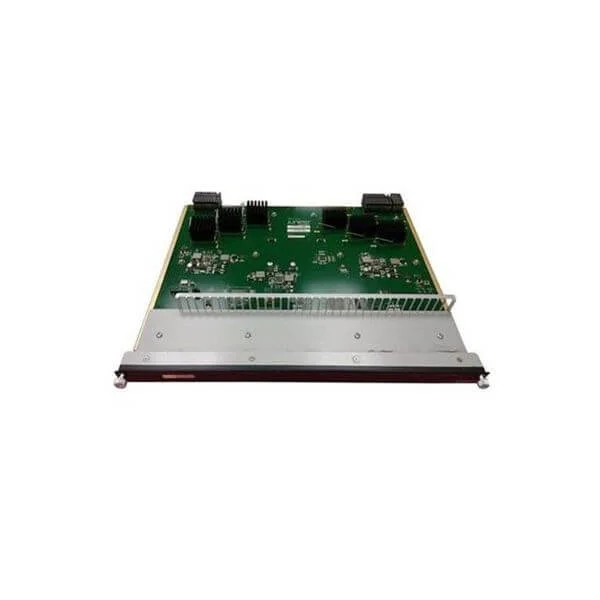
CTP-FX2000FE-UPG (CTP2000 Dual SC Multimode Fiber Fast Ethernet IM Upgrade.)
4.8 (5)- Network Module
- Juniper
- Ethernet
- 10Gbps
- SFP+
- TCP/IP
- PCIe
Est Value In stockFirst-Time Buyer Discount – Get up to 2% additional off on your first order
ORM Rewards Earn $50 in Rewards + Free Expedited Delivery – Join Now!
Use eCoupon ORMSAVE10
eCoupon limited to 5 units

ORM Sales Advisors
Buying for your business? Get a personalised quote in under 2 hours. Talk to an expert
LEARNFilters (18) 
Questions & Answers
What are Juniper Router CTP modules and cards?
Juniper Router CTP (Compact Traffic Processor) modules and cards are modular hardware components that provide high-performance packet processing, forwarding, and traffic management functions within Juniper MX and PTX series routers.
Which Juniper routers support CTP modules and cards?
CTP modules and cards are supported on Juniper MX Series (MX5, MX10, MX40, MX80, MX240, MX480, MX960) and PTX core routers (PTX5000, PTX10002, PTX10008), enabling scalable service delivery and backbone aggregation.
How do I select the right CTP module for my network?
Choose a CTP module based on your router model, required port density (10 GbE, 40 GbE, 100 GbE), throughput capacity, and feature set such as MPLS, QoS, and intelligent traffic policing.
Can CTP modules be installed while the router is powered on?
Yes. Juniper CTP modules support hot-swap installation and removal without disrupting packet forwarding or control-plane operations.
How do I install a Juniper Router CTP card?
Power off the router or ensure hot-swap capability, insert the CTP card into the designated slot until it clicks, secure the ejector lever, then power on or verify operational status via CLI show chassis commands.
What is the maximum throughput of Juniper CTP modules?
Throughput varies by model: 10 GbE CTP modules deliver up to 40 Gbps, 40 GbE modules up to 160 Gbps, and 100 GbE modules up to 400 Gbps per slot, depending on router platform.
How do I update firmware on Juniper CTP modules?
Use Junos CLI commands such as request system software add to install the correct Junos OS and firmware bundle, then reboot the module or router as directed in the release notes.
Where can I find part numbers for ordering CTP modules?
Juniper part numbers are listed in the MX/PTX hardware compatibility guide or the Juniper online price list; reference the module type (e.g., MPC3E-3D, M120, MPC7E) and card model for accurate ordering.
What power and cooling requirements apply to CTP modules?
Power consumption ranges from 50 W to 300 W per module; refer to your router’s hardware guide for rack-unit power budgets and ensure sufficient airflow and temperature control in the data center.
How do I troubleshoot a faulty CTP module?
Check CLI logs (show log messages), verify interface counters (show interfaces extensive), inspect module LEDs for status, reseat the module, and upgrade firmware before contacting Juniper Support.
What diagnostic tools are available for CTP cards?
Use Junos CLI commands (show chassis fpc, show interfaces diagnostics optics), Juniper Network Director, and SNMP MIBs to monitor optical levels, temperature, and module health in real time.
Are Juniper CTP modules covered by warranty?
Yes. All genuine Juniper CTP modules and cards carry a limited lifetime warranty with options for NBD advance replacement, extended coverage, and Juniper Care support contracts.
What is the end-of-life policy for CTP modules?
Juniper publishes EOL/EOS announcements at least 12 months in advance; check the Juniper Product Lifecycle page for timelines on last-order and last-supported dates to plan migrations.
How can I migrate from older modules to the latest CTP cards?
Review compatibility matrices, back up configurations, perform an in-place OS upgrade if required, hot-swap the modules one slot at a time, and validate traffic flows after each replacement.
What environmental standards do CTP modules meet?
Juniper CTP modules comply with NEBS Level 3, ETSI, RoHS, and WEEE standards, ensuring reliability in temperature ranges from 0 °C to 40 °C and relative humidity up to 85% non-condensing.
How do I monitor performance on Juniper CTP cards?
Use Junos telemetry, SNMP polling (ifHCInOctets, ifHCOutOctets), RPM probes, and J-Flow to capture KPIs like throughput, latency, packet drops, and jitter directly from the CTP card.