 United States
Video Conferencing Tools for Professionals
Experience industry-leading video conferencing platforms that deliver secure, high-definition, reliable communication solutions for business meetings, remote collaboration, and global connectivity. Elevate your virtual interactions today.
Talk to an expert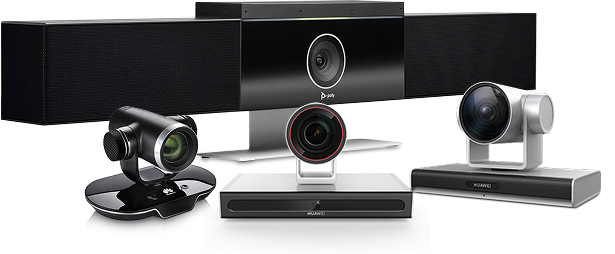
Huawei Video Conferencing
(281)Huawei video conferencing equips campus collaboration cores with SIP/H.323 interoperability, HD media handling, and standards-based room endpoint integration
Poly Video Conferencing
(3)Poly video conferencing equips Teams and Zoom Rooms with USB video bars, SIP interoperability, and room-scale audio pickup
Logitech Video Conferencing
(27)Logitech video conferencing supports BYOD meeting rooms with USB-C cameras, 4K room systems, and Teams or Zoom room kits
311 Matching results
- BEST SELLING
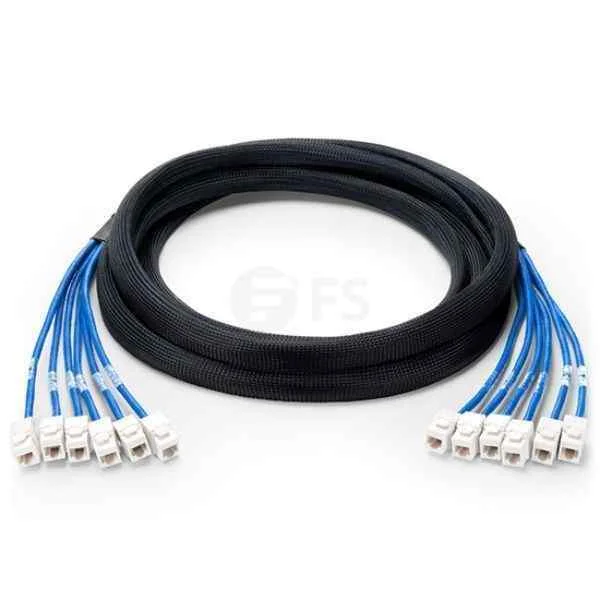
UA3MTCSDCP01 (Huawei Trunk Cable C1T1CAB00,20m,100ohm,1*T1,0.52mm,D9M,CC4P0.5GY(S),MP8 II)
4.3 (6)- Video Conferencing Solution
- Huawei
- Hybrid Office / Boardroom / Classroom
Est Value $134.55
$100.32
25.4% offIn stockNewFirst-Time Buyer Discount – Get up to 2% additional off on your first order
ORM Rewards Earn $50 in Rewards + Free Expedited Delivery – Join Now!
Use eCoupon ORMSAVE10
eCoupon limited to 5 units
- BEST SELLING
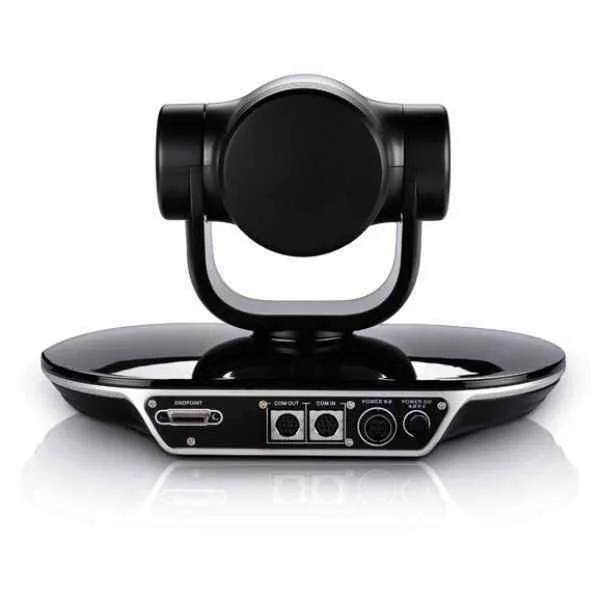
VPC600-12X-00A (Huawei VPC600, HD Camera)
4.8 (6)- Video Conferencing Solution
- Huawei
- PTZ Camera
- Boardroom
- 1080p
- 30 FPS
- 90°
Est Value $5,006.66$1,945.09
61.1% offIn stockNewFirst-Time Buyer Discount – Get up to 2% additional off on your first order
ORM Rewards Earn $50 in Rewards + Free Expedited Delivery – Join Now!
Use eCoupon ORMSAVE10
eCoupon limited to 5 units
- BEST SELLING
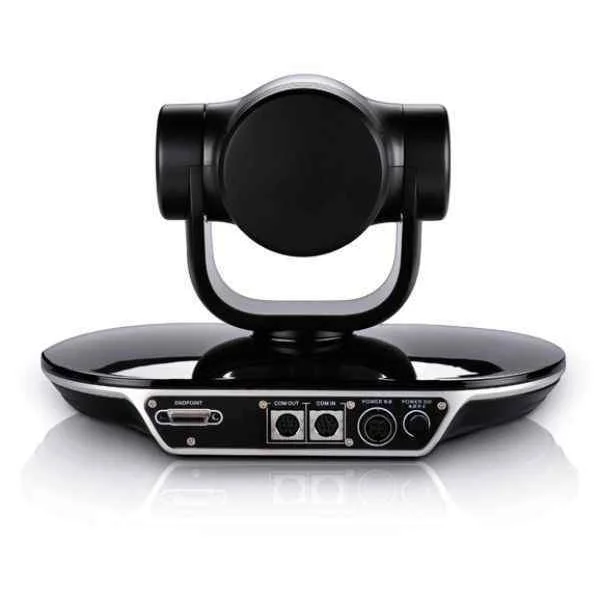
VPC620-12X-00A (Huawei VPC620, HD Camera, 12x Optical Zoom)
4.7 (6)- Video Conferencing Solution
- Huawei
- PTZ Camera
- Boardroom
- 1080p
- 30 FPS
- 90°
Est Value $5,765.39$1,997.71
65.3% offIn stockNewFirst-Time Buyer Discount – Get up to 2% additional off on your first order
ORM Rewards Earn $50 in Rewards + Free Expedited Delivery – Join Now!
Use eCoupon ORMSAVE10
eCoupon limited to 5 units
- BEST SELLING

SM0STRABAN10 (Huawei SMC2.0 Videoconferencing Service Management System software SM0STRABAN10 SC upgrade option license, add 10Mbps for firewall traversal)
4.3 (6)- Video Conferencing Solution
- Huawei
- Software / License
- Huddle Room / Boardroom / Hybrid Office / Classroom
- 1080p
- 30 FPS
- 90°
Est Value $2,630.28$2,568.48
2.3% offIn stockNewFirst-Time Buyer Discount – Get up to 2% additional off on your first order
ORM Rewards Earn $50 in Rewards + Free Expedited Delivery – Join Now!
Use eCoupon ORMSAVE10
eCoupon limited to 5 units
- BEST SELLING
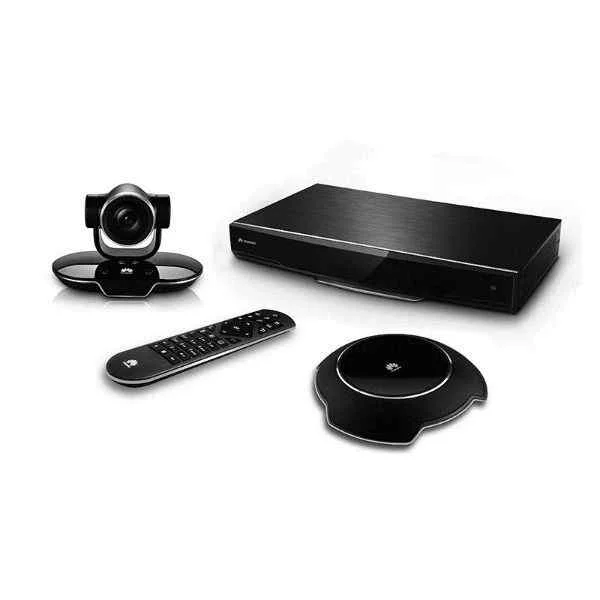
TE40-1080P60-P-02 (Huawei VC8MA7PEN VP9050,Videoconferencing Terminal(1080P,miniMCU,touch screen,cables-America))
4.5 (6)- Video Conferencing Solution
- Huawei
- All-in-One Video Bar / Video Conferencing Endpoint
- Huddle Room / Boardroom / Hybrid Office / Classroom
- 1080p
- 60 FPS
Est Value $16,692.21$6,309.65
62.2% offIn stockNewFirst-Time Buyer Discount – Get up to 2% additional off on your first order
ORM Rewards Earn $50 in Rewards + Free Expedited Delivery – Join Now!
Use eCoupon ORMSAVE10
eCoupon limited to 5 units
- BEST SELLING
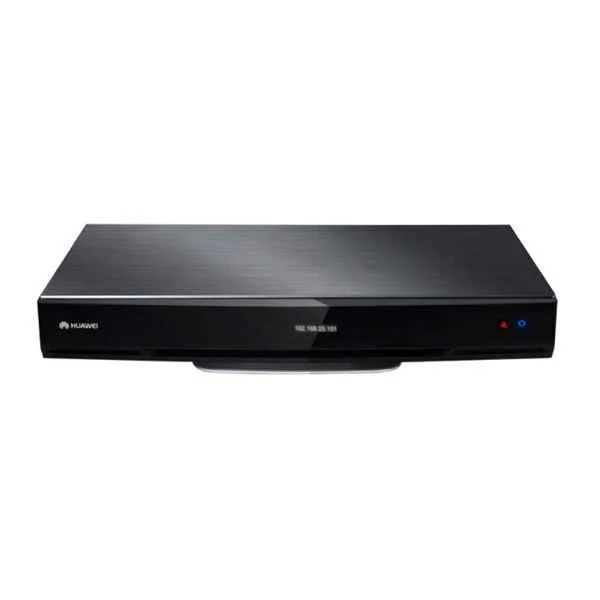
TE50-1080P60-P-02 (Huawei TE40, HD Video Conference Terminal (1080P60, Remote Control, Cable Assembly))
4.5 (6)- Video Conferencing Solution
- Huawei
- Video Bar
- Huddle Room / Boardroom / Hybrid Office / Classroom
- 1080p
- 60 FPS
Est Value $23,369.09$9,815.02
58% offIn stockNewFirst-Time Buyer Discount – Get up to 2% additional off on your first order
ORM Rewards Earn $50 in Rewards + Free Expedited Delivery – Join Now!
Use eCoupon ORMSAVE10
eCoupon limited to 5 units
- BEST SELLING
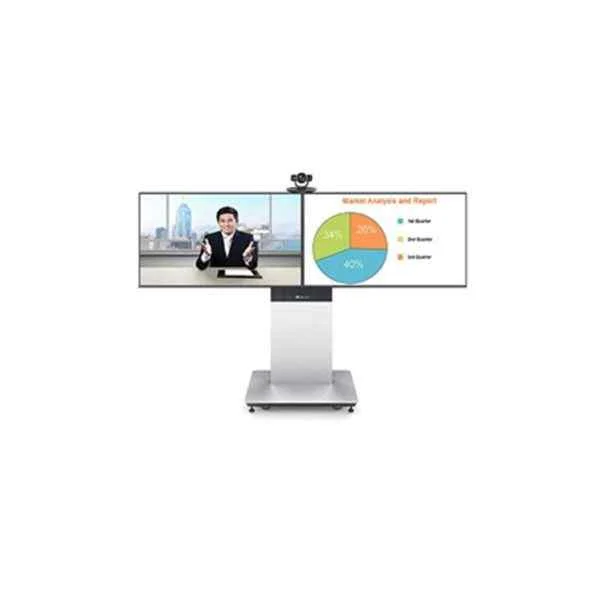
RP200-46S-00 (Huawei RP200-46S-00 RoomTelepresence Solution,48 inch,Dual Screen)
4.7 (6)- Video Conferencing Solution
- Huawei
- Room Kit
- Huddle Room / Boardroom / Hybrid Office
- 1080p
- 30 FPS
- 90°
Est Value $22,412.07$16,237.55
27.5% offIn stockNewFirst-Time Buyer Discount – Get up to 2% additional off on your first order
ORM Rewards Earn $50 in Rewards + Free Expedited Delivery – Join Now!
Use eCoupon ORMSAVE10
eCoupon limited to 5 units
- BEST SELLING
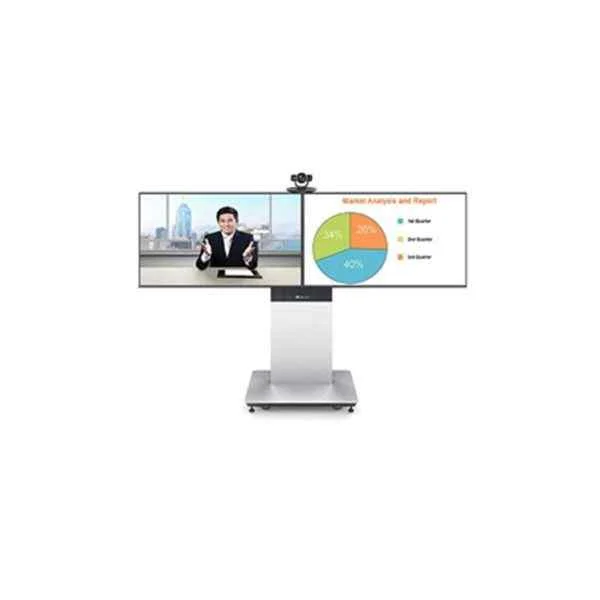
RP100-55S-00 (Huawei RP100-55S-00 RoomTelepresence Solution,55 inch,Single Screen)
4.8 (6)- Video Conferencing Solution
- Huawei
- Room Kit
- Boardroom / Hybrid Office
- 1080p
- 30 FPS
- 90°
Est Value $18,122.68$16,555.07
8.6% offIn stockNewFirst-Time Buyer Discount – Get up to 2% additional off on your first order
ORM Rewards Earn $50 in Rewards + Free Expedited Delivery – Join Now!
Use eCoupon ORMSAVE10
eCoupon limited to 5 units
- BEST SELLING

SM0SNOSCRE05 (Huawei SMC2.0 Videoconferencing Service Management System software SC upgrade option license SM0SNOSCRE05, add 500 devices' registration (H.323/SIP))
4.8 (6)- Video Conferencing Solution
- Huawei
- Room Kit
- Huddle Room / Boardroom / Hybrid Office / Classroom
- 1080p
- 30 FPS
- 90°
Est Value $22,256.28$20,097.42
9.7% offIn stockNewFirst-Time Buyer Discount – Get up to 2% additional off on your first order
ORM Rewards Earn $50 in Rewards + Free Expedited Delivery – Join Now!
Use eCoupon ORMSAVE10
eCoupon limited to 5 units
- BEST SELLING
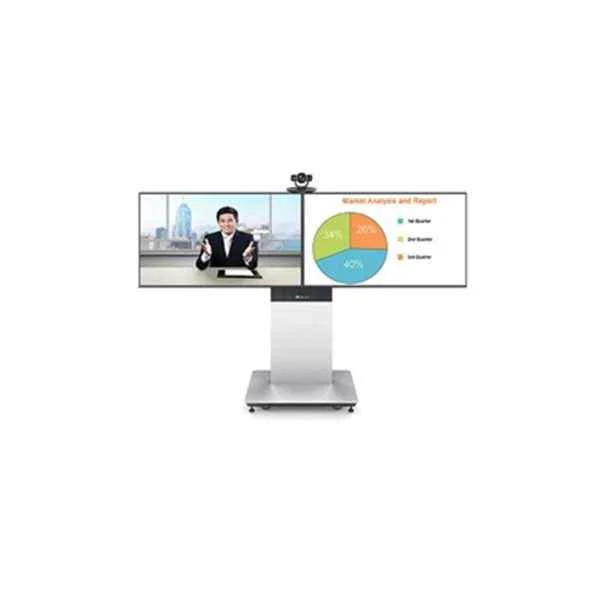
RP200-46A-00 (Huawei RP200-46A-00 RoomTelepresence Solution,47 inch,Dual Screen)
4.5 (6)- Video Conferencing Solution
- Huawei
- Room Kit
- Boardroom / Hybrid Office
- 1080p
- 30 FPS
- 90°
Est Value $32,063.21$23,229.79
27.6% offIn stockNewFirst-Time Buyer Discount – Get up to 2% additional off on your first order
ORM Rewards Earn $50 in Rewards + Free Expedited Delivery – Join Now!
Use eCoupon ORMSAVE10
eCoupon limited to 5 units
- BEST SELLING
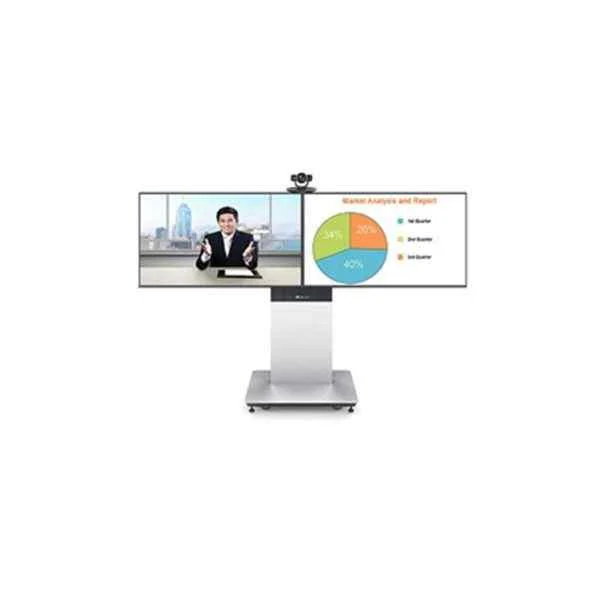
RP200-55S-00 (Huawei RP200-55S-00 RoomTelepresence Solution,55 inch,Dual Screen)
4.8 (6)- Video Conferencing Solution
- Huawei
- Room Kit
- Boardroom
- 1080p
- 30 FPS
- 120°
Est Value $25,629.12$23,950.42
6.5% offIn stockNewFirst-Time Buyer Discount – Get up to 2% additional off on your first order
ORM Rewards Earn $50 in Rewards + Free Expedited Delivery – Join Now!
Use eCoupon ORMSAVE10
eCoupon limited to 5 units
- BEST SELLING
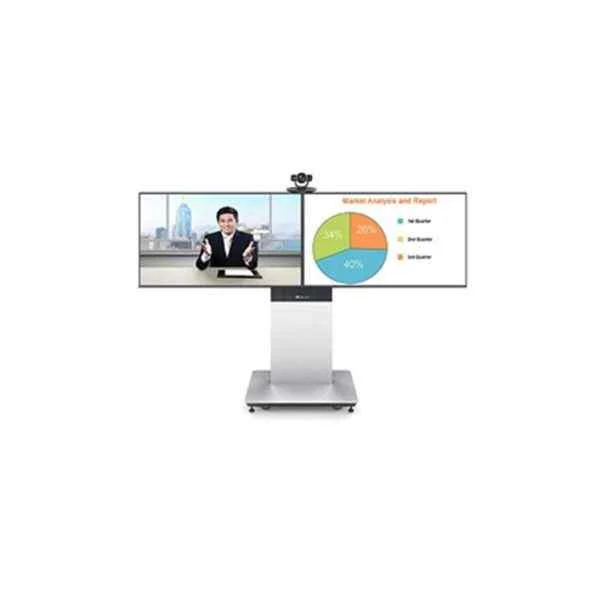
RP200-55A-00 (Huawei RP200-55A-00 RoomTelepresence Solution,55 inch,Dual Screen)
4.7 (6)- Video Conferencing Solution
- Huawei
- Room Kit
- Huddle Room / Boardroom / Hybrid Office / Classroom
- 1080p
- 30 FPS
- 90°
Est Value $34,294.90$27,367.34
20.2% offIn stockNewFirst-Time Buyer Discount – Get up to 2% additional off on your first order
ORM Rewards Earn $50 in Rewards + Free Expedited Delivery – Join Now!
Use eCoupon ORMSAVE10
eCoupon limited to 5 units
- BEST SELLING

SM0SNOSCRE06 (Huawei SMC2.0 Videoconferencing Service Management System software SC upgrade option license SM0SNOSCRE06, add 1000 devices' registration (H.323/SIP))
4.8 (6)- Video Conferencing Solution
- Huawei
- Video Conferencing Endpoints
- Hybrid Office
Est Value $33,384.42$30,146.13
9.7% offIn stockNewFirst-Time Buyer Discount – Get up to 2% additional off on your first order
ORM Rewards Earn $50 in Rewards + Free Expedited Delivery – Join Now!
Use eCoupon ORMSAVE10
eCoupon limited to 5 units
- BEST SELLING

SMC-1000 (Huawei SMC2.0 Videoconferencing Service Management System SMC-1000, SMC2.0 basic model, including license of 1000 devices management and 1000 devices'registration to embedded GK/SIP Server)
4.5 (6)- Video Conferencing Solution
- Huawei
- Room Kit
- Huddle Room / Boardroom / Hybrid Office / Classroom
- 1080p
- 30 FPS
- 90°
Est Value $115,813.58$55,937.96
51.7% offIn stockNewFirst-Time Buyer Discount – Get up to 2% additional off on your first order
ORM Rewards Earn $50 in Rewards + Free Expedited Delivery – Join Now!
Use eCoupon ORMSAVE10
eCoupon limited to 5 units
- FEARURED
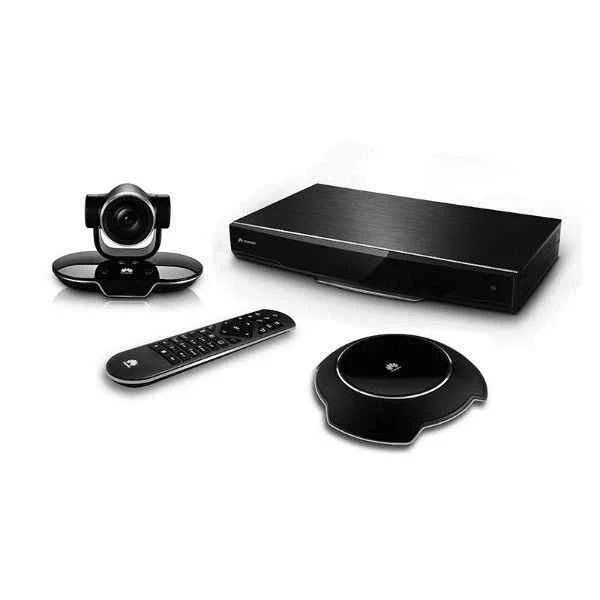
TE20-5X-W-00 (Huawei VC8M5VPEN VP9050,Videoconferencing Terminal(1080P,touch screen,cables-Europe))
4.8 (6)- Video Conferencing Solution
- Huawei
- All-in-One Video Bar / Room Kit
- Huddle Room / Boardroom / Hybrid Office / Classroom
- 1080p
- 30 FPS
- 90°
Est Value $4,854.90$3,160.54
34.9% offIn stockNewFirst-Time Buyer Discount – Get up to 2% additional off on your first order
ORM Rewards Earn $50 in Rewards + Free Expedited Delivery – Join Now!
Use eCoupon ORMSAVE10
eCoupon limited to 5 units
- FEARURED
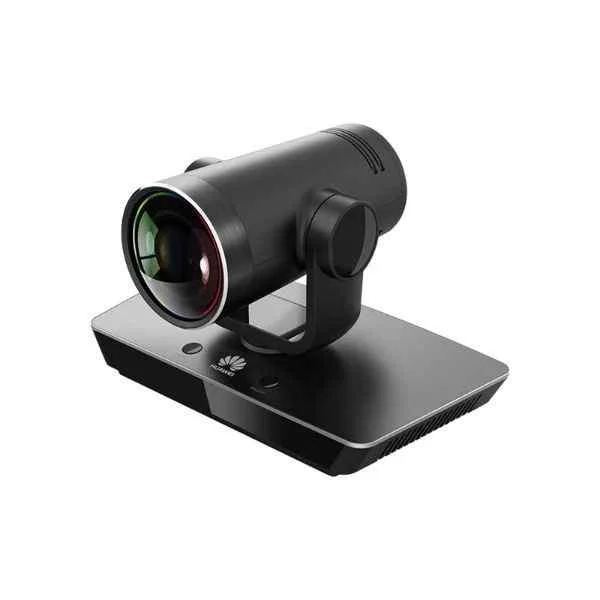
VPC800-1080P60-12X-00 (Huawei VPC800, Ultra HD Camera (12x Optical Zoom, 1080P60))
4.3 (6)- Video Conferencing Solution
- Huawei
- PTZ Camera
- Boardroom
- 1080p
- 60 FPS
- 90°
Est Value $4,652.57$3,517.34
24.4% offIn stockNewFirst-Time Buyer Discount – Get up to 2% additional off on your first order
ORM Rewards Earn $50 in Rewards + Free Expedited Delivery – Join Now!
Use eCoupon ORMSAVE10
eCoupon limited to 5 units
- FEARURED

SM0SNODEVI01 (Huawei SMC2.0 Videoconferencing Service Management System software SM0SNODEVI01 SMC2.0 upgrade license, add 50 devices management and 50 devices¡¯regestration to embedded GK/SIP Server)
4.5 (6)- Video Conferencing Solution
- Huawei
- Room Kit
- Huddle Room / Boardroom / Hybrid Office / Classroom
- 1080p
- 30 FPS
- 120°
Est Value $8,346.10$4,995.13
40.2% offIn stockNewFirst-Time Buyer Discount – Get up to 2% additional off on your first order
ORM Rewards Earn $50 in Rewards + Free Expedited Delivery – Join Now!
Use eCoupon ORMSAVE10
eCoupon limited to 5 units
- FEARURED

SMC-50 (Huawei SMC2.0 Videoconferencing Service Management System basic model, including license of 50 devices management and 50 devices'registration to embedded GK/SIP Server SMC-50)
4.8 (6)- Video Conferencing Solution
- Huawei
- Room Kit
- Hybrid Office
- 1080p
- 30 FPS
Est Value $17,693.73$8,546.08
51.7% offIn stockNewFirst-Time Buyer Discount – Get up to 2% additional off on your first order
ORM Rewards Earn $50 in Rewards + Free Expedited Delivery – Join Now!
Use eCoupon ORMSAVE10
eCoupon limited to 5 units
- FEARURED
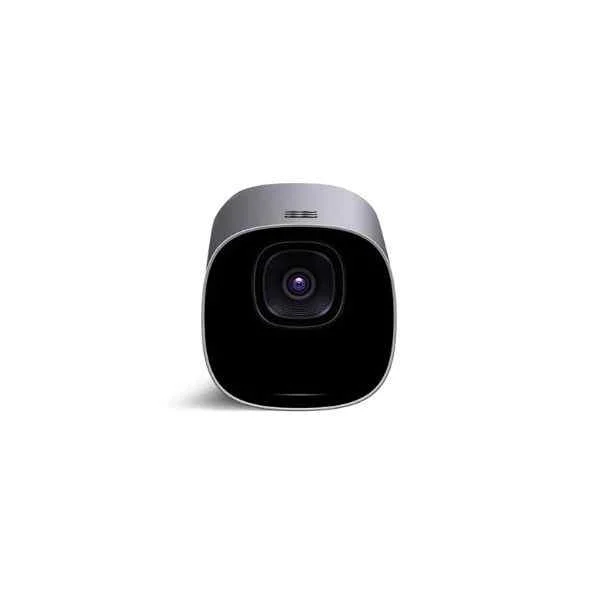
TE50-1080P30-P-03 (Huawei VC8MA4PEN VP9050,Videoconferencing Terminal(720P,miniMCU,touch screen,cables-South Africa))
4.3 (6)- Video Conferencing Solution
- Huawei
- Videoconferencing Terminal
- Huddle Room / Boardroom / Hybrid Office / Classroom
- 720p
- 30 FPS
Est Value $19,727.16$9,113.95
53.8% offIn stockNewFirst-Time Buyer Discount – Get up to 2% additional off on your first order
ORM Rewards Earn $50 in Rewards + Free Expedited Delivery – Join Now!
Use eCoupon ORMSAVE10
eCoupon limited to 5 units
- FEARURED
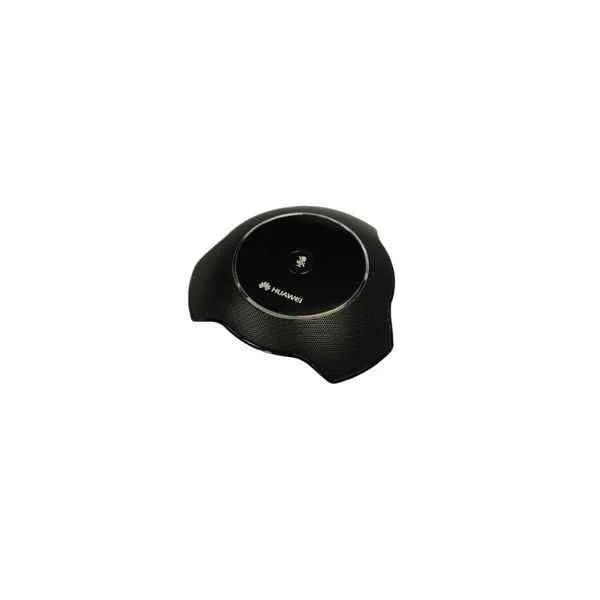
TE50-1080P30-P-02 (Huawei VC6SRMP12P01 Multi-Picture process module-12 Sub-Picture)
4.7 (6)- Video Conferencing Solution
- Huawei
- Room Kit
- Huddle Room / Medium Room / Large Conference Room / Boardroom / Hybrid Office / Classroom
- 1080p
- 30 FPS
Est Value $19,727.16$9,113.95
53.8% offIn stockNewFirst-Time Buyer Discount – Get up to 2% additional off on your first order
ORM Rewards Earn $50 in Rewards + Free Expedited Delivery – Join Now!
Use eCoupon ORMSAVE10
eCoupon limited to 5 units

ORM Sales Advisors
Buying for your business? Get a personalised quote in under 2 hours. Talk to an expert
LEARNFilters (311) 
Questions & Answers
What is video conferencing?
Video conferencing is a real-time communication solution that enables participants in different locations to conduct face-to-face meetings with audio, video, and screen sharing over the internet.
How does video conferencing work?
Video conferencing uses webcams, microphones, and conferencing software to capture and transmit audio and video streams via internet protocols, enabling real-time interaction and collaboration.
What are the benefits of video conferencing?
Video conferencing reduces travel costs, accelerates decision-making, enhances team collaboration, and supports remote work by providing instant face-to-face communication.
What equipment do I need for video conferencing?
You need a high-definition webcam, a quality microphone or headset, stable broadband internet, and compatible video conferencing software or a cloud-based collaboration platform.
What bandwidth is required for video conferencing?
For standard HD video conferencing, at least 1.2 Mbps upload and download speeds per participant are recommended to ensure smooth audio and video streaming.
How secure is video conferencing?
Modern video conferencing platforms use end-to-end encryption, password protection, secure meeting IDs, and compliance with data protection standards to safeguard your communications.
How do I choose the best video conferencing platform?
Evaluate platforms based on participant limits, security features, screen-sharing, recording capabilities, integrations, ease of use, and pricing to match your organizational needs.
Are there free video conferencing solutions?
Yes, platforms like Zoom (free tier), Google Meet, Microsoft Teams (free plan), and Jitsi offer basic video conferencing features at no cost.
How can I improve video conferencing quality?
Improve quality by using a wired ethernet connection, updating audio/video drivers, closing background applications, and optimizing lighting and camera positioning.
Can I integrate video conferencing with other tools?
Yes, most platforms offer integrations with calendar apps (Google Calendar, Outlook), project management tools (Slack, Trello), and CRM systems (Salesforce).
What features should I look for in video conferencing software?
Key features include HD video, screen sharing, recording, virtual backgrounds, chat, breakout rooms, scheduling, analytics, and robust security protocols.
How many participants can join a video conference?
Participant limits vary by provider and plan, ranging from small groups of 2 to large-scale meetings of over 1,000 concurrent attendees on enterprise solutions.
Is video conferencing suitable for remote teams?
Yes, video conferencing fosters remote collaboration, maintains team engagement, and supports flexible work environments regardless of geographic location.
What is the difference between video conferencing and webinars?
Video conferencing is interactive—every attendee can share audio/video—whereas webinars are one-to-many broadcasts with limited audience interaction and moderated Q&A.
How much does video conferencing cost?
Costs vary by provider and plan, from free basic tiers to enterprise packages typically ranging between $15 and $50 per user per month, depending on features and capacity.
How do I troubleshoot common video conferencing issues?
Troubleshoot by checking your internet speed, updating conferencing software, testing audio/video devices, restarting your system, and switching to a wired connection if needed.
How do I schedule and host a video conference?
Schedule using your platform’s calendar integration, set date/time, configure meeting settings (password, waiting room), send invites, and launch the session at the scheduled time.