 United States
Ceiling Access Points D-Link Innovation
Experience industry-leading connectivity with D-Link Ceiling Access Points that deliver secure, high-performance wireless solutions engineered for scalable environments, seamless integration, and robust network management.
Talk to an expert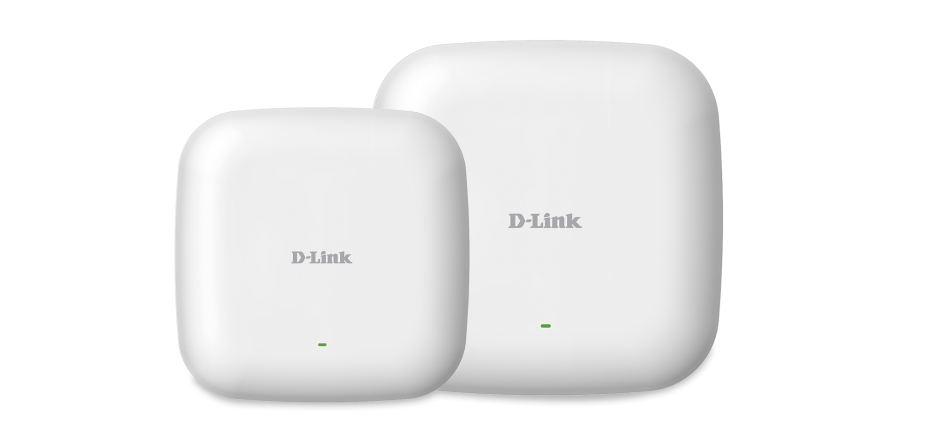

ORM Sales Advisors
Buying for your business? Get a personalised quote in under 2 hours. Talk to an expert
LEARNFilters (0) 
Questions & Answers
What is a D-Link Ceiling Access Point?
A D-Link Ceiling Access Point is a ceiling-mounted wireless AP offering high-performance dual-band Wi-Fi with PoE support and centralized management capabilities.
What are the key features of D-Link Ceiling Access Points?
They deliver dual-band Gigabit Wi-Fi, 802.11ac Wave 2/MU-MIMO, PoE support, seamless roaming, guest networks, VLAN tagging, and cloud or on-premise management.
How do I install a D-Link Ceiling Access Point?
Mount the AP to a standard ceiling tile or junction box, connect a Cat5e/6 cable to a PoE switch or injector, then configure via the web GUI or D-Link management software.
Do D-Link Ceiling Access Points support Power over Ethernet (PoE)?
Yes, they support IEEE 802.3af/at PoE standards, drawing both power and data from a single Ethernet cable to simplify installations without nearby power outlets.
Do D-Link Ceiling Access Points support dual-band operation?
Yes. They broadcast simultaneously on 2.4 GHz and 5 GHz bands to optimize performance, minimize interference, and balance client loads.
What is the maximum data throughput of a D-Link Ceiling Access Point?
Model-dependent, but typical combined throughput reaches up to 1.3 Gbps (450 Mbps on 2.4 GHz + 867 Mbps on 5 GHz) with Wave 2 technology.
How many clients can connect to a D-Link Ceiling Access Point?
Each AP can handle up to 200 concurrent clients, leveraging MU-MIMO and beamforming to maintain optimal performance in high-density environments.
How can I manage D-Link Ceiling Access Points remotely?
Use D-Link’s free D-View NMS, Nuclias Cloud, or the built-in web interface for centralized configuration, monitoring, and firmware updates across multiple APs.
Are D-Link Ceiling Access Points compatible with third-party wireless controllers?
They integrate seamlessly with D-Link Nuclias hubs and Campus Controller but operate as standalone APs and are not compatible with third-party controllers.
Do D-Link Ceiling Access Points support VLAN tagging?
Yes. They support 802.1Q VLAN tagging for secure network segmentation, guest isolation, and multi-tenant deployments.
What security features do D-Link Ceiling Access Points offer?
They provide WPA2/WPA3 encryption, RADIUS authentication, MAC filtering, rogue AP detection, and WLAN partition to protect your network.
How do I update the firmware on a D-Link Ceiling Access Point?
Update firmware via the web GUI, D-View, or Nuclias Cloud to access new features and security patches with minimal network disruption.
What is the typical coverage area of a D-Link Ceiling Access Point?
Typically 2,500–4,000 sq ft per AP depending on building materials and RF conditions; additional APs may be needed for larger or multi-floor areas.
Do D-Link Ceiling Access Points have external antennas?
They include integrated omnidirectional antennas designed for ceiling installations, offering uniform coverage without external attachments.
What warranty and support are included with D-Link Ceiling Access Points?
Most models include a limited lifetime warranty (check specific model), plus free firmware updates and 24/7 access to D-Link technical support.
Can I create a mesh network with D-Link Ceiling Access Points?
Selected models support wireless mesh to extend coverage without extra cabling by allowing APs to connect wirelessly in a self-healing mesh topology.
How do D-Link Ceiling Access Point models differ?
Models vary by radio technology (Wave 2 vs. Wave 1), PoE standard (802.3at vs. 802.3af), max throughput, and management features—select based on coverage, client density, and power budget.