 United States
HPE Controllers 800 Series
Experience unparalleled performance and reliability with our HPE 800 Series Controllers optimized for rigorous data processing, scalability, and secure infrastructure management, ensuring seamless operations for enterprise-grade applications.
Talk to an expert
5 Matching results
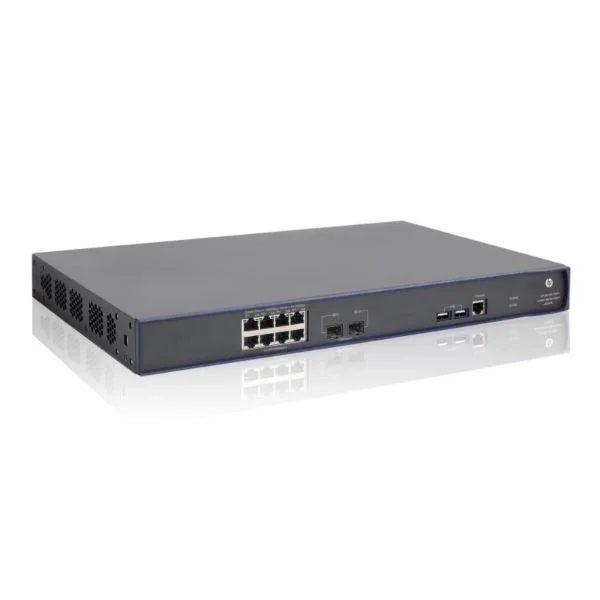
JG641A (HP 830 8P PoE+ Unifd Wired-WLAN Switch)
4.8 (5)- Wireless Product
- Hpe
- Access Point
- Wi-Fi 6
- 2.4GHz / 5GHz
- 2.5Gbps
- 150 meters
Est Value $391.50
$168.00
57.1% offIn stockNewRefurbishedFirst-Time Buyer Discount – Get up to 2% additional off on your first order
ORM Rewards Earn $50 in Rewards + Free Expedited Delivery – Join Now!
Use eCoupon ORMSAVE10
eCoupon limited to 5 units
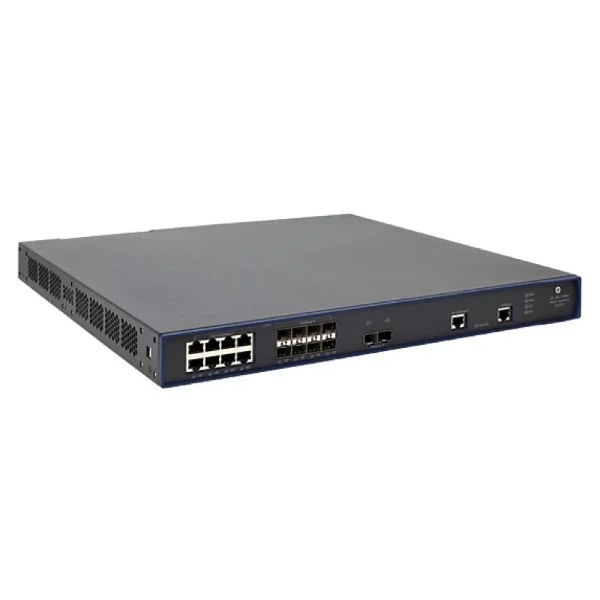
JG722A (HP 850 Unified Wired-WLAN Appliance)
4.4 (5)- Wireless Access Point
- Hpe
- Access Point
- Wi-Fi 6
- 2.4GHz / 5GHz
- 2.5Gbps
- 100 meters
Est Value $777.00$388.50
50% offIn stockRefurbishedFirst-Time Buyer Discount – Get up to 2% additional off on your first order
ORM Rewards Earn $50 in Rewards + Free Expedited Delivery – Join Now!
Use eCoupon ORMSAVE10
eCoupon limited to 5 units
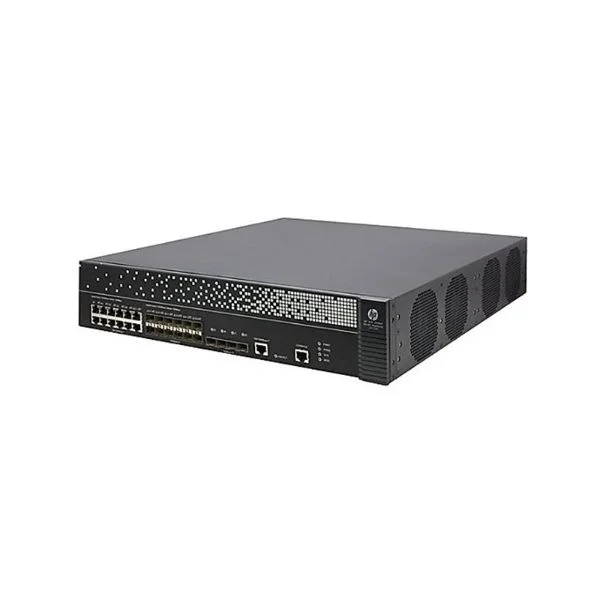
JG723A (HP 870 Unified Wired-WLAN Appliance)
4.6 (5)- Wireless Product
- Hpe
- Access Point
- Wi-Fi 6
- 2.4GHz / 5GHz
- 2.5Gbps
- 100 meters
Est Value $796.50$631.37
20.7% offIn stockRefurbishedFirst-Time Buyer Discount – Get up to 2% additional off on your first order
ORM Rewards Earn $50 in Rewards + Free Expedited Delivery – Join Now!
Use eCoupon ORMSAVE10
eCoupon limited to 5 units
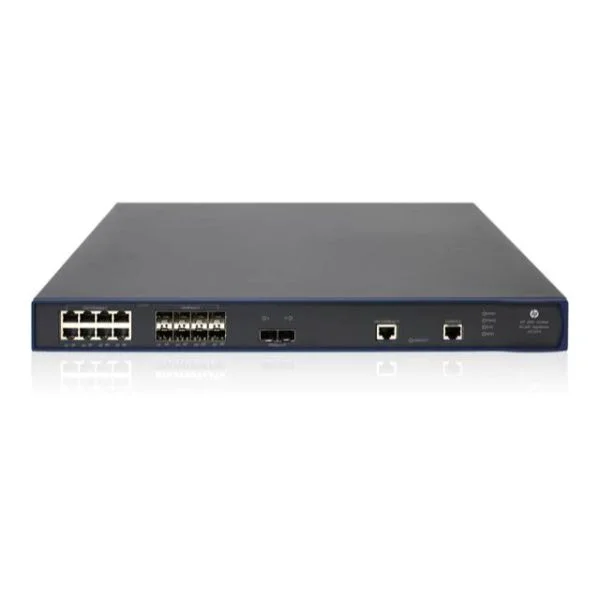
JG772A (HP 870 Unifd Wrd-WLAN Opcty Shld Kit)
4.2 (5)- Wireless Access Point
- Hpe
- Access Point
- Wi-Fi 6
- 2.4GHz / 5GHz
- 1Gbps
Est Value In stockFirst-Time Buyer Discount – Get up to 2% additional off on your first order
ORM Rewards Earn $50 in Rewards + Free Expedited Delivery – Join Now!
Use eCoupon ORMSAVE10
eCoupon limited to 5 units
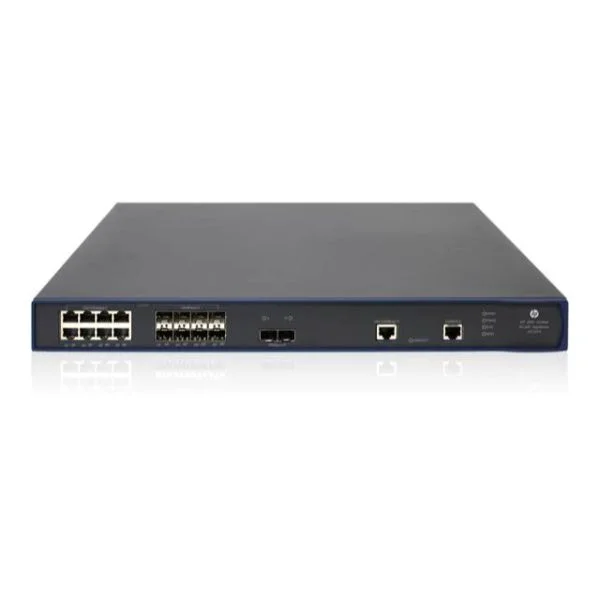
JG773A (HP 850 Unifd Wrd-WLAN Opcty Shld Kit)
4.4 (5)- Wireless Product
- Hpe
- Access Point
- Wi-Fi 6
- 2.4GHz / 5GHz
- 2.5Gbps
- 120 meters / 393 feet
Est Value In stockFirst-Time Buyer Discount – Get up to 2% additional off on your first order
ORM Rewards Earn $50 in Rewards + Free Expedited Delivery – Join Now!
Use eCoupon ORMSAVE10
eCoupon limited to 5 units

ORM Sales Advisors
Buying for your business? Get a personalised quote in under 2 hours. Talk to an expert
LEARNFilters (5) 
Questions & Answers
What are HPE 800 Series Controllers?
HPE 800 Series Controllers are enterprise-class RAID controller cards designed for HPE ProLiant servers. They deliver up to 12 Gb/s SAS performance, advanced cache protection and support RAID levels 0, 1, 5, 6, 10, 50 and 60 for high-availability storage.
Which HPE servers are compatible with 800 Series Controllers?
HPE 800 Series Controllers are compatible with HPE ProLiant Gen9 and Gen10 rack, tower and blade servers that feature PCIe 3.0/4.0 slots and HPE Smart Array drive cages.
What key features distinguish HPE 800 Series Controllers?
Key features include 12 Gb/s SAS ports, 2 GB or 4 GB flash-backed write cache, HBA mode, Adaptive Data Mirroring, Persistent Write Cache and support for up to 240 SAS/SATA drives via expanders.
Which RAID levels do HPE 800 Series Controllers support?
HPE 800 Series Controllers support RAID 0, 1, 5, 6, 10, 50 and 60, enabling flexible performance and redundancy configurations for mixed-workload environments.
How do HPE 800 Series Controllers enhance storage performance?
They offload RAID calculations to dedicated hardware, leverage flash-backed write cache for low latency and utilize SmartCache SSD acceleration to boost read/write throughput under heavy workloads.
How do I install an HPE 800 Series Controller?
Power down the server, insert the controller into an available PCIe slot, connect SAS cables to drive cages, power up and configure in the system BIOS or HPE Smart Storage Administrator.
How can I update the firmware on my HPE 800 Series Controller?
Use the HPE Service Pack for ProLiant (SPP) or HPE Smart Storage Administrator utility to apply the latest firmware bundle and ensure compatibility and optimal performance.
What cache options are available for HPE 800 Series Controllers?
Controllers ship with 2 GB or 4 GB of flash-backed write cache (FBWC). You can upgrade cache capacity in the field to optimize write performance and data protection.
How many drives can I connect to an HPE 800 Series Controller?
Each controller supports up to eight direct-attached SAS/SATA drives. When using expanders, you can scale up to 240 drives for large-scale storage environments.
How do I configure a RAID array on an HPE 800 Series Controller?
Launch HPE Smart Storage Administrator during boot or within the OS, select the controller, choose desired RAID level, assign physical drives and save the new virtual drive configuration.
What monitoring tools are available for HPE 800 Series Controllers?
Use HPE Smart Storage Administrator, HPE OneView or iLO Integrated Management Log to monitor health, performance metrics and event logs for proactive storage management.
How do I troubleshoot HPE 800 Series Controller errors?
Review the controller event log in HPE Smart Storage Administrator, verify firmware levels, run built-in self-tests, reseat cables/cards and replace failed drives or cache modules as needed.
Can HPE 800 Series Controllers be managed with HPE OneView?
Yes. HPE OneView provides unified management of 800 Series Controllers, offering health status, firmware updates, inventory tracking and configuration backup from a single console.
What is the typical power consumption of an HPE 800 Series Controller?
Power draw varies by model and load but generally ranges from 10 W idle to 20 W under peak workload, helping maintain efficient data center power and cooling profiles.
Are HPE 800 Series Controllers covered by an HPE warranty?
Yes. They include a standard three-year limited warranty with worldwide support. Extended warranty and service options are available to meet specific SLAs and uptime requirements.
How do HPE 800 Series Controllers support data protection?
They employ flash-backed write cache, predictive sparing, drive firmware integrity checks and dual-domain RAID redundancy to safeguard data against power loss and component failures.
How do I choose the right HPE 800 Series Controller for my environment?
Assess required throughput, RAID levels, cache capacity and scalability. Match controller features—such as FBWC size, port count and HBA mode—to your workload and server architecture.