 United States
Access Points HPE OfficeConnect Series
Experience unparalleled wireless connectivity with HPE OfficeConnect Series Access Points, engineered for optimized network performance, seamless scalability, and robust security in dynamic business environments.
Talk to an expert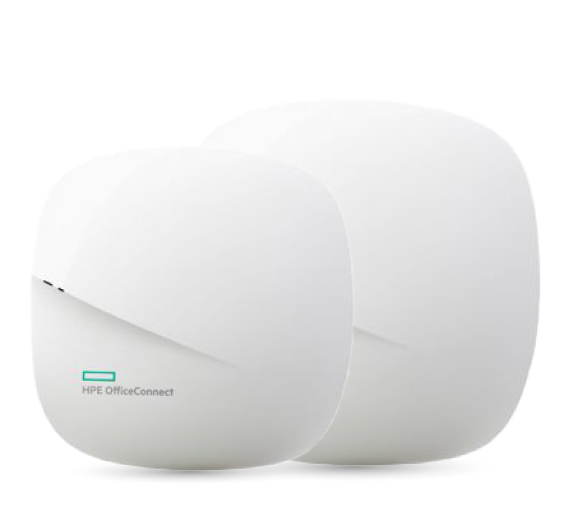
4 Matching results
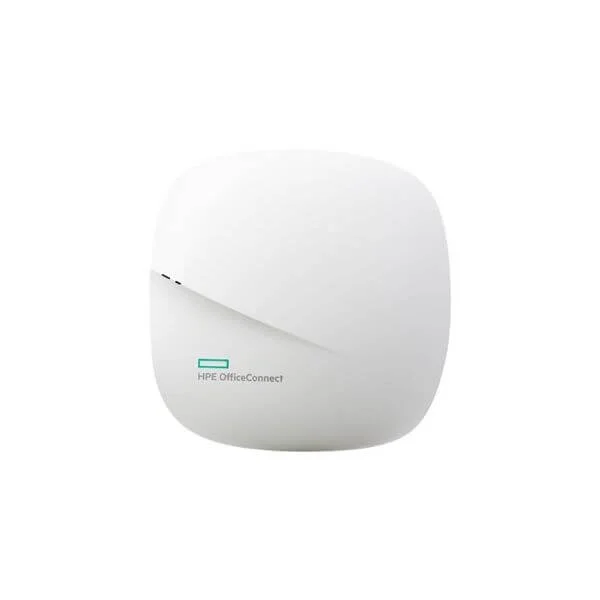
JZ074A (HPE OC20 802.11ac (RW) Access Point)
4.6 (5)- Wireless Access Point
- Hpe
- Access Point
- Wi-Fi 6
- 2.4GHz / 5GHz
- 2.5Gbps
- 100 meters
Est Value $590.42
$295.21
50% offIn stockRefurbishedFirst-Time Buyer Discount – Get up to 2% additional off on your first order
ORM Rewards Earn $50 in Rewards + Free Expedited Delivery – Join Now!
Use eCoupon ORMSAVE10
eCoupon limited to 5 units
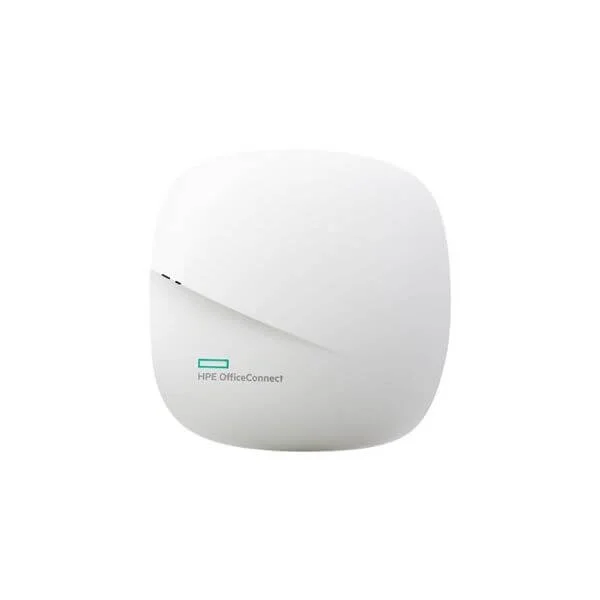
JZ110A (HPE OC20 802.11ac (JP) Access Point)
4.4 (5)- Wireless Product
- Hpe
- Access Point
- Wi-Fi 6
- 2.4GHz / 5GHz
- 1Gbps
- 120 meters
Est Value In stockFirst-Time Buyer Discount – Get up to 2% additional off on your first order
ORM Rewards Earn $50 in Rewards + Free Expedited Delivery – Join Now!
Use eCoupon ORMSAVE10
eCoupon limited to 5 units
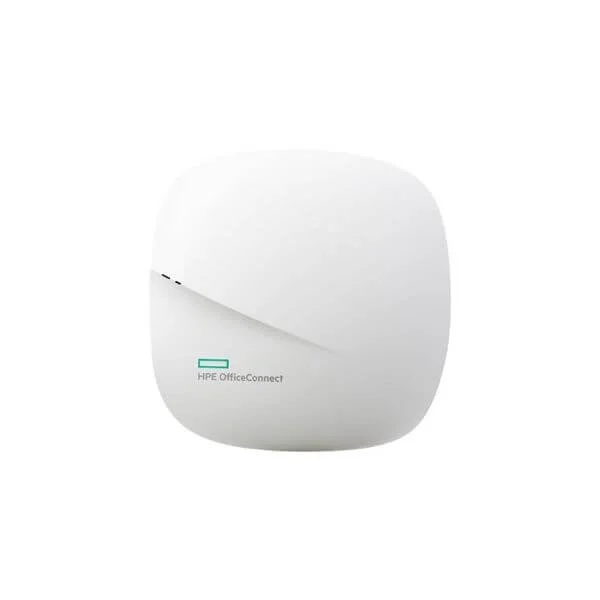
JZ111A (HPE OC20 802.11ac (IL) Access Point)
4.6 (5)- Wireless Product
- Hpe
- Access Point
- Wi-Fi 6
- 2.4GHz / 5GHz
- 2.5Gbps
- 100 meters
Est Value In stockFirst-Time Buyer Discount – Get up to 2% additional off on your first order
ORM Rewards Earn $50 in Rewards + Free Expedited Delivery – Join Now!
Use eCoupon ORMSAVE10
eCoupon limited to 5 units
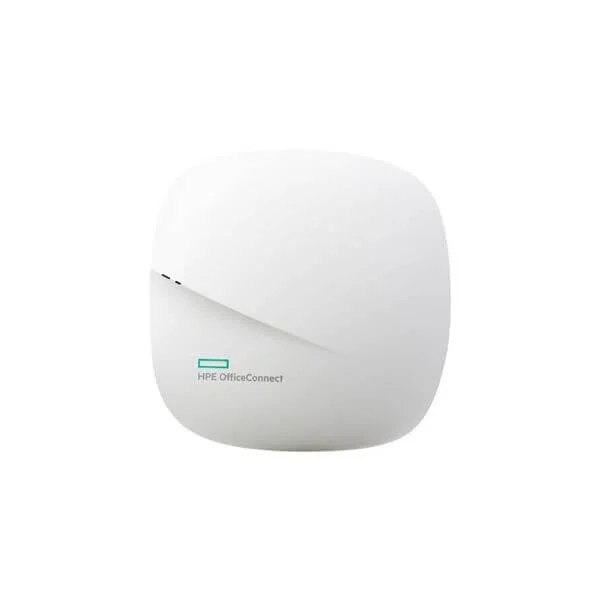
JZ112A (HPE OC20 802.11ac (EG) Access Point)
4.6 (5)- Wireless Product
- Hpe
- Access Point
- Wi‑Fi 6
- 2.4GHz / 5GHz
- 1Gbps
- 50 meters
Est Value In stockFirst-Time Buyer Discount – Get up to 2% additional off on your first order
ORM Rewards Earn $50 in Rewards + Free Expedited Delivery – Join Now!
Use eCoupon ORMSAVE10
eCoupon limited to 5 units

ORM Sales Advisors
Buying for your business? Get a personalised quote in under 2 hours. Talk to an expert
LEARNFilters (4) 
Questions & Answers
What are HPE OfficeConnect Series Access Points?
HPE OfficeConnect Series Access Points are business-grade Wi-Fi 5 devices offering secure, high-performance wireless connectivity for small and medium enterprises, with flexible local or cloud-based management.
Which models are available in the HPE OfficeConnect Series?
The OfficeConnect portfolio includes OC10, OC16, OC17, and OC20 models, each varying in radio count and speed to suit diverse deployment sizes and throughput requirements.
How do I select the right HPE OfficeConnect Access Point for my business size?
Choose OC10 for small offices up to 50 users, OC16/OC17 for medium sites up to 150 users, and OC20 for larger deployments requiring multi-gigabit throughput and enhanced coverage.
What wireless performance can I expect from OfficeConnect Access Points?
OfficeConnect APs deliver up to 1.7 Gbps aggregate throughput on dual-band radios, supporting 802.11ac Wave 2 features like MU-MIMO and beamforming for optimized client performance.
How many concurrent users can an HPE OfficeConnect AP support?
Each OfficeConnect AP supports up to 256 concurrent clients using efficient airtime scheduling, ensuring stable connectivity in high-density environments.
How do I install and configure HPE OfficeConnect Access Points?
Mount the AP, connect to PoE switch or injector, then use the HPE OfficeConnect mobile app or web GUI for guided setup, SSID creation, and security configuration in under 10 minutes.
What management options are available for OfficeConnect APs?
You can manage OfficeConnect APs locally via the web-based GUI or centrally through HPE’s cloud management portal for remote monitoring, firmware updates, and simplified scaling.
Do HPE OfficeConnect Access Points support Power over Ethernet (PoE)?
Yes, all OfficeConnect AP models support 802.3af PoE, while higher-end models also accept 802.3at PoE+ for faster boot and extended features without extra cabling.
What security features do OfficeConnect Series APs offer?
OfficeConnect APs include WPA3 encryption, rogue AP detection, guest isolation, and RADIUS authentication support to safeguard network access and user data.
How do I update the firmware on my OfficeConnect Access Point?
Access the AP’s web GUI or cloud dashboard, navigate to Firmware Management, upload the latest HPE image, and apply the update; the AP will reboot automatically.
Can I integrate HPE OfficeConnect APs with my existing network infrastructure?
Yes, OfficeConnect APs interoperate with any standard Layer 2 network using VLAN tagging, DHCP, and static IP, making them compatible with most switches and routers.
What coverage area does an OfficeConnect AP provide?
Depending on the model and environment, each AP can cover up to 2,000 sq ft indoors, delivering reliable signal strength through beamforming and adaptive RF management.
Are there licensing or subscription fees for HPE OfficeConnect APs?
No additional licensing fees are required; all core management and security features are included in the AP’s purchase price, with optional cloud subscription for advanced analytics.
How do I troubleshoot connectivity issues on OfficeConnect APs?
Use the built-in diagnostic tools in the web GUI or cloud portal to run spectrum analysis, client health checks, and reboot the AP if needed, following HPE’s step-by-step troubleshooting guide.
Do HPE OfficeConnect Access Points support VLAN tagging?
Yes, OfficeConnect APs support multiple SSIDs mapped to distinct VLANs, enabling network segmentation for guests, IoT devices, and corporate users on a single physical network.
What warranty and support options are available for OfficeConnect APs?
HPE OfficeConnect APs include a one-year warranty with access to HPE’s global support network; extended warranties and Proactive Care service bundles are available separately.
How can I monitor performance and usage on OfficeConnect Access Points?
Use the HPE cloud management dashboard or local GUI to view real-time metrics on client count, throughput, channel utilization, and historical reports for capacity planning.