 United States
Maximize Efficiency with All-In-One Solutions
Unlock seamless integration and enhanced productivity with our versatile all-in-one solutions. Perfect for businesses seeking efficiency, simplicity, and superior performance across all functions.
Talk to an expert
4 Matching results
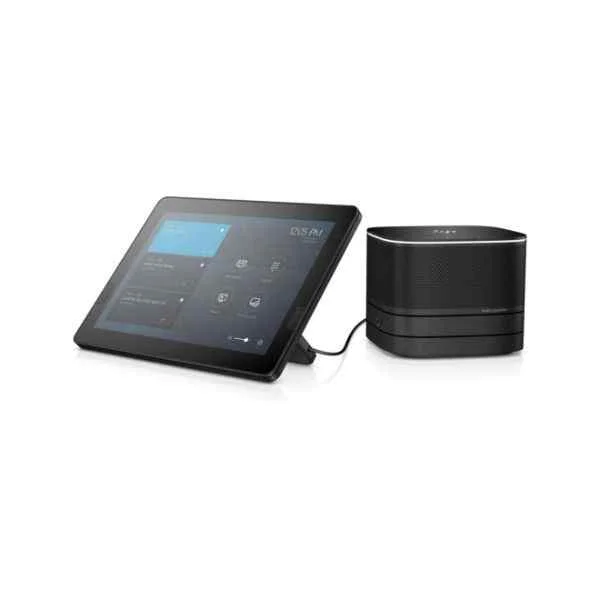
3KQ68EA (Elite Slice G2 - 2.7 GHz - 7th gen Intel® Core™ i5 - i5-7500T - 8 GB - 256 GB - Windows 10 IoT Enterprise LTSB)
4.4 (5)- Workstation
- Hp
- Tower
- Intel
- Intel Core
- Intel 13th Gen
- Intel Core i9-13900K
Est Value In stock
First-Time Buyer Discount – Get up to 2% additional off on your first order
ORM Rewards Earn $50 in Rewards + Free Expedited Delivery – Join Now!
Use eCoupon ORMSAVE10
eCoupon limited to 5 units

3VA53EA (200 G3 54.6 cm 21.5" 1920 x 1080 pixels 8th gen Intel Core i3 8 GB DDR4-SDRAM - All-In-One - Core i3)
4.4 (5)- Workstation
- Hp
- Tower
- Intel
- Intel Xeon
- Xeon 3rd Gen
- Intel Xeon W-2295
Est Value In stockFirst-Time Buyer Discount – Get up to 2% additional off on your first order
ORM Rewards Earn $50 in Rewards + Free Expedited Delivery – Join Now!
Use eCoupon ORMSAVE10
eCoupon limited to 5 units
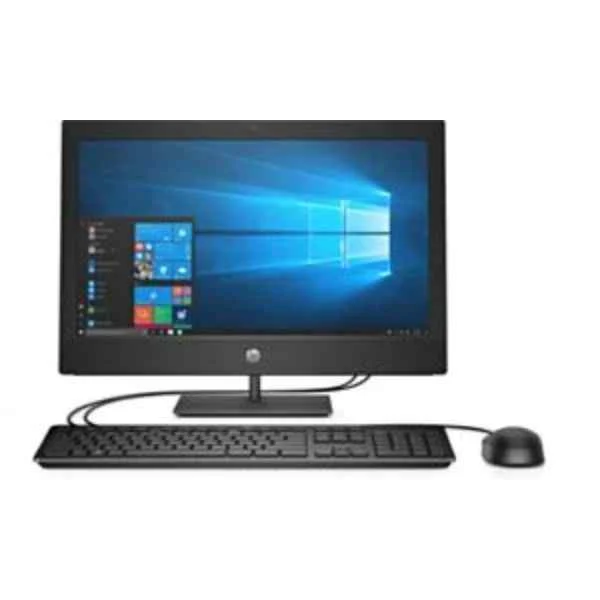
7EM87EA (ProOne 400 G5 - 50.8 cm (20") - HD+ - 9th gen Intel® Core™ i3 - 8 GB - 1000 GB - Windows 10 Pro)
4.8 (5)- Workstation
- Hp
- Tower
- Intel
- Intel Core
- Intel 10th Gen
- Intel Core i9-10920X
Est Value In stockFirst-Time Buyer Discount – Get up to 2% additional off on your first order
ORM Rewards Earn $50 in Rewards + Free Expedited Delivery – Join Now!
Use eCoupon ORMSAVE10
eCoupon limited to 5 units
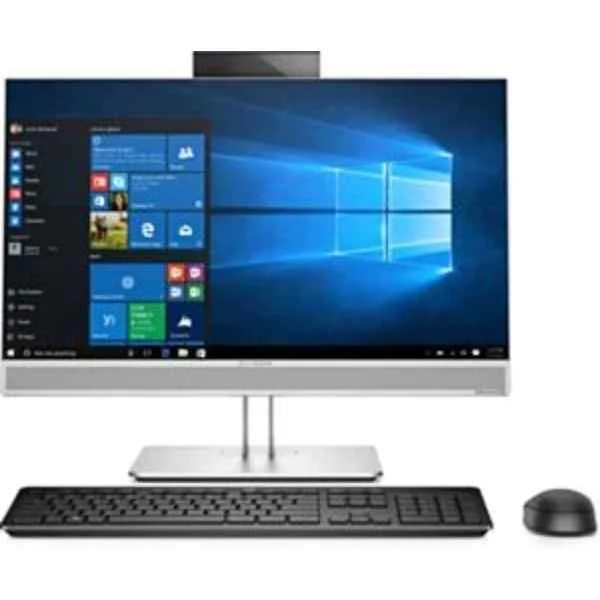
4KX70EA (EliteOne 800 G4 - PC - Core i5 3 GHz - RAM: 8 GB DDR4 - HDD: 256 GB - UHD Graphics 600)
4.7 (7)- Workstation
- Hp
- Tower
- Intel
- Intel Core
- Intel 12th Gen
- Intel Core i7-12700K
Est Value In stockFirst-Time Buyer Discount – Get up to 2% additional off on your first order
ORM Rewards Earn $50 in Rewards + Free Expedited Delivery – Join Now!
Use eCoupon ORMSAVE10
eCoupon limited to 5 units

ORM Sales Advisors
Buying for your business? Get a personalised quote in under 2 hours. Talk to an expert
LEARNFilters (4) 
Questions & Answers
What is All-In-One?
All-In-One is a unified software platform that consolidates project management, communication, file sharing, and analytics into a single, cloud-based interface for streamlined business operations.
How do I get started with All-In-One?
Sign up for an All-In-One account on our website, choose your plan, complete onboarding steps, and access our intuitive dashboard to configure projects, users, and integrations within minutes.
What features does All-In-One include?
All-In-One offers task management, real-time messaging, document collaboration, calendar syncing, time tracking, customizable reports, and API access to integrate with third-party apps.
Can I integrate All-In-One with other tools?
Yes. All-In-One supports native integrations with over 50 popular tools—such as Slack, Google Workspace, Salesforce, and Microsoft Teams—plus a REST API for custom connections.
Is All-In-One secure?
All-In-One employs end-to-end encryption, SOC 2 compliance, two-factor authentication, and daily data backups to ensure your information is protected against unauthorized access and data loss.
What pricing plans are available for All-In-One?
All-In-One offers three plans: Basic, Professional, and Enterprise. Each plan scales by feature set, user count, storage capacity, and dedicated support level. A 14-day free trial is included.
Does All-In-One offer a free trial?
Yes. You can try All-In-One free for 14 days with full access to all features, unlimited users, and no credit card required. Cancel anytime without charges.
How does All-In-One handle data backup and recovery?
All-In-One conducts automated daily backups stored across multiple secure data centers and offers one-click recovery to restore files or projects to any previous state.
Can I manage user permissions in All-In-One?
Yes. All-In-One provides granular role-based access controls, allowing administrators to assign read, write, and admin privileges at the project, folder, or document level.
What customer support options does All-In-One offer?
All-In-One includes 24/7 email support, live chat for Pro and Enterprise plans, and a dedicated account manager for Enterprise customers, plus an extensive online knowledge base.
Is there mobile access for All-In-One?
All-In-One is available as an iOS and Android app, offering full functionality for task updates, team chat, file uploads, and push notifications wherever you are.
How scalable is All-In-One?
All-In-One scales seamlessly from small teams to large enterprises. You can add users, storage, and premium features on demand without disrupting existing workflows.
Can All-In-One support my industry-specific needs?
Yes. All-In-One provides industry-tailored templates, custom fields, and workflow automation for sectors such as marketing, IT, construction, healthcare, and finance.
How often does All-In-One release updates?
We deploy updates weekly, delivering new features, security patches, and performance improvements with zero downtime, ensuring your platform remains cutting-edge.
What analytics and reporting does All-In-One provide?
All-In-One features real-time dashboards, customizable KPI reports, time-tracking summaries, resource utilization charts, and exportable CSV or PDF outputs for data-driven decisions.
How do I migrate data into All-In-One?
All-In-One offers guided imports for CSV, Excel, and popular project management platforms. Our migration tool and support team ensure a seamless transfer of your existing data.