 United States
Thin Client Enterprise Solutions
Discover our state-of-the-art thin client devices engineered for secure, efficient, and scalable enterprise computing environments, enabling seamless performance, enhanced security, and simplified management globally.
Talk to an expert
11 Matching results
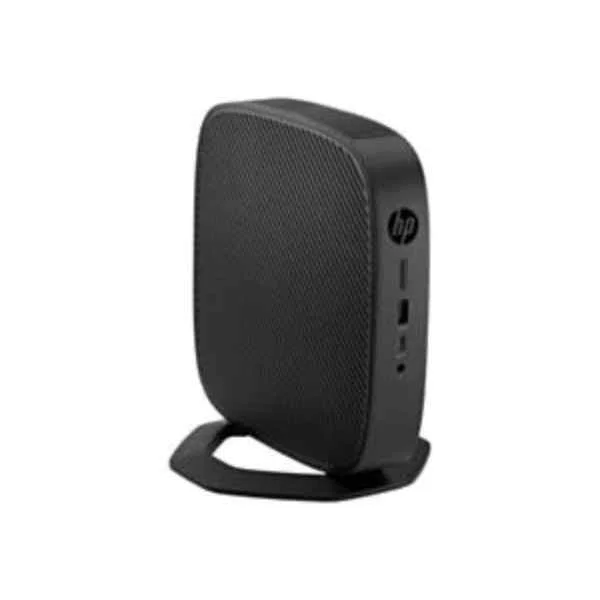
1X7P2AA#ABB (t540 - 1.5 GHz - AMD - R1305G - AMD Ryzen Embedded - 2.8 GHz - 4 MB)
4.6 (5)- Workstation
- Hp
- Tower
- Intel
- Intel Core
- Intel 12th Gen
- Intel Core i7-12700K
Est Value In stock
First-Time Buyer Discount – Get up to 2% additional off on your first order
ORM Rewards Earn $50 in Rewards + Free Expedited Delivery – Join Now!
Use eCoupon ORMSAVE10
eCoupon limited to 5 units
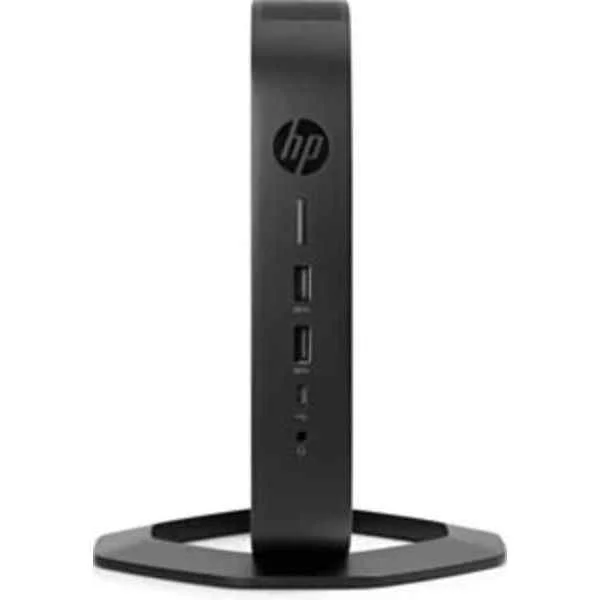
6TV44EA#ABB (Thin Client t640 - SFF - Ryzen Embedded R1505G - 8GB RAM - 32GB Flash - Radeon Vega)
5 (5)- Workstation
- Hp
- Tower
- Intel
- Intel Core
- Intel 12th Gen
- Intel Core i7-12700K
Est Value In stockFirst-Time Buyer Discount – Get up to 2% additional off on your first order
ORM Rewards Earn $50 in Rewards + Free Expedited Delivery – Join Now!
Use eCoupon ORMSAVE10
eCoupon limited to 5 units
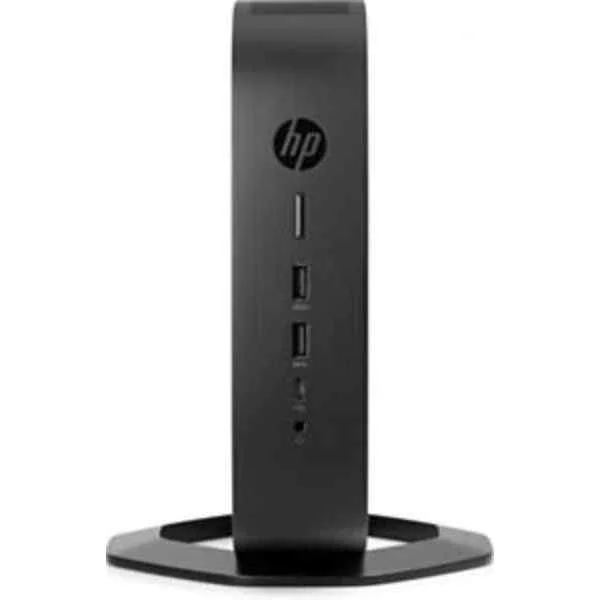
6TV54EA#ABB (t740 - 3.25 GHz - AMD - V1756B - AMD Ryzen Embedded - 3.6 GHz - 2 MB)
4.8 (5)- Workstation
- Hp
- Tower
- Intel
- Intel Xeon
- Xeon 4th Gen
- Intel Xeon W-2295
Est Value In stockFirst-Time Buyer Discount – Get up to 2% additional off on your first order
ORM Rewards Earn $50 in Rewards + Free Expedited Delivery – Join Now!
Use eCoupon ORMSAVE10
eCoupon limited to 5 units
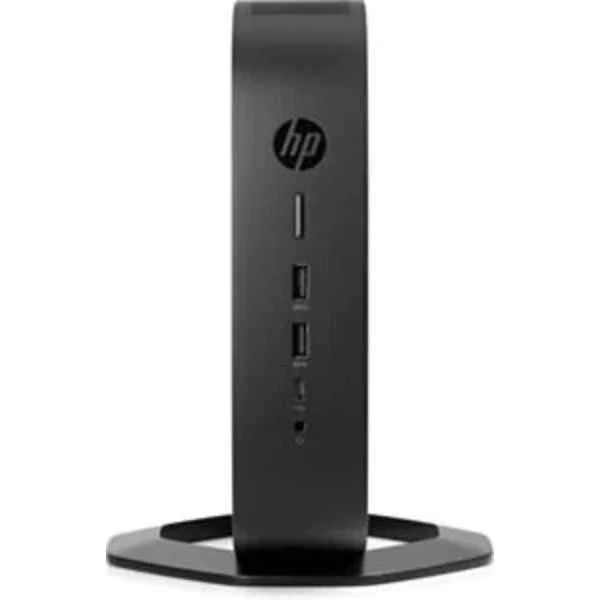
6TV52EA#ABB (HP t740 - 3.25 GHz - V1756B - AMD Ryzen Embedded - 3.6 GHz - 2 MB - 8 GB (6TV52EA#ABB))
4.8 (5)- Workstation
- Hp
- Tower
- Intel
- Intel Xeon
- Xeon 3rd Gen
- Intel Xeon W-2295
Est Value In stockFirst-Time Buyer Discount – Get up to 2% additional off on your first order
ORM Rewards Earn $50 in Rewards + Free Expedited Delivery – Join Now!
Use eCoupon ORMSAVE10
eCoupon limited to 5 units
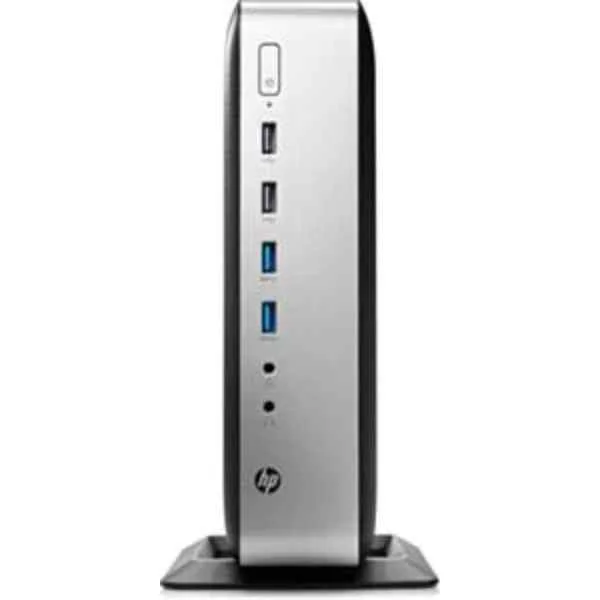
3JJ01EA (t730 - 2.7 GHz - RX-427BB - 2nd Generation AMD Embedded R-Series APU - 3.6 GHz - 4 MB - 8 GB)
5 (5)- Workstation
- Hp
- Tower
- Intel
- Intel Xeon
- Xeon 4th Gen
- Intel Xeon W-2295
Est Value In stockFirst-Time Buyer Discount – Get up to 2% additional off on your first order
ORM Rewards Earn $50 in Rewards + Free Expedited Delivery – Join Now!
Use eCoupon ORMSAVE10
eCoupon limited to 5 units

2ZV00AA#ABB (t630 - 2 GHz - GX-420GI - AMD G - 2.2 GHz - 2 MB - 8 GB)
5 (5)- Workstation
- Hp
- Tower
- Intel
- Intel Core
- Intel 13th Gen
- Intel Core i9-13900K
Est Value In stockFirst-Time Buyer Discount – Get up to 2% additional off on your first order
ORM Rewards Earn $50 in Rewards + Free Expedited Delivery – Join Now!
Use eCoupon ORMSAVE10
eCoupon limited to 5 units

3VL62AA#ABB (t430 - 1.1 GHz - Intel - N4000 - Intel® Celeron® - 2.6 GHz - 4 MB)
4.9 (7)- Workstation
- Hp
- Tower
- Intel
- Intel Xeon
- Xeon 4th Gen
- Intel Xeon W-2295
Est Value In stockFirst-Time Buyer Discount – Get up to 2% additional off on your first order
ORM Rewards Earn $50 in Rewards + Free Expedited Delivery – Join Now!
Use eCoupon ORMSAVE10
eCoupon limited to 5 units

2DH81AA (t530 W10 32GF/4GR DK**New Retail** - Thin Client - 1.5 GHz)
4.6 (7)- Workstation
- Hp
- Tower
- Intel
- Intel Xeon
- Xeon 4th Gen
- Intel Xeon W-2295
Est Value In stockFirst-Time Buyer Discount – Get up to 2% additional off on your first order
ORM Rewards Earn $50 in Rewards + Free Expedited Delivery – Join Now!
Use eCoupon ORMSAVE10
eCoupon limited to 5 units

2ZV00AA (t630 TC 32GB SSD/8GB RAM W10 IoT - Refurb - Thin Client - 2.2 GHz)
4.4 (7)- Workstation
- Hp
- Tower
- Intel
- Intel Xeon
- Xeon 3rd Gen
- Intel Xeon W-2295
Est Value In stockFirst-Time Buyer Discount – Get up to 2% additional off on your first order
ORM Rewards Earn $50 in Rewards + Free Expedited Delivery – Join Now!
Use eCoupon ORMSAVE10
eCoupon limited to 5 units
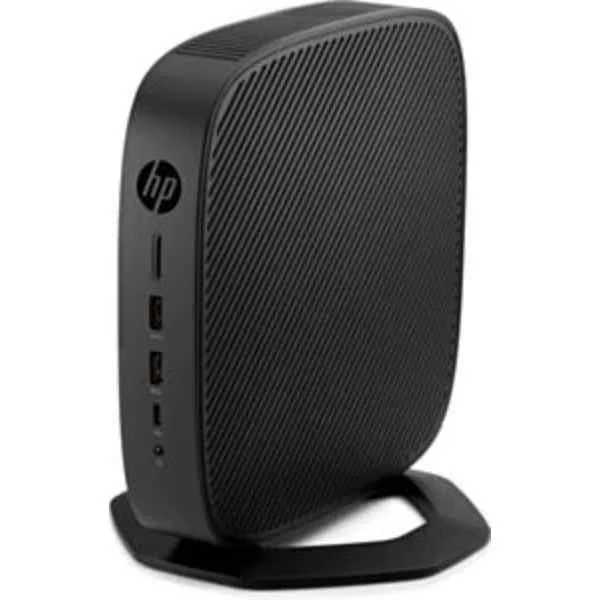
6TV45EA#ABB (t640 - 2.4 GHz - R1505G - AMD Ryzen Embedded - 3.3 GHz - 1 MB - 8 GB)
4.9 (7)- Workstation
- Hp
- Tower
- Intel
- Intel Core
- Intel 10th Gen
- Intel Core i9-10900K
Est Value In stockFirst-Time Buyer Discount – Get up to 2% additional off on your first order
ORM Rewards Earn $50 in Rewards + Free Expedited Delivery – Join Now!
Use eCoupon ORMSAVE10
eCoupon limited to 5 units
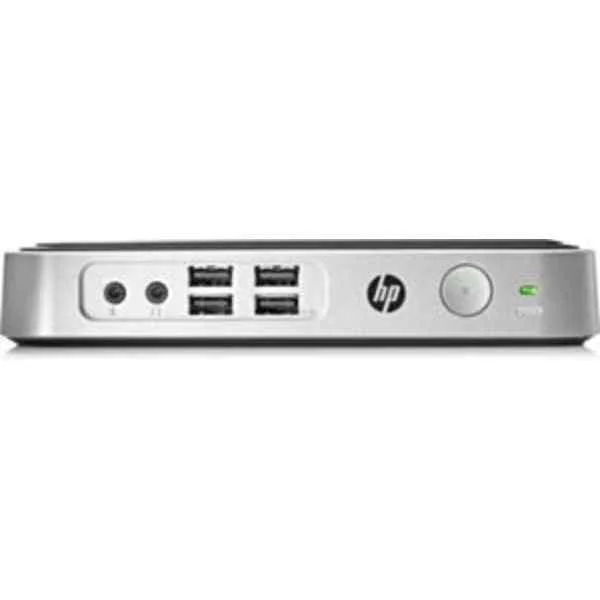
2EZ54AA#ABB (t310 G2 Zero - Teradici - TERA2321 - 0.5 GB - DDR3-SDRAM - 1333 MHz - 0.032 GB)
4.9 (7)- Workstation
- Hp
- Tower
- Intel
- Intel Core
- Intel 13th Gen
- Intel Core i7-13700K
Est Value In stockFirst-Time Buyer Discount – Get up to 2% additional off on your first order
ORM Rewards Earn $50 in Rewards + Free Expedited Delivery – Join Now!
Use eCoupon ORMSAVE10
eCoupon limited to 5 units

ORM Sales Advisors
Buying for your business? Get a personalised quote in under 2 hours. Talk to an expert
LEARNFilters (11) 
Questions & Answers
What is a thin client?
A thin client is a lightweight endpoint device that relies on a central server for processing and storage, delivering applications and desktops via remote protocols.
What are the main benefits of using a thin client?
Thin clients reduce hardware costs, simplify management, enhance security, and improve energy efficiency by offloading computing tasks to a centralized server.
How does a thin client differ from a traditional PC?
Unlike a traditional PC, a thin client has minimal local processing power and storage, relying on remote servers for application execution and data storage.
What types of applications can run on a thin client?
Thin clients support virtual desktop infrastructure (VDI), hosted applications (SaaS), web-based tools, and office productivity suites delivered from a central server.
What are the system requirements for a thin client?
A thin client requires minimal CPU, memory, and local storage, along with network connectivity and a supported remote display protocol like RDP, PCoIP, or ICA.
How do thin clients improve security?
Thin clients centralize data storage in secure data centers, reduce local vulnerabilities, enforce consistent security policies, and minimize malware risk.
Are thin clients cost-effective for enterprises?
Yes. Thin clients lower total cost of ownership by extending device lifecycles, reducing energy consumption, and streamlining IT management and support.
How do I manage and update thin clients?
Use centralized management software to deploy firmware updates, enforce configurations, monitor performance, and provision new devices remotely.
Which protocols do thin clients use for remote connections?
Common protocols include Microsoft RDP, VMware PCoIP, Citrix HDX/ICA, and Teradici, each optimized for bandwidth, graphics, and real-time performance.
Can thin clients support multimedia and graphics?
Yes. Modern thin clients leverage GPU offloading and adaptive compression in protocols like HDX and PCoIP to deliver high-definition video and 3D graphics.
How scalable are thin client deployments?
Thin client solutions scale easily from tens to thousands of users by adding server capacity and network bandwidth without replacing endpoint hardware.
What network connectivity is required for thin clients?
A reliable LAN or WAN connection with sufficient bandwidth (typically 100–500 kbps per user) and low latency ensures optimal thin client performance.
How long is the typical lifecycle of a thin client?
Thin clients often have a 5–7 year lifecycle, outlasting PCs due to minimal wear, limited hardware dependencies, and centralized software management.
Are thin clients compatible with existing IT infrastructure?
Yes. Thin clients integrate with Windows Server, VDI platforms, cloud desktops, and identity management systems, ensuring seamless deployment in diverse environments.
How do thin clients handle offline or disconnected scenarios?
Some thin clients offer local caching or offline modes for basic productivity, while most require network access to connect to virtual desktops and applications.
What factors should be considered when choosing a thin client vendor?
Evaluate hardware reliability, management tools, protocol support, security features, vendor support, and total cost of ownership to select the best thin client solution.