 United States
Elevate Your Productivity with Workstations
Discover high-performance workstations designed for speed, reliability, and superior multitasking. Perfect for professionals who demand efficiency, precision, and seamless workflows in every task.
Talk to an expert
6 Matching results
5HZ91ES (Z2 G4 - 3.4 GHz - Intel® Xeon® - 16 GB - 256 GB - DVD±RW - Windows 10 Pro)
4.6 (5)- Workstation
- Hp
- Tower
- Intel
- Intel Xeon
- Xeon 4th Gen
- Intel Xeon W-2295
Est Value In stock
First-Time Buyer Discount – Get up to 2% additional off on your first order
ORM Rewards Earn $50 in Rewards + Free Expedited Delivery – Join Now!
Use eCoupon ORMSAVE10
eCoupon limited to 5 units
3MC06EA (Z4 G4 i7-7800X Mini Tower Intel Core i7 x-series 16 GB DDR4-SDRAM 1000 HDD - Workstation - Core i7)
4.6 (5)- Workstation
- Hp
- Tower
- Intel
- Intel Xeon
- Xeon 3rd Gen
- Intel Xeon W-2295
Est Value In stockFirst-Time Buyer Discount – Get up to 2% additional off on your first order
ORM Rewards Earn $50 in Rewards + Free Expedited Delivery – Join Now!
Use eCoupon ORMSAVE10
eCoupon limited to 5 units
4RX06EA (HP Z2 G4 - 3.2 GHz - 8th gen Intel Core i7 - i7-8700 - 16 GB - 512 GB - Windows 10 Pro (4RX06EA))
4.8 (5)- Workstation
- Hp
- Tower
- Intel
- Intel Xeon
- Xeon 4th Gen
- Intel Xeon W-2295
Est Value In stockFirst-Time Buyer Discount – Get up to 2% additional off on your first order
ORM Rewards Earn $50 in Rewards + Free Expedited Delivery – Join Now!
Use eCoupon ORMSAVE10
eCoupon limited to 5 units
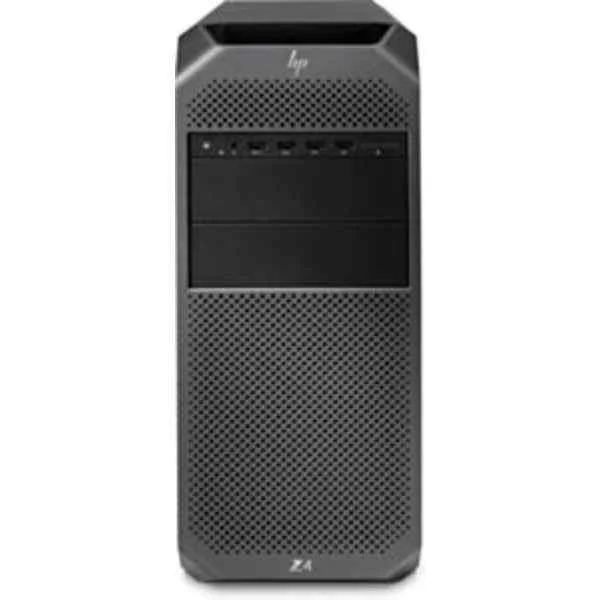
3MC16EA (Z4 G4 Workstation - Workstation - Core i9 3.3 GHz - RAM: 16 GB DDR4 - HDD: 512 GB Serial ATA)
4.2 (5)- Workstation
- Hp
- Tower
- Intel
- Intel Core
- Intel 12th Gen
- Intel Core i7-12700K
Est Value In stockFirst-Time Buyer Discount – Get up to 2% additional off on your first order
ORM Rewards Earn $50 in Rewards + Free Expedited Delivery – Join Now!
Use eCoupon ORMSAVE10
eCoupon limited to 5 units
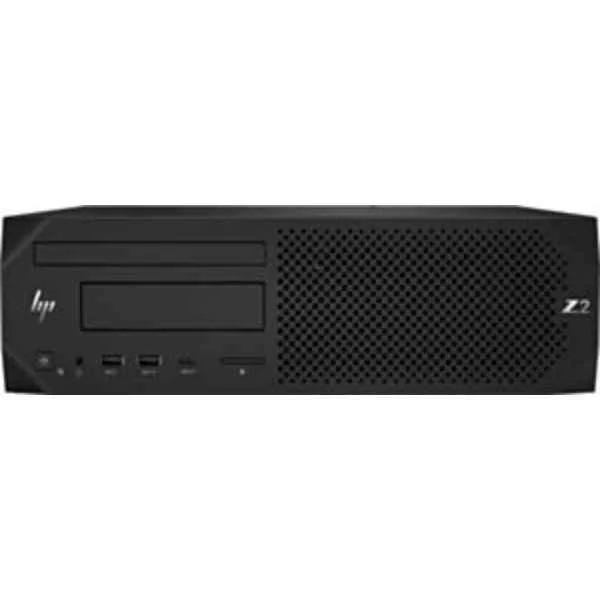
4RX05EA (HP Z2 G4 - 3.2 GHz - 8th gen Intel Core i7 - 16 GB - 512 GB - DVD Super Multi - Windows 10 Pro (4RX05EA))
4.4 (5)- Workstation
- Hp
- Tower
- Intel
- Intel Xeon
- Xeon 4th Gen
- Intel Xeon W-2295
Est Value In stockFirst-Time Buyer Discount – Get up to 2% additional off on your first order
ORM Rewards Earn $50 in Rewards + Free Expedited Delivery – Join Now!
Use eCoupon ORMSAVE10
eCoupon limited to 5 units
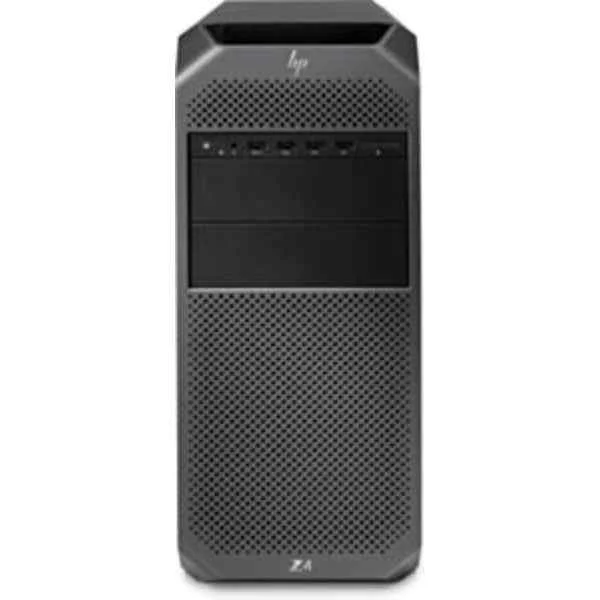
9LP18EA (Z4 G4 - 3.6 GHz - Intel Xeon W - 16 GB - 256 GB - DVD-RW - Windows 10 Pro)
4.8 (5)- Workstation
- Hp
- Tower
- Intel
- Intel Core
- Intel 12th Gen
- Intel Core i7-12700
Est Value In stockFirst-Time Buyer Discount – Get up to 2% additional off on your first order
ORM Rewards Earn $50 in Rewards + Free Expedited Delivery – Join Now!
Use eCoupon ORMSAVE10
eCoupon limited to 5 units

ORM Sales Advisors
Buying for your business? Get a personalised quote in under 2 hours. Talk to an expert
LEARNFilters (6) 
Questions & Answers
What is a workstation?
A workstation is a high-performance computer engineered for professional applications such as 3D design, scientific analysis, and video rendering, offering enhanced CPU, GPU, memory, and storage capabilities compared to a standard desktop.
How is a workstation different from a desktop PC?
A workstation delivers enterprise-grade components, ECC memory, ISV certifications, and advanced thermal management for sustained performance under heavy computational loads, whereas a desktop PC targets general-purpose use.
Which CPU should I choose for a workstation?
Select a multicore workstation CPU such as Intel Xeon or AMD Ryzen Threadripper based on your workload: higher core counts for rendering and simulation, higher clock speeds for single-threaded tasks.
How much RAM do I need in a workstation?
Allocate at least 32 GB of ECC-capable RAM for moderate CAD or video editing, 64 GB+ for large simulations, and scale up to 128 GB or more for complex data-intensive workflows.
What GPU options are available in a workstation?
Workstations support professional GPUs from NVIDIA Quadro or AMD Radeon Pro series, optimized for reliability, large VRAM, driver stability, and certified performance in CAD, CGI, and AI workloads.
Can workstations handle CAD and 3D modeling?
Yes. Workstations are designed for CAD and 3D modeling with certified GPUs, high-precision ECC memory, and robust I/O to deliver accurate geometry, smooth viewport interaction, and fast render times.
Are workstations suitable for video editing?
Absolutely. With multicore CPUs, large RAM capacity, professional GPUs, and high-speed storage, workstations enable real-time editing, color correction, and 4K+ export without file bottlenecks.
What operating systems are supported?
Most workstations support Windows 10/11 Pro, Linux distributions (Ubuntu, Red Hat, CentOS), and macOS on Apple hardware, with certified drivers and ISV-tested configurations for professional software.
How do I expand storage in a workstation?
Expand storage via additional M.2 NVMe slots, 2.5\
Does a workstation support virtualization?
Yes. Workstations often include Intel VT-x/VT-d or AMD -V virtualization extensions and ample CPU cores, memory, and storage to run multiple virtual machines with minimal performance impact.
What warranty and support options are available?
Workstations typically include a 3-year limited warranty, next-business-day on-site service, optional extended coverage, and dedicated technical support to minimize downtime and protect your investment.
How energy-efficient are workstations?
Modern workstations feature optimized power supplies, efficient cooling, and dynamic frequency scaling, achieving ENERGY STAR® certification and lower total cost of ownership without sacrificing performance.
Can I upgrade a workstation after purchase?
Yes. Workstations are designed for field upgrades: you can add memory modules, swap GPUs, install additional drives, or upgrade CPUs (within chipset compatibility) to extend lifespan and performance.
Do workstations come with ISV certifications?
Most professional workstations are ISV-certified for software like Autodesk AutoCAD, SolidWorks, Adobe Creative Cloud, and Dassault Systèmes CATIA, ensuring stability and predictable performance.
What is the average price range of a workstation?
Entry-level workstations start around $1,200, midrange systems range from $2,500 to $5,000, and high-end configurations with premium CPUs, GPUs, and storage can exceed $10,000.
How do I maintain optimal performance in a workstation?
Perform regular software updates, clean dust filters, monitor temperatures, update drivers, and use performance-tuning utilities. Schedule periodic hardware diagnostics to detect and resolve issues early.
What security features do workstations offer?
Professional workstations include TPM 2.0, BIOS-level encryption, secure boot, optional smart-card readers, and remote management tools to safeguard sensitive data and comply with industry security standards.