 United States
Dell Cables & Adapters Superior Connectivity
Experience unmatched connectivity with our Dell cables and adapters designed for high-performance devices. Optimize data transfer speed and reliability with our certified, durable components for seamless tech integration.
Talk to an expert
2 Matching results
470-ACMF (Dell Networking Cable. OM4 LC/LC Fiber Cable. (Optics required). 3 Meter)
4.6 (5)Est Value $59.00
$9.45
84% offIn stockNewFirst-Time Buyer Discount – Get up to 2% additional off on your first order
ORM Rewards Earn $50 in Rewards + Free Expedited Delivery – Join Now!
Use eCoupon ORMSAVE10
eCoupon limited to 5 units
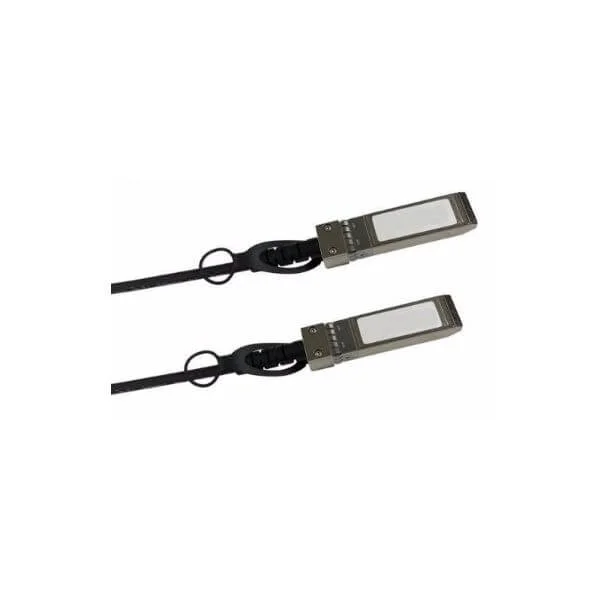
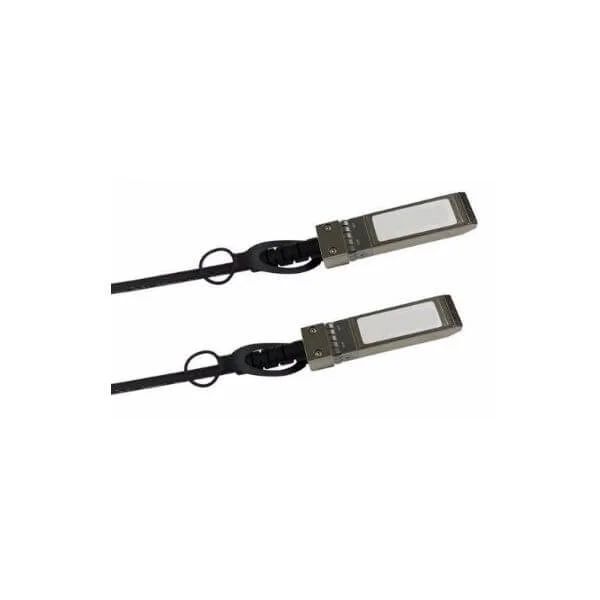
470-AAGP (Dell Networking. Cable. SFP+ to SFP+. 10GbE. Copper Twinax Direct Attach Cable. 3 Meter)
4.8 (5)Est Value $106.00$82.95
21.7% offIn stockNewFirst-Time Buyer Discount – Get up to 2% additional off on your first order
ORM Rewards Earn $50 in Rewards + Free Expedited Delivery – Join Now!
Use eCoupon ORMSAVE10
eCoupon limited to 5 units

ORM Sales Advisors
Buying for your business? Get a personalised quote in under 2 hours. Talk to an expert
LEARNFilters (2) 
Questions & Answers
What types of Dell cables & adapters are available?
Dell offers a full range of cables and adapters including power cords, USB-A, USB-C, HDMI, DisplayPort, Thunderbolt, Ethernet, VGA, DVI, and specialized docking station adapters.
How do I choose the right Dell adapter for my laptop?
Match your laptop’s port type and required function—power, video or network—to the adapter’s specifications. Verify compatibility by checking your Dell service tag or user manual.
Are Dell cables & adapters compatible with non-Dell devices?
Most Dell cables and adapters follow industry standards (USB, HDMI, DisplayPort). They typically work with any compliant device, but check voltage, power delivery, and connector type first.
What is the warranty on Dell cables & adapters?
Dell provides a one-year limited hardware warranty on all cables and adapters. Coverage includes manufacturing defects; damages from misuse are excluded.
How do I identify the correct Dell part number?
Locate the part number printed on the cable or adapter housing. Alternatively, use Dell’s online parts lookup by service tag or product model.
Can I use a Dell USB-C adapter for video output?
Yes, Dell USB-C adapters with DisplayPort Alt Mode support video output to HDMI, VGA, or DisplayPort monitors at resolutions up to 4K.
What’s the difference between Dell HDMI and DisplayPort cables?
HDMI cables carry audio and video for TVs and monitors up to 8K, while DisplayPort supports higher refresh rates, daisy chaining, and variable refresh technology for gaming and professional use.
Do Dell Thunderbolt 3 cables support data, video, and power?
Dell Thunderbolt 3 cables provide up to 40 Gbps data transfer, dual 4K video output, and up to 100 W power delivery over a single connection.
How do I troubleshoot a nonworking Dell adapter?
Verify secure connections, test with a different port or device, inspect for damage, and update firmware/drivers. Replace the adapter if issues persist.
What length options do Dell Ethernet cables offer?
Dell Cat6 and Cat6a Ethernet cables come in lengths from 1 m to 10 m. Custom lengths are available through select Dell partners.
How do Dell Cat6 and Cat7 cables differ?
Cat6 supports up to 1 Gbps at 250 MHz, while Cat7 offers 10 Gbps at 600 MHz with improved shielding for reduced crosstalk.
Are Dell power cables UL-certified for safety?
Yes, all Dell power cables meet UL, CSA, and CE safety standards, ensuring reliable performance and protection against electrical hazards.
Can I extend a Dell cable with a third-party extension?
While possible, using third-party extensions may impact performance or void the Dell warranty. We recommend Dell-certified extenders for optimal compatibility.
How do I maintain and clean my Dell cables & adapters?
Unplug before cleaning. Use a soft, dry cloth to wipe connectors and cable jackets. Avoid liquids and sharp bends to ensure longevity.
Where can I purchase genuine Dell cables & adapters?
Buy directly from Dell’s online store or authorized resellers to guarantee authentic products backed by warranty and technical support.