 United States
Converters Efficient Tp-Link Performance
Upgrade your network experience with Tp-Link converters designed for unmatched signal conversion and reliable connectivity. Harness top-tier performance and versatility, ensuring seamless high-speed data transfer and secure communications.
Talk to an expert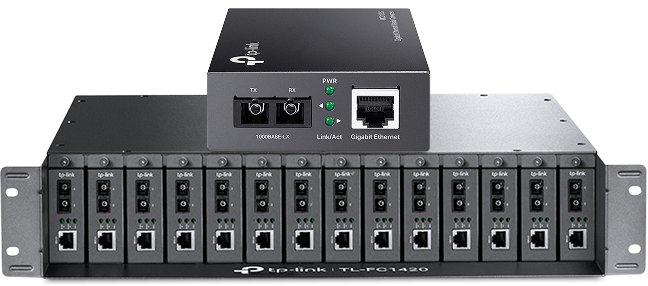
13 Matching results
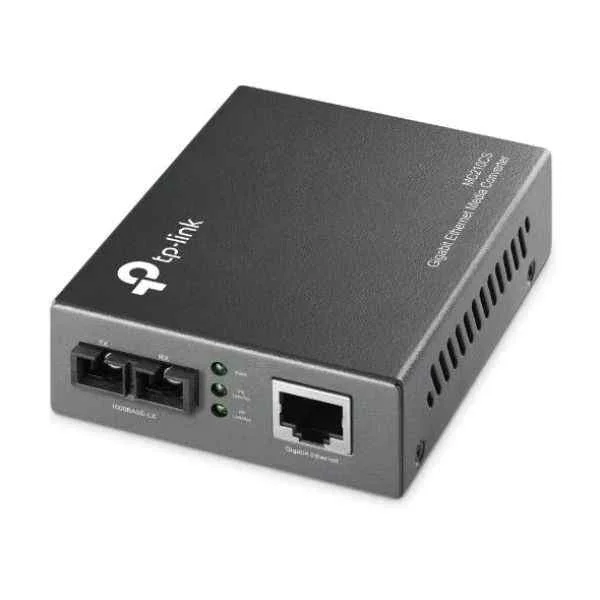
MC210CS (MC210CS 2PORT 10/100/1000 RJ45/ SC UP TO 15KM MODULE SWITCHING AC)
4.8 (6)- Converter
- Tp-Link
- AV
- Unidirectional
- AV Integration
- HDMI
- VGA
Est Value $211.64
$97.18
54.1% offIn stockNewRefurbishedFirst-Time Buyer Discount – Get up to 2% additional off on your first order
ORM Rewards Earn $50 in Rewards + Free Expedited Delivery – Join Now!
Use eCoupon ORMSAVE10
eCoupon limited to 5 units
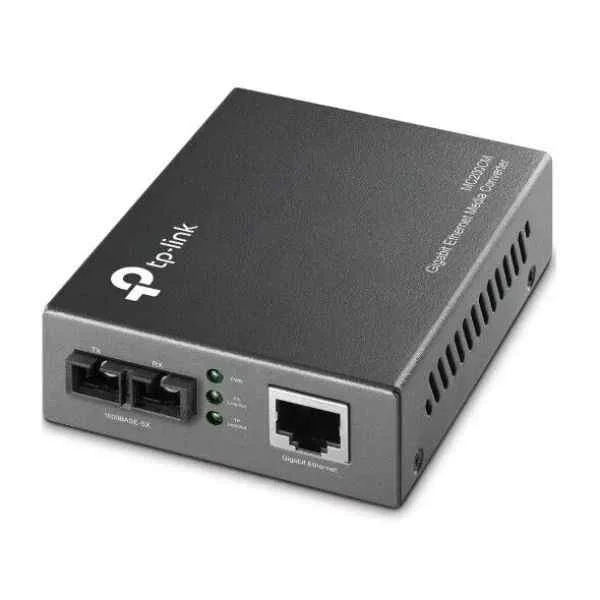
MC200CM (MC200CM 2PORT 10/100/1000 RJ45/ SC UP TO 550M MODULE SWITCHING AC)
4.5 (6)- Converter
- Tp-Link
- AV
- Unidirectional
- AV Integration
- HDMI
- VGA
Est Value $414.22$207.11
50% offIn stockRefurbishedFirst-Time Buyer Discount – Get up to 2% additional off on your first order
ORM Rewards Earn $50 in Rewards + Free Expedited Delivery – Join Now!
Use eCoupon ORMSAVE10
eCoupon limited to 5 units
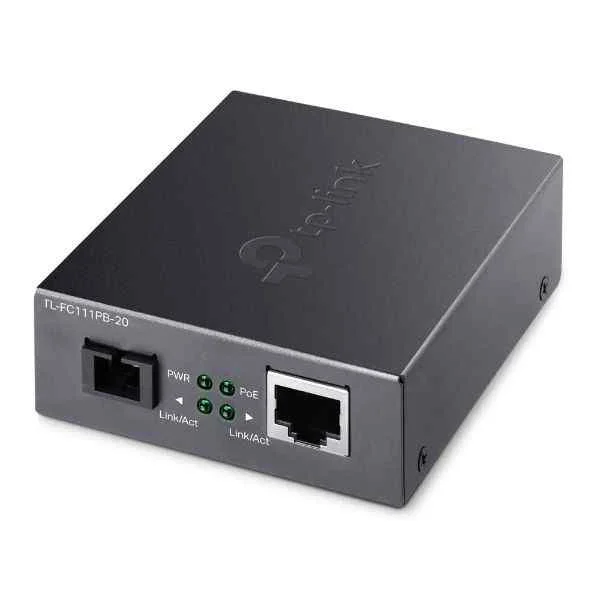
TL-FC111PB-20 (10/100 MBPS RJ45 TO 100 MBPS 1X100MBPS SC 1X10/100M RJ45)
4.3 (6)- Converter
- Tp-Link
- Power
- Unidirectional
- Power Conversion
- IEC
- IEC
Est Value $107.10$53.55
50% offIn stockNewFirst-Time Buyer Discount – Get up to 2% additional off on your first order
ORM Rewards Earn $50 in Rewards + Free Expedited Delivery – Join Now!
Use eCoupon ORMSAVE10
eCoupon limited to 5 units
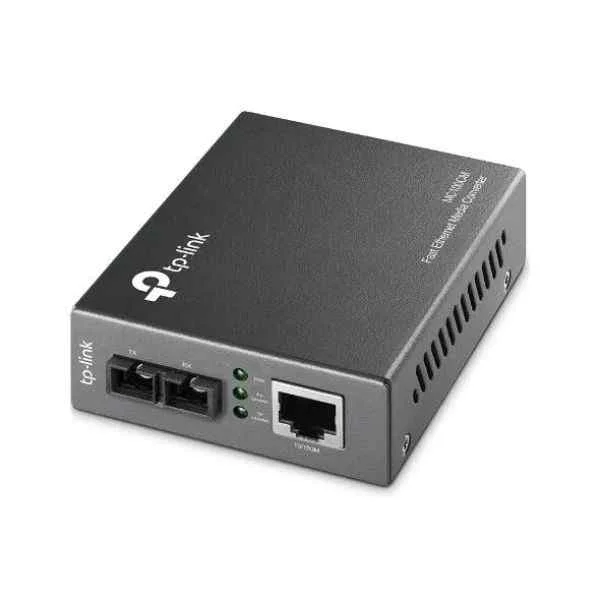
MC100CM (UNMC100CM 2PORT 10/100 RJ45/SC TO 2KM STDALN SWITCHING ADAPT)
4.7 (6)- Converter
- Tp-Link
- AV
- Unidirectional
- AV Integration
- HDMI
- VGA
Est Value $386.04$193.02
50% offIn stockNewRefurbishedFirst-Time Buyer Discount – Get up to 2% additional off on your first order
ORM Rewards Earn $50 in Rewards + Free Expedited Delivery – Join Now!
Use eCoupon ORMSAVE10
eCoupon limited to 5 units
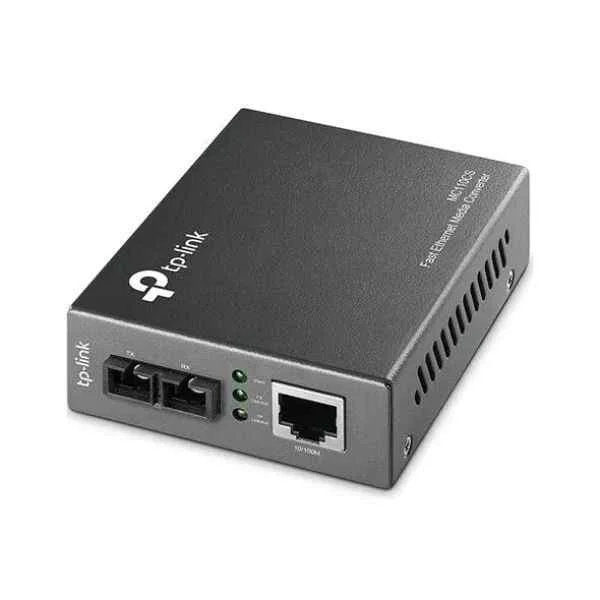
MC110CS (OMADA SC FIBER CONVERTER)
4.7 (6)- Converter
- Tp-Link
- Signal
- Unidirectional
- AV Integration
- HDMI
- VGA
Est Value $233.34$116.67
50% offIn stockNewRefurbishedFirst-Time Buyer Discount – Get up to 2% additional off on your first order
ORM Rewards Earn $50 in Rewards + Free Expedited Delivery – Join Now!
Use eCoupon ORMSAVE10
eCoupon limited to 5 units
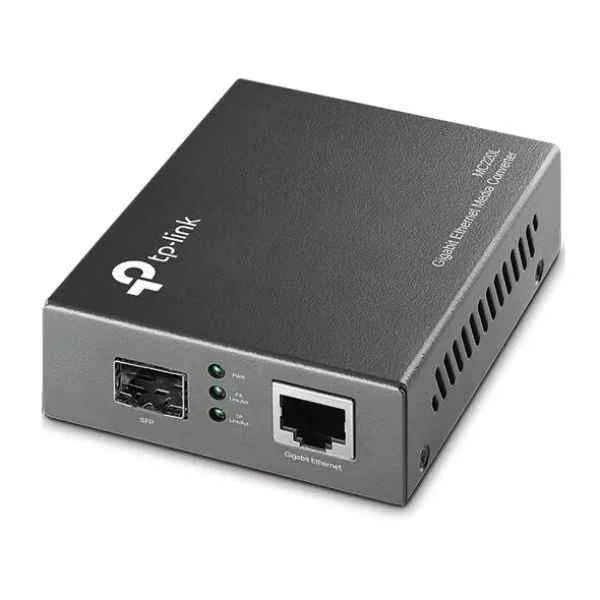
MC220L (MC220L 1PORT 10/100/1000 RJ45 0.55KM/10KM MODULE SFP SLOT)
4.8 (6)- Converter
- Tp-Link
- AV
- Unidirectional
- AV Integration
- HDMI
- VGA
Est Value $187.60$93.80
50% offIn stockNewRefurbishedFirst-Time Buyer Discount – Get up to 2% additional off on your first order
ORM Rewards Earn $50 in Rewards + Free Expedited Delivery – Join Now!
Use eCoupon ORMSAVE10
eCoupon limited to 5 units
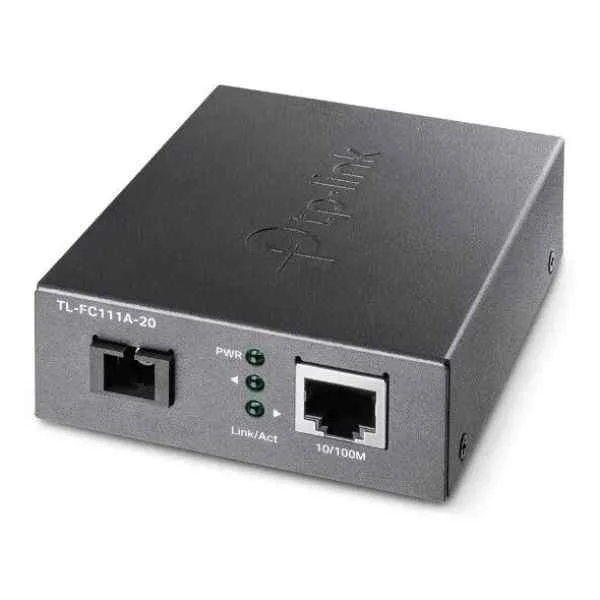
TL-FC111A-20 (10/100 MBPS RJ45 TO 100 MBPS SINGLE-MODE SC WDM BI-DIRECTION)
4.5 (6)- Converter
- Tp-Link
- Media
- Bidirectional
- Networking
- RJ-45
- Fiber LC
Est Value $89.54$76.44
14.6% offIn stockRefurbishedFirst-Time Buyer Discount – Get up to 2% additional off on your first order
ORM Rewards Earn $50 in Rewards + Free Expedited Delivery – Join Now!
Use eCoupon ORMSAVE10
eCoupon limited to 5 units
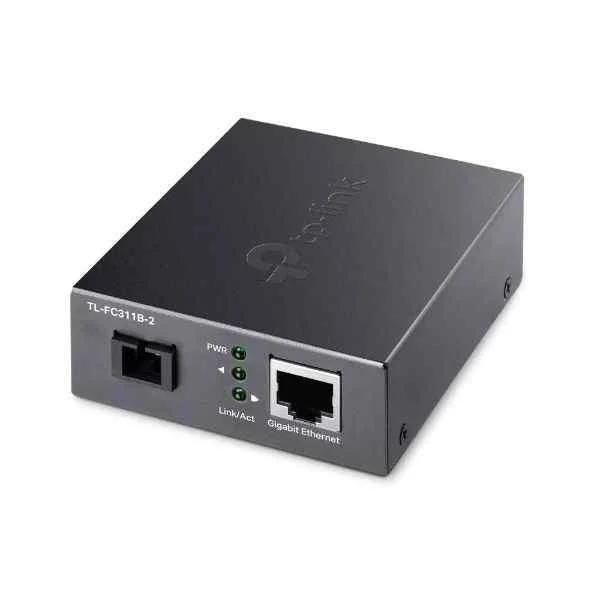
TL-FC311B-2 (TL-FC311B-2 10/100/1000MBPS RJ45 WDM STANDALONE 2KM)
4.8 (6)- Converter
- Tp-Link
- Media Converter
- Bidirectional
- Networking
- RJ-45
- Fiber LC
Est Value In stockFirst-Time Buyer Discount – Get up to 2% additional off on your first order
ORM Rewards Earn $50 in Rewards + Free Expedited Delivery – Join Now!
Use eCoupon ORMSAVE10
eCoupon limited to 5 units
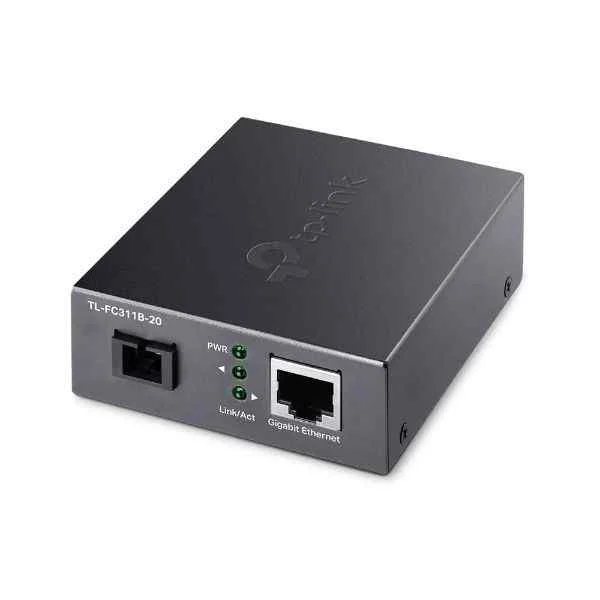
TL-FC311B-20 (TL-FC311B-20 10/100/1000MBPS RJ45 WDM STANDALONE 20KM)
4.8 (6)- Converter
- Tp-Link
- Signal
- Unidirectional
- AV Integration
- HDMI
- VGA
Est Value In stockFirst-Time Buyer Discount – Get up to 2% additional off on your first order
ORM Rewards Earn $50 in Rewards + Free Expedited Delivery – Join Now!
Use eCoupon ORMSAVE10
eCoupon limited to 5 units
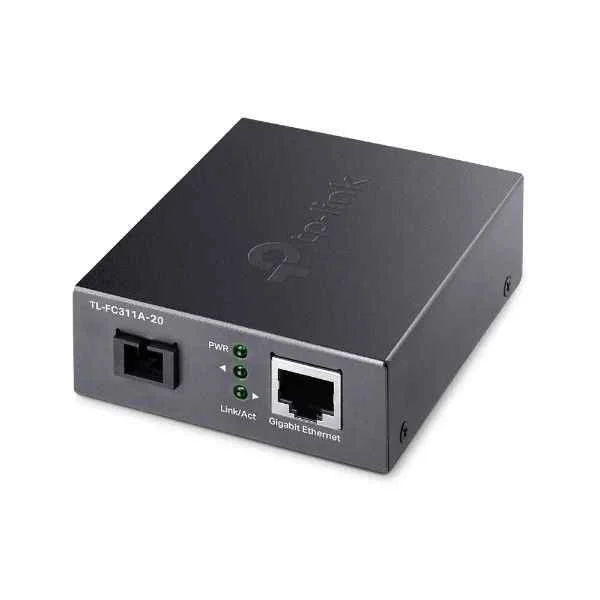
TL-FC311A-20 (TL-FC311A-20 10/100/1000MBPS RJ45 WDM STANDALONE 20KM)
4.7 (6)- Converter
- Tp-Link
- AV
- Unidirectional
- AV Integration
- HDMI
- VGA
Est Value In stockFirst-Time Buyer Discount – Get up to 2% additional off on your first order
ORM Rewards Earn $50 in Rewards + Free Expedited Delivery – Join Now!
Use eCoupon ORMSAVE10
eCoupon limited to 5 units
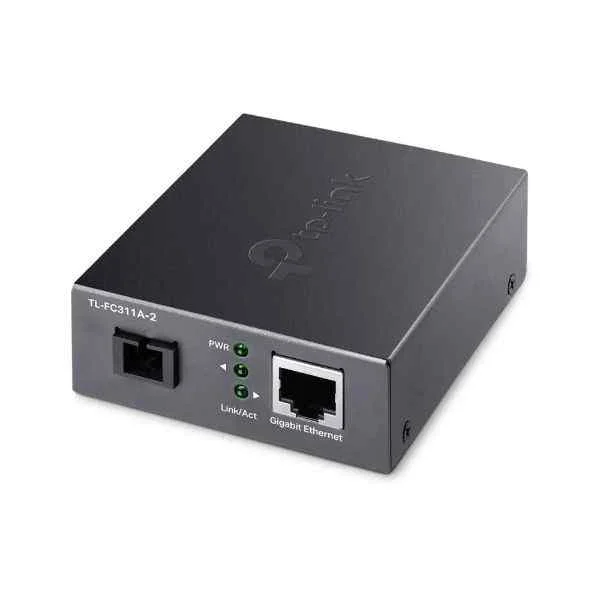
TL-FC311A-2 (TL-FC311A-2 10/100/1000MBPS RJ45 WDM STANDALONE 2KM)
4.5 (6)- Converter
- Tp-Link
- AV
- Unidirectional
- AV Integration
- HDMI
- VGA
Est Value In stockFirst-Time Buyer Discount – Get up to 2% additional off on your first order
ORM Rewards Earn $50 in Rewards + Free Expedited Delivery – Join Now!
Use eCoupon ORMSAVE10
eCoupon limited to 5 units
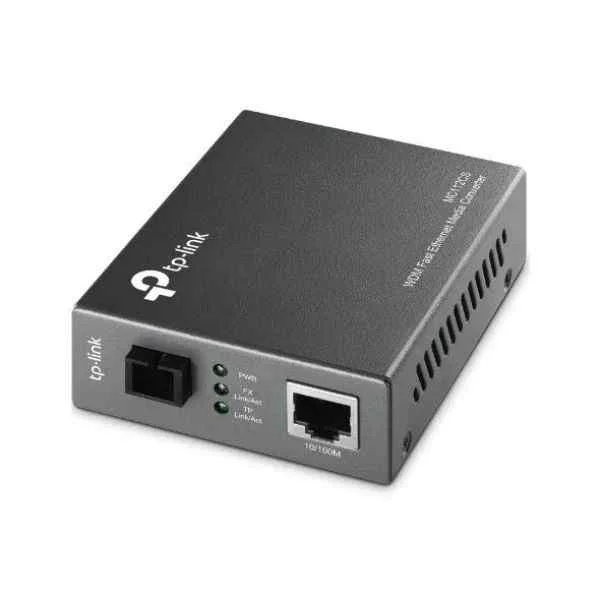
MC112CS (10/100Mbps WDM - 1000 Mbit/s - IEEE 802.3,IEEE 802.3u,IEEE 802.3x - Gigabit Ethernet - 1000 Mbit/s - SC - Wired)
4.7 (6)- Converter
- Tp-Link
- AV
- Unidirectional
- AV Integration
- HDMI
- VGA
Est Value In stockFirst-Time Buyer Discount – Get up to 2% additional off on your first order
ORM Rewards Earn $50 in Rewards + Free Expedited Delivery – Join Now!
Use eCoupon ORMSAVE10
eCoupon limited to 5 units
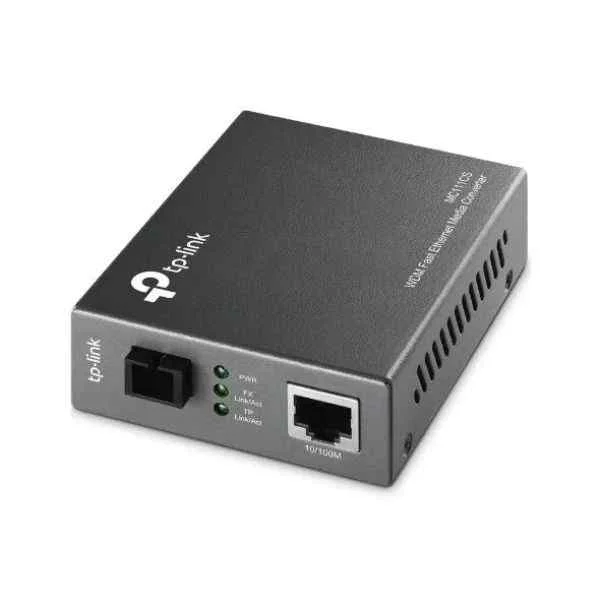
MC111CS (MC111CS - 1000 Mbit/s - IEEE 802.3,IEEE 802.3u,IEEE 802.3x - Gigabit Ethernet - 1000 Mbit/s - UTP 3 - 4 - 5e - 5 - SC)
4.8 (6)- Converter
- Tp-Link
- AV
- Unidirectional
- AV Integration
- HDMI
- VGA
Est Value In stockFirst-Time Buyer Discount – Get up to 2% additional off on your first order
ORM Rewards Earn $50 in Rewards + Free Expedited Delivery – Join Now!
Use eCoupon ORMSAVE10
eCoupon limited to 5 units

ORM Sales Advisors
Buying for your business? Get a personalised quote in under 2 hours. Talk to an expert
LEARNFilters (13) 
Questions & Answers
What is a TP-Link media converter?
A TP-Link media converter is a network device that converts Ethernet signals to fiber optic or coaxial signals, extending network reach and integrating different cable types without modifying existing infrastructure.
How does a TP-Link network converter work?
A TP-Link network converter receives Ethernet data on one port, converts the electrical signal into a compatible optical or coaxial format, and forwards it through the appropriate medium, enabling seamless communication between disparate network segments.
Which TP-Link converter model suits my network speed?
Choose a TP-Link converter based on your required throughput: Fast Ethernet models support up to 100 Mbps, Gigabit models up to 1 Gbps, and SFP-based models can handle up to 10 Gbps with compatible modules.
How do I install a TP-Link fiber media converter?
Connect the Ethernet cable to the RJ45 port, insert the correct SFP module for your fiber type, attach the fiber cable to the SFP port, power on the device, and verify link LEDs indicate active connections.
What maximum distance can TP-Link fiber converters cover?
TP-Link fiber converters support distances from 550 m (multi-mode) up to 120 km (single-mode) when paired with the appropriate SFP module and compliant fiber optic cable.
Are TP-Link converters plug-and-play?
Yes, most TP-Link converters require no configuration: simply power the device, connect your cables, and the converter automatically negotiates link speed and duplex settings.
Can I mix TP-Link converters with other brands?
TP-Link media converters adhere to IEEE standards for Ethernet and fiber optics, ensuring interoperability with other vendors’ compliant devices when matching speed, duplex, and fiber type settings.
Do TP-Link converters support Power over Ethernet (PoE)?
Certain TP-Link models incorporate PoE passthrough, allowing you to power remote devices such as IP cameras or VoIP phones; verify model specifications to confirm PoE capabilities and power budgets.
How do I update firmware on a TP-Link converter?
Visit TP-Link’s official support site to download the latest firmware, then use the converter’s web interface or a dedicated management tool to upload and install the update safely.
What power supply do TP-Link converters require?
Most TP-Link media converters include an external 12 V DC adapter; always use the original or manufacturer-approved power supply to ensure stable operation and warranty compliance.
How can I monitor the status of a TP-Link converter?
Check the converter’s front-panel LEDs for power, link, and activity indicators; managed models also offer SNMP or web-based dashboards for detailed performance metrics.
How do I troubleshoot link issues on TP-Link converters?
Verify correct cable types, ensure matching speed/duplex settings, inspect fiber connectors for cleanliness, confirm power LED is solid, and consult TP-Link’s LED diagnostic guide for error patterns.
What warranty covers TP-Link converters?
TP-Link media converters typically include a limited 2-year warranty covering manufacturing defects; register your product online and retain proof of purchase to validate warranty service.
Can TP-Link converters be rack-mounted?
Yes, many TP-Link converters support installation in a 19-inch rack via an optional rack-mount kit, allowing organized deployment and easy maintenance in data centers.
Do TP-Link converters support VLAN tagging?
Managed TP-Link media converters offer VLAN tagging and Q-in-Q support, enabling you to segregate traffic across fiber links while maintaining end-to-end VLAN integrity.
Where can I buy genuine TP-Link converters?
Purchase authentic TP-Link converters through authorized distributors, resellers listed on TP-Link’s official website, or reputable online marketplaces to ensure genuine hardware and support.