 United States
Processors Unparalleled Efficiency and Power
Experience optimum speed and performance with our advanced processors engineered for unparalleled reliability, precise computing, and seamless integration with modern systems to drive breakthrough productivity and innovation.
Talk to an expert
9 Matching results
- BEST SELLING
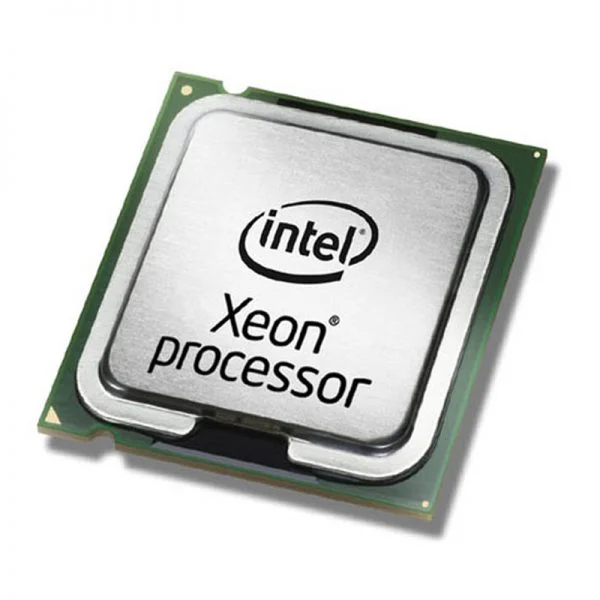
4XG0E76795 (ThinkStation Intel E5-2650 v2 8C CPU)
4.7 (7)- 1.50 inches
- 0.15 inches
- 0.50 lbs
- No
- Gaming
- LGA 1700
- Dual
Est Value $4,346.98
$2,173.49
50% offIn stockNewFirst-Time Buyer Discount – Get up to 2% additional off on your first order
ORM Rewards Earn $50 in Rewards + Free Expedited Delivery – Join Now!
Use eCoupon ORMSAVE10
eCoupon limited to 5 units
- FEARURED
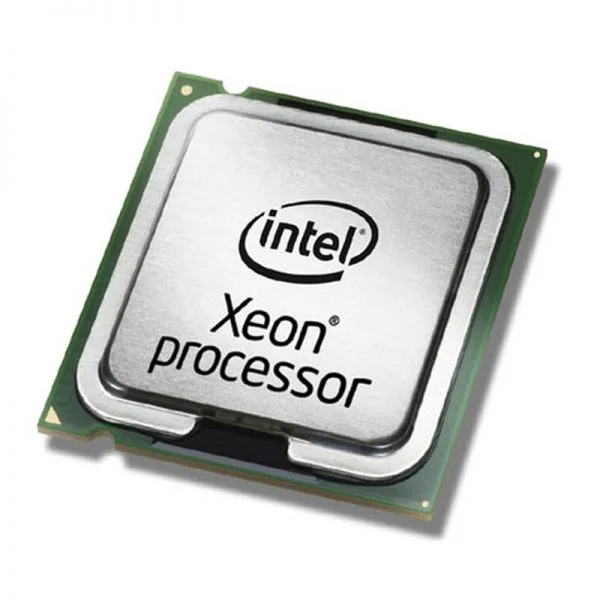
4XG0E76798 (ThinkStation Intel E5-2620 v2 6C CPU)
4.9 (7)- No
- Gaming / Workstation
- LGA 1700
Est Value $1,771.86$885.93
50% offIn stockNewFirst-Time Buyer Discount – Get up to 2% additional off on your first order
ORM Rewards Earn $50 in Rewards + Free Expedited Delivery – Join Now!
Use eCoupon ORMSAVE10
eCoupon limited to 5 units
- FEARURED
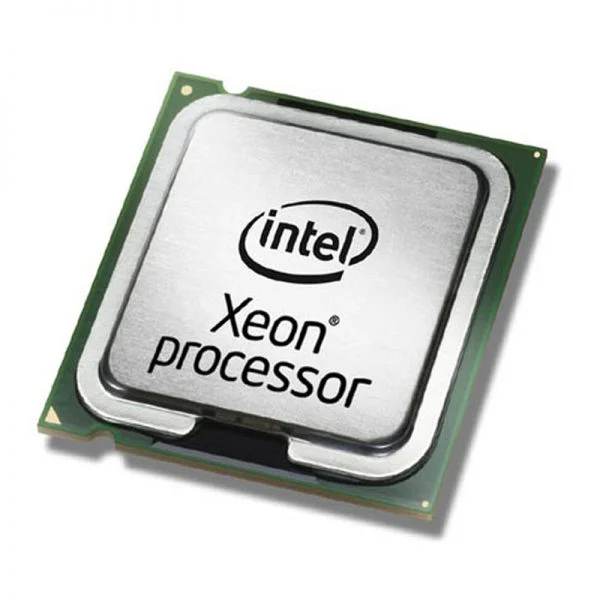
4XG0E76797 (ThinkStation Intel E5-2630 v2 6C CPU)
4.7 (7)- 1.5 inches
- 0.3 lbs
- 0.5 inches
- 1.5 inches
- No
- Gaming
- LGA 1700
Est Value $2,519.98$1,259.99
50% offIn stockNewFirst-Time Buyer Discount – Get up to 2% additional off on your first order
ORM Rewards Earn $50 in Rewards + Free Expedited Delivery – Join Now!
Use eCoupon ORMSAVE10
eCoupon limited to 5 units
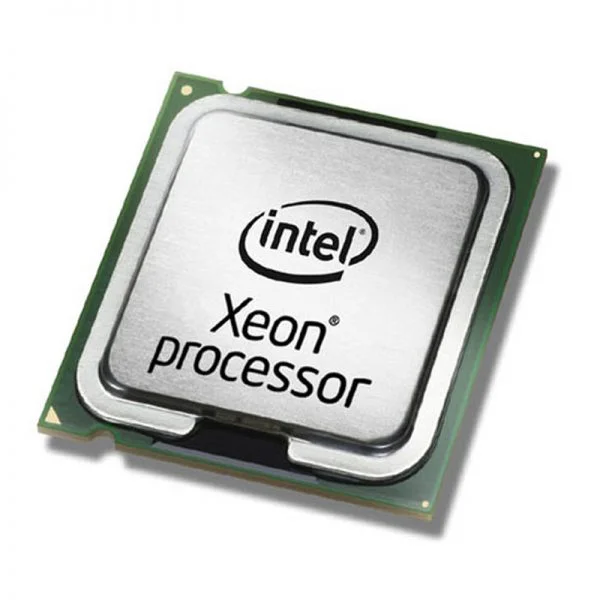
0A65721 (ThinkStation C/D 30 Series Heatsinks)
4.9 (7)- No
- Gaming
- LGA 1700
Est Value $228.73$195.26
14.6% offIn stockRefurbishedFirst-Time Buyer Discount – Get up to 2% additional off on your first order
ORM Rewards Earn $50 in Rewards + Free Expedited Delivery – Join Now!
Use eCoupon ORMSAVE10
eCoupon limited to 5 units
- BEST SELLING
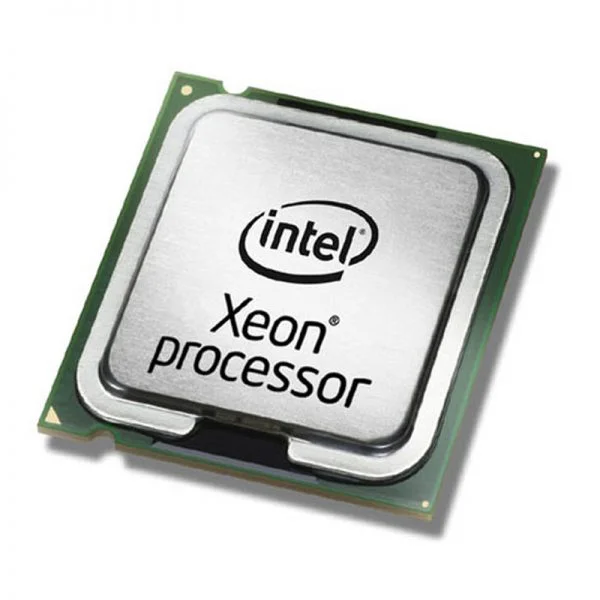
4XG0E76796 (ThinkStation Intel E5-2640 v2 8C CPU)
4.6 (7)- No
- Gaming
- LGA 1700
Est Value In stockFirst-Time Buyer Discount – Get up to 2% additional off on your first order
ORM Rewards Earn $50 in Rewards + Free Expedited Delivery – Join Now!
Use eCoupon ORMSAVE10
eCoupon limited to 5 units
- BEST SELLING
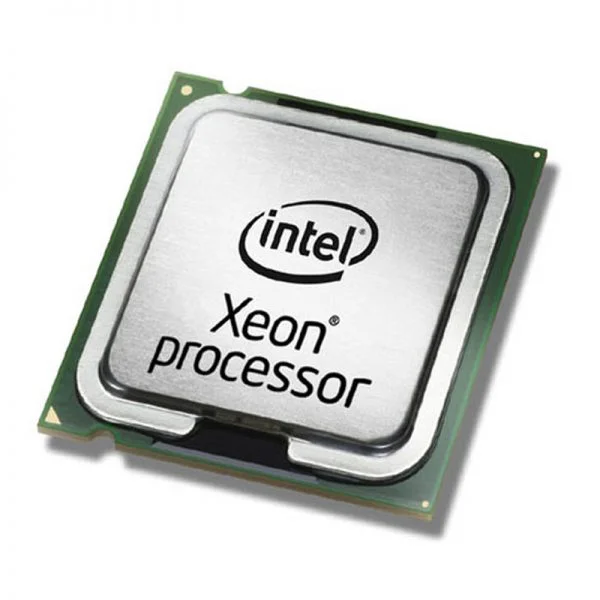
4XG0E76799 (ThinkStation Intel E5-2609 v2 4C CPU)
4.4 (7)- 0.75 lbs
- 0.57 inches
- No
- Gaming
- LGA 1700
- Dual
- PCIe 5.0
Est Value In stockFirst-Time Buyer Discount – Get up to 2% additional off on your first order
ORM Rewards Earn $50 in Rewards + Free Expedited Delivery – Join Now!
Use eCoupon ORMSAVE10
eCoupon limited to 5 units
- BEST SELLING
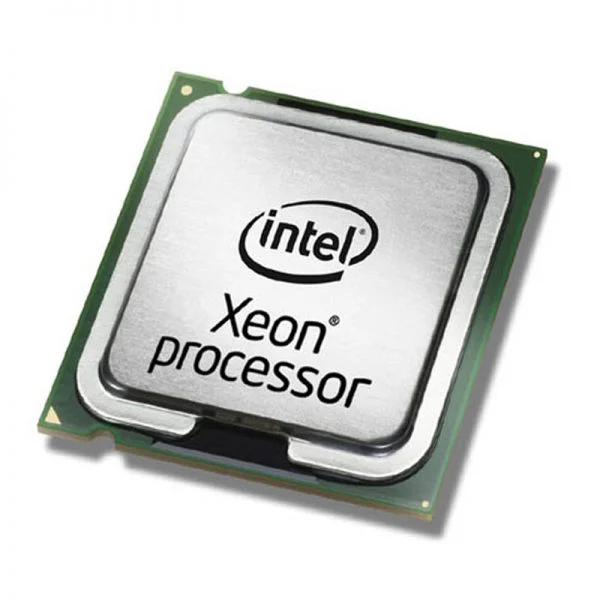
4XG0E76800 (ThinkStation Intel E5-2603 v2 4C CPU)
4.7 (7)- 0.35 lbs
- 0.5 inches
- 1.2 inches
- 1.2 inches
- No
- Gaming
- LGA 1700
Est Value In stockFirst-Time Buyer Discount – Get up to 2% additional off on your first order
ORM Rewards Earn $50 in Rewards + Free Expedited Delivery – Join Now!
Use eCoupon ORMSAVE10
eCoupon limited to 5 units
- BEST SELLING
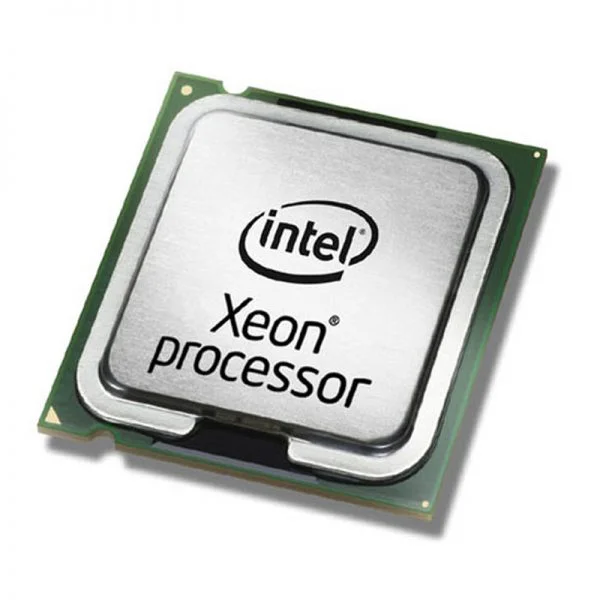
4XG0E76794 (ThinkStation Intel E5-2660 v2 10C CPU)
4.9 (7)- 0.5 lbs
- 1.0 inches
- 0.59 inches
- 0.59 inches
- No
- Gaming
- LGA 1700
Est Value In stockFirst-Time Buyer Discount – Get up to 2% additional off on your first order
ORM Rewards Earn $50 in Rewards + Free Expedited Delivery – Join Now!
Use eCoupon ORMSAVE10
eCoupon limited to 5 units
0A65719 (ThinkStation D20 Series Heatsinks)
4.6 (7)- No
- Gaming
- Dual
Est Value $76.95$65.69
14.6% offIn stockRefurbishedFirst-Time Buyer Discount – Get up to 2% additional off on your first order
ORM Rewards Earn $50 in Rewards + Free Expedited Delivery – Join Now!
Use eCoupon ORMSAVE10
eCoupon limited to 5 units

ORM Sales Advisors
Buying for your business? Get a personalised quote in under 2 hours. Talk to an expert
LEARNFilters (9) 
Questions & Answers
What is a processor?
A processor (CPU) executes instructions to perform calculations and manage tasks in a computer, acting as its central processing unit.
How do I choose the right processor for my PC?
Evaluate your workload—gaming, content creation, or office tasks—by comparing benchmark performance, core/thread count, clock speed, power consumption, and compatibility with your motherboard’s socket and chipset.
What’s the difference between Intel and AMD processors?
Intel processors typically excel in single-threaded workloads and power efficiency, while AMD Ryzen CPUs offer higher core counts and multi-threaded performance at competitive price points.
What are cores and threads in a processor?
A core is an independent processing unit; threads are virtual instances of a core that allow parallel processing of tasks, improving multitasking and multi-threaded application performance.
How does processor clock speed influence performance?
Clock speed, measured in GHz, determines the number of cycles a core can perform per second; higher frequencies yield faster instruction execution, particularly in single-threaded applications.
What is processor cache and why does it matter?
Cache is high-speed memory integrated on the CPU die, storing frequently accessed data to reduce latency and accelerate overall system performance.
What is TDP in processors?
Thermal Design Power (TDP) indicates the maximum heat output a cooling solution must dissipate under typical workload conditions, guiding thermal and power management.
Can I safely overclock my processor?
Overclocking can boost performance by increasing clock speeds beyond factory settings but may void warranties and requires adequate cooling and stable voltage settings to prevent damage.
What is socket compatibility and why is it important?
Socket compatibility ensures the processor’s pin layout matches the motherboard socket, affecting installability and communication between the CPU and other system components.
How do I check if a processor is compatible with my motherboard?
Verify your motherboard’s CPU support list and chipset specifications, confirm matching socket type, BIOS version, and power delivery requirements.
What is thermal throttling?
Thermal throttling is a protective mechanism that reduces processor clock speeds to lower temperatures when the CPU exceeds safe operating thresholds, preserving hardware integrity.
How much power does a processor consume?
Processor power consumption varies by architecture, core count, clock speed, and workload, typically ranging from 15W for mobile CPUs to over 125W for high-performance desktop chips.
What is virtualization support in processors?
Virtualization support (Intel VT-x, AMD-V) enables hardware-assisted virtualization, allowing multiple operating systems to run simultaneously with improved isolation and efficiency.
How do processor benchmarks relate to real-world performance?
Benchmarks provide standardized metrics for comparing CPUs, but real-world performance depends on software optimization, system configuration, and specific task requirements.
How do I update my processor’s firmware?
Update your CPU’s microcode via a BIOS or UEFI firmware update from your motherboard manufacturer to ensure security patches and stability improvements are applied.
What’s the difference between a CPU and a GPU?
A CPU handles general-purpose tasks with a few cores optimized for sequential processing, while a GPU features hundreds to thousands of smaller cores designed for parallel computations like graphics rendering and machine learning.