 United States
GPU Modules Asus Cutting-Edge Performance
Experience unparalleled graphical performance with Asus GPU modules engineered for precision, reliability, and peak efficiency. Elevate your computing and gaming environments with exceptional quality and advanced design.
Talk to an expert
4 Matching results
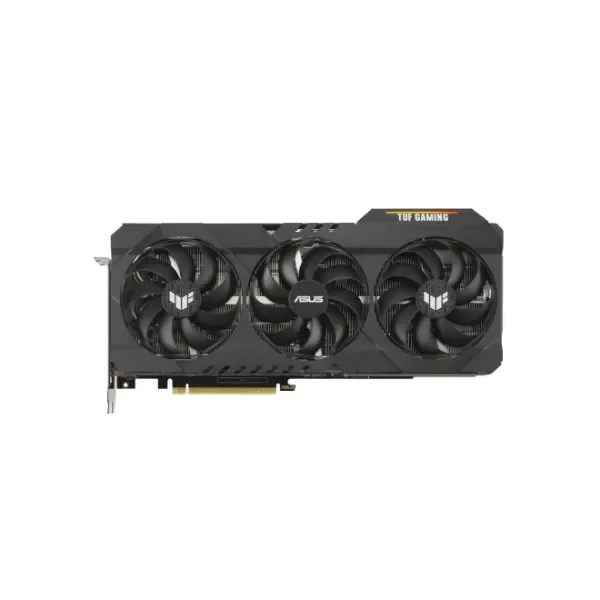
90YV0FD1-M0NM00 (TUF Gaming TUF-RTX3090-O24G-GAMING - GeForce RTX 3090 - 24 GB - GDDR6X - 384 bit - 7680 x 4320 pixels - PCI Express 4.0)
4.2 (5)Est Value $4,963.42
$3,851.93
22.4% offIn stockNewRefurbishedFirst-Time Buyer Discount – Get up to 2% additional off on your first order
ORM Rewards Earn $50 in Rewards + Free Expedited Delivery – Join Now!
Use eCoupon ORMSAVE10
eCoupon limited to 5 units
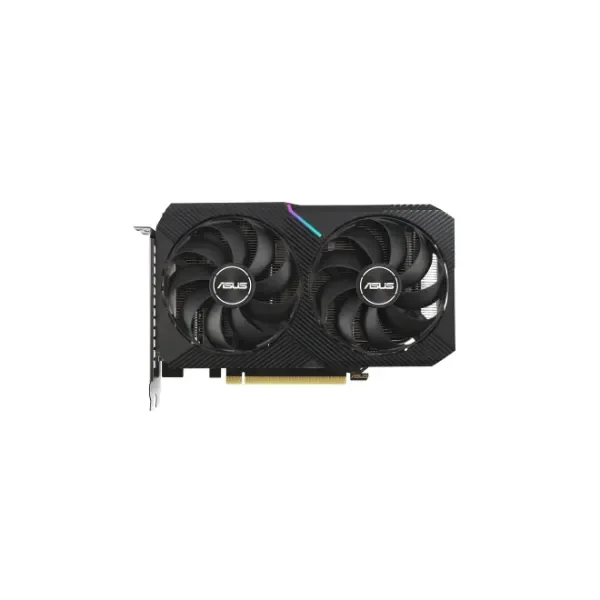
90YV0FT3-M0NA00 (Dual GeForce RTX 3060 Ti V2 MINI - GeForce RTX 3060 Ti - 8 GB - GDDR6 - 256 bit - 7680 x 4320 pixels - PCI Express x16 4.0)
4.6 (5)Est Value In stockFirst-Time Buyer Discount – Get up to 2% additional off on your first order
ORM Rewards Earn $50 in Rewards + Free Expedited Delivery – Join Now!
Use eCoupon ORMSAVE10
eCoupon limited to 5 units
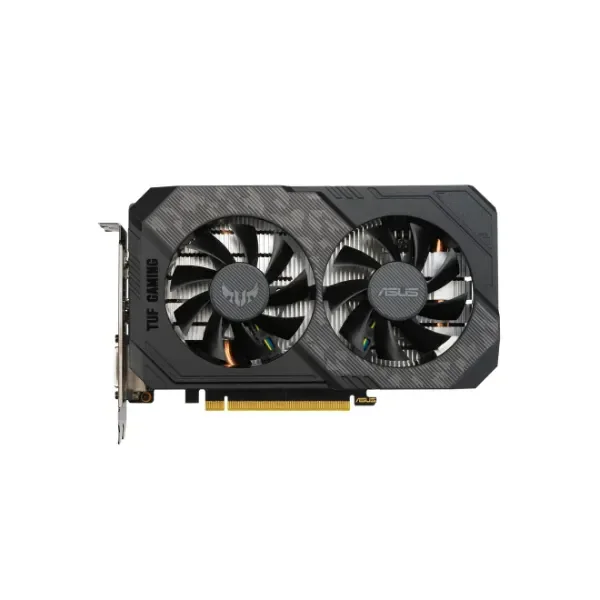
90YV0CT9-M0NA00 (VGA Asus GeForce® GTX 1660 Ti 6GB TUF Gaming EVO Top Edition)
4.4 (5)Est Value In stockFirst-Time Buyer Discount – Get up to 2% additional off on your first order
ORM Rewards Earn $50 in Rewards + Free Expedited Delivery – Join Now!
Use eCoupon ORMSAVE10
eCoupon limited to 5 units
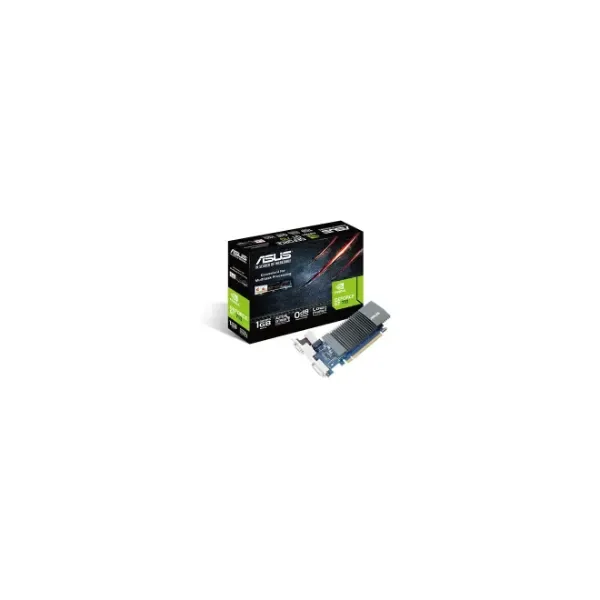
90YV0AL0-M0NA00 (GeForce GT 710 - GeForce GT 710 - 1 GB - GDDR5 - 64 bit - 2560 x 1600 pixels - PCI Express 2.0)
4.2 (5)Est Value In stockFirst-Time Buyer Discount – Get up to 2% additional off on your first order
ORM Rewards Earn $50 in Rewards + Free Expedited Delivery – Join Now!
Use eCoupon ORMSAVE10
eCoupon limited to 5 units

ORM Sales Advisors
Buying for your business? Get a personalised quote in under 2 hours. Talk to an expert
LEARNFilters (4) 
Questions & Answers
What is an ASUS GPU Module?
An ASUS GPU Module is a dedicated graphics processing unit designed by ASUS to accelerate rendering, gaming, and compute tasks in desktop and workstation PCs.
Which ASUS GPU Module series are available?
ASUS offers ROG Strix, TUF Gaming, Dual, Phoenix and Turbo series GPU Modules, each balancing cooling, performance and noise levels for different user needs.
How do I choose the right ASUS GPU Module?
Select based on your target resolution, frame-rate goals, power supply capacity and case dimensions; ROG Strix for maximum overclocking, TUF for durability, Dual for compact builds.
Are ASUS GPU Modules compatible with my motherboard?
Most ASUS GPU Modules support PCIe x16 slots—check your motherboard’s PCIe version (3.0 or 4.0) and physical slot spacing to ensure full compatibility.
How many power connectors does an ASUS GPU Module require?
Power requirements vary by model: entry-level Dual cards may need a single 8-pin connector, while high-end ROG Strix modules often require 2×8-pin or 1×6-pin plus 1×8-pin connectors.
What is the best way to install an ASUS GPU Module?
Power down your PC, remove the expansion slot covers, seat the GPU firmly in the PCIe x16 slot, secure it with screws, then connect the recommended power cables.
How can I update my ASUS GPU Module firmware?
Use ASUS GPU Tweak III’s Live Update feature or download the latest BIOS/firmware from the ASUS support website, then follow the provided instructions for a seamless update.
Which software tools work with ASUS GPU Modules?
ASUS GPU Tweak III offers real-time monitoring, overclocking presets and fan curve customization; GPU-Z and MSI Afterburner are also compatible with ASUS cards.
How do I overclock my ASUS GPU Module safely?
Use ASUS GPU Tweak III to increase core and memory clocks in small increments, test stability with stress-test software between adjustments, and monitor temperatures below 85 °C.
How can I monitor temperatures and fan speeds?
Launch ASUS GPU Tweak III or your preferred hardware-monitoring software; review real-time GPU temperature, clock speeds, voltage and customizable fan speed curves.
What warranty covers ASUS GPU Modules?
ASUS GPU Modules come with a standard 3-year limited warranty covering manufacturing defects; extended warranty options may be available through ASUS or authorized resellers.
What should I do if I have no display output?
Verify power-cable connections, ensure the GPU is fully seated in the PCIe slot, test with a different video cable or port, and update your motherboard BIOS to the latest version.
Can I use multiple ASUS GPU Modules in SLI or CrossFire?
SLI support is limited to selected NVIDIA ASUS ROG Strix modules and requires an SLI bridge; AMD CrossFire is natively supported on compatible ASUS GPU Modules with multi-GPU drivers.
How do I optimize ASUS GPU Module performance for gaming?
Install the latest GPU drivers, enable Game Mode in ASUS GPU Tweak III, adjust fan profiles for optimal cooling, and use OC Scanner or manual tuning for stable overclocks.
How do I clean and maintain my ASUS GPU Module?
Power off and unplug your PC, use compressed air to remove dust from heatsinks and fans, inspect for loose cables, and reapply thermal paste every 2–3 years.
Are ASUS GPU Modules VR-ready?
Yes, ASUS ROG Strix and TUF Gaming GPU Modules with recommended VR specs (e.g., NVIDIA RTX 2060 or AMD RX 5600 XT and above) offer the performance and ports required for a smooth VR experience.