 United States
HDD Drives Reliable Storage Solutions
Optimize your enterprise-level data performance with our HDD hard drives that deliver unmatched reliability and storage capacity while ensuring secure data backup and swift retrieval operations.
Talk to an expert
12 Matching results
- BEST SELLING
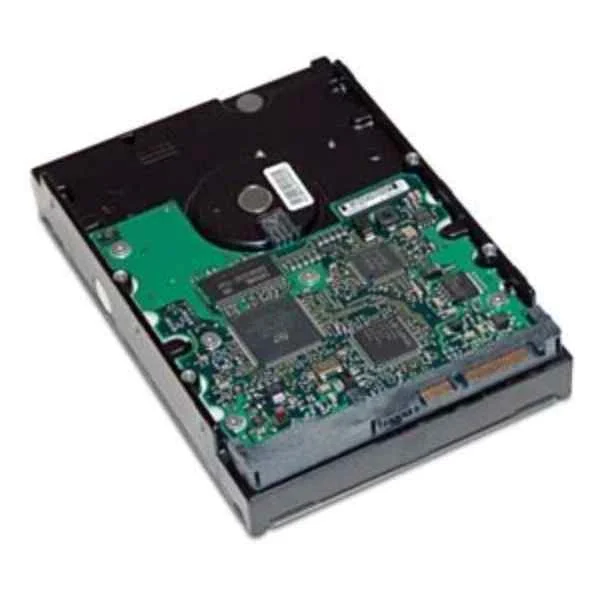
QB576AA (2TB SATA 6Gb/s 7200 Hard Drive - 3.5" - 2000 GB - 7200 RPM)
4.7 (7)- Hard Drive
- Hpe
- HDD
- Desktop / Server / NAS / Surveillance / Enterprise Storage
- SATA III
- 3.5-inch
- 4 TB
Est Value $203.10
$173.38
14.6% offIn stockRefurbishedFirst-Time Buyer Discount – Get up to 2% additional off on your first order
ORM Rewards Earn $50 in Rewards + Free Expedited Delivery – Join Now!
Use eCoupon ORMSAVE10
eCoupon limited to 5 units
- BEST SELLING
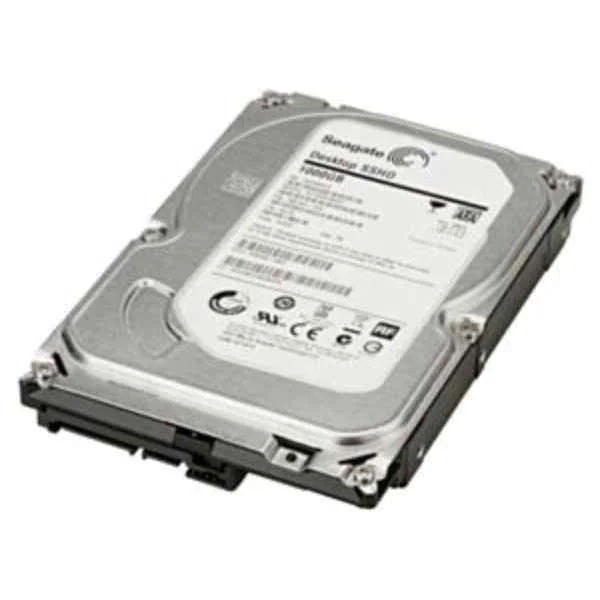
LQ037AA (1TB SATA 6GB/S 7200 RPM HDD)
4.6 (7)- Hard Drive
- Hpe
- HDD
- Desktop / Server / NAS / Surveillance / Enterprise Storage
- SATA III
- 3.5-inch
- 4 TB
Est Value $219.75$187.59
14.6% offIn stockRefurbishedFirst-Time Buyer Discount – Get up to 2% additional off on your first order
ORM Rewards Earn $50 in Rewards + Free Expedited Delivery – Join Now!
Use eCoupon ORMSAVE10
eCoupon limited to 5 units
- BEST SELLING
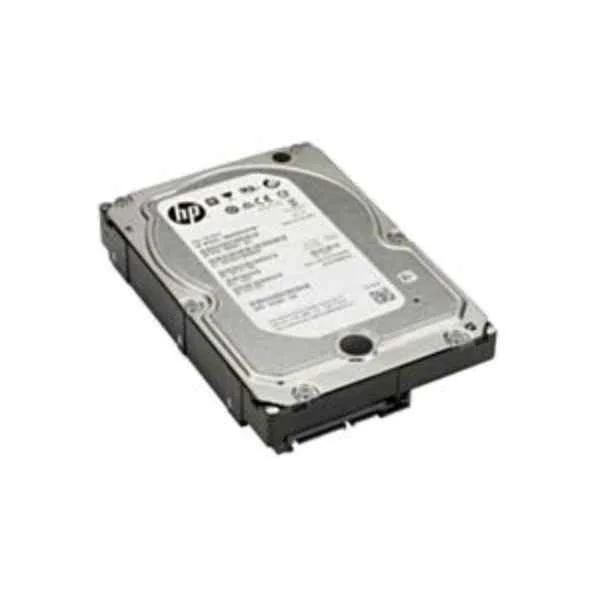
K4T76AA (4TB SATA 7200 RPM HDD)
4.6 (7)- Hard Drive
- Hpe
- HDD
- Desktop / Server / NAS / Surveillance / Enterprise Storage
- SATA III
- 3.5-inch
- 4 TB
Est Value $1,085.96$334.78
69.2% offIn stockNewRefurbishedFirst-Time Buyer Discount – Get up to 2% additional off on your first order
ORM Rewards Earn $50 in Rewards + Free Expedited Delivery – Join Now!
Use eCoupon ORMSAVE10
eCoupon limited to 5 units
- FEARURED
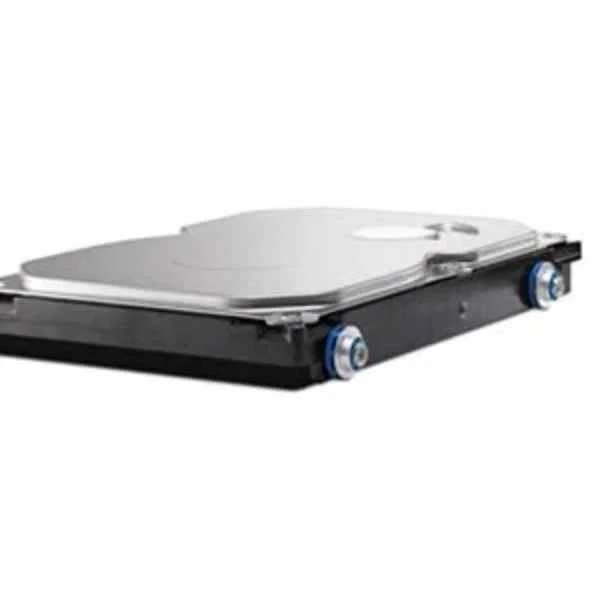
QK555AA (1TB 7200 RPM SATA 6GBPS HARD DRIVE)
4.9 (7)- Hard Drive
- Hpe
- HDD
- Desktop / NAS
- SATA III
- 3.5-inch
- 8 TB
Est Value $261.04$222.84
14.6% offIn stockRefurbishedFirst-Time Buyer Discount – Get up to 2% additional off on your first order
ORM Rewards Earn $50 in Rewards + Free Expedited Delivery – Join Now!
Use eCoupon ORMSAVE10
eCoupon limited to 5 units
- FEARURED
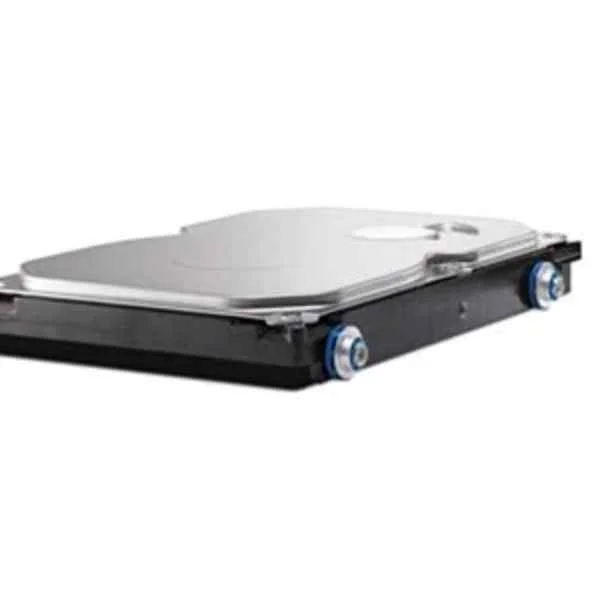
QK554AA (500GB 7200rpm SATA (NCQ/Smart IV) 6.0 Gbp/s Hard Drive - 500 GB - 7200 RPM)
4.9 (7)- Hard Drive
- Hpe
- HDD
- Desktop / Server / NAS / Surveillance / Enterprise Storage
- SATA III
- 3.5-inch / 2.5-inch
- 10 TB
Est Value $500.96$250.48
50% offIn stockRefurbishedFirst-Time Buyer Discount – Get up to 2% additional off on your first order
ORM Rewards Earn $50 in Rewards + Free Expedited Delivery – Join Now!
Use eCoupon ORMSAVE10
eCoupon limited to 5 units
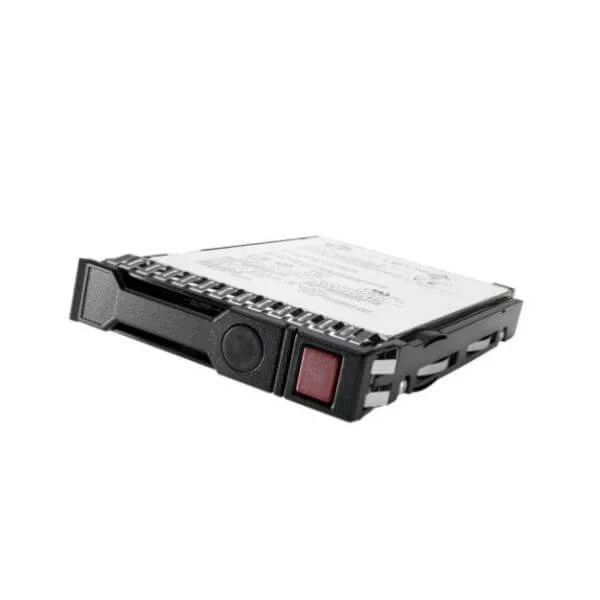
636929-001 (HP 500GB 6G 7200 SATA HDD)
4.4 (5)- Hard Drive
- Hpe
- HDD
- Desktop / Server / NAS / Surveillance / Enterprise Storage
- SATA III
- 3.5-inch
- 8 TB
Est Value $225.22$112.61
50% offIn stockRefurbishedFirst-Time Buyer Discount – Get up to 2% additional off on your first order
ORM Rewards Earn $50 in Rewards + Free Expedited Delivery – Join Now!
Use eCoupon ORMSAVE10
eCoupon limited to 5 units
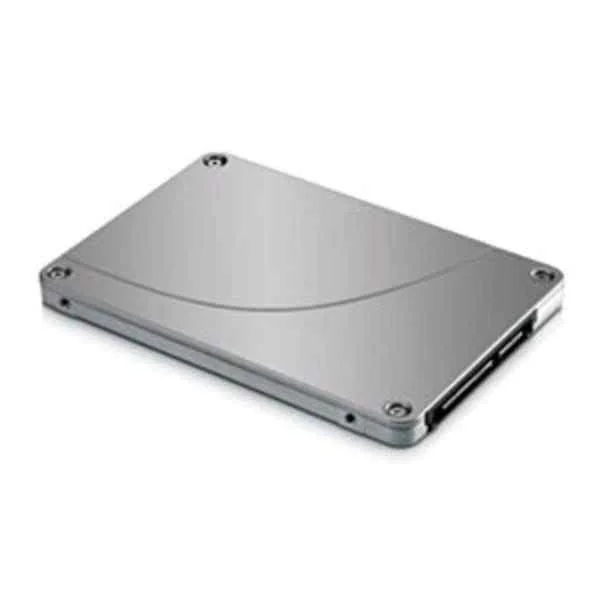
F3B97AA (500GB 7200rpm SATA Hard Drive - 3.5" - 500 GB - 7200 RPM)
4.6 (5)- Hard Drive
- Hpe
- HDD
- Desktop / Server / NAS / Surveillance / Enterprise Storage
- SATA III
- 3.5-inch
- 8 TB
Est Value $163.57$139.63
14.6% offIn stockRefurbishedFirst-Time Buyer Discount – Get up to 2% additional off on your first order
ORM Rewards Earn $50 in Rewards + Free Expedited Delivery – Join Now!
Use eCoupon ORMSAVE10
eCoupon limited to 5 units
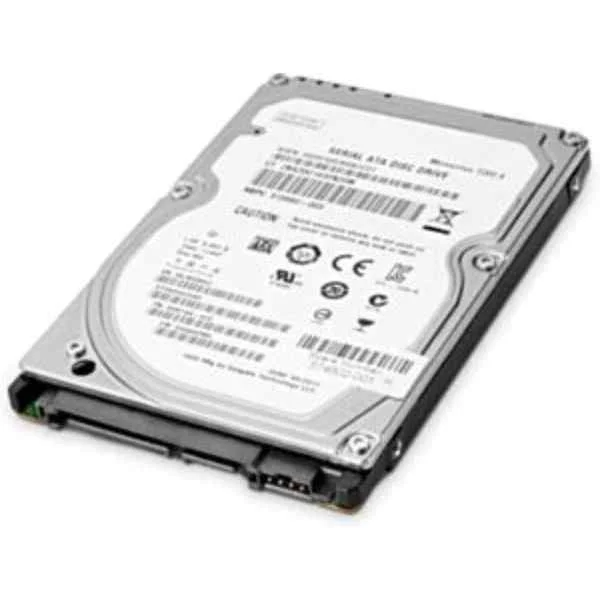
T0K74AA (1TB 7200 RPM SATA SFF 1st HDD - 2.5" - 1000 GB - 7200 RPM)
4.4 (5)- Hard Drive
- Hpe
- HDD
- Desktop / Server / NAS / Surveillance / Enterprise Storage
- SATA III
- 3.5-inch
- 4 TB
Est Value $223.28$190.61
14.6% offIn stockRefurbishedFirst-Time Buyer Discount – Get up to 2% additional off on your first order
ORM Rewards Earn $50 in Rewards + Free Expedited Delivery – Join Now!
Use eCoupon ORMSAVE10
eCoupon limited to 5 units
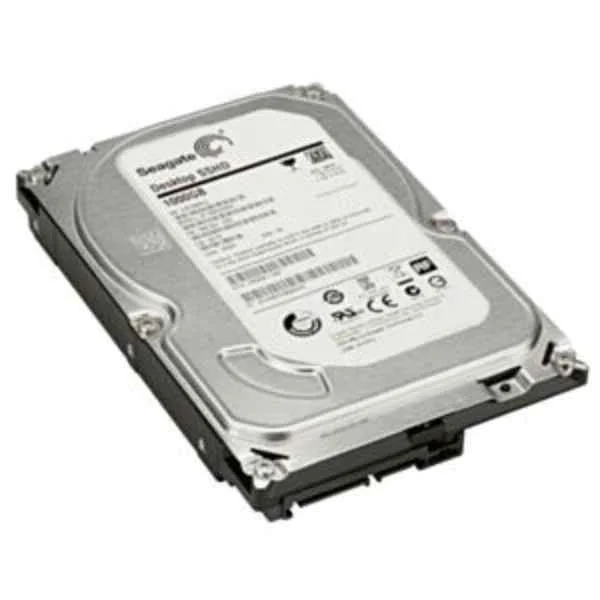
M7S54AA (1 TB 7200 RPM SATA 8GB SSHD Drive - 3.5" - 1000 GB - 7200 RPM)
4.4 (5)- Hard Drive
- Hpe
- HDD
- Desktop / Server / NAS / Surveillance / Enterprise Storage
- SATA III
- 3.5-inch
- 4 TB
Est Value $223.71$190.97
14.6% offIn stockRefurbishedFirst-Time Buyer Discount – Get up to 2% additional off on your first order
ORM Rewards Earn $50 in Rewards + Free Expedited Delivery – Join Now!
Use eCoupon ORMSAVE10
eCoupon limited to 5 units
LQ036AA (HP 500GB SATA 6GB/S 7200 HDD)
4.8 (5)- Hard Drive
- Hpe
- HDD
- Desktop / Server / NAS / Surveillance / Enterprise Storage
- SATA III
- 3.5-inch
- 10 TB
Est Value $229.97$196.32
14.6% offIn stockRefurbishedFirst-Time Buyer Discount – Get up to 2% additional off on your first order
ORM Rewards Earn $50 in Rewards + Free Expedited Delivery – Join Now!
Use eCoupon ORMSAVE10
eCoupon limited to 5 units
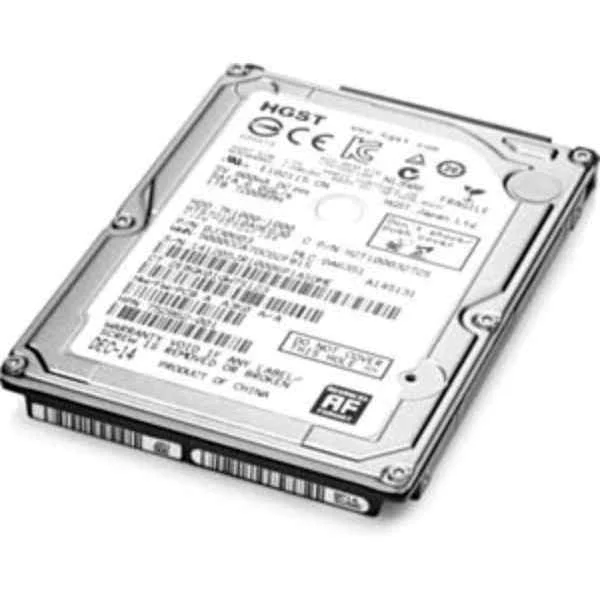
L3M56AA (1TB SATA 7200rpm Hard Drive - 2.5" - 1000 GB - 7200 RPM)
4.4 (5)- Hard Drive
- Hpe
- HDD
- Desktop / Server / NAS / Surveillance
- SATA III
- 3.5-inch
- 4 TB
Est Value $541.20$270.60
50% offIn stockRefurbishedFirst-Time Buyer Discount – Get up to 2% additional off on your first order
ORM Rewards Earn $50 in Rewards + Free Expedited Delivery – Join Now!
Use eCoupon ORMSAVE10
eCoupon limited to 5 units
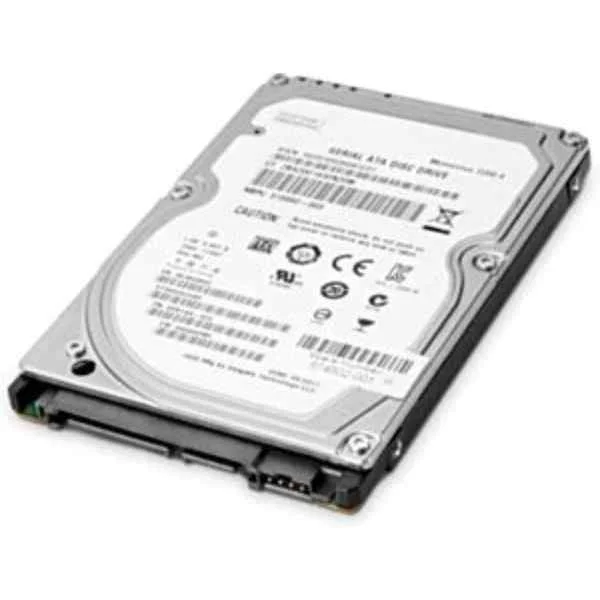
W0R10AA (1TB ENTERPRISE SATA 7200 HDD)
5 (5)- Hard Drive
- Hpe
- HDD
- Desktop / Server / NAS / Surveillance / Enterprise Storage
- SATA III
- 3.5-inch
- 10 TB
Est Value $911.82$140.41
84.6% offIn stockNewRefurbishedFirst-Time Buyer Discount – Get up to 2% additional off on your first order
ORM Rewards Earn $50 in Rewards + Free Expedited Delivery – Join Now!
Use eCoupon ORMSAVE10
eCoupon limited to 5 units

ORM Sales Advisors
Buying for your business? Get a personalised quote in under 2 hours. Talk to an expert
LEARNFilters (12) 
Questions & Answers
What is an HDD (hard disk drive)?
A hard disk drive (HDD) is a non-volatile storage device that uses rotating magnetic platters and read/write heads to store and retrieve digital data.
How does an HDD work?
An HDD works by spinning magnetic platters at high RPM while read/write heads move across the surface to magnetically encode and retrieve binary data.
What are the main differences between HDD and SSD?
HDDs use mechanical platters for higher capacity at lower cost, while SSDs use flash memory for faster data access, lower latency, and greater shock resistance.
How do I choose the right HDD capacity?
Select HDD capacity based on your storage needs: 500 GB–1 TB for basic use, 2–4 TB for multimedia libraries, and 6 TB+ for large archives or backups.
What does RPM mean and why is it important?
RPM (revolutions per minute) measures platter speed; higher RPM (7,200–15,000) yields faster read/write performance and reduced latency.
How long does an HDD typically last?
A quality HDD usually lasts 3–5 years under normal operating conditions; proper cooling, handling, and regular health checks extend its lifespan.
How can I maintain my HDD for optimal performance?
Maintain optimal performance by ensuring proper ventilation, running periodic disk checks, defragmenting when required, and backing up critical data.
Why is my HDD making noise?
Normal HDD noise stems from platter rotation and head movement; grinding or clicking sounds may indicate imminent failure and require immediate backup.
How do I recover data from a failed HDD?
Use specialized recovery software for logical failures; consult a professional data recovery service for mechanical or severe disk damage.
Do I need to defragment my HDD?
Yes, periodic defragmentation reorganizes fragmented files on mechanical HDDs, improving access speed and reducing wear on drive heads.
Can I use an HDD for gaming?
Yes, HDDs offer ample storage for large game libraries; however, an SSD or SSHD can reduce load times and improve in-game performance.
What is the difference between internal and external HDDs?
Internal HDDs connect directly via SATA or NVMe interfaces for primary storage; external HDDs use USB or Thunderbolt ports for portable backups and file transfer.
How much power does an HDD consume?
Typical HDDs consume 5–10 W during active use and under 1 W in idle mode, making them energy-efficient for continuous storage applications.
Is HDD encryption necessary?
HDD encryption safeguards sensitive data with algorithms like AES-256, preventing unauthorized access if the drive is lost or stolen.
How do I format a new HDD?
To format a new HDD, connect it to your system, open Disk Management (Windows) or Disk Utility (macOS), create a partition, and choose a file system (NTFS, exFAT, HFS+).
What interface should I choose for my HDD?
Select SATA III (6 Gb/s) for mainstream desktops and laptops; choose USB 3.0/3.2 or Thunderbolt for external HDDs requiring high transfer speeds.