 United States
Synology Hard Drives & SSDs
Elevate your data infrastructure with Synology Hard Drives & SSDs. Engineered for superior performance and reliability, these drives optimize operations, ensuring secure and efficient data management for modern enterprises.
Talk to an expert
10 Matching results
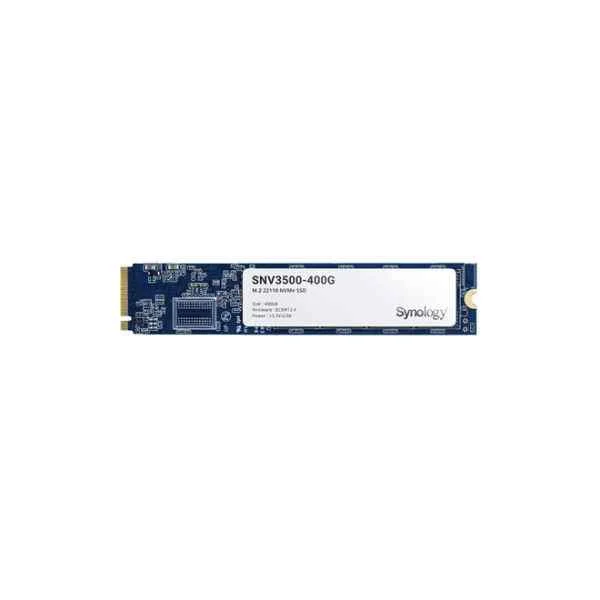
SNV3500-400G (SNV3500-400G - 400 GB - M.2 - 3100 MB/s)
4.6 (5)- Hard Drive
- Synology
- HDD
- Desktop / Server / NAS / Surveillance / Enterprise Storage
- SATA III
- 3.5-inch
- 400 GB
Est Value $392.62
$335.16
14.6% offIn stockRefurbishedFirst-Time Buyer Discount – Get up to 2% additional off on your first order
ORM Rewards Earn $50 in Rewards + Free Expedited Delivery – Join Now!
Use eCoupon ORMSAVE10
eCoupon limited to 5 units
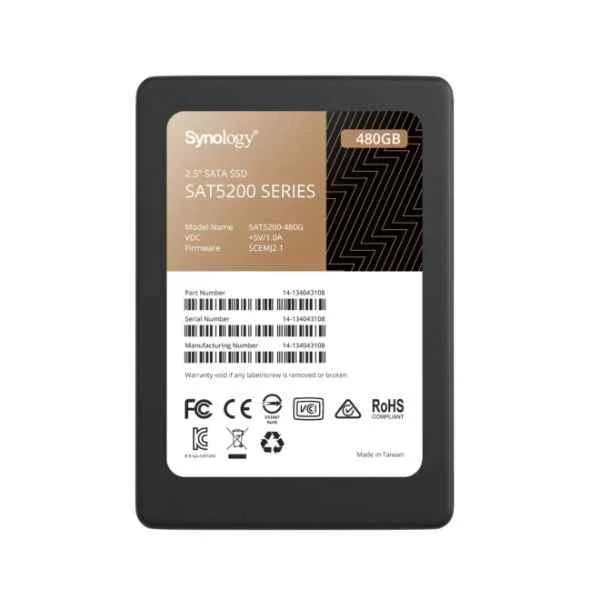
SAT5200-480G (SAT5200-480G - 480 GB - 2.5" - 530 MB/s - 6 Gbit/s)
5 (5)- Hard Drive
- Synology
- HDD
- Desktop / Server / NAS / Surveillance / Enterprise Storage
- SATA III
- 3.5-inch
- 480 GB
Est Value $392.62$335.16
14.6% offIn stockRefurbishedFirst-Time Buyer Discount – Get up to 2% additional off on your first order
ORM Rewards Earn $50 in Rewards + Free Expedited Delivery – Join Now!
Use eCoupon ORMSAVE10
eCoupon limited to 5 units
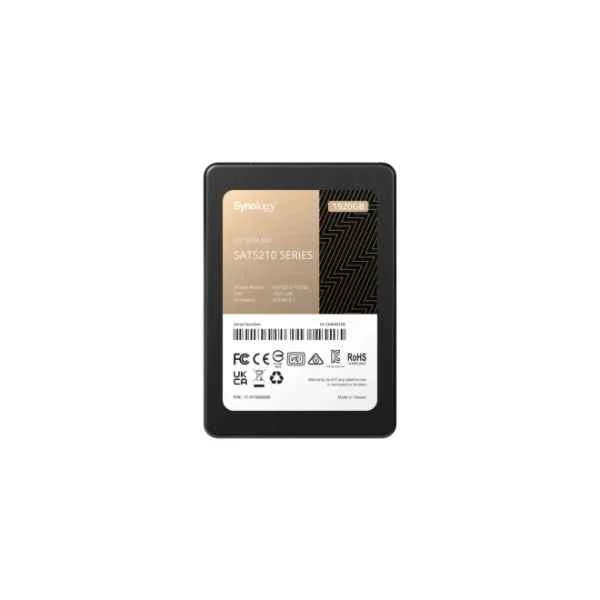
SAT5210-1920G (Synology SAT5210 - SSD 2.5” SATA 1920GB 2.5" Serial ATA III (SAT5210-1920G))
4.6 (5)- Hard Drive
- Synology
- HDD
- Desktop / Server / NAS / Surveillance
- SATA III
- 3.5-inch
- 2 TB
Est Value $1,858.92$929.46
50% offIn stockNewRefurbishedFirst-Time Buyer Discount – Get up to 2% additional off on your first order
ORM Rewards Earn $50 in Rewards + Free Expedited Delivery – Join Now!
Use eCoupon ORMSAVE10
eCoupon limited to 5 units
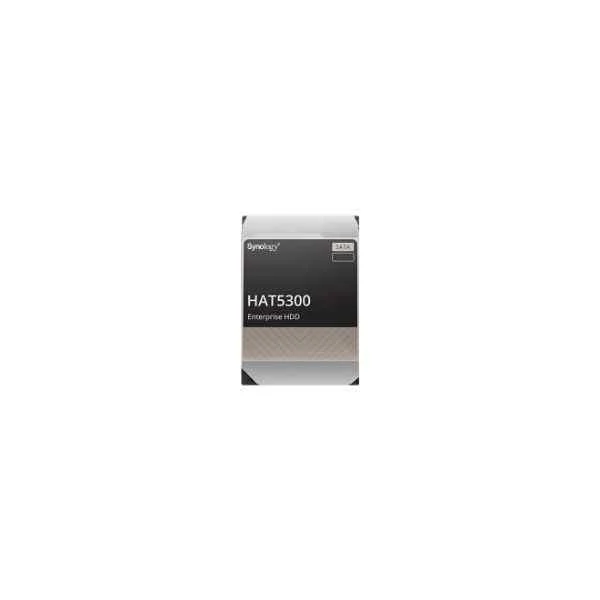
HAT5300-12T (12TB SYNOLOGY HAT5300 SATA 3.5IN)
4.8 (5)- Hard Drive
- Synology
- HDD
- Desktop / Server / NAS / Surveillance / Enterprise Storage
- SATA III
- 3.5-inch
- 12 TB
Est Value $1,304.18$1,113.33
14.6% offIn stockNewRefurbishedFirst-Time Buyer Discount – Get up to 2% additional off on your first order
ORM Rewards Earn $50 in Rewards + Free Expedited Delivery – Join Now!
Use eCoupon ORMSAVE10
eCoupon limited to 5 units
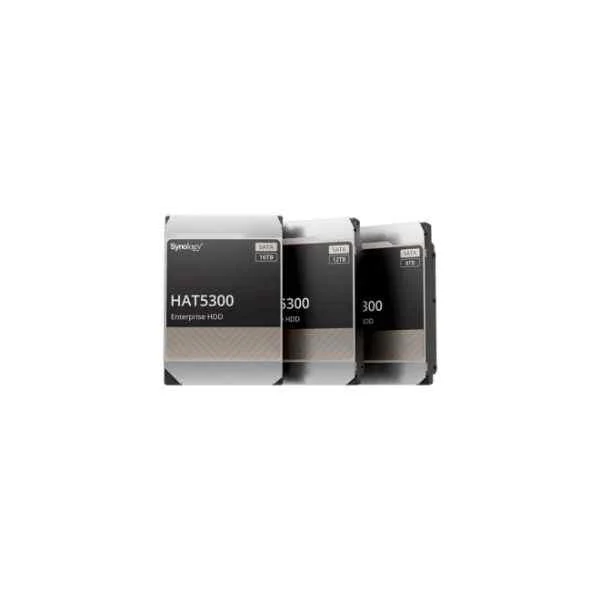
HAT5300-16T (SYNOLOGY 3.5IN SATA HDD HAT5300 16TB)
5 (5)- Hard Drive
- Synology
- HDD
- Desktop / Server / NAS / Surveillance / Enterprise Storage
- SAS 12Gb/s
- 3.5-inch
- 16 TB
Est Value $1,566.00$1,243.73
20.6% offIn stockNewRefurbishedFirst-Time Buyer Discount – Get up to 2% additional off on your first order
ORM Rewards Earn $50 in Rewards + Free Expedited Delivery – Join Now!
Use eCoupon ORMSAVE10
eCoupon limited to 5 units
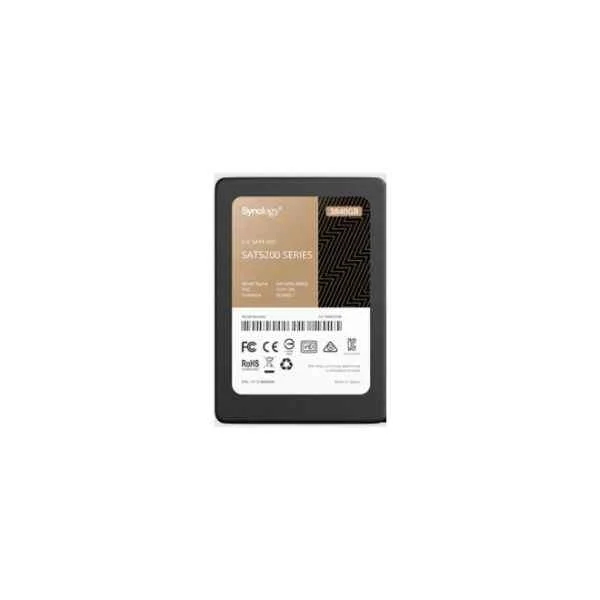
SAT5200-3840G (Synology SSD SAT5200-3840G 2.5" 3840 GB Serial ATA III (SAT5200-3840G))
4.8 (6)- Hard Drive
- Synology
- HDD
- Desktop / Server / NAS / Surveillance / Enterprise Storage
- SATA III
- 3.5-inch
- 4 TB
Est Value $2,048.43$1,748.66
14.6% offIn stockRefurbishedFirst-Time Buyer Discount – Get up to 2% additional off on your first order
ORM Rewards Earn $50 in Rewards + Free Expedited Delivery – Join Now!
Use eCoupon ORMSAVE10
eCoupon limited to 5 units
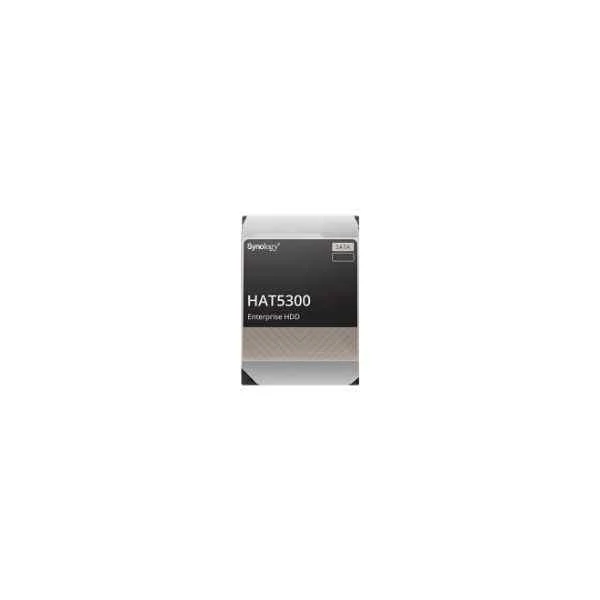
HAT5300-8T (HAT5300 - 3.5" - 8000 GB - 7200 RPM)
4.4 (5)- Hard Drive
- Synology
- HDD
- Desktop / Server / NAS / Surveillance / Enterprise Storage
- SATA III
- 3.5-inch
- 8 TB
Est Value $4,118.18$2,059.09
50% offIn stockRefurbishedFirst-Time Buyer Discount – Get up to 2% additional off on your first order
ORM Rewards Earn $50 in Rewards + Free Expedited Delivery – Join Now!
Use eCoupon ORMSAVE10
eCoupon limited to 5 units
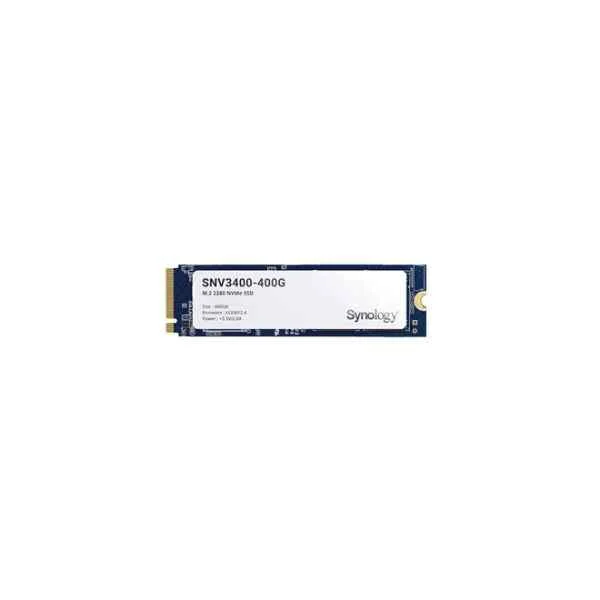
SNV3400-400G (SNV3400-400G - 400 GB - M.2 - 3100 MB/s)
4.6 (5)- Hard Drive
- Synology
- HDD
- Desktop / Server / NAS / Surveillance / Enterprise Storage
- SATA III
- 3.5-inch
- 400 GB
Est Value In stockFirst-Time Buyer Discount – Get up to 2% additional off on your first order
ORM Rewards Earn $50 in Rewards + Free Expedited Delivery – Join Now!
Use eCoupon ORMSAVE10
eCoupon limited to 5 units
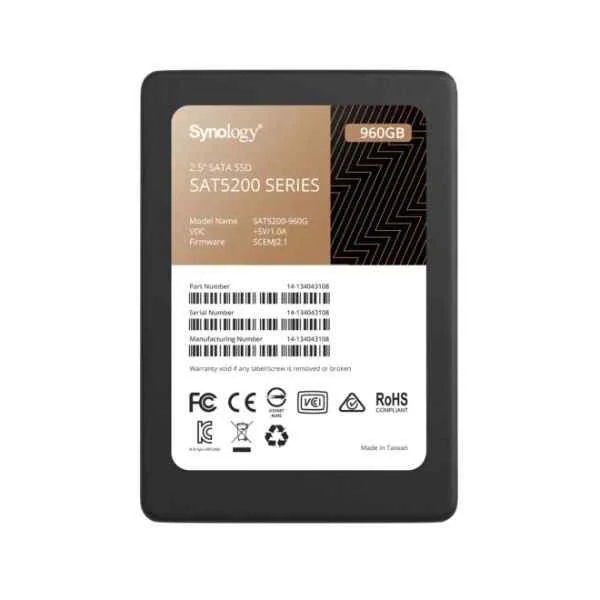
SAT5200-960G (SAT5200-960G - 960 GB - 2.5" - 530 MB/s - 6 Gbit/s)
4.6 (5)- Hard Drive
- Synology
- HDD
- Desktop / Server / NAS / Surveillance / Enterprise Storage
- SATA III
- 2.5-inch / 3.5-inch
- 1 TB
Est Value In stockFirst-Time Buyer Discount – Get up to 2% additional off on your first order
ORM Rewards Earn $50 in Rewards + Free Expedited Delivery – Join Now!
Use eCoupon ORMSAVE10
eCoupon limited to 5 units
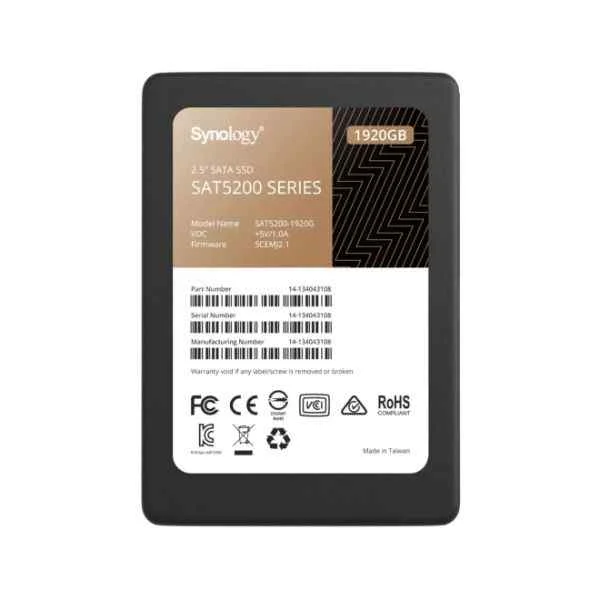
SAT5200-1920G (SAT5200-1920G - 1920 GB - 2.5" - 530 MB/s - 6 Gbit/s)
4.4 (5)- Hard Drive
- Synology
- HDD
- Desktop / Server / NAS / Surveillance / Enterprise Storage
- SATA III / SAS 6Gb/s
- 2.5-inch / 3.5-inch
- 2 TB
Est Value In stockFirst-Time Buyer Discount – Get up to 2% additional off on your first order
ORM Rewards Earn $50 in Rewards + Free Expedited Delivery – Join Now!
Use eCoupon ORMSAVE10
eCoupon limited to 5 units

ORM Sales Advisors
Buying for your business? Get a personalised quote in under 2 hours. Talk to an expert
LEARNFilters (10) 
Questions & Answers
What are the benefits of using a Synology-branded hard drive or SSD?
Synology-branded drives are optimized for DiskStation Manager, rigorously tested for compatibility, deliver consistent I/O performance, feature extended endurance ratings, and include a dedicated RMA process for streamlined support.
Which Synology hard drives and SSDs are compatible with my NAS model?
Consult Synology’s official Compatibility List by selecting your NAS model to view validated HDD/SSD models and firmware versions, ensuring full support for performance, caching, and data integrity.
How do I install a Synology SSD cache on my NAS?
Open Storage Manager, navigate to SSD Cache, select Create, choose SSD slots, configure read-only or read–write mode, set cache size, and apply—your NAS will automatically optimize frequently accessed data.
What is the recommended RAID configuration for Synology HDDs and SSDs?
Choose RAID types based on your performance and redundancy needs: RAID 1 or SHR for mirroring, RAID 5/6 for balanced capacity and fault tolerance, and RAID 10 for high IOPS with data protection.
How can I monitor the health of my Synology hard drives or SSDs?
Use Storage Manager’s Health Info tab to view SMART attributes, temperature, wear level, and run manual or scheduled extended S.M.A.R.T. tests to proactively detect potential failures.
What is the difference between Synology SATA SSDs and NVMe SSDs?
SATA SSDs fit 2.5″ bays for general storage or caching; NVMe SSDs install in M.2 slots to deliver significantly higher sequential throughput and lower latency, ideal for heavy workloads and virtualization.
How do I update firmware on a Synology hard drive or SSD?
Go to Control Panel > Update & Restore > Drive Firmware Update, click Check, and follow prompts. Firmware updates deliver stability improvements and compatibility enhancements for DiskStation Manager.
What endurance rating should I look for in Synology SSDs?
Select SSDs with at least 0.3 DWPD (Drive Writes Per Day) for typical home or small business use, and 1.0+ DWPD for heavy-write applications such as virtualization and database caching.
Can I mix Synology HDDs and third-party SSDs in the same NAS?
Mixing is technically possible but unsupported. To ensure maximum reliability, performance, and warranty coverage, Synology recommends using validated drives listed in the official Compatibility List.
How can I maximize performance with Synology SSD caching?
Allocate dedicated SSD slots for read-write cache, size the cache at 10–20% of total data volume, enable adaptive fetch, and monitor cache hit rates to fine-tune for your workload.
What warranty coverage do Synology HDDs and SSDs include?
Synology provides a 5-year limited warranty on branded HDDs and SSDs, covering manufacturing defects and performance failures when operated under recommended environmental conditions.
How do I replace a failing Synology hard drive or SSD in RAID?
In Storage Manager, identify the degraded drive, power down if hot-swap is unsupported, replace with an identical or larger drive, then initiate Repair to rebuild the RAID array automatically.
What file systems are supported on Synology hard drives and SSDs?
Synology supports ext4, Btrfs, and FAT32/NTFS for external volumes. Btrfs is recommended for internal volumes for its snapshot, self-healing, and quota features.
How does Synology’s Data Scrubbing work on HDDs/SSDs?
Data Scrubbing periodically scans RAID volumes to verify data integrity and automatically repair corrupted blocks using parity information, reducing the risk of silent data degradation.
Can I use Synology SSDs in a non-Synology device?
Yes, Synology SSDs adhere to industry SATA/NVMe standards. However, performance tuning and warranty RMA services are optimized when used within Synology NAS environments.
What is the expected lifespan of a Synology SSD under typical NAS workloads?
With a 0.3–1.0 DWPD rating, Synology SSDs typically last 5–7 years under standard NAS read/write patterns. Monitor wear level and plan replacements when endurance exceeds 80%.