 United States
Audio Recorder Huawei Espace
Experience exceptional sound quality with the Huawei Espace Audio Recorder designed for professional audio capturing. Benefit from superior performance, durability, and advanced recording technology.
Talk to an expert
9 Matching results
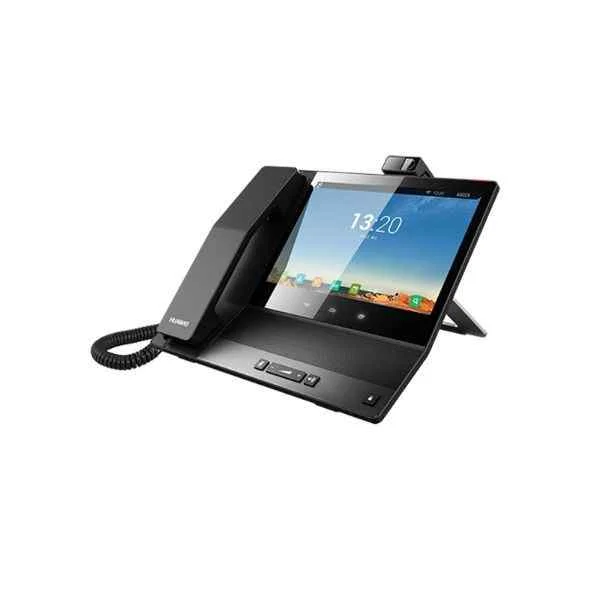
EP3Z02CDF (eSpace 8950,Corded Handset,with USB High-Definition Camera)
4.8 (6)Est Value $1,800.73
$1,191.18
33.9% offIn stockNewFirst-Time Buyer Discount – Get up to 2% additional off on your first order
ORM Rewards Earn $50 in Rewards + Free Expedited Delivery – Join Now!
Use eCoupon ORMSAVE10
eCoupon limited to 5 units
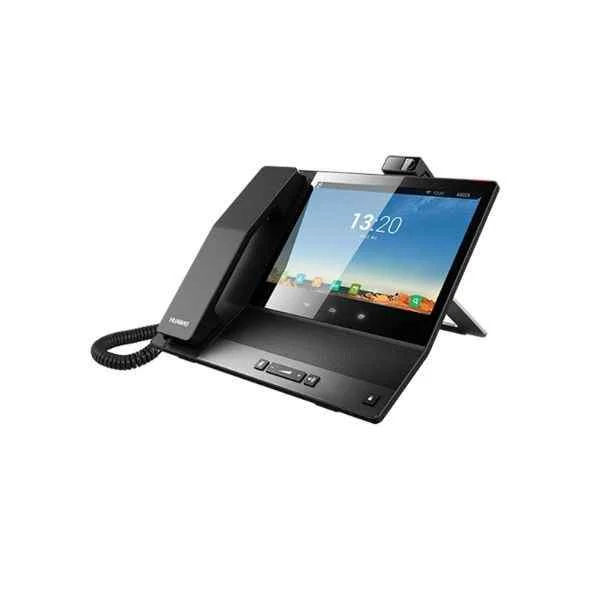
EP3Z02CDG (eSpace 8950 IP Phone,Corded Handset,with USB High-Definition Camera)
4.8 (6)Est Value $1,800.73$1,701.69
5.5% offIn stockNewFirst-Time Buyer Discount – Get up to 2% additional off on your first order
ORM Rewards Earn $50 in Rewards + Free Expedited Delivery – Join Now!
Use eCoupon ORMSAVE10
eCoupon limited to 5 units
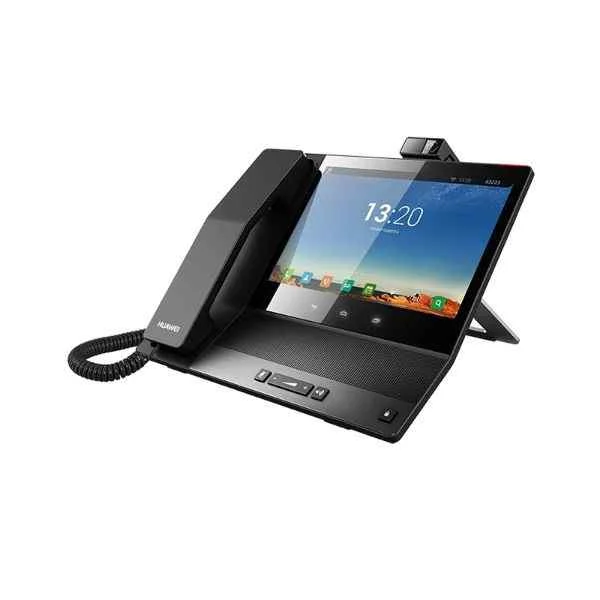
EP3Z02CDD (Huawei EP3Z02CDD Broadband Network Terminal,eSpace 8950 Video Phone,12V/2A,2*GE,POE,Simple Chinese&English)
4.3 (6)Est Value $3,630.28$1,815.14
50% offIn stockNewFirst-Time Buyer Discount – Get up to 2% additional off on your first order
ORM Rewards Earn $50 in Rewards + Free Expedited Delivery – Join Now!
Use eCoupon ORMSAVE10
eCoupon limited to 5 units
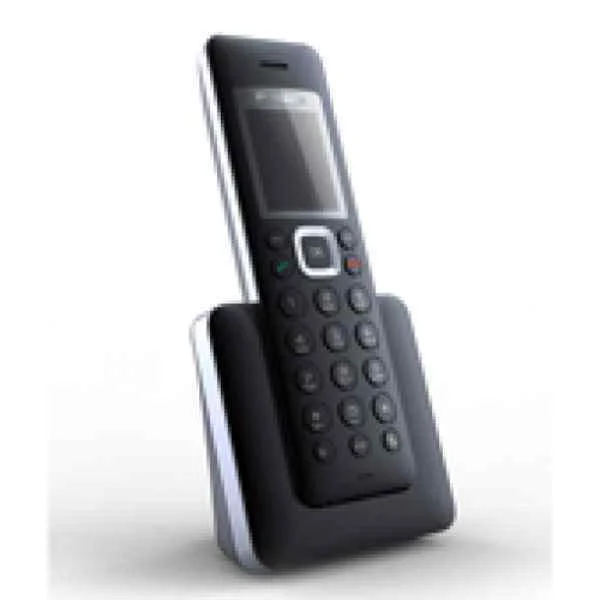
IP1T7850UK01 (Huawei IP1T7850UK01 IP Phone eSpace 7850(UK))
4.8 (6)Est Value In stockFirst-Time Buyer Discount – Get up to 2% additional off on your first order
ORM Rewards Earn $50 in Rewards + Free Expedited Delivery – Join Now!
Use eCoupon ORMSAVE10
eCoupon limited to 5 units
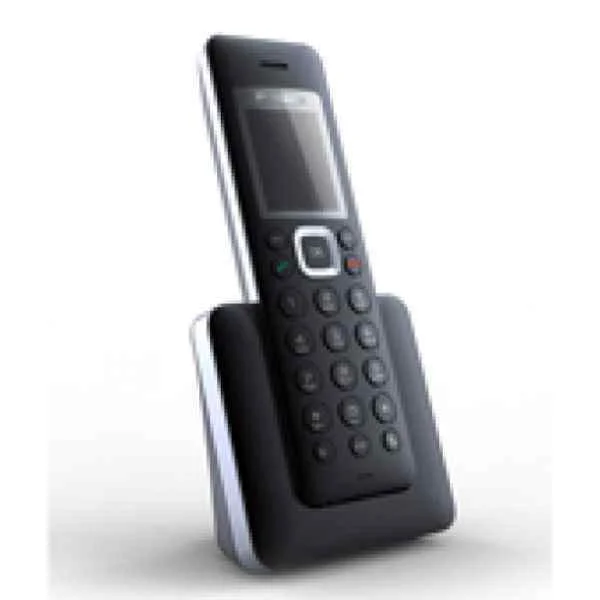
IP1T7850EU01 (Huawei IP1T7850EU01 IP Phone eSpace 7850(Europe))
4.7 (6)Est Value In stockFirst-Time Buyer Discount – Get up to 2% additional off on your first order
ORM Rewards Earn $50 in Rewards + Free Expedited Delivery – Join Now!
Use eCoupon ORMSAVE10
eCoupon limited to 5 units
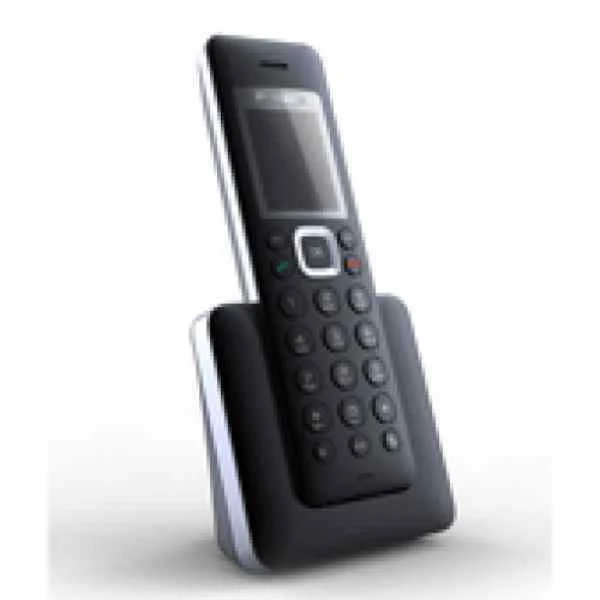
IP1T7830EU01 (Huawei IP Phone eSpace 7830(Europe) IP1T7830EU01)
4.7 (6)Est Value In stockFirst-Time Buyer Discount – Get up to 2% additional off on your first order
ORM Rewards Earn $50 in Rewards + Free Expedited Delivery – Join Now!
Use eCoupon ORMSAVE10
eCoupon limited to 5 units
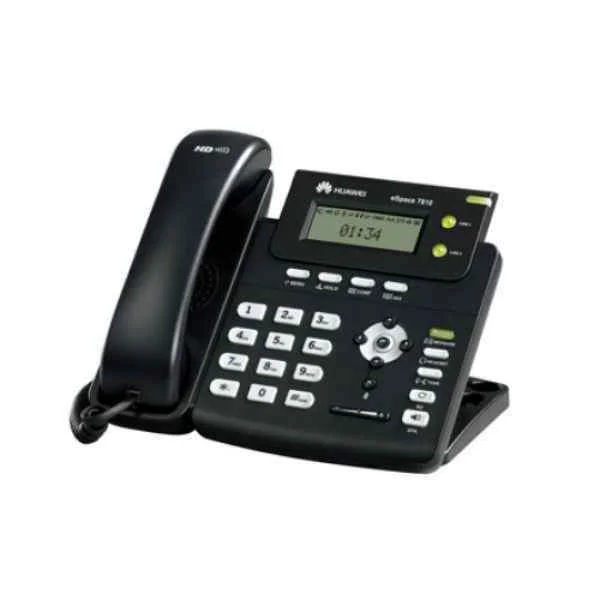
EAUS78501 (Huawei EAUS78501 IP Phone eSpace 7850(Australia))
4.7 (6)Est Value In stockFirst-Time Buyer Discount – Get up to 2% additional off on your first order
ORM Rewards Earn $50 in Rewards + Free Expedited Delivery – Join Now!
Use eCoupon ORMSAVE10
eCoupon limited to 5 units
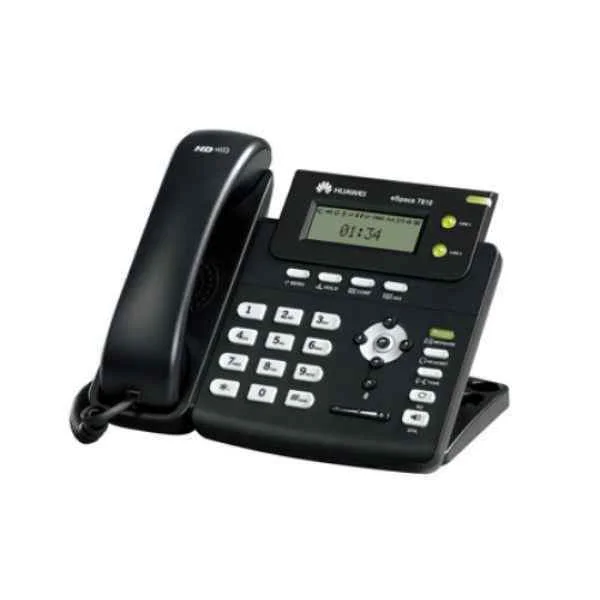
IP1T6805EU01 (Huawei IP1T6805EU01 IP Terminal phone eSpace 6805(Europe))
4.8 (6)Est Value In stockFirst-Time Buyer Discount – Get up to 2% additional off on your first order
ORM Rewards Earn $50 in Rewards + Free Expedited Delivery – Join Now!
Use eCoupon ORMSAVE10
eCoupon limited to 5 units
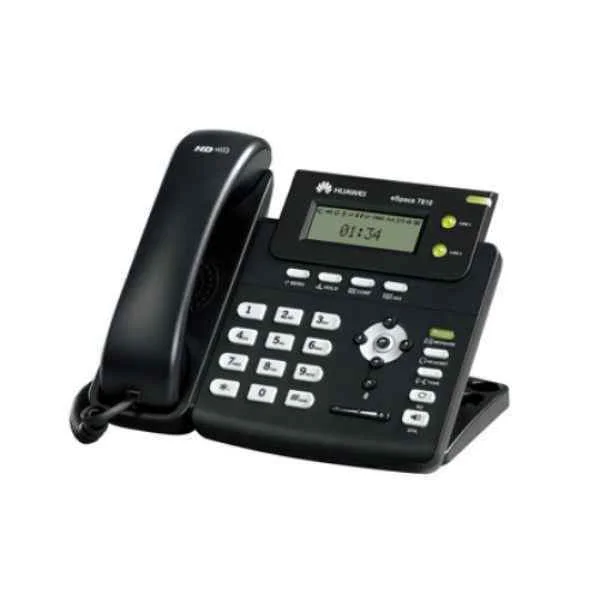
EAUS78301 (Huawei IP Phone eSpace 7830(Australia) EAUS78301)
4.8 (6)Est Value In stockFirst-Time Buyer Discount – Get up to 2% additional off on your first order
ORM Rewards Earn $50 in Rewards + Free Expedited Delivery – Join Now!
Use eCoupon ORMSAVE10
eCoupon limited to 5 units

ORM Sales Advisors
Buying for your business? Get a personalised quote in under 2 hours. Talk to an expert
LEARNFilters (9) 
Questions & Answers
What is the Huawei Espace Audio Recorder?
The Huawei Espace Audio Recorder is a portable digital device designed for high-resolution voice capture with up to 96 kHz/24-bit fidelity, making it ideal for interviews, lectures, and field recordings.
What are the key features of the Huawei Espace Audio Recorder?
It offers 96 kHz/24-bit stereo recording, 32 GB internal memory (expandable via microSD up to 128 GB), up to 20 hours of battery life, built-in noise reduction, Bluetooth and USB-C connectivity.
How long does the Huawei Espace Audio Recorder’s battery last?
With a fully charged battery, the recorder delivers up to 20 hours of continuous recording at 96 kHz/24-bit resolution.
What storage capacity does the Huawei Espace Audio Recorder provide?
It includes 32 GB of internal flash storage and supports microSD cards up to 128 GB, allowing over 400 hours of MP3 or 30 hours of WAV recordings.
Which audio formats are supported by the Huawei Espace Audio Recorder?
The device records in high-quality WAV (PCM) and MP3 formats, offering both lossless and compressed file options for flexible storage and editing.
Does the Huawei Espace Audio Recorder have noise reduction?
Yes, it features an integrated digital noise reduction algorithm and dual high-sensitivity microphones to minimize background noise and enhance clarity.
How do I transfer recordings from the Huawei Espace Audio Recorder to my computer?
Connect the recorder via USB-C or pair over Bluetooth, then use drag-and-drop or Huawei’s companion software to transfer WAV or MP3 files to Windows, macOS, Android, or iOS.
Is the Huawei Espace Audio Recorder compatible with Windows and Mac?
Yes, it supports Windows 7/10/11 and macOS 10.12 or later with plug-and-play USB-C connectivity and dedicated Huawei Workspace software for file management.
How do I start and stop a recording on the Huawei Espace Audio Recorder?
Press the REC button to begin recording and press it again to stop; you can also pause and resume via the on-screen menu for seamless session control.
How can I reset the Huawei Espace Audio Recorder to factory settings?
Navigate to Settings > System > Factory Reset, confirm your choice on the touchscreen, and the recorder will erase user data and restore default configurations.
Can I connect an external microphone to the Huawei Espace Audio Recorder?
Yes, it provides a 3.5 mm mic input with plug-in power support for external microphones, lavaliers, or line-in sources for professional-grade recordings.
Does the Huawei Espace Audio Recorder record telephone calls?
It does not natively record phone calls, but you can capture calls by connecting your phone’s headphone jack to the recorder’s line-in port with an appropriate adapter.
How do I update the firmware on the Huawei Espace Audio Recorder?
Download the latest firmware from the official Huawei support site, connect the recorder via USB-C, and install updates through the Huawei Workspace application.
What warranty does the Huawei Espace Audio Recorder include?
The recorder comes with a 12-month limited manufacturer’s warranty covering defects in materials and workmanship under normal use.
Where can I purchase the Huawei Espace Audio Recorder?
It is available through Huawei’s official online store, authorized retailers, and major e-commerce platforms such as Amazon and regional electronics dealers.
What is the typical price range for the Huawei Espace Audio Recorder?
Prices vary by region but generally range from USD 99 to USD 129, depending on retailer promotions and bundled accessories.