 United States
Enterprise Unified Messaging System
Experience unparalleled communications integration with Huawei Espace Unified Message System. Delivering secure, scalable solutions designed for global enterprises, our platform streamlines messaging, enhances collaboration, and optimizes business communications.
Talk to an expert
10 Matching results
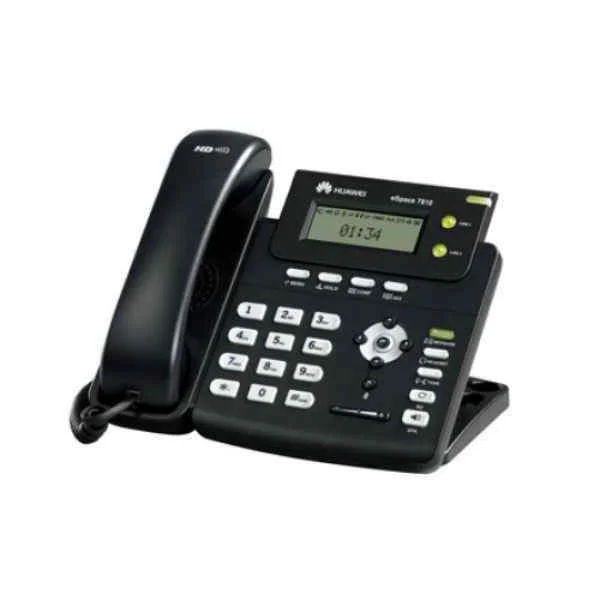
IP1T6805US01 (Huawei IP1T6805US01 IP Terminal phone eSpace 6805(USA))
4.7 (6)Est Value In stock
First-Time Buyer Discount – Get up to 2% additional off on your first order
ORM Rewards Earn $50 in Rewards + Free Expedited Delivery – Join Now!
Use eCoupon ORMSAVE10
eCoupon limited to 5 units
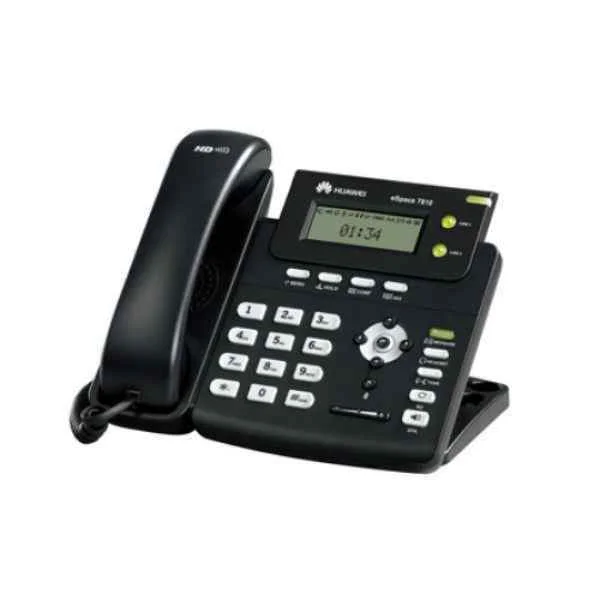
IP1T7820US01 (Huawei IP1T7820US01 IP Terminal phone eSpace 7820(Europe))
4.3 (6)Est Value In stockFirst-Time Buyer Discount – Get up to 2% additional off on your first order
ORM Rewards Earn $50 in Rewards + Free Expedited Delivery – Join Now!
Use eCoupon ORMSAVE10
eCoupon limited to 5 units
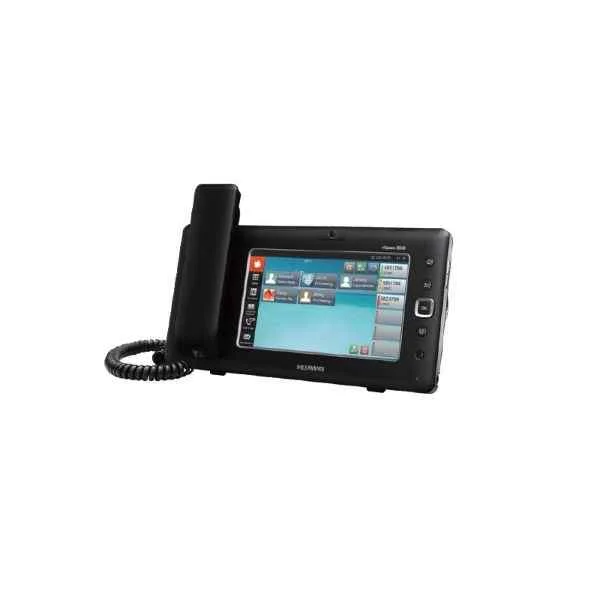
IP1T8850US01 (Huawei IP1T8850US01 eSpace 8850,7 inch LCD Touch Screen,Simple Chinese&English,With USB,Wired Handset,US Mode Power,100-240V,50/60Hz,1.8G DECT,for USA)
4.8 (6)Est Value In stockFirst-Time Buyer Discount – Get up to 2% additional off on your first order
ORM Rewards Earn $50 in Rewards + Free Expedited Delivery – Join Now!
Use eCoupon ORMSAVE10
eCoupon limited to 5 units
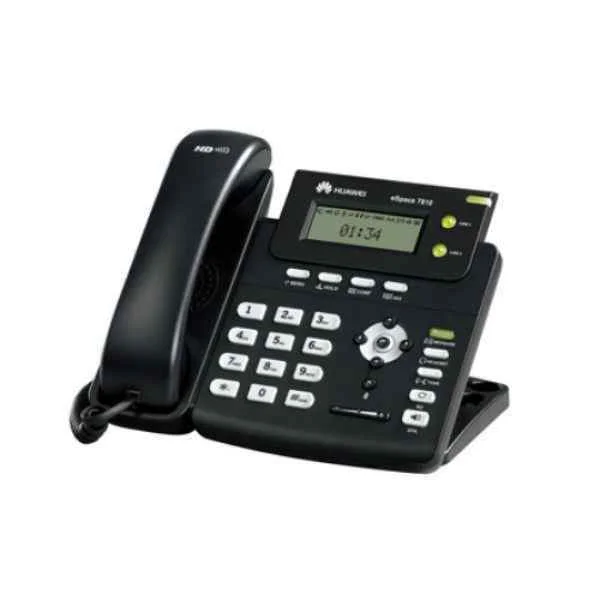
IP1T8801US01 (Huawei IP1T8801US01 eSpace 8801D,1.8G DECT Handset Charging cradle,Simple Chinese&English, Mode Power/US Mode Power,100-240V,50/60Hz,for PBI,black case)
4.8 (6)Est Value In stockFirst-Time Buyer Discount – Get up to 2% additional off on your first order
ORM Rewards Earn $50 in Rewards + Free Expedited Delivery – Join Now!
Use eCoupon ORMSAVE10
eCoupon limited to 5 units
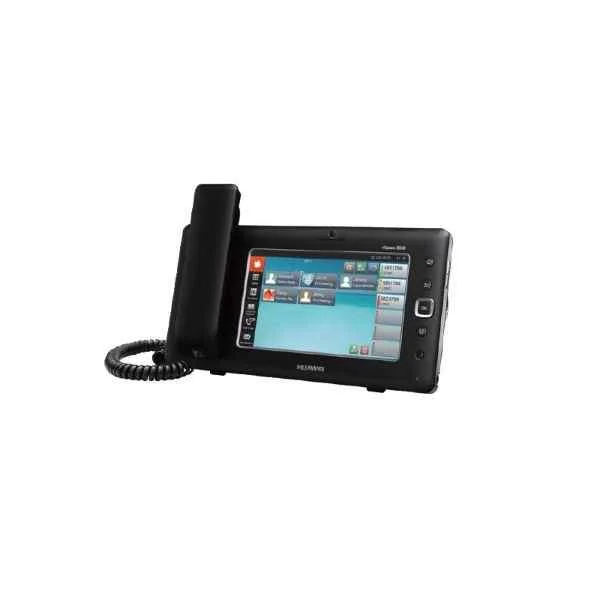
IP1T8850UK01 (Huawei IP1T8850UK01 eSpace 8850,7 inch LCD Touch Screen,Simple Chinese&English,With USB,Wired Handset,UK Mode Power,100-240V,50/60Hz,1.8G DECT,for England)
4.7 (6)Est Value In stockFirst-Time Buyer Discount – Get up to 2% additional off on your first order
ORM Rewards Earn $50 in Rewards + Free Expedited Delivery – Join Now!
Use eCoupon ORMSAVE10
eCoupon limited to 5 units
IP1T8801UK01 (Huawei IP1T8801UK01 eSpace 8801D,1.8G DECT Handset Charging cradle,Simple Chinese&English, Mode Power/England Mode Power,100-240V,50/60Hz,for PBI,black case)
4.5 (6)Est Value In stockFirst-Time Buyer Discount – Get up to 2% additional off on your first order
ORM Rewards Earn $50 in Rewards + Free Expedited Delivery – Join Now!
Use eCoupon ORMSAVE10
eCoupon limited to 5 units
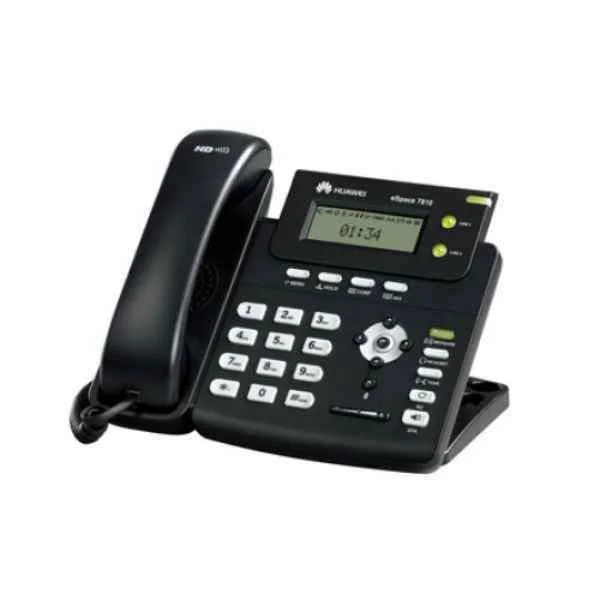
IP1T7850US01 (Huawei IP1T7850US01 IP Phone eSpace 7850(USA))
4.8 (6)Est Value In stockFirst-Time Buyer Discount – Get up to 2% additional off on your first order
ORM Rewards Earn $50 in Rewards + Free Expedited Delivery – Join Now!
Use eCoupon ORMSAVE10
eCoupon limited to 5 units
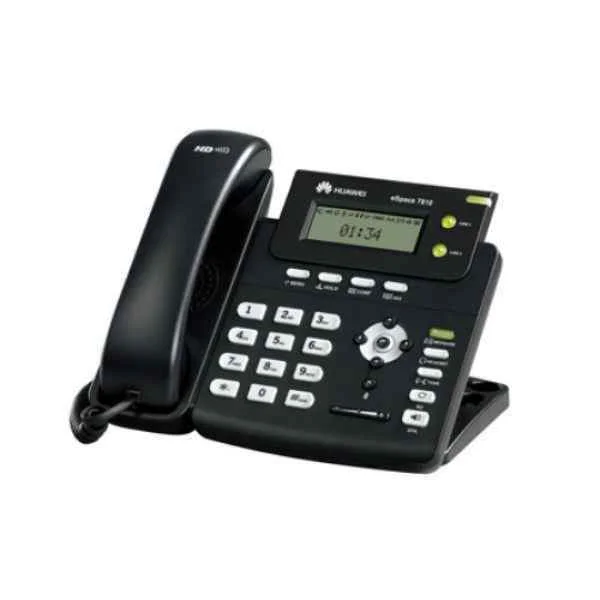
IP1T7820UK01 (Huawei IP Phone eSpace 7810 (UK) IP1T7820UK01)
4.5 (6)Est Value In stockFirst-Time Buyer Discount – Get up to 2% additional off on your first order
ORM Rewards Earn $50 in Rewards + Free Expedited Delivery – Join Now!
Use eCoupon ORMSAVE10
eCoupon limited to 5 units
IP1T7830UK01 (Huawei IP1T7830UK01 IP Phone eSpace 7830(UK))
4.7 (6)Est Value In stockFirst-Time Buyer Discount – Get up to 2% additional off on your first order
ORM Rewards Earn $50 in Rewards + Free Expedited Delivery – Join Now!
Use eCoupon ORMSAVE10
eCoupon limited to 5 units
IP1T6805UK01 (Huawei IP1T6805UK01 IP Terminal phone eSpace 6805(UK))
4.5 (6)Est Value In stockFirst-Time Buyer Discount – Get up to 2% additional off on your first order
ORM Rewards Earn $50 in Rewards + Free Expedited Delivery – Join Now!
Use eCoupon ORMSAVE10
eCoupon limited to 5 units

ORM Sales Advisors
Buying for your business? Get a personalised quote in under 2 hours. Talk to an expert
LEARNFilters (10) 
Questions & Answers
What is Huawei eSpace Unified Message System?
Huawei eSpace Unified Message System is an enterprise-grade unified messaging platform that integrates email, voicemail, fax, SMS, and real-time notifications into a centralized inbox, enabling seamless communication and collaboration across devices.
How does Huawei eSpace improve business communication?
By consolidating inbound and outbound messages across multiple channels into a unified interface, Huawei eSpace reduces response times, enhances workflow efficiency, and ensures consistent messaging across desktops, web clients, and mobile devices.
What key features does Huawei eSpace offer?
Real-time unified inbox, voicemail-to-email transcription, fax and SMS integration, mobile push notifications, presence status, automated workflows, extensive reporting, and secure multi-level access control tailored for enterprise communication needs.
How does Huawei eSpace integrate with existing email and telephony systems?
Huawei eSpace supports standard protocols such as SMTP, IMAP, SIP, and T.38, enabling seamless integration with popular email servers (Microsoft Exchange, Lotus Domino) and IP telephony platforms for unified call and message management.
What security features are included in Huawei eSpace?
Huawei eSpace incorporates end-to-end encryption (TLS/SSL), multi-factor authentication, role-based access control, data loss prevention, secure fax transmission, and real-time monitoring to safeguard sensitive enterprise communications.
Is Huawei eSpace available as cloud or on-premise?
Huawei eSpace Unified Message System is available in both on-premise and private cloud deployments, providing flexible options to meet data sovereignty, compliance requirements, and scalability demands of modern enterprises.
How scalable is Huawei eSpace?
Designed for enterprises of all sizes, Huawei eSpace scales horizontally through clustered architecture, supporting thousands of concurrent users, high message volumes, and seamless load balancing without service interruption.
What are the system requirements for Huawei eSpace?
Minimum requirements include x86 servers with multicore CPUs, 16 GB RAM, 200 GB storage, a Linux OS (CentOS/Red Hat), and network connectivity supporting SIP/T.38 protocols and SMTP/IMAP mail flows.
How does Huawei eSpace support mobile devices?
Huawei eSpace offers native iOS and Android apps with push notifications, HTML5 web access, secure SSL connections, and offline message caching to ensure uninterrupted access to unified messages on the go.
How is user management handled in Huawei eSpace?
The system provides centralized directory integration via LDAP/Active Directory, role-based permissions, self-service portals for user enrollment, and automated provisioning to streamline administration and governance.
What backup and disaster recovery options are available?
Huawei eSpace supports scheduled backups, real-time replication, hot standby clusters, and geo-redundant failover, ensuring minimal downtime and rapid recovery of unified messaging services.
Can Huawei eSpace integrate with third-party applications?
Yes, Huawei eSpace provides RESTful APIs, SDKs, and connectors for integration with CRM, ERP, collaboration suites, and custom applications, enabling automated workflows and extended functionality.
How can I customize notifications and alerts?
Administrators can configure channel-specific alerts, threshold-based triggers, voicemail-to-email routing rules, custom SMS templates, and personalized notification schedules via the web-based management console.
What licensing and pricing models are available?
Huawei eSpace offers perpetual and subscription licenses based on user count and feature modules, with flexible maintenance plans, bundle discounts, and pay-as-you-grow options to optimize total cost of ownership.
How does Huawei provide support and maintenance?
Huawei delivers global 24/7 technical support, software updates, security patches, and professional services, including deployment, customization, training, and SLA-backed incident resolution.
How do I upgrade or expand the Huawei eSpace system?
Upgrades can be performed online via the management portal or offline installers with zero-downtime patching. Scaling is achieved by adding server nodes to existing clusters and updating licensing keys to ensure continuous operation.