 United States
Poly Accessories Premium Quality Gear
Discover our state-of-the-art Poly Accessories engineered to provide exceptional durability and performance. Enhance efficiency with innovative solutions designed for modern professionals and rigorous industry applications.
Talk to an expert
6 Matching results
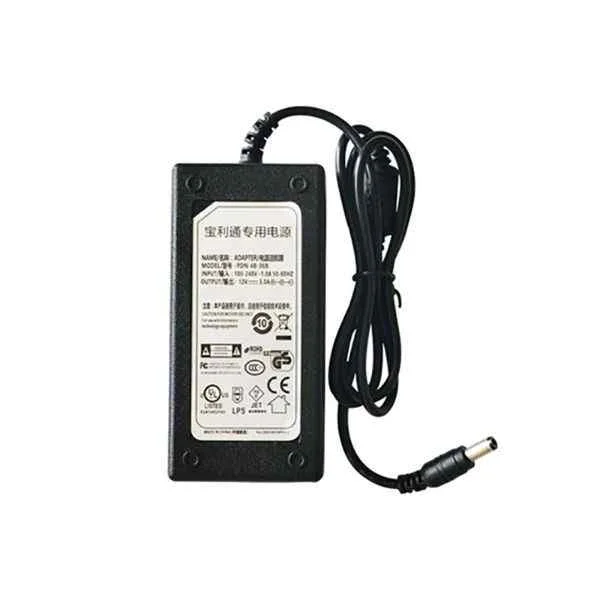
EagleEye-HDX-Group-Terminal-3rd-4th-Gen-Lens-Power-Adapter (Polycom EagleEye Power Adapter HDX Group Terminal 3rd Generation 4th Generation Lens Power Adapter 12V/3A)
4.6 (5)Est Value In stock
First-Time Buyer Discount – Get up to 2% additional off on your first order
ORM Rewards Earn $50 in Rewards + Free Expedited Delivery – Join Now!
Use eCoupon ORMSAVE10
eCoupon limited to 5 units
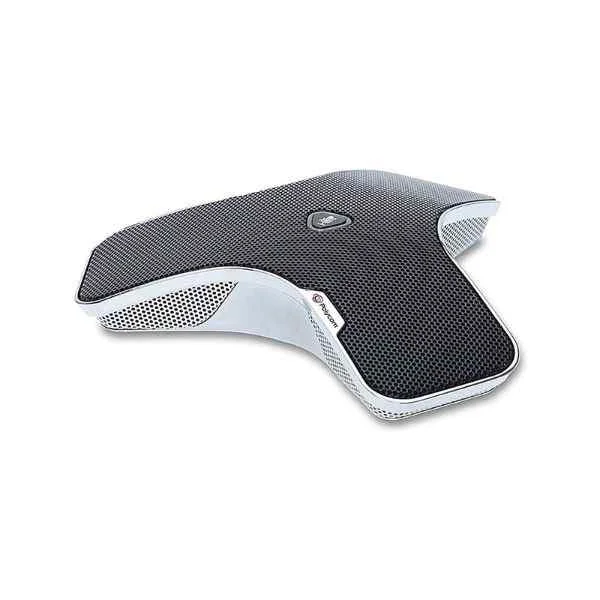
Group-Series-Microphone (POLYCOM Group series 310/500/550/700 noise-cancelling omnidirectional microphone with a pickup radius of 6 meters)
4.6 (5)Est Value In stockFirst-Time Buyer Discount – Get up to 2% additional off on your first order
ORM Rewards Earn $50 in Rewards + Free Expedited Delivery – Join Now!
Use eCoupon ORMSAVE10
eCoupon limited to 5 units
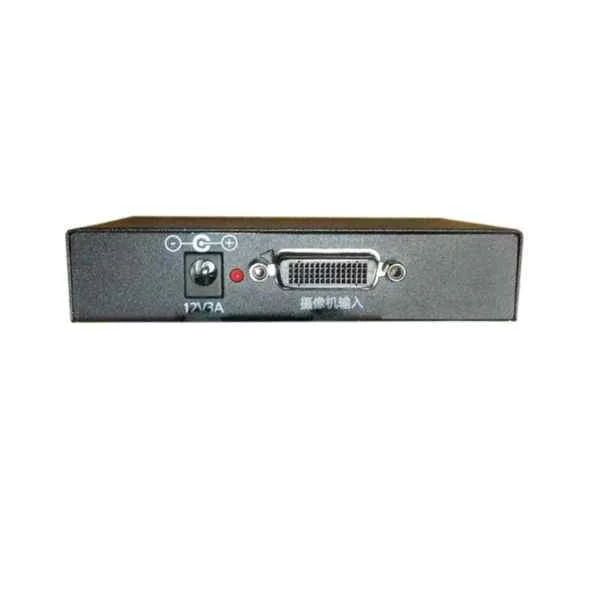
Polycom-4th-Gen-Lens-Extender-HDCI-network-Transmission-Box (Polycom fourth-generation lens extender HDCI network transmission box)
4.6 (5)Est Value In stockFirst-Time Buyer Discount – Get up to 2% additional off on your first order
ORM Rewards Earn $50 in Rewards + Free Expedited Delivery – Join Now!
Use eCoupon ORMSAVE10
eCoupon limited to 5 units
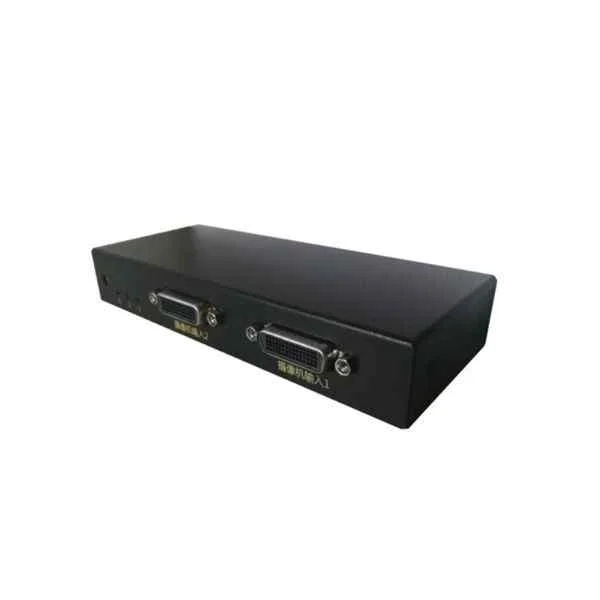
Polycom-4th-Gen-Lens-Three-in-And-one-out-HDCI-Switcher (Polycom fourth-generation lens three-in and one-out HDCI switcher)
4.6 (5)Est Value In stockFirst-Time Buyer Discount – Get up to 2% additional off on your first order
ORM Rewards Earn $50 in Rewards + Free Expedited Delivery – Join Now!
Use eCoupon ORMSAVE10
eCoupon limited to 5 units
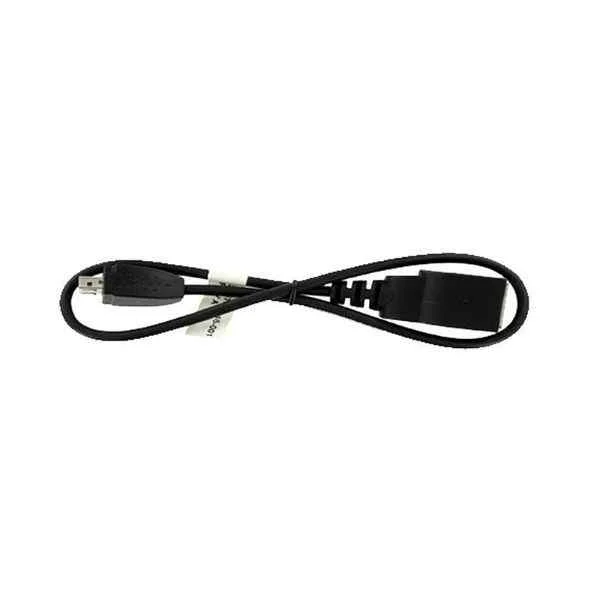
POLYCOM DBA HOST TERMINAL ADAPTER CABLE (Polycom DBA host terminal adapter cable)
4.6 (5)Est Value In stockFirst-Time Buyer Discount – Get up to 2% additional off on your first order
ORM Rewards Earn $50 in Rewards + Free Expedited Delivery – Join Now!
Use eCoupon ORMSAVE10
eCoupon limited to 5 units
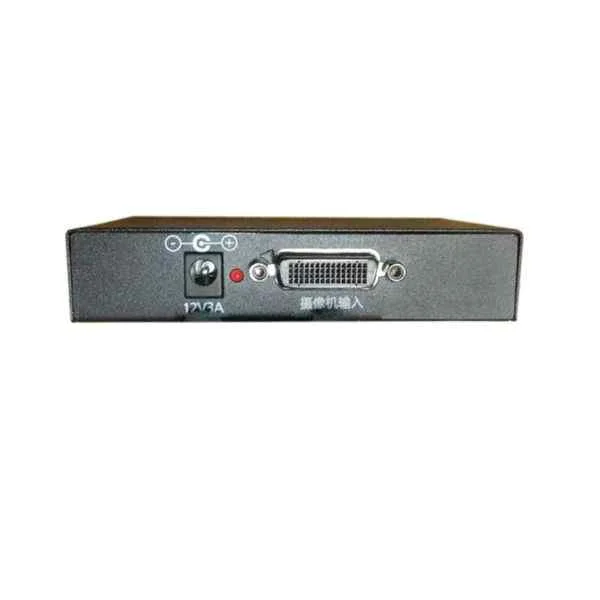
Polycom-DBA-Lens-End-Converter (Polycom DBA lens end converter)
4.6 (5)Est Value In stockFirst-Time Buyer Discount – Get up to 2% additional off on your first order
ORM Rewards Earn $50 in Rewards + Free Expedited Delivery – Join Now!
Use eCoupon ORMSAVE10
eCoupon limited to 5 units

ORM Sales Advisors
Buying for your business? Get a personalised quote in under 2 hours. Talk to an expert
LEARNFilters (6) 
Questions & Answers
What types of Poly headset accessories are available?
Poly offers ear cushions, headbands, boom microphones, USB audio adapters, charging stands, EHS cables and carrying cases to optimize comfort and performance.
How do I choose the right ear cushion replacement for my Poly headset?
Select genuine Poly ear cushions by matching your headset model number; use soft leatherette for noise isolation or microfiber for breathability.
Are Poly replacement headbands interchangeable across different headset models?
Most Poly headbands fit within the same series, but you should verify compatibility by checking your headset’s model code on the Poly support site.
Which Poly USB adapters and dongles work with my headset?
Use Poly’s official USB-C or USB-A adapters specified for your headset series; consult the Poly compatibility guide for model-specific recommendations.
Can I use a Poly charging stand with multiple headset models?
Yes, Poly charging stands support most Savi and Voyager series headsets; confirm model support in the product specs before purchase.
What is the warranty coverage for Poly accessories?
Poly accessories carry a one-year limited warranty against defects in materials and workmanship, with optional extended coverage available.
How do I install a Poly EHS cable for my desk phone?
Connect the Poly EHS cable between your headset base and phone’s headset port, then configure EHS settings in the phone menu as documented by Poly.
Are Poly accessories compatible with Zoom, Microsoft Teams, and Skype?
Yes, certified Poly accessories are optimized for Zoom, Microsoft Teams and Skype for clear audio and seamless call control.
How do I clean and maintain Poly headset accessories?
Wipe ear cushions and headbands with a damp cloth and mild detergent, avoid harsh chemicals, and replace consumables every 6–12 months.
Where can I purchase genuine Poly accessories and spare parts?
Buy directly from Poly’s official website, authorized resellers or certified distributors to guarantee authenticity and warranty protection.
How do I update my Poly headset firmware with Poly accessories?
Install the Poly Lens Desktop App, connect your headset via USB adapter, and follow the on-screen prompts to download and apply updates.
Can I add a boom microphone to my Poly wireless headset?
Certain Poly wireless headsets support detachable boom microphones; verify compatibility in your headset’s user guide and order the matching boom.
What mounting options does Poly offer for video conferencing cameras?
Poly provides wall mounts, monitor clamps and desktop stands for Trio cameras, ensuring flexible placement and secure installation.
How do I troubleshoot audio dropouts with Poly USB adapters?
Ensure your USB adapter is firmly connected, update the USB firmware via Poly Lens, and use a high-quality USB port on your computer.
Which charging cables and power adapters are compatible with Poly devices?
Use Poly-approved USB-C or power-over-Ethernet (PoE) adapters listed in your device’s spec sheet to maintain optimal charging performance.