 United States
Hardware Cisco Memory & Flash
Discover robust performance and enduring reliability with Cisco Memory & Flash solutions. Engineered for optimized data transfer, scalability, and comprehensive security, these products empower modern IT infrastructures effectively.
Talk to an expert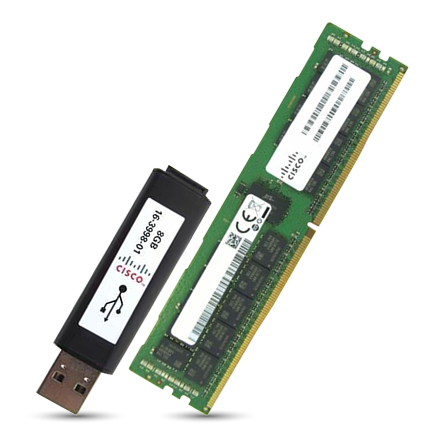
800 Router Memory & Flash
(16)Cisco 800 router memory and flash supports sub-50 user remote sites with DRAM upgrades and CompactFlash boot media for IOS images
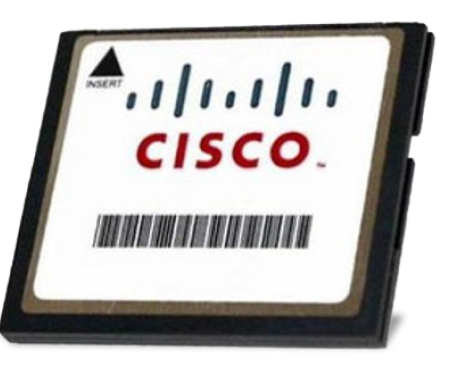
1900 2900 3900 Router
(32)Cisco ISR 1900, 2900, and 3900 memory serves regional branch WAN edge replacements with DRAM DIMMs and CompactFlash storage options
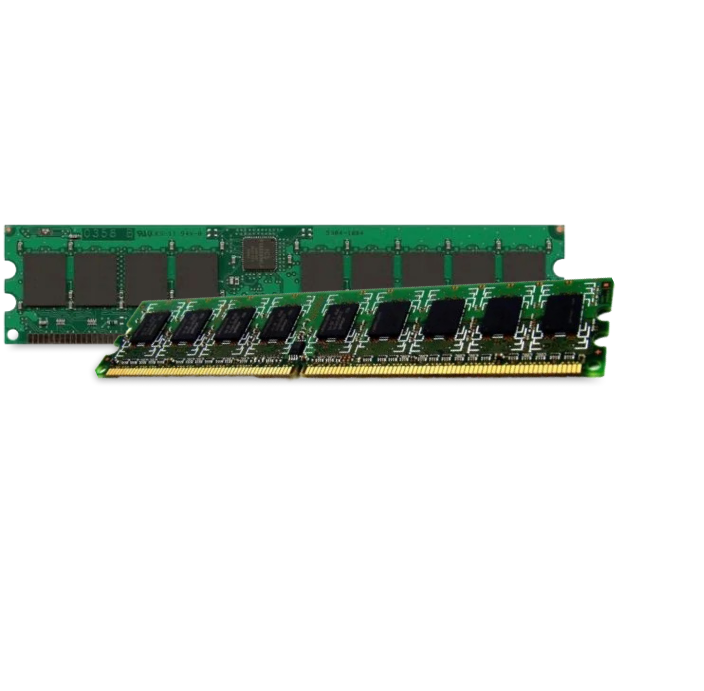
Isr 4000 Memory & Flash
(13)Cisco ISR 4000 memory and flash supports SD-WAN branch aggregation closets with DDR3 DIMMs and internal flash storage
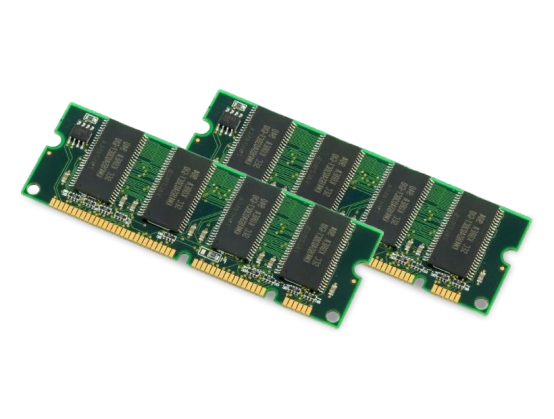
Asr Router
(8)Cisco ASR router memory and flash supports service-provider aggregation edge spares with DRAM modules and bootflash media for IOS XE images
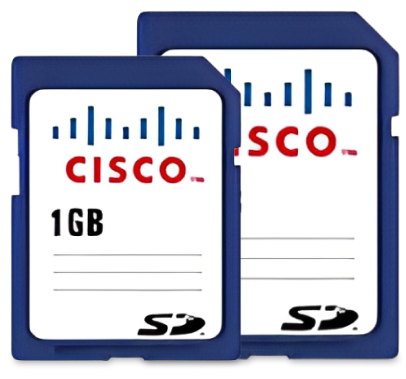
Industrial Ethernet Switch
(3)Cisco Industrial Ethernet switch memory and flash supports factory floor access cabinets with removable flash cards for firmware and configuration storage
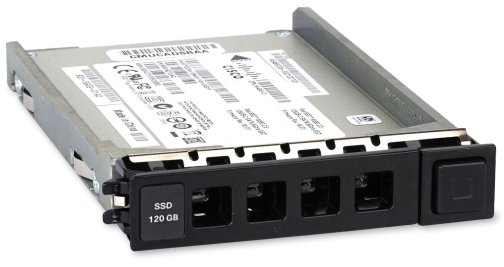
Storage Drives
(19)Cisco storage drives support branch virtualization shelves with SATA interface media for logs, images, and local application storage
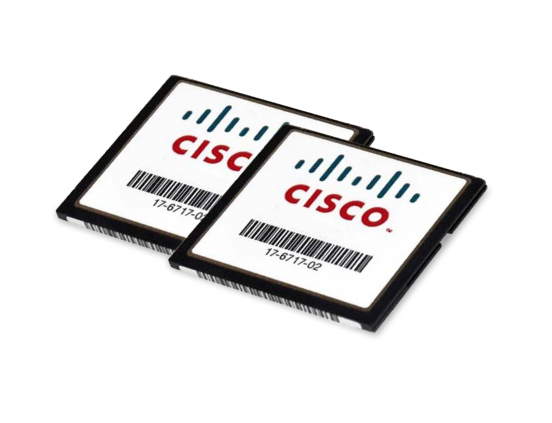
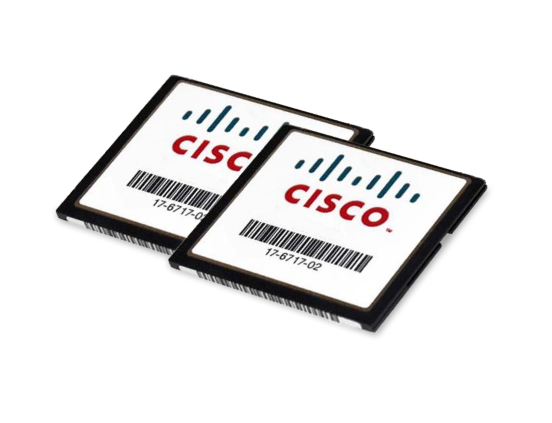
1800 Router Memory & Flash
(2)Cisco 1800 router memory and flash supports legacy remote-site WAN closets with DRAM modules and CompactFlash media for IOS storage
Asa 5500
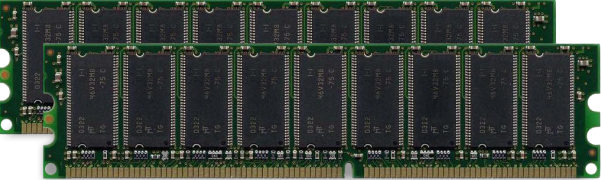
(6)Cisco ASA 5500 memory and flash supports perimeter firewall replacement pools with CompactFlash media and DRAM modules for image storage
Ucs Server Memory
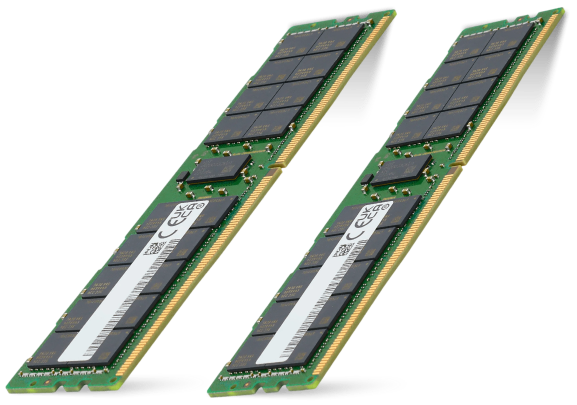
(1)Cisco UCS memory scales B and C Series servers, with 16GB to 256GB DDR4 and DDR5 RDIMM and LRDIMM options
114 Matching results
- BEST SELLING
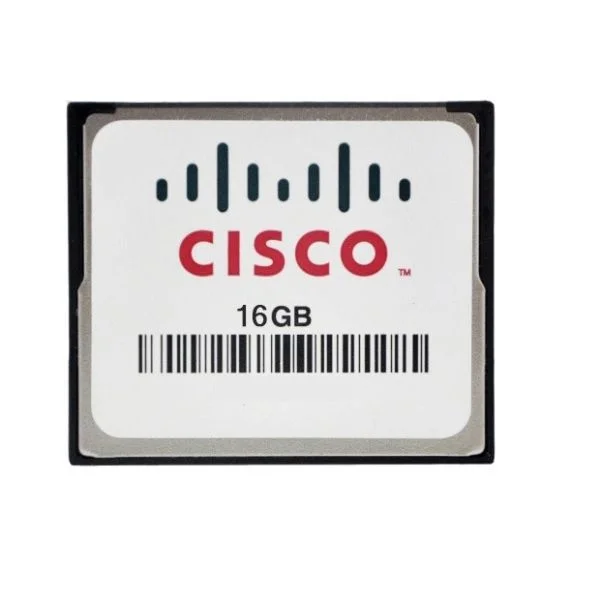
MEM-FLASH-16G (16G Flash Memory for Cisco ISR 4400, Spare)
5 (5)- Computer Memory
- Cisco
- DDR4
- 16 GB
- Desktop / Laptop / Server
- Tower Server / Workstation
- UDIMM
Est Value $2,312.00
$434.01
81.2% offIn stockNewRefurbishedFirst-Time Buyer Discount – Get up to 2% additional off on your first order
ORM Rewards Earn $50 in Rewards + Free Expedited Delivery – Join Now!
Use eCoupon ORMSAVE10
eCoupon limited to 5 units
- BEST SELLING
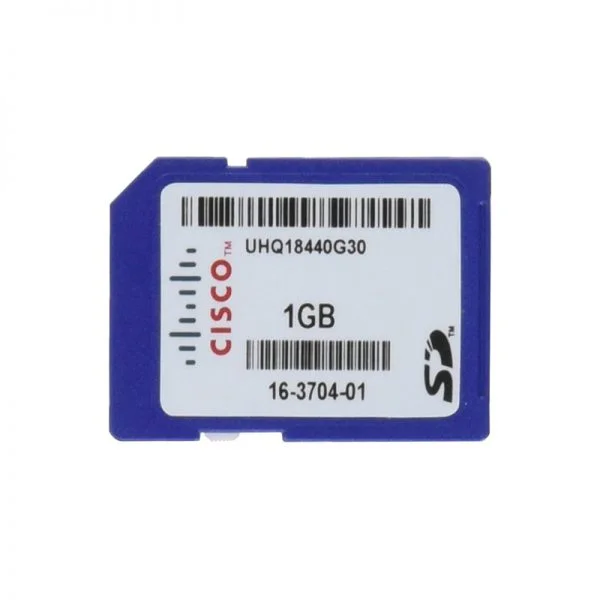
SD-IE-1GB (1GB SD Memory Card)
4.8 (5)- 1.2 inches
- Cisco
- 5.3 inches
- 0.1 lbs
- 0.75 inches
- Computer Memory
Est Value $202.00$90.26
55.3% offIn stockNewRefurbishedFirst-Time Buyer Discount – Get up to 2% additional off on your first order
ORM Rewards Earn $50 in Rewards + Free Expedited Delivery – Join Now!
Use eCoupon ORMSAVE10
eCoupon limited to 5 units
- BEST SELLING
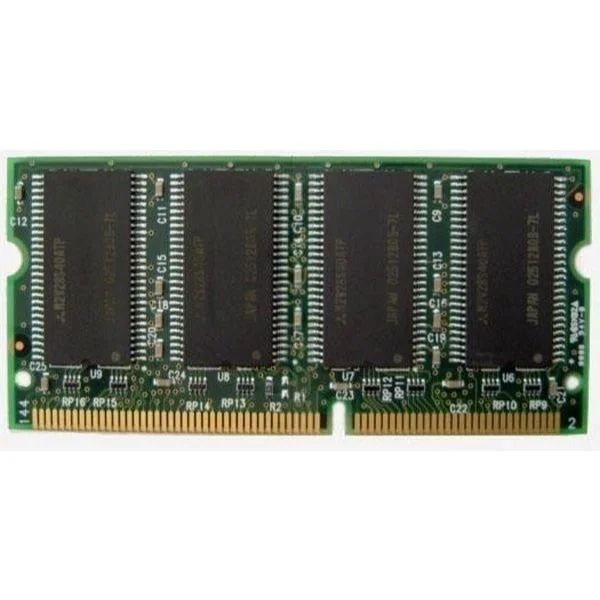
MEM1841-128D (MEM1841-128D Cisco 1841 128MB SODIMM DRAM)
4.6 (5)- Computer Memory
- Cisco
- DDR4
- 128 GB
- Desktop / Laptop / Server
- Workstation
- UDIMM
Est Value $1,000.00$485.10
51.5% offIn stockNewFirst-Time Buyer Discount – Get up to 2% additional off on your first order
ORM Rewards Earn $50 in Rewards + Free Expedited Delivery – Join Now!
Use eCoupon ORMSAVE10
eCoupon limited to 5 units
- BEST SELLING
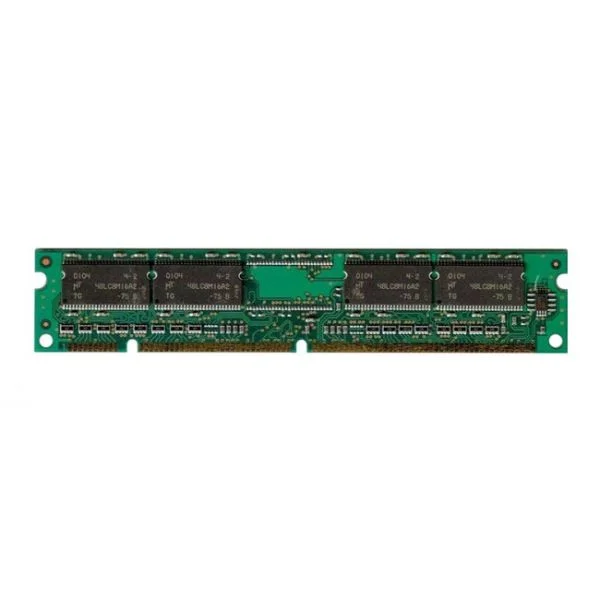
MEM-4460-8G (8G DRAM (1 DIMM) for Cisco ISR 4460)
4.6 (5)- Computer Memory
- Cisco
- DDR4
- 8 GB
- Desktop
- Workstation
- UDIMM
Est Value $1,177.00$648.90
44.9% offIn stockNewFirst-Time Buyer Discount – Get up to 2% additional off on your first order
ORM Rewards Earn $50 in Rewards + Free Expedited Delivery – Join Now!
Use eCoupon ORMSAVE10
eCoupon limited to 5 units
- BEST SELLING
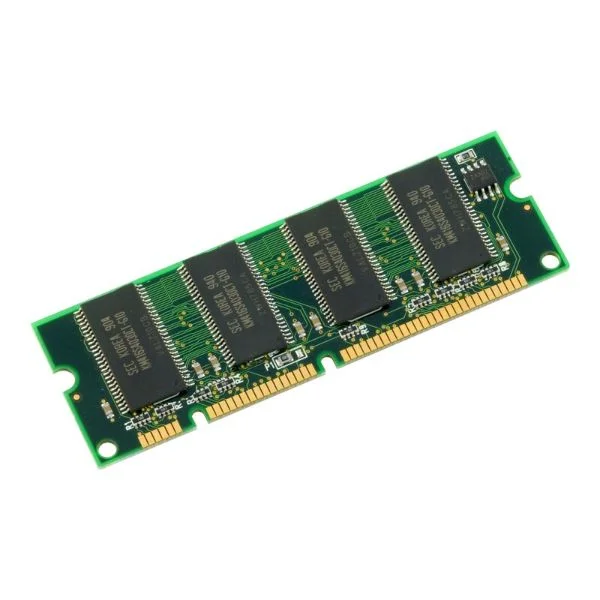
MEM-FLSH-8GU32G (8G TO 32G FLASH MEM UPG FOR ISR4460)
4.6 (5)- Computer Memory
- Cisco
- DDR4
- 8 GB
- Desktop / Laptop
- Workstation
- UDIMM
Est Value $1,774.00$889.35
49.9% offIn stockNewFirst-Time Buyer Discount – Get up to 2% additional off on your first order
ORM Rewards Earn $50 in Rewards + Free Expedited Delivery – Join Now!
Use eCoupon ORMSAVE10
eCoupon limited to 5 units
- BEST SELLING
MEM-4460-32G (32G DRAM 1DIMM FOR ISR4460)
5 (5)- Computer Memory
- Cisco
- DDR4
- 32 GB
- Desktop / Laptop / Server
- Rack Server / Tower Server / Blade Server / Workstation / N/A
- UDIMM
Est Value $4,713.00$2,609.25
44.6% offIn stockNewFirst-Time Buyer Discount – Get up to 2% additional off on your first order
ORM Rewards Earn $50 in Rewards + Free Expedited Delivery – Join Now!
Use eCoupon ORMSAVE10
eCoupon limited to 5 units
- FEARURED
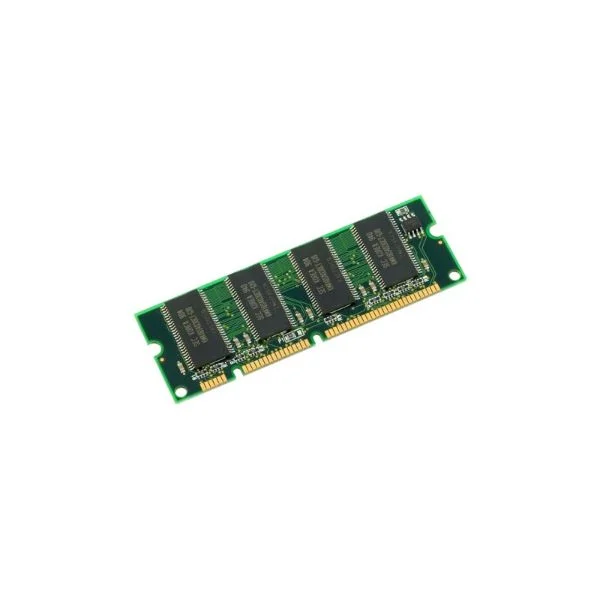
MEM-4460-16G (16G DRAM 1DIMM FOR ISR 4461)
4.8 (5)- Computer Memory
- Cisco
- DDR4
- 16 GB
- Desktop
- Workstation
- UDIMM
Est Value $1,532.00$229.95
85% offIn stockNewFirst-Time Buyer Discount – Get up to 2% additional off on your first order
ORM Rewards Earn $50 in Rewards + Free Expedited Delivery – Join Now!
Use eCoupon ORMSAVE10
eCoupon limited to 5 units
- FEARURED
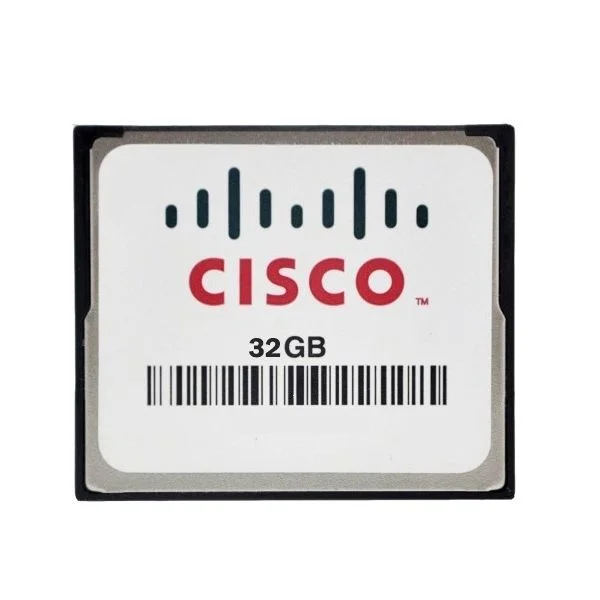
MEM-FLASH-32G (32G Flash Memory for Cisco ISR 4400, Spare)
4.4 (5)- Computer Memory
- Cisco
- DDR4
- 32 GB
- Desktop / Laptop / Server
- Workstation
- UDIMM
Est Value $4,275.00$2,124.15
50.3% offIn stockNewFirst-Time Buyer Discount – Get up to 2% additional off on your first order
ORM Rewards Earn $50 in Rewards + Free Expedited Delivery – Join Now!
Use eCoupon ORMSAVE10
eCoupon limited to 5 units
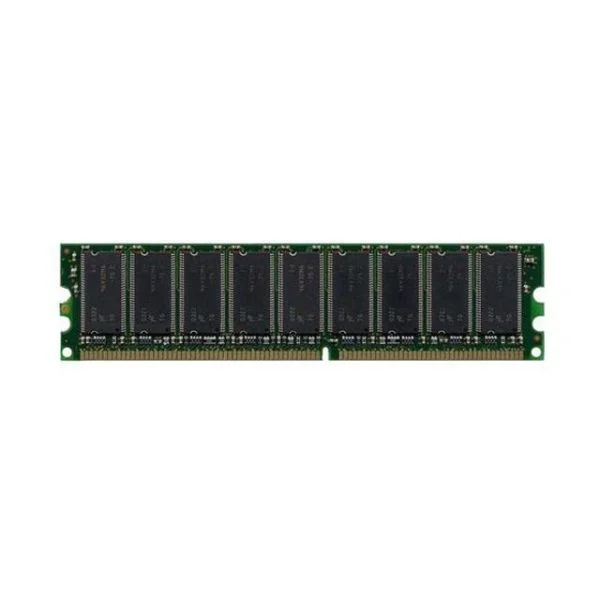
ASA5520-MEM-2GB (2GB MEMORY FOR CISCO ASA 5520)
4.6 (5)- Computer Memory
- Cisco
- DDR4
- 2 GB
- Desktop / Laptop / Server
- Workstation
- UDIMM
Est Value $745.59$476.46
36.1% offIn stockNewRefurbishedFirst-Time Buyer Discount – Get up to 2% additional off on your first order
ORM Rewards Earn $50 in Rewards + Free Expedited Delivery – Join Now!
Use eCoupon ORMSAVE10
eCoupon limited to 5 units
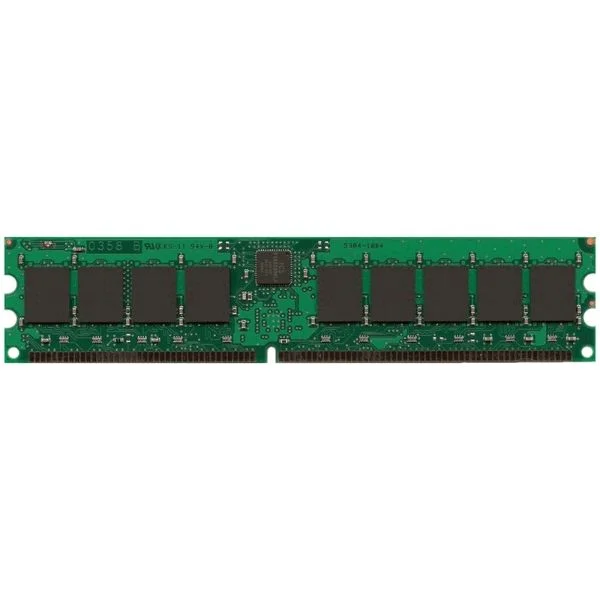
MEM-2900-2GB (2GB DRAM (1 DIMM) for Cisco 2901, 2911, 2921 ISR, Spare)
4.8 (5)- Computer Memory
- Cisco
- DDR4
- 2 GB
- Desktop / Laptop / Server
- UDIMM
Est Value $690.00$157.50
77.2% offIn stockNewRefurbishedFirst-Time Buyer Discount – Get up to 2% additional off on your first order
ORM Rewards Earn $50 in Rewards + Free Expedited Delivery – Join Now!
Use eCoupon ORMSAVE10
eCoupon limited to 5 units
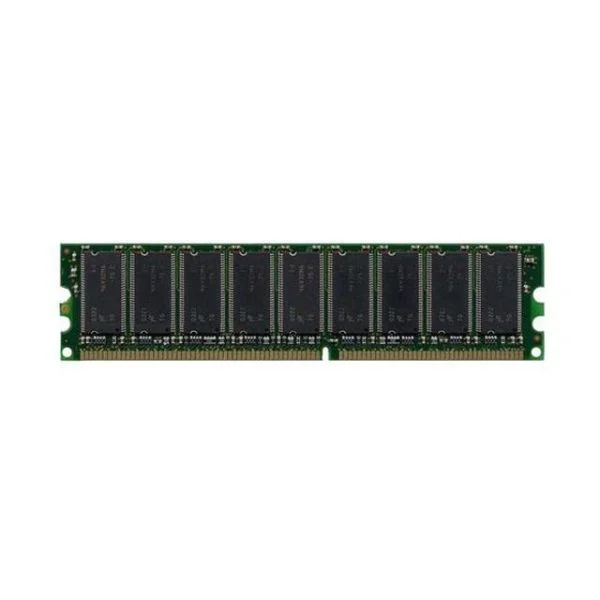
ASA5540-MEM-2GB (2GB MEMORY FOR CISCO ASA 5540)
4.8 (5)- Computer Memory
- Cisco
- DDR4
- 2 GB
- Desktop
- Workstation
- UDIMM
Est Value $1,406.51$1,200.68
14.6% offIn stockNewRefurbishedFirst-Time Buyer Discount – Get up to 2% additional off on your first order
ORM Rewards Earn $50 in Rewards + Free Expedited Delivery – Join Now!
Use eCoupon ORMSAVE10
eCoupon limited to 5 units
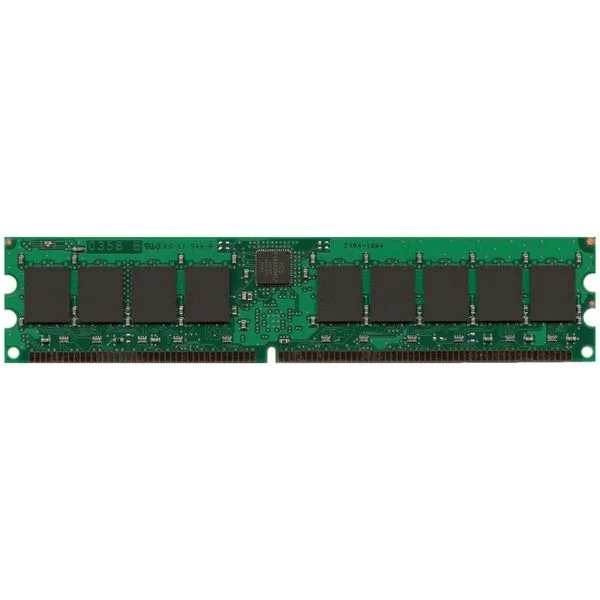
MEM-2900-512MB (512MB DRAM (1 DIMM) for Cisco 2901, 2911, 2921 ISR, Spare)
4.6 (5)- Computer Memory
- Cisco
- DDR4
- 512 MB
- Desktop / Server
- Tower Server / Workstation
- UDIMM
Est Value $460.00$176.40
61.7% offIn stockNewFirst-Time Buyer Discount – Get up to 2% additional off on your first order
ORM Rewards Earn $50 in Rewards + Free Expedited Delivery – Join Now!
Use eCoupon ORMSAVE10
eCoupon limited to 5 units
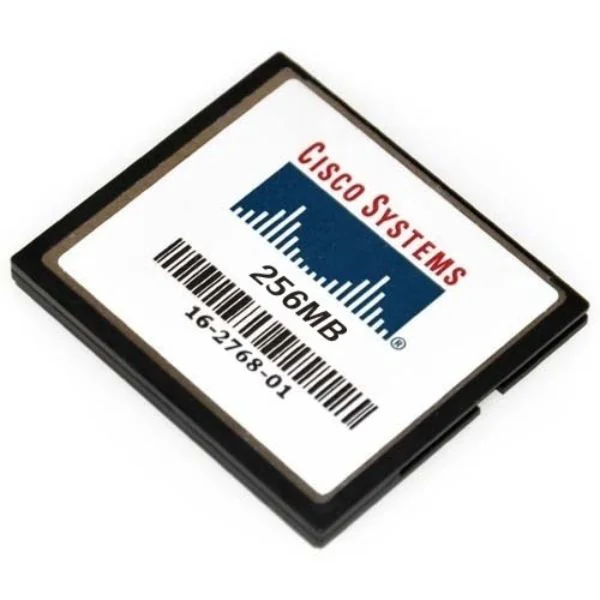
MEM-CF-256MB (Cisco Memory MEM-CF-256MB)
4.2 (5)- Computer Memory
- Cisco
- DDR4
- 256 GB
- Desktop / Laptop / Server
- Workstation
- UDIMM
Est Value $312.00$46.91
85% offIn stockNewRefurbishedFirst-Time Buyer Discount – Get up to 2% additional off on your first order
ORM Rewards Earn $50 in Rewards + Free Expedited Delivery – Join Now!
Use eCoupon ORMSAVE10
eCoupon limited to 5 units
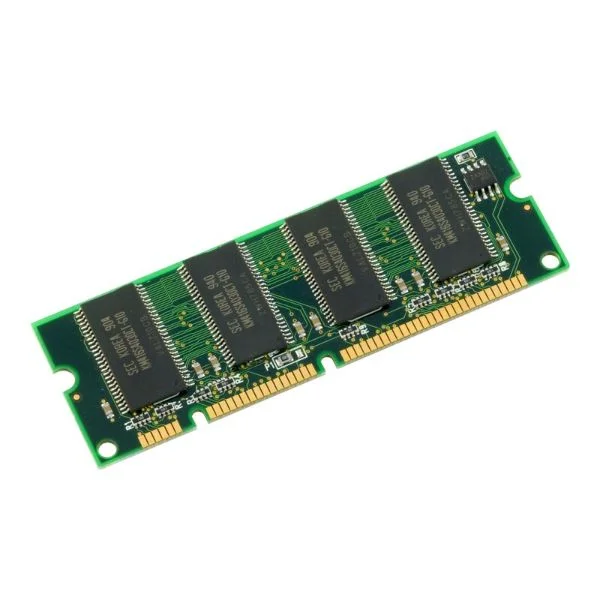
MEM-1900-512U2.5GB (UPG 512MB TO 2.5GB DRAM 2GB+512MB FOR CISCO 1941 ISR)
4.2 (5)- Computer Memory
- Cisco
- DDR4
- 512 GB
- Desktop / Server
- Workstation
- UDIMM
Est Value $716.13$195.50
72.7% offIn stockNewFirst-Time Buyer Discount – Get up to 2% additional off on your first order
ORM Rewards Earn $50 in Rewards + Free Expedited Delivery – Join Now!
Use eCoupon ORMSAVE10
eCoupon limited to 5 units
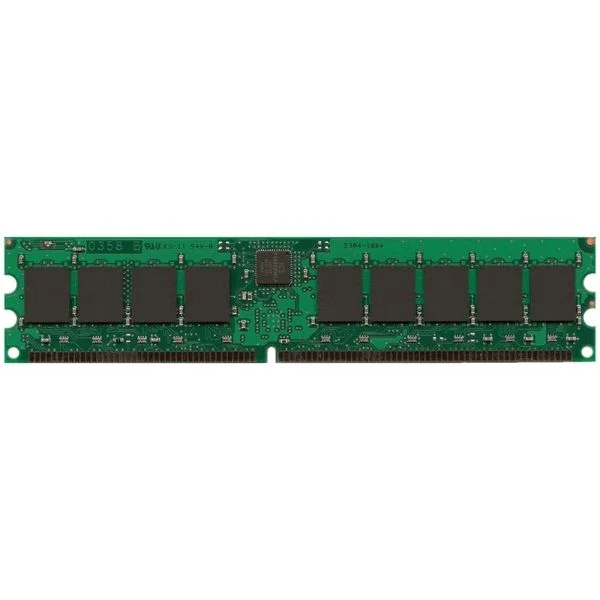
MEM-3900-2GB (2GB DRAM (1 DIMM) for Cisco 3925/3945 ISR, Spare)
4.6 (5)- Computer Memory
- Cisco
- DDR4
- 2 GB
- Desktop / Laptop / Server
- UDIMM
Est Value $805.00$198.00
75.4% offIn stockNewFirst-Time Buyer Discount – Get up to 2% additional off on your first order
ORM Rewards Earn $50 in Rewards + Free Expedited Delivery – Join Now!
Use eCoupon ORMSAVE10
eCoupon limited to 5 units
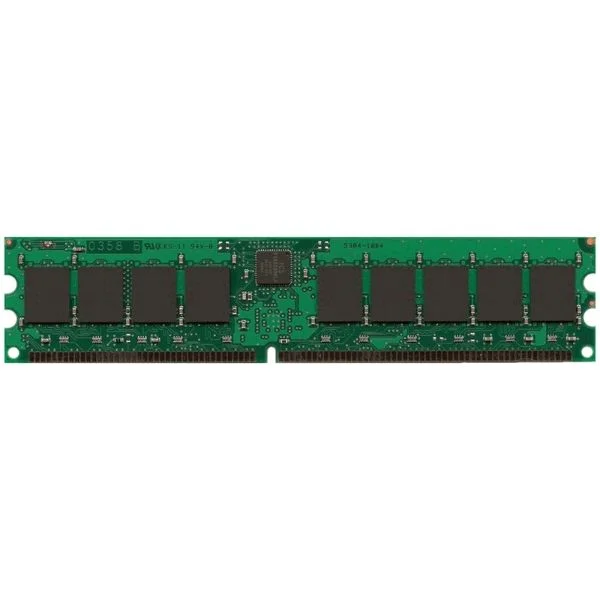
MEM-2900-512U1GB (UPG 1GB KIT 2X512MB FROM 512MB DRAM FOR CISCO 2901-2921)
4.4 (5)- Computer Memory
- Cisco
- DDR4
- 512 GB
- Desktop / Server
- UDIMM
Est Value $600.00$205.80
65.7% offIn stockNewFirst-Time Buyer Discount – Get up to 2% additional off on your first order
ORM Rewards Earn $50 in Rewards + Free Expedited Delivery – Join Now!
Use eCoupon ORMSAVE10
eCoupon limited to 5 units
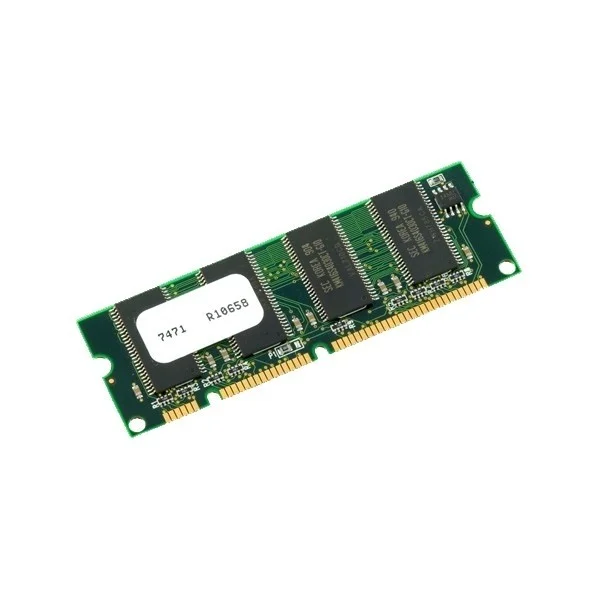
MEM-2951-512MB (512MB DRAM 1 DIMM FOR CISCO 2951 ISR SPARE)
4.4 (5)- Computer Memory
- Cisco
- DDR4
- 512 GB
- Desktop / Laptop / Server
- Workstation
- UDIMM
Est Value $575.00$220.50
61.7% offIn stockNewFirst-Time Buyer Discount – Get up to 2% additional off on your first order
ORM Rewards Earn $50 in Rewards + Free Expedited Delivery – Join Now!
Use eCoupon ORMSAVE10
eCoupon limited to 5 units
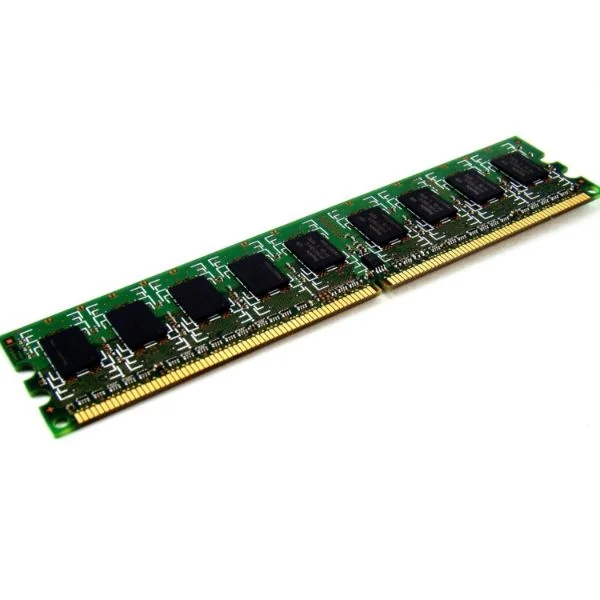
MEM-2900-1GB (1 GB DRAM (1 DIMM) for Cisco 2901, 2911, 2921 ISR, Spare)
4.4 (5)- Computer Memory
- Cisco
- DDR3
- 1 GB
- Desktop
- UDIMM
Est Value $575.00$220.50
61.7% offIn stockNewFirst-Time Buyer Discount – Get up to 2% additional off on your first order
ORM Rewards Earn $50 in Rewards + Free Expedited Delivery – Join Now!
Use eCoupon ORMSAVE10
eCoupon limited to 5 units
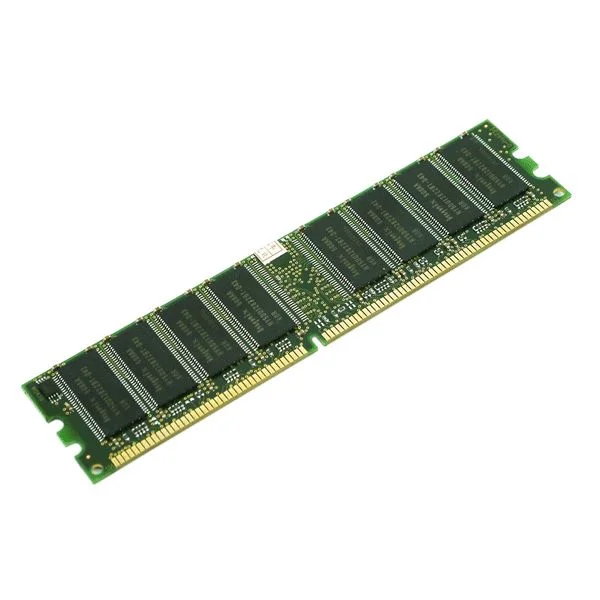
MEM-3900-512MB (512MB DRAM 1 DIMM FOR CISCO 3925/3945 ISR SPARE)
4.6 (5)- Computer Memory
- Cisco
- DDR4
- 512 GB
- Desktop / Laptop / Server
- Workstation
- UDIMM
Est Value $575.00$220.50
61.7% offIn stockNewFirst-Time Buyer Discount – Get up to 2% additional off on your first order
ORM Rewards Earn $50 in Rewards + Free Expedited Delivery – Join Now!
Use eCoupon ORMSAVE10
eCoupon limited to 5 units
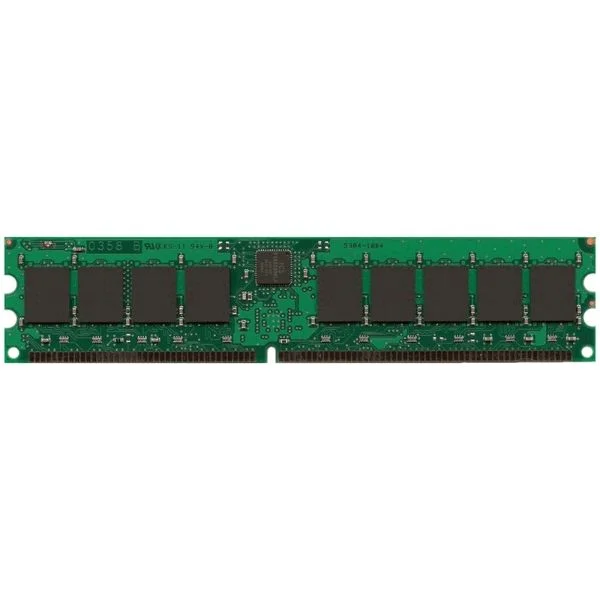
MEM-1900-512MB (Cisco Memory MEM-1900-512MB)
4.6 (5)- Computer Memory
- Cisco
- DDR4
- 512 GB
- Desktop / Laptop / Server
- Workstation
- UDIMM
Est Value $645.00$221.55
65.7% offIn stockNewFirst-Time Buyer Discount – Get up to 2% additional off on your first order
ORM Rewards Earn $50 in Rewards + Free Expedited Delivery – Join Now!
Use eCoupon ORMSAVE10
eCoupon limited to 5 units

ORM Sales Advisors
Buying for your business? Get a personalised quote in under 2 hours. Talk to an expert
LEARNFilters (114) 
Questions & Answers
What is Cisco flash memory?
Cisco flash memory is non-volatile storage on routers and switches that holds the OS image, configuration files, and logs. It retains data without power and enables device boot and software upgrades.
What is the difference between Cisco flash and NVRAM?
Cisco flash stores IOS images, files, and logs persistently, while NVRAM holds the device’s running-configuration only. Flash capacity is larger for software storage; NVRAM is optimized for config retention.
How do I check flash memory usage on a Cisco device?
Run the CLI command show flash: or show file systems to display total, used, and free flash space. Look for “flash:” or “bootflash:” entries to view detailed usage statistics.
How can I free up space on Cisco flash memory?
Delete unneeded files with delete flash: or archive old IOS images to a TFTP/FTP server using the copy command. Then verify free space with show flash:.
Can I upgrade Cisco flash memory and how?
Yes. Power off your device, install a higher-capacity CompactFlash, SD/microSD card, or bootflash module supported by your model, then power on, format, and copy the IOS image to flash via copy tftp: flash:.
What types of flash modules are supported by Cisco routers?
Cisco routers support CompactFlash, industry-standard SD/microSD cards, USB flash drives, and proprietary bootflash modules. Check your hardware installation guide for capacity limits and compatibility.
How do I replace a flash memory module in a Cisco switch?
Power off the switch, remove the slot cover, extract the existing flash card, and insert the new module until it clicks. Power on, verify with show flash:, and format if required.
What is Cisco bootflash?
Cisco bootflash is a dedicated flash partition that stores the bootloader and IOS image separately from primary flash. It ensures reliable system startup by isolating critical boot files.
How much flash memory does the Cisco Catalyst 9000 series support?
Catalyst 9000 series switches support up to 16 GB of internal bootflash and up to 64 GB of external USB flash storage. Capacity varies by model—refer to the datasheet for exact specifications.
What is the difference between DRAM and flash on Cisco devices?
DRAM is volatile memory used for running IOS processes, routing tables, and packet buffering, losing content on reload. Flash is non-volatile storage that retains images and files when powered off.
How reliable is Cisco flash memory?
Cisco flash uses industrial-grade NAND/NOR technology with built-in error correction and wear-leveling for high endurance. It meets enterprise-class standards for continuous read/write cycles.
Can I use USB drives as flash on Cisco devices?
Most modern Cisco routers and switches support USB flash drives for IOS images, configurations, and file storage. After insertion, use copy usb0: flash: to transfer data.
What file systems are supported on Cisco flash memory?
Cisco flash supports FAT16, FAT32, ext2/ext3, and Cisco’s proprietary file system. Use show file systems to list supported volumes and format partitions as needed.
How do I recover a corrupted flash memory image?
Boot into ROMmon mode, configure IP and TFTP settings, then use tftpdnld to download a fresh IOS image to flash. Reset boot variables and reload to finalize recovery.
What is the maximum capacity of flash memory on Cisco ISR 4000 series?
ISR 4000 series routers support up to 8 GB of internal flash and up to 32 GB via external USB flash. Capacity may vary by specific model and software requirements.
How do I back up Cisco flash memory configurations?
Use the CLI command copy flash: tftp: or copy flash: scp: to transfer config files or IOS images to a remote server. Always verify checksum after transfer for data integrity.