 United States
Router Modules Cisco ASR 1000
Enhance your network infrastructure with Cisco ASR 1000 Router Modules and Interfaces, engineered to deliver superior performance, robust security, and reliable connectivity for scalable enterprise deployments.
Talk to an expert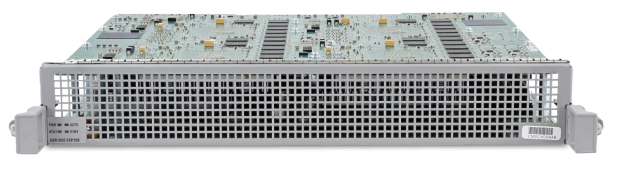
17 Matching results
- BEST SELLING
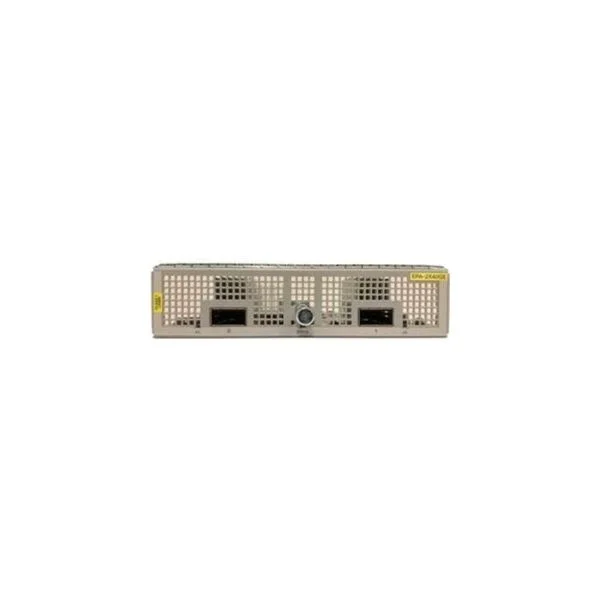
EPA-CPAK-2X40GE (ASR1000 2X40GE CPAK EPA (requires breakout cable), Spare)
4.6 (5)- Network Module / Network Card
- Cisco
- Ethernet
- 40Gbps
- SFP+
- TCP/IP
- PCIe
Est Value $1,208.25
$926.09
23.4% offIn stockRefurbishedFirst-Time Buyer Discount – Get up to 2% additional off on your first order
ORM Rewards Earn $50 in Rewards + Free Expedited Delivery – Join Now!
Use eCoupon ORMSAVE10
eCoupon limited to 5 units
- BEST SELLING
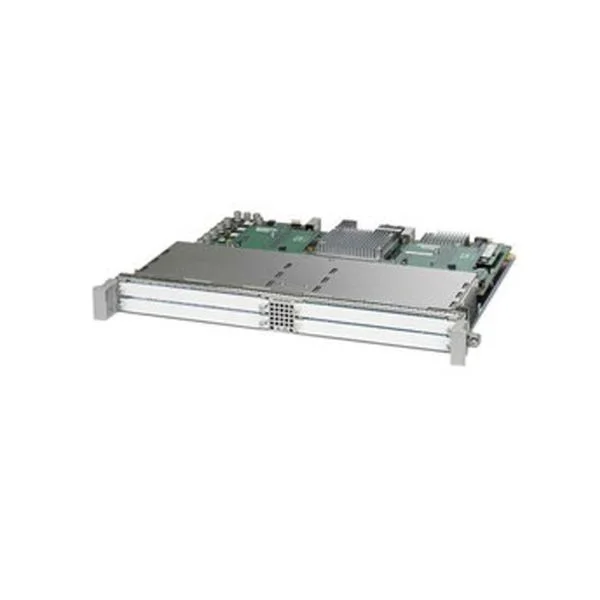
ASR1000-SIP40 (Cisco ASR 1000 Processor ASR1000-SIP40)
4.4 (5)- Network Module
- Cisco
- Ethernet
- 1Gbps
- RJ-45
- TCP/IP
- Modular
Est Value $24,528.00$204.75
99.2% offIn stockNewRefurbishedFirst-Time Buyer Discount – Get up to 2% additional off on your first order
ORM Rewards Earn $50 in Rewards + Free Expedited Delivery – Join Now!
Use eCoupon ORMSAVE10
eCoupon limited to 5 units
- BEST SELLING
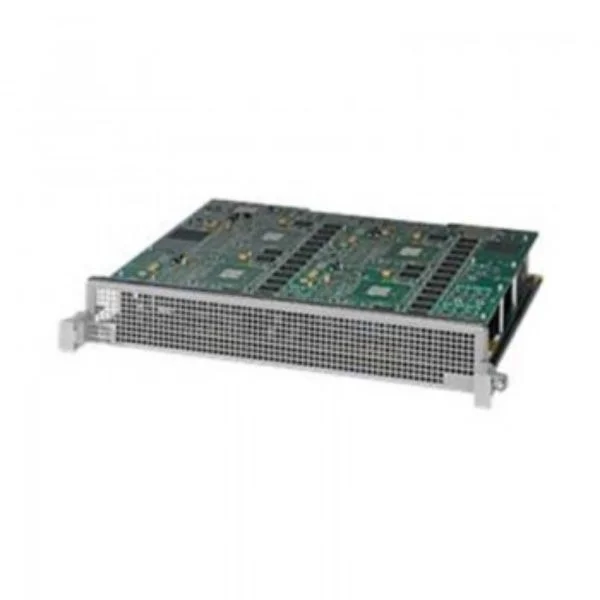
ASR1000-ESP200-X (Cisco ASR1000 Embedded Services Processor X, 200G)
4.4 (5)- Network Module / Network Card
- Cisco
- Ethernet
- 10Gbps
- SFP+
- TCP/IP
- Modular
Est Value $106,184.00$45,473.40
57.2% offIn stockNewFirst-Time Buyer Discount – Get up to 2% additional off on your first order
ORM Rewards Earn $50 in Rewards + Free Expedited Delivery – Join Now!
Use eCoupon ORMSAVE10
eCoupon limited to 5 units
ASR1000-6TGE (ASR1000 6 port 10 GE Line Card)
4.4 (5)- Network Module / Network Card
- Cisco
- Ethernet
- 1Gbps
- RJ-45
- TCP/IP
- Modular
Est Value $63,770.00$509.25
99.2% offIn stockNewRefurbishedFirst-Time Buyer Discount – Get up to 2% additional off on your first order
ORM Rewards Earn $50 in Rewards + Free Expedited Delivery – Join Now!
Use eCoupon ORMSAVE10
eCoupon limited to 5 units
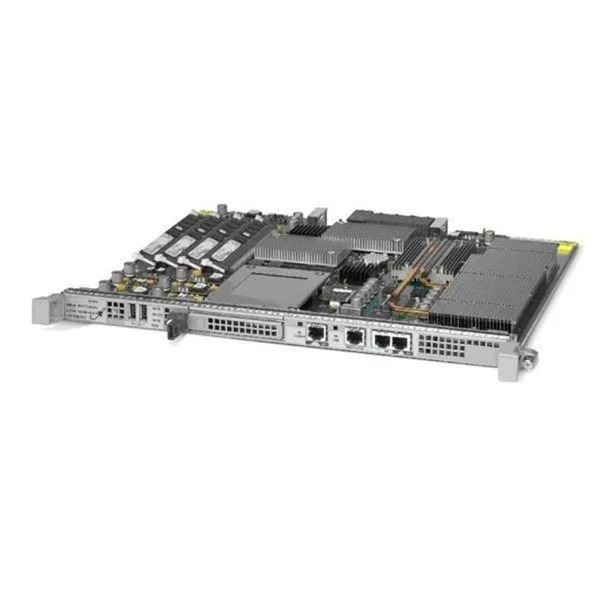
ASR1000-RP3 (ASR 1000 Route Processor 3)
4.6 (5)- Network Module / Network Card
- Cisco
- Route Processor Module
- TCP/IP / MPLS / IPv4 / IPv6
- Modular
Est Value $33,035.00$786.45
97.6% offIn stockNewRefurbishedFirst-Time Buyer Discount – Get up to 2% additional off on your first order
ORM Rewards Earn $50 in Rewards + Free Expedited Delivery – Join Now!
Use eCoupon ORMSAVE10
eCoupon limited to 5 units
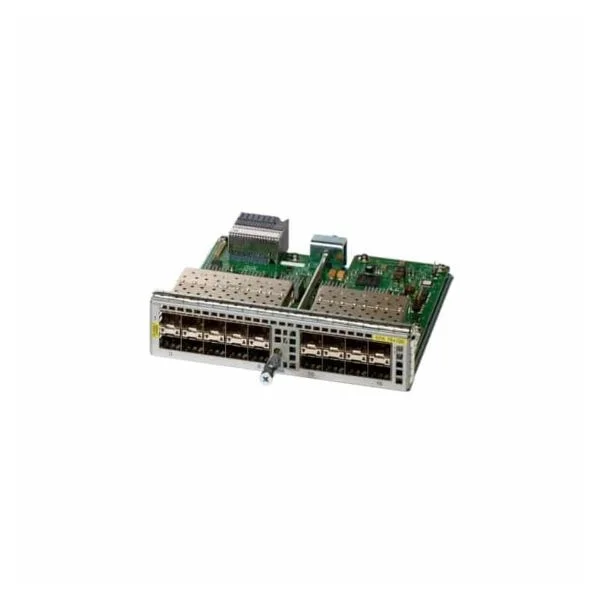
EPA-18X1GE (ASR1000 18X1GE EPA)
4.6 (5)- Network Module / Network Card
- Cisco
- Ethernet
- 1Gbps
- RJ-45
- TCP/IP
- PCIe
Est Value $20,352.00$1,512.00
92.6% offIn stockNewRefurbishedFirst-Time Buyer Discount – Get up to 2% additional off on your first order
ORM Rewards Earn $50 in Rewards + Free Expedited Delivery – Join Now!
Use eCoupon ORMSAVE10
eCoupon limited to 5 units
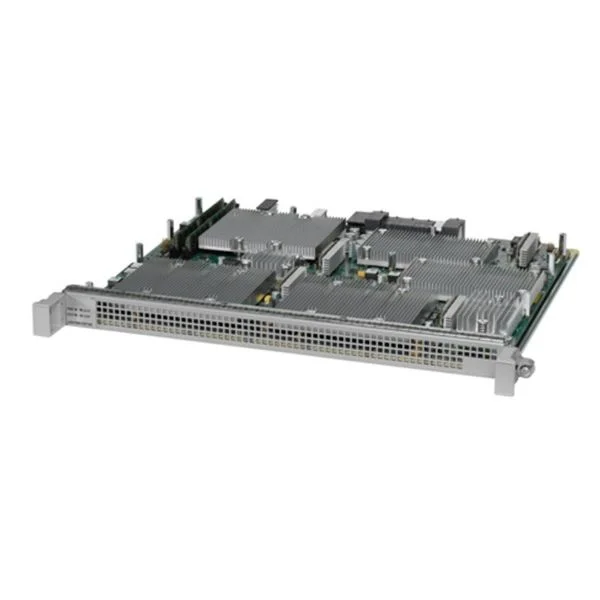
ASR1000-ESP100 (ASR 1000 Embedded Services Processor, 100G,Spare)
4.6 (5)- Network Module / Service Processor Card
- Cisco
- Service Processor
- RJ-45 (for management)
- TCP/IP / SNMP / NTP
- Modular
Est Value $88,613.00$1,328.25
98.5% offIn stockNewRefurbishedFirst-Time Buyer Discount – Get up to 2% additional off on your first order
ORM Rewards Earn $50 in Rewards + Free Expedited Delivery – Join Now!
Use eCoupon ORMSAVE10
eCoupon limited to 5 units
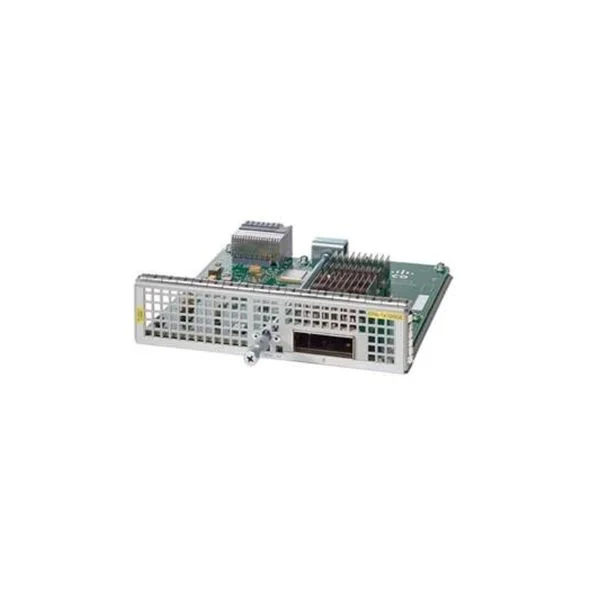
EPA-QSFP-1X100GE (ASR1000 1X100GE QSFP Ethernet Port Adapter, Spare)
4.4 (5)- Network Module
- Cisco
- QSFP
- 100G
- QSFP
- TCP/IP, Ethernet
- Modular
Est Value $81,408.00$5,458.95
93.3% offIn stockNewRefurbishedFirst-Time Buyer Discount – Get up to 2% additional off on your first order
ORM Rewards Earn $50 in Rewards + Free Expedited Delivery – Join Now!
Use eCoupon ORMSAVE10
eCoupon limited to 5 units
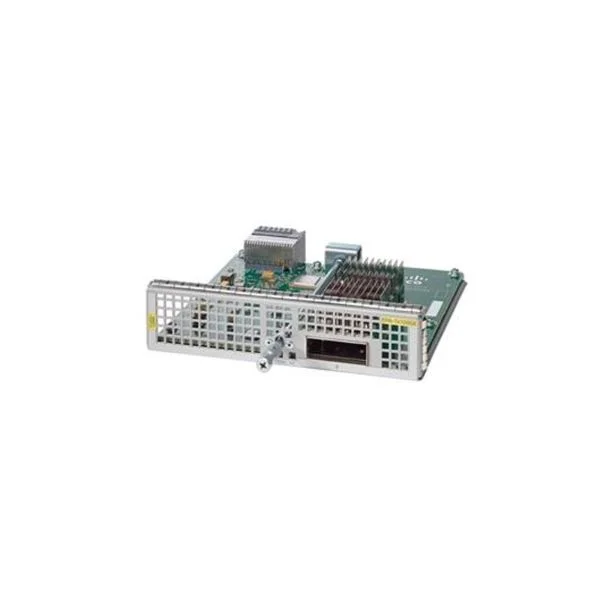
EPA-1X40GE (ASR1000 1X40GE Ethernet Port Adapter. Spare)
4.6 (5)- Network Card
- Cisco
- Ethernet
- 40G
- QSFP+
- TCP/IP, UDP
- PCIe
Est Value $50,273.00$1,649.46
96.7% offIn stockNewRefurbishedFirst-Time Buyer Discount – Get up to 2% additional off on your first order
ORM Rewards Earn $50 in Rewards + Free Expedited Delivery – Join Now!
Use eCoupon ORMSAVE10
eCoupon limited to 5 units
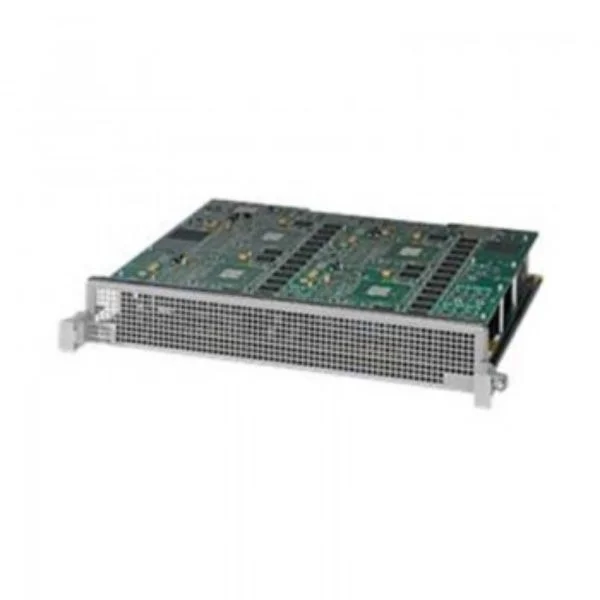
ASR1000-ESP200 (ASR 1000 Embedded Services Processor, 200G, Spare)
4.2 (5)- Embedded Services Processor
- Cisco
- ESP Module
- TCP/IP, Advanced Routing Protocols
- Modular
Est Value $29,389.50$2,940.00
90% offIn stockNewRefurbishedFirst-Time Buyer Discount – Get up to 2% additional off on your first order
ORM Rewards Earn $50 in Rewards + Free Expedited Delivery – Join Now!
Use eCoupon ORMSAVE10
eCoupon limited to 5 units
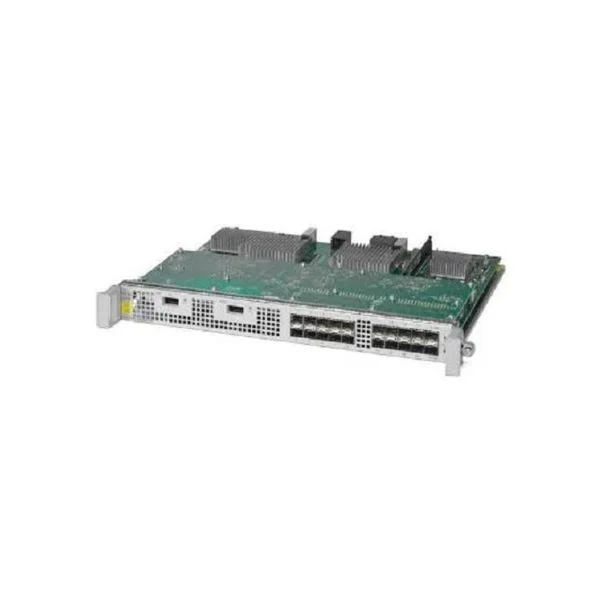
ASR1000-2T+20X1GE (ASR1000 2-port 10GE. 20-port GE Line Card)
4.8 (5)- Network Module / Network Card
- Cisco
- Ethernet
- 10Gbps / 1Gbps
- SFP+ / RJ-45
- TCP/IP
- Modular
Est Value $63,770.00$327.60
99.5% offIn stockNewRefurbishedFirst-Time Buyer Discount – Get up to 2% additional off on your first order
ORM Rewards Earn $50 in Rewards + Free Expedited Delivery – Join Now!
Use eCoupon ORMSAVE10
eCoupon limited to 5 units
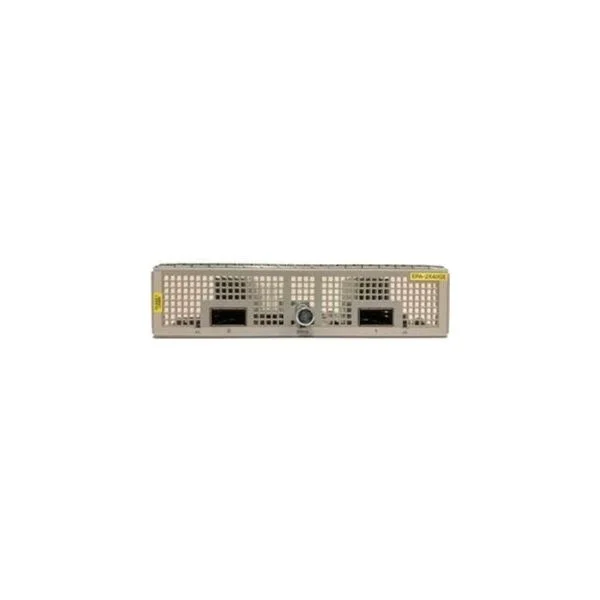
EPA-2X40GE (ASR1000 2X40GE EPA)
4.4 (5)- Network Module
- Cisco
- Ethernet
- 40G
- QSFP+
- TCP/IP, iSCSI
- Modular
Est Value $74,329.00$1,470.00
98% offIn stockNewRefurbishedFirst-Time Buyer Discount – Get up to 2% additional off on your first order
ORM Rewards Earn $50 in Rewards + Free Expedited Delivery – Join Now!
Use eCoupon ORMSAVE10
eCoupon limited to 5 units
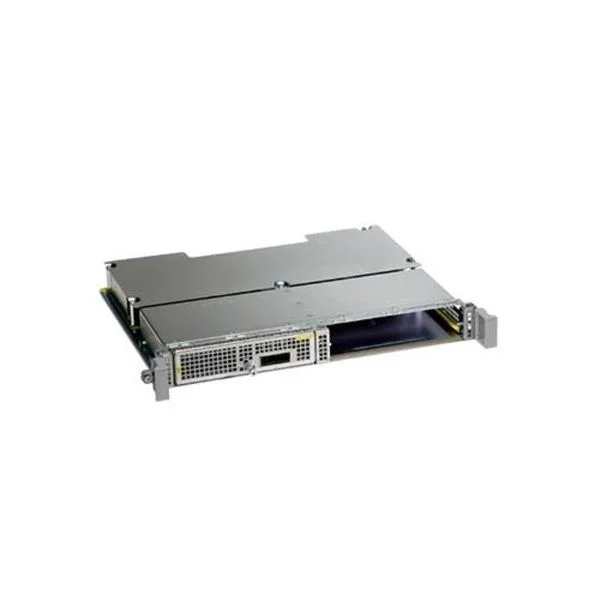
ASR1000-MIP100 (ASR1000 100G Modular Interface Processor. Spare)
4.2 (5)- Network Module / Network Card
- Cisco
- WAN Module
- 10Gbps
- SFP+
- TCP/IP
- Modular
Est Value $54,713.40$1,202.25
97.8% offIn stockNewRefurbishedFirst-Time Buyer Discount – Get up to 2% additional off on your first order
ORM Rewards Earn $50 in Rewards + Free Expedited Delivery – Join Now!
Use eCoupon ORMSAVE10
eCoupon limited to 5 units
EPA-10X10GE (ASR1000 10X10GE Ethernet Port Adapter. spare)
4.8 (5)- Network Module / Network Card
- Cisco
- Ethernet Module
- 10G
- SFP+
- TCP/IP
- PCIe
Est Value $67,840.00$465.11
99.3% offIn stockNewRefurbishedFirst-Time Buyer Discount – Get up to 2% additional off on your first order
ORM Rewards Earn $50 in Rewards + Free Expedited Delivery – Join Now!
Use eCoupon ORMSAVE10
eCoupon limited to 5 units
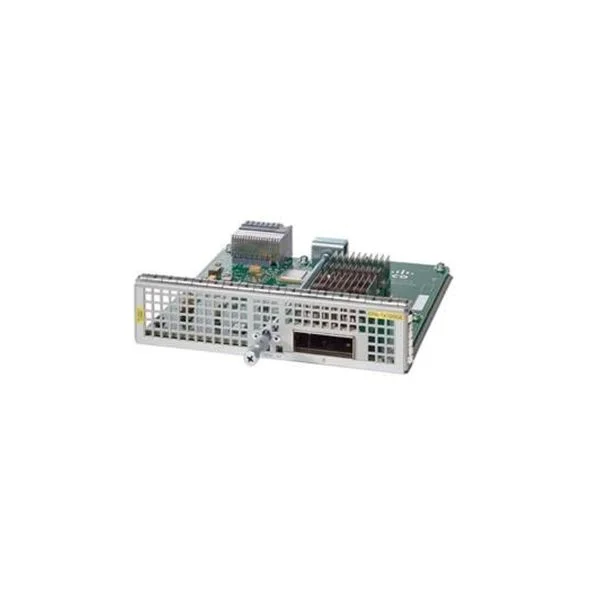
EPA-1X100GE (ASR1000 1X100GE Ethernet Port Adapter. Spare)
4.6 (5)- Network Module / Network Card
- Cisco
- Ethernet
- 100G
- SFP28
- TCP/IP, iSCSI
- PCIe
Est Value $134,323.00$4,126.82
96.9% offIn stockNewRefurbishedFirst-Time Buyer Discount – Get up to 2% additional off on your first order
ORM Rewards Earn $50 in Rewards + Free Expedited Delivery – Join Now!
Use eCoupon ORMSAVE10
eCoupon limited to 5 units
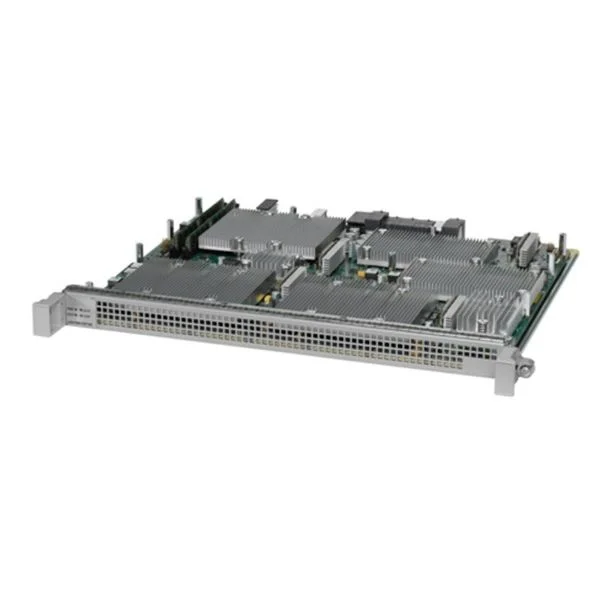
ASR1000-ESP100-X (Security License for Cisco ISR 900)
4.4 (5)- Network Module
- Cisco
- 10Gbps
- TCP/IP, IPsec
- Modular
Est Value $70,789.00$3,832.50
94.6% offIn stockNewRefurbishedFirst-Time Buyer Discount – Get up to 2% additional off on your first order
ORM Rewards Earn $50 in Rewards + Free Expedited Delivery – Join Now!
Use eCoupon ORMSAVE10
eCoupon limited to 5 units
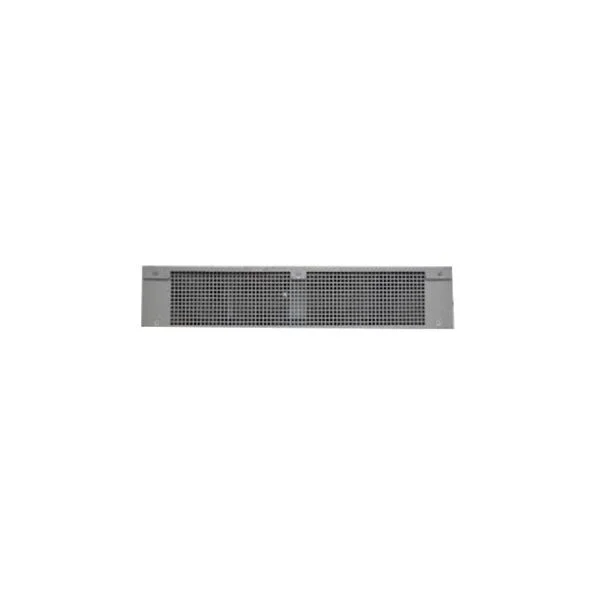
EPA-BLANK (Ethernet Port Adapter (EPA) Blank Cover, spare)
4.4 (5)- Network Module
- Cisco
- Ethernet
- 10G
- RJ-45
- TCP/IP
- PCIe
Est Value $938.00$469.00
50% offIn stockNewRefurbishedFirst-Time Buyer Discount – Get up to 2% additional off on your first order
ORM Rewards Earn $50 in Rewards + Free Expedited Delivery – Join Now!
Use eCoupon ORMSAVE10
eCoupon limited to 5 units

ORM Sales Advisors
Buying for your business? Get a personalised quote in under 2 hours. Talk to an expert
LEARNFilters (17) 
Questions & Answers
What is the Cisco ASR 1000 Series Router Module?
A Cisco ASR 1000 Series Router Module is a modular line card for the ASR 1000 chassis that delivers high-performance packet forwarding, integrated services, and hardware-accelerated features in a single, hot-swappable form factor.
Which interface modules are compatible with Cisco ASR 1000?
Cisco ASR 1000 supports a broad range of modules, including Ethernet (10/100/1000 Mbps, 1/10 Gbps), T1/E1, T3/E3, POS/HDLC, and MPLS aggregation cards designed for high-availability deployments.
How do I install an interface module in the ASR 1000 chassis?
Power down the affected slot, slide the module into the front-panel slot until it clicks, secure the module with its captive screws, and then power the slot back on to enable auto-detection.
Are Cisco ASR 1000 router modules hot-swappable?
Yes, most Cisco ASR 1000 interface modules are hot-swappable, allowing you to add or replace modules without interrupting chassis operation, provided your software image supports nonstop forwarding.
What is the maximum throughput per module on the ASR 1000?
Each ASR 1000 interface module delivers up to 20 Gbps of full-duplex throughput, with aggregate system capacity scaling to 100 Gbps per chassis depending on the platform.
Which Ethernet and TDM interface types does the ASR 1000 support?
The ASR 1000 supports Gigabit and 10 Gigabit Ethernet, T1/E1, T3/E3, serial POS/HDLC, and channelized TDM via dedicated multi-service and multi-rate cards.
What SFP, SFP+ and XFP optics are supported on ASR 1000 modules?
Certified optics include Cisco SFP (100 Mbps–1 Gbps), SFP+ (10 Gbps) and XFP (10 Gbps) transceivers for single-mode, multi-mode, copper, and DWDM applications.
How can I configure an interface module on the ASR 1000 via CLI?
Enter Global Configuration mode, navigate to the interface (e.g., interface TenGigE0/0/0), apply IP addressing or encapsulation commands, and then use ‘no shutdown’ to bring it online.
Can different types of modules be mixed in a single ASR 1000 chassis?
Yes, the ASR 1000 chassis supports mixed module installations, enabling you to combine Ethernet, TDM and service modules to meet diverse network requirements.
How do I perform a firmware upgrade on ASR 1000 router modules?
Use Cisco IOS-XE Software Upgrade procedures: transfer the new image via TFTP/FTP/USB, install with ‘install add file’ commands, and reload the chassis to activate all modules.
How can I verify the operational status of an installed module?
Use the ‘show platform hardware slot status’ or ‘show platform hardware qfp active r0 counters’ commands to confirm module health, port status, and hardware diagnostics.
What are the power requirements and options for ASR 1000 modules?
ASR 1000 supports redundant AC and DC power supplies; each interface module draws up to 100 W, so verify your chassis power budget meets total module requirements.
How do I troubleshoot common interface errors on ASR 1000 modules?
Review ‘show interfaces’ for error counters, inspect physical cabling and optics, verify module firmware alignment, and cross-check chassis logs with ‘show logging’ for faults.
Does the ASR 1000 support Quality of Service on its interface modules?
Yes, ASR 1000 modules offer hardware-accelerated QoS features including class-based queuing, policing, shaping and congestion avoidance for service-level guarantee.
Where can I find official Cisco documentation and support for ASR 1000 modules?
Refer to the Cisco website’s ASR 1000 Series data sheets, configuration guides, and the Cisco Support & Downloads portal for software images, release notes and troubleshooting advisories.