 United States
Catalyst Stack Kits & Modules
Elevate network performance with Cisco Catalyst Stack Kits and Modules engineered for scalable connectivity and robust management. Achieve high-speed data integration and optimized performance across enterprise environments.
Talk to an expert
5 Matching results
- BEST SELLING
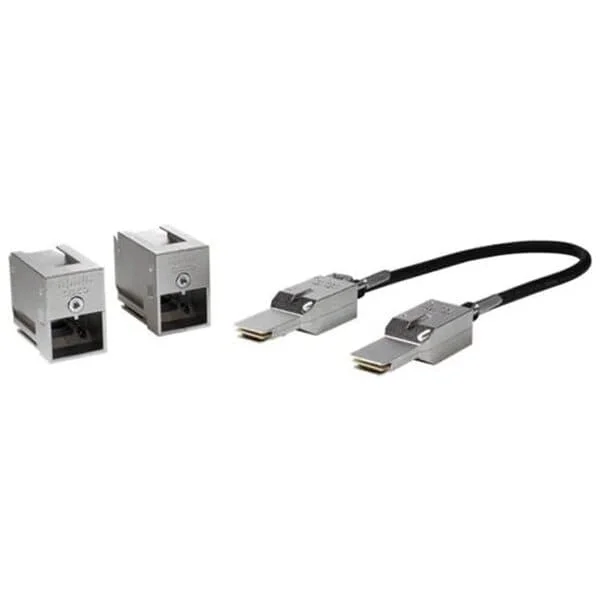
C9200-STACK-KIT (Cisco Catalyst 9200 StackWise Stacking Module Kit, Network Stack Module, C9200 Compatible)
4.6 (5)- StackWise Stacking Kit
- Stacking
- Cisco Catalyst 9200 Series Stack Kit
- C9200-STACK-KIT
- Cisco
- Catalyst 9200
- Switch
Est Value $1,525.00
$312.90
79.5% offIn stockNewRefurbishedFirst-Time Buyer Discount – Get up to 2% additional off on your first order
ORM Rewards Earn $50 in Rewards + Free Expedited Delivery – Join Now!
Use eCoupon ORMSAVE10
eCoupon limited to 5 units
- BEST SELLING
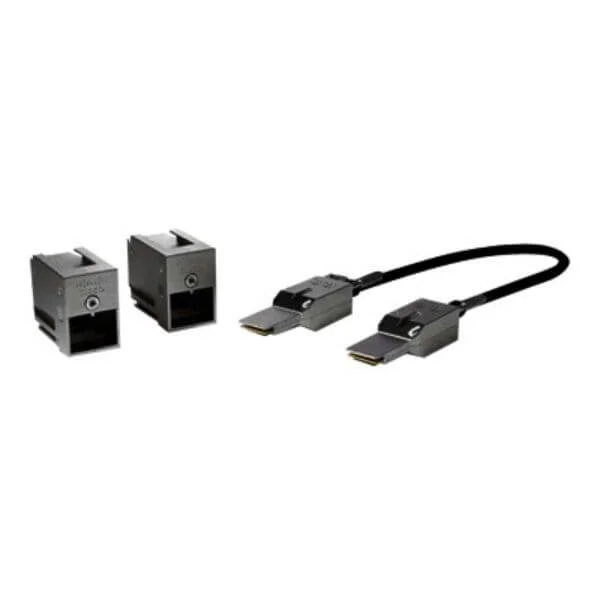
C9200L-STACK-KIT (Cisco Catalyst 9200L Stack Kit, StackWise-80, 80Gbps, 2 Data Stack Adapters, Stack Cable)
4.4 (5)- Stacking Kit
- Stacking
- Cisco Catalyst 9200L Stack Kit
- C9200L-STACK-KIT
- Cisco
- Catalyst 9200L
- Switch
Est Value $1,623.35$367.50
77.4% offIn stockNewRefurbishedFirst-Time Buyer Discount – Get up to 2% additional off on your first order
ORM Rewards Earn $50 in Rewards + Free Expedited Delivery – Join Now!
Use eCoupon ORMSAVE10
eCoupon limited to 5 units
- BEST SELLING
C9300L-STACK-KIT (Cisco Catalyst 9300L Stacking Kit, StackWise-320, 2x Stack Adapters, 50cm Type 3 Stack Cable)
4.8 (6)- Network Stacking Kit
- C9300L-STACK-KIT
- Cisco
- Catalyst 9300L Series
- Enterprise Access Switch Stacking
- StackWise Stacking Kit
- Cisco StackWise-320
Est Value $1,540.00$357.00
76.8% offIn stockNewRefurbishedFirst-Time Buyer Discount – Get up to 2% additional off on your first order
ORM Rewards Earn $50 in Rewards + Free Expedited Delivery – Join Now!
Use eCoupon ORMSAVE10
eCoupon limited to 5 units
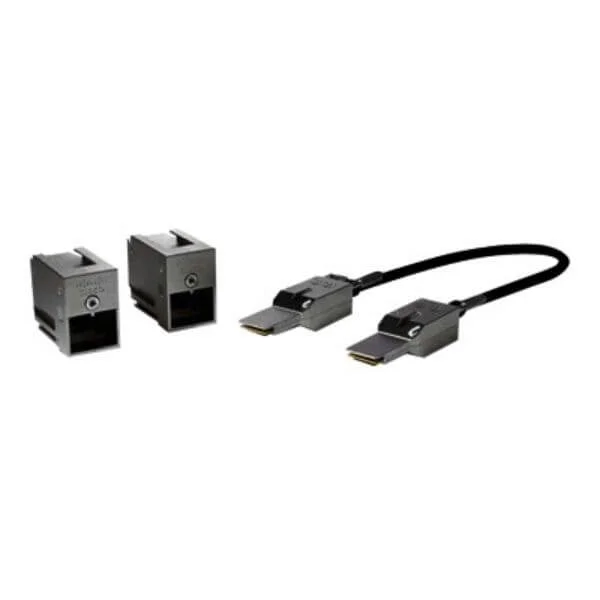
C3650-STACK-KIT (Cisco Catalyst 3650 Stack Module)
4.4 (5)- Stacking Kit
- Cisco
- Stacking Cable
- Proprietary Stacking Connector
- Stackable
Est Value $2,320.09$75.60
96.7% offIn stockNewRefurbishedFirst-Time Buyer Discount – Get up to 2% additional off on your first order
ORM Rewards Earn $50 in Rewards + Free Expedited Delivery – Join Now!
Use eCoupon ORMSAVE10
eCoupon limited to 5 units
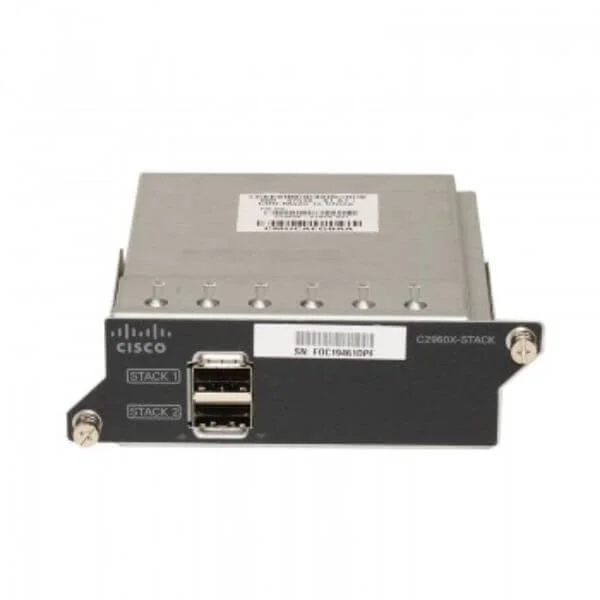
C2960X-STACK (Catalyst 2960-X FlexStack Plus Stacking Module)
4.6 (5)- 17 inches
- Cisco
- Network Switch
- 1U
Est Value $588.00$52.50
91.1% offIn stockNewRefurbishedFirst-Time Buyer Discount – Get up to 2% additional off on your first order
ORM Rewards Earn $50 in Rewards + Free Expedited Delivery – Join Now!
Use eCoupon ORMSAVE10
eCoupon limited to 5 units

ORM Sales Advisors
Buying for your business? Get a personalised quote in under 2 hours. Talk to an expert
LEARNFilters (5) 
Questions & Answers
What is a Cisco Catalyst Stack Kit?
A Cisco Catalyst Stack Kit is a combination of stacking cables and modules that enables multiple Catalyst switches to operate as a single logical unit for simplified management and redundancy.
Which Catalyst switch models support Stack Modules?
Catalyst switch models from the 2960-X, 3650, 3850, 9300 and 9400 series support Cisco Stack Modules, allowing scalable stacking of up to nine switches.
How many switches can I stack with Cisco Catalyst kits?
You can stack up to nine Cisco Catalyst switches in a single stack, depending on the series and Stack Kit bandwidth specifications.
What stacking bandwidth do Catalyst Stack Modules provide?
Cisco Catalyst Stack Modules deliver up to 480 Gbps of bi-directional throughput per stack, ensuring high-performance inter-switch communication.
Can I mix different Catalyst switch models in one stack?
Cisco supports stacking only identical switch platforms and software versions; mixing different models or IOS versions is not recommended.
What types of stacking cables are used with Catalyst Stack Kits?
Cisco Catalyst Stack Kits use proprietary copper or fiber stacking cables—in lengths of 0.5 m, 1 m, and 3 m—designed for low-latency, high-bandwidth interconnects.
Are Catalyst Stack Modules hot-swappable?
Yes, Cisco Catalyst Stack Modules and cables are hot-swappable, allowing you to add or replace components without shutting down the entire switch stack.
How does stacking improve network redundancy?
Stacking creates a resilient ring topology; if one switch fails, traffic automatically reroutes over alternative paths, maintaining network uptime.
How do I install a Cisco Catalyst Stack Kit?
To install a Stack Kit, power down the switches, attach the Stack Module to the backplane, connect the stacking cables in a ring, then power the stack back up.
How do I manage a Catalyst switch stack?
A Cisco Catalyst stack is managed as a single virtual switch via CLI, Cisco DNA Center, or Cisco Prime, simplifying configuration and monitoring.
Can I upgrade software on a stacked Catalyst deployment?
Yes, Cisco supports In-Service Software Upgrade (ISSU) on stacked Catalyst switches to minimize downtime during IOS upgrades.
How do I monitor the health of my Catalyst stack?
Use CLI commands like show switch stack, Cisco DNA Center, or SNMP-based tools to monitor stack member status, bandwidth utilization and link integrity.
What licensing considerations apply to Catalyst stacks?
Licenses are applied per switch in the stack; ensure each member has the required Cisco DNA or feature license to maintain unified feature access.
Can I extend my stack over long distances with fiber?
Yes, select Cisco Catalyst Stack Modules support SFP or QSFP fiber transceivers to extend stacking links up to several kilometers.
What happens if a stacking cable is disconnected?
If a cable is disconnected, the stack reconfigures into a linear topology and traffic reroutes through remaining links, preserving connectivity.
How do I choose the right Stack Kit for my network?
Select a Stack Kit based on switch series compatibility, required stacking bandwidth, cable length and whether copper or fiber interconnects are needed.
Where can I purchase Cisco Catalyst Stack Modules?
Cisco Catalyst Stack Modules and Kits are available through Cisco’s authorized resellers, partners and the Cisco Commerce Workspace portal.