 United States
Cisco Nexus 9000 Modules & Cards
Experience elevated network performance with Cisco Nexus 9000 switch modules and cards, engineered to deliver exceptional scalability, reliability, and seamless connectivity for modern data centers and mission-critical applications.
Talk to an expert
23 Matching results
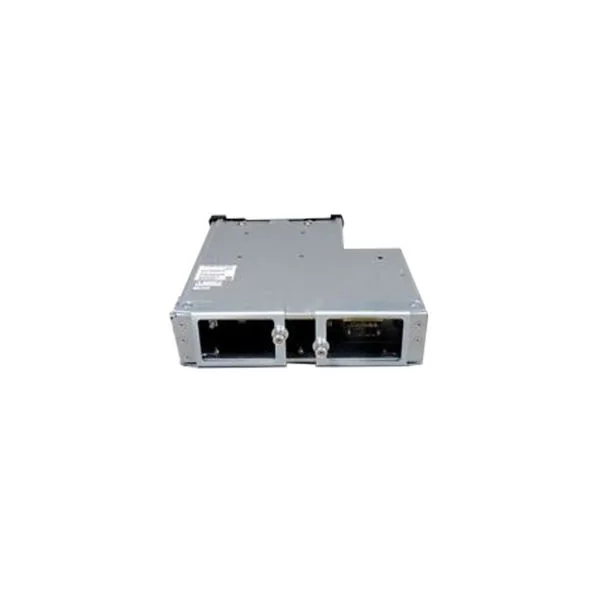
N9K-C9504-FM (Cisco Fabric Module for Nexus 9504 chassis)
4.4 (5)- Network Module
- Cisco
- Fabric Module
- 40Gbps
- QSFP+
- Ethernet
- Modular
Est Value $218.20
$122.85
43.7% offIn stockRefurbishedFirst-Time Buyer Discount – Get up to 2% additional off on your first order
ORM Rewards Earn $50 in Rewards + Free Expedited Delivery – Join Now!
Use eCoupon ORMSAVE10
eCoupon limited to 5 units
N9K-M12PQ (Uplink Module for Nexus 9300, 12p 40G QSFP)
4.8 (5)- Network Module
- Cisco
- Ethernet
- 40Gbps
- QSFP+
- TCP/IP, VLAN, LACP, QoS
- Modular
Est Value $9,200.00$115.50
98.7% offIn stockNewRefurbishedFirst-Time Buyer Discount – Get up to 2% additional off on your first order
ORM Rewards Earn $50 in Rewards + Free Expedited Delivery – Join Now!
Use eCoupon ORMSAVE10
eCoupon limited to 5 units
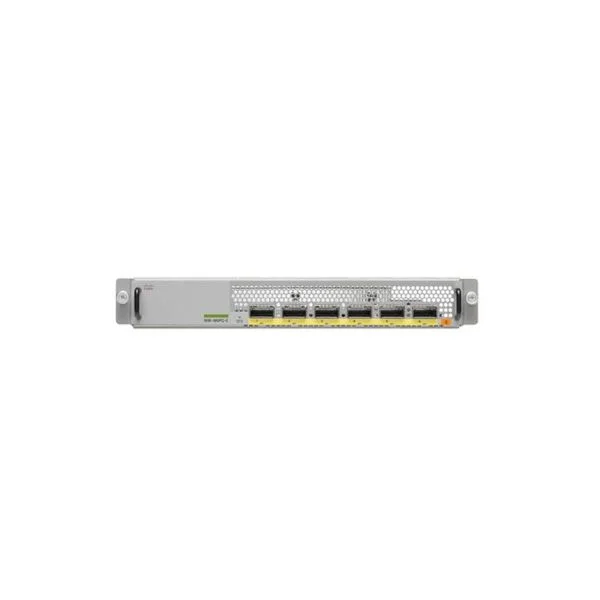
N9K-M6PQ-E (Uplink Module for Nexus 9300, 6p 40G QSFP)
4.8 (5)- Network Module / Network Card
- Cisco
- Ethernet
- 40G
- SFP+
- TCP/IP, iSCSI
- Modular
Est Value $2,300.00$189.00
91.8% offIn stockNewRefurbishedFirst-Time Buyer Discount – Get up to 2% additional off on your first order
ORM Rewards Earn $50 in Rewards + Free Expedited Delivery – Join Now!
Use eCoupon ORMSAVE10
eCoupon limited to 5 units
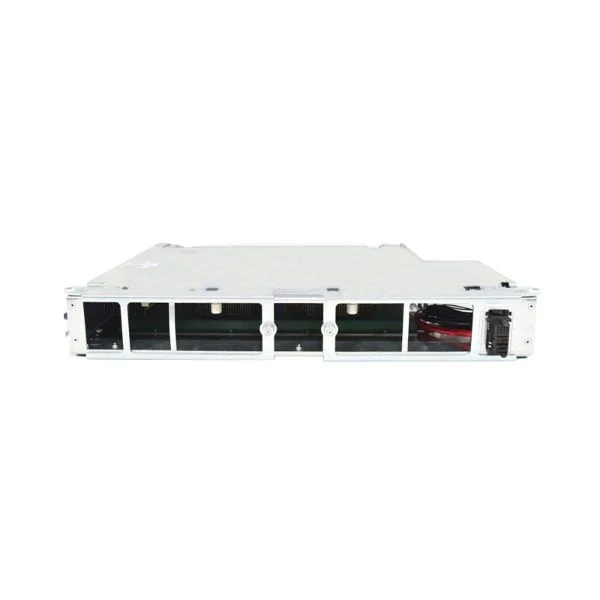
N9K-C9508-FM-S (Cisco Fabric Module for N9508 with 100G support, NX-OS)
4.6 (5)- Network Module
- Cisco
- Fabric Module
- Modular
Est Value $938.25$675.68
28% offIn stockRefurbishedFirst-Time Buyer Discount – Get up to 2% additional off on your first order
ORM Rewards Earn $50 in Rewards + Free Expedited Delivery – Join Now!
Use eCoupon ORMSAVE10
eCoupon limited to 5 units
N9K-SC-A (SYST CTLR FOR NEXUS 9500)
5 (5)- Supervisor Card
- Cisco
- Supervisor/Control Module
- Modular
Est Value $2,476.00$84.00
96.6% offIn stockNewRefurbishedFirst-Time Buyer Discount – Get up to 2% additional off on your first order
ORM Rewards Earn $50 in Rewards + Free Expedited Delivery – Join Now!
Use eCoupon ORMSAVE10
eCoupon limited to 5 units
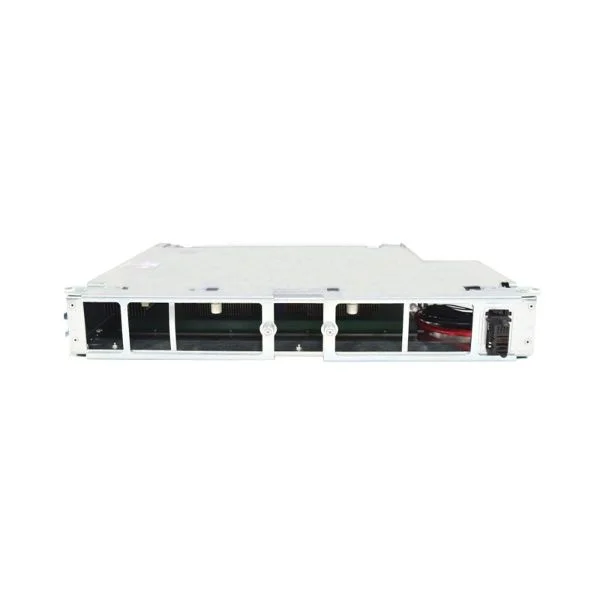
N9K-C9508-FM-Z (Cisco Fabric Blank with Fan Tray Power Connector for N9508)
5 (5)- Network Module
- Cisco
- Fabric Module
- Modular
Est Value $4,178.00$2,306.85
44.8% offIn stockNewFirst-Time Buyer Discount – Get up to 2% additional off on your first order
ORM Rewards Earn $50 in Rewards + Free Expedited Delivery – Join Now!
Use eCoupon ORMSAVE10
eCoupon limited to 5 units
N9K-C9516-FAN (ELA FAN TRAY FOR NEXUS 9516 CHASSIS)
5 (5)- Cooling Module
- Cisco
- Fan Module
- Modular
Est Value $3,572.00$1,878.99
47.4% offIn stockNewRefurbishedFirst-Time Buyer Discount – Get up to 2% additional off on your first order
ORM Rewards Earn $50 in Rewards + Free Expedited Delivery – Join Now!
Use eCoupon ORMSAVE10
eCoupon limited to 5 units
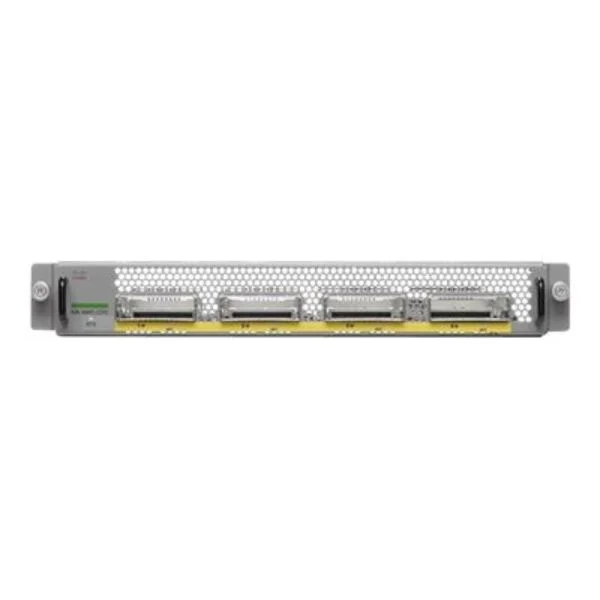
N9K-M4PC-CFP2 (Uplink Module for Nexus 9300, 4p 100G)
4.4 (5)- Network Module
- Cisco
- CFP2
- 40G
- CFP2
- TCP/IP, Ethernet
- Modular
Est Value $8,800.00$5,829.09
33.8% offIn stockNewRefurbishedFirst-Time Buyer Discount – Get up to 2% additional off on your first order
ORM Rewards Earn $50 in Rewards + Free Expedited Delivery – Join Now!
Use eCoupon ORMSAVE10
eCoupon limited to 5 units
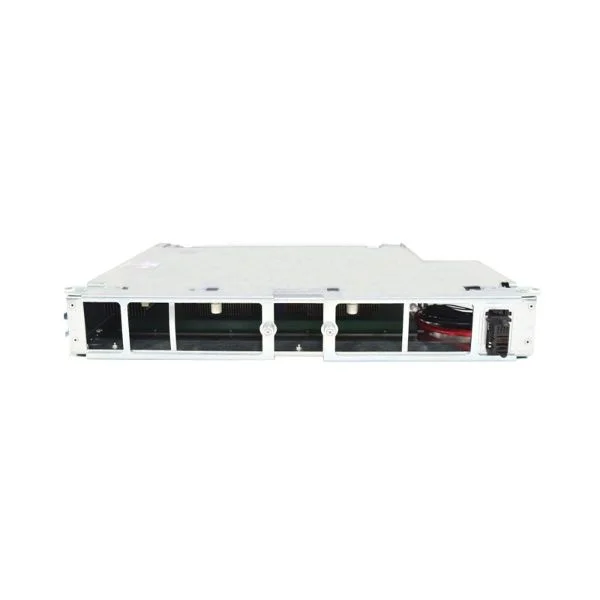
N9K-C9508-FM (Cisco Fabric Module for Nexus 9508 chassis)
4.4 (5)- Fabric Module
- Cisco
- Ethernet
- 40Gbps
- QSFP+
- TCP/IP, Ethernet
- Modular
Est Value $13,857.88$76.64
99.4% offIn stockNewRefurbishedFirst-Time Buyer Discount – Get up to 2% additional off on your first order
ORM Rewards Earn $50 in Rewards + Free Expedited Delivery – Join Now!
Use eCoupon ORMSAVE10
eCoupon limited to 5 units
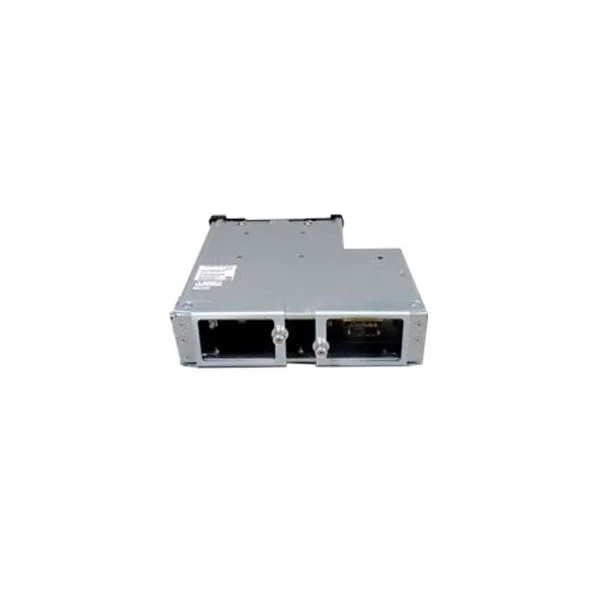
N9K-C9504-FM-E (FABRIC MOD FOR N9504 WITH 100G SUP ACI NX-OS)
4.6 (5)- Network Module
- Cisco
- 40G
- SFP+
- TCP/IP, Fibre Channel
- Modular
Est Value $18,751.00$535.50
97.1% offIn stockNewRefurbishedFirst-Time Buyer Discount – Get up to 2% additional off on your first order
ORM Rewards Earn $50 in Rewards + Free Expedited Delivery – Join Now!
Use eCoupon ORMSAVE10
eCoupon limited to 5 units
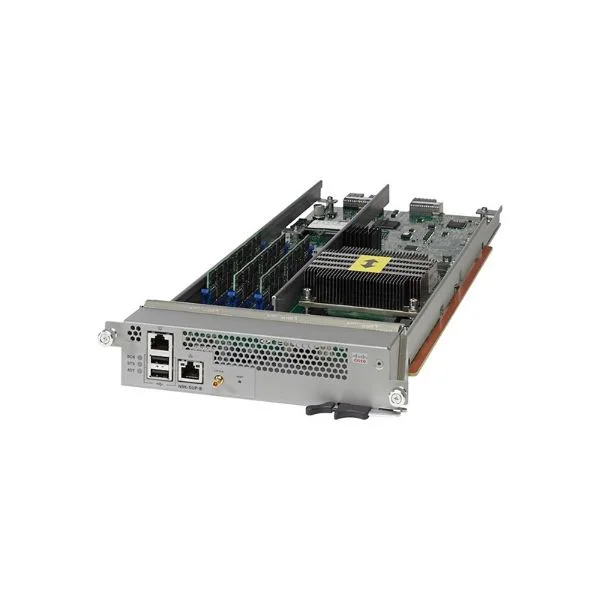
N9K-SUP-B+ (SUPERVISOR B+ FOR NEXUS 9500)
4.8 (5)- Supervisor Module
- Cisco
- Network Supervisor
- TCP/IP
- Modular
Est Value $23,811.00$3,610.43
84.8% offIn stockNewRefurbishedFirst-Time Buyer Discount – Get up to 2% additional off on your first order
ORM Rewards Earn $50 in Rewards + Free Expedited Delivery – Join Now!
Use eCoupon ORMSAVE10
eCoupon limited to 5 units
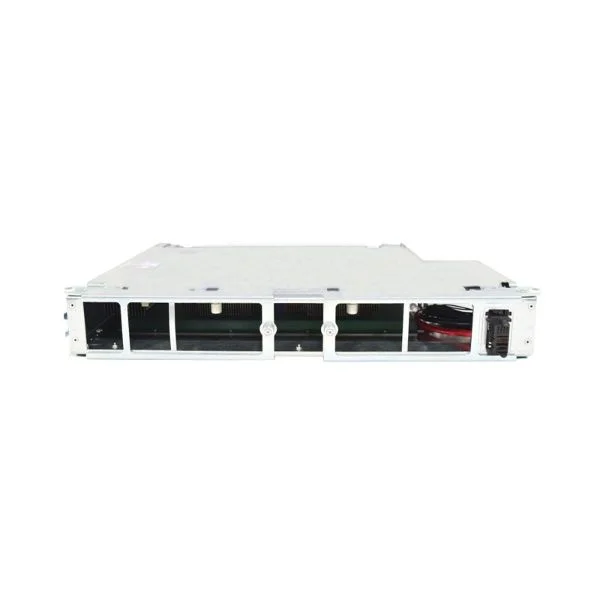
N9K-C9508-FM-R (Fabric Module for Nexus 9508 R-Series LC, NX-OS only)
4.2 (5)- Network Module
- Cisco
- Fabric Module
- 40Gbps
- QSFP+
- Ethernet, TCP/IP
- Modular
Est Value $30,954.00$3,501.62
88.7% offIn stockNewRefurbishedFirst-Time Buyer Discount – Get up to 2% additional off on your first order
ORM Rewards Earn $50 in Rewards + Free Expedited Delivery – Join Now!
Use eCoupon ORMSAVE10
eCoupon limited to 5 units
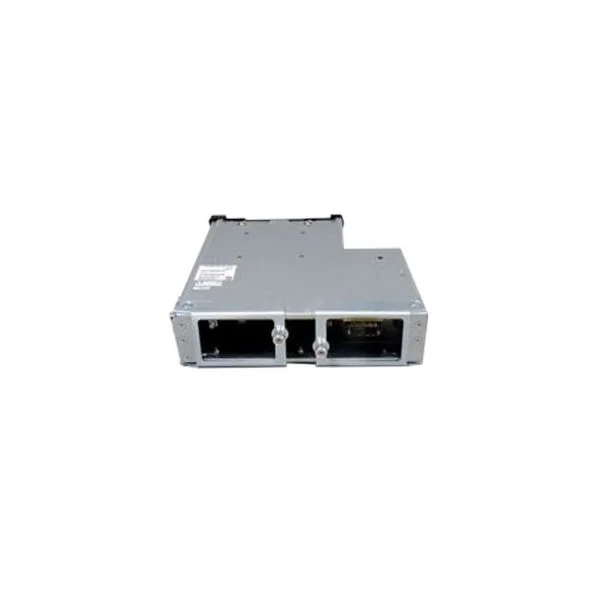
N9K-C9508-FM-E2 (Cisco Fabric Module for N9508 with 100G support, ACI and NX-OS)
4.6 (5)- Network Module
- Cisco
- Fabric Module
- 40Gbps
- QSFP+
- Ethernet, TCP/IP
- Modular
Est Value $27,859.00$934.50
96.6% offIn stockNewRefurbishedFirst-Time Buyer Discount – Get up to 2% additional off on your first order
ORM Rewards Earn $50 in Rewards + Free Expedited Delivery – Join Now!
Use eCoupon ORMSAVE10
eCoupon limited to 5 units
N9K-C9504-FM-R (FABRIC MODULE FOR N9504R WITH BUFFER SUP NX-OS)
4.6 (5)- Network Module
- Cisco
- Fabric Module
- 40G
- QSFP+
- TCP/IP
- Modular
Est Value $61,999.78$30,999.89
50% offIn stockNewFirst-Time Buyer Discount – Get up to 2% additional off on your first order
ORM Rewards Earn $50 in Rewards + Free Expedited Delivery – Join Now!
Use eCoupon ORMSAVE10
eCoupon limited to 5 units
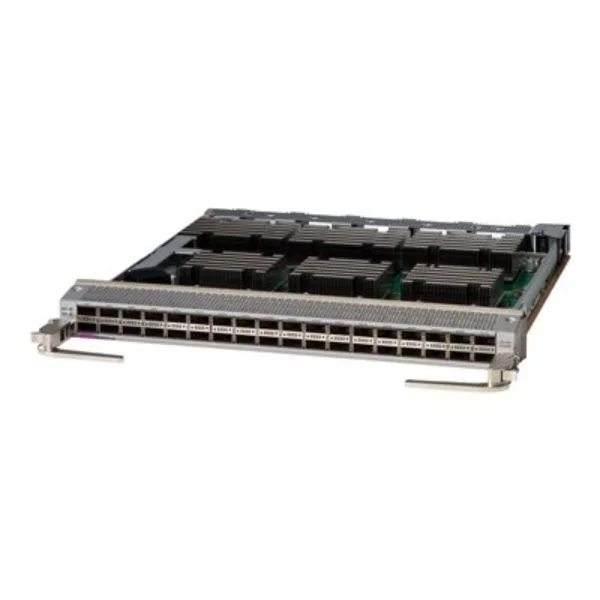
N9K-X9636Q-R (NEXUS 9500R BUFFER LINECARD 36P 40G QSFP+)
5 (5)- Network Module / Network Card
- Cisco
- Switching Module
- 40Gbps
- SFP28
- TCP/IP
- Modular
Est Value $61,909.00$5,355.00
91.4% offIn stockNewRefurbishedFirst-Time Buyer Discount – Get up to 2% additional off on your first order
ORM Rewards Earn $50 in Rewards + Free Expedited Delivery – Join Now!
Use eCoupon ORMSAVE10
eCoupon limited to 5 units
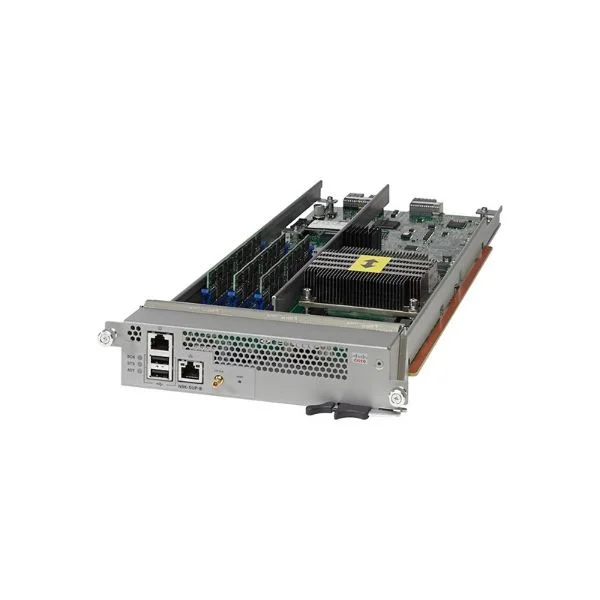
N9K-SUP-B (Nexus 9500 6-Core Supervisor)
4.4 (5)- Supervisor Module
- Cisco
- Supervisor
- 40Gbps
- TCP/IP / iSCSI / Fibre Channel
- Modular
Est Value $74,521.76$204.75
99.7% offIn stockNewRefurbishedFirst-Time Buyer Discount – Get up to 2% additional off on your first order
ORM Rewards Earn $50 in Rewards + Free Expedited Delivery – Join Now!
Use eCoupon ORMSAVE10
eCoupon limited to 5 units
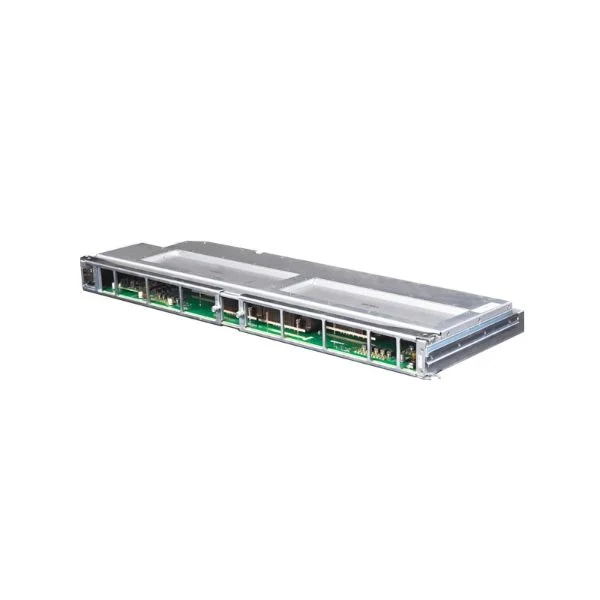
N9K-C9516-FM-E2 (FABRIC MODULE FOR N9516 WITH 100G SUP ACI AND NX-OS)
4.4 (5)- Network Module / Network Card
- Cisco
- Ethernet
- 40G
- QSFP+
- TCP/IP
- Modular
Est Value $74,290.00$1,249.50
98.3% offIn stockNewRefurbishedFirst-Time Buyer Discount – Get up to 2% additional off on your first order
ORM Rewards Earn $50 in Rewards + Free Expedited Delivery – Join Now!
Use eCoupon ORMSAVE10
eCoupon limited to 5 units
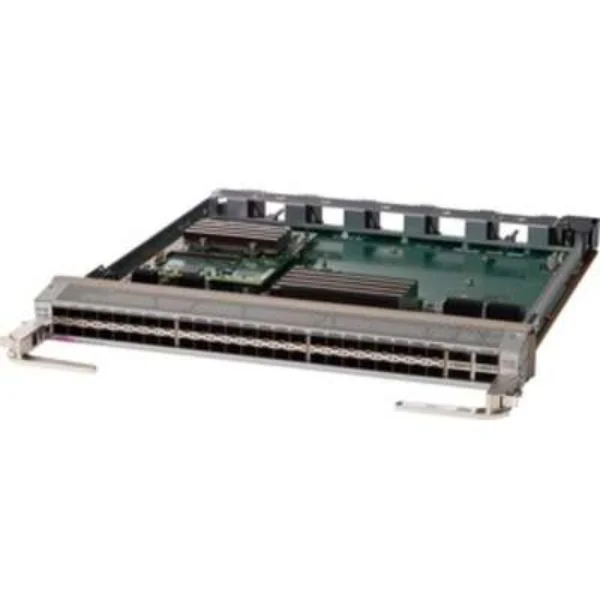
N9K-X96136YC-R (NEXUS 9500 R SERIES LINECARD 16X10G + 32X10/25G + 4X100G)
4.6 (5)- Network Module
- Cisco
- Ethernet
- 40G
- QSFP+
- TCP/IP
- Modular
Est Value $133,500.86$66,750.43
50% offIn stockNewFirst-Time Buyer Discount – Get up to 2% additional off on your first order
ORM Rewards Earn $50 in Rewards + Free Expedited Delivery – Join Now!
Use eCoupon ORMSAVE10
eCoupon limited to 5 units
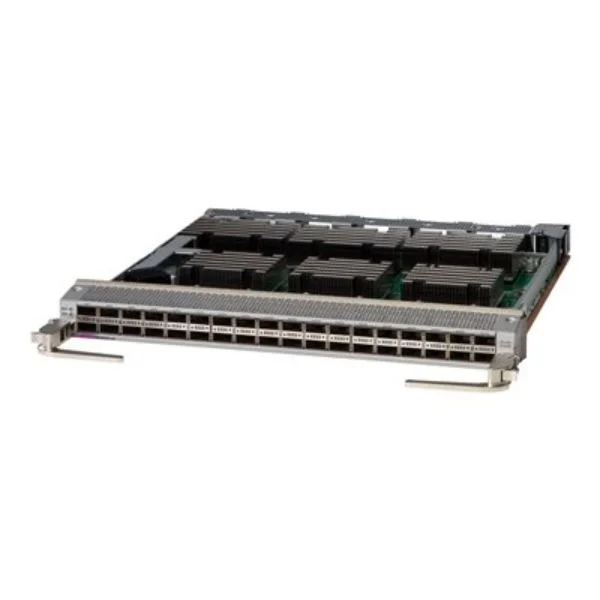
N9K-X9636C-RX (36-port 100 Gigabit Ethernet QSFP28 line card with TCAM)
4.8 (5)- Network Module
- Cisco
- Ethernet
- 40Gbps
- SFP+
- TCP/IP, Fibre Channel
- Modular
Est Value $143,759.00$10,498.95
92.7% offIn stockNewRefurbishedFirst-Time Buyer Discount – Get up to 2% additional off on your first order
ORM Rewards Earn $50 in Rewards + Free Expedited Delivery – Join Now!
Use eCoupon ORMSAVE10
eCoupon limited to 5 units
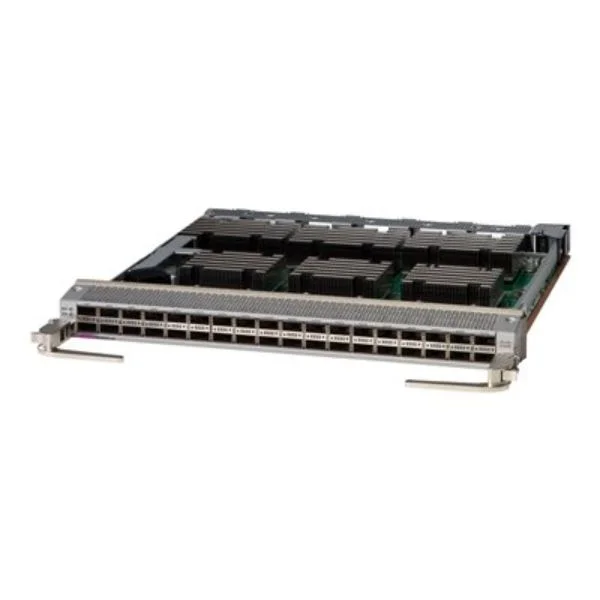
N9K-X9636C-R (NEXUS 9500R BUFFER LINECARD 36P 100G QSFP28)
4.6 (5)- Network Module / Network Card
- Cisco
- Ethernet
- 40Gbps
- QSFP+
- TCP/IP, Ethernet
- Modular
Est Value $298,862.70$3,911.25
98.7% offIn stockNewRefurbishedFirst-Time Buyer Discount – Get up to 2% additional off on your first order
ORM Rewards Earn $50 in Rewards + Free Expedited Delivery – Join Now!
Use eCoupon ORMSAVE10
eCoupon limited to 5 units

ORM Sales Advisors
Buying for your business? Get a personalised quote in under 2 hours. Talk to an expert
LEARNFilters (23) 
Questions & Answers
What is a Cisco Nexus 9000 switch module?
A Cisco Nexus 9000 switch module is a pluggable hardware component that expands port density, adds new interface types or enhances features such as optics, programmability and traffic monitoring on Nexus 9000 series switches.
How do I choose the right Nexus 9000 module for my network?
Select based on required interface type (Ethernet, Fibre Channel), port speed (1/10/25/40/100 Gbps), slot compatibility, uplink density and feature support like VXLAN or automation integration.
Are Nexus 9000 modules hot-swappable?
Yes. Cisco Nexus 9000 modules support hot-swap insertion and removal without disrupting other modules or the supervisor, ensuring high availability and simplified maintenance.
Which optical transceivers are compatible with Nexus 9000 modules?
Compatible optics include Cisco SFP, SFP+, QSFP+, QSFP28 and CWDM/DWDM transceivers certified for Nexus 93180YC, 9372PX, 9508 and similar chassis models. Always refer to the Cisco compatibility matrix.
Can I mix different speed modules in one Nexus 9000 chassis?
Yes. Nexus 9000 chassis allow mixed 1/10/25/40/100 Gbps modules in supported line cards, enabling gradual upgrades and flexible port provisioning.
How do I upgrade module firmware on a Nexus 9000 switch?
Use Cisco NX-OS software package management (install all kickstart and system images) and the ‘install all’ or ‘install activate’ commands to automatically distribute and activate firmware across modules.
What is the difference between line cards and fabric modules?
Line cards provide external ports and interface functions, while fabric modules interconnect line cards internally, facilitating high-speed data forwarding across the switch’s backplane.
Do Nexus 9000 modules support VXLAN and EVPN?
Yes. Most Nexus 9000 line cards and modules support hardware-accelerated VXLAN with EVPN control plane, enabling scalable Layer 2/3 multitenant data center overlays.
How much power do Nexus 9000 modules consume?
Power consumption varies by module type and port utilization. For example, a fully populated 32-port QSFP28 line card may draw up to 300 W. Always consult Cisco’s power calculator for exact figures.
What cooling requirements apply to Nexus 9000 modules?
Nexus 9000 chassis use front-to-back airflow. Ensure proper rack ventilation and temperature control (10°C–35°C) to maintain module reliability and performance.
Are third-party modules supported on Nexus 9000 switches?
Cisco recommends using Cisco-branded modules for full feature compatibility, support and warranty coverage. Third-party optics may work but aren’t officially supported or validated.
How does module redundancy work on Nexus 9000 switches?
Redundancy is achieved via dual supervisor engines and fabric modules. If one module or supervisor fails, traffic continues seamlessly through the redundant path.
What licensing is required for advanced features on Nexus 9000 modules?
Feature licenses—such as LAN Enterprise or DC Enterprise—unlock advanced functions like VXLAN, Layer 3 services and automation. Licenses are applied per switch and not per module.
Can I monitor module performance on Nexus 9000 switches?
Yes. Use NX-OS CLI commands like ‘show module’, ‘show interface transceiver’ and ‘show system internal interface’ alongside Cisco DCNM or SNMP for detailed metrics and alerts.
How do I install a module in a Nexus 9000 chassis?
Power down the switch (if required), align module guides, slide it fully into the chassis slot until it locks. Power on and verify with ‘show module’ to confirm operational status.
What warranty covers Cisco Nexus 9000 modules?
Cisco offers a limited lifetime hardware warranty, covering defective modules for repair or replacement. Warranty terms vary by region and purchase agreements.
Can Nexus 9000 modules be used in ACI mode?
Yes. All supported line cards and modules operate in both NX-OS standalone and ACI mode, delivering policy-driven automation and scale in Cisco Application Centric Infrastructure environments.