 United States
Router Wic Wan Network Cards
Experience unparalleled performance with our Router Wic Wan Network Cards engineered for high-speed connectivity and robust reliability. Optimize your network infrastructure with cutting-edge design and proven efficiency.
Talk to an expert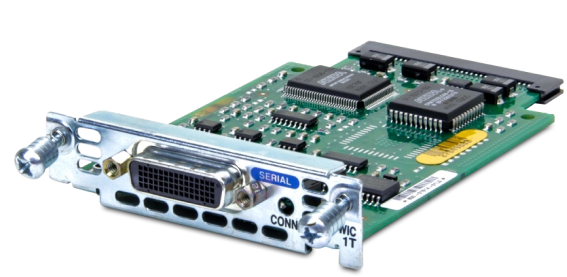
11 Matching results
- BEST SELLING
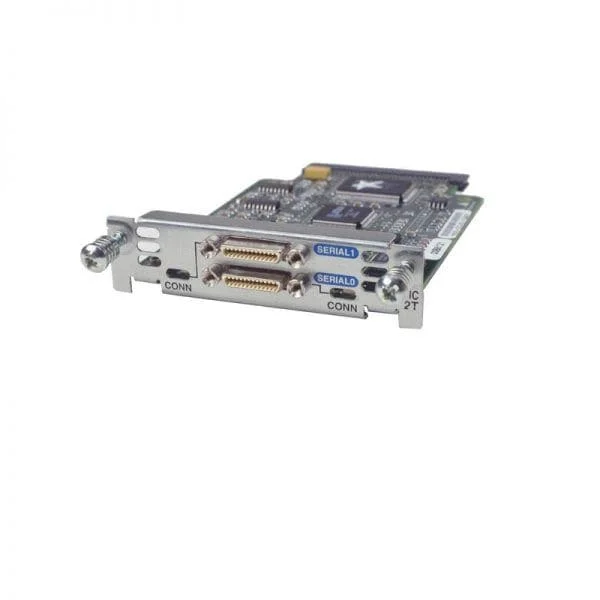
WIC-2T (2-Port Serial WAN Interface Card)
5 (5)- WAN Interface Card
- Cisco
- WAN
- T1: 1.544 Mbps, E1: 2.048 Mbps
- RJ-48C
- TCP/IP
- Modular
Est Value $700.00
$78.75
88.8% offIn stockNewRefurbishedFirst-Time Buyer Discount – Get up to 2% additional off on your first order
ORM Rewards Earn $50 in Rewards + Free Expedited Delivery – Join Now!
Use eCoupon ORMSAVE10
eCoupon limited to 5 units
- BEST SELLING
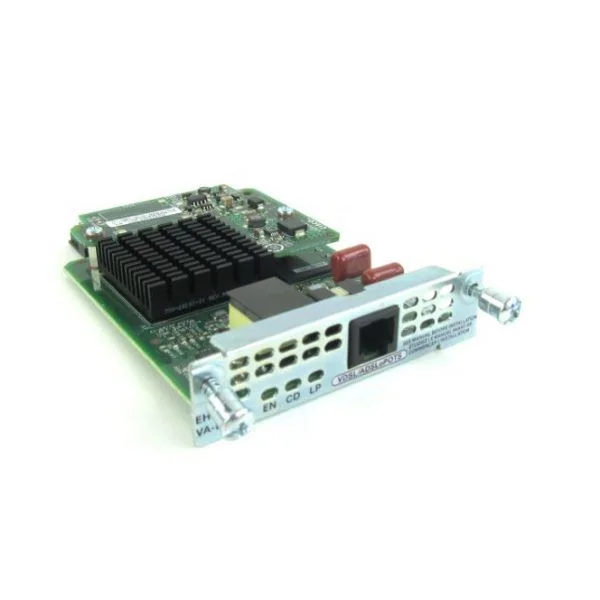
WIC-1SHDSL-V3 (One port G.shdsl WIC with 4-wire support WAN Interface Card)
4.8 (5)- WAN Module
- Cisco
- WAN
- 2Mbps
- RJ-45
- PPP, HDLC
- Modular
Est Value $950.00$80.33
91.5% offIn stockNewRefurbishedFirst-Time Buyer Discount – Get up to 2% additional off on your first order
ORM Rewards Earn $50 in Rewards + Free Expedited Delivery – Join Now!
Use eCoupon ORMSAVE10
eCoupon limited to 5 units
- BEST SELLING
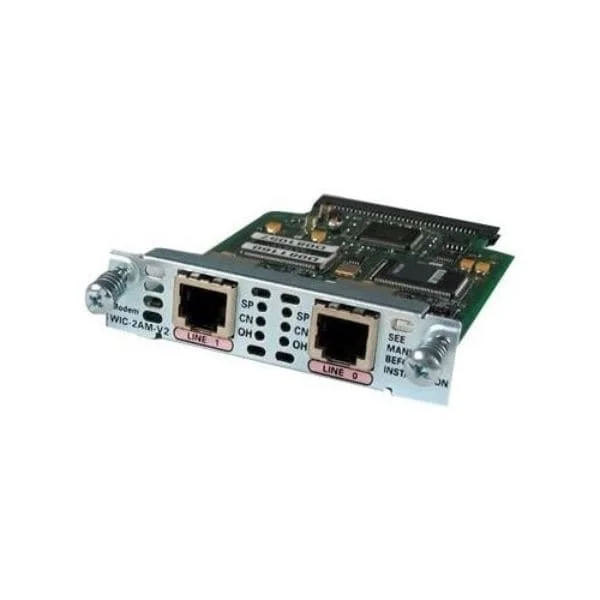
WIC-2AM-V2 (Two-port Analog Modem Interface Card)
4.8 (5)- Network Module / Network Card
- Cisco
- WAN
- Modular
Est Value $1,100.00$136.50
87.6% offIn stockNewRefurbishedFirst-Time Buyer Discount – Get up to 2% additional off on your first order
ORM Rewards Earn $50 in Rewards + Free Expedited Delivery – Join Now!
Use eCoupon ORMSAVE10
eCoupon limited to 5 units
- BEST SELLING
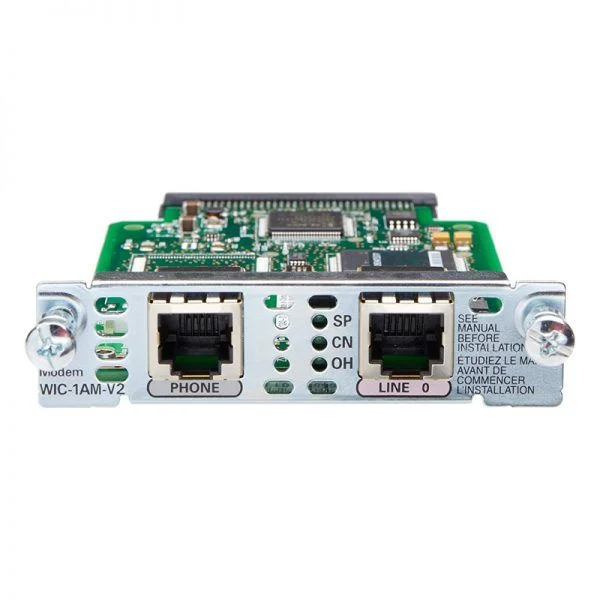
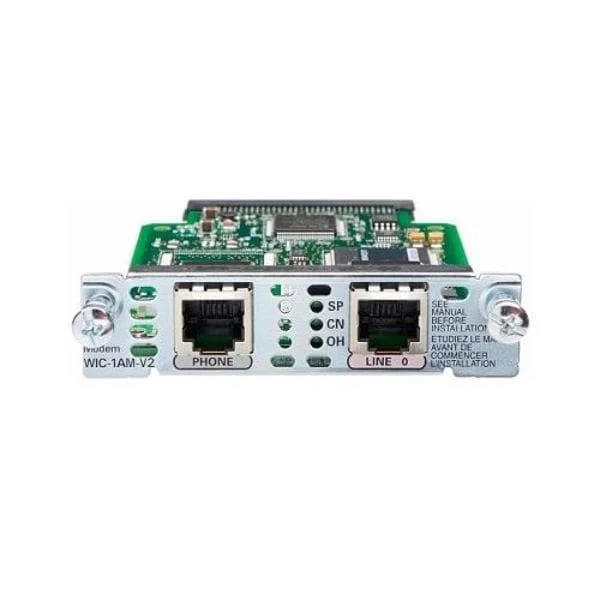
WIC-1AM-V2 (one-port Analog Modem Interface card)
4.6 (5)- WAN Module
- Cisco
- WAN
- 1Gbps
- RJ-45
- TCP/IP, iSCSI
- PCIe
Est Value $1,299.38$57.75
95.6% offIn stockNewRefurbishedFirst-Time Buyer Discount – Get up to 2% additional off on your first order
ORM Rewards Earn $50 in Rewards + Free Expedited Delivery – Join Now!
Use eCoupon ORMSAVE10
eCoupon limited to 5 units
- FEARURED
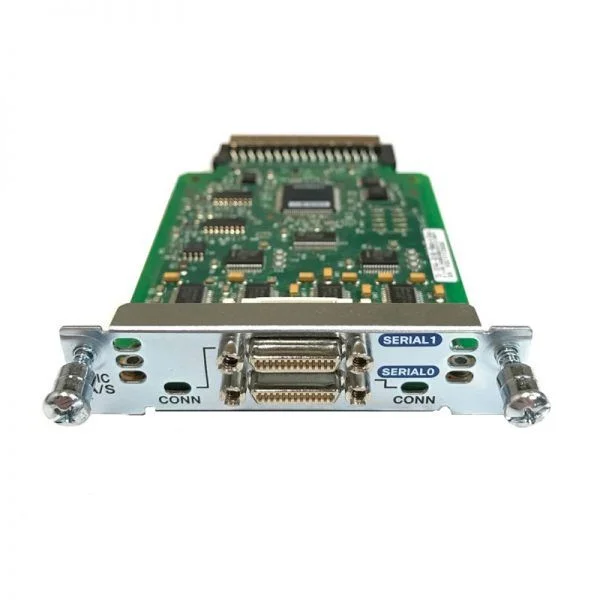
WIC-2A/S (2-Port Async/Sync Serial WAN Interface Card)
4.6 (5)- Network Module / Network Card
- Cisco
- WAN Module
- 1Gbps
- RJ-45
- TCP/IP
- Modular
Est Value $500.00$61.82
87.6% offIn stockNewRefurbishedFirst-Time Buyer Discount – Get up to 2% additional off on your first order
ORM Rewards Earn $50 in Rewards + Free Expedited Delivery – Join Now!
Use eCoupon ORMSAVE10
eCoupon limited to 5 units
- FEARURED
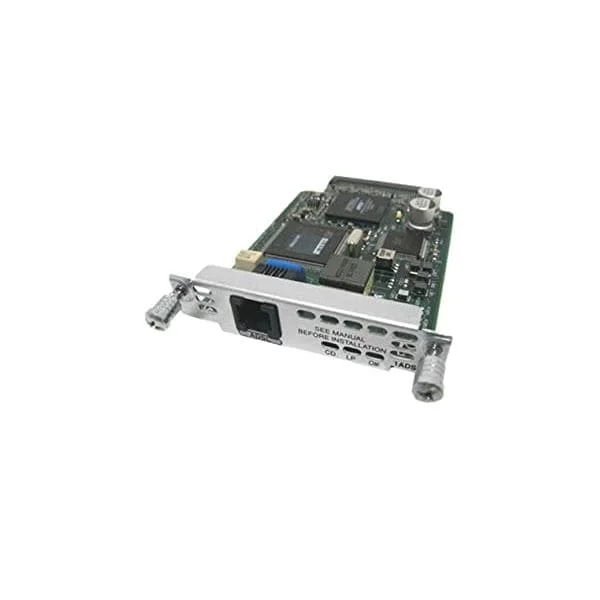
WIC-1ADSL (1-port ADSL WAN Interface Card)
4.4 (5)- Network Module / Network Card
- Cisco
- WAN Module
- Downstream: 8 Mbps, Upstream: 1 Mbps
- RJ-11
- TCP/IP, ADSL
- Modular
Est Value $750.00$53.55
92.9% offIn stockNewRefurbishedFirst-Time Buyer Discount – Get up to 2% additional off on your first order
ORM Rewards Earn $50 in Rewards + Free Expedited Delivery – Join Now!
Use eCoupon ORMSAVE10
eCoupon limited to 5 units
WIC-1DSU-56K4 (1-port 4-WIRE 56/64 KBPS WAN INTERFACE CARD)
4.4 (5)- WAN Interface Card
- Cisco
- DSU/CSU Module
- 56Kbps
- RJ-11
- PPP / HDLC
- WIC
Est Value $700.00$97.05
86.1% offIn stockNewRefurbishedFirst-Time Buyer Discount – Get up to 2% additional off on your first order
ORM Rewards Earn $50 in Rewards + Free Expedited Delivery – Join Now!
Use eCoupon ORMSAVE10
eCoupon limited to 5 units
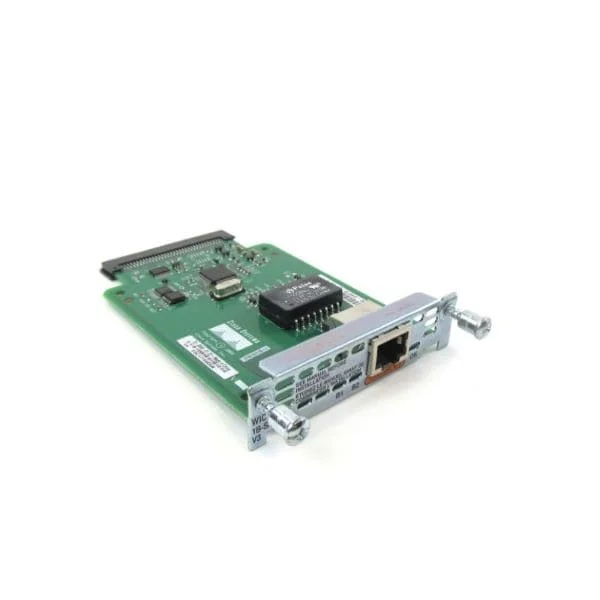
WIC-1B-S/T-V3 (1-Port ISDN WAN Interface Card (dial and leased line))
4.6 (5)- WAN Module
- Cisco
- WAN
- RJ-45
- TCP/IP
- Modular
Est Value $700.00$103.95
85.2% offIn stockNewRefurbishedFirst-Time Buyer Discount – Get up to 2% additional off on your first order
ORM Rewards Earn $50 in Rewards + Free Expedited Delivery – Join Now!
Use eCoupon ORMSAVE10
eCoupon limited to 5 units
- BEST SELLING
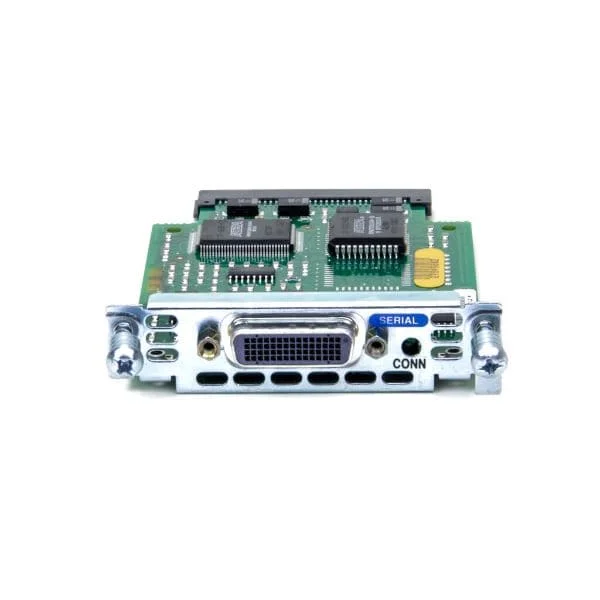
WIC-1T (1-Port Serial WAN Interface Card)
4.4 (5)- Network Module
- Cisco
- WAN Module
- 1Gbps
- RJ-45
- TCP/IP
- Modular
Est Value $400.00$63.00
84.3% offIn stockNewRefurbishedFirst-Time Buyer Discount – Get up to 2% additional off on your first order
ORM Rewards Earn $50 in Rewards + Free Expedited Delivery – Join Now!
Use eCoupon ORMSAVE10
eCoupon limited to 5 units
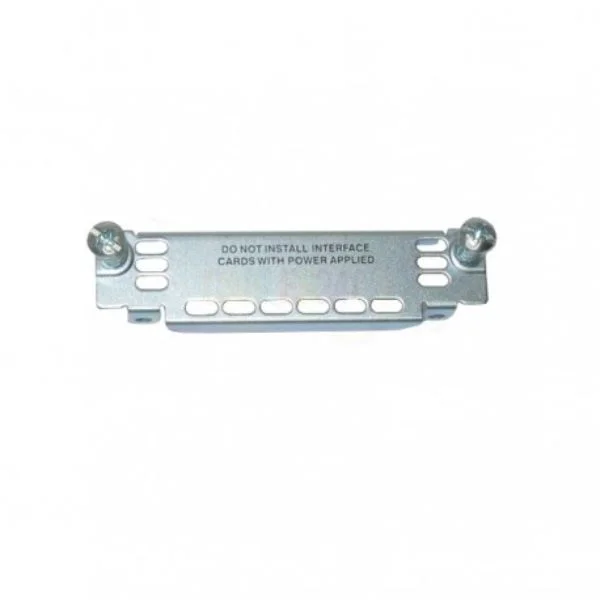
WIC-BLANK-PANEL (Blank WAN Interface Card Panel)
4.4 (5)- Blank Panel
- Cisco
- WIC Blank Panel
- Modular
Est Value $115.50$57.75
50% offIn stockNewRefurbishedFirst-Time Buyer Discount – Get up to 2% additional off on your first order
ORM Rewards Earn $50 in Rewards + Free Expedited Delivery – Join Now!
Use eCoupon ORMSAVE10
eCoupon limited to 5 units
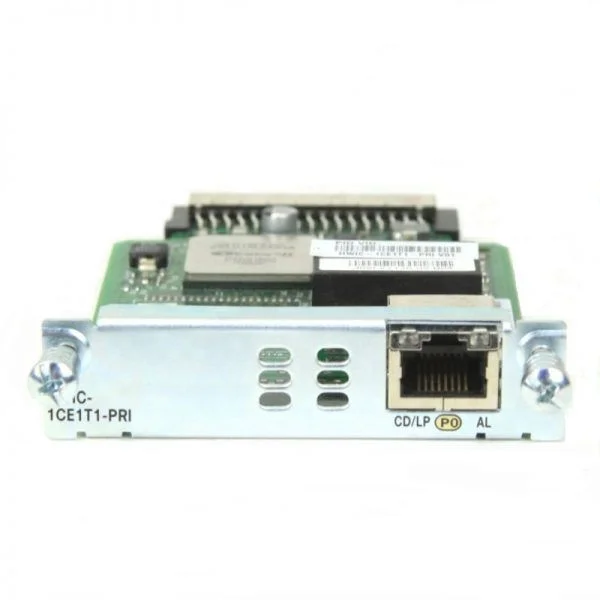
WIC-1ADSL-T1 (WIC-1ADSL-T1 Router WAN Interface Card)
4.8 (5)- WAN Module
- Cisco
- WAN
- 1.544Mbps (T1) / Up to 8Mbps (ADSL)
- RJ-48 / ADSL Port
- TCP/IP, PPP, HDLC
- Modular (WIC slot)
Est Value In stockFirst-Time Buyer Discount – Get up to 2% additional off on your first order
ORM Rewards Earn $50 in Rewards + Free Expedited Delivery – Join Now!
Use eCoupon ORMSAVE10
eCoupon limited to 5 units

ORM Sales Advisors
Buying for your business? Get a personalised quote in under 2 hours. Talk to an expert
LEARNFilters (11) 
Questions & Answers
What is a Router Wic Wan Card?
A Router Wic Wan Card is a modular WAN interface card that slots into compatible routers to enable cellular (4G/5G) or wired WAN connectivity, enhancing network flexibility and performance.
How do I install a Wic Wan Card in my router?
Power off the router, open the designated WAN module slot cover, insert the Wic Wan Card firmly, secure the retaining screws, replace the cover, then power on the router to complete installation.
Which routers are compatible with Wic Wan Cards?
Wic Wan Cards are compatible with routers featuring standard mini-PCIe or proprietary WAN module slots; refer to your router’s specifications or the Wic Wan compatibility matrix for supported models.
Can I hot-swap Wic Wan Cards without downtime?
Most enterprise-grade routers support hot-swapping of Wic Wan Cards to minimize downtime, but verify hot-swap capability in your router’s documentation and follow the safe removal procedure.
What network speeds do Wic Wan Cards support?
Wired WAN variants support up to 1 Gbps, 4G LTE cards up to 600 Mbps, and 5G NR cards can exceed 2 Gbps, depending on network conditions and card specifications.
Do Wic Wan Cards support 4G/5G connectivity?
Yes, Wic Wan Cards are available in both 4G LTE and 5G NR versions; select the model that matches your carrier compatibility and desired throughput.
How do I configure APN settings on a Wic Wan Card?
Log into the router’s web interface, navigate to WAN interface settings, select the Wic Wan Card port, enter the APN provided by your mobile network operator, then save and apply changes.
What is the difference between embedded and removable Wic Wan Cards?
Embedded Wic Wan Cards are soldered directly onto the router’s motherboard for a compact design, while removable cards allow easy upgrades and replacements via a modular slot.
How do I update the firmware on my Wic Wan Card?
Download the latest firmware from the vendor’s support portal, upload it through your router’s management interface under WAN module firmware, and follow on-screen prompts to complete the update.
Are Wic Wan Cards covered by warranty?
Yes, genuine Wic Wan Cards include a 12-month limited warranty covering manufacturing defects; extended coverage options may be available through authorized resellers.
What are the security features of Wic Wan Cards?
Wic Wan Cards support hardware-based encryption (IPSec, SSL/TLS), SIM authentication, and integrated firewall capabilities to ensure secure data transmission over WAN links.
How do I troubleshoot connection issues with a Wic Wan Card?
Verify SIM activation, check APN and PIN settings, confirm adequate signal strength, update firmware, and review the router’s logs or diagnostic tools for error codes.
Can I use multiple Wic Wan Cards in one router?
Yes, multi-slot routers support load balancing and failover across multiple Wic Wan Cards to increase redundancy and aggregate bandwidth.
What power requirements do Wic Wan Cards have?
Most Wic Wan Cards operate at 3.3 V DC with a typical power draw of 2–5 W; always verify the router’s power budget and the card’s datasheet before installation.
How do I check the signal strength on my Wic Wan Card?
Use your router’s management interface or CLI to view the WAN interface status screen, which displays real-time RSSI, RSRP, and SINR values for cellular cards.
Where can I purchase genuine Wic Wan Cards?
Purchase from authorized distributors and certified resellers listed on the manufacturer’s website to ensure product authenticity and full warranty support.
What is the average lifespan of a Wic Wan Card?
Under normal operating conditions, Wic Wan Cards have a mean time between failures (MTBF) exceeding 100,000 hours, equivalent to over 11 years of continuous use.