 United States
Wired Network Cards by D-Link
Engineered for high-performance connectivity, our D-Link Wired Network Cards deliver cutting-edge speeds, robust security, and reliable, scalable network solutions for today's modern IT infrastructures.
Talk to an expert
3 Matching results
- BEST SELLING
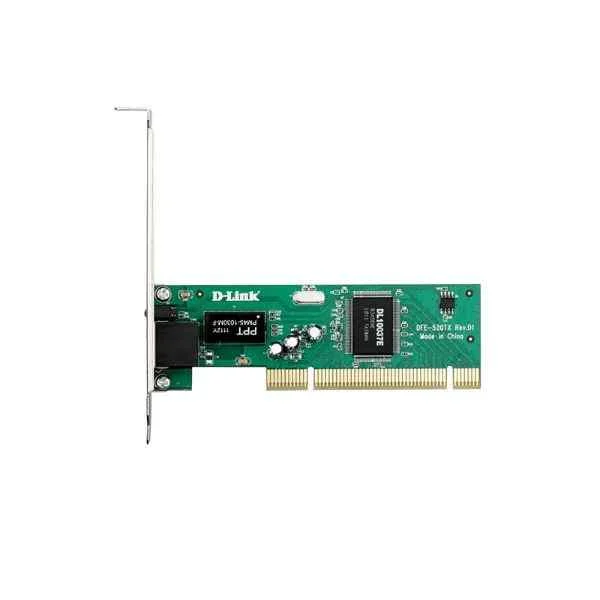
DFE-520TX (D-Link 1 100M electrical port, PCI v2.3, support remote wake-up function, with small baffle)
4.6 (5)- Network Module / Network Card
- D-Link
- Ethernet
- 10G
- SFP+
- TCP/IP
- PCIe
Est Value $378.00
$189.00
50% offIn stockRefurbishedFirst-Time Buyer Discount – Get up to 2% additional off on your first order
ORM Rewards Earn $50 in Rewards + Free Expedited Delivery – Join Now!
Use eCoupon ORMSAVE10
eCoupon limited to 5 units
- BEST SELLING
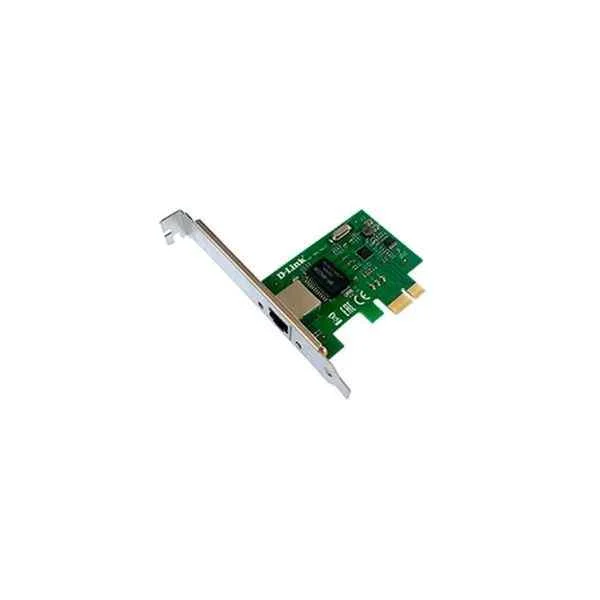
DGE-560T (D-Link PCI-E Gigabit wired network card)
4.6 (5)- Network Card
- D-Link
- Ethernet
- 1Gbps
- RJ-45
- TCP/IP / UDP
- PCIe
Est Value $150.12$75.06
50% offIn stockRefurbishedFirst-Time Buyer Discount – Get up to 2% additional off on your first order
ORM Rewards Earn $50 in Rewards + Free Expedited Delivery – Join Now!
Use eCoupon ORMSAVE10
eCoupon limited to 5 units
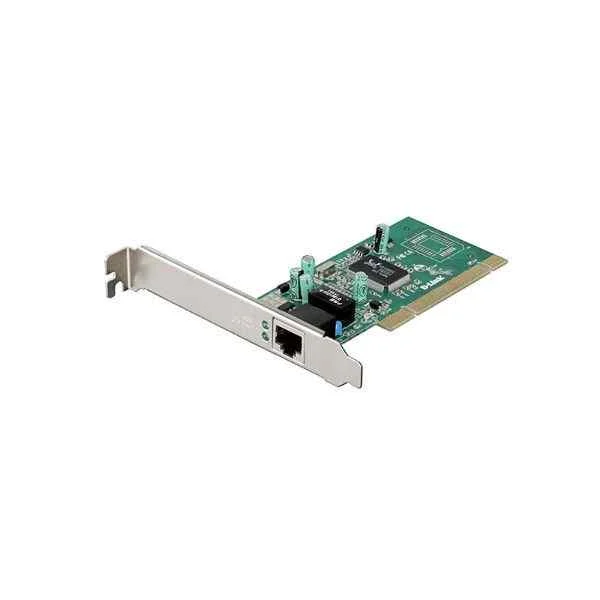
DGE-528T (D-Link 1 Gigabit electrical port, PCI v2.3, supports remote wake-up function, with a small baffle)
5 (5)- Network Module / Network Card
- D-Link
- Ethernet
- 1Gbps
- RJ-45
- TCP/IP
- PCIe
Est Value $161.28$80.64
50% offIn stockRefurbishedFirst-Time Buyer Discount – Get up to 2% additional off on your first order
ORM Rewards Earn $50 in Rewards + Free Expedited Delivery – Join Now!
Use eCoupon ORMSAVE10
eCoupon limited to 5 units

ORM Sales Advisors
Buying for your business? Get a personalised quote in under 2 hours. Talk to an expert
LEARNFilters (3) 
Questions & Answers
What network speeds do D-Link wired network cards support?
D-Link wired network cards deliver speeds from 10/100/1000 Mbps up to 2.5/5/10 Gbps (model-dependent) with auto-negotiation and full-duplex support for optimal throughput.
Which operating systems are compatible with D-Link wired network cards?
D-Link wired network cards are compatible with Windows (10/11/Server), macOS (10.14+), and major Linux distributions (kernel 3.10+), with drivers available for seamless installation.
How do I install a D-Link wired network card in my desktop?
Power off your PC, insert the D-Link network card into an available PCIe x1/x4/x8/x16 slot (model-dependent), secure it, boot up, then install the latest driver from D-Link’s support site.
Where can I download drivers for my D-Link wired network card?
You can download the latest Windows, macOS, and Linux drivers for your D-Link wired network card from the official D-Link Support Center by entering the model number.
Do D-Link wired network cards support jumbo frames?
Yes, most D-Link wired network cards support jumbo frames up to 9,000 bytes, improving performance for large data transfers and virtualization.
Can I use multiple D-Link wired network cards for link aggregation?
Yes, you can configure LACP-based link aggregation on multiple D-Link network cards via your OS or switch to increase bandwidth and provide failover redundancy.
How do I troubleshoot link light or connectivity issues?
Verify the Ethernet cable and switch port, ensure the card’s link light is active, update to the latest driver, and check Windows/macOS/Linux network settings for correct duplex and speed.
Are D-Link wired network cards compatible with virtual machines?
Yes, D-Link wired network cards support VM-pass through on major hypervisors (VMware ESXi, Hyper-V, KVM) and can be assigned directly to virtual machines for high-performance networking.
What warranty coverage is included with D-Link wired network cards?
D-Link wired network cards come with a limited lifetime warranty and free technical support, ensuring replacement or repair for manufacturing defects.
Do D-Link wired network cards support VLAN tagging?
Yes, D-Link wired network cards support IEEE 802.1Q VLAN tagging, allowing you to segment traffic and prioritize network packets efficiently.
Can I install a D-Link wired network card in a small form factor PC?
Yes, D-Link offers half-height and low-profile brackets for its wired network cards, making them compatible with slim and small form factor chassis.
How energy efficient are D-Link wired network cards?
D-Link wired network cards feature IEEE 802.3az Energy Efficient Ethernet, reducing power consumption during periods of low network activity without sacrificing performance.
What are the key differences between D-Link gigabit and 10 Gigabit wired network cards?
Gigabit cards operate at up to 1 Gbps over copper; 10 Gigabit models support 10 Gbps over copper (10GBase-T) or SFP+ fiber, with higher throughput, lower latency, and advanced offload features.
How do I configure QoS or traffic shaping on a D-Link wired network card?
Use your operating system’s Quality of Service settings or D-Link’s driver utilities to assign priority to applications, manage bandwidth, and optimize traffic flows on the network card.
Will my D-Link wired network card work with PoE switches?
D-Link wired network cards do not supply Power over Ethernet (PoE) but can be used on PoE-enabled switches to receive data; power delivery through the NIC is not supported.