 United States
Networking S5300 Series Switch Cards
Engineered for superior performance and scalability, the S5300 Series Switch Line Cards deliver cutting-edge network efficiency, robust reliability, and seamless integration for modern, high-demand enterprise environments.
Talk to an expert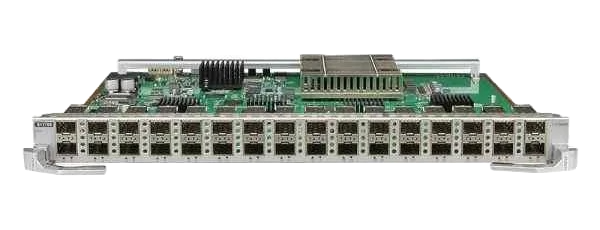
18 Matching results
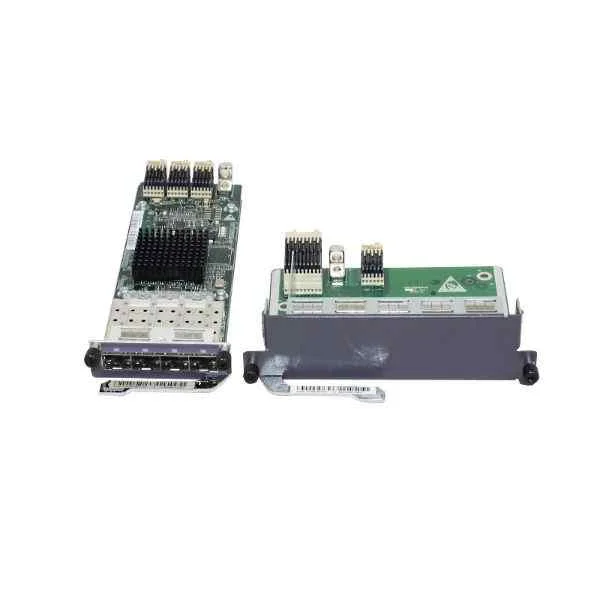
LS5D00E4GF00 (4-Port GE SFP Optical Interface Card(Used In EI Series)(Including 4-Port GE SFP Optical Interface Card of LS5D00E4GF01,Extend Channel Card of ES5D00ETPB00))
4.3 (6)- Network Module / Network Card
- Huawei
- Ethernet
- 10G
- SFP+
- TCP/IP, iSCSI
- PCIe
Est Value $934.00
$140.22
85% offIn stockNewFirst-Time Buyer Discount – Get up to 2% additional off on your first order
ORM Rewards Earn $50 in Rewards + Free Expedited Delivery – Join Now!
Use eCoupon ORMSAVE10
eCoupon limited to 5 units
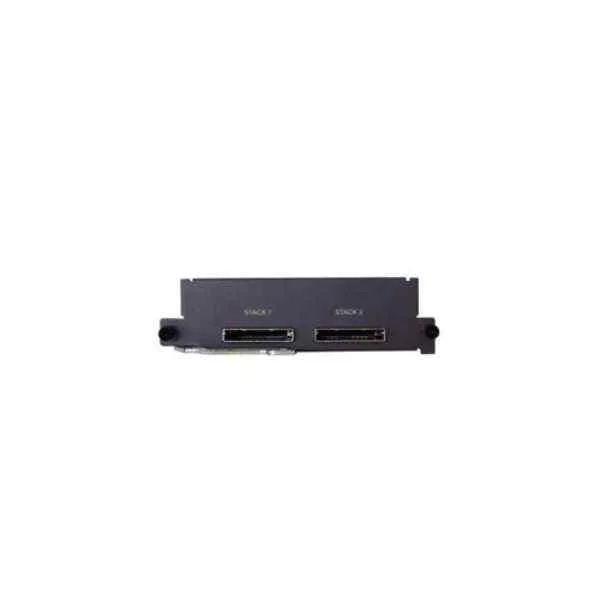
LS5DSTACK200 (Ethernet Stack Interface Card(Including Stack Card of ES5D00ETPC00,100cm Stack Cable of CPCIE8X00))
4.8 (6)- Network Module / Network Card
- Huawei
- Ethernet
- 10Gbps
- SFP+
- TCP/IP / iSCSI
- PCIe
Est Value $1,072.35$202.67
81.1% offIn stockNewFirst-Time Buyer Discount – Get up to 2% additional off on your first order
ORM Rewards Earn $50 in Rewards + Free Expedited Delivery – Join Now!
Use eCoupon ORMSAVE10
eCoupon limited to 5 units
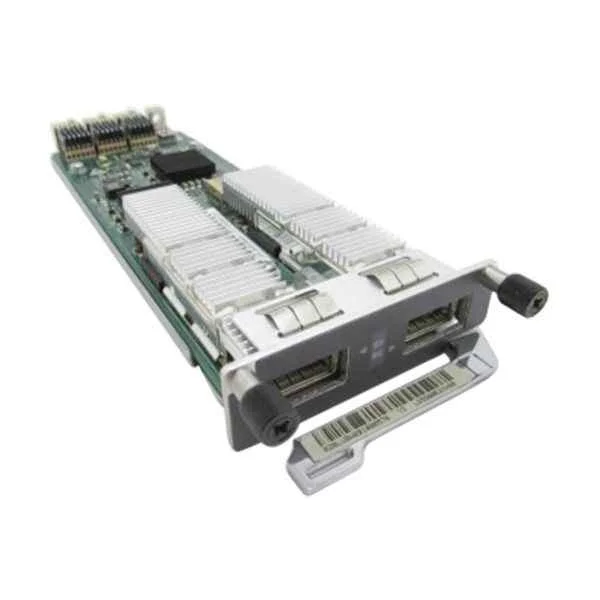
LS5D00E2XX00 (2-Port 10GE XFP Optical Interface Card)
4.8 (6)- Network Module / Network Card
- Huawei
- Ethernet
- 10Gbps
- SFP+
- TCP/IP
- PCIe
Est Value $2,573.63$513.44
80% offIn stockNewFirst-Time Buyer Discount – Get up to 2% additional off on your first order
ORM Rewards Earn $50 in Rewards + Free Expedited Delivery – Join Now!
Use eCoupon ORMSAVE10
eCoupon limited to 5 units
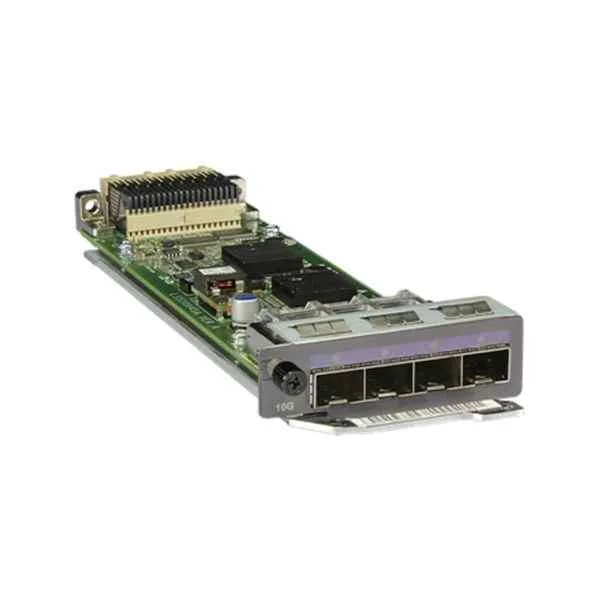
LS5D21VST000 (Dedicated stack card with 2*QSFP+ interface(Including one PCS of 1M QSFP+ cable ,Used in S5320EI series))
4.8 (6)- Network Module / Network Card
- Huawei
- Ethernet
- 10Gbps
- SFP+
- TCP/IP
- PCIe
Est Value $1,072.35$675.57
37% offIn stockNewFirst-Time Buyer Discount – Get up to 2% additional off on your first order
ORM Rewards Earn $50 in Rewards + Free Expedited Delivery – Join Now!
Use eCoupon ORMSAVE10
eCoupon limited to 5 units
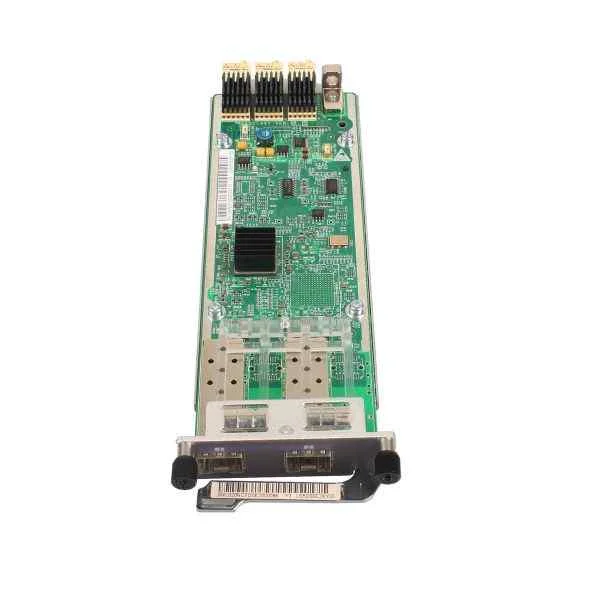
LS5D00E2XY00 (2-Port 10GE SFP+ Optical Interface Card)
4.5 (6)- Network Module
- Huawei
- Ethernet
- 10Gbps
- SFP+
- TCP/IP
- PCIe
Est Value $1,715.75$720.62
58% offIn stockNewFirst-Time Buyer Discount – Get up to 2% additional off on your first order
ORM Rewards Earn $50 in Rewards + Free Expedited Delivery – Join Now!
Use eCoupon ORMSAVE10
eCoupon limited to 5 units
LS5D00G4SC00 (4-Port GE SFP Optical Interface Card (Used In HI Series))
4.8 (6)- Network Module / Network Card
- Huawei
- Ethernet
- 10Gbps
- SFP+
- TCP/IP
- PCIe
Est Value $1,315.40$828.71
37% offIn stockNewFirst-Time Buyer Discount – Get up to 2% additional off on your first order
ORM Rewards Earn $50 in Rewards + Free Expedited Delivery – Join Now!
Use eCoupon ORMSAVE10
eCoupon limited to 5 units
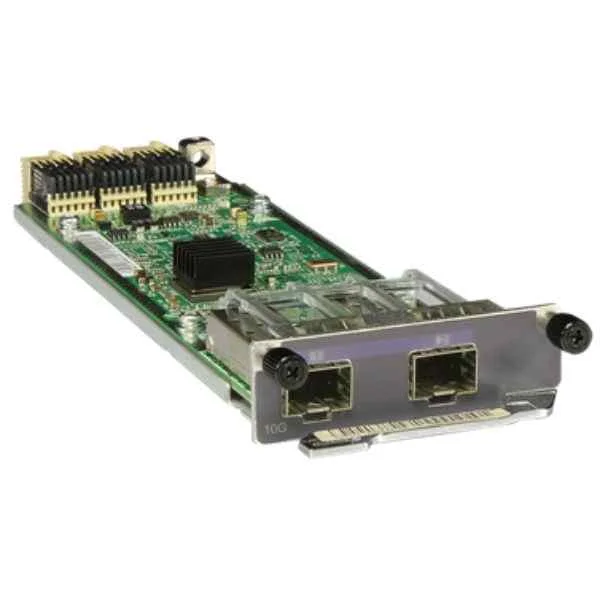
LS5D00E4XY00 (4-Port 10GE SFP+ Optical Interface Card Including 4-Port 10GE SFP+ Optical Interface Card of LS5D00E4XY01,Extend Channel Card of ES5D00ETPB00)
4.7 (6)- Network Module
- Huawei
- Ethernet Module
- 10Gbps
- SFP+
- TCP/IP, iSCSI
- PCIe
Est Value $3,075.42$1,033.34
66.4% offIn stockNewFirst-Time Buyer Discount – Get up to 2% additional off on your first order
ORM Rewards Earn $50 in Rewards + Free Expedited Delivery – Join Now!
Use eCoupon ORMSAVE10
eCoupon limited to 5 units
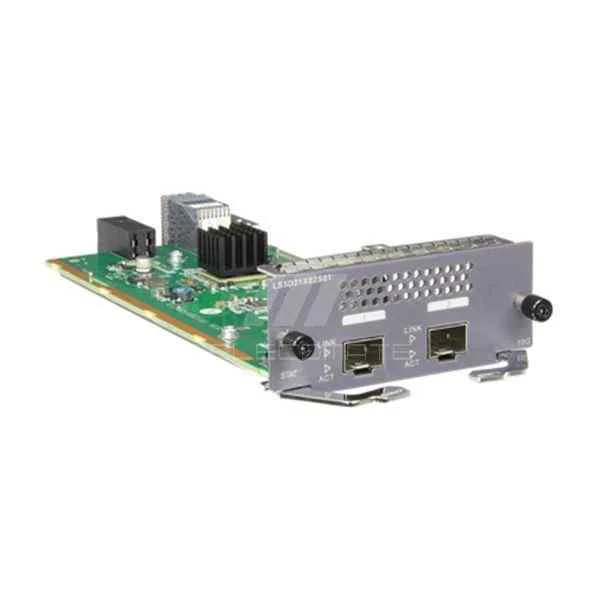
LS5D21X02S01 (2 10 Gig SFP+ Interface Card(used in S5320EI series))
4.7 (6)- Network Card
- Huawei
- Ethernet
- 10Gbps
- SFP+
- TCP/IP
- PCIe
Est Value $2,023.30$1,083.47
46.5% offIn stockNewFirst-Time Buyer Discount – Get up to 2% additional off on your first order
ORM Rewards Earn $50 in Rewards + Free Expedited Delivery – Join Now!
Use eCoupon ORMSAVE10
eCoupon limited to 5 units
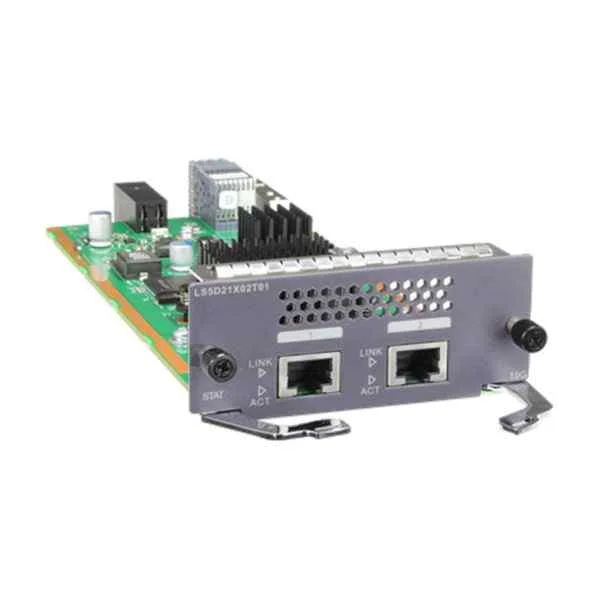
LS5D21X02T01 (2 10 Gig RJ45 Interface Card(used in S5320EI series))
4.8 (6)- Network Module / Network Card
- Huawei
- Ethernet
- 10Gbps
- SFP+
- TCP/IP
- PCIe
Est Value $1,801.55$1,134.98
37% offIn stockNewFirst-Time Buyer Discount – Get up to 2% additional off on your first order
ORM Rewards Earn $50 in Rewards + Free Expedited Delivery – Join Now!
Use eCoupon ORMSAVE10
eCoupon limited to 5 units
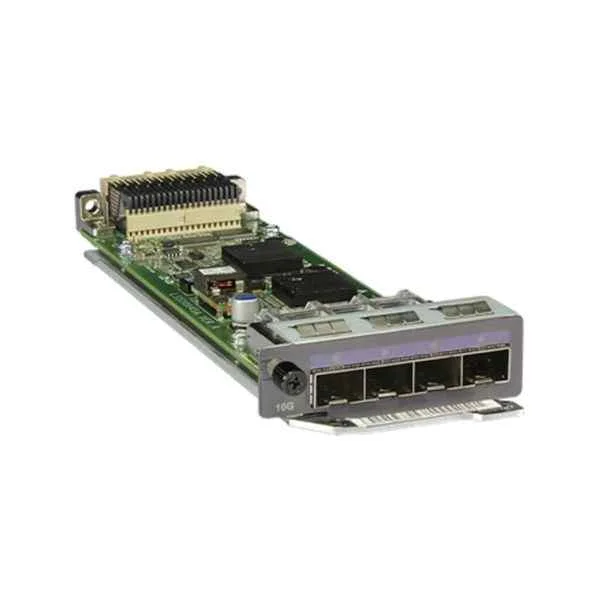
LS5D00X4SA00 (4-Port GE SFP or 10GE SFP+ Optical Interface Card (Used In HI Series))
4.7 (6)- Network Module / Network Card
- Huawei
- Ethernet Module
- 10Gbps
- SFP+
- TCP/IP, iSCSI
- PCIe
Est Value $3,431.51$2,161.86
37% offIn stockNewFirst-Time Buyer Discount – Get up to 2% additional off on your first order
ORM Rewards Earn $50 in Rewards + Free Expedited Delivery – Join Now!
Use eCoupon ORMSAVE10
eCoupon limited to 5 units
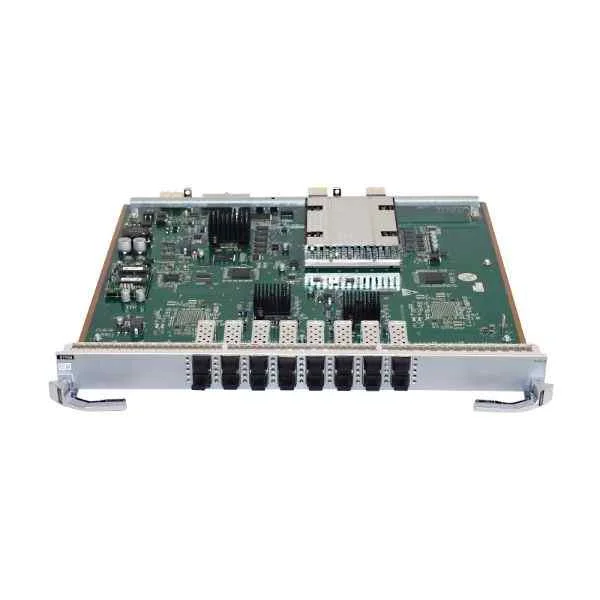
ES1D2X16SSC2 (Huawei 16-Port 10GBASE-X Interface Card(SC,SFP+) ES1D2X16SSC2)
4.8 (6)- Network Module
- Huawei
- SFP+
- 10G
- SFP+
- TCP/IP, iSCSI
- PCIe
Est Value $17,602.69$8,502.10
51.7% offIn stockNewFirst-Time Buyer Discount – Get up to 2% additional off on your first order
ORM Rewards Earn $50 in Rewards + Free Expedited Delivery – Join Now!
Use eCoupon ORMSAVE10
eCoupon limited to 5 units
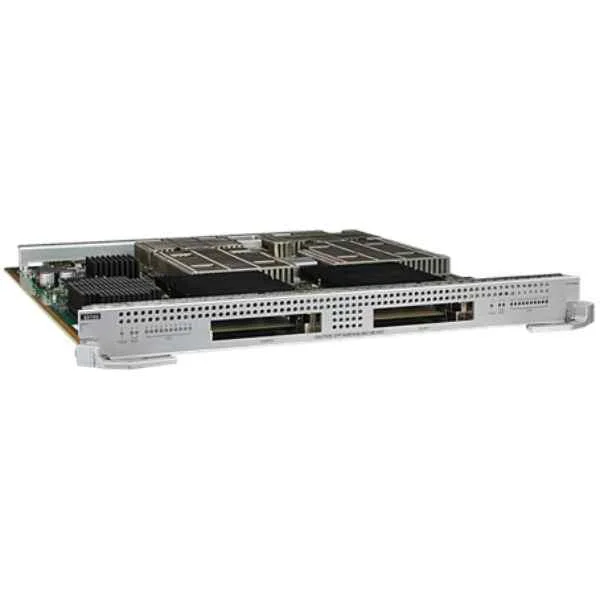
EH1D2X16SSC2 (Huawei 16-Port 10GBASE-X Interface Card(SC,SFP+) EH1D2X16SSC2)
4.7 (6)- Network Module
- Huawei
- Ethernet
- 10Gbps
- SFP+
- TCP/IP
- PCIe
Est Value $17,586.51$9,048.27
48.5% offIn stockNewFirst-Time Buyer Discount – Get up to 2% additional off on your first order
ORM Rewards Earn $50 in Rewards + Free Expedited Delivery – Join Now!
Use eCoupon ORMSAVE10
eCoupon limited to 5 units
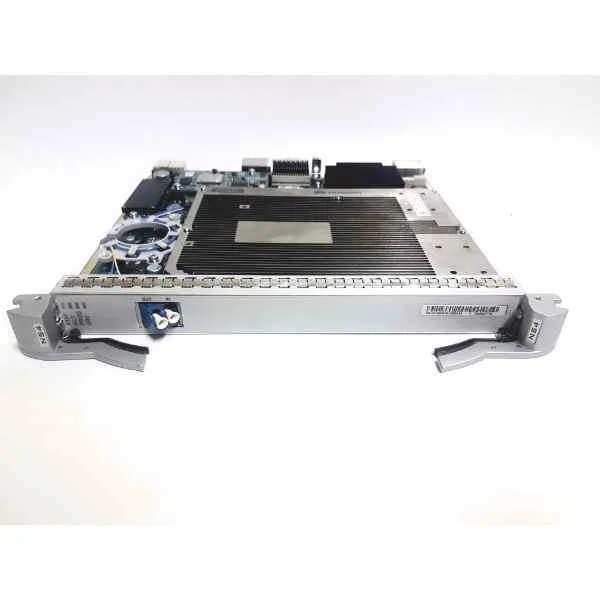
ET1D2X16SSC2 (Huawei 16-Port 10GBASE-X Interface Card(SC,SFP+) ET1D2X16SSC2)
4.7 (6)- Network Card
- Huawei
- Ethernet Module
- 10Gbps
- SFP+
- TCP/IP, iSCSI
- PCIe
Est Value $20,738.80$10,016.84
51.7% offIn stockNewFirst-Time Buyer Discount – Get up to 2% additional off on your first order
ORM Rewards Earn $50 in Rewards + Free Expedited Delivery – Join Now!
Use eCoupon ORMSAVE10
eCoupon limited to 5 units
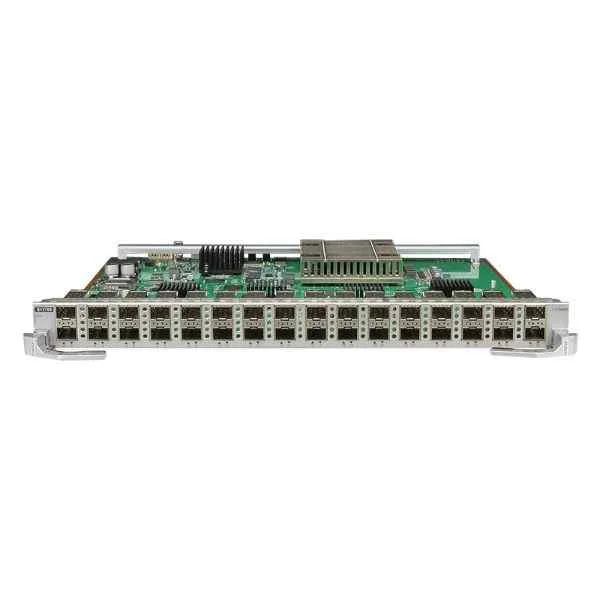
ET1D2X32SSC0 (Huawei 32-Port 10GBASE-X Interface Card(SC,SFP+) ET1D2X32SSC0)
4.8 (6)- Network Module
- Huawei
- Ethernet
- 10Gbps
- SFP+
- TCP/IP / iSCSI
- PCIe
Est Value $25,898.21$13,052.70
49.6% offIn stockNewFirst-Time Buyer Discount – Get up to 2% additional off on your first order
ORM Rewards Earn $50 in Rewards + Free Expedited Delivery – Join Now!
Use eCoupon ORMSAVE10
eCoupon limited to 5 units
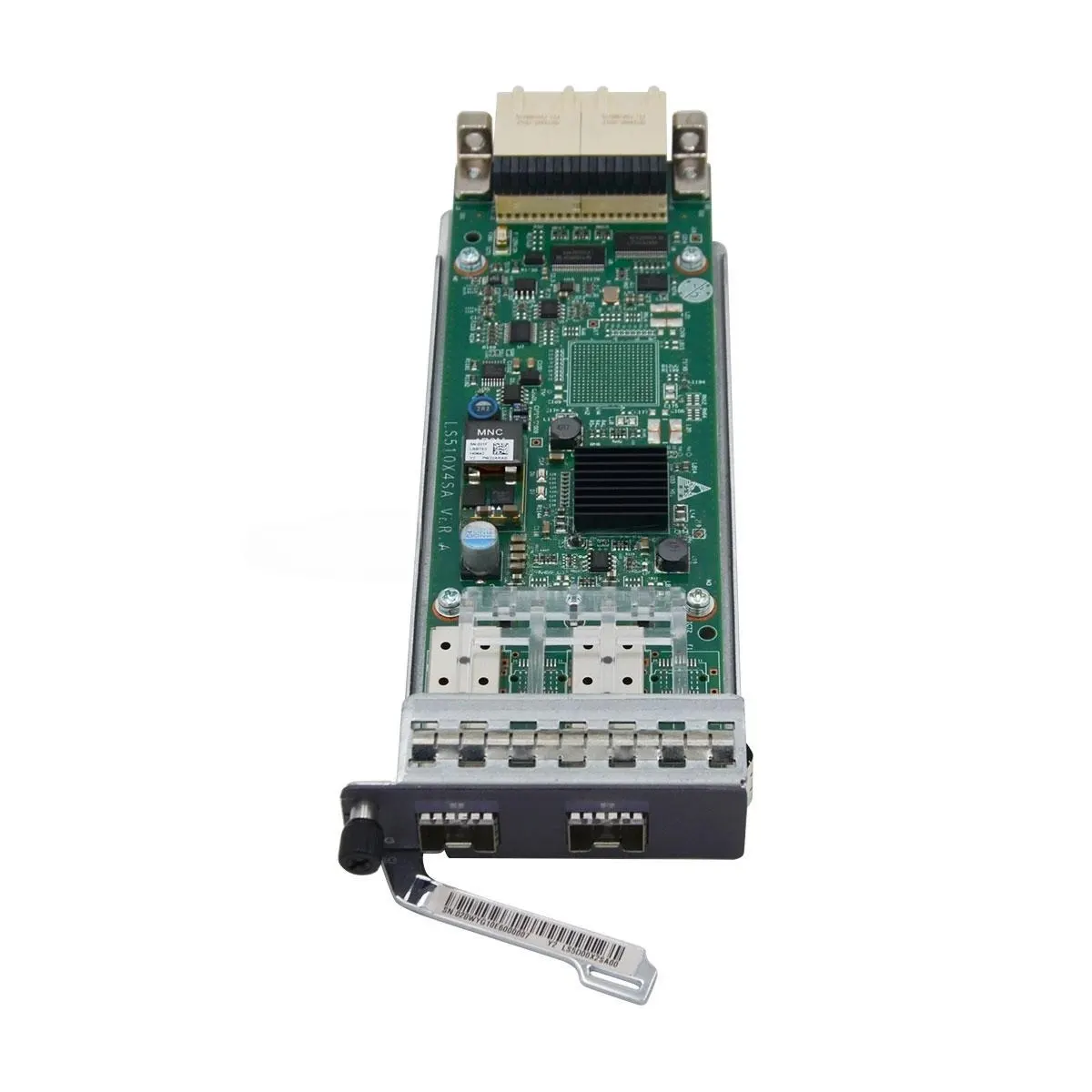
LS5D00X2SA00 (2-Port GE SFP or 10GE SFP+ Optical Interface Card (Used In S5300 HI&S5310 EI Series))
4.5 (6)- Network Module
- Huawei
- Ethernet
- 10Gbps
- SFP+
- TCP/IP
- PCIe
Est Value In stockFirst-Time Buyer Discount – Get up to 2% additional off on your first order
ORM Rewards Earn $50 in Rewards + Free Expedited Delivery – Join Now!
Use eCoupon ORMSAVE10
eCoupon limited to 5 units
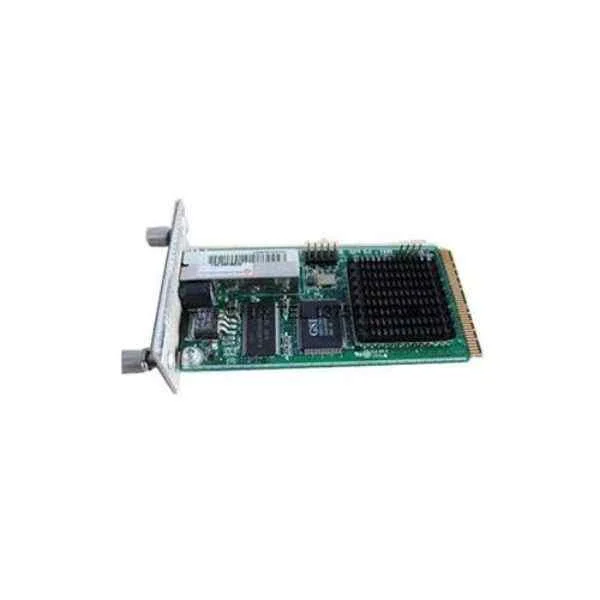
LS5DG04SSI00 (4-Port GE SFP Optical Interface Card(Used In SI Series)(Including 4-Port GE SFP Optical Interface Card of LS5D0E4GFA00,Extend Channel Card of ES5D00ETPB00))
4.8 (6)- Network Card
- Huawei
- Ethernet
- 10G
- SFP+
- TCP/IP
- PCIe
Est Value In stockFirst-Time Buyer Discount – Get up to 2% additional off on your first order
ORM Rewards Earn $50 in Rewards + Free Expedited Delivery – Join Now!
Use eCoupon ORMSAVE10
eCoupon limited to 5 units
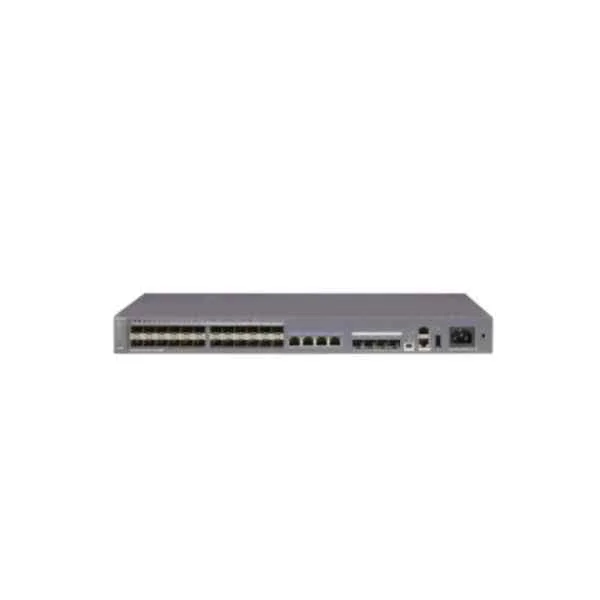
LS5D21G08T00 (8-Port GE RJ45 Interface Card(Used In S5310 EI Series))
4.7 (6)- Network Module
- Huawei
- Ethernet Module
- 10Gbps
- SFP+
- TCP/IP
- PCIe
Est Value In stockFirst-Time Buyer Discount – Get up to 2% additional off on your first order
ORM Rewards Earn $50 in Rewards + Free Expedited Delivery – Join Now!
Use eCoupon ORMSAVE10
eCoupon limited to 5 units
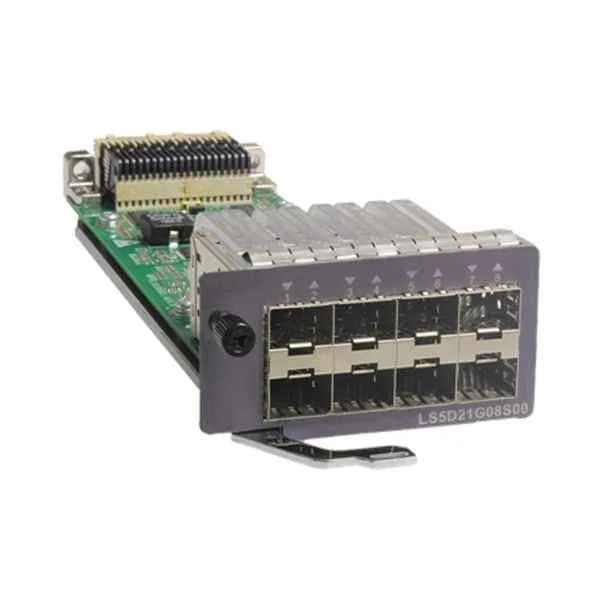
LS5D21G08S00 (8-Port GE SFP Optical Interface Card(Used In S5310 EI Series))
4.8 (6)- Network Module
- Huawei
- Ethernet
- 10G
- RJ-45
- TCP/IP
- PCIe
Est Value In stockFirst-Time Buyer Discount – Get up to 2% additional off on your first order
ORM Rewards Earn $50 in Rewards + Free Expedited Delivery – Join Now!
Use eCoupon ORMSAVE10
eCoupon limited to 5 units

ORM Sales Advisors
Buying for your business? Get a personalised quote in under 2 hours. Talk to an expert
LEARNFilters (18) 
Questions & Answers
What is an S5300 Series Switch Line Card?
An S5300 Series Switch Line Card is a modular interface card designed to expand port density and throughput in Huawei S5300 chassis, enabling high-performance Layer 2/3 switching.
Which port types are available on S5300 Series Switch Line Cards?
S5300 line cards offer a variety of port configurations, including 1GbE, 10GbE SFP+, 25GbE SFP28, and 40GbE QSFP+ interfaces to meet diverse network requirements.
How do I install an S5300 Series Switch Line Card?
To install, power down the S5300 chassis, unlock the fan tray, slide the line card into the designated slot until it clicks, secure it with retention screws, then power on the chassis.
What throughput performance can I expect from S5300 line cards?
Throughput varies by model: 1GbE cards support up to 160 Gbps, 10GbE up to 320 Gbps, and 40GbE cards deliver up to 640 Gbps of bidirectional switching capacity.
Are S5300 line cards hot-swappable?
Yes, S5300 Series line cards support hot-swapping, allowing you to add or replace line cards without shutting down the chassis or disrupting network services.
Which Layer protocols do S5300 Series Switch Line Cards support?
They support Layer 2 features like VLAN, STP, and LACP, and Layer 3 routing protocols including OSPF, BGP, RIP, and static routing for versatile network topologies.
How do I configure an S5300 line card after installation?
Log in to the S5300 CLI or web interface, navigate to the interface configuration mode, assign VLANs/MTUs/IPs, and apply QoS or security policies as needed.
What redundancy features are available on S5300 line cards?
S5300 line cards support Stateful Switchover (SSO), In-Service Software Upgrade (ISSU), and redundant supervisor engines to ensure uninterrupted operation.
How do I monitor line card health and statistics?
Use SNMP, NetStream, or CLI commands such as display interface and display diagnostic-information to track port status, traffic counters, and temperature metrics.
What are the power consumption characteristics?
Power consumption depends on port density: 1GbE cards draw up to 50 W, 10GbE up to 120 W, and 40GbE up to 200 W; integrated power modules provide PFC and efficiency.
What cooling requirements do S5300 line cards have?
They require front-to-back airflow; install recommended fan trays, maintain 0–40 °C ambient temperature, and ensure unobstructed vents for optimal thermal performance.
Can I mix different line card types in one S5300 chassis?
Yes, the S5300 chassis supports mixed line card types—provided slot compatibility—allowing a combination of 1GbE, 10GbE, 25GbE, and 40GbE cards in the same chassis.
What firmware version is required for S5300 line cards?
Use the S5300 Series recommended firmware starting from version V200R006C00 or later to ensure full feature support, stability, and ISSU compatibility.
How do I perform a line card firmware upgrade?
Upload the firmware package via FTP/TFTP, enter the upgrade command in the CLI (upgrade linecard all slot x), and follow on-screen prompts to complete the process.
What security features do S5300 line cards offer?
They provide ACLs, 802.1X authentication, DHCP snooping, IP source guard, and ARP inspection to enforce network access control and prevent unauthorized traffic.
What is the typical warranty and support for S5300 Series line cards?
Huawei offers a one-year limited hardware warranty, with optional multi-year support, rapid-replacement service, and access to software updates and technical assistance.