 United States
User Identity Management Servers
Fortinet Fortiauthenticator delivers cutting-edge security, advanced authentication, and streamlined user identity management to protect vital networks, enhance regulatory compliance, and maintain robust enterprise security standards.
Talk to an expert
6 Matching results
- BEST SELLING
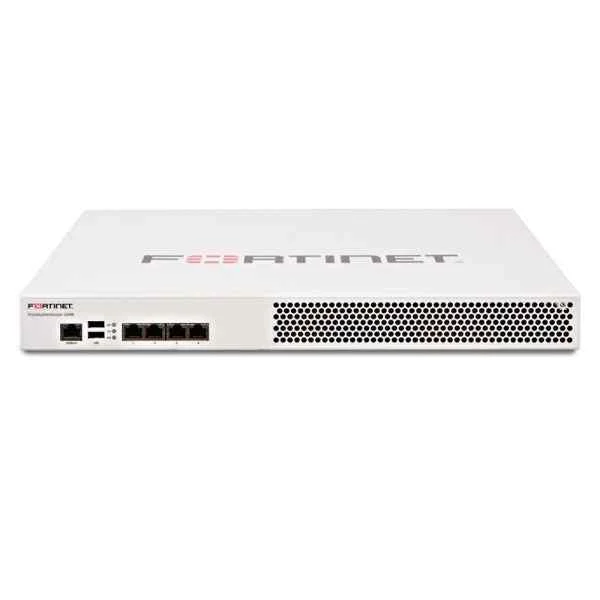
FAC-200E (FortiAuthenticator-200E, Management and FSSO appliance - 4 x GE RJ45 ports, 1 TB storage. Supports up to 500 Users)
4.4 (5)Est Value $6,232.69
$3,337.61
46.4% offIn stockNewFirst-Time Buyer Discount – Get up to 2% additional off on your first order
ORM Rewards Earn $50 in Rewards + Free Expedited Delivery – Join Now!
Use eCoupon ORMSAVE10
eCoupon limited to 5 units
- BEST SELLING
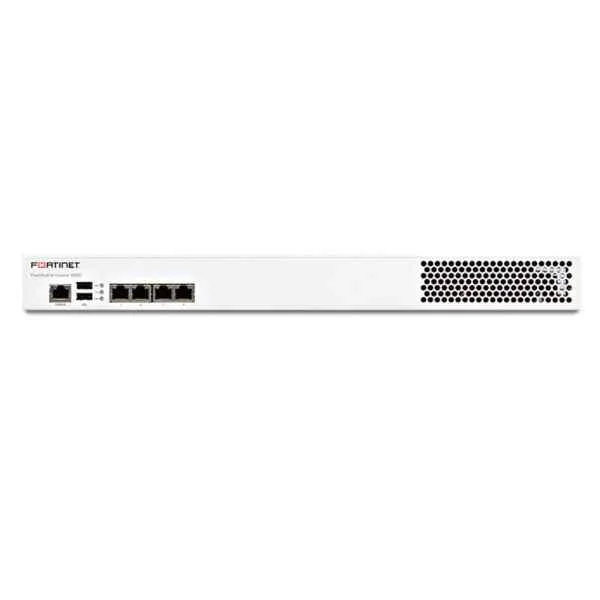
FAC-400E (FortiAuthenticator-400E, Identity Management and FSSO appliance - 4 x GE RJ45 ports, 2 TB storage. Supports up to 2,000 Users)
4.4 (5)Est Value $13,278.20$13,105.58
1.3% offIn stockNewFirst-Time Buyer Discount – Get up to 2% additional off on your first order
ORM Rewards Earn $50 in Rewards + Free Expedited Delivery – Join Now!
Use eCoupon ORMSAVE10
eCoupon limited to 5 units
- BEST SELLING
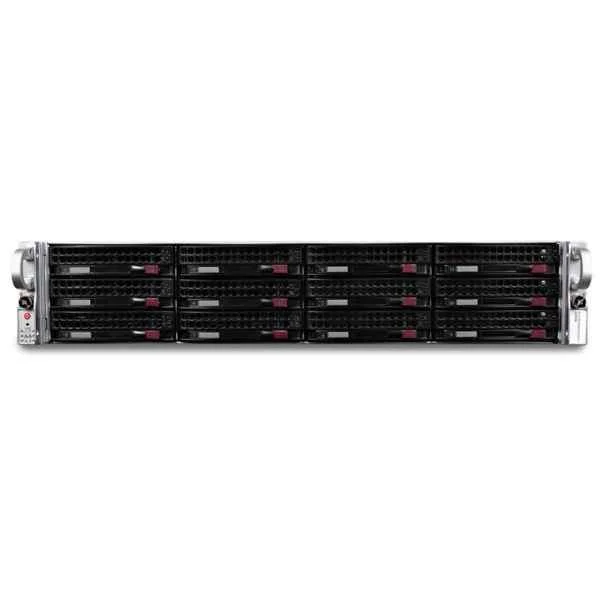
FAC-3000E (FortiAuthenticator-3000E Identity Management and FSSO appliance4 x GE RJ45 ports, 2 x GE SFP, 4 TB SAS storage. Supports up to 40,000 Users)
4.8 (5)Est Value $94,698.98$47,349.49
50% offIn stockRefurbishedFirst-Time Buyer Discount – Get up to 2% additional off on your first order
ORM Rewards Earn $50 in Rewards + Free Expedited Delivery – Join Now!
Use eCoupon ORMSAVE10
eCoupon limited to 5 units
- BEST SELLING
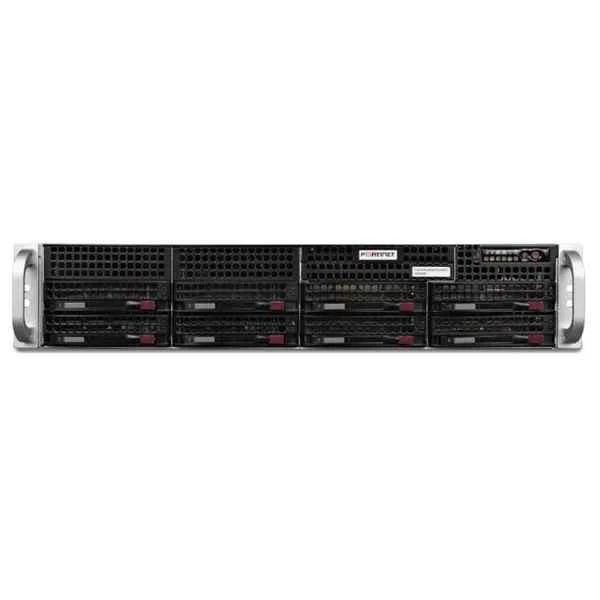
FAC-2000E (FortiAuthenticator-2000E Identity Management and FSSO appliance 4 x GE RJ45 ports, 2 x GE SFP, 4 TB SAS storage. Supports up to 20,000 Users)
5 (5)Est Value In stockFirst-Time Buyer Discount – Get up to 2% additional off on your first order
ORM Rewards Earn $50 in Rewards + Free Expedited Delivery – Join Now!
Use eCoupon ORMSAVE10
eCoupon limited to 5 units
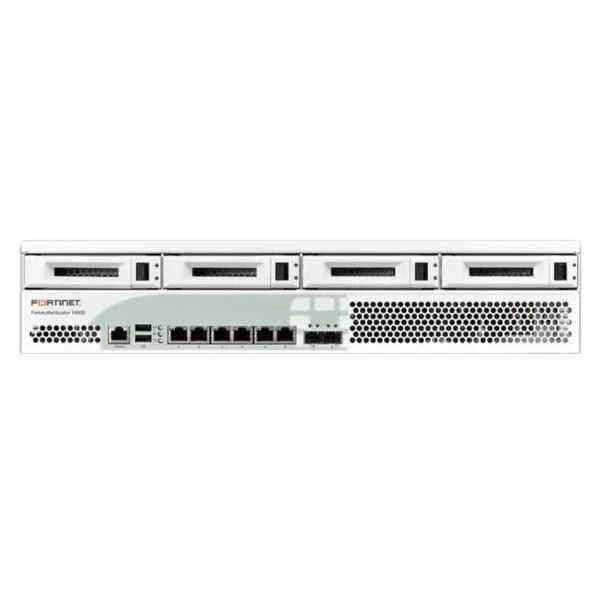
FAC-1000D (Fortinet FortiAuthenticator-1000D Identity Management and SSO appliance - 4 x GE RJ45 ports, 2 x GE SFP, 4 TB storage. Supports up to 10,000 Users)
4.8 (5)Est Value $28,054.34$5,773.09
79.4% offIn stockNewRefurbishedFirst-Time Buyer Discount – Get up to 2% additional off on your first order
ORM Rewards Earn $50 in Rewards + Free Expedited Delivery – Join Now!
Use eCoupon ORMSAVE10
eCoupon limited to 5 units
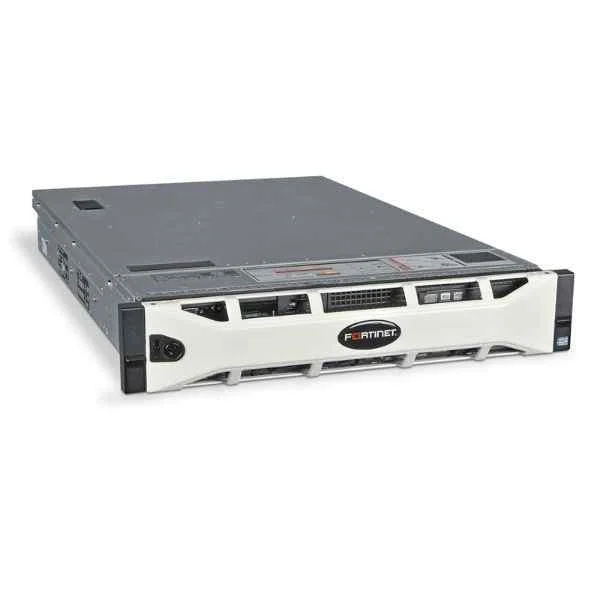
FAC-3000D (Fortinet FortiAuthenticator 3000D - security appliance | FAC-3000D)
4.8 (5)Est Value In stockFirst-Time Buyer Discount – Get up to 2% additional off on your first order
ORM Rewards Earn $50 in Rewards + Free Expedited Delivery – Join Now!
Use eCoupon ORMSAVE10
eCoupon limited to 5 units

ORM Sales Advisors
Buying for your business? Get a personalised quote in under 2 hours. Talk to an expert
LEARNFilters (6) 
Questions & Answers
What is Fortinet FortiAuthenticator and how does it help with user identity management?
FortiAuthenticator is Fortinet’s centralized user identity management server that simplifies authentication, authorization and accounting (AAA) by integrating with LDAP, RADIUS and SAML directories. It ensures secure network access and unified visibility of user identities across all Fortinet devices.
How do I integrate FortiAuthenticator with Active Directory for seamless authentication?
You integrate FortiAuthenticator with Active Directory via LDAP binding and attribute mapping to automatically synchronize user groups, policies and credentials, enabling seamless single sign-on (SSO) across your corporate network.
What authentication methods does FortiAuthenticator support?
FortiAuthenticator supports multi-factor authentication (MFA), one-time passwords (OTP), RADIUS, TACACS+, SAML and certificate-based authentication to secure user logins and prevent unauthorized access.
How can I configure two-factor authentication on FortiAuthenticator?
Configure two-factor authentication by enrolling users with one-time password tokens (TOTP or FortiToken), enabling RADIUS authentication on FortiAuthenticator, and applying MFA policies to identity-based firewall rules.
What are the guest management capabilities in FortiAuthenticator?
FortiAuthenticator’s guest management portal allows administrators to create temporary user accounts, automate credential distribution via SMS or email, and apply time-based access controls for secure visitor networks.
How do I set up high availability for FortiAuthenticator?
Deploy FortiAuthenticator in HA Active-Passive mode with synchronized configurations and user data replication to guarantee continuous identity services and failover resilience.
Can FortiAuthenticator be used for device certificate provisioning?
Yes. FortiAuthenticator includes a built-in certificate authority (CA) that automates device certificate issuance and renewal for secure SSL/TLS, VPN and dot1x user authentication.
What licensing options are available for FortiAuthenticator?
FortiAuthenticator offers user-based and token-based licensing with flexible appliance, virtual machine and cloud editions to match small businesses, enterprises and service providers.
How does FortiAuthenticator integrate with FortiGate for identity-based policies?
FortiAuthenticator communicates with FortiGate over RADIUS or Single Sign-On connectors to push dynamic user and group mapping, enabling identity-driven firewall and access policies.
What reporting and logging features does FortiAuthenticator provide?
FortiAuthenticator delivers real-time authentication logs, audit trails and customizable reports on user activity, failed logins and compliance events for forensic analysis and regulatory compliance.
How can users reset their passwords with FortiAuthenticator’s self-service portal?
FortiAuthenticator’s self-service portal enables users to securely reset passwords and unlock accounts using preconfigured security questions or email-based token verification, reducing helpdesk calls.
What deployment models does FortiAuthenticator support?
FortiAuthenticator can be deployed as a hardware appliance, virtual machine (VMware, Hyper-V, KVM), or cloud instance on major public clouds for flexible scaling and geographic distribution.
How do I ensure high performance and scalability on FortiAuthenticator?
Optimize performance by sizing user licenses appropriately, enabling cluster HA for load sharing, and using SSD storage for rapid database access and high authentication throughput.
Does FortiAuthenticator offer REST API for automation?
Yes. FortiAuthenticator provides a RESTful API suite that allows programmatic user provisioning, policy management and report generation to integrate with DevOps and ITSM workflows.
What security best practices should I follow when deploying FortiAuthenticator?
Harden FortiAuthenticator by enabling secure management interfaces (HTTPS, SSH), applying role-based access control, enforcing MFA for administrators, and keeping firmware updated.
How do I upgrade FortiAuthenticator firmware without downtime?
Perform a zero-downtime firmware upgrade by adding a secondary HA node, synchronizing data, upgrading the standby unit, then failing over before upgrading the primary unit.