 United States
Cybersecurity Fortimanager Centralized Management
Fortinet’s Fortimanager platform offers centralized oversight, advanced threat prevention, and scalable policy management to streamline network operations and deliver real-time insights for optimal security performance.
Talk to an expert
2 Matching results
- BEST SELLING
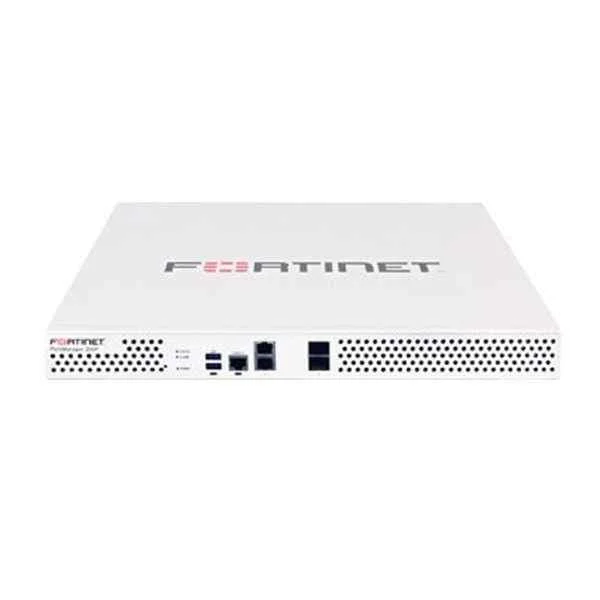
FMG-200F (FMG-200F FortiManager-200F )
4.6 (5)Est Value In stock
First-Time Buyer Discount – Get up to 2% additional off on your first order
ORM Rewards Earn $50 in Rewards + Free Expedited Delivery – Join Now!
Use eCoupon ORMSAVE10
eCoupon limited to 5 units
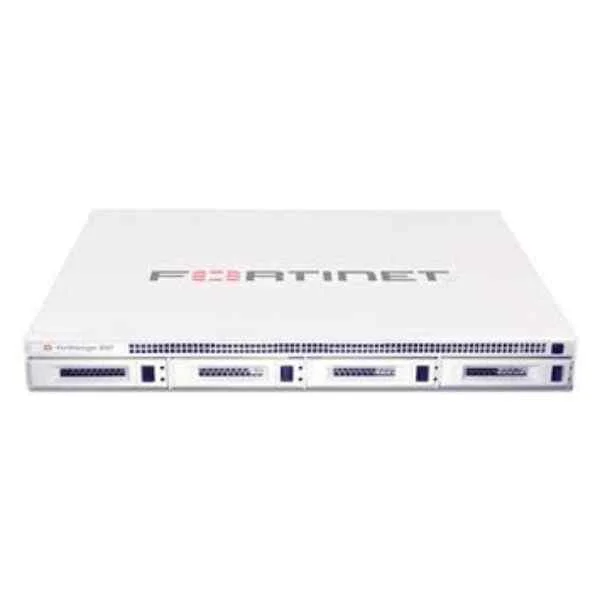
FMG-VM-BASE (FortiManager-VM Base Base license for stackable FortiManager-VM. Manages up to 10 Fortinet devices/Virtual Domains Domains, 1 GB/Day of Logs and 100 GB storage capacity. Designed for Vmware vSphere, Xen, KVM and Hyper-V platforms.)
4.6 (5)Est Value $2,650.21$1,892.26
28.6% offIn stockNewFirst-Time Buyer Discount – Get up to 2% additional off on your first order
ORM Rewards Earn $50 in Rewards + Free Expedited Delivery – Join Now!
Use eCoupon ORMSAVE10
eCoupon limited to 5 units

ORM Sales Advisors
Buying for your business? Get a personalised quote in under 2 hours. Talk to an expert
LEARNFilters (2) 
Questions & Answers
What is FortiManager Centralized Management Platform?
FortiManager is a centralized management solution from Fortinet that streamlines the configuration, monitoring, and maintenance of Fortinet security devices. It delivers unified policy orchestration, automated firmware management, and real-time visibility across distributed networks for improved security governance and operational efficiency.
What are the key features of FortiManager?
FortiManager offers policy and device provisioning, centralized logging and reporting, automated firmware upgrades, configuration change management, multi-tenant support, role-based access control, and API-driven automation to enable consistent security enforcement and efficient network operations at scale.
How does FortiManager centralize network security management?
FortiManager centralizes network security by aggregating device configurations and logs into a single console, enabling administrators to deploy policies, monitor events, and apply firmware updates across all Fortinet devices, reducing complexity and ensuring policy uniformity throughout the infrastructure.
Which Fortinet devices are compatible with FortiManager?
FortiManager supports all FortiGate firewalls, FortiWiFi access points, FortiSwitches, FortiAPs, FortiNAC, and FortiExtender devices, as well as third-party syslog sources. This broad compatibility ensures unified management and reporting across your entire Fortinet security fabric.
What deployment options are available for FortiManager?
FortiManager can be deployed as a physical appliance, virtual machine (VMware, Hyper-V, KVM), container, or hosted in public/private clouds. These flexible deployment models accommodate diverse infrastructure requirements and enable seamless integration into existing environments.
How does FortiManager integrate with other Fortinet products?
FortiManager integrates natively with FortiGate, FortiAnalyzer, FortiSIEM, and the broader Fortinet Security Fabric via Fabric connectors and APIs. This integration facilitates automated incident response, centralized logging, and consistent policy enforcement across multiple security domains.
What licensing models does FortiManager offer?
FortiManager uses a subscription-based licensing model that includes device management licenses and optional add-ons for advanced analytics and Fabric Management. It supports per-device or device-group licensing with flexible terms to align with organizational growth and budgetary requirements.
How does FortiManager support high availability (HA)?
FortiManager offers active-passive HA configurations with automatic failover, session synchronization, and shared database replication. This ensures continuous management operations, minimizes downtime during maintenance, and delivers resilient policy enforcement across distributed networks.
Can FortiManager automate network and security workflows?
Yes. FortiManager includes built-in automation templates, scripts, and a RESTful API that enable administrators to automate device provisioning, policy deployment, compliance checks, and routine maintenance tasks, accelerating operations and reducing human error.
What reporting and analytics capabilities does FortiManager provide?
FortiManager delivers real-time dashboards, customizable reports, and compliance monitoring with out-of-the-box templates for PCI, HIPAA, and GDPR. These insights help organizations track security posture, audit changes, and demonstrate regulatory compliance with minimal effort.
How does FortiManager handle firmware and configuration upgrades?
FortiManager centralizes firmware management by scheduling and distributing updates to multiple devices, validating configurations in staging environments, and rolling back changes if necessary. This ensures consistent software versions and reduces the risk of disruption from manual upgrades.
How scalable is FortiManager for large enterprises?
FortiManager scales horizontally through additional appliance clusters or virtual instances, and it supports multi-tenant management for up to thousands of devices. This architecture accommodates organizational growth and complex network topologies without compromising performance.
What are the system requirements for FortiManager deployment?
System requirements vary by deployment model but generally include 8–16 CPU cores, 32–64 GB RAM, and 500 GB–2 TB disk space for appliances, or equivalent virtual/cloud specifications. Always consult Fortinet’s official documentation for recommended hardware specifications.
How does FortiManager ensure the security of management data?
FortiManager enforces security through TLS-encrypted communications, role-based access control, administrator activity logging, and secure firmware signatures. These measures protect configuration data and management operations against unauthorized access and tampering.
Can FortiManager manage multi-tenant or branch office environments?
Yes. FortiManager supports multi-ADOM (administrative domain) architecture, allowing isolated policy administration and reporting per tenant or branch. This design simplifies management in MSP, distributed, or multi-division organizations while maintaining strict separation of duties.
What API capabilities does FortiManager offer for automation?
FortiManager provides a comprehensive RESTful API and CLI scripting interface for seamless integration with orchestration platforms like Ansible, Terraform, and custom applications. This API support enables full lifecycle automation, from device onboarding to policy enforcement.