 United States
Power Supplies Asa 5500 Series
Experience the engineered strength and reliability of our Asa 5500 power supplies, designed for optimal performance in high-demand applications, ensuring efficiency, durability, and cost-effective solutions.
Talk to an expert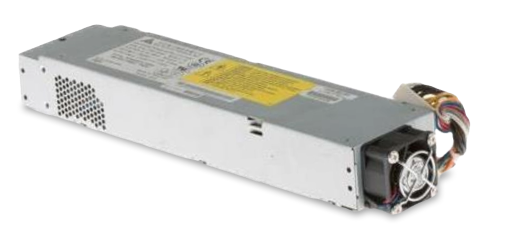
12 Matching results
- BEST SELLING
ASA-PWR-AC (ASA 5545-X/5555-X AC POWER SUPPLY)
4.4 (5)- Power Supply
- Cisco
- 850W
- Gaming / Workstation
- ATX
- Modular
- Gold
Est Value $290.25
$220.50
24% offIn stockRefurbishedFirst-Time Buyer Discount – Get up to 2% additional off on your first order
ORM Rewards Earn $50 in Rewards + Free Expedited Delivery – Join Now!
Use eCoupon ORMSAVE10
eCoupon limited to 5 units

ASA-PWR-BLANK (ASA 5545-X/5555-X Power Slot Blank Cover)
4.4 (5)- Power Supply
- Cisco
- 850W
- Gaming / Workstation / Rack Server
- ATX
- Modular
- Gold
Est Value $225.22$112.61
50% offIn stockRefurbishedFirst-Time Buyer Discount – Get up to 2% additional off on your first order
ORM Rewards Earn $50 in Rewards + Free Expedited Delivery – Join Now!
Use eCoupon ORMSAVE10
eCoupon limited to 5 units
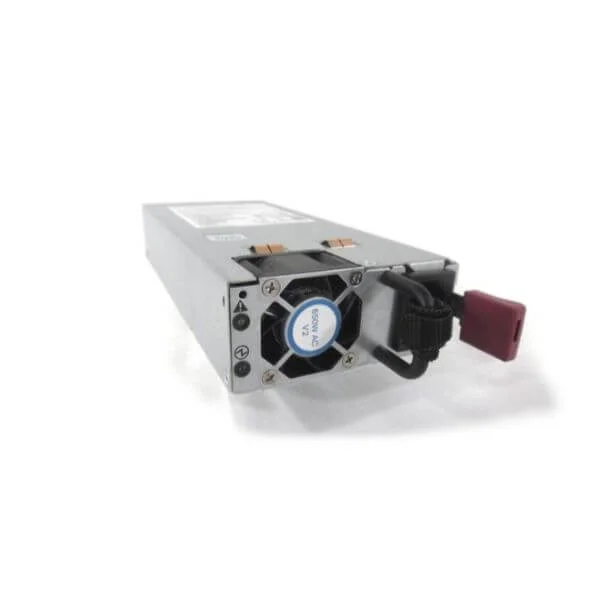
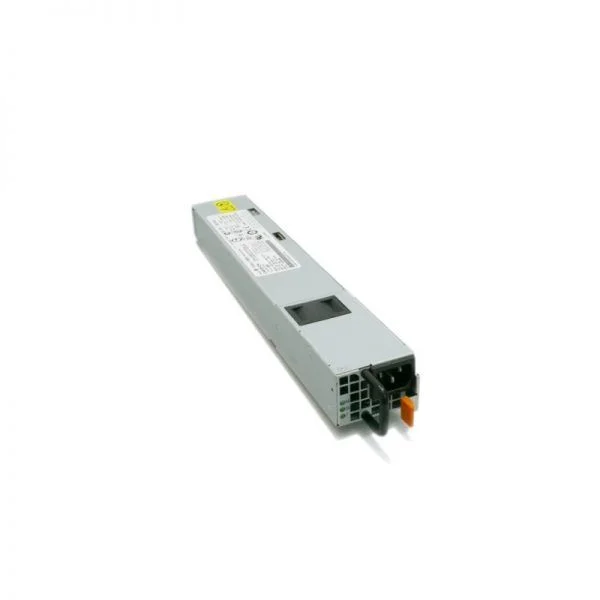
NXA-PAC-650W-PI (NEXUS NEBS AC 650W PSU PORT SIDE INTAKE)
4.6 (5)- Power Supply
- Cisco
- 650W
- Gaming / Workstation
- ATX
- Semi-Modular
- Bronze
Est Value $663.85$257.25
61.2% offIn stockNewRefurbishedFirst-Time Buyer Discount – Get up to 2% additional off on your first order
ORM Rewards Earn $50 in Rewards + Free Expedited Delivery – Join Now!
Use eCoupon ORMSAVE10
eCoupon limited to 5 units

PWR-C5-125WAC (Cisco Catalyst 9000 Series Switch Power Supply, 125W AC, Config 5)
4.4 (5)- Power Supply
- Switch Power Supply
- 125W AC Config 5 Power Supply
- PWR-C5-125WAC
- Cisco
- Catalyst 9200 Series
- Cisco Catalyst 9200 Series switches
Est Value $1,693.00$254.10
85% offIn stockNewRefurbishedFirst-Time Buyer Discount – Get up to 2% additional off on your first order
ORM Rewards Earn $50 in Rewards + Free Expedited Delivery – Join Now!
Use eCoupon ORMSAVE10
eCoupon limited to 5 units
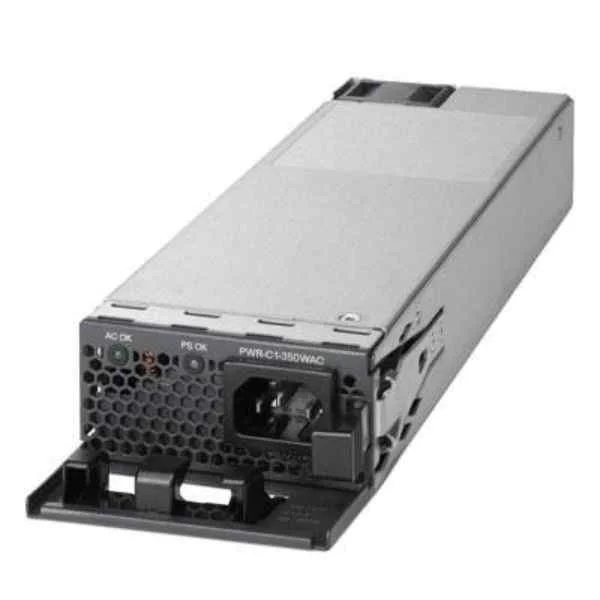
PWR-C6-600WAC (PWR-C6-600WAC - Catalyst 9000 Switch Power Supply)
4.2 (5)- Power Supply
- Cisco
- 600W
- Gaming / Workstation / Enterprise Server
- ATX
- Modular
- Platinum
Est Value $1,693.00$309.75
81.7% offIn stockNewRefurbishedFirst-Time Buyer Discount – Get up to 2% additional off on your first order
ORM Rewards Earn $50 in Rewards + Free Expedited Delivery – Join Now!
Use eCoupon ORMSAVE10
eCoupon limited to 5 units
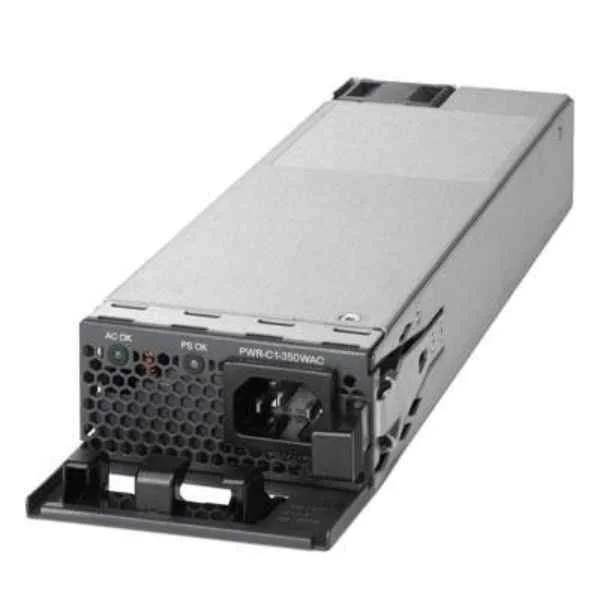
PWR-C6-1KWAC (PWR-C6-1KWAC - Catalyst 9000 Switch Power Supply)
4.6 (5)- Power Supply
- Cisco
- 1000W
- Gaming / Workstation
- ATX
- Modular
- Gold
Est Value $2,449.00$367.50
85% offIn stockNewRefurbishedFirst-Time Buyer Discount – Get up to 2% additional off on your first order
ORM Rewards Earn $50 in Rewards + Free Expedited Delivery – Join Now!
Use eCoupon ORMSAVE10
eCoupon limited to 5 units

PWR-C5-600WAC (Cisco Catalyst 9000 Switch Power Supply, 600W AC, Config 5)
4.2 (5)- Power Supply
- Switch Power Supply
- 600W AC Config 5 Power Supply
- PWR-C5-600WAC
- Cisco
- Catalyst 9200 Series
- Cisco Catalyst 9200 Series switches
Est Value $2,366.00$355.01
85% offIn stockNewRefurbishedFirst-Time Buyer Discount – Get up to 2% additional off on your first order
ORM Rewards Earn $50 in Rewards + Free Expedited Delivery – Join Now!
Use eCoupon ORMSAVE10
eCoupon limited to 5 units

PWR-C5-1KWAC (Cisco Catalyst 9000 Series Switch Power Supply, 1000W AC, Config 5, Hot-Swappable)
4.6 (5)- Power Supply
- Switch Power Supply
- 1000 W AC power supply module
- PWR-C5-1KWAC
- Cisco
- Catalyst 9200 Series
- C9200-48P, C9200-48PB, C9200-48PXG; C9200L-48P-4G, C9200L-48P-4X, C9200L-48PXG-4X, C9200L-48PXG-2Y
Est Value $2,469.00$370.44
85% offIn stockNewRefurbishedFirst-Time Buyer Discount – Get up to 2% additional off on your first order
ORM Rewards Earn $50 in Rewards + Free Expedited Delivery – Join Now!
Use eCoupon ORMSAVE10
eCoupon limited to 5 units
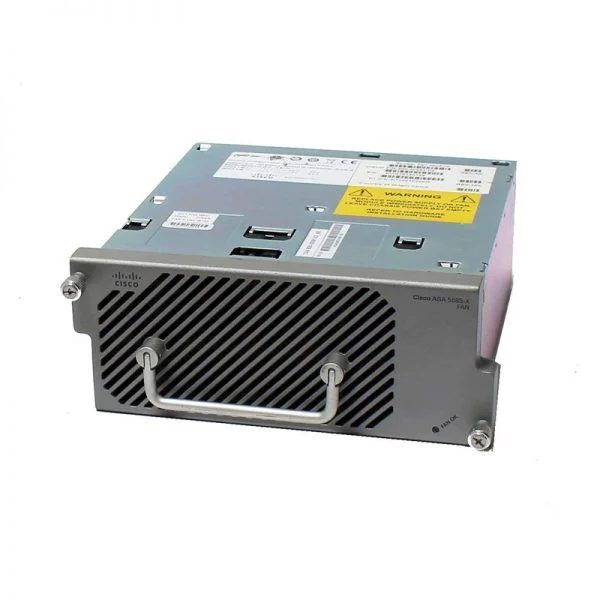
ASA5585-PWR-AC (ASA 5585-X Spare AC Power Supply)
4.6 (5)- Power Supply
- Cisco
- 850W
- Workstation
- ATX
- Semi-Modular
- Gold
Est Value $537.00$80.64
85% offIn stockNewRefurbishedFirst-Time Buyer Discount – Get up to 2% additional off on your first order
ORM Rewards Earn $50 in Rewards + Free Expedited Delivery – Join Now!
Use eCoupon ORMSAVE10
eCoupon limited to 5 units
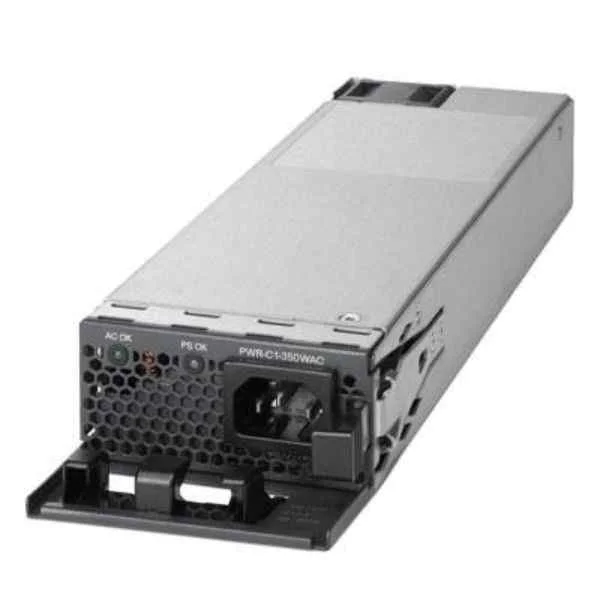
ASR1001-X-PWR-AC (Cisco ASR1001-X-PWR-AC AC Power Supply for ASR1001-X 341-0608-01)
4.4 (5)- Power Supply
- Cisco
- 500W
- Enterprise Server / Data Center / Rack Server / Workstation / HPC / Gaming / Mining / General Use
- ATX
- Non-Modular
- Gold
Est Value $594.00$89.25
85% offIn stockNewRefurbishedFirst-Time Buyer Discount – Get up to 2% additional off on your first order
ORM Rewards Earn $50 in Rewards + Free Expedited Delivery – Join Now!
Use eCoupon ORMSAVE10
eCoupon limited to 5 units

ASA-PWR-DC (ASA 5545-X/5555-X DC POWER SUPPLY)
4.8 (5)- Power Supply
- Cisco
- 750W
- Gaming / Workstation / Rack Server
- ATX
- Modular
- Gold
Est Value $4,239.90$2,119.95
50% offIn stockRefurbishedFirst-Time Buyer Discount – Get up to 2% additional off on your first order
ORM Rewards Earn $50 in Rewards + Free Expedited Delivery – Join Now!
Use eCoupon ORMSAVE10
eCoupon limited to 5 units

ASA5585-PWR-DC (ASA 5585-X DC POWER SUPPLY)
4.8 (5)- Power Supply
- Cisco
- 850W
- Gaming / Workstation / Server
- ATX
- Semi-Modular
- Gold
Est Value In stockFirst-Time Buyer Discount – Get up to 2% additional off on your first order
ORM Rewards Earn $50 in Rewards + Free Expedited Delivery – Join Now!
Use eCoupon ORMSAVE10
eCoupon limited to 5 units

ORM Sales Advisors
Buying for your business? Get a personalised quote in under 2 hours. Talk to an expert
LEARNFilters (12) 
Questions & Answers
What are the power requirements for Cisco ASA 5500 series power supplies?
Cisco ASA 5500 power supplies require 100–240 VAC input at 50–60 Hz and deliver up to 350 W output, ensuring global compatibility and stable operation.
Are ASA 5500 power supplies hot-swappable?
Yes, ASA 5500 models with dual-power slots support hot-swappable modules, allowing replacement without powering down the device for uninterrupted service.
How do I choose a replacement power supply for my ASA 5500?
Match the Cisco part number and wattage rating of your existing ASA 5500 power supply, ensuring identical form factor and compatibility with your chassis model.
What is the wattage rating of ASA 5500 power supplies?
ASA 5500 power supplies are rated at 350 W maximum, supporting full-load firewall, VPN, and IPS throughput for all models in the series.
Do ASA 5500 power supplies support both AC and DC input?
Standard ASA 5500 power supplies accept 100–240 VAC only; DC-input options require Cisco-approved DC modules, available separately for specific deployments.
How do I install a new power supply in an ASA 5500 chassis?
Power off the chassis (unless hot-swappable), slide the new ASA 5500 power module into the labeled slot, secure the captive screws, and reconnect the AC cord.
Can I use third-party power supplies in ASA 5500 devices?
Cisco recommends using genuine ASA 5500 power supplies to maintain warranty support and ensure optimal electrical compatibility and safety certifications.
What is the difference between single and redundant power supplies in ASA 5500?
Single-supply configurations rely on one module; redundant setups use dual modules for failover, providing uninterrupted operation if one supply fails.
How do I verify if my ASA 5500 power supply is failing?
Monitor the Power LED status on the chassis: amber or off indicates failure. You can also view Cisco IOS output via \
Is there a warranty on Cisco ASA 5500 power supplies?
Yes, Cisco offers a limited lifetime warranty on ASA 5500 power supplies when purchased through authorized channels, covering defects in materials and workmanship.
Where can I buy genuine ASA 5500 power supplies?
Purchase through Cisco Authorized Partners or the Cisco online store to guarantee authenticity, warranty support, and compliance with Cisco quality standards.
How do I configure high availability with dual power supplies in ASA 5500?
Install two identical ASA 5500 power modules, connect separate AC feeds, and enable redundant power in the ASA configuration to activate automatic failover.
What safety precautions should I follow when replacing ASA 5500 power supplies?
Disconnect AC power, wear ESD protection, avoid shorting connectors, and install modules in a well-ventilated environment per Cisco safety guidelines.
Can I mix different power supply models in an ASA 5500 chassis?
No, mixing power supply models or wattages can cause compatibility issues; always use identical Cisco ASA 5500 modules for redundancy and performance.
How do I troubleshoot power supply fan noise in ASA 5500 units?
Ensure proper ventilation, clean dust from vents, verify firmware is up to date, and replace any failing fan-equipped power supply modules.
Are replacement power supplies for ASA 5500 backward compatible with older ASA models?
ASA 5500 power modules are backward compatible only with ASA 5530 and later models; earlier ASA 500 series use a different form factor and part number.