 United States
Power Supplies Router ASR 9000
Engineered for peak performance, Router ASR 9000 power supplies deliver continuous uptime, superior energy efficiency, and enhanced security, ensuring reliable operation in mission-critical networks.
Talk to an expert
10 Matching results
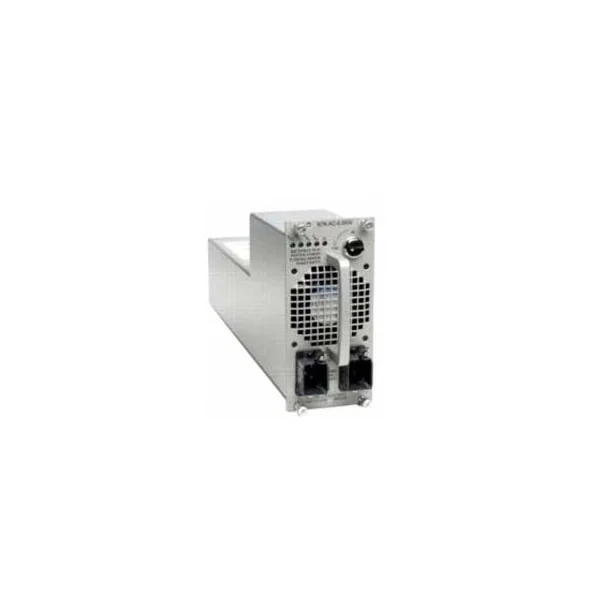
A9K-3KW-AC (Cisco ASR 9000 Equipment A9K-3KW-AC 3kW AC Power Module)
4.6 (5)- Power Supply
- Cisco
- 1600W
- Enterprise Server
- ATX
- Modular
- Gold
Est Value $1,259.00
$189.00
85% offIn stockNewRefurbishedFirst-Time Buyer Discount – Get up to 2% additional off on your first order
ORM Rewards Earn $50 in Rewards + Free Expedited Delivery – Join Now!
Use eCoupon ORMSAVE10
eCoupon limited to 5 units

A9K-1.5KW-DC (Cisco ASR 9000 Equipment A9K-1.5KW-DC 1.5kW DC Power Module)
4.6 (5)- Power Supply
- Cisco
- 1500W
- Enterprise Server / Data Center / Rack Server / Workstation / HPC
- ATX
- Modular
- Platinum
Est Value $2,800.00$820.67
70.7% offIn stockNewRefurbishedFirst-Time Buyer Discount – Get up to 2% additional off on your first order
ORM Rewards Earn $50 in Rewards + Free Expedited Delivery – Join Now!
Use eCoupon ORMSAVE10
eCoupon limited to 5 units

A9K-2KW-DC (2KW DC POWER MODULE)
4.6 (5)- Power Supply
- Cisco
- 1600W
- Enterprise Server / Workstation / Gaming
- ATX
- Modular
- Titanium
Est Value $926.00$138.92
85% offIn stockNewRefurbishedFirst-Time Buyer Discount – Get up to 2% additional off on your first order
ORM Rewards Earn $50 in Rewards + Free Expedited Delivery – Join Now!
Use eCoupon ORMSAVE10
eCoupon limited to 5 units

CAB-7513ACI (Cisco ASR 9000 Accessory CAB-7513ACI AC POWER CORD (ITALY))
4.4 (5)- Power Supply
- Cisco
- 750W
- Gaming / Workstation
- ATX
- Modular
- Gold
Est Value $30.00$12.60
58% offIn stockNewFirst-Time Buyer Discount – Get up to 2% additional off on your first order
ORM Rewards Earn $50 in Rewards + Free Expedited Delivery – Join Now!
Use eCoupon ORMSAVE10
eCoupon limited to 5 units
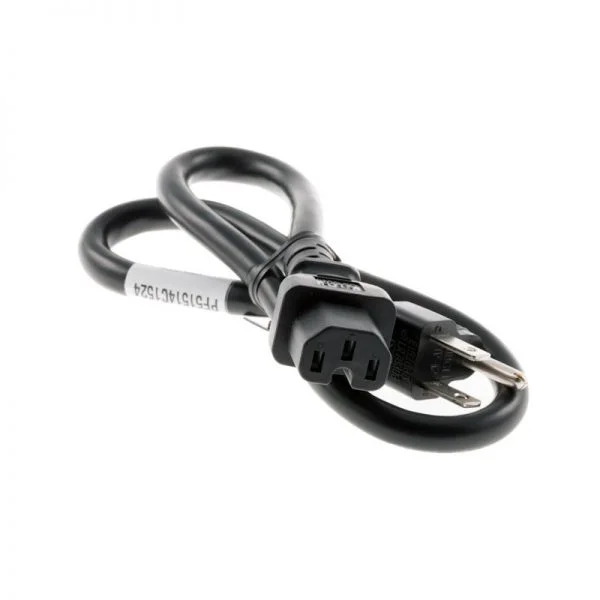
CAB-7513ACSA (Cisco ASR 9000 Accessory CAB-7513ACSA AC Power Cord (South Africa) Spar)
4.8 (5)- Power Supply
- Cisco
- 750W
- Gaming
- ATX
- Modular
- Gold
Est Value $30.00$12.60
58% offIn stockNewFirst-Time Buyer Discount – Get up to 2% additional off on your first order
ORM Rewards Earn $50 in Rewards + Free Expedited Delivery – Join Now!
Use eCoupon ORMSAVE10
eCoupon limited to 5 units
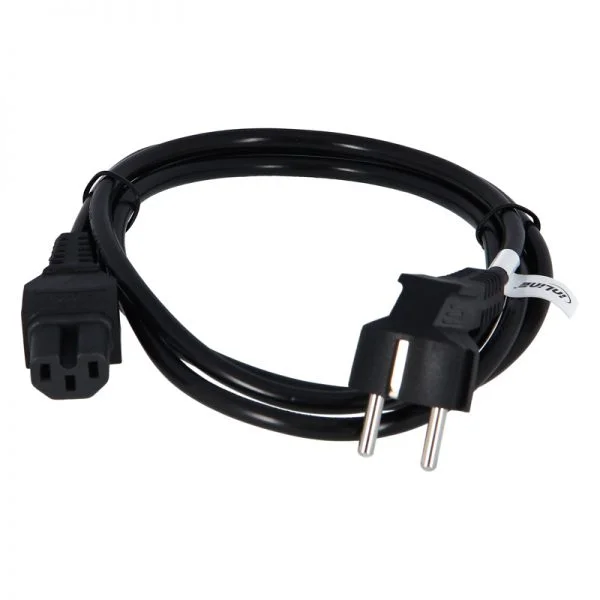
CAB-AC-2500W-EU (Cisco ASR 9000 Accessory CAB-AC-2500W-EU Power Cord, 250Vac 16A, Europe)
4.4 (5)- Power Supply
- Cisco
- 2500W
- Enterprise Server / Data Center / Rack Server
- ATX
- Modular
- Platinum
Est Value $73.80$63.00
14.6% offIn stockNewRefurbishedFirst-Time Buyer Discount – Get up to 2% additional off on your first order
ORM Rewards Earn $50 in Rewards + Free Expedited Delivery – Join Now!
Use eCoupon ORMSAVE10
eCoupon limited to 5 units
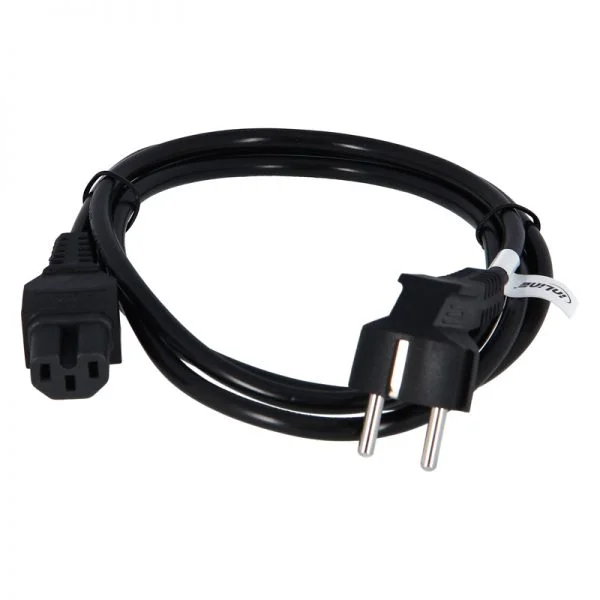
CAB-AC-2500W-US1 (Cisco ASR 9000 Accessory CAB-AC-2500W-US1 Power Cord, 250Vac 16A, straight blade NEMA 6-20 plug, US)
4.4 (5)- Power Supply
- Cisco
- 2500W
- Enterprise Server / Workstation / Gaming
- ATX
- Modular
- Platinum
Est Value $150.23$128.25
14.6% offIn stockNewRefurbishedFirst-Time Buyer Discount – Get up to 2% additional off on your first order
ORM Rewards Earn $50 in Rewards + Free Expedited Delivery – Join Now!
Use eCoupon ORMSAVE10
eCoupon limited to 5 units
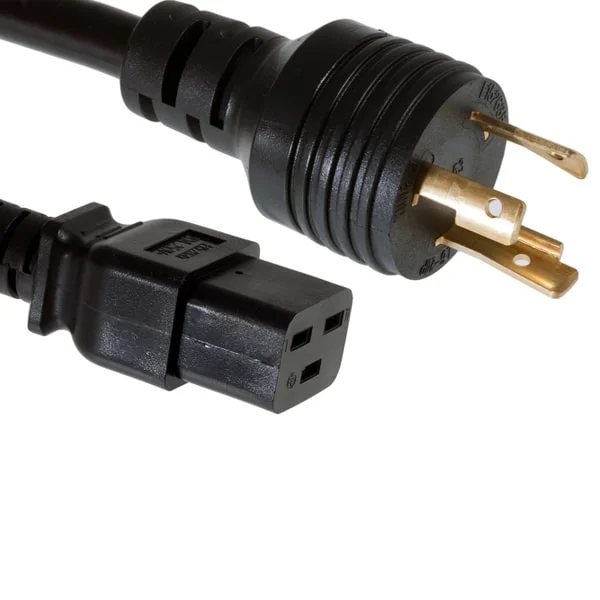
CAB-AC-C6K-TWLK (Cisco ASR 9000 Accessory CAB-AC-C6K-TWLK Power Cord, 250Vac 16A, twist lock NEMA L6-20 plug, US)
4.6 (5)- Power Supply
- Cisco
- 850W
- Gaming / Workstation
- ATX
- Semi-Modular
- Gold
Est Value $101.25$50.40
50.2% offIn stockNewRefurbishedFirst-Time Buyer Discount – Get up to 2% additional off on your first order
ORM Rewards Earn $50 in Rewards + Free Expedited Delivery – Join Now!
Use eCoupon ORMSAVE10
eCoupon limited to 5 units

CAB-AC-C5-BRA (SPARE AC PWR CORD TYPE C5 BRAZIL)
4.4 (5)Est Value In stockFirst-Time Buyer Discount – Get up to 2% additional off on your first order
ORM Rewards Earn $50 in Rewards + Free Expedited Delivery – Join Now!
Use eCoupon ORMSAVE10
eCoupon limited to 5 units

CAB-AC-C5-TWN (AC PWR CORD TYPE C5 TAIWAN)
4.8 (5)Est Value In stockFirst-Time Buyer Discount – Get up to 2% additional off on your first order
ORM Rewards Earn $50 in Rewards + Free Expedited Delivery – Join Now!
Use eCoupon ORMSAVE10
eCoupon limited to 5 units

ORM Sales Advisors
Buying for your business? Get a personalised quote in under 2 hours. Talk to an expert
LEARNFilters (10) 
Questions & Answers
Which power supply models are compatible with the Cisco ASR 9000 series routers?
The Cisco ASR 9000 supports PWR-2KW-DC, PWR-4KW-DC and PWR-4KW-AC power modules. These hot-swappable PSUs are fully backward-compatible across all ASR 9000 chassis.
How many power supplies can I install in an ASR 9000 chassis?
An ASR 9000 chassis accommodates up to four power supply units. You can configure them in 1+1 or N+1 redundancy for maximum availability.
Are ASR 9000 power supplies hot-swappable?
Yes. All ASR 9000 power modules are hot-swappable, enabling removal and replacement without shutting down the router or impacting traffic.
What input voltage ranges do ASR 9000 power supplies support?
AC PSUs accept 100–240 VAC at 50/60 Hz. DC PSUs accept –48 to –60 VDC. Both types auto-sense and adapt to nominal voltage ranges.
Can I mix AC and DC power supplies in the same chassis?
No. ASR 9000 chassis require all power modules to be of the same type—either all AC or all DC—to ensure proper power distribution.
How do I verify the status of my ASR 9000 power supplies?
Check the front-panel LEDs: green indicates normal operation, amber signals a fault. You can also run the CLI command “show platform power” for detailed status.
What is the typical power consumption of an ASR 9000 router?
A fully populated ASR 9000 system with PWR-4KW modules consumes up to 3,500 W under peak load. Actual consumption varies with line-card count and traffic.
How do I replace a faulty ASR 9000 power supply?
Disengage the PSU latch, slide out the faulty unit, insert the replacement module until it clicks, and confirm a green LED. Consult the Cisco installation guide for details.
What redundancy options are available for ASR 9000 power supplies?
You can configure 1+1, 2+1 or N+1 redundancy. Redundant PSUs ensure uninterrupted operation during module failure or maintenance activities.
What are the operating temperature requirements for ASR 9000 PSUs?
Operate in an ambient range of 0 °C to 40 °C with adequate front-to-back airflow. Regularly clean air filters to prevent overheating.
What warranty covers ASR 9000 power supplies?
Cisco provides a one-year limited hardware warranty for ASR 9000 PSUs. You can extend coverage through Cisco Smart Net Total Care services.
Can I use third-party power supplies in the ASR 9000?
Cisco strongly recommends using only genuine Cisco PSUs to ensure compatibility, maintain support eligibility and preserve warranty coverage.
How do I check the firmware version of an ASR 9000 power supply?
Run the CLI command “show platform hardware chassis power-supply slot ” to view firmware and hardware details. Update firmware via Cisco software images if required.
What safety certifications do ASR 9000 PSUs carry?
ASR 9000 power modules hold CE, UL, CSA and CB certifications, ensuring compliance with global safety, EMC and environmental standards.
Can I upgrade from a 2 kW PSU to a 4 kW PSU in my ASR 9000?
Yes. You can replace PWR-2KW modules with PWR-4KW units to increase capacity. Verify that your power infrastructure supports the higher load.
How do ASR 9000 power supplies handle power faults?
Integrated protections include overcurrent, overvoltage and thermal shutdown. Fault conditions trigger amber LEDs, generate syslog messages and allow rapid CLI-based diagnostics.