 United States
Power Supplies & Fans Catalyst
Enhance operational uptime with OEM spare power supplies and fans engineered for the Catalyst 3750-X Series. Optimize reliability and network performance with our certified, high-efficiency replacement components.
Talk to an expert
4 Matching results
- BEST SELLING
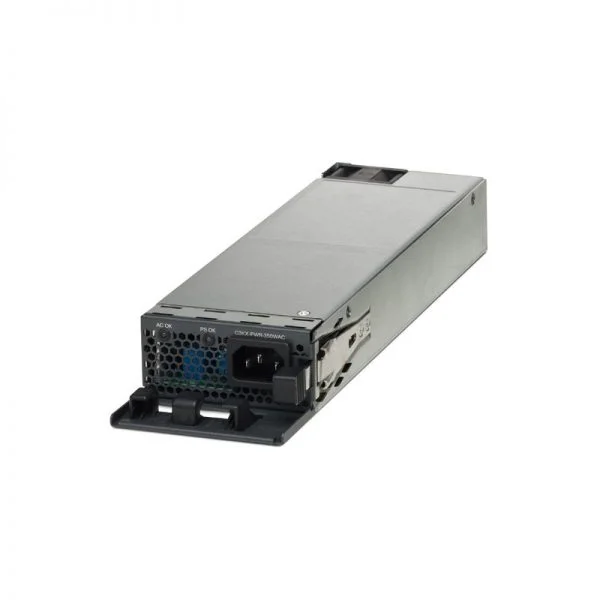
C3KX-PWR-715WAC (Catalyst 3K-X 715W AC Power Supply )
4.8 (5)- Power Supply
- Cisco
- 715W
- Enterprise Server / Workstation / Gaming
- ATX
- Semi-Modular
- Bronze
Est Value $385.00
$57.86
85% offIn stockNewRefurbishedFirst-Time Buyer Discount – Get up to 2% additional off on your first order
ORM Rewards Earn $50 in Rewards + Free Expedited Delivery – Join Now!
Use eCoupon ORMSAVE10
eCoupon limited to 5 units
- BEST SELLING
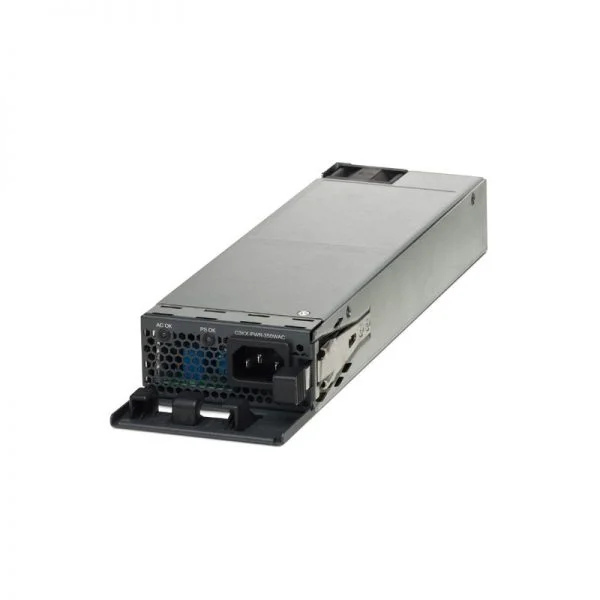
C3KX-PWR-350WAC (Catalyst 3K-X 350W AC Power Supply )
4.8 (5)- Power Supply
- Cisco
- 350W
- Gaming / Workstation / General Use
- ATX
- Non-Modular
- 80 PLUS
Est Value $335.00$50.40
85% offIn stockNewRefurbishedFirst-Time Buyer Discount – Get up to 2% additional off on your first order
ORM Rewards Earn $50 in Rewards + Free Expedited Delivery – Join Now!
Use eCoupon ORMSAVE10
eCoupon limited to 5 units
- BEST SELLING
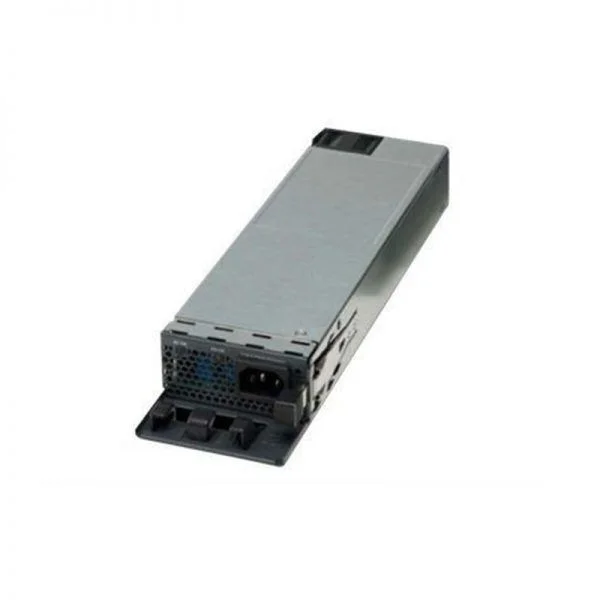
C3KX-PWR-1100WAC (Catalyst 3K-X 1100W AC Power Supply)
4.4 (5)- Power Supply
- Cisco
- 1100W
- Gaming / Workstation / Server
- ATX
- Modular
- Platinum
Est Value $398.00$59.85
85% offIn stockNewRefurbishedFirst-Time Buyer Discount – Get up to 2% additional off on your first order
ORM Rewards Earn $50 in Rewards + Free Expedited Delivery – Join Now!
Use eCoupon ORMSAVE10
eCoupon limited to 5 units
- BEST SELLING
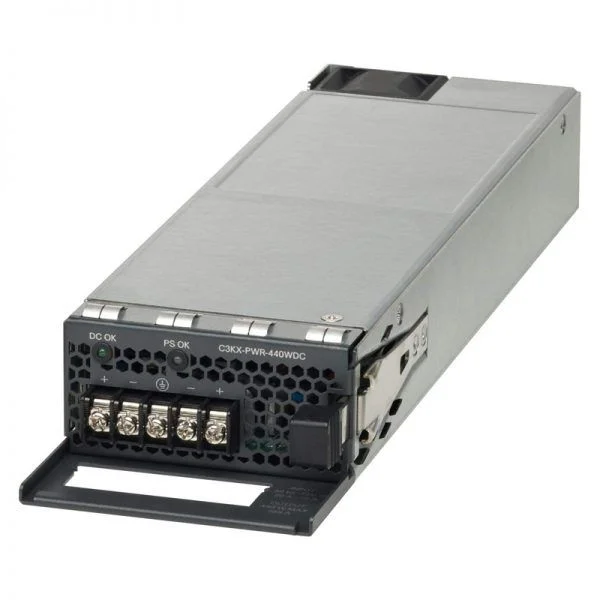
C3KX-PWR-440WDC (Catalyst 3K-X 440W DC Power Supply Spare )
4.8 (5)- Power Supply
- Cisco
- 450W
- Gaming
- ATX
- Non-Modular
- Bronze
Est Value $1,673.68$314.31
81.2% offIn stockNewRefurbishedFirst-Time Buyer Discount – Get up to 2% additional off on your first order
ORM Rewards Earn $50 in Rewards + Free Expedited Delivery – Join Now!
Use eCoupon ORMSAVE10
eCoupon limited to 5 units

ORM Sales Advisors
Buying for your business? Get a personalised quote in under 2 hours. Talk to an expert
LEARNFilters (4) 
Questions & Answers
What is a compatible spare power supply for the Catalyst 3750-X series?
The compatible spare power supply for the Catalyst 3750-X series is the Cisco PWR-C45-3750X-R or PWR-C45-3750X-R-R, rated at 345W AC. These units are engineered for drop-in replacement to restore full switch functionality.
Can I hot-swap a spare power supply on a Catalyst 3750-X switch?
Yes. The Catalyst 3750-X supports live insertion and removal of PWR-C45-3750X series power supplies, enabling zero-downtime maintenance when redundant supplies are installed.
How do I install a spare power supply in the Catalyst 3750-X?
Power down the switch only if not using redundancy, slide the PWR-C45-3750X unit into the rear module bay until it clicks, then reconnect the AC power cord. The switch will auto-detect and power up immediately.
What fan modules are available for the Catalyst 3750-X series?
The Catalyst 3750-X uses the Cisco FAN-3750X-R or FAN-3750X-R-R hot-swappable fan tray. Each tray contains dual fans with variable speed control to optimize airflow and noise.
How do I replace a failed fan on a Catalyst 3750-X switch?
Loosen the captive screws on the failed FAN-3750X module, slide it out, insert the new fan tray until it seats, tighten the screws, and verify fan status via the switch front-panel LEDs or CLI.
Do Catalyst 3750-X spare parts come with a warranty?
Yes. Genuine Cisco spare power supplies and fan modules include a limited lifetime warranty when purchased through Cisco or authorized partners, covering defects in materials and workmanship.
What are the power ratings for Catalyst 3750-X spare supplies?
Each PWR-C45-3750X-R supply delivers 345W AC output at 100–240V, 50–60Hz. It supports full PoE budget sharing across dual redundant units.
How can I verify if my power supply is faulty?
Check the status LED on the PWR-C45-3750X: green indicates normal operation, amber signals a fault, and off means no input power. You can also view system logs via CLI show environment all.
Is power supply redundancy supported on the Catalyst 3750-X?
Yes. You can install two PWR-C45-3750X series units in a single switch to enable N+1 redundancy, ensuring continuous operation if one supply fails.
Can I mix third-party power supplies with Cisco spares?
We recommend using only Cisco-branded PWR-C45-3750X modules. Third-party units may void warranty, lack certification, and compromise switch stability and performance.
What is the MTBF of Catalyst 3750-X power supplies and fans?
Cisco PWR-C45-3750X series power supplies have an MTBF of over 200,000 hours; the FAN-3750X module exceeds 150,000 hours under typical data-center conditions.
How many spare power supplies and fans should I keep on hand?
Maintain at least one redundant power supply and one spare fan tray per critical switch. For larger deployments, keep spares equal to 10% of your 3750-X inventory.
Where can I purchase genuine Cisco spare parts for Catalyst 3750-X?
Order directly from Cisco’s online store or through Cisco Certified Partners to ensure authenticity, warranty coverage, and timely global shipping.
How do I troubleshoot power supply error alarms on a 3750-X?
First, verify AC input and LED status. If the LED is amber, reseat the module, check power cables, and review CLI logs with show logging | include SUPPLY for error details.
Are fan speed and noise adjustable on the Catalyst 3750-X?
Yes. The switch dynamically controls FAN-3750X speed based on internal temperature thresholds. Manual fan tuning is not required or supported.
What part numbers do I need to order a full replacement kit?
For a complete spare kit, order the PWR-C45-3750X-R (power supply) and FAN-3750X-R (fan tray). Include Cisco ordering codes in your purchase requisition for accurate fulfillment.