 United States
Core Switch Power Supplies
Enhance network reliability and performance with D-Link core switch power supplies engineered for high efficiency, durability, and seamless integration in any enterprise IT environment.
Talk to an expert
4 Matching results
- BEST SELLING
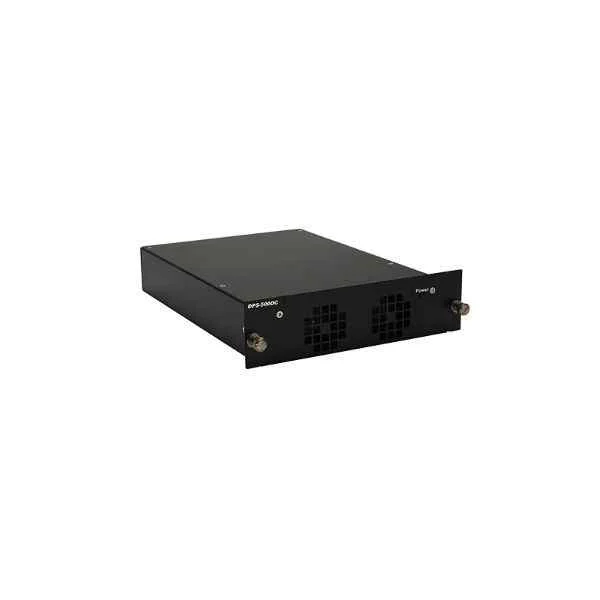
DPS-500DC-CN (D-Link DC redundant power supply, suitable for DGS-3630-40T-CN and DGS-3630-40S-CN)
4.8 (5)- Power Supply
- D-Link
- 500W
- Gaming
- ATX
- Non-Modular
- Bronze
Est Value In stock
First-Time Buyer Discount – Get up to 2% additional off on your first order
ORM Rewards Earn $50 in Rewards + Free Expedited Delivery – Join Now!
Use eCoupon ORMSAVE10
eCoupon limited to 5 units
- BEST SELLING
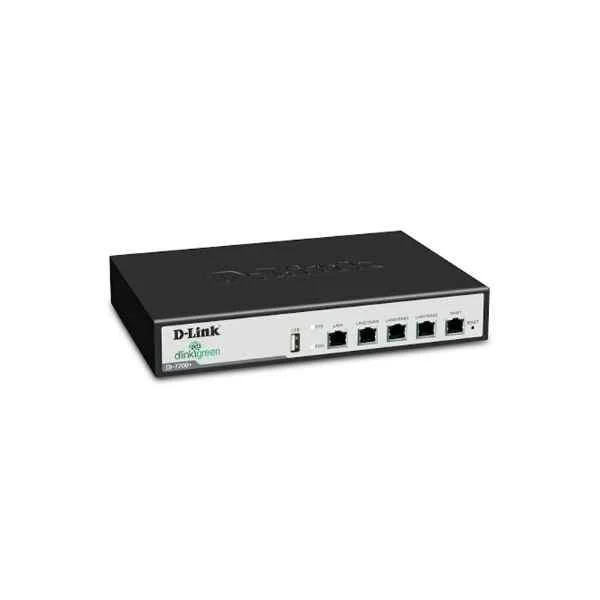
DES-85-PWR1000W-AC220 (D-Link DES8500 series AC power module 1000W)
4.4 (5)- Power Supply
- D-Link
- 1000W
- Gaming / Workstation / Server
- ATX
- Modular
- Gold
Est Value In stockFirst-Time Buyer Discount – Get up to 2% additional off on your first order
ORM Rewards Earn $50 in Rewards + Free Expedited Delivery – Join Now!
Use eCoupon ORMSAVE10
eCoupon limited to 5 units
- BEST SELLING
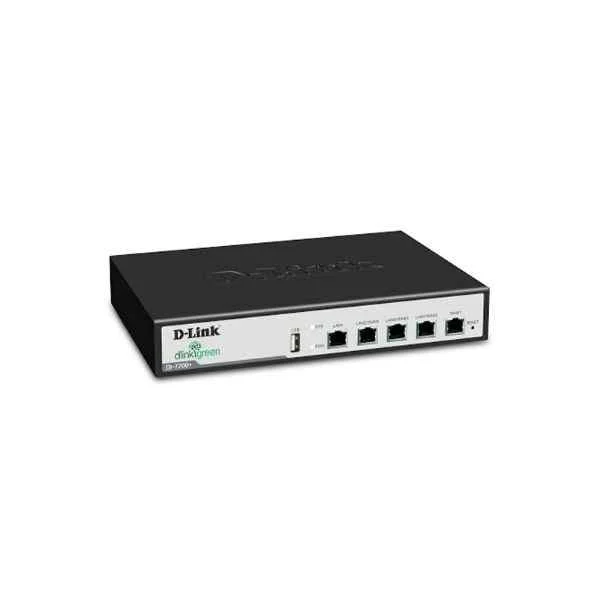
DES-85-PWR600W-AC220 (D-Link DES-8500 series AC power module 600W (only for DES-8503, DES-8506))
4.6 (5)- Power Supply
- D-Link
- 600W
- Gaming / Workstation / Server
- ATX
- Non-Modular
- Bronze
Est Value In stockFirst-Time Buyer Discount – Get up to 2% additional off on your first order
ORM Rewards Earn $50 in Rewards + Free Expedited Delivery – Join Now!
Use eCoupon ORMSAVE10
eCoupon limited to 5 units
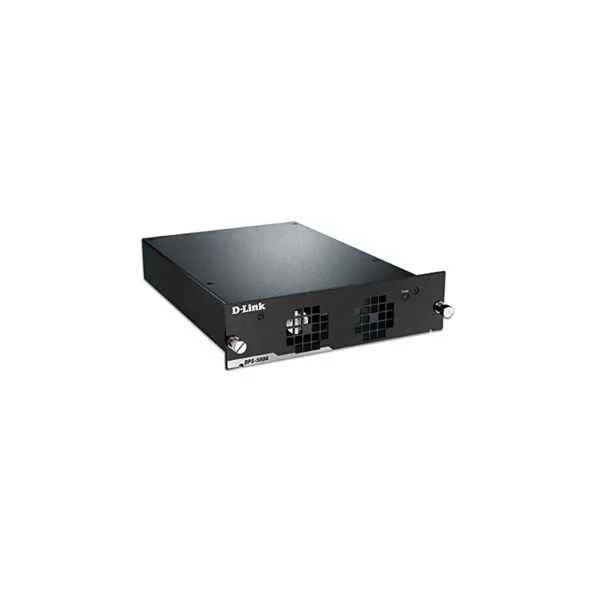
DPS-500AC-CN (D-Link AC redundant power supply, suitable for DGS-3630-40T-CN and DGS-3630-40S-CN)
4.6 (5)- Power Supply
- D-Link
- 500W
- Gaming / Workstation / General Use
- ATX
- Semi-Modular
- Gold
Est Value In stockFirst-Time Buyer Discount – Get up to 2% additional off on your first order
ORM Rewards Earn $50 in Rewards + Free Expedited Delivery – Join Now!
Use eCoupon ORMSAVE10
eCoupon limited to 5 units

ORM Sales Advisors
Buying for your business? Get a personalised quote in under 2 hours. Talk to an expert
LEARNFilters (4) 
Questions & Answers
What is a D-Link core switch power supply?
A D-Link core switch power supply is a modular, high-efficiency unit that delivers reliable DC power to D-Link chassis switches, ensuring optimal uptime and network performance.
Which D-Link core switch models are compatible with these power supplies?
D-Link core switch power supplies are compatible with DXS-3600, DGS-3627, DGS-3630, and other D-Link chassis series that support field-replaceable power modules.
How do I install the power supply unit in a D-Link core switch?
To install, power down the chassis, slide the PSU into an empty bay until it clicks, secure the latch, then reconnect AC power and power on the switch.
Are D-Link core switch power supplies hot-swappable?
Yes, D-Link core switch power supplies are hot-swappable, allowing you to remove or replace modules without interrupting network traffic when redundancy is enabled.
What is the wattage rating of D-Link core switch power supplies?
D-Link offers 650 W, 1200 W and 1600 W power supply modules to accommodate various chassis sizes and power demands.
How do I choose the right power supply capacity for my D-Link core switch?
Calculate total port and PoE load, then select a PSU with at least 20% headroom above your maximum power requirement to ensure stability and future scalability.
Can I use third-party power supplies in D-Link core switches?
D-Link recommends only OEM power supplies to maintain warranty coverage, ensure full compatibility, and achieve certified safety and performance standards.
How do I troubleshoot a failed power supply on my D-Link core switch?
Check the PSU LED status, verify AC input and fuse integrity, reseat the module, and consult switch logs via the CLI for specific error codes.
What LED indicators show a power supply failure on a D-Link core switch?
A solid amber or unlit PSU status LED indicates a failure; a green LED signifies normal operation, while a blinking amber LED denotes a warning.
Is redundancy supported on D-Link core switch power supplies?
Yes, D-Link chassis switches support power redundancy; installing two or more identical PSUs ensures uninterrupted operation in case of module failure.
How do I replace a redundant power supply in a D-Link core switch?
Hot-swap the failed PSU by pulling the latch, removing the module, inserting a new identical unit, and confirming the green LED status for redundancy.
What warranty covers D-Link core switch power supplies?
D-Link core switch power supplies come with a limited lifetime warranty and free advanced replacement for the duration of the switch’s warranty period.
What input voltage range do D-Link core switch power supplies support?
D-Link PSUs accept 100–240 VAC, 50–60 Hz auto-sensing input to accommodate global power standards without manual configuration.
How can I monitor power supply health on a D-Link core switch?
Use the switch’s CLI or web GUI to view PSU status, input/output voltage, and temperature metrics under the System → Power Supply menu.
What is the MTBF of D-Link core switch power supplies?
D-Link PSUs feature an MTBF (Mean Time Between Failures) exceeding 100,000 hours, providing high reliability for enterprise networks.
Can I mix different wattage power modules in a D-Link chassis?
No; for proper load balancing and redundancy, all installed PSUs must be identical in wattage and model number.
What environmental conditions affect D-Link core switch power supplies?
Operate PSUs between 0 °C and 45 °C with 10–90% non-condensing humidity; extreme heat, moisture, or dust may degrade performance or shorten lifespan.