 United States
D-Link Power Supplies Unmatched Reliability
Engineered for superior performance and durable design, D-Link power supplies deliver reliable energy solutions with exceptional efficiency and secure connectivity for enterprise and industrial applications.
Talk to an expert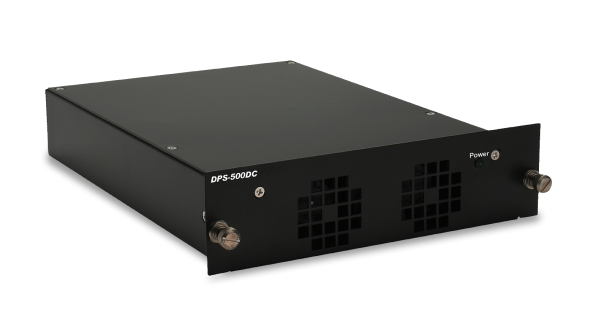

D-Link Core Switch Power Supplies
(4)D-Link core switch power supplies fit building aggregation racks with 10GbE uplinks, redundant AC modules, and hot-swap bays
4 Matching results
- BEST SELLING
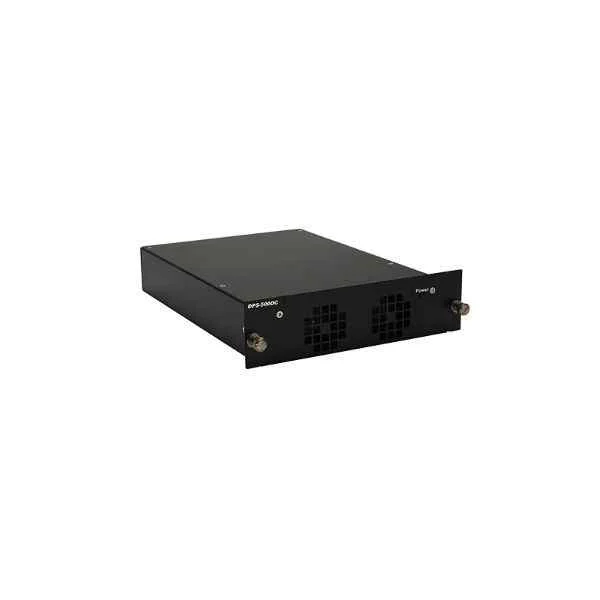
DPS-500DC-CN (D-Link DC redundant power supply, suitable for DGS-3630-40T-CN and DGS-3630-40S-CN)
4.8 (5)- Power Supply
- D-Link
- 500W
- Gaming
- ATX
- Non-Modular
- Bronze
Est Value In stock
First-Time Buyer Discount – Get up to 2% additional off on your first order
ORM Rewards Earn $50 in Rewards + Free Expedited Delivery – Join Now!
Use eCoupon ORMSAVE10
eCoupon limited to 5 units
- BEST SELLING
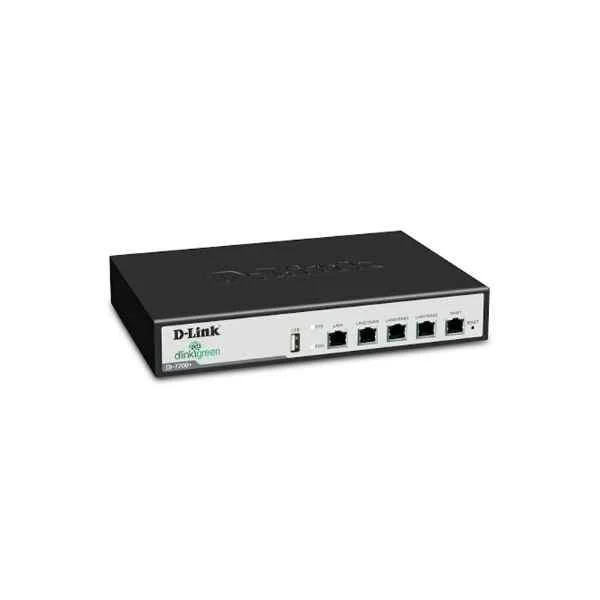
DES-85-PWR1000W-AC220 (D-Link DES8500 series AC power module 1000W)
4.4 (5)- Power Supply
- D-Link
- 1000W
- Gaming / Workstation / Server
- ATX
- Modular
- Gold
Est Value In stockFirst-Time Buyer Discount – Get up to 2% additional off on your first order
ORM Rewards Earn $50 in Rewards + Free Expedited Delivery – Join Now!
Use eCoupon ORMSAVE10
eCoupon limited to 5 units
- BEST SELLING
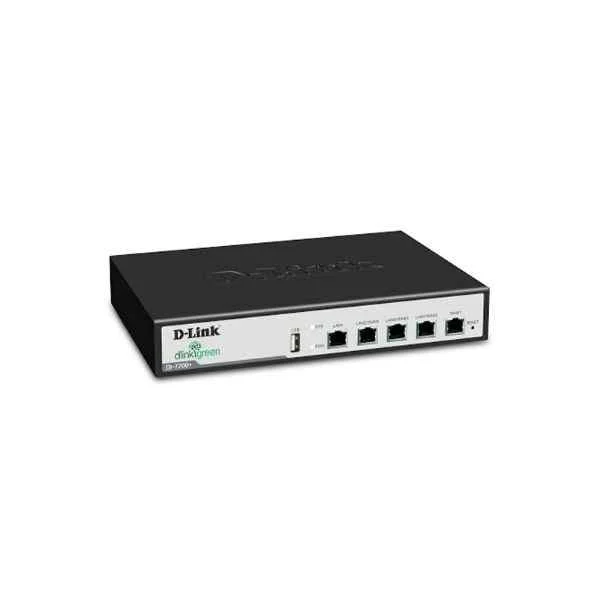
DES-85-PWR600W-AC220 (D-Link DES-8500 series AC power module 600W (only for DES-8503, DES-8506))
4.6 (5)- Power Supply
- D-Link
- 600W
- Gaming / Workstation / Server
- ATX
- Non-Modular
- Bronze
Est Value In stockFirst-Time Buyer Discount – Get up to 2% additional off on your first order
ORM Rewards Earn $50 in Rewards + Free Expedited Delivery – Join Now!
Use eCoupon ORMSAVE10
eCoupon limited to 5 units
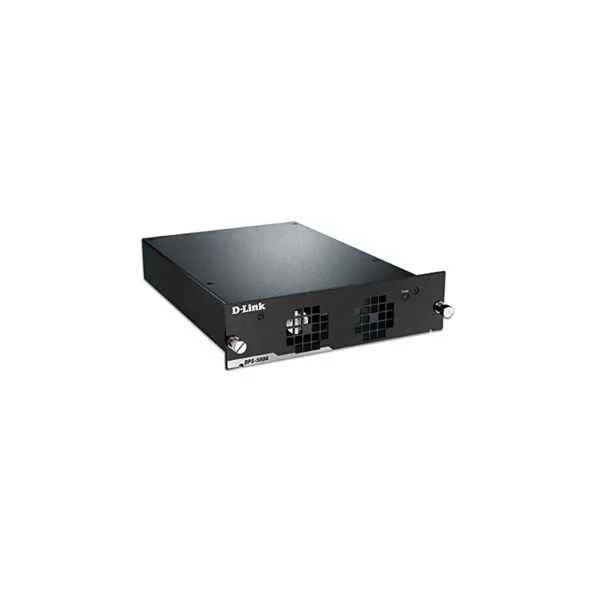
DPS-500AC-CN (D-Link AC redundant power supply, suitable for DGS-3630-40T-CN and DGS-3630-40S-CN)
4.6 (5)- Power Supply
- D-Link
- 500W
- Gaming / Workstation / General Use
- ATX
- Semi-Modular
- Gold
Est Value In stockFirst-Time Buyer Discount – Get up to 2% additional off on your first order
ORM Rewards Earn $50 in Rewards + Free Expedited Delivery – Join Now!
Use eCoupon ORMSAVE10
eCoupon limited to 5 units

ORM Sales Advisors
Buying for your business? Get a personalised quote in under 2 hours. Talk to an expert
LEARNFilters (4) 
Questions & Answers
What are the key features of D-Link Power Supplies?
D-Link Power Supplies deliver stable DC output, built-in over-voltage and short-circuit protection, high energy efficiency, and a compact form factor for seamless integration with D-Link network devices.
Which D-Link devices are compatible with D-Link Power Supplies?
D-Link Power Supplies are designed for compatibility with D-Link switches, routers, access points, IP cameras, and PoE injectors that require the specified voltage and current ratings.
How do I choose the right wattage for my D-Link Power Supply?
Review your device’s power consumption in watts or amperes, then select a D-Link Power Supply with equal or higher output capacity to ensure reliable operation under peak load.
Can I use a third-party power supply with my D-Link device?
We recommend using genuine D-Link Power Supplies to guarantee correct voltage, current, safety certifications, and to maintain your device warranty and optimal performance.
How do I install a D-Link Power Supply?
Power off your device, connect the power supply cable to the device’s DC input jack, plug the AC cord into a grounded outlet, then power on the device to verify proper startup.
Are D-Link Power Supplies PoE compatible?
D-Link offers dedicated PoE injectors and PoE switch power modules; verify your model supports 802.3af/at/bt standards and use the corresponding PoE power supply for seamless power and data delivery.
What protections do D-Link Power Supplies include?
All D-Link Power Supplies feature over-voltage protection (OVP), over-current protection (OCP), short-circuit protection (SCP) and thermal shutdown to safeguard both the supply and connected devices.
What safety certifications do D-Link Power Supplies hold?
D-Link Power Supplies carry UL, CE, FCC, RoHS, and IEC/EN safety and environmental certifications, ensuring compliance with global safety and emission standards.
How can I tell if my D-Link Power Supply is malfunctioning?
Signs of malfunction include device power failures, unusual noise, overheating, or LED status indicators off or red. Replace the supply if faults persist after testing outlet and cabling.
Where can I buy genuine D-Link Power Supplies?
Purchase authentic D-Link Power Supplies from authorized D-Link partners, certified resellers, or the official D-Link online store to ensure product authenticity and warranty coverage.
Do D-Link Power Supplies come with a warranty?
Yes. Genuine D-Link Power Supplies include a one-year limited warranty covering manufacturing defects. Extended coverage options may be available via authorized resellers.
How do I replace a faulty D-Link Power Supply?
Power down and unplug your device, disconnect the old power supply, connect the replacement unit matching voltage/current specs, then power on and verify normal operation.
Are D-Link Power Supplies energy-efficient?
D-Link Power Supplies meet ENERGY STAR® and Level VI efficiency requirements, minimizing energy loss, reducing heat generation, and lowering operational costs.
Can D-Link Power Supplies operate in extreme temperatures?
Standard D-Link Power Supplies operate from 0°C to 40°C; industrial-grade models extend the range to –20°C to 70°C. Always verify your model’s datasheet for exact specifications.
How does D-Link Power Supply redundancy work?
D-Link redundancy solutions use dual-feed power modules that share load and provide automatic failover. If one supply fails, the secondary unit seamlessly maintains uninterrupted power.
What is the supported input voltage range for D-Link Power Supplies?
Most D-Link Power Supplies accept 100–240 VAC at 50/60 Hz, enabling worldwide operation. Always confirm the label on your power supply for the exact input range.