 United States
Raid Cards Strategic Battle Assets
Discover premium Raid Cards meticulously engineered for advanced strategy and rapid deployment. Enhance your competitive edge with our state-of-the-art cards crafted for optimum performance and maximum tactical advantage.
Talk to an expert
6 Matching results
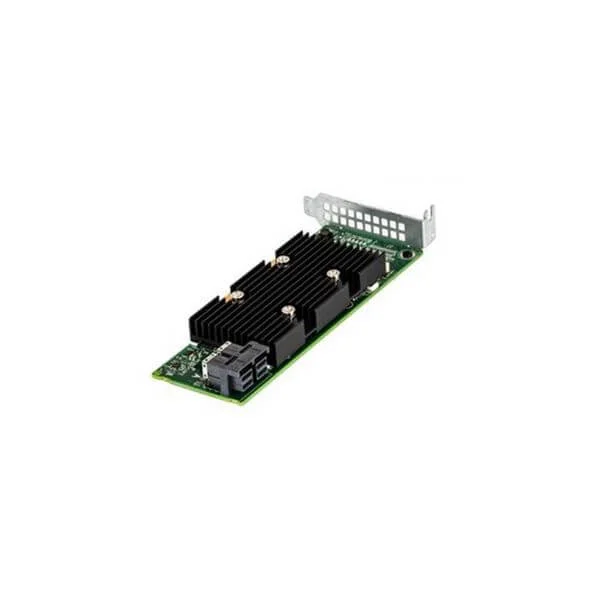
405-AANP (PERC H330+ RAID controller, adapter, half-height)
4.4 (5)Est Value $90.45
$68.25
24.5% offIn stockRefurbishedFirst-Time Buyer Discount – Get up to 2% additional off on your first order
ORM Rewards Earn $50 in Rewards + Free Expedited Delivery – Join Now!
Use eCoupon ORMSAVE10
eCoupon limited to 5 units
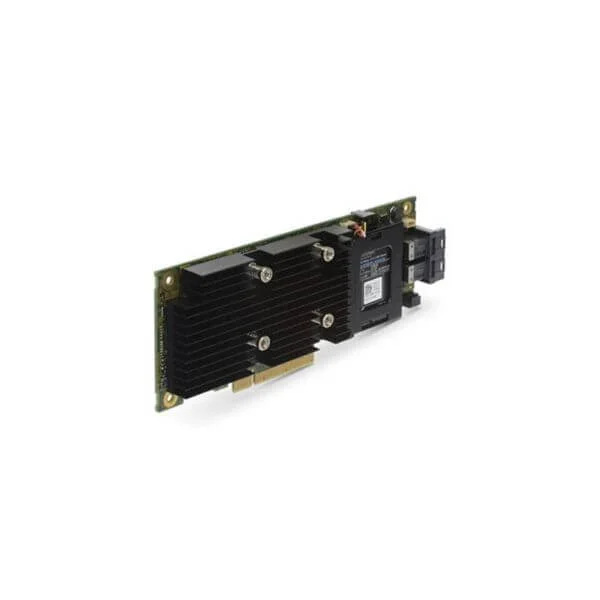
405-AAOE (PERC H730P RAID controller, 2GB NV Cache, , adapter, half-height)
4.8 (5)Est Value $489.00$73.50
85% offIn stockRefurbishedFirst-Time Buyer Discount – Get up to 2% additional off on your first order
ORM Rewards Earn $50 in Rewards + Free Expedited Delivery – Join Now!
Use eCoupon ORMSAVE10
eCoupon limited to 5 units
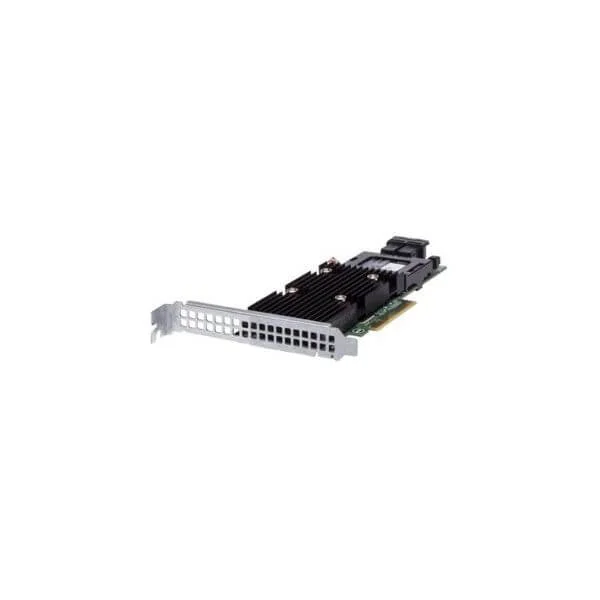
405-AAMR (PERC H730P+ RAID controller, 2Gb NV Cache, , adapter, full-height)
5 (5)Est Value $524.00$78.75
85% offIn stockRefurbishedFirst-Time Buyer Discount – Get up to 2% additional off on your first order
ORM Rewards Earn $50 in Rewards + Free Expedited Delivery – Join Now!
Use eCoupon ORMSAVE10
eCoupon limited to 5 units
405-AAML (PERC H740P RAID controller, 8Gb NV Cache, , adapter, half-height)
4.4 (5)Est Value $604.00$90.72
85% offIn stockRefurbishedFirst-Time Buyer Discount – Get up to 2% additional off on your first order
ORM Rewards Earn $50 in Rewards + Free Expedited Delivery – Join Now!
Use eCoupon ORMSAVE10
eCoupon limited to 5 units
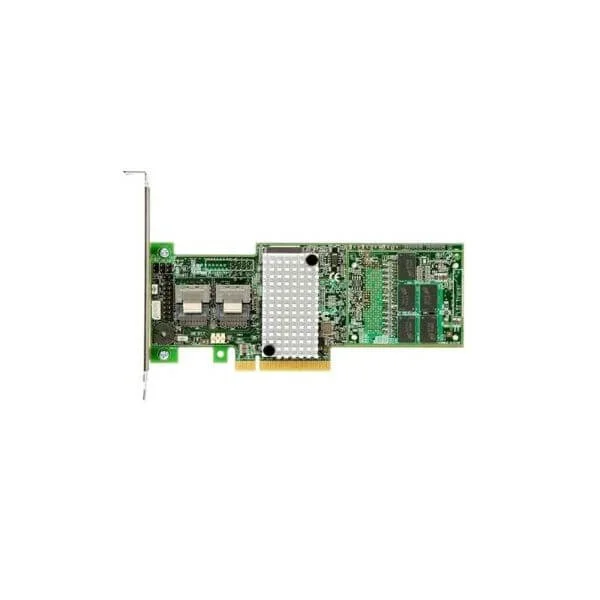
405-AANR (PERC H740P RAID controller, 8Gb NV Cache, , adapter, full-heigh)
4.6 (5)Est Value $604.00$90.72
85% offIn stockRefurbishedFirst-Time Buyer Discount – Get up to 2% additional off on your first order
ORM Rewards Earn $50 in Rewards + Free Expedited Delivery – Join Now!
Use eCoupon ORMSAVE10
eCoupon limited to 5 units
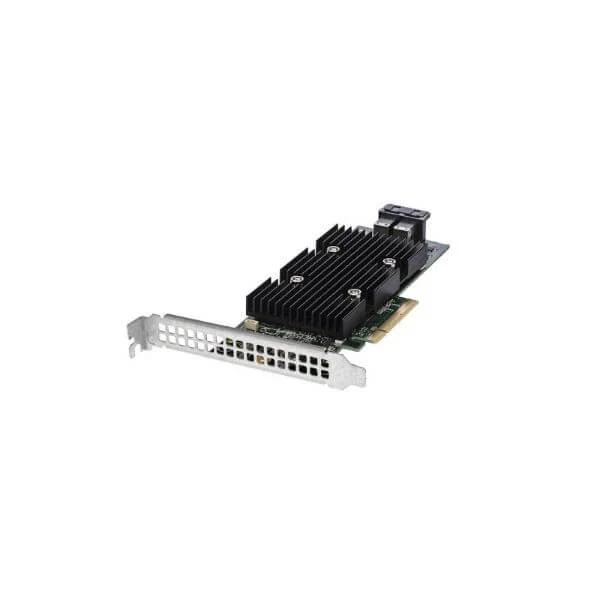
405-AANS (PERC H330+ RAID controller, adapter, full-height)
4.4 (5)Est Value $228.43$75.60
66.9% offIn stockNewRefurbishedFirst-Time Buyer Discount – Get up to 2% additional off on your first order
ORM Rewards Earn $50 in Rewards + Free Expedited Delivery – Join Now!
Use eCoupon ORMSAVE10
eCoupon limited to 5 units

ORM Sales Advisors
Buying for your business? Get a personalised quote in under 2 hours. Talk to an expert
LEARNFilters (6) 
Questions & Answers
What is a RAID card and how does it work?
A RAID card is a dedicated hardware controller that aggregates multiple hard drives or SSDs into redundant or performance-oriented arrays. It presents the array as a single logical volume to the operating system, handling parity, mirroring, or striping independently of software drivers.
What are the main RAID levels supported by RAID cards?
Most RAID cards support RAID levels 0, 1, 5, 6, 10 and sometimes 50 or 60, enabling various trade-offs between performance, fault tolerance, and storage efficiency.
What is the difference between hardware RAID cards and software RAID?
Hardware RAID uses a dedicated processor and cache on the card to manage arrays independently, offering better performance and reliability. Software RAID relies on the server’s CPU, which can reduce overall system throughput under heavy I/O.
How do I choose the right RAID card for my server?
Select a RAID card based on required RAID levels, number of drive ports, cache size, host interface (e.g., PCIe generation), and compatibility with your server’s form factor and operating system.
Can I mix SSDs and HDDs on the same RAID card?
While technically possible, mixing SSDs and HDDs in one array will default to the slowest drive’s speed. Best practice is to create separate arrays for SSDs and HDDs for optimal performance.
Do RAID cards support hot-swapping drives?
Yes, most enterprise-grade RAID cards support hot swapping, allowing you to replace failed drives without powering down the system, provided your chassis and backplane also support it.
What is battery-backed or flash-backed cache on a RAID card?
Battery-backed or flash-backed cache preserves data in the controller’s cache during a power outage, ensuring in-flight writes are committed to disk and preventing data loss.
How do I install a RAID card in my system?
Power off the system, insert the RAID card into an appropriate PCIe slot, secure it, reconnect drive cables to the card’s ports, and then power on to configure the array via the controller’s BIOS or management utility.
What operating systems are compatible with RAID cards?
Most major RAID cards offer drivers for Windows Server, Linux distributions, VMware ESXi and sometimes Unix variants. Always verify compatibility on the manufacturer’s support page.
How do I monitor RAID health and performance?
Use the RAID card’s management software or web interface to monitor drive status, array health, rebuild progress, cache utilization and performance metrics in real time.
Can I expand an existing RAID array with a RAID card?
Yes, many RAID cards support online capacity expansion (OCE), allowing you to add drives to an existing array and redistribute parity without downtime.
What is RAID rebuild and how long does it take?
A RAID rebuild reconstructs data onto a replacement drive after failure. Duration depends on drive capacity, array level, card performance and system load—typically hours for terabyte-scale disks.
How does cache size affect RAID card performance?
Larger cache buffers more I/O operations, improving random read/write performance and write-back efficiency. Cards with 1GB or more cache deliver noticeable gains in transactional workloads.
Are firmware updates important for RAID cards?
Yes. Firmware updates fix bugs, enhance compatibility, and sometimes add support for new drives or features. Always apply recommended updates during scheduled maintenance windows.
Can a RAID card recover data from a failed array?
While RAID cards rebuild arrays after drive replacement, they are not data-recovery tools. For logical corruption or multiple drive failures, use specialized data-recovery services.
What warranty and support options come with RAID cards?
Enterprise RAID cards typically include a 3–5 year limited warranty with optional advance replacement and 24/7 technical support. Verify terms and service-level agreements with the vendor.