 United States
Dell Server Expansion Cards
Enhance your Dell server infrastructure with premium expansion cards engineered for superior performance, exceptional scalability, and unmatched reliability in mission-critical data centers and advanced enterprise environments worldwide.
Talk to an expert
Dell Server Modules
(6)Dell server modules add serviceable PowerEdge components, such as PCIe risers or I/O modules, for data center maintenance windows
Network Cards
(22)Network cards provide Ethernet interfaces for top-of-rack server connectivity refreshes, covering 1GbE, 10GbE, 25GbE, or 100GbE uplink port density
Raid Cards
(6)RAID cards create protected storage volumes in PowerEdge server bays using SAS/SATA interfaces, cache modules, and mirrored boot arrays
34 Matching results
- BEST SELLING
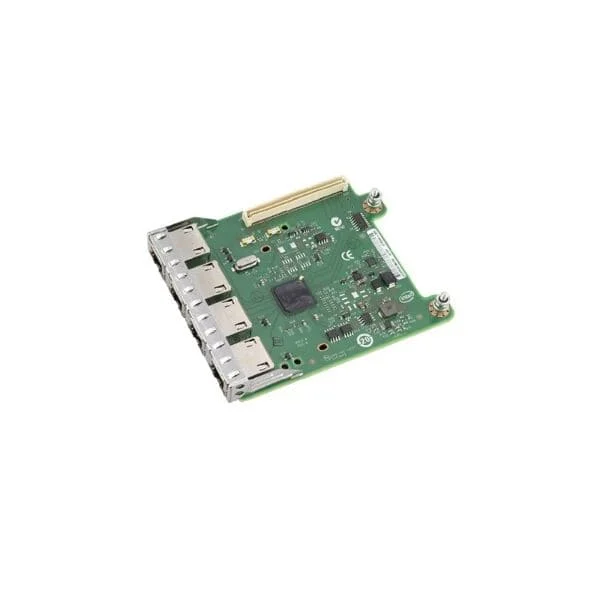
540-BBCB (Intel i350 Four Ports 1GbE BASE-T, rNDC)
4.6 (5)- Expansion Card
- Dell
- Network Interface Card
- PCIe x4
- PCIe 3.0
- Intel I350
- RJ-45
Est Value $334.96
$167.48
50% offIn stockRefurbishedFirst-Time Buyer Discount – Get up to 2% additional off on your first order
ORM Rewards Earn $50 in Rewards + Free Expedited Delivery – Join Now!
Use eCoupon ORMSAVE10
eCoupon limited to 5 units

540-BBEB (Dell Recommended Emulex LPE 12000 Single Port 8Gb Fibre Channel HBA, PCIe Half-height)
4.6 (5)- Expansion Card
- Dell
- Storage Controller
- PCIe x8
- PCIe 3.0
- Emulex LPE 12000
Est Value $205.34$102.67
50% offIn stockRefurbishedFirst-Time Buyer Discount – Get up to 2% additional off on your first order
ORM Rewards Earn $50 in Rewards + Free Expedited Delivery – Join Now!
Use eCoupon ORMSAVE10
eCoupon limited to 5 units
400-AFMX (Dell 120-GB 6G 3.5 MLC SSD SATA w/F238F)
4.6 (5)- Other
- Dell
- Other
Est Value $308.59$110.25
64.3% offIn stockRefurbishedFirst-Time Buyer Discount – Get up to 2% additional off on your first order
ORM Rewards Earn $50 in Rewards + Free Expedited Delivery – Join Now!
Use eCoupon ORMSAVE10
eCoupon limited to 5 units
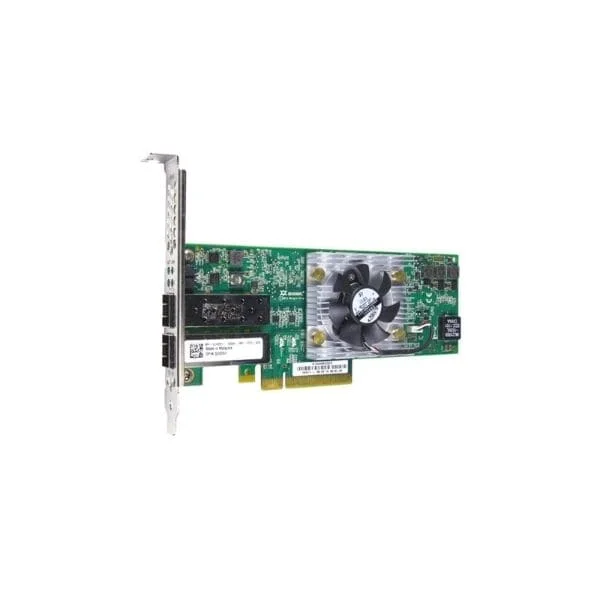
540-BBIX (Intel X710 Dual Ports 10GbE SFP+, rNDC)
4.4 (5)- Expansion Card
- Dell
- Network Interface Card
- PCIe x8
- PCIe 3.0
- Intel X710
- SFP+
Est Value $378.00$189.00
50% offIn stockNewRefurbishedFirst-Time Buyer Discount – Get up to 2% additional off on your first order
ORM Rewards Earn $50 in Rewards + Free Expedited Delivery – Join Now!
Use eCoupon ORMSAVE10
eCoupon limited to 5 units

406-BBJZ (Dell Recommended Emulex LPE 12002 Dual Ports 8Gb Fibre Channel HBA, PCIe Half-height)
5 (5)- Expansion Card
- Dell
- Storage Controller
- PCIe x8
- PCIe 3.0
- Emulex LPE 12002
Est Value $234.00$117.00
50% offIn stockRefurbishedFirst-Time Buyer Discount – Get up to 2% additional off on your first order
ORM Rewards Earn $50 in Rewards + Free Expedited Delivery – Join Now!
Use eCoupon ORMSAVE10
eCoupon limited to 5 units

403-BBMB (Dell EmulexLPE 31002 Dual Ports 16Gb Fibre Channel HBA, PCIe Half-height)
4.6 (5)- Expansion Card
- Dell
- Other
- PCIe x8
- PCIe 3.0
- Emulex LPE31002
Est Value $148.50$136.08
8.4% offIn stockRefurbishedFirst-Time Buyer Discount – Get up to 2% additional off on your first order
ORM Rewards Earn $50 in Rewards + Free Expedited Delivery – Join Now!
Use eCoupon ORMSAVE10
eCoupon limited to 5 units
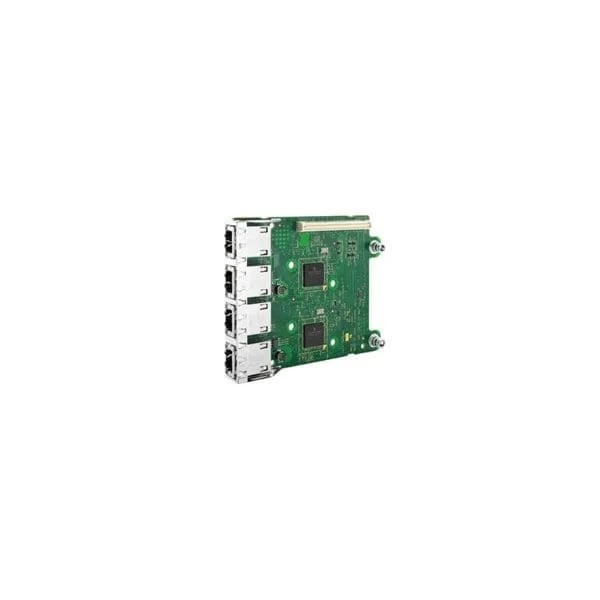
540-BBBW (Broadcom 5720 Four Ports 1GbE BASE-T, rNDC)
4.6 (5)- Expansion Card
- Dell
- Network Interface Card
- PCIe x4
- PCIe 3.0
- Broadcom 5720
- RJ-45
Est Value $273.36$136.68
50% offIn stockRefurbishedFirst-Time Buyer Discount – Get up to 2% additional off on your first order
ORM Rewards Earn $50 in Rewards + Free Expedited Delivery – Join Now!
Use eCoupon ORMSAVE10
eCoupon limited to 5 units
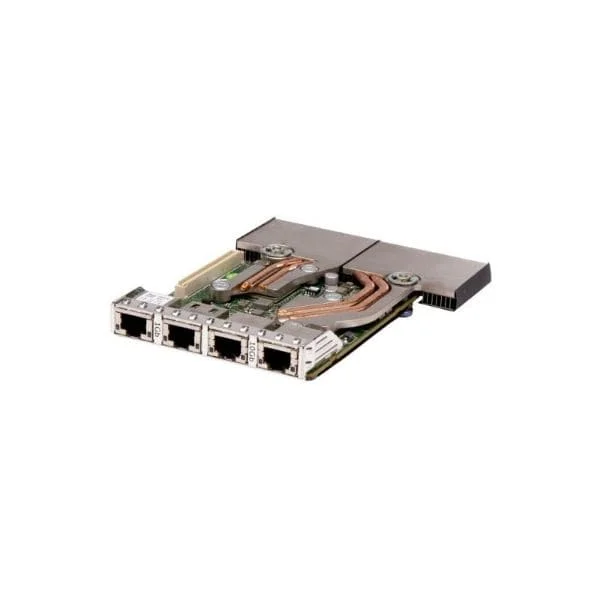
540-BBBZ (QLogic 57800 2x10Gb BT + 2x1Gb BT Network daughter card)
4.6 (5)- Expansion Card
- Dell
- Network Interface Card
- PCIe x4
- PCIe 3.0
- QLogic 57800
- RJ-45
Est Value $289.02$144.51
50% offIn stockRefurbishedFirst-Time Buyer Discount – Get up to 2% additional off on your first order
ORM Rewards Earn $50 in Rewards + Free Expedited Delivery – Join Now!
Use eCoupon ORMSAVE10
eCoupon limited to 5 units

403-BBLU (Dell Recommended Emulex LPE 31002 Dual Ports 16Gb Fibre Channel HBA, PCIe Full-height)
4.4 (5)- Expansion Card
- Dell
- Storage Controller
- PCIe x8
- PCIe 3.0
- Emulex LPE 31002
Est Value $232.20$193.52
16.7% offIn stockRefurbishedFirst-Time Buyer Discount – Get up to 2% additional off on your first order
ORM Rewards Earn $50 in Rewards + Free Expedited Delivery – Join Now!
Use eCoupon ORMSAVE10
eCoupon limited to 5 units
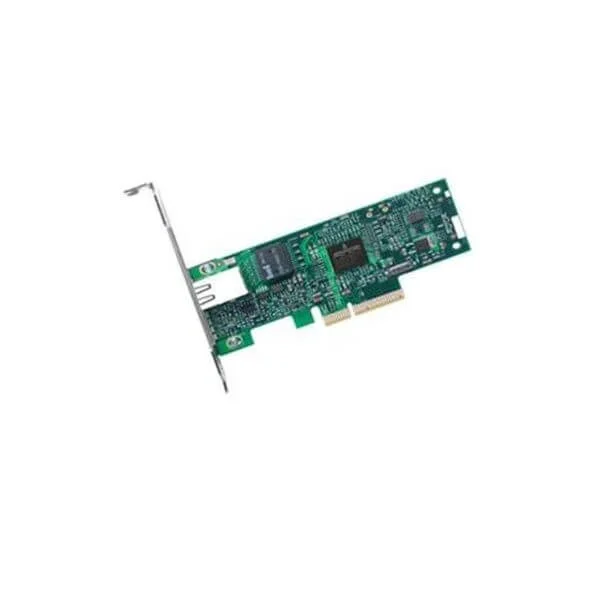
403-BBMP (QLogic 2690 Single Port 16Gb Fibre Channel HBA, PCIe Full-height)
4.4 (5)- Expansion Card
- Dell
- Other
- PCIe x8
- PCIe 3.0
- QLogic 2690
- SFP+
Est Value $247.53$196.40
20.7% offIn stockRefurbishedFirst-Time Buyer Discount – Get up to 2% additional off on your first order
ORM Rewards Earn $50 in Rewards + Free Expedited Delivery – Join Now!
Use eCoupon ORMSAVE10
eCoupon limited to 5 units
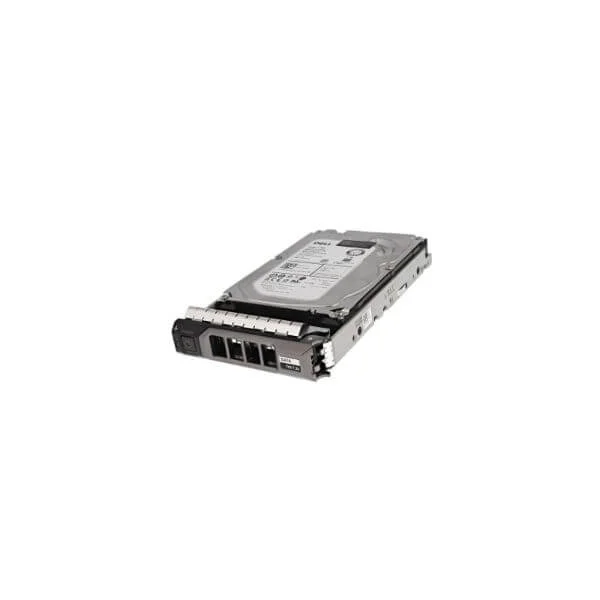
0W0VNC (Dell 0W0VNC 1TB 7200RPM SATA-6Gbps 512N 128MB Buffer 3.5inch Enterprise Hot-Plug Hard Disk Drive with Tray For 13G PowerEdge Server)
4.8 (5)- Dell
Est Value $428.40$132.58
69.1% offIn stockNewRefurbishedFirst-Time Buyer Discount – Get up to 2% additional off on your first order
ORM Rewards Earn $50 in Rewards + Free Expedited Delivery – Join Now!
Use eCoupon ORMSAVE10
eCoupon limited to 5 units
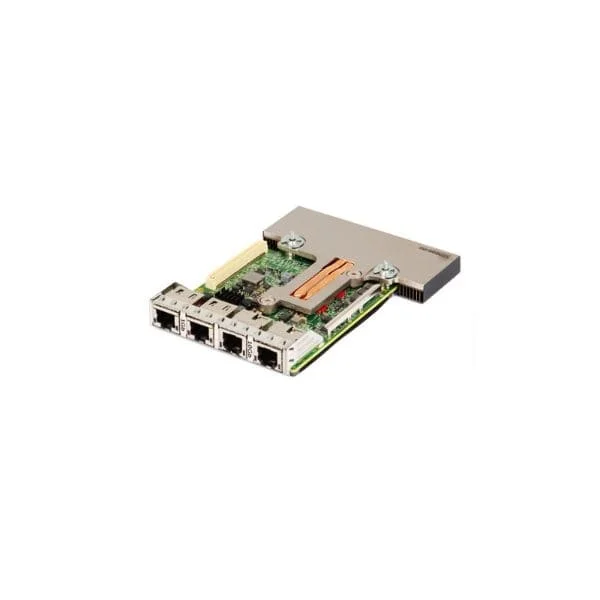
540-BBUL (Broadcom 57412 Dual Ports 10GbE SFP+ & 5720 Dual Ports 1GbE BASE-T rNDC)
4.6 (5)- Expansion Card
- Dell
- Network Interface Card
- PCIe x8
- PCIe 3.0
- Broadcom 57412, Broadcom 5720
- SFP+ / RJ-45
Est Value $259.26$221.32
14.6% offIn stockRefurbishedFirst-Time Buyer Discount – Get up to 2% additional off on your first order
ORM Rewards Earn $50 in Rewards + Free Expedited Delivery – Join Now!
Use eCoupon ORMSAVE10
eCoupon limited to 5 units
406-BBDS (Dell Recommended Emulex LPE 12000 Single Port 8Gb Fibre Channel HBA, PCIe Full-height )
4.6 (5)- Expansion Card
- Dell
- Other
- PCIe x8
- PCIe 3.0
- Emulex LPE 12000
- SFP
Est Value $283.95$242.39
14.6% offIn stockRefurbishedFirst-Time Buyer Discount – Get up to 2% additional off on your first order
ORM Rewards Earn $50 in Rewards + Free Expedited Delivery – Join Now!
Use eCoupon ORMSAVE10
eCoupon limited to 5 units
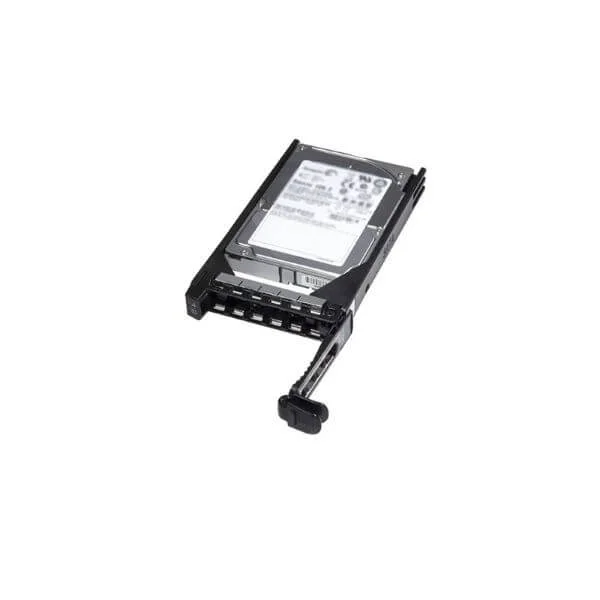
400-AJRX (Dell 300GB 15K RPM SAS 12Gbps 2.5in Hot-plug Drive 3.5in Hybrid Carrier)
4.8 (5)- Hard Drive
- Dell
Est Value $525.00$136.50
74% offIn stockNewRefurbishedFirst-Time Buyer Discount – Get up to 2% additional off on your first order
ORM Rewards Earn $50 in Rewards + Free Expedited Delivery – Join Now!
Use eCoupon ORMSAVE10
eCoupon limited to 5 units
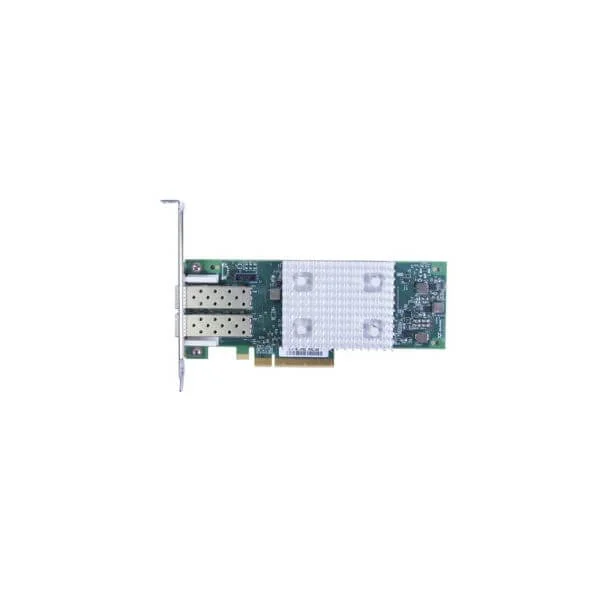
403-BBMS (QLogic 2692 Dual Ports 16Gb Fibre Channel HBA, PCIe Half-height)
4.4 (5)- Expansion Card
- Dell
- Storage Controller
- PCIe x8
- PCIe 3.0
- QLogic 2692
- SFP+
Est Value $736.15$178.24
75.8% offIn stockNewRefurbishedFirst-Time Buyer Discount – Get up to 2% additional off on your first order
ORM Rewards Earn $50 in Rewards + Free Expedited Delivery – Join Now!
Use eCoupon ORMSAVE10
eCoupon limited to 5 units
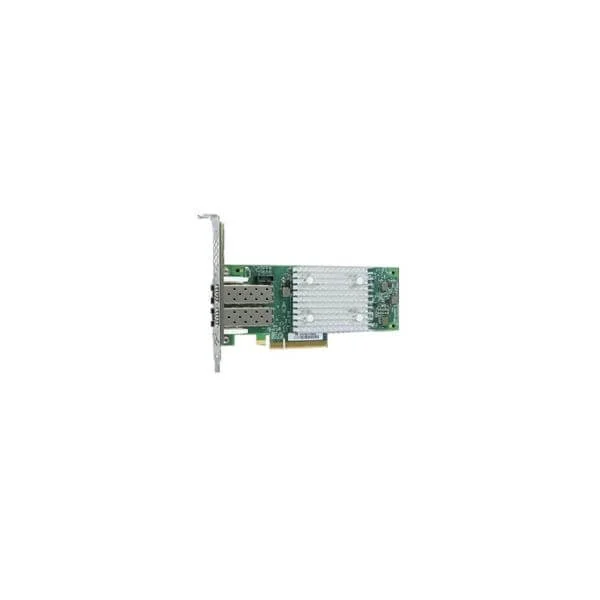
403-BBMQ (QLogic 2692 Dual Ports 16Gb Fibre Channel HBA, PCIe Full-height)
5 (5)- Expansion Card
- Dell
- Storage Controller
- PCIe x8
- PCIe 3.0
- QLogic 2692
- SFP+
Est Value $983.84$204.75
79.2% offIn stockNewRefurbishedFirst-Time Buyer Discount – Get up to 2% additional off on your first order
ORM Rewards Earn $50 in Rewards + Free Expedited Delivery – Join Now!
Use eCoupon ORMSAVE10
eCoupon limited to 5 units
400-AKWU (Dell 8TB 7.2K RPM SATA 6Gbps 512e 3.5in Drive)
4.4 (5)- Dell
- Other
Est Value $702.00$235.34
66.5% offIn stockNewRefurbishedFirst-Time Buyer Discount – Get up to 2% additional off on your first order
ORM Rewards Earn $50 in Rewards + Free Expedited Delivery – Join Now!
Use eCoupon ORMSAVE10
eCoupon limited to 5 units
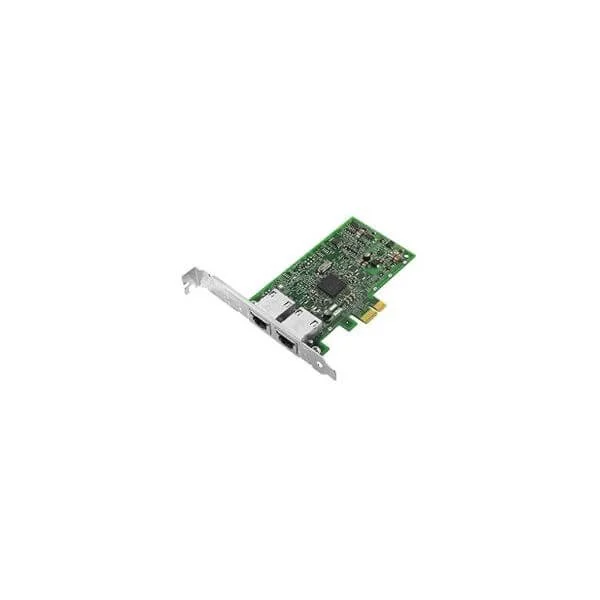
540-BBGY (Dell Broadcom 5720 Dual Port 1Gigabit Network Interface Card Full Height)
4.6 (5)- Expansion Card
- Dell
- Network Interface Card
- PCIe x1
- PCIe 3.0
- Broadcom 5720
- RJ-45
Est Value $163.80$53.55
67.3% offIn stockRefurbishedFirst-Time Buyer Discount – Get up to 2% additional off on your first order
ORM Rewards Earn $50 in Rewards + Free Expedited Delivery – Join Now!
Use eCoupon ORMSAVE10
eCoupon limited to 5 units
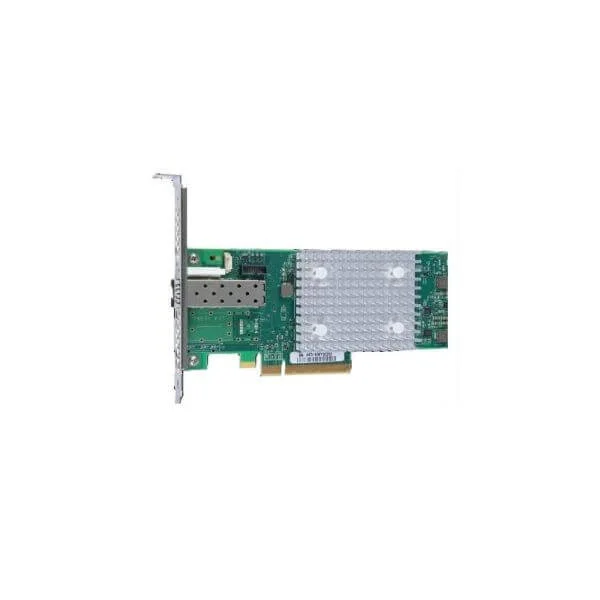
403-BBMW (QLogic 2690 Single Port 16Gb Fibre Channel HBA, PCIe Half-height)
5 (5)- Expansion Card
- Dell
- Storage Controller
- PCIe x8
- PCIe 3.0
- QLogic 2690
- SFP+
Est Value $247.53$57.75
76.7% offIn stockRefurbishedFirst-Time Buyer Discount – Get up to 2% additional off on your first order
ORM Rewards Earn $50 in Rewards + Free Expedited Delivery – Join Now!
Use eCoupon ORMSAVE10
eCoupon limited to 5 units

406-BBDY (Dell Recommended Emulex LPE 12002 Dual Ports 8Gb Fibre Channel HBA, PCIe Full-height)
4.8 (5)- Expansion Card
- Dell
- Storage Controller
- PCIe x8
- Emulex LPE 12002
Est Value $73.80$63.00
14.6% offIn stockRefurbishedFirst-Time Buyer Discount – Get up to 2% additional off on your first order
ORM Rewards Earn $50 in Rewards + Free Expedited Delivery – Join Now!
Use eCoupon ORMSAVE10
eCoupon limited to 5 units

ORM Sales Advisors
Buying for your business? Get a personalised quote in under 2 hours. Talk to an expert
LEARNFilters (34) 
Questions & Answers
What are Dell Server Expansion Cards?
Dell Server Expansion Cards are add-on modules that enhance server capabilities—such as network throughput, storage connectivity, and I/O performance—by plugging into PCIe slots on Dell PowerEdge servers.
Which types of expansion cards does Dell offer for servers?
Dell offers network interface cards (NICs), host bus adapters (HBAs), RAID controllers and NVMe storage accelerators designed to boost connectivity, redundancy and storage performance in PowerEdge servers.
How do I choose the right Dell expansion card for my server?
Select a card based on your application: choose a NIC for faster networking, an HBA for direct SAN access or a RAID controller for data redundancy. Verify compatibility with your PowerEdge model and PCIe slot.
Are Dell expansion cards compatible with all Dell server models?
Most Dell expansion cards support a broad range of PowerEdge platforms. Always confirm compatibility by checking the card’s Dell Support Matrix or your server’s technical guide for slot type and firmware requirements.
How do I install a Dell server expansion card?
Power down the server, open the chassis, insert the card into an appropriate PCIe slot, secure it with the retention bracket, close the chassis and power up. Install or update drivers via Dell OpenManage.
Do Dell expansion cards support firmware updates?
Yes. You can update Dell expansion card firmware using Dell Repository Manager or Lifecycle Controller. Keeping firmware current ensures compatibility, stability and access to new performance enhancements.
Can I upgrade a Dell server expansion card later?
Yes. You can replace or add expansion cards whenever your workload demands more bandwidth, storage or I/O capacity. Ensure physical slot availability and verify compatibility before upgrading.
What warranty covers Dell server expansion cards?
Dell expansion cards carry the same limited hardware warranty as the host server or a standalone part warranty, typically one to three years. Warranty terms vary by region and purchase agreement.
What performance benefits do Dell server expansion cards provide?
Expansion cards deliver higher data throughput, lower latency, improved storage I/O and network offload. They optimize server workloads—like virtualization, big data and AI—by alleviating CPU bottlenecks.
Do Dell expansion cards support RAID configurations?
Yes. Dell PERC RAID controllers provide hardware RAID levels 0,1,5,6,10 and 50. They accelerate disk I/O, enable hot spares and offer advanced caching algorithms for enhanced data protection.
How do I troubleshoot Dell server expansion card issues?
Check physical seating, verify slot compatibility, update firmware and drivers, review system event logs in iDRAC/OpenManage and run Dell diagnostics. Replace the card if hardware failures persist.
What is the difference between an HBA and RAID controller in Dell servers?
An HBA provides direct, unmirrored access to SAN storage, while a RAID controller manages disk arrays, offering redundancy and performance via hardware RAID levels and built-in caching.
Are Dell expansion cards hot-swappable?
No. PCIe expansion cards require a system power-down and chassis access for installation or removal. Always follow Dell’s power-off and safety guidelines to prevent hardware damage.
Where can I buy authentic Dell server expansion cards?
Purchase directly from Dell’s online store, authorized Dell channel partners or certified resellers. Authentic cards include Dell part numbers, warranty coverage and full technical support.
Can I use third-party expansion cards in Dell servers?
While some third-party PCIe cards may physically fit, Dell only certifies its own cards for full compatibility, performance and support. Using non-Dell cards may void support agreements.
How do Dell network expansion cards improve server connectivity?
Dell NICs offload network processing from the CPU, support multi-gigabit speeds, virtualization-friendly features like SR-IOV and advanced checksum offloads for improved throughput and reduced latency.
How do I update drivers for my Dell server expansion card?
Download the latest driver package from Dell Support. Install via Lifecycle Controller, Dell OpenManage or manually in your OS. Reboot as required to activate the new drivers and features.