 United States
Dell Server Modules Optimal Efficiency
Discover advanced Dell Server Modules engineered for robust performance, scalability, and reliable enterprise infrastructure. Experience enhanced computing capabilities built for mission-critical operations and dynamic data environments.
Talk to an expert
6 Matching results
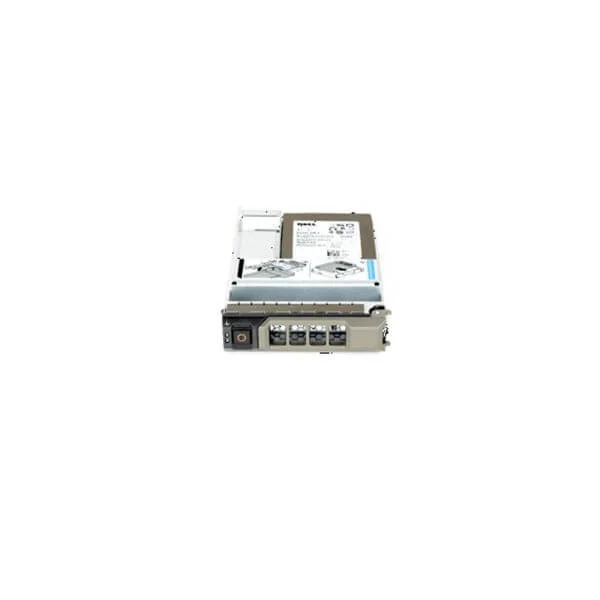
400-AFMX (Dell 120-GB 6G 3.5 MLC SSD SATA w/F238F)
4.6 (5)- Other
- Dell
- Other
Est Value $308.59
$110.25
64.3% offIn stockRefurbishedFirst-Time Buyer Discount – Get up to 2% additional off on your first order
ORM Rewards Earn $50 in Rewards + Free Expedited Delivery – Join Now!
Use eCoupon ORMSAVE10
eCoupon limited to 5 units
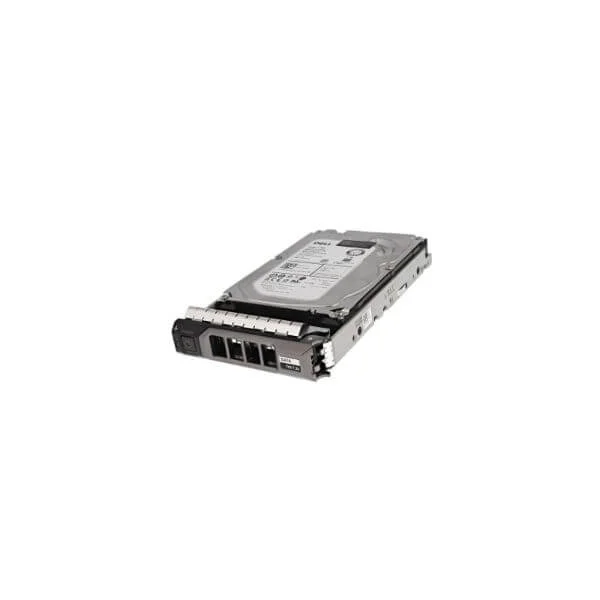
0W0VNC (Dell 0W0VNC 1TB 7200RPM SATA-6Gbps 512N 128MB Buffer 3.5inch Enterprise Hot-Plug Hard Disk Drive with Tray For 13G PowerEdge Server)
4.8 (5)- Dell
Est Value $428.40$132.58
69.1% offIn stockNewRefurbishedFirst-Time Buyer Discount – Get up to 2% additional off on your first order
ORM Rewards Earn $50 in Rewards + Free Expedited Delivery – Join Now!
Use eCoupon ORMSAVE10
eCoupon limited to 5 units
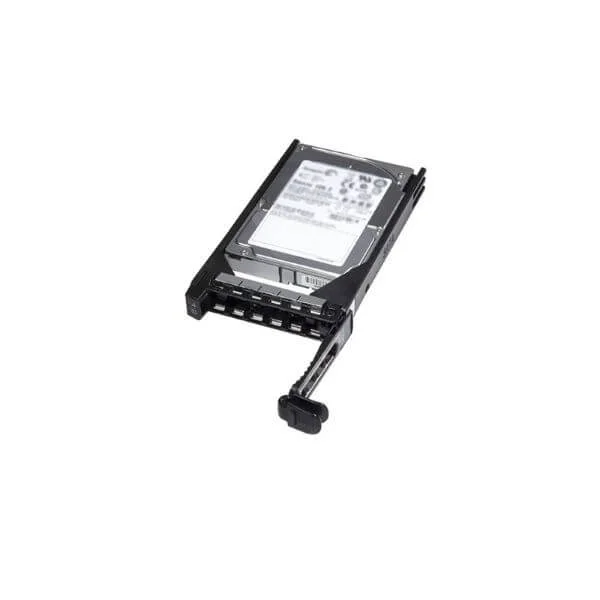
400-AJRX (Dell 300GB 15K RPM SAS 12Gbps 2.5in Hot-plug Drive 3.5in Hybrid Carrier)
4.8 (5)- Hard Drive
- Dell
Est Value $525.00$136.50
74% offIn stockNewRefurbishedFirst-Time Buyer Discount – Get up to 2% additional off on your first order
ORM Rewards Earn $50 in Rewards + Free Expedited Delivery – Join Now!
Use eCoupon ORMSAVE10
eCoupon limited to 5 units
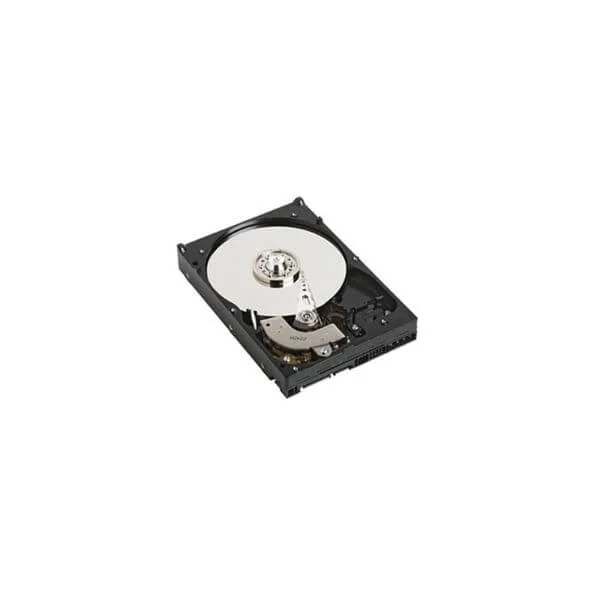
400-AKWU (Dell 8TB 7.2K RPM SATA 6Gbps 512e 3.5in Drive)
4.4 (5)- Dell
- Other
Est Value $702.00$235.34
66.5% offIn stockNewRefurbishedFirst-Time Buyer Discount – Get up to 2% additional off on your first order
ORM Rewards Earn $50 in Rewards + Free Expedited Delivery – Join Now!
Use eCoupon ORMSAVE10
eCoupon limited to 5 units
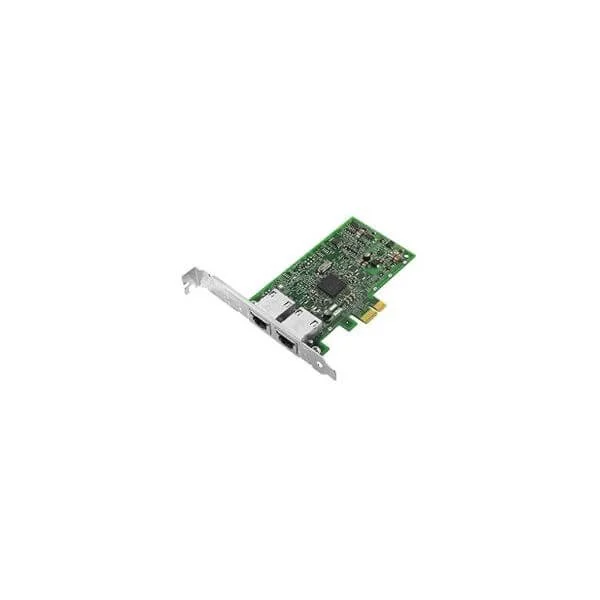
540-BBGY (Dell Broadcom 5720 Dual Port 1Gigabit Network Interface Card Full Height)
4.6 (5)- Expansion Card
- Dell
- Network Interface Card
- PCIe x1
- PCIe 3.0
- Broadcom 5720
- RJ-45
Est Value $163.80$53.55
67.3% offIn stockRefurbishedFirst-Time Buyer Discount – Get up to 2% additional off on your first order
ORM Rewards Earn $50 in Rewards + Free Expedited Delivery – Join Now!
Use eCoupon ORMSAVE10
eCoupon limited to 5 units
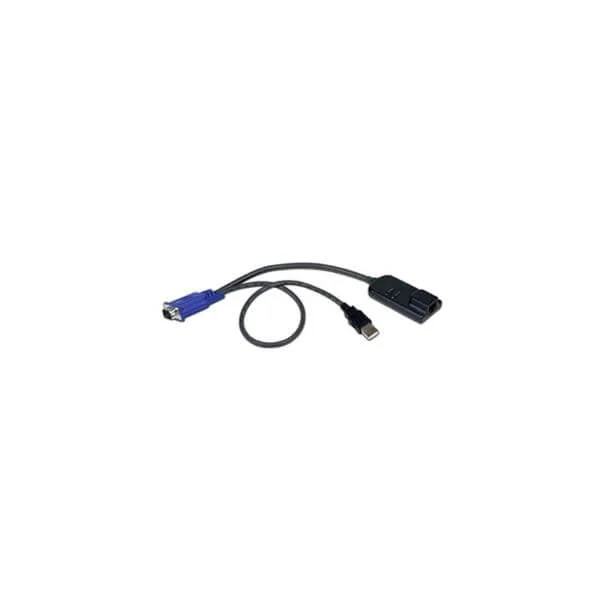
Dell Server Interface Module (Dell Server Interface Module - TAA compliant)
4.4 (5)- Expansion Card
- Dell
- Network Interface Card
- PCIe x4
- PCIe 4.0
- SFP+
Est Value In stockFirst-Time Buyer Discount – Get up to 2% additional off on your first order
ORM Rewards Earn $50 in Rewards + Free Expedited Delivery – Join Now!
Use eCoupon ORMSAVE10
eCoupon limited to 5 units

ORM Sales Advisors
Buying for your business? Get a personalised quote in under 2 hours. Talk to an expert
LEARNFilters (6) 
Questions & Answers
What are Dell Server Modules?
Dell Server Modules are modular hardware components designed to enhance computing, storage, and networking capabilities in Dell PowerEdge servers.
Which Dell Server Modules support hot-swapping?
Dell hot-swappable modules include power supplies, storage drives, network interface cards (NICs), and fan modules that can be replaced without shutting down the server, ensuring uninterrupted operation.
How do I install a Dell server module?
Install a Dell server module by powering off non-hot-swappable components, removing the chassis cover, aligning and seating the module, and securing the cover; hot-swappable modules can be replaced live per Dell’s installation guide.
How do I check compatibility with my Dell PowerEdge server?
Use Dell’s Server Compatibility Matrix on the official website or consult the service tag in Dell SupportAssist to verify module compatibility with your PowerEdge model.
What are the benefits of using genuine Dell server modules?
Genuine Dell server modules deliver optimized performance, seamless integration, full warranty coverage, and access to Dell technical support and firmware updates.
How do I upgrade Dell server memory modules?
To upgrade memory, consult your server’s memory population guidelines, install compatible DIMMs in recommended slots, and verify recognized capacity in BIOS or iDRAC.
What networking modules are available for Dell servers?
Dell offers networking modules including 1GbE, 10GbE, 25GbE, 40GbE, and 100GbE NICs, converged network adapters (CNAs), and Fibre Channel host bus adapters (HBAs).
How can I troubleshoot a failing Dell server module?
Troubleshoot failing modules by checking system event logs in iDRAC, inspecting physical LEDs, reseating the module, updating firmware, and consulting Dell diagnostics tools.
Where can I purchase genuine Dell server modules?
Purchase genuine Dell server modules directly from Dell’s online store, authorized resellers, or certified distribution partners to ensure authenticity and warranty support.
What warranty covers Dell server modules?
Dell server modules are covered by a standard one-year limited hardware warranty, with optional ProSupport and extended service agreements for up to five years.
Can I mix different generations of Dell server modules?
Mixing different module generations is not recommended; always verify cross-generation compatibility in Dell’s specifications to avoid performance issues.
How do I update firmware on Dell server modules?
Update firmware via Dell OpenManage Server Administrator, iDRAC, or Lifecycle Controller using downloadable updates from Dell Support or automated Repository Manager.
What is the hot-plug capability of Dell server power modules?
Dell server power modules support hot-plug capability, allowing you to replace or add redundant power supplies without shutting down the system.
How do Dell server modules improve scalability?
Dell server modules enable rapid scaling by allowing you to add or upgrade compute, storage, and networking resources without replacing the entire server chassis.
How do I identify a faulty Dell server module?
Identify faulty modules by viewing LED status indicators, reviewing hardware logs in iDRAC, and running Dell Diagnostic Utility (DDU) tests.
What types of storage modules are available for Dell PowerEdge servers?
Dell PowerEdge servers support various storage modules including SAS/SATA HDDs, NVMe SSDs, RAID controller cards, and hardware accelerators for caching and encryption.