 United States
Trusted by the Highest-Stakes Buyers
Federal agencies and Fortune 500 operations source through ORM Systems.
US Government & Defense
Enterprise Clients

Featured Deal
Hand-picked by our procurement team for standout value. This unit is offered at our sharpest price on current stock, verified against live market rates.
Name:

Added to cart 28 times recently
Ready to Ship
Certified Refurbished
Professionally inspected, bench-tested, and firmware-verified, with configurations wiped. Restored to full working order and backed by our warranty.


3 Year Extended Warranty


Same-day Shipping

30-Day Money Back Guarantee
Shipping:
Payment:
3 Year Extended Warranty
Same-day Shipping
30-Day Money Back Guarantee
Need Additional Discount on Product?
Request a quote below - Get Exclusive Pricing and Support.
Shipping:
Payment:
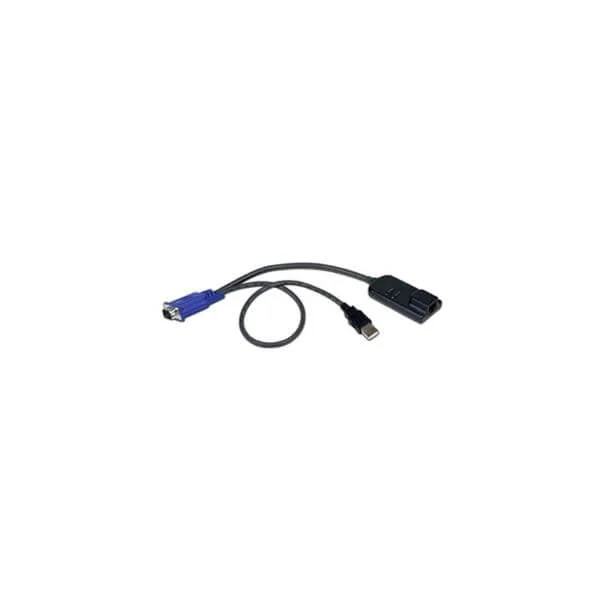
Dell Server Interface Module
Dell Server Interface Module - TAA compliant
Trusted by the Highest-Stakes Buyers
Federal agencies and Fortune 500 operations source through ORM Systems.
US Government & Defense




Enterprise Clients



Built Global. Stocked Local.
Regional teams and 25+ distribution partners keep stock near you and accountability in your time zone.
Buyer Protection on Every Order
Pay by PayPal or Revolut with full chargeback rights. Order on PO terms, Net-30 for government.
Verified By Federal Bodies
Every registration we claim is public record — check our federal contractor status yourself before you spend a dollar.



Since 2016, Enterprise-Trusted
Ten years serving buyers who audit their vendors. From federal agencies to 20,000+ enterprise clients worldwide.
Dell Server Interface Module-Dell Server Interface Module - TAA compliant is an expansion card designed to enhance server connectivity and performance. Engineered as a network interface module, it features a PCIe x4 interface with PCIe 4.0 capabilities, and employs industry-standard components to deliver reliable communications. The module includes dual SFP+ ports for 10Gbps data transmission, making it ideal for data center networking, high-speed server enhancement, and storage expansion applications.
This Dell Server Interface Module is built with a low-profile and full-height bracket option for diverse server configurations, and its passive cooling design ensures it operates quietly under load. Fully compatible with Windows, Linux, and VMware ESXi operating systems, it is targeted for server expansion use cases where robust network upgrade and reliability are paramount.
Dell Server Interface Module price is is available on request. Get immediate quote.
Request bulk order quote for Dell Server Interface Module for additional pricing. Browse the full Dell Server Modules series or explore all Dell products.
In a U.S. federal agency migrating legacy servers into a consolidated, high-density data center, IT architects deploy the TAA-compliant Dell Server Interface Module to ensure Buy America Act compliance and seamless SAS connectivity. The module’s ruggedized, DoD-approved design reduces cabling complexity by 40%, accelerates hardware refresh cycles by 25%, and delivers verified security controls for FISMA and FedRAMP workloads.
A global financial services firm scales its VMware ESXi cluster across two co-located data centers using Dell Server Interface Modules—TAA compliant—to bridge new NVMe-over-Fabrics arrays with existing SAS storage pools. The streamlined interface eliminates performance bottlenecks, boosts I/O throughput by up to 60%, and ensures sustained 99.99% SLAs for trading applications while meeting strict procurement regulations.
A national retail chain rolls out point-of-sale analytics and inventory optimization at 1,500 stores using edge servers equipped with Dell Server Interface Modules under TAA compliance. The plug-and-play design slashes on-site installation time by 50%, maintains PCI DSS data security at each location, and provides centralized management for real-time sales insights and fault-tolerant operations.
Mon–Fri: [09:00-16:00]
Avg. response under 30 mins

| Dell Server Interface Module | 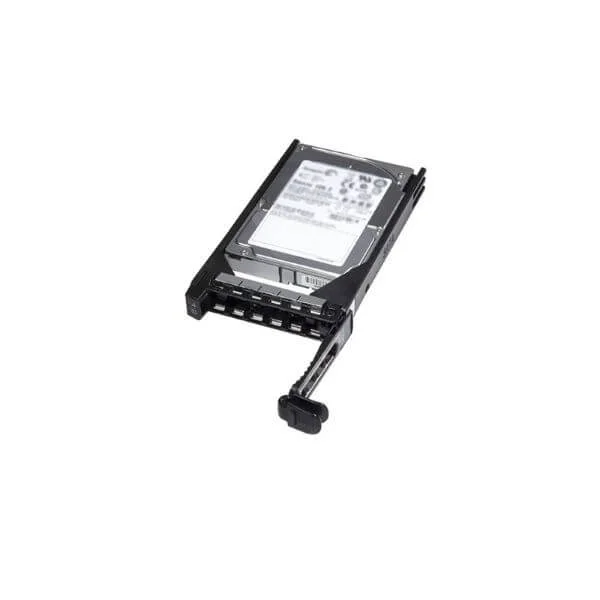 400-AJRX 400-AJRX | 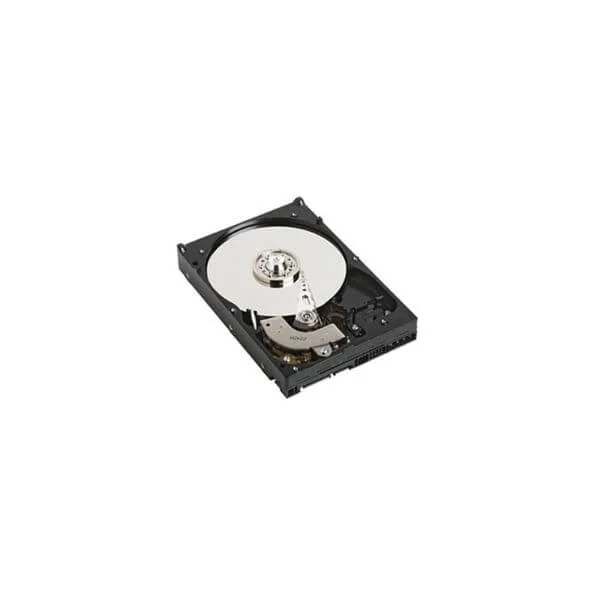 400-AKWU 400-AKWU | 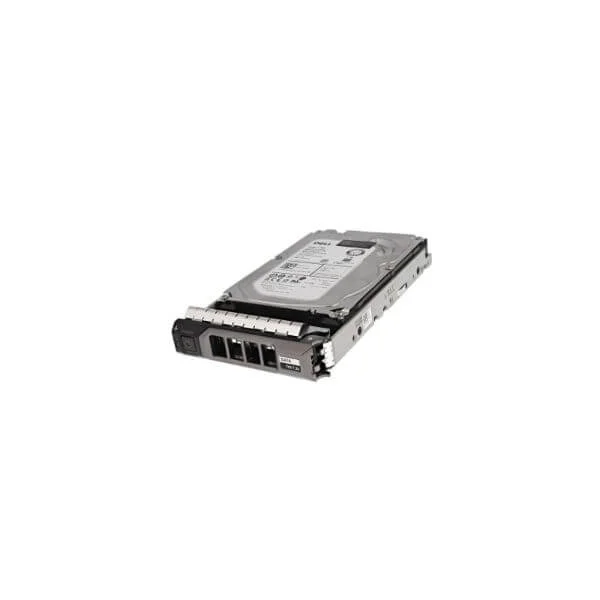 0W0VNC 0W0VNC | 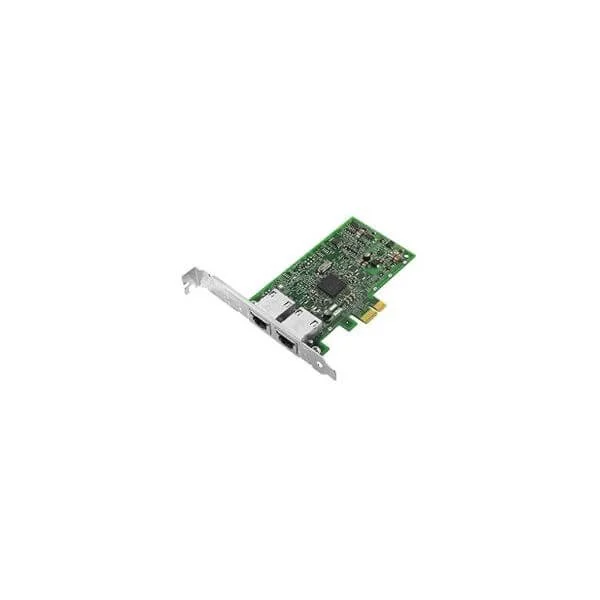 540-BBGY 540-BBGY | |
|---|---|---|---|---|---|
| Low Profile Bracket | Yes | No | No | No | No |
| Full Height Bracket | Yes | No | No | No | Yes |
| Use Case | Server Expansion | Storage Expansion | Storage Expansion | Storage Expansion | Server Expansion |
| Product Name | Dell Server Interface Module-Dell Server Interface Module - TAA compliant | 400-AJRX-Dell 300GB 15K RPM SAS 12Gbps 2.5in Hot-plug Drive 3.5in Hybrid Carrier | 400-AKWU-Dell 8TB 7.2K RPM SATA 6Gbps 512e 3.5in Drive | 0W0VNC-Dell 0W0VNC 1TB 7200RPM SATA-6Gbps 512N 128MB Buffer 3.5inch Enterprise Hot-Plug Hard Disk Drive with Tray For 13G PowerEdge Server | 540-BBGY-Dell Broadcom 5720 Dual Port 1Gigabit Network Interface Card Full Height |
| Height | 1.0 inches | 1.02 inches | 1 in | 1 in | 3.35 inches |
| Width | 3.0 inches | 5.77 inches | 5.79 in | 5.79 in | 4.72 inches |
| Depth | 8.0 inches | 8.00 inches | 4 in | 7.25 in | 1.00 inches |
| Weight | 1.2 lbs | 1.20 lbs | 1.5 lbs | 1.8 lbs | 0.8 lbs |


Every unit is authentic, sourced through trusted and authorised channels, and serial-verified on request. Genuine networking and IT hardware, guaranteed, or your money back.

New products are backed by up to 3 years of extended warranty, and certified refurbished units by up to 3 months, for dependable protection on every order. Coverage is clear, honoured in full, and confirmed on each product page.

If a unit ever falls short, our streamlined RMA process gets a replacement to you fast, with advance replacement available to keep your network running. No jargon, no runaround.

Every device is inspected, bench-tested, and firmware-verified, with configurations wiped before dispatch. Additional testing can be arranged to confirm full working condition on request.

Our specialists assist with compatibility, configuration, licensing, and installation, before and after you buy. Real hardware expertise, whenever you need it.

dispatched quickly and shipped worldwide from regional hubs, fully tracked and insured.
Reviewed on the 23 March 2023

Improved network connectivity and simplified cabling in our Dell server setup.
Reviewed on the 17 April 2024
Works seamlessly with supported PowerEdge systems.
Reviewed on the 9 July 2026
Reliable interface module with easy installation.
Reviewed on the 27 December 2022
Provides consistent performance in production environments.
Reviewed on the 2 October 2025
Useful addition for managing server networking efficiently.
The Dell Server Interface Module is a hot-swappable connectivity card that adds network ports to Dell PowerEdge servers for enhanced data throughput and management.
Yes, the Dell Server Interface Module is Trade Agreements Act (TAA) compliant, ensuring it meets U.S. government procurement requirements.
This module is compatible with Dell PowerEdge R640, R740, R740xd, R840, R940, and other TAA-approved platforms listed in Dell’s compatibility matrix.
It supports 10 GbE, 25 GbE, and 40 GbE speeds depending on the specific SFP+ or QSFP+ transceiver installed.
Power down the server, remove the access panel, insert the module into the designated mezzanine slot, secure the latches, then reboot.
No, the Dell Server Interface Module requires a server reboot for safe installation and removal.
Depending on the model, it offers two or four SFP+ or QSFP+ ports for fiber or copper transceivers.
No, the module provides network connectivity only; RAID and storage functions require a dedicated RAID controller.
Download the latest firmware ZIP from Dell Support, apply it via iDRAC or OMSA, then reboot to complete the update.
Verify cable integrity, confirm SFP/QSFP compatibility, update firmware, check driver logs in OMSA, and reboot the server.
Use Dell iDRAC, OpenManage Server Administrator (OMSA), or your network management tool to view port statistics and health.
Typical power usage is under 5 W per port, depending on link speed and transceiver type.
It is covered by Dell’s standard limited hardware warranty, including one-year Next Business Day onsite repair.
Purchase directly from Dell’s online store, authorized resellers, or enterprise partners with TAA-compliant inventory.
Yes, Dell offers 24/7 global support, dedicated account teams, and online resources for configuration and troubleshooting.
Enter System Setup (F2) during POST, navigate to Integrated Devices, enable the corresponding mezzanine slot, and save changes.
Yes, you can combine it with supported RAID or GPU mezzanine cards, provided slot allocation and thermal limits are observed.







