 United States
Trusted by the Highest-Stakes Buyers
Federal agencies and Fortune 500 operations source through ORM Systems.
US Government & Defense
Enterprise Clients

Featured Deal
Hand-picked by our procurement team for standout value. This unit is offered at our sharpest price on current stock, verified against live market rates.
Name:

Added to cart 28 times recently
Ready to Ship
Certified Refurbished
Professionally inspected, bench-tested, and firmware-verified, with configurations wiped. Restored to full working order and backed by our warranty.

$232.20
$193.5216.7% off
Quantity:


3 Year Extended Warranty


Same-day Shipping

30-Day Money Back Guarantee
Shipping:
Payment:

3 Year Extended Warranty
Same-day Shipping
30-Day Money Back Guarantee
Need Additional Discount on Product?
Request a quote below - Get Exclusive Pricing and Support.
Shipping:
Payment:
403-BBLU
Dell Recommended Emulex LPE 31002 Dual Ports 16Gb Fibre Chan...
Trusted by the Highest-Stakes Buyers
Federal agencies and Fortune 500 operations source through ORM Systems.
US Government & Defense




Enterprise Clients



Built Global. Stocked Local.
Regional teams and 25+ distribution partners keep stock near you and accountability in your time zone.
Buyer Protection on Every Order
Pay by PayPal or Revolut with full chargeback rights. Order on PO terms, Net-30 for government.
Verified By Federal Bodies
Every registration we claim is public record — check our federal contractor status yourself before you spend a dollar.



Since 2016, Enterprise-Trusted
Ten years serving buyers who audit their vendors. From federal agencies to 20,000+ enterprise clients worldwide.
403-BBLU-Dell Recommended Emulex LPE 31002 Dual Ports 16Gb Fibre Channel HBA, PCIe Full-height is an expansion card engineered to boost enterprise server storage connectivity. Designed specifically as a Fibre Channel HBA with dual 16Gb ports, it leverages the Emulex LPE 31002 controller and plugs into a PCIe slot—providing high-speed data transfers essential for robust storage area network environments.
Built for reliable performance in mission-critical deployments, this full-height expansion card supports leading operating systems such as Windows, Linux, and VMware ESXi. Its passive cooling design ensures stable operation without the need for active fans, making it an ideal solution for storage expansion and server enhancement in data centers.
403-BBLU price for new stock is is available on request. Get immediate quote. 403-BBLU refurb price is $193.52.
Request bulk order quote for 403-BBLU for additional pricing. Browse the full Network Cards series or explore all Dell products.
In a large enterprise data center running VMware vSphere on Dell PowerEdge servers, the Emulex LPE 31002 Dual Ports 16Gb Fibre Channel HBA (PCIe Full-height) provides dedicated, low-latency links to the SAN storage array. By leveraging dual 16Gb ports, IT teams achieve sub-millisecond I/O response times, seamless VM migration (vMotion) and predictable throughput under heavy consolidation ratios. Benefit: Consistent, high-throughput access to shared SAN volumes drives up to 40% faster VM provisioning, reduces application latency and simplifies storage management for mission-critical workloads.
In a regulated financial services environment, backup servers equipped with the Emulex LPE 31002 HBA connect to tape libraries and deduplication appliances over dedicated Fibre Channel fabric. This configuration ensures end-to-end encryption, predictable large-file transfer speeds and minimal impact on production SAN traffic. Benefit: Accelerated nightly backups cut backup windows by up to 50%, ensure RPOs of under one hour and deliver verified, high-integrity snapshots for rapid disaster recovery.
For mission-critical Oracle RAC or Microsoft SQL Server Always On clusters, Dell servers fitted with Emulex LPE 31002 HBAs establish redundant 16Gb links to SAN-based shared storage. The dual-port design supports Active-Active multipathing and automatic failover, guaranteeing continuous transaction processing under peak loads. Benefit: Deterministic I/O performance with sub-microsecond jitter, 99.999% cluster availability and simplified storage path management, enabling SLAs for high-volume OLTP and real-time analytics environments.
Mon–Fri: [09:00-16:00]
Avg. response under 30 mins

| 403-BBLU | 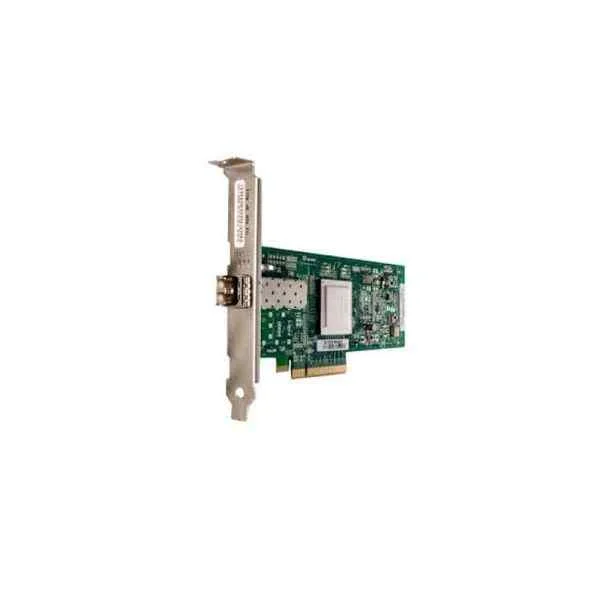 406-BBED 406-BBED |  540-BBEB 540-BBEB | 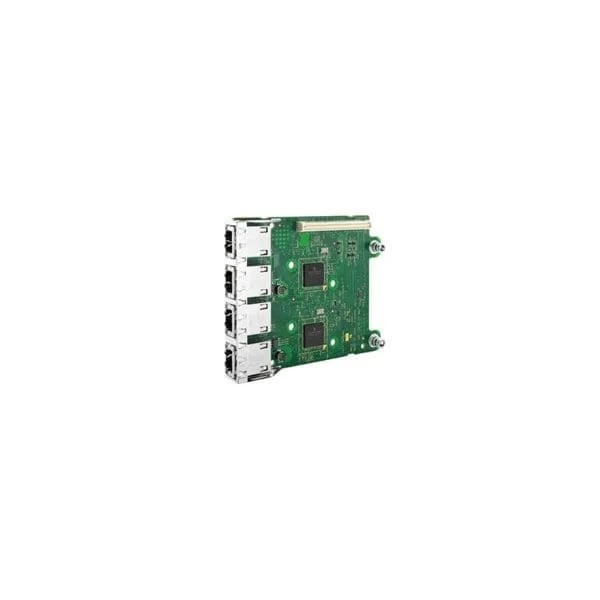 540-BBBW 540-BBBW | 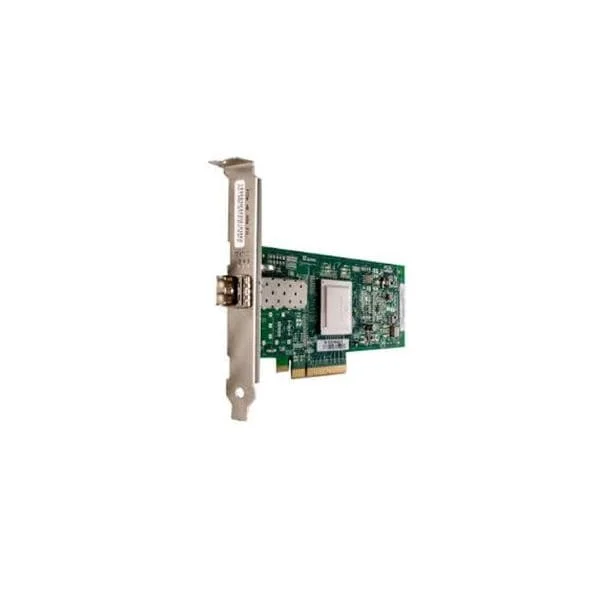 406-BBEB 406-BBEB | |
|---|---|---|---|---|---|
| Product Type | Expansion Card | Expansion Card | Expansion Card | Expansion Card | Expansion Card |
| Card Type | Storage Controller | Other | Storage Controller | Network Interface Card | Storage Controller |
| Interface | PCIe x8 | PCIe x8 | PCIe x8 | PCIe x4 | PCIe x8 |
| Chipset / Controller | Emulex LPE 31002 | QLogic 2560 | Emulex LPE 12000 | Broadcom 5720 | QLogic 2560 |
| Port Count | 2 | 1 | 1 | 4 | 1 |
| Low Profile Bracket | No | Yes | Yes | Yes | No |
| Full Height Bracket | Yes | No | No | Yes | Yes |
| Cooling | Passive | Passive | Passive | Passive | Passive |
| Operating System Compatibility | Windows / Linux / VMware ESXi | Windows / Linux / VMware ESXi | Windows / Linux / VMware ESXi | Windows / Linux / VMware ESXi | Windows, Linux, VMware ESXi, FreeBSD |
| Bus Width | 64-bit | 64-bit | 64-bit | 64-bit | 64-bit |
| Power Requirements | 3.3V | 3.3V | 3.3V | 3.3V | 3.3V |
| Use Case | Storage Expansion | Storage Expansion | Storage Expansion | Network Upgrade | Storage Expansion |
| Product Name | 403-BBLU-Dell Recommended Emulex LPE 31002 Dual Ports 16Gb Fibre Channel HBA, PCIe Full-height | 406-BBED-QLogic 2560 Single Port 8Gb Fibre Channel HBA, PCIe Half-height | 540-BBEB-Dell Recommended Emulex LPE 12000 Single Port 8Gb Fibre Channel HBA, PCIe Half-height | 540-BBBW-Broadcom 5720 Four Ports 1GbE BASE-T, rNDC | 406-BBEB-QLogic 2560 Single Port 8Gb Fibre Channel HBA, PCIe Full-height |


Every unit is authentic, sourced through trusted and authorised channels, and serial-verified on request. Genuine networking and IT hardware, guaranteed, or your money back.

New products are backed by up to 3 years of extended warranty, and certified refurbished units by up to 3 months, for dependable protection on every order. Coverage is clear, honoured in full, and confirmed on each product page.

If a unit ever falls short, our streamlined RMA process gets a replacement to you fast, with advance replacement available to keep your network running. No jargon, no runaround.

Every device is inspected, bench-tested, and firmware-verified, with configurations wiped before dispatch. Additional testing can be arranged to confirm full working condition on request.

Our specialists assist with compatibility, configuration, licensing, and installation, before and after you buy. Real hardware expertise, whenever you need it.

dispatched quickly and shipped worldwide from regional hubs, fully tracked and insured.
Reviewed on the 10 October 2017

Excellent 16Gb Fibre Channel performance for SAN workloads.
Reviewed on the 27 August 2017
Reliable connectivity with our storage arrays.
Reviewed on the 26 February 2024
Stable operation under continuous load.
Reviewed on the 20 July 2020
Easy to deploy and manage.
Reviewed on the 30 May 2026
High quality enterprise HBA.
The Dell Emulex LPE 31002 is a dual‐port, 16Gb Fibre Channel Host Bus Adapter in a PCI Express full‐height card designed for high-performance SAN connectivity.
This HBA is compatible with Dell PowerEdge R‐series, T‐series and M‐series servers that feature an available PCIe slot and firmware support for 16Gb Fibre Channel adapters.
Key features include dual 16Gb Fibre Channel ports, PCIe Gen3 x8 interface, Emulex OneConnect OS host offloads, and end-to-end buffer credits for low latency.
Power down the server, insert the full‐height PCIe card into an available x8 or x16 slot, secure the bracket, then reboot and install the latest Dell driver package.
Yes. Download and install Dell’s certified Emulex drivers and firmware from the Dell Support website to ensure optimal performance and compatibility.
Supported OSes include Dell‐certified releases of Windows Server, Red Hat Enterprise Linux, SUSE Linux Enterprise Server, VMware ESXi, and Solaris.
You can achieve up to 200K IOPS per port and 3200MB/s aggregate throughput for accelerated SAN data transfers and reduced application latency.
A dual‐port card provides redundancy and path diversity for high availability, while a single port offers one Fibre Channel path without failover capability.
Yes. It supports NPIV for virtual machine SAN connectivity and works seamlessly with VMware vSphere, Microsoft Hyper-V, and KVM environments.
Typical power draw is 6.5W at full load, making it energy efficient for 16Gb Fibre Channel operations in enterprise servers.
Dell provides a standard three-year limited hardware warranty with 24/7 global phone support and on-site service options, depending on your service contract.
Install Dell MPIO drivers on Windows or multipath-tools on Linux, then assign both ports to the same SAN target for active-active or active-passive path configurations.
No. This full-height PCIe card is designed for rack and tower servers only; blade systems require modular mezzanine or custom form-factor adapters.
No. The SKU: 403-BBLU is a full-height adapter. For low-profile needs, consult Dell’s compatibility matrix for alternate 16Gb FC mezzanine cards.
Using OM4 multimode fiber, it supports up to 150 meters; with single-mode fiber, it extends up to 10 kilometers on compliant transceivers.
Download the latest firmware executable from Dell Support, then run it in your server OS or use the Dell Lifecycle Controller’s firmware update feature.







